WAN 2.6 faithful transfer AI Generator
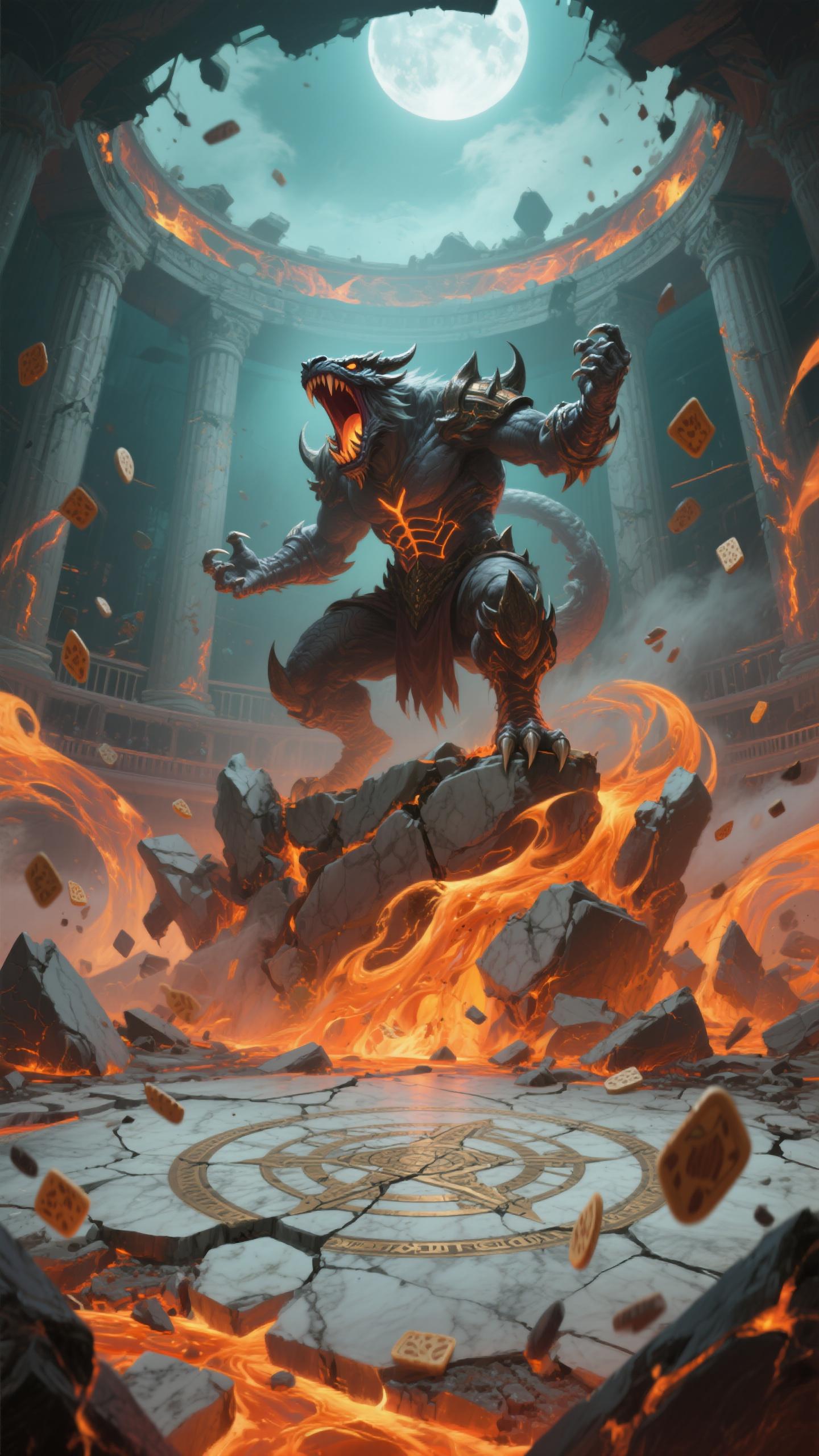
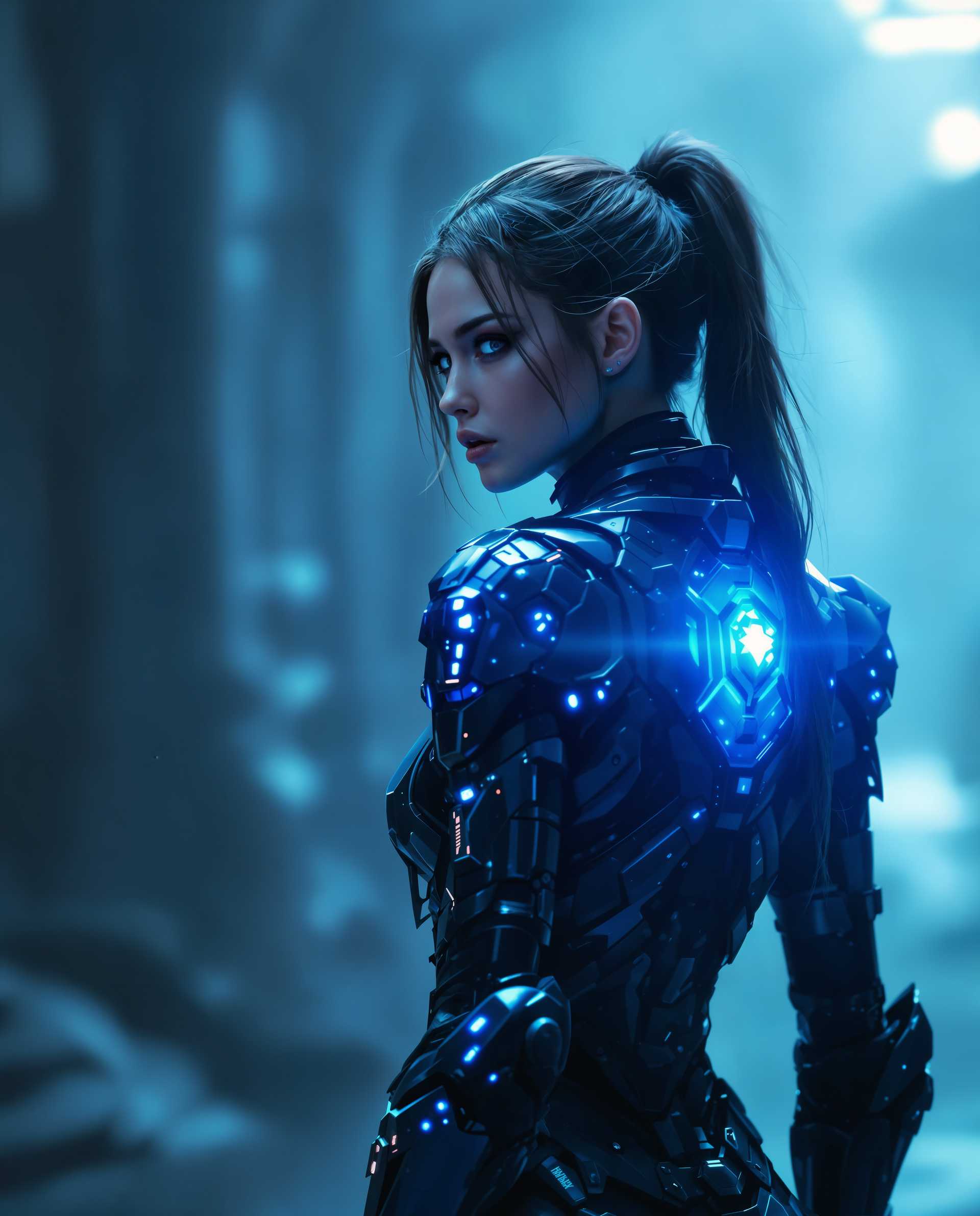
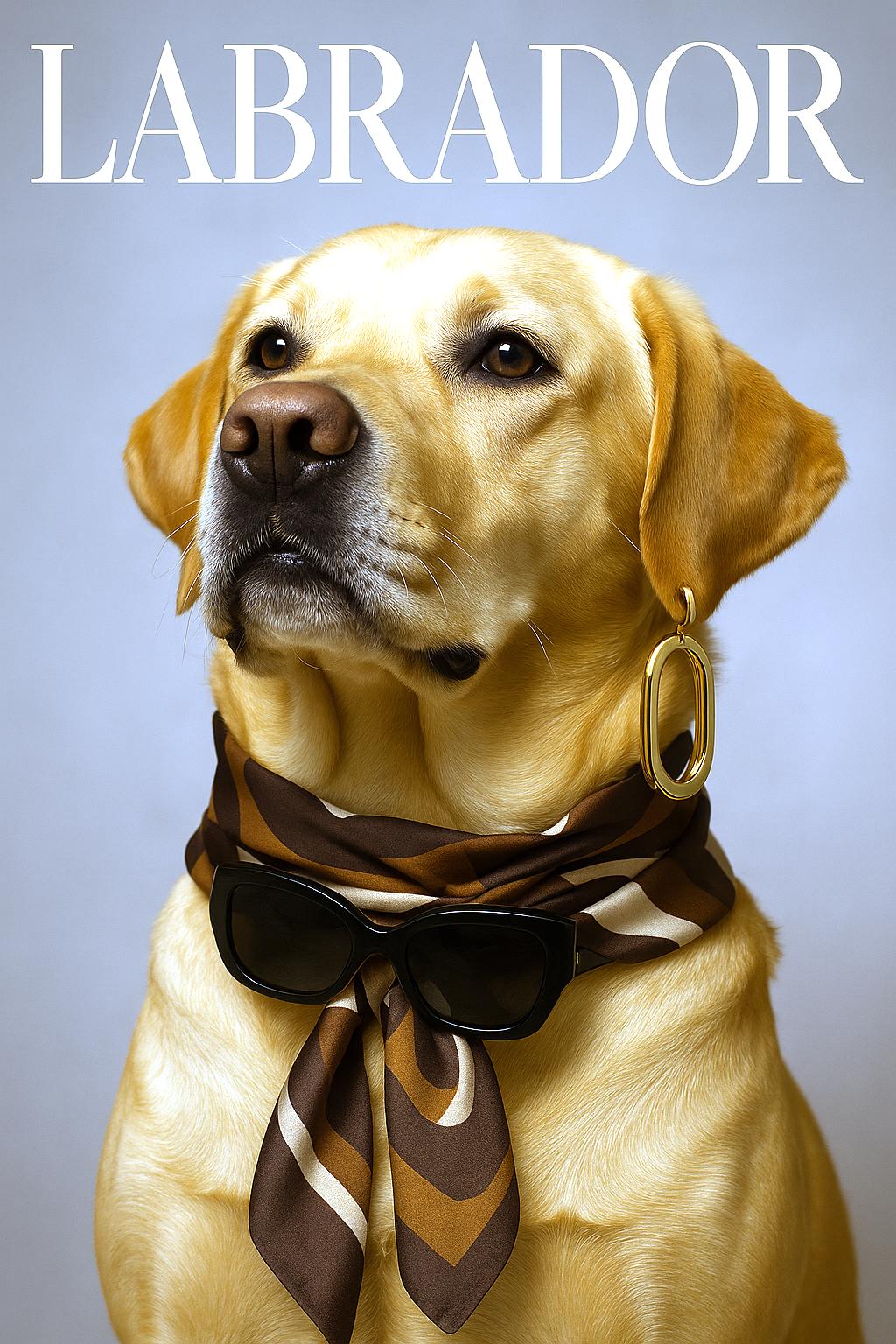
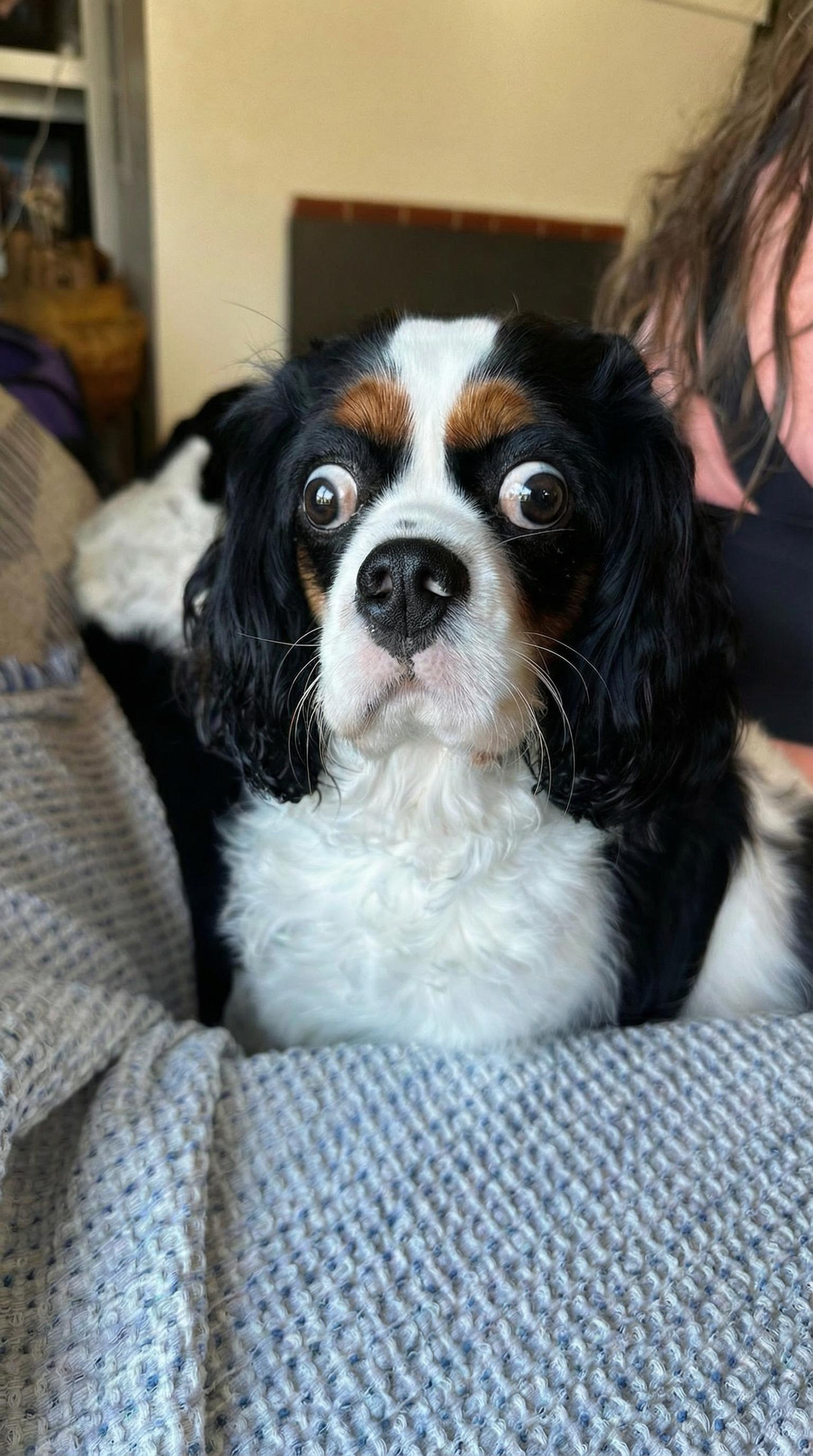
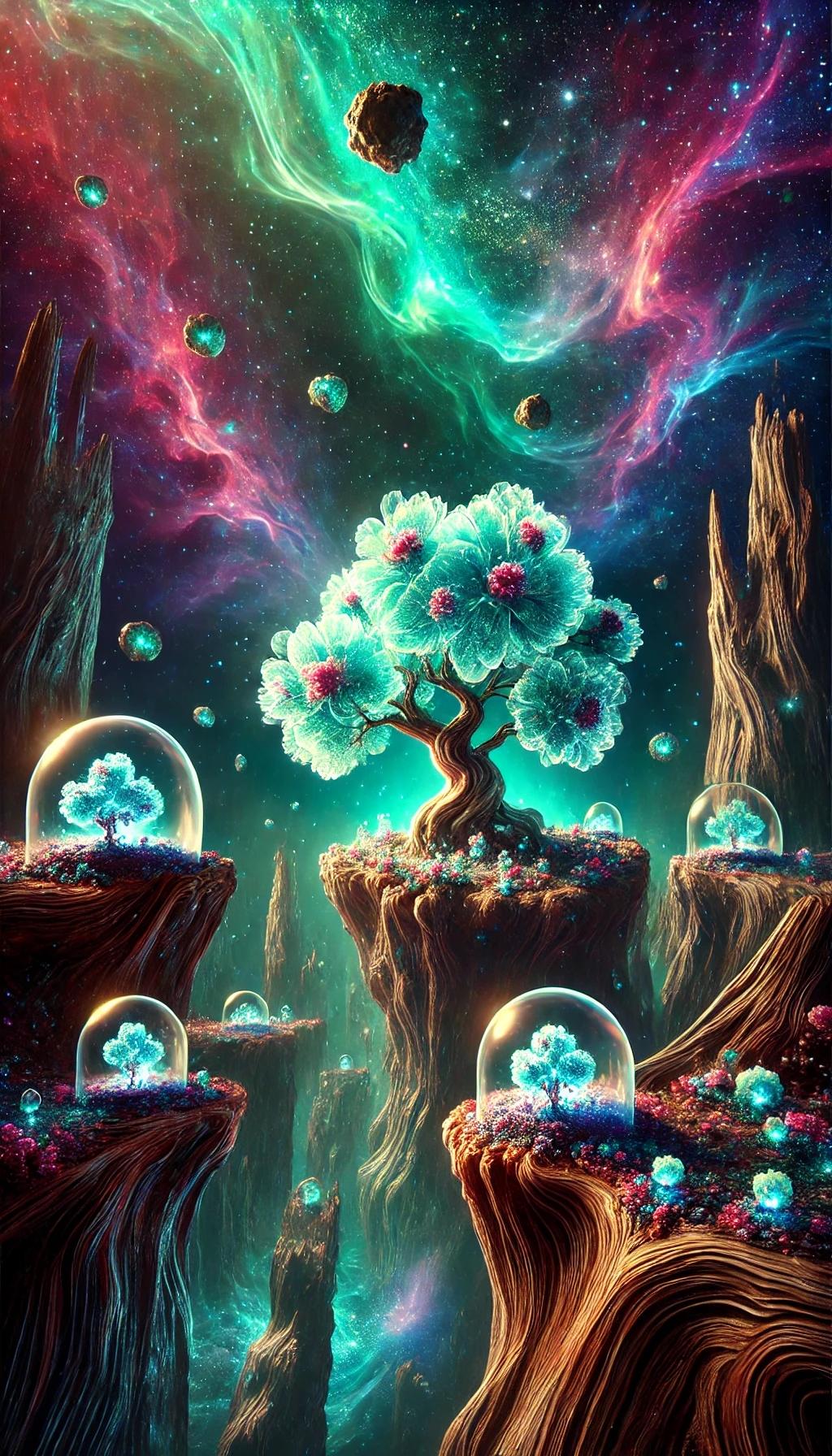
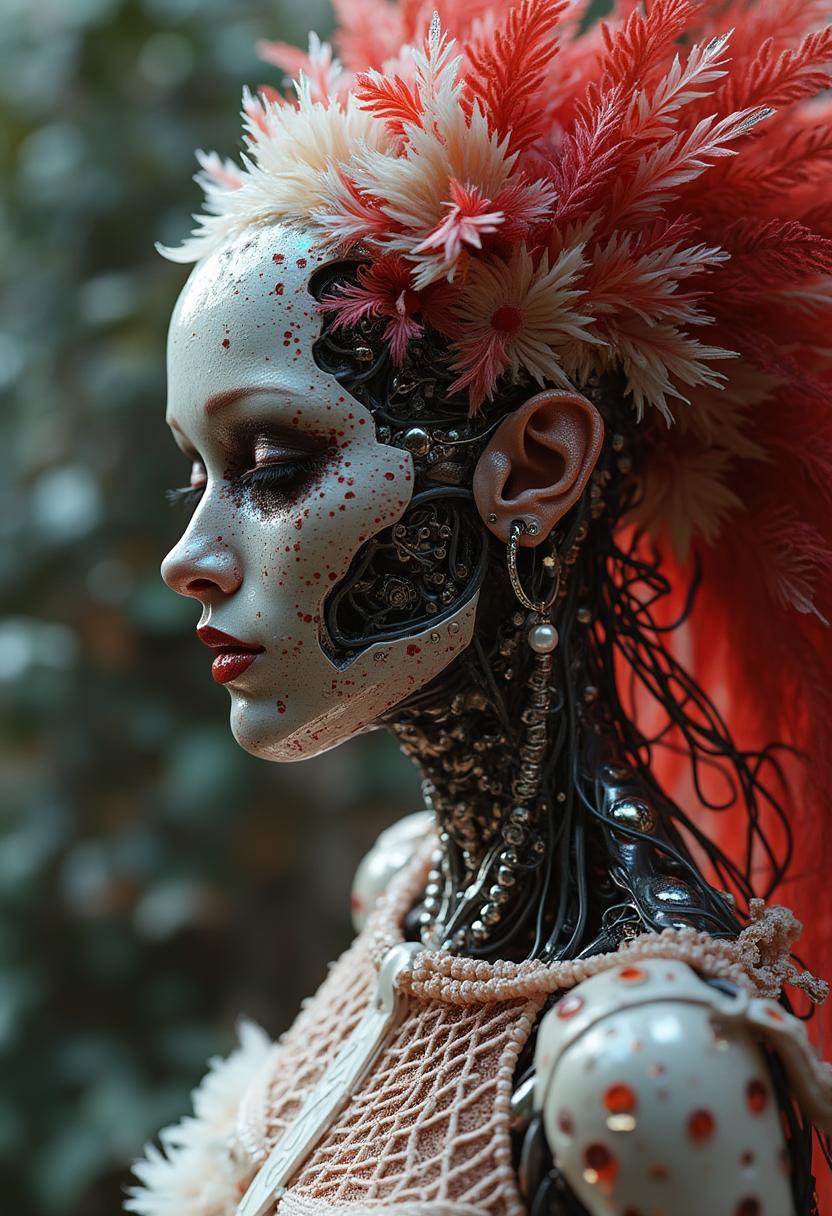
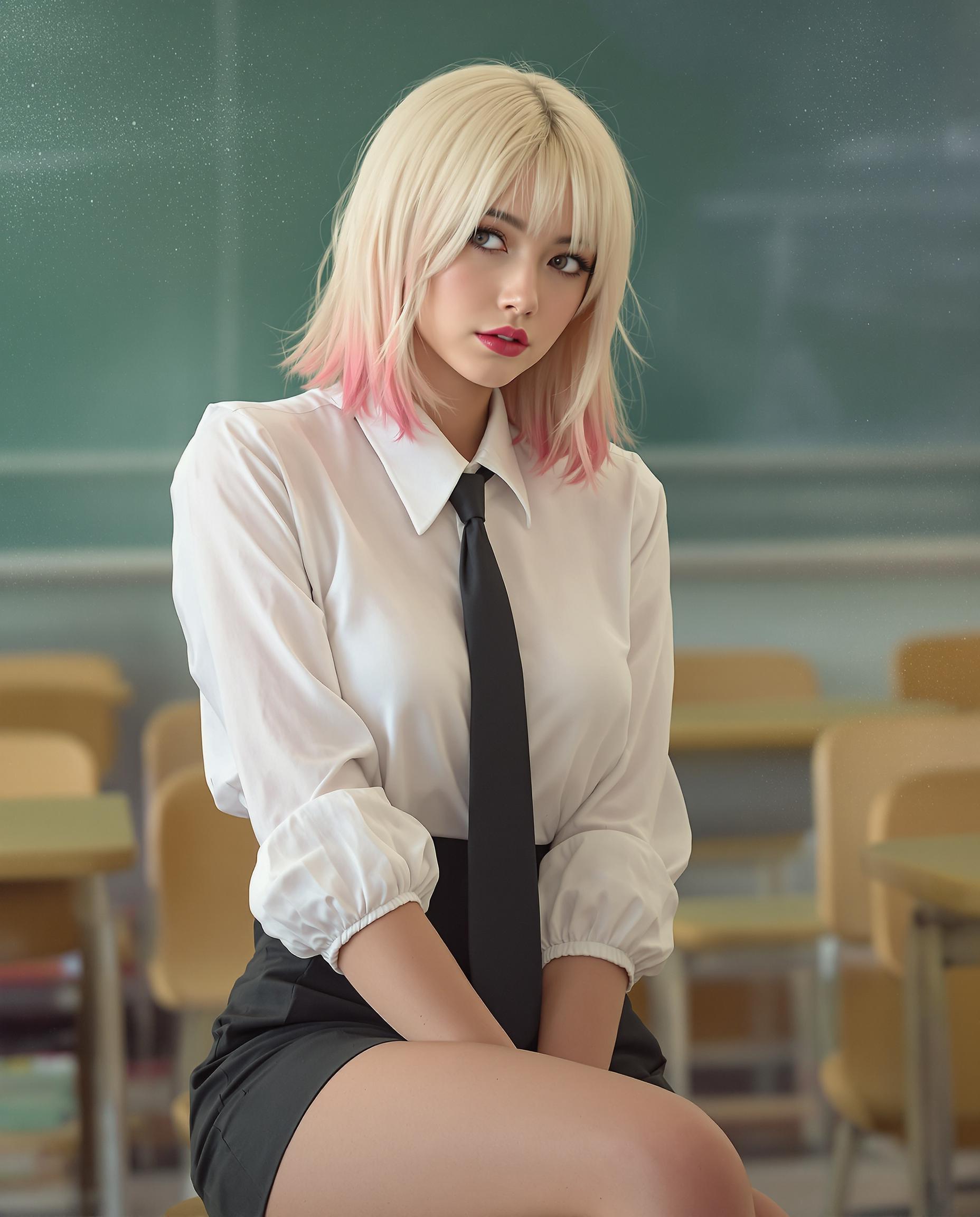
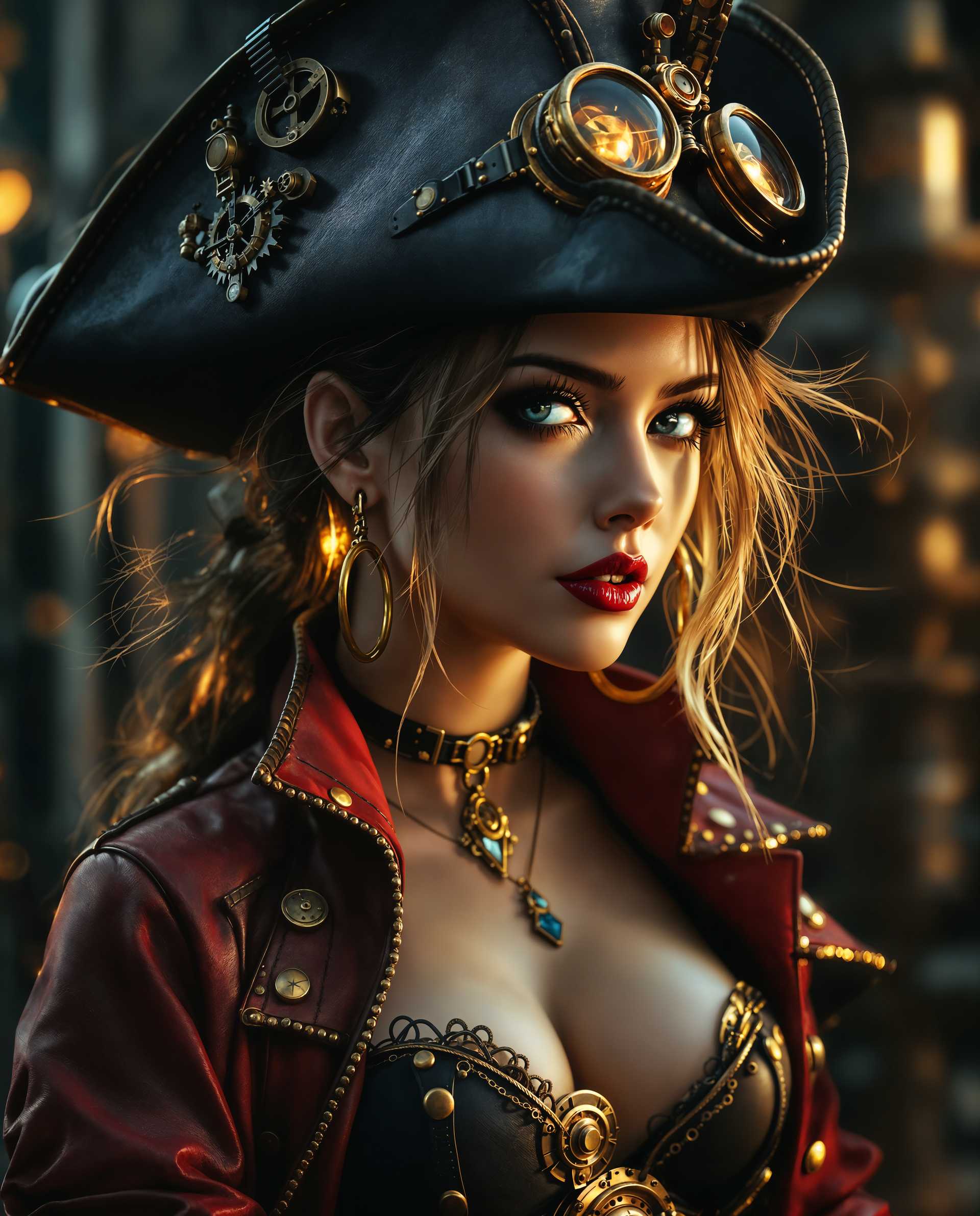
Bring your creative visions to life with PixelDojo's WAN 2.6 Faithful Transfer. This advanced AI tool enables you to generate photorealistic images that capture every detail with stunning accuracy. Whether you're a designer, marketer, or content creator, WAN 2.6 empowers you to produce high-quality visuals effortlessly.

Join over 10,000 satisfied creators who have transformed their ideas into reality with PixelDojo's AI tools. Rated 4.9/5 based on 1,500+ reviews.
Why Choose Pixel Dojo for WAN 2.6 faithful transfer
Professional-quality results with cutting-edge AI technology
Effortless Photorealism
Generate lifelike images that mirror real-world details without the need for complex software or extensive editing skills.
Time-Saving Creativity
Quickly produce high-quality visuals, reducing the time from concept to final image and accelerating your creative workflow.
Versatile Applications
Ideal for various uses, including marketing materials, product mockups, and digital art, enhancing your projects with professional-grade imagery.
How It Works
Creating photorealistic images with WAN 2.6 Faithful Transfer is simple and intuitive. Follow these steps to bring your ideas to life:
Step 1: Access WAN 2.6 Tool
Log in to your PixelDojo account and navigate to the 'Create Images' section. Select 'WAN 2.6 Faithful Transfer' from the list of available AI tools.
Step 2: Input Your Description
Enter a detailed description of the image you wish to create. The more specific your prompt, the more accurate the generated image will be.
Step 3: Generate and Download
Click 'Generate' to let the AI process your input. Once the image is ready, review it and download the high-resolution file for your use.









The Pixel Dojo Advantage
Why PixelDojo's WAN 2.6 Faithful Transfer stands out in AI image generation:
| Others | Pixel Dojo |
|---|---|
| Traditional Photography | Eliminate the need for costly equipment and time-consuming shoots by generating high-quality images instantly. |
| Generic AI Tools | Experience superior image fidelity and detail preservation tailored to your specific prompts. |
| Manual Photo Editing | Save hours of editing by generating ready-to-use images that require minimal post-processing. |
Loved by Creators
See what our community says about WAN 2.6 faithful transfer
"PixelDojo's WAN 2.6 has revolutionized our content creation process, allowing us to produce stunning visuals in minutes."
Alex Johnson
Creative Director
"The photorealistic images generated are indistinguishable from actual photos. It's a game-changer for our marketing campaigns."
Samantha Lee
Marketing Manager
Common Questions
Everything you need to know about WAN 2.6 faithful transfer AI generation
How does WAN 2.6 Faithful Transfer ensure photorealistic image generation?
WAN 2.6 utilizes advanced AI algorithms trained on vast datasets to accurately interpret your prompts and generate images with lifelike details and textures.
Can I use the images created with WAN 2.6 for commercial purposes?
Yes, images generated using PixelDojo's tools can be used for commercial projects, adhering to our terms of service.
Is there a limit to the number of images I can generate?
PixelDojo offers various subscription plans to suit different needs, each with its own generation limits. Choose the plan that best fits your requirements.
Do I need prior experience in design to use WAN 2.6?
No, WAN 2.6 is designed to be user-friendly, allowing individuals without design experience to create professional-quality images effortlessly.
How long does it take to generate an image with WAN 2.6?
Image generation times may vary based on complexity, but most images are ready within a few minutes.
Can I edit the images after generation?
Yes, PixelDojo provides additional tools for image editing, allowing you to refine and customize your generated images further.