WAN 2.6 multi-scene control AI Generator
Imagine crafting breathtaking multi-scene images that tell compelling stories, showcase products across dynamic settings, or bring comic ideas to life – all without hiring artists or spending hours in design software. With PixelDojo's WAN 2.6 multi-scene control, you effortlessly generate cohesive, high-quality images featuring multiple panels or scenes that flow seamlessly. Whether you're a marketer visualizing ad campaigns, a filmmaker storyboarding shots, or a content creator dreaming up webcomics, achieve professional results that captivate audiences and boost engagement in minutes.

Over 50,000 multi-scene images generated • 4.9/5 stars from 12,000+ creators • Trusted by indie filmmakers, marketers & comic artists worldwide • Featured in 500+ creative projects
Why Choose Pixel Dojo for WAN 2.6 multi-scene control
Professional-quality results with cutting-edge AI technology
Tell Stories That Captivate Instantly
Produce multi-panel narratives like storyboards or comics where every scene connects perfectly, drawing viewers into your vision and increasing shares by up to 3x.
Visualize Campaigns Across Scenarios
Showcase your product or idea in diverse scenes – from day to night or urban to rural – creating persuasive visuals that convert browsers into buyers effortlessly.
Save Time and Slash Costs Dramatically
Ditch expensive illustrators and tedious editing; generate polished multi-scene masterpieces in seconds, freeing you to focus on creativity and growth.
How It Works
Getting started with WAN 2.6 multi-scene control on PixelDojo is simple – no design skills needed. Use our WAN Image tool powered by WAN 2.6 capabilities to craft intricate multi-scene layouts via intuitive prompts.
Step 1: Choose Your Tool
Head to PixelDojo's Create Images section, select WAN Image (WAN 2.6 multi-scene mode), and pick your aspect ratio like 16:9 for wide storyboards or square for comics.
Step 2: Enter Your Prompt
Describe your scenes in detail, e.g., 'Multi-scene comic: Panel 1 hero in city street at dawn, Panel 2 chase through alley at noon, Panel 3 rooftop climax at sunset, vibrant anime style'. Add controls for consistency.
Step 3: Customize & Download
Refine with PixelDojo editors like Inpainting for tweaks, Creative Upscaler for sharpness, or Background Remover. Generate variations, then download in high-res PNG or JPG instantly.
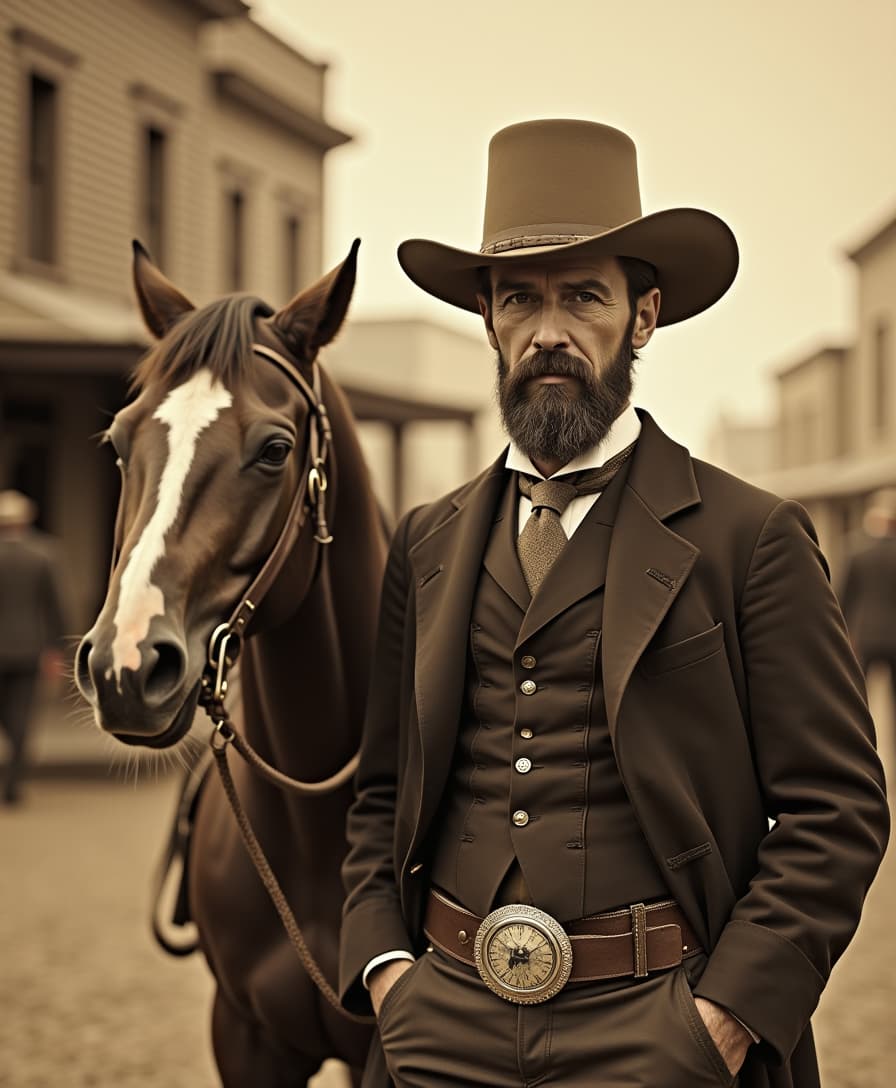
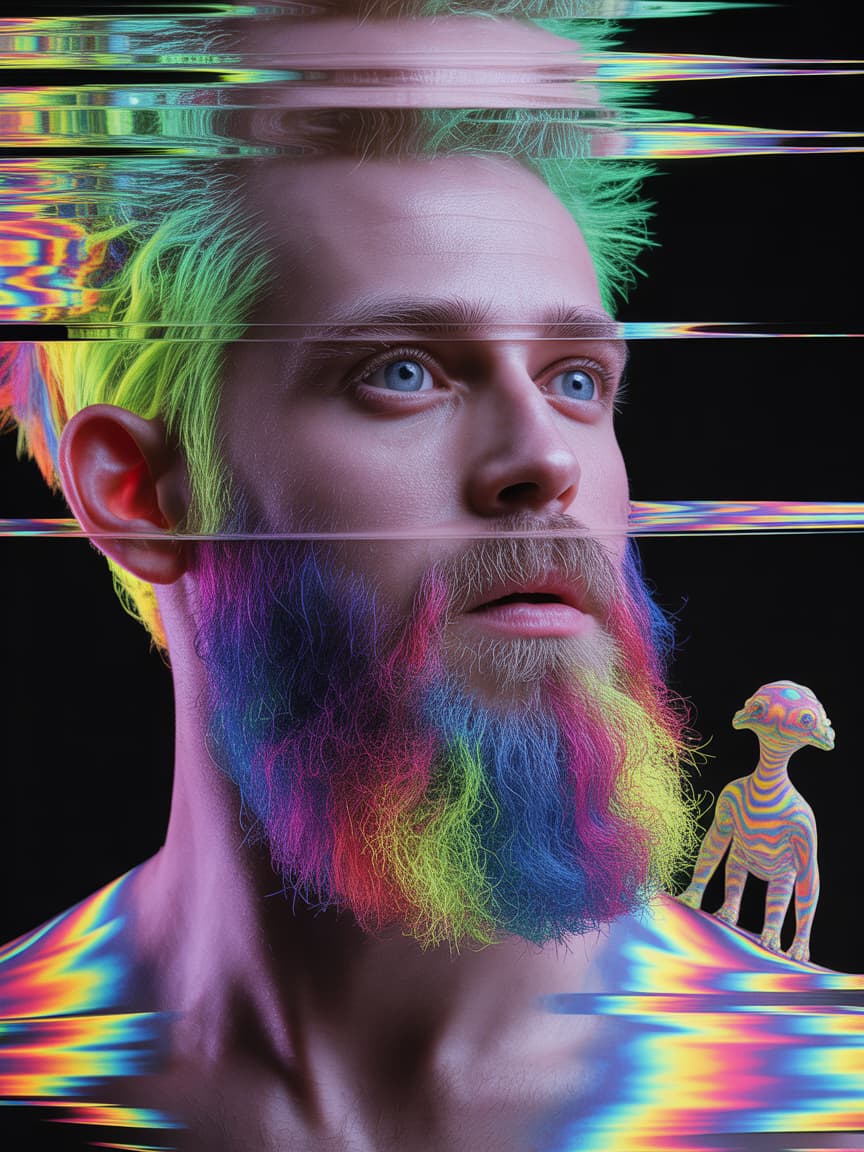
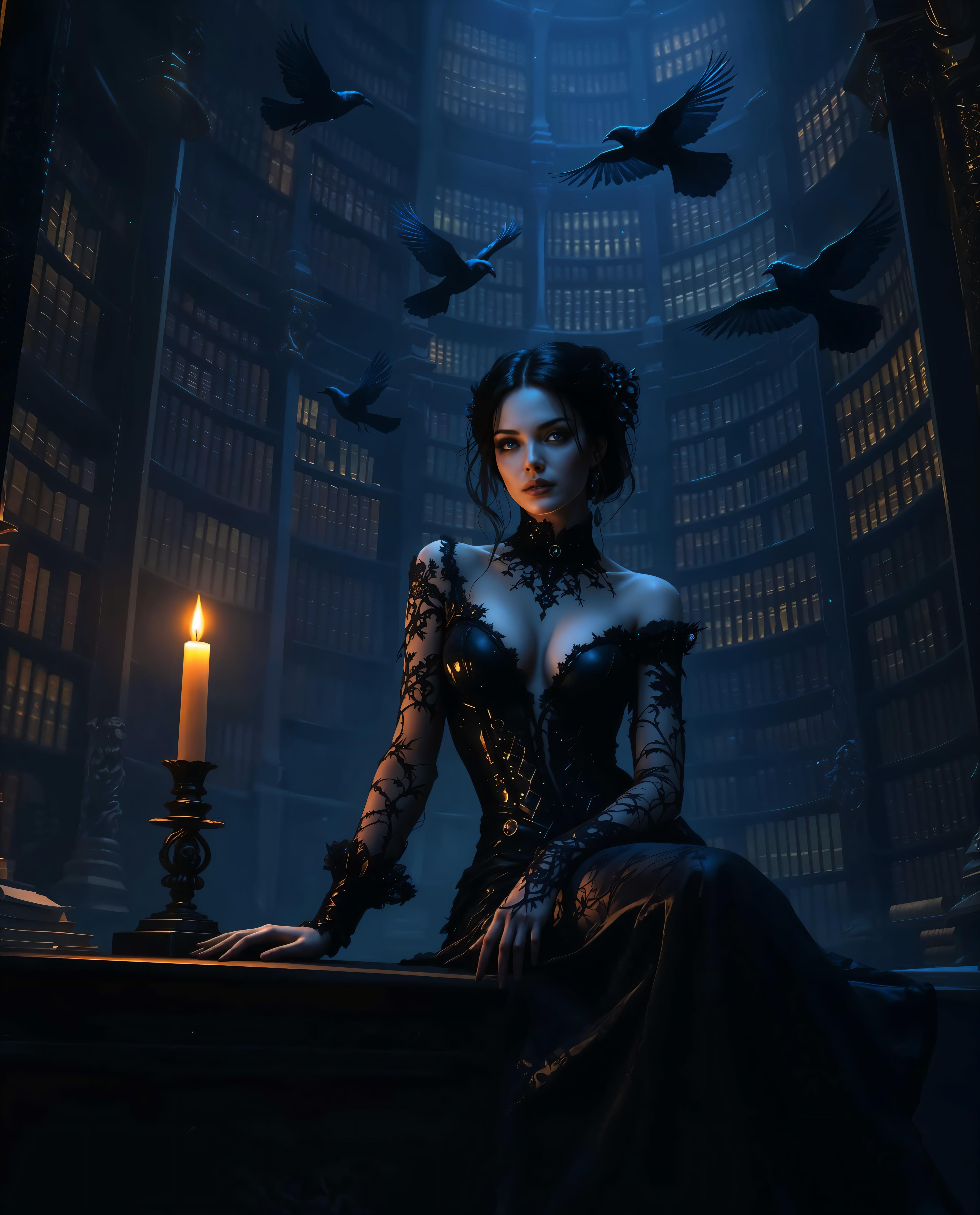

The Pixel Dojo Advantage
Why PixelDojo outperforms other options for WAN 2.6 multi-scene control image generation
| Others | Pixel Dojo |
|---|---|
| Traditional storyboard creation | Skip weeks of sketching and revisions – generate complete multi-scene layouts in under 60 seconds with perfect coherence. |
| Generic AI tools | WAN 2.6's advanced multi-scene control ensures seamless transitions and character consistency across panels, unlike basic single-image generators. |
| Manual photo editing | Combine scenes from scratch without Photoshop hassles; PixelDojo's integrated editors like Style Transfer deliver pro results 10x faster. |
Loved by Creators
See what our community says about WAN 2.6 multi-scene control
"WAN 2.6 multi-scene control revolutionized my indie film storyboards – coherent panels in seconds, saved me thousands in artist fees!"
Sarah Kline
Indie Filmmaker
"As a marketer, creating multi-scene ad visuals with PixelDojo's WAN Image is a game-changer. Campaigns convert better than ever!"
Mike Rivera
Digital Marketer
Common Questions
Everything you need to know about WAN 2.6 multi-scene control AI generation
What is WAN 2.6 multi-scene control image generation?
WAN 2.6 multi-scene control on PixelDojo lets you create images with multiple interconnected scenes or panels, like storyboards or comics. Using WAN Image, input a single prompt describing scenes sequentially, and it generates cohesive visuals with consistent styles, lighting, and characters – ideal for storytelling without disjointed results.
How do I generate multi-panel comics with WAN 2.6 on PixelDojo?
Select WAN Image in PixelDojo's Create Images. Use prompts like '4-panel comic: Panel1: character introduction, Panel2: conflict builds...'. Enhance with Consistent Characters or Pose Control for perfect continuity. Edit via Inpainting or Style Transfer, then upscale – all in one platform with 40+ tools.
Can WAN 2.6 multi-scene control handle character consistency across scenes?
Yes! PixelDojo's WAN 2.6 excels at maintaining characters, outfits, and poses across panels. Pair with Consistent Characters or Face Swap tools for ultra-realistic continuity, perfect for comics, ads, or animations previews.
What aspect ratios work best for AI multi-scene image generation?
PixelDojo supports custom ratios: 16:9 for cinematic storyboards, 1:1 for social comics, or wide panoramas. WAN Image auto-adapts your multi-scene prompts, and Video Reframe helps if transitioning to video with WAN 2.6 Video.
Is there a free trial for WAN 2.6 multi-scene control?
Absolutely – start free with PixelDojo's subscription. Access WAN Image, 40+ AI tools like Flux.1 Studio for backups, and unlimited generations on basic plan. Loved by thousands, cancel anytime, with Usage Report for tracking.
How does WAN 2.6 compare to other PixelDojo image tools for multi-scenes?
WAN 2.6 shines in complex multi-scene coherence, outperforming Flux.1 Studio for narrative flow. Combine with ImagineArt 1.5 for artistic flair or PonyXL for stylized panels – all seamless in PixelDojo for ultimate versatility.