WAN 2.6 multi-shot control AI Generator
Bring your stories to life with WAN 2.6's multi-shot control, enabling you to create dynamic, cinematic videos effortlessly. Whether you're a content creator, marketer, or educator, WAN 2.6 empowers you to produce professional-grade videos that captivate your audience.
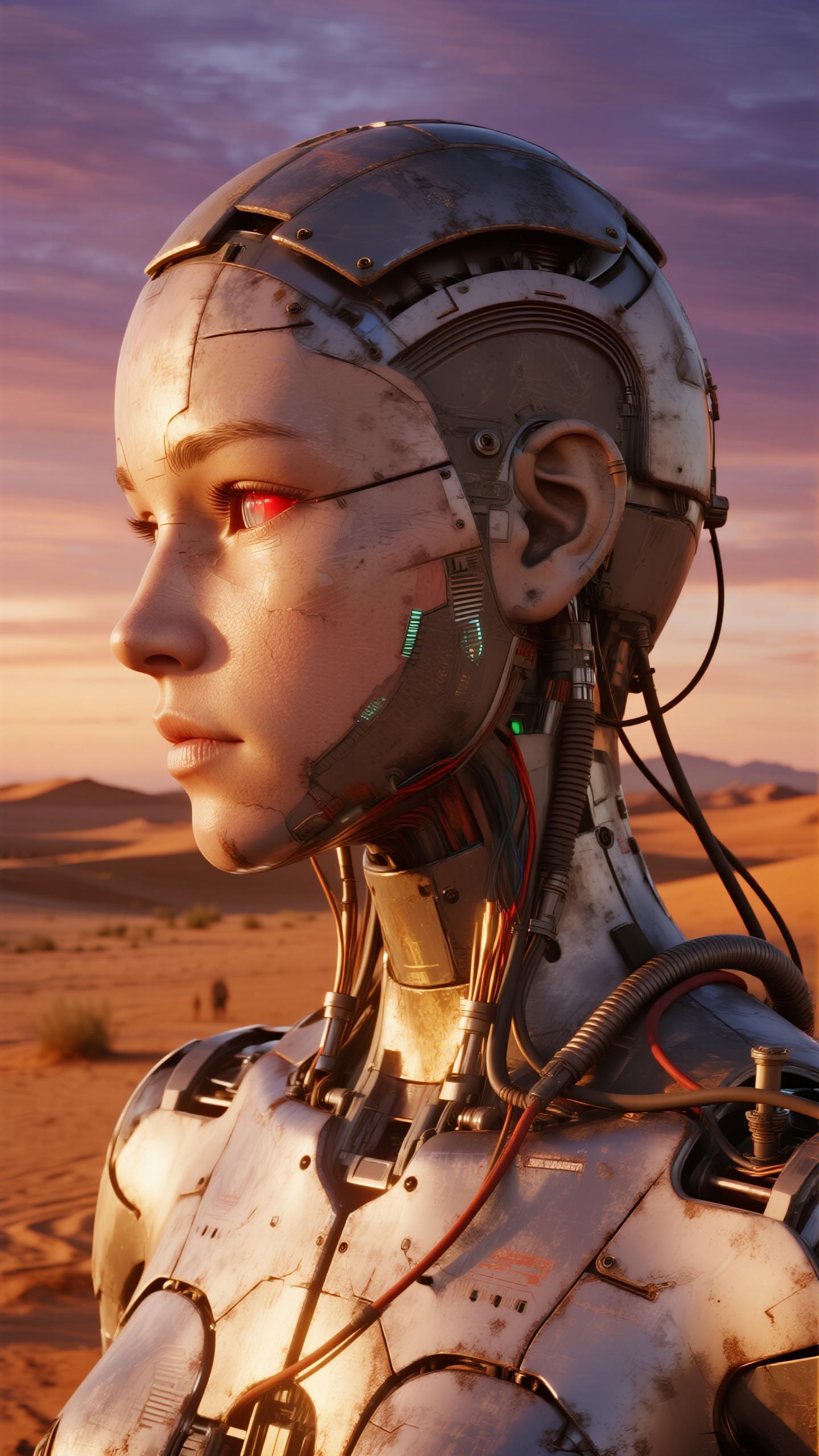
Join thousands of creators who have transformed their storytelling with WAN 2.6's advanced AI video generation capabilities.
Why Choose Pixel Dojo for WAN 2.6 multi-shot control
Professional-quality results with cutting-edge AI technology
Seamless Multi-Shot Storytelling
Craft engaging narratives with smooth transitions between scenes, maintaining narrative coherence throughout your video.
High-Quality Video Output
Generate 1080p videos at 24fps with precise lip-sync and native audio-visual synchronization, ensuring professional-grade results.
Enhanced Character Consistency
Maintain consistent character identities and appearances across multiple shots, enhancing the realism of your videos.
How It Works
Creating multi-shot videos with WAN 2.6 is straightforward. Follow these steps to bring your vision to life:
Step 1: Describe Your Story
Provide a clear prompt detailing your video's concept, including scene descriptions, characters, and narrative direction. Upload reference images if needed.
Step 2: Configure Your Settings
Choose the video duration (up to 15 seconds), resolution (720p or 1080p), and enable multi-shot mode to allow WAN 2.6 to create dynamic scene transitions.
Step 3: Generate and Download
Click 'Generate' and let WAN 2.6 process your inputs to produce a high-quality video. Once satisfied, download your video in your preferred format.

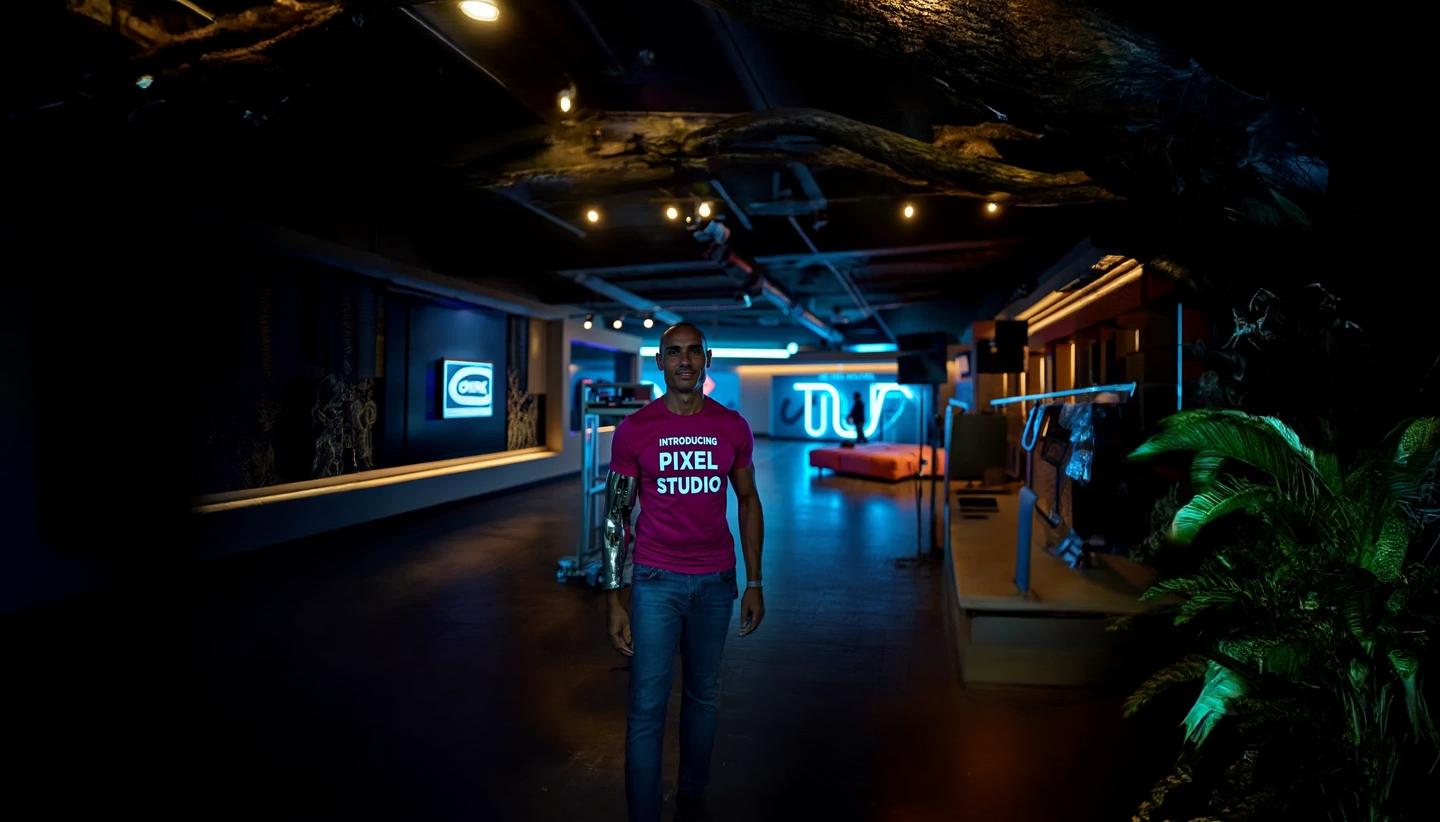

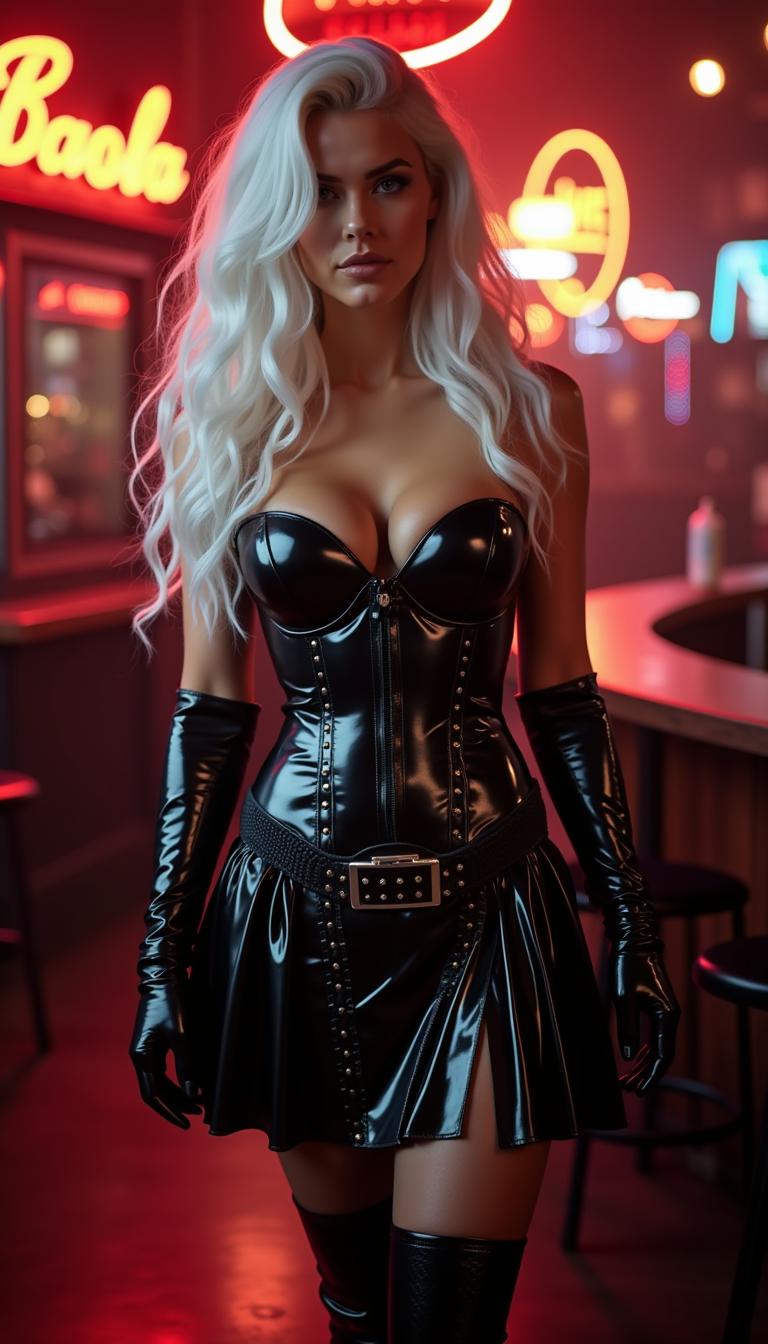
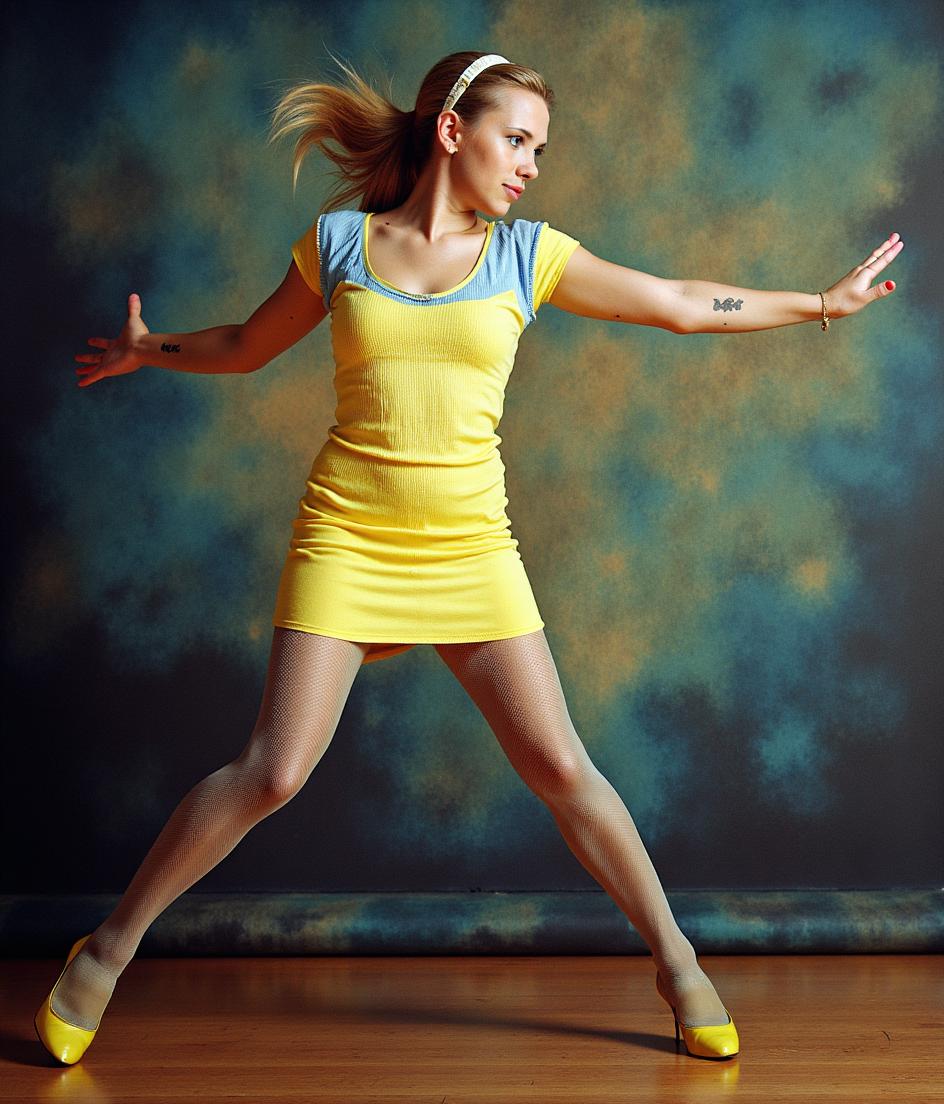

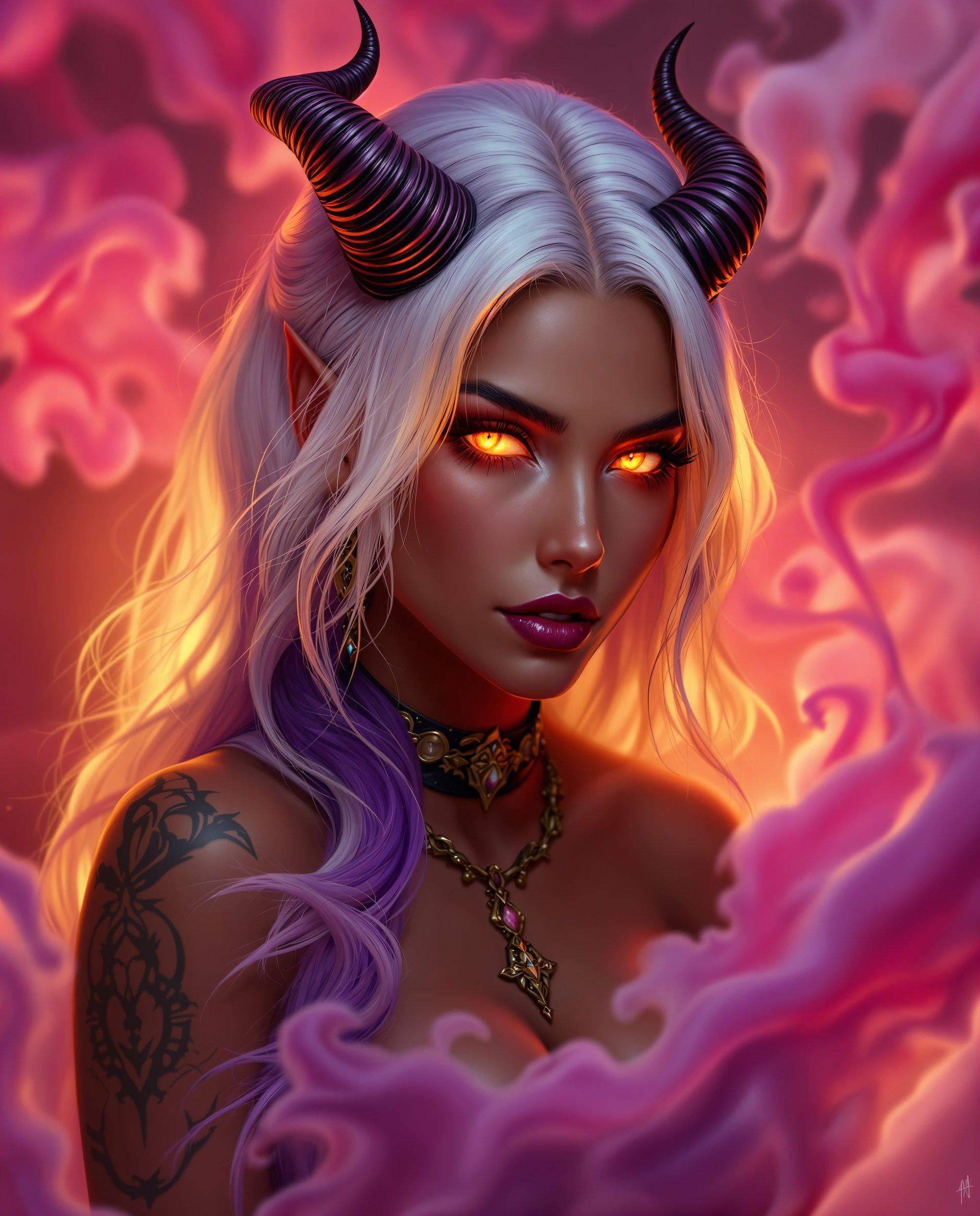




The Pixel Dojo Advantage
Why WAN 2.6 is the superior choice for multi-shot video generation:
| Others | Pixel Dojo |
|---|---|
| Traditional Video Production | Eliminates the need for expensive equipment and extensive editing, reducing production time and costs. |
| Generic AI Video Tools | Offers advanced multi-shot control and character consistency, providing more dynamic and coherent videos. |
| Manual Editing | Automates complex editing processes, allowing you to focus on creative storytelling without technical constraints. |
Loved by Creators
See what our community says about WAN 2.6 multi-shot control
"WAN 2.6 revolutionized our content creation process, enabling us to produce high-quality videos in a fraction of the time."
Alex Johnson
Digital Marketing Manager
"The multi-shot control feature allowed us to create engaging narratives that resonate with our audience."
Samantha Lee
Content Creator
Common Questions
Everything you need to know about WAN 2.6 multi-shot control AI generation
How does WAN 2.6 ensure character consistency across multiple shots?
WAN 2.6 utilizes advanced AI algorithms to maintain consistent character identities, appearances, and clothing across different scenes, enhancing the realism and coherence of your videos.
Can I use WAN 2.6 to create videos longer than 15 seconds?
Currently, WAN 2.6 supports video generation up to 15 seconds. For longer content, consider creating multiple segments and combining them during post-production.
Is WAN 2.6 suitable for beginners with no video editing experience?
Absolutely. WAN 2.6 is designed with an intuitive interface that allows users of all skill levels to create professional-grade videos without prior editing experience.
What file formats are available for the generated videos?
WAN 2.6 allows you to export your videos in popular formats such as MP4, MOV, and WebM, ensuring compatibility with various platforms and devices.
Can I add my own audio or voiceover to the videos created with WAN 2.6?
Yes, you can upload your own audio tracks or voiceovers to synchronize with the generated video, allowing for personalized and engaging content.
Does WAN 2.6 support multiple languages for text-to-video generation?
Yes, WAN 2.6 supports multiple languages, enabling you to create videos with text prompts in various languages to cater to a diverse audience.