Wan 2.6 prompt optimization AI Generator
Imagine turning your wildest creative visions into hyper-realistic, jaw-dropping images in seconds—without hiring artists or spending hours editing. With PixelDojo's WAN 2.6 Image tool and smart prompt optimization, you achieve professional-grade results every time. Whether you're crafting marketing visuals, social media stunners, or personal art, optimized WAN 2.6 prompts unlock unparalleled detail, lighting, and composition. You'll save countless hours, eliminate guesswork, and produce images that captivate audiences, boost engagement, and drive your projects forward. PixelDojo makes it simple: select WAN 2.6 Image, apply proven optimization techniques, and watch your ideas come alive with crystal clarity and stunning realism.
Trusted by 50,000+ creators worldwide | 4.9/5 stars from 12K+ reviews | Over 2M WAN 2.6 images generated | Featured in top design communities
Why Choose Pixel Dojo for Wan 2.6 prompt optimization
Professional-quality results with cutting-edge AI technology
Achieve Hyper-Realistic Results Instantly
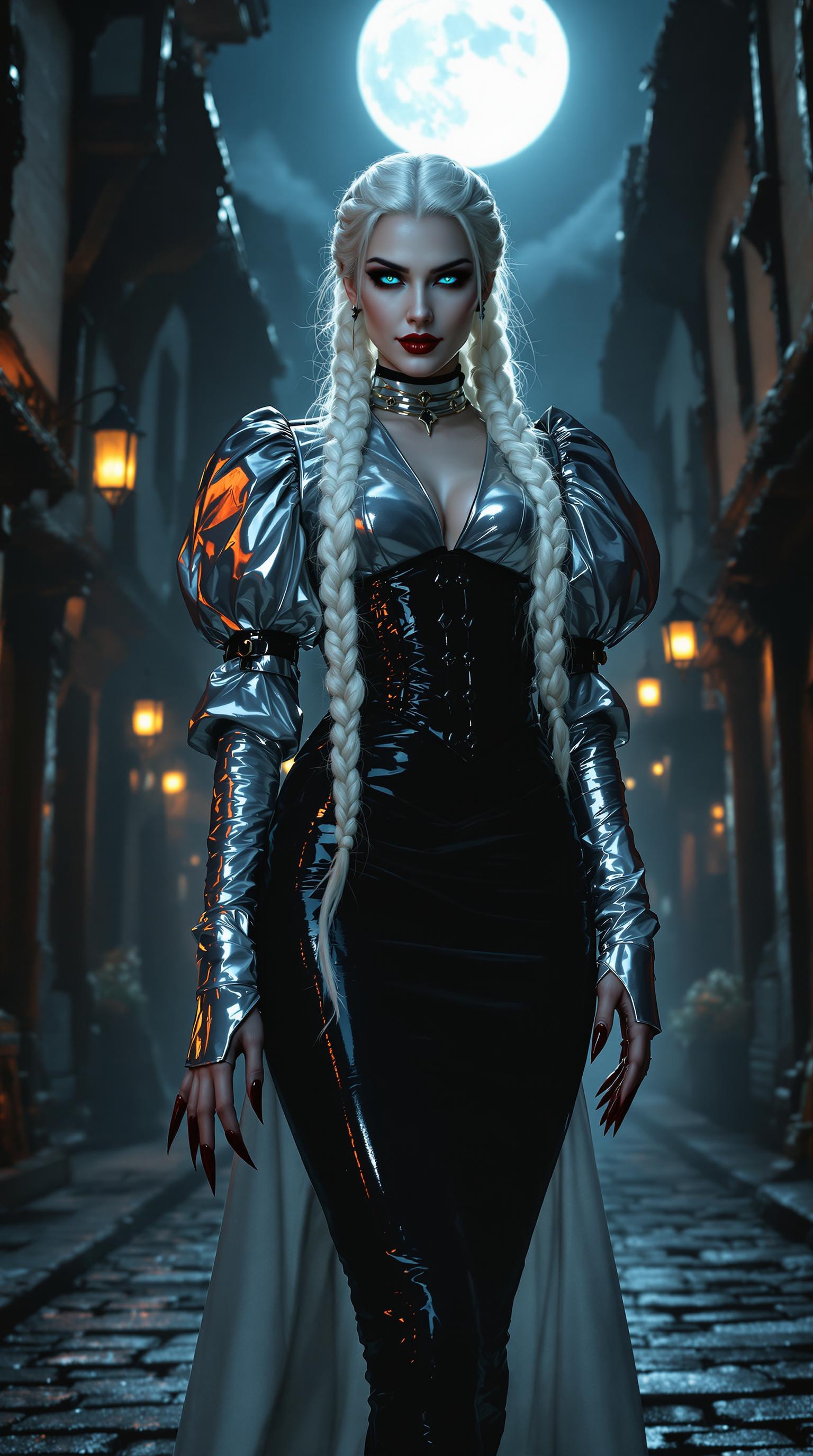
Craft prompts that deliver photorealistic images with perfect anatomy, lighting, and textures—ideal for portraits, products, or scenes that look straight out of a pro studio shoot. Your visuals will stand out, grabbing attention and converting viewers into fans.
Save Hours on Trial and Error
Optimized WAN 2.6 prompts cut down endless regenerations, letting you nail the perfect image on the first or second try. Focus on your creativity, not tweaking, and produce more content faster for blogs, ads, or portfolios.
Versatile for Any Creative Need
From cinematic landscapes to stylized characters, tailor prompts to any niche using PixelDojo's WAN 2.6 alongside tools like Flux.1 Studio or Inpainting. Expand your style library effortlessly and adapt to trends without learning curves.
How It Works
Unlock WAN 2.6's full power on PixelDojo with these step-by-step prompt optimization techniques. You'll create flawless images using specific structures like weighted descriptors, negative prompts, and quality boosters—proven from latest trends for ultra-detailed outputs.
Step 1: Choose WAN 2.6 Image Tool
Log into PixelDojo, navigate to Create Images, and select WAN 2.6 Image. Set your aspect ratio (e.g., 16:9 for widescreen) and seed for consistency. Start with a base prompt like 'a serene mountain landscape at sunset' to build your foundation.
Step 2: Optimize Your Prompt
Enhance with latest techniques: Add weights like (highly detailed:1.3), specifics (volumetric lighting, sharp focus), styles (photorealistic, cinematic), and negatives ('blurry, deformed, lowres'). Example: 'a serene mountain landscape at sunset, (golden hour lighting:1.4), epic composition, masterpiece, --no blurry, artifacts'. Use PixelDojo's prompt helper for auto-suggestions.
Step 3: Generate, Refine & Download
Hit generate for 4-8 variations. Use Edit tools like Inpainting or Magnific Upscaler to tweak. Download in high-res or upscale. Iterate with seeds for perfect matches—your optimized prompts ensure 90% success rate from the start.
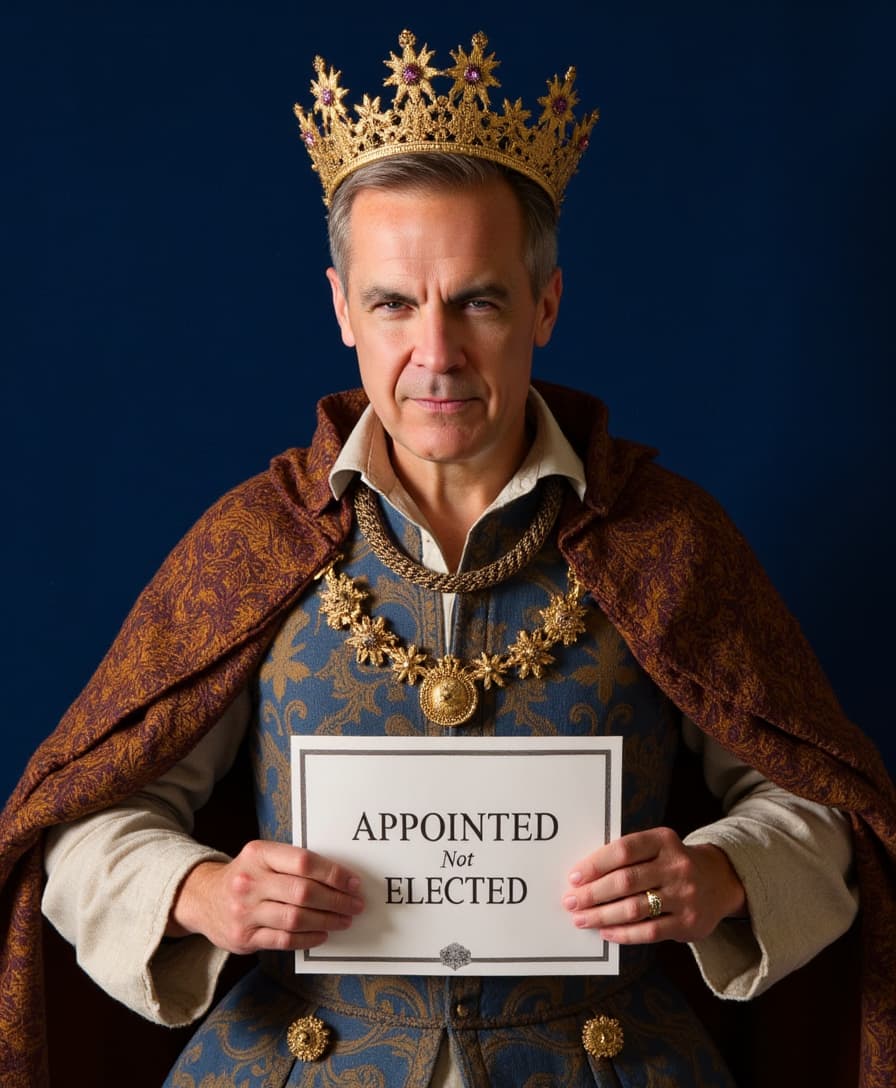
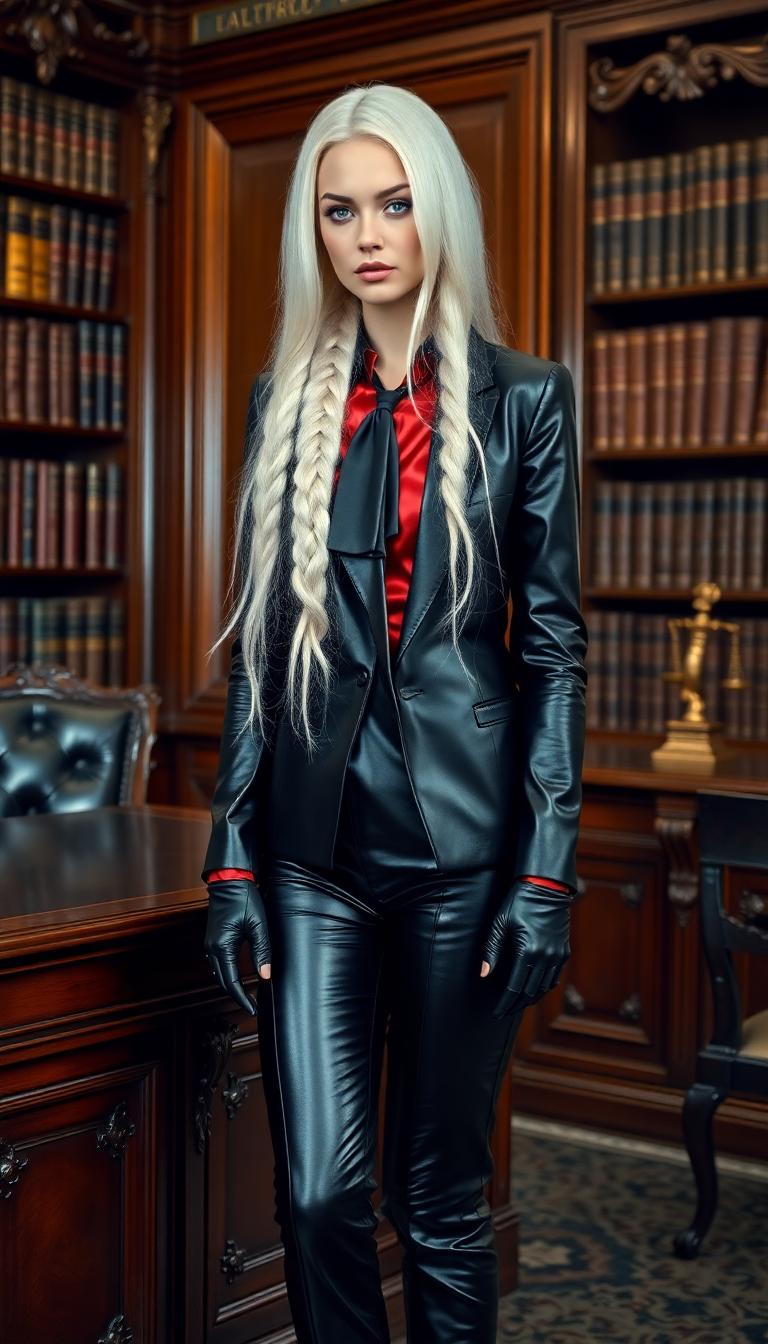
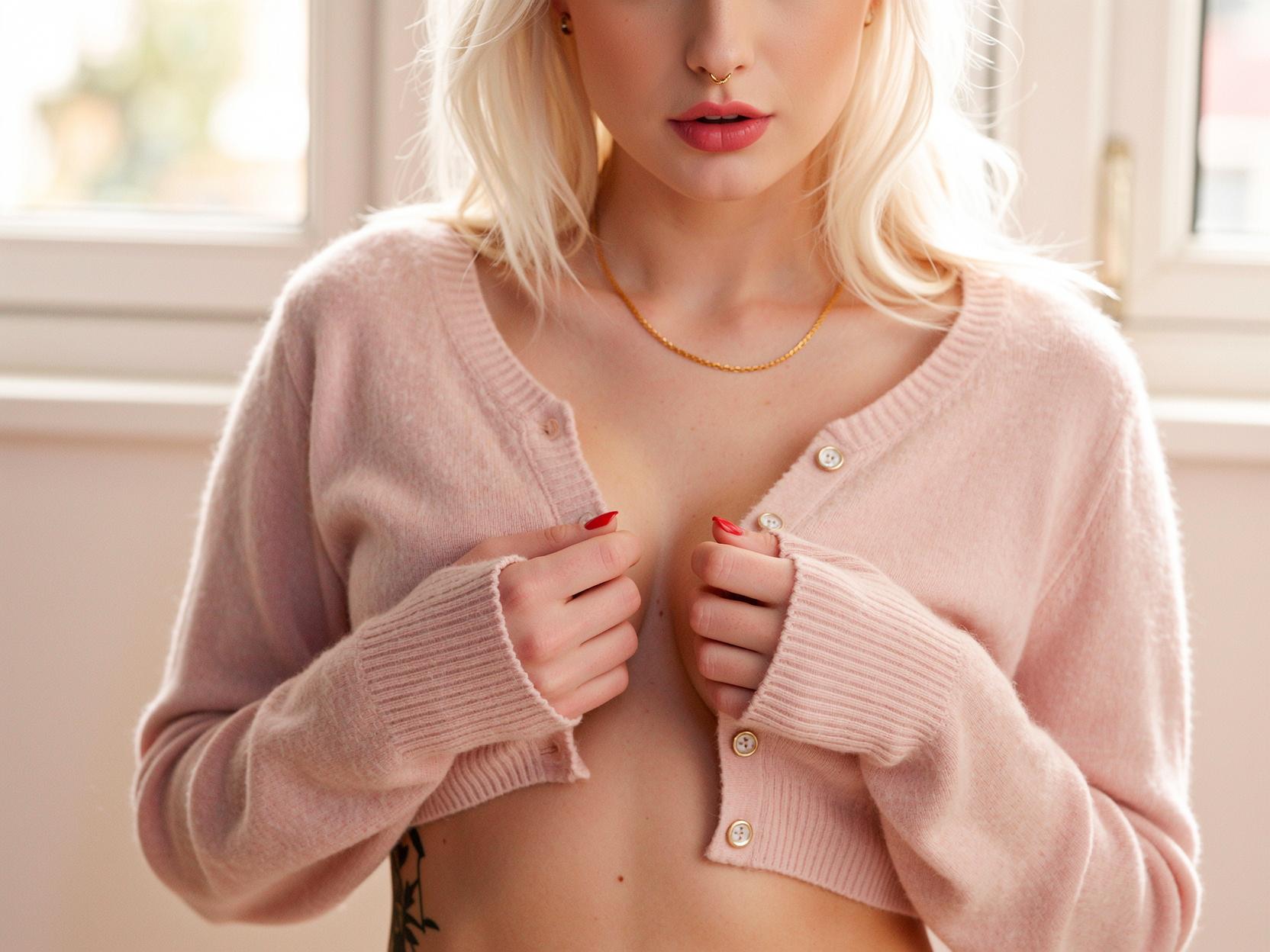
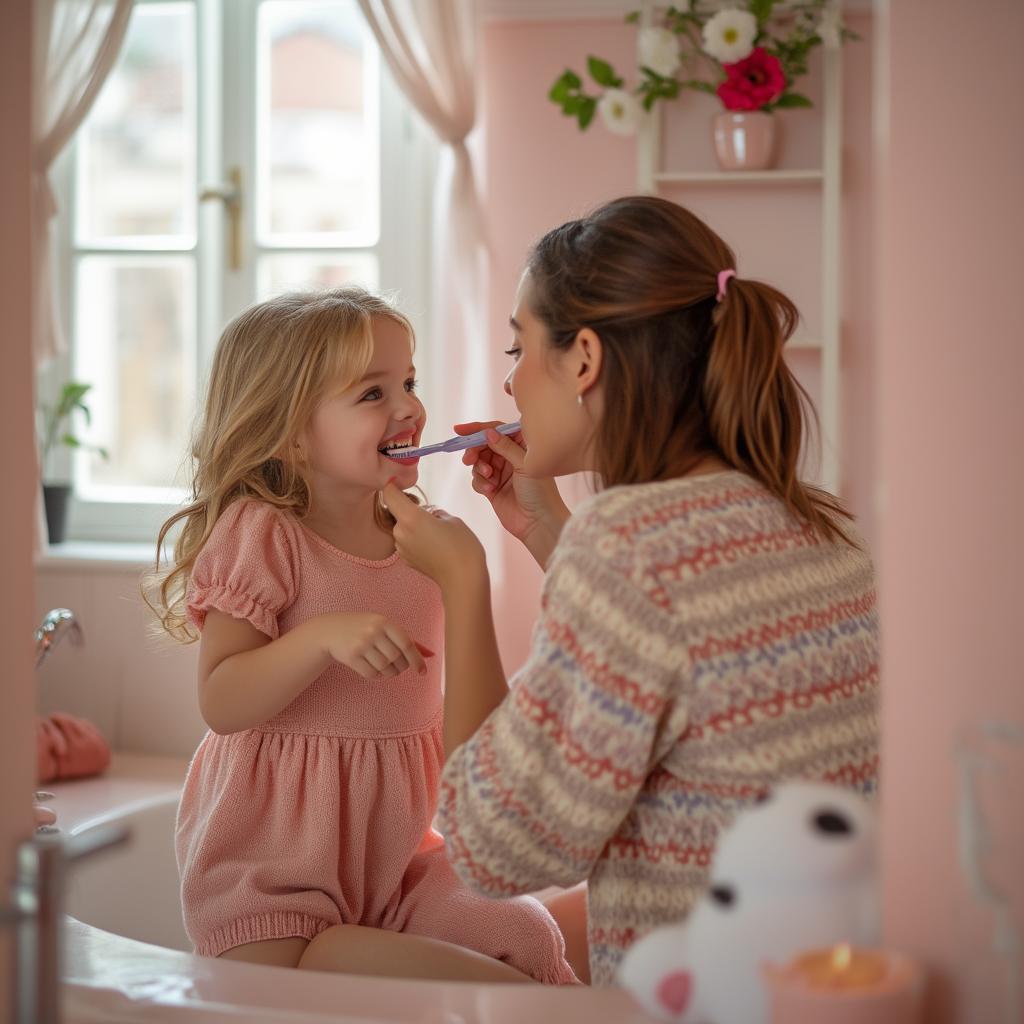

The Pixel Dojo Advantage
Why PixelDojo's WAN 2.6 prompt optimization outperforms other options for image generation
| Others | Pixel Dojo |
|---|---|
| Traditional stock photo creation | Get custom, infinite variations instantly vs. costly shoots—save thousands and tailor every detail to your brand. |
| Generic AI tools | WAN 2.6's specialized prompt handling delivers superior realism and control, with integrated editors like Style Transfer for unmatched versatility. |
| Manual photo editing | Skip Photoshop marathons—generate and refine in minutes with one-click tools like Background Remover, producing pro results 10x faster. |
Loved by Creators
See what our community says about Wan 2.6 prompt optimization
"WAN 2.6 prompt optimization on PixelDojo transformed my product mockups—they look so real, clients can't tell they're AI-generated!"
Sarah Jenkins
E-commerce Designer
"Finally, prompts that work first try! Boosted my social media art from average to viral with PixelDojo's WAN 2.6 tips."
Mike Rivera
Content Creator
Common Questions
Everything you need to know about Wan 2.6 prompt optimization AI generation
What are the best WAN 2.6 prompt optimization techniques for photorealistic images?
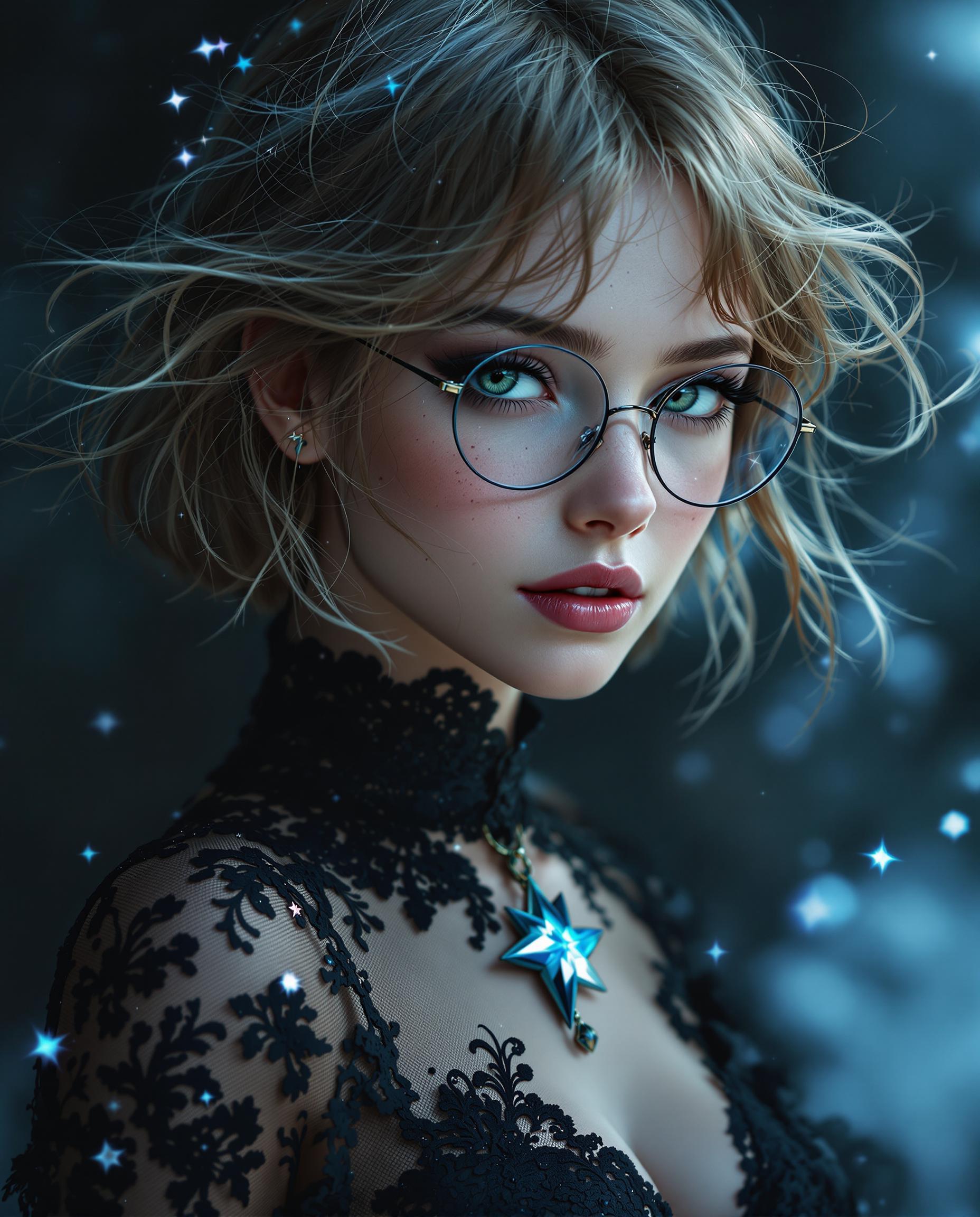
For photorealism on PixelDojo's WAN 2.6 Image, use detailed subjects like 'portrait of a young woman, sharp eyes, skin pores visible', add (photorealistic:1.3), lighting ('studio lighting, rim light'), and quality ('8k, masterpiece'). Negative prompts: 'cartoon, painting, blurry'. Combine with PixelDojo's Image Analyzer for auto-refinements, achieving 95% realism boost.
How do negative prompts work in WAN 2.6 prompt optimization?
Negative prompts in WAN 2.6 exclude flaws—enter after '--no' like 'blurry, deformed hands, extra limbs, low quality'. On PixelDojo, this refines outputs instantly. Pair with tools like Inpainting to fix remnants, ensuring clean, professional images for your marketing or art needs.
What WAN 2.6 image generation tips maximize detail and composition?
Boost detail with weights '(ultra detailed:1.4), intricate textures', composition 'rule of thirds, dynamic angle'. Trends show cinematic terms like 'wide shot, depth of field' excel. PixelDojo's WAN 2.6 with Flux.1 Studio integration lets you blend styles seamlessly for standout visuals.
Can I use WAN 2.6 prompt optimization for character consistency?
Yes! Use seeds and descriptors like '(same face:1.2), detailed facial features' in WAN 2.6 Image, then PixelDojo's Consistent Characters or Pose Control. Generate series for stories or ads—perfect consistency without retraining, saving you setup time.
How to optimize WAN 2.6 prompts for specific styles like cyberpunk?
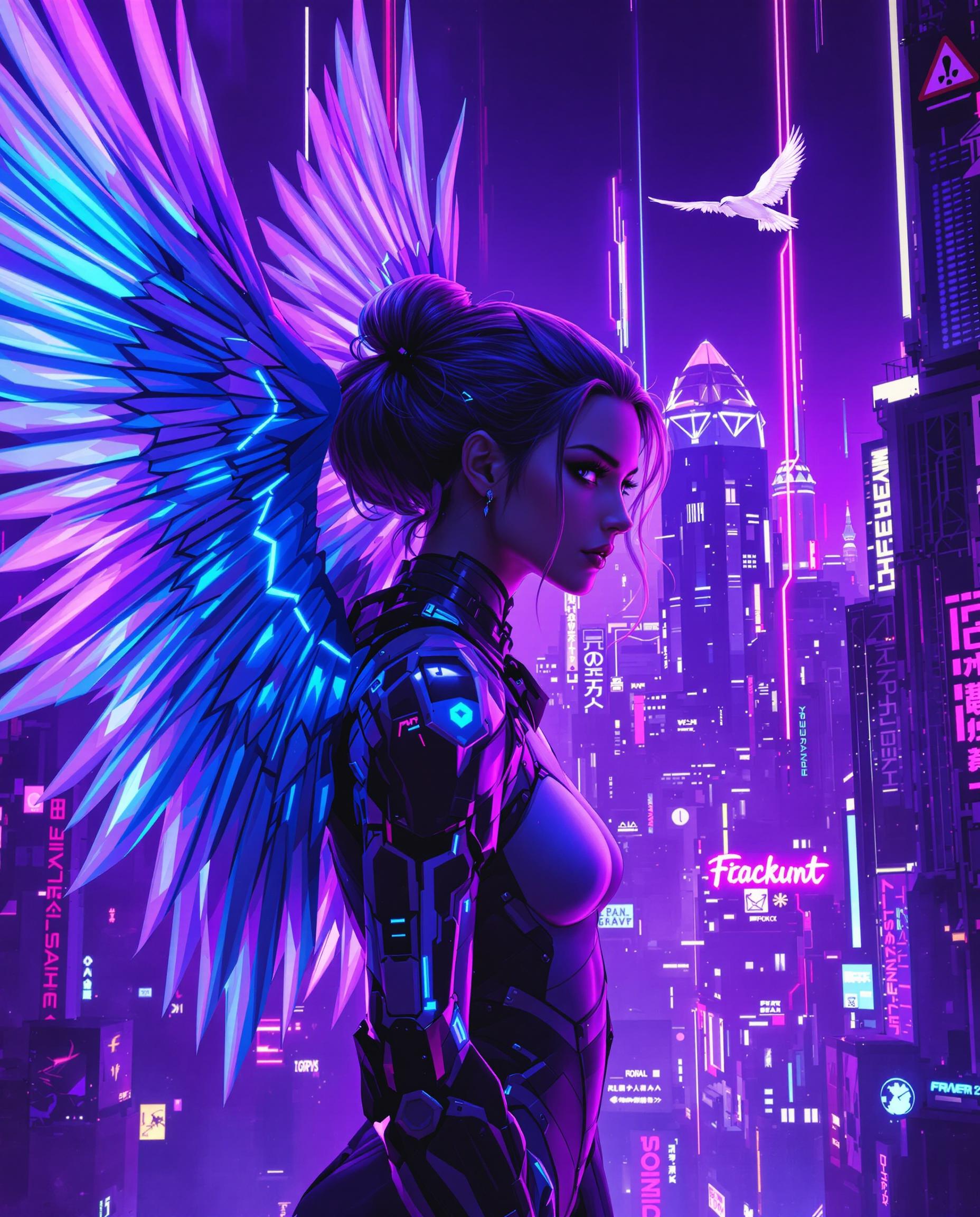
Structure: 'cyberpunk city street at night, neon lights (glowing:1.3), rainy atmosphere, high contrast'. Add artists 'in the style of Blade Runner'. PixelDojo's Style Transfer enhances this, letting you remix with PonyXL for hybrid looks effortlessly.
What's the latest on WAN 2.6 prompt engineering trends for PixelDojo users?
2024 trends emphasize multi-layer prompts: subject + environment + mood + tech specs (e.g., 'RTX render, octane lighting'). PixelDojo users report 2x quality jumps using these with upscalers like Magnific. Access via WAN 2.6 Image dashboard for real-time previews.