WAN 2.6 shot transitions AI Generator
Transform your static images into dynamic, multi-shot videos with PixelDojo's WAN 2.6. Achieve seamless shot transitions and professional storytelling without the need for complex editing or filming. Whether you're a content creator, marketer, or educator, WAN 2.6 empowers you to produce engaging videos that captivate your audience.

Join over 50,000 creators who generate daily videos with PixelDojo's WAN 2.6, achieving a 95% first-try success rate and a 4.9/5 user rating.
Why Choose Pixel Dojo for WAN 2.6 shot transitions
Professional-quality results with cutting-edge AI technology
Seamless Multi-Shot Storytelling
Create cohesive narratives with smooth transitions between shots, enhancing viewer engagement.
High-Quality 1080p Videos
Produce professional-grade videos with crisp visuals and realistic motion at 24 frames per second.
Effortless Character Consistency
Maintain consistent character appearance and behavior across multiple shots, ensuring narrative continuity.
How It Works
Creating cinematic videos with WAN 2.6 is straightforward. Follow these steps to bring your images to life:
Step 1: Upload Your Image
Select a high-quality image that serves as the foundation for your video. This image will anchor the visual elements throughout the generated sequence.
Step 2: Describe the Motion
Provide a detailed prompt outlining the desired motion and camera movements. For example, 'A slow pan from left to right, revealing the landscape at sunrise.'
Step 3: Generate and Download
Click 'Generate' to let WAN 2.6 process your inputs. Once the video is ready, preview it and download the final 1080p video file.



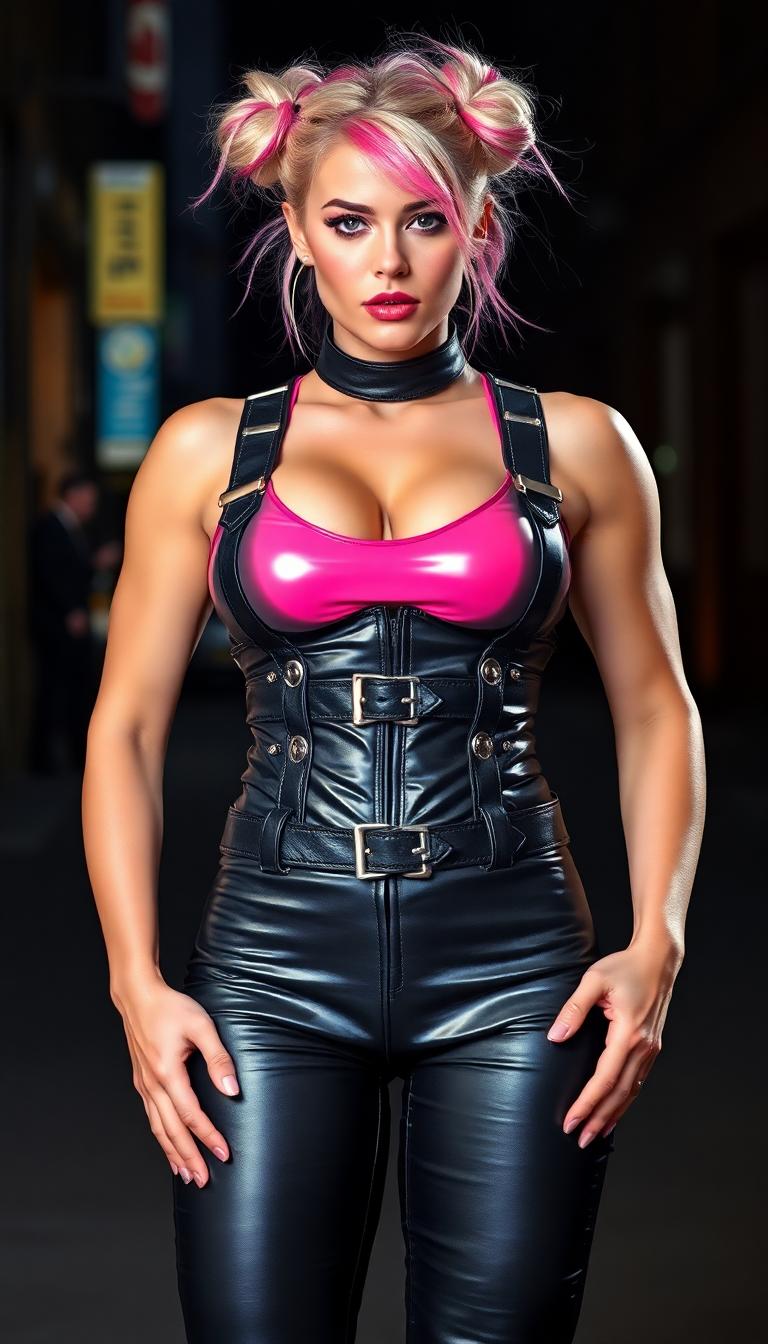
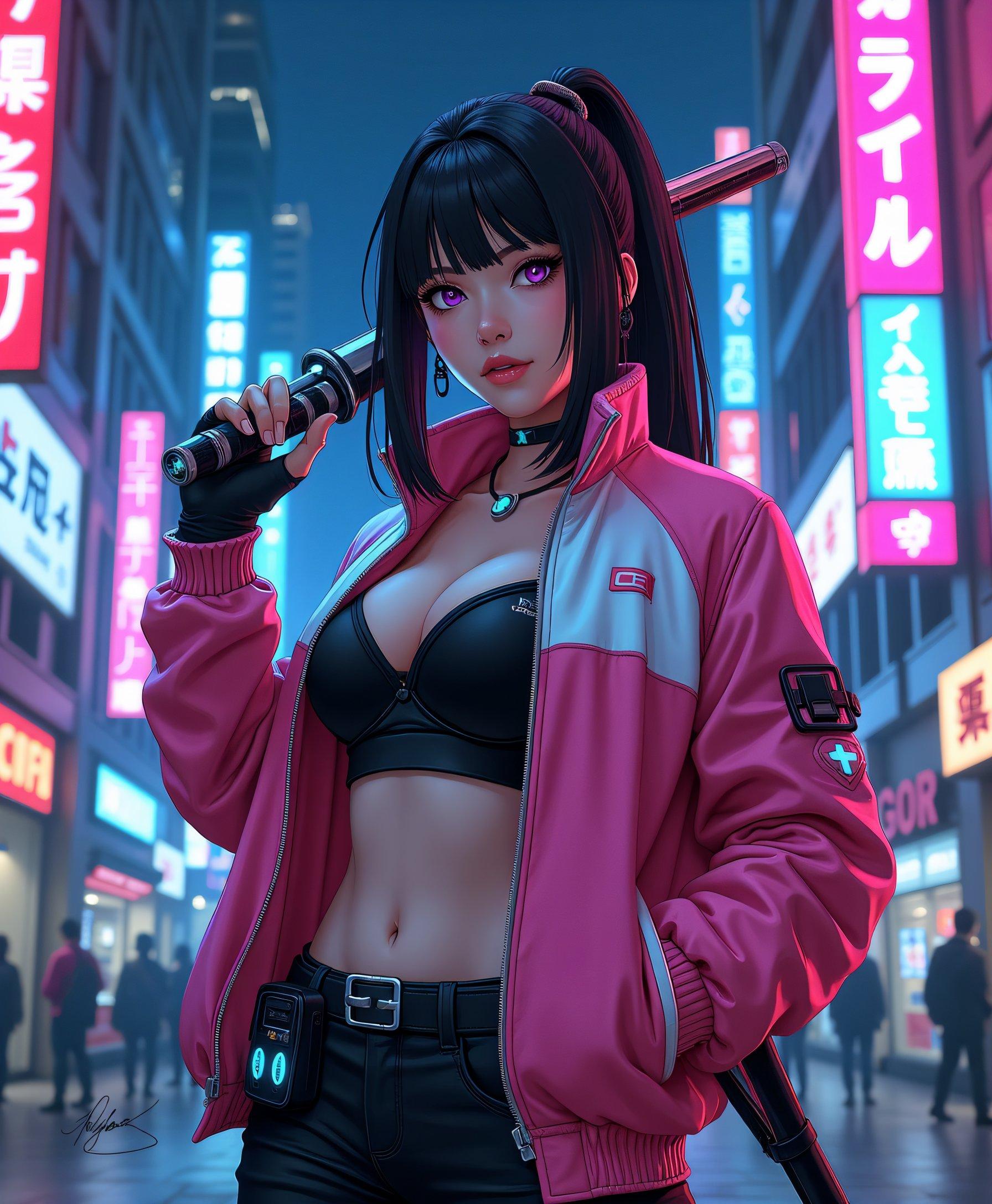
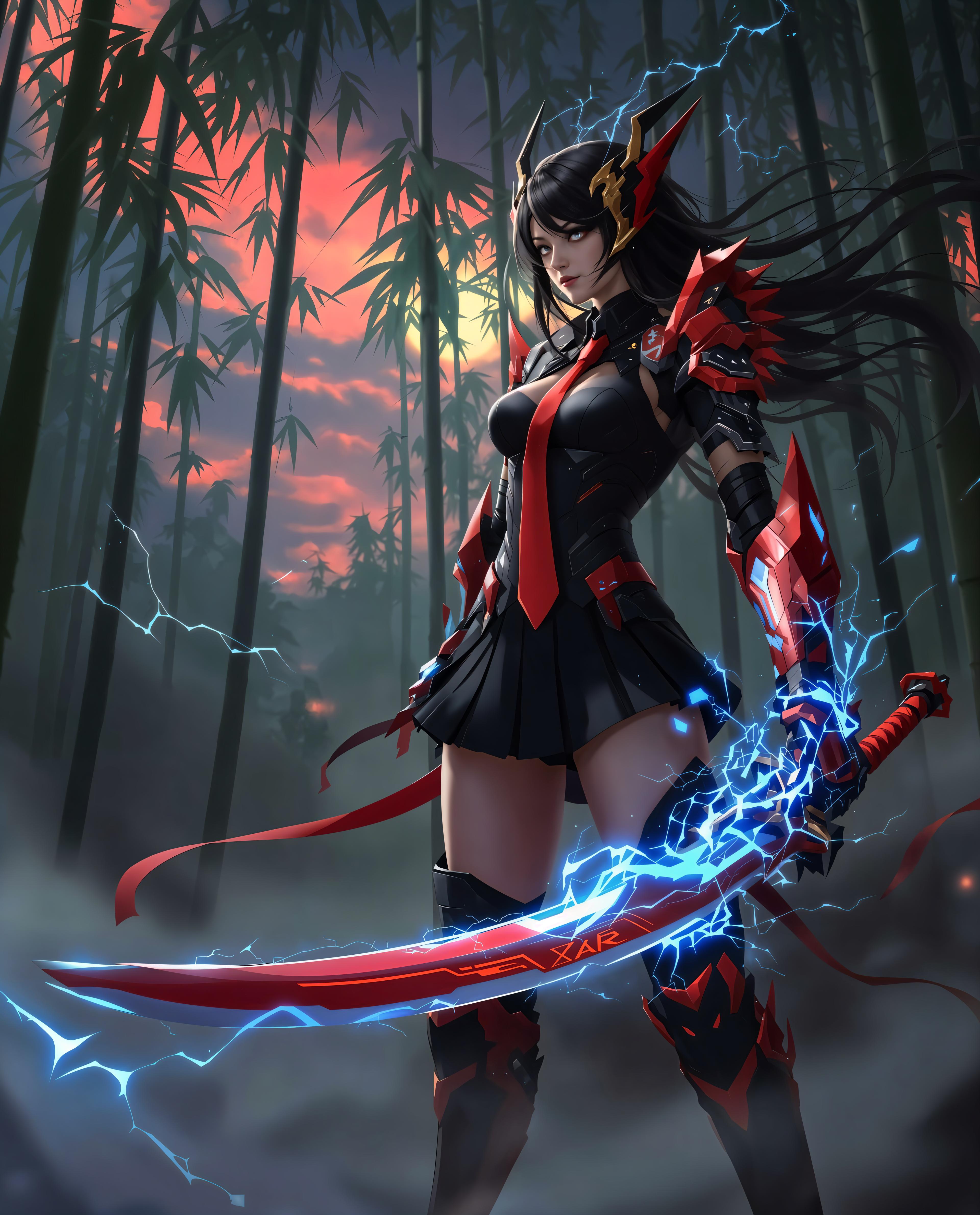
![Modern Robotic T-Rex , computer wallpapers, in the style of futurist mechanical precision, xiaofei yue, [dark purple and light gold], unreal engine 5, close-up, metallic rotation, sunrays shine upon it](https://cdn.pixeldojo.ai/cdn-cgi/image/f=auto,q=75,w=3840/pixeldojo/generated-images/1749429273306-tucv40yli.png)



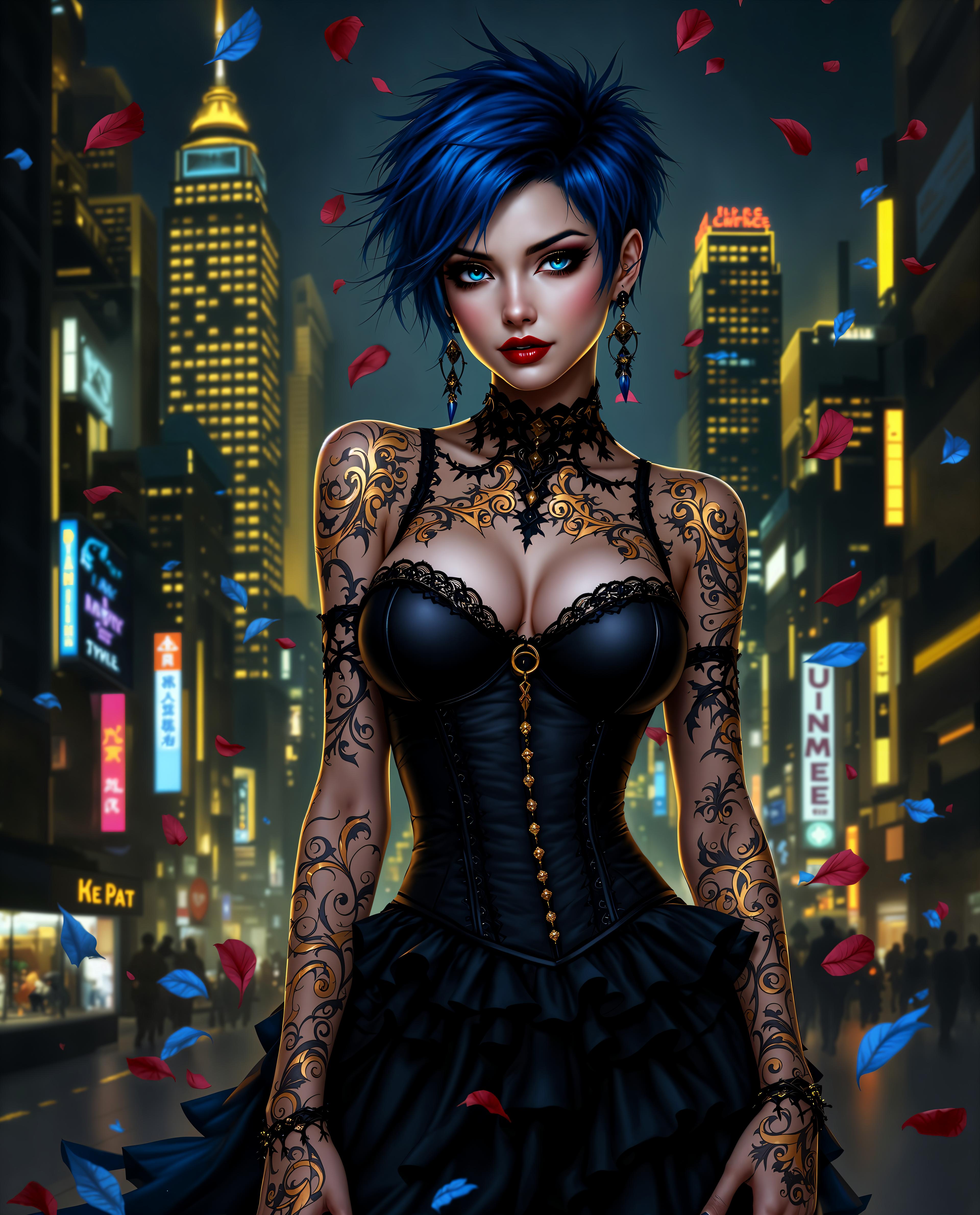
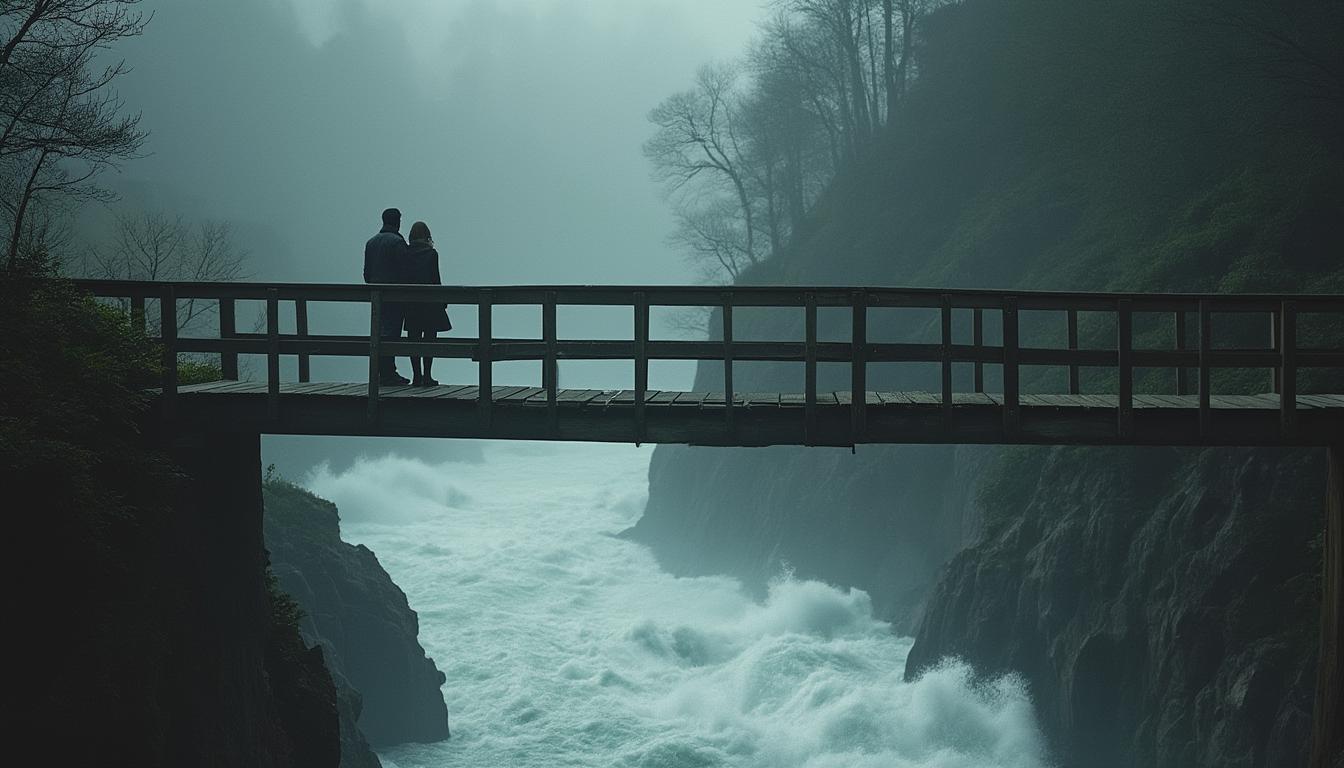
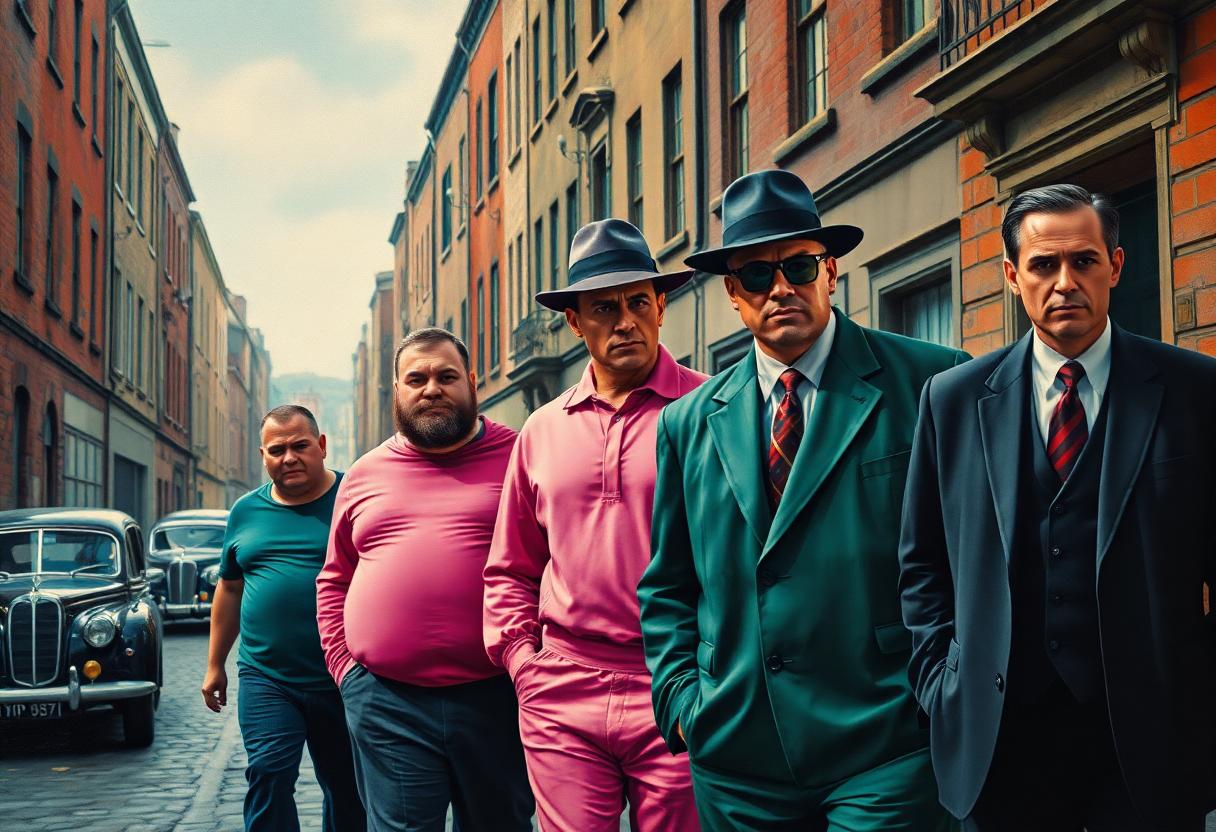

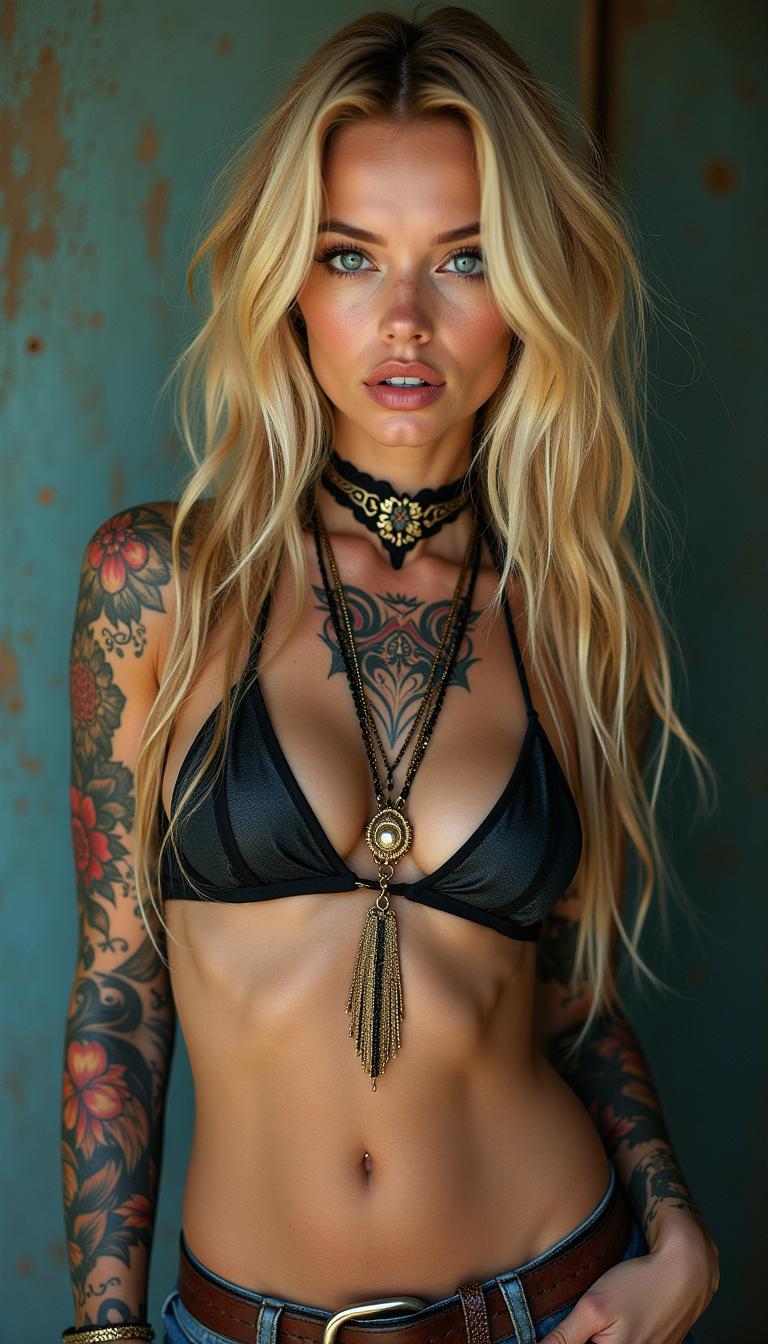

The Pixel Dojo Advantage
Why PixelDojo's WAN 2.6 stands out in AI video generation:
| Others | Pixel Dojo |
|---|---|
| Traditional Video Production | Eliminate the need for expensive equipment and time-consuming editing; create videos in minutes. |
| Generic AI Tools | Achieve superior character consistency and narrative flow tailored for professional storytelling. |
| Manual Animation | Automate complex animations with AI, reducing manual effort and accelerating production timelines. |
Loved by Creators
See what our community says about WAN 2.6 shot transitions
"PixelDojo's WAN 2.6 transformed my static images into engaging videos effortlessly. The seamless shot transitions are impressive!"
Alex Johnson
Content Creator
"As a marketer, creating high-quality videos quickly is crucial. WAN 2.6 delivers exceptional results with minimal effort."
Samantha Lee
Digital Marketer
Common Questions
Everything you need to know about WAN 2.6 shot transitions AI generation
How does WAN 2.6 ensure character consistency across shots?
WAN 2.6 utilizes advanced AI algorithms to maintain character identity, appearance, and behavior throughout the video, ensuring a cohesive narrative.
Can I customize the camera movements in the generated videos?
Yes, you can specify desired camera movements such as pans, tilts, and zooms in your prompt to achieve the exact visual effect you want.
What is the maximum duration of videos I can create with WAN 2.6?
WAN 2.6 supports video generation up to 15 seconds, allowing for concise yet impactful storytelling.
Is there a limit to the number of videos I can generate?
PixelDojo offers flexible plans to suit your needs, including options with daily quotas. Check our pricing page for more details.
Do I need prior video editing experience to use WAN 2.6?
No, WAN 2.6 is designed for users of all skill levels. Its intuitive interface allows you to create professional videos without prior experience.
Can I use the generated videos for commercial purposes?
Yes, videos created with WAN 2.6 come with full commercial rights, enabling you to use them in marketing campaigns, advertisements, and more.