Wan 2.6 video reference AI Generator
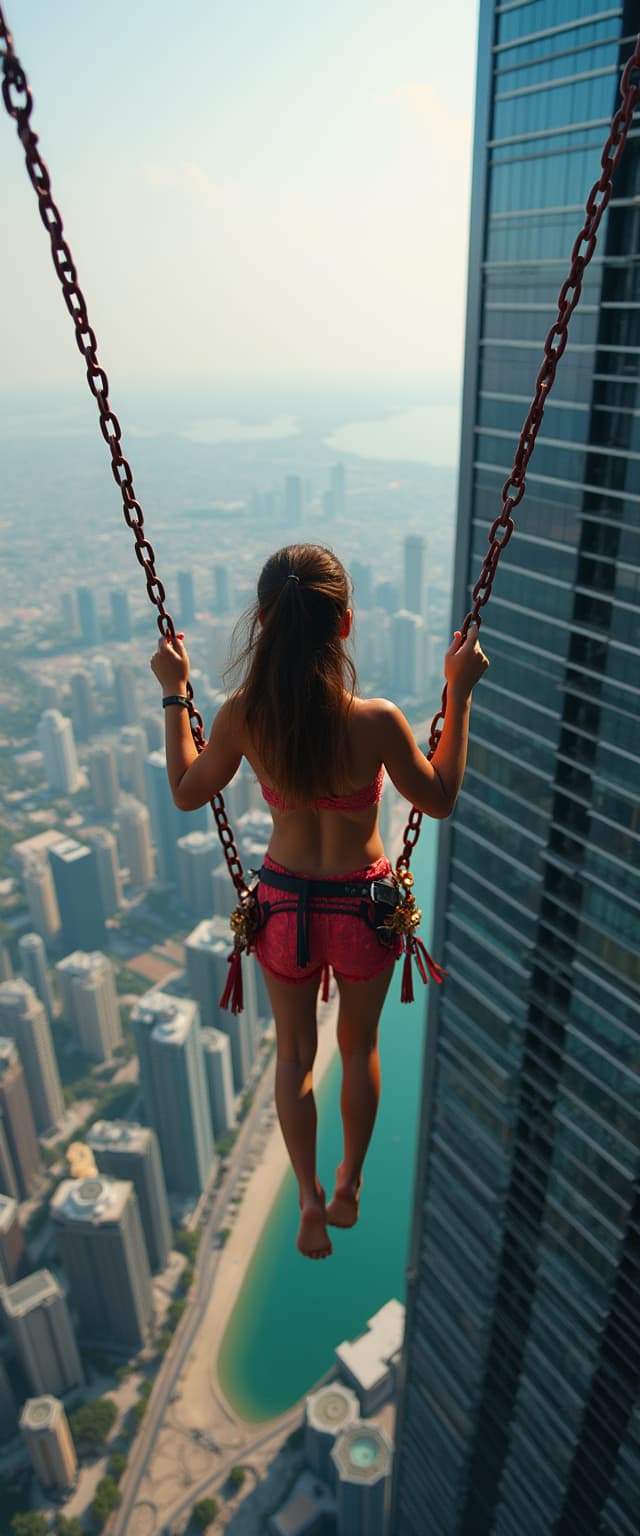
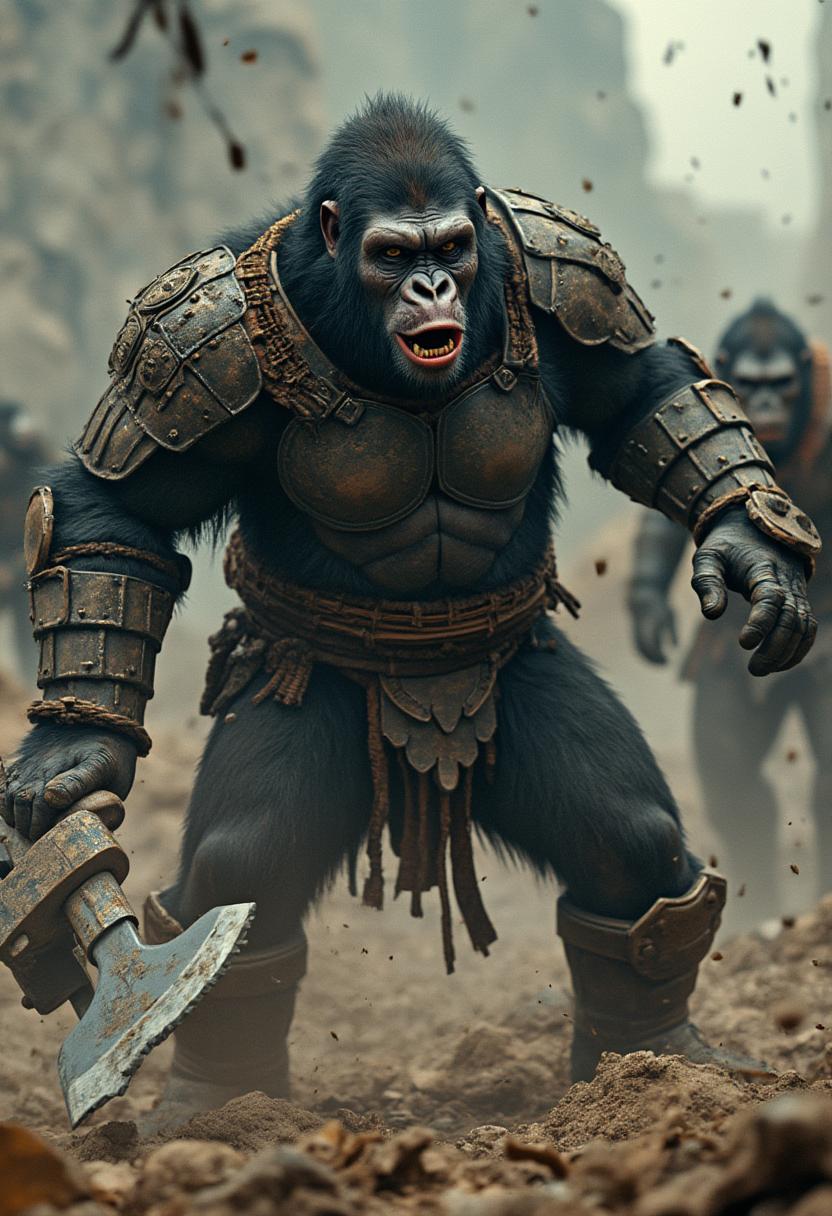
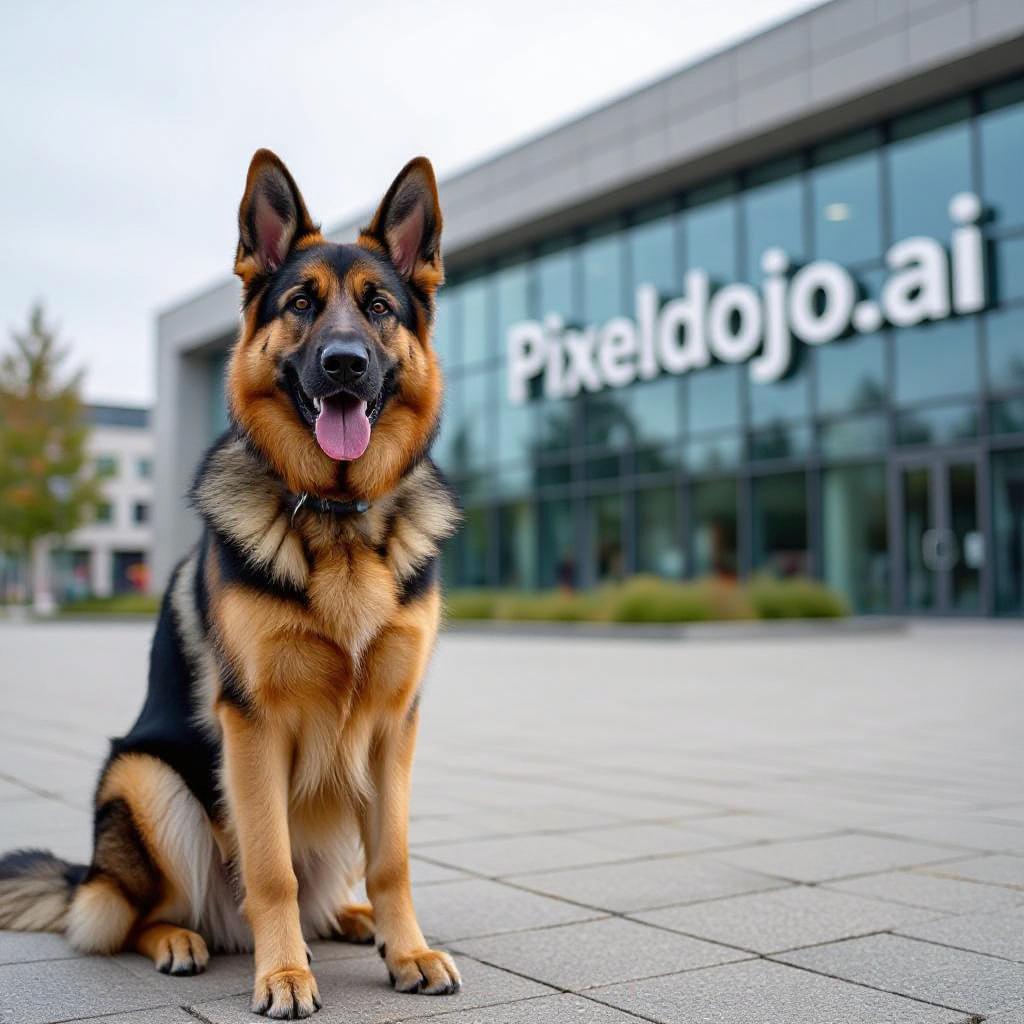
Elevate your video content creation with PixelDojo's WAN 2.6 Video Reference feature. This powerful tool allows you to generate high-quality AI videos that maintain consistent character identity and style across every frame. Whether you're crafting brand marketing materials, engaging storytelling content, or dynamic product demonstrations, WAN 2.6 ensures your videos are cohesive and professional.

Join thousands of creators who have enhanced their video content with PixelDojo's cutting-edge AI tools. With a 4.9/5 user rating and over 50,000 daily videos generated, our platform is trusted by professionals worldwide.
Why Choose Pixel Dojo for Wan 2.6 video reference
Professional-quality results with cutting-edge AI technology
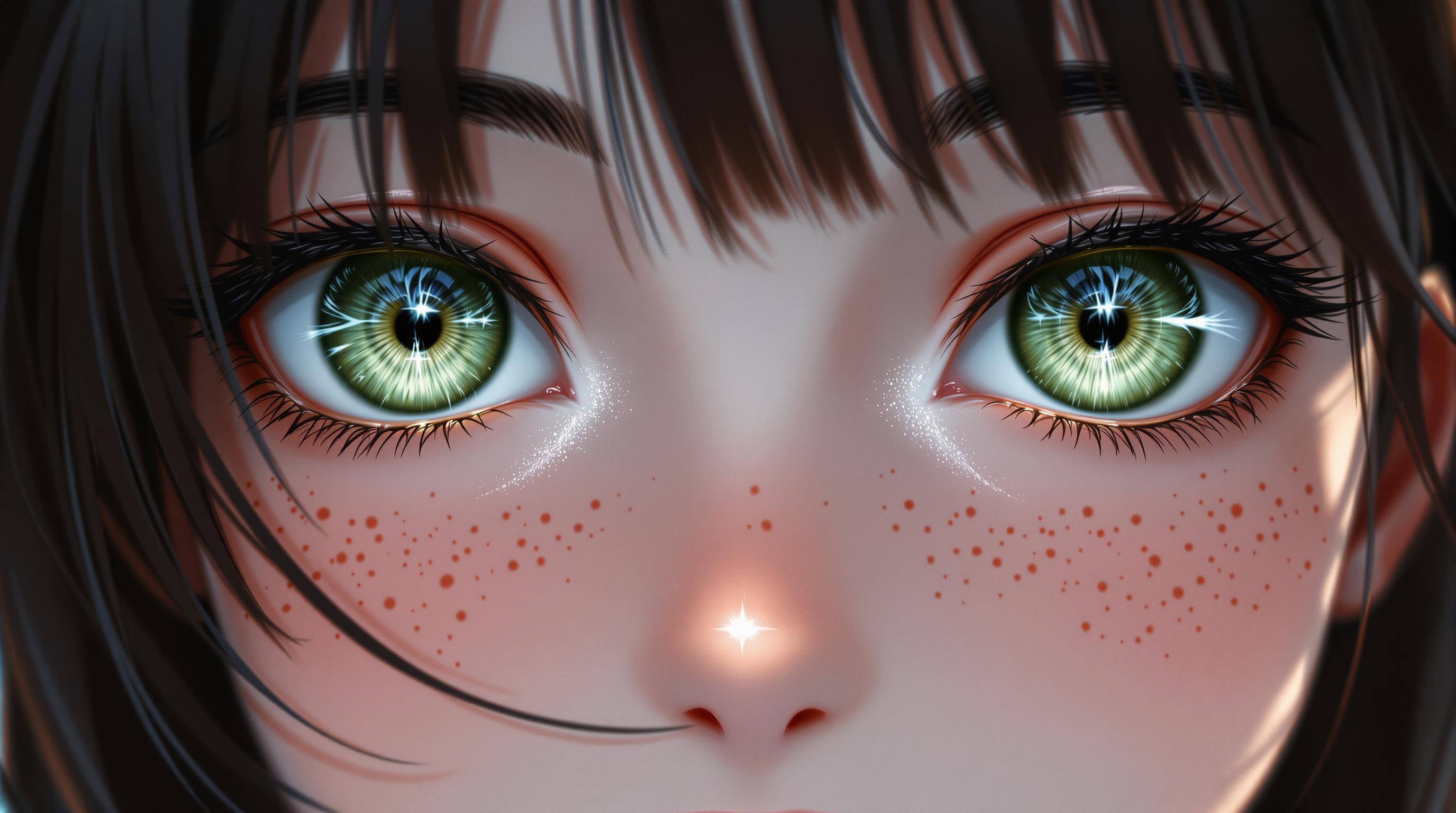
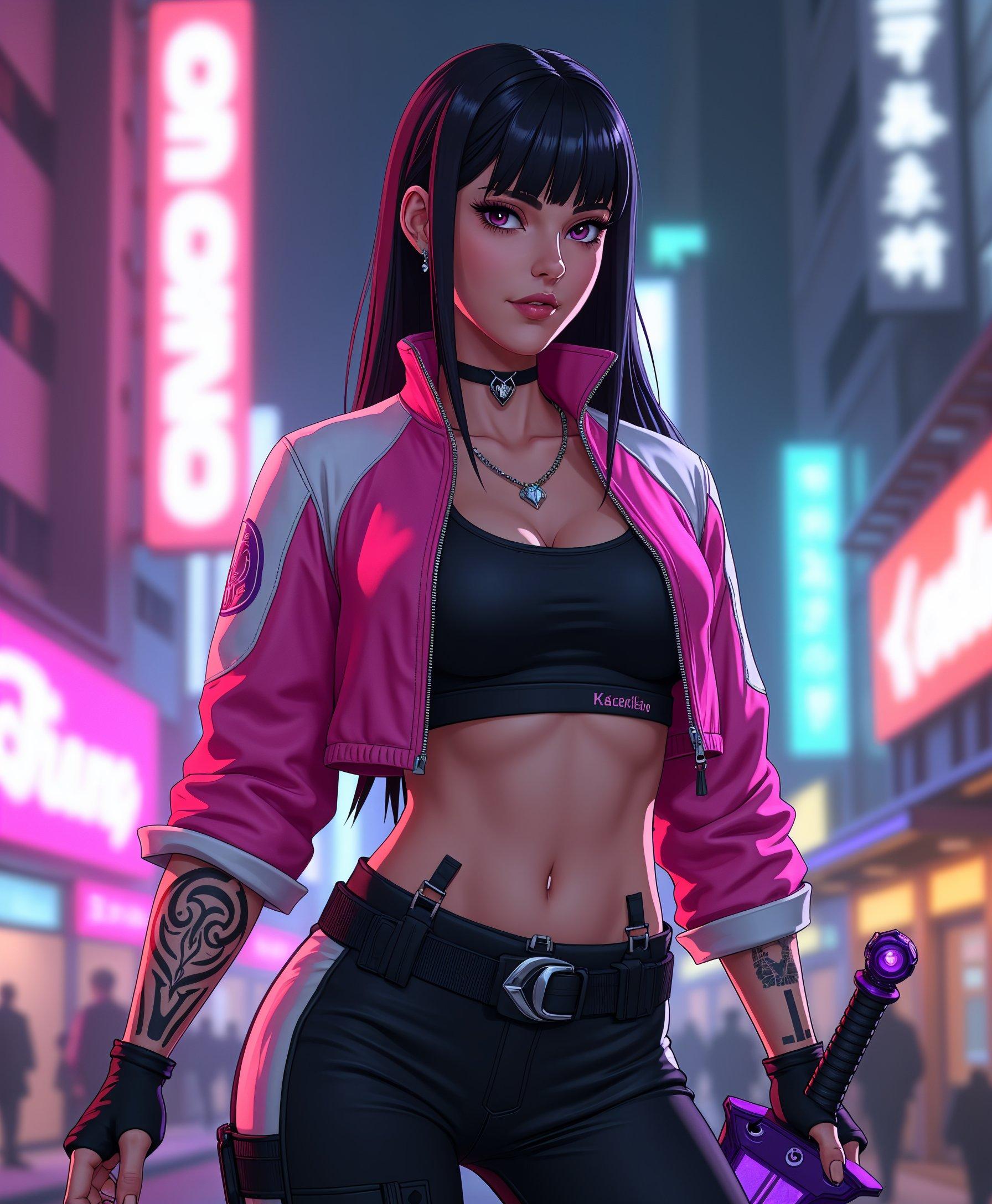
Achieve Visual Consistency
Maintain character identity and style across all frames using multiple reference images, ensuring a cohesive visual narrative.
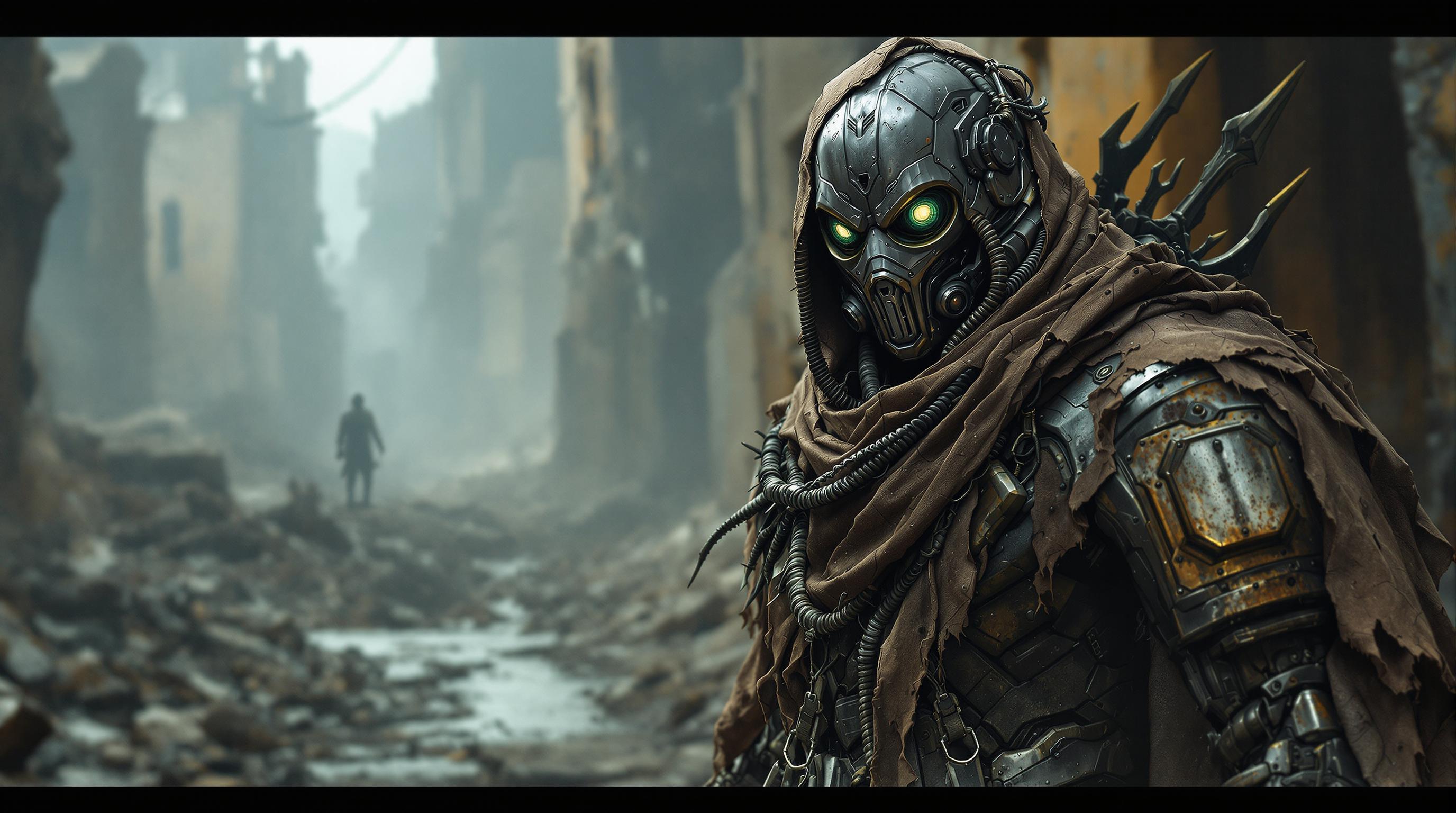
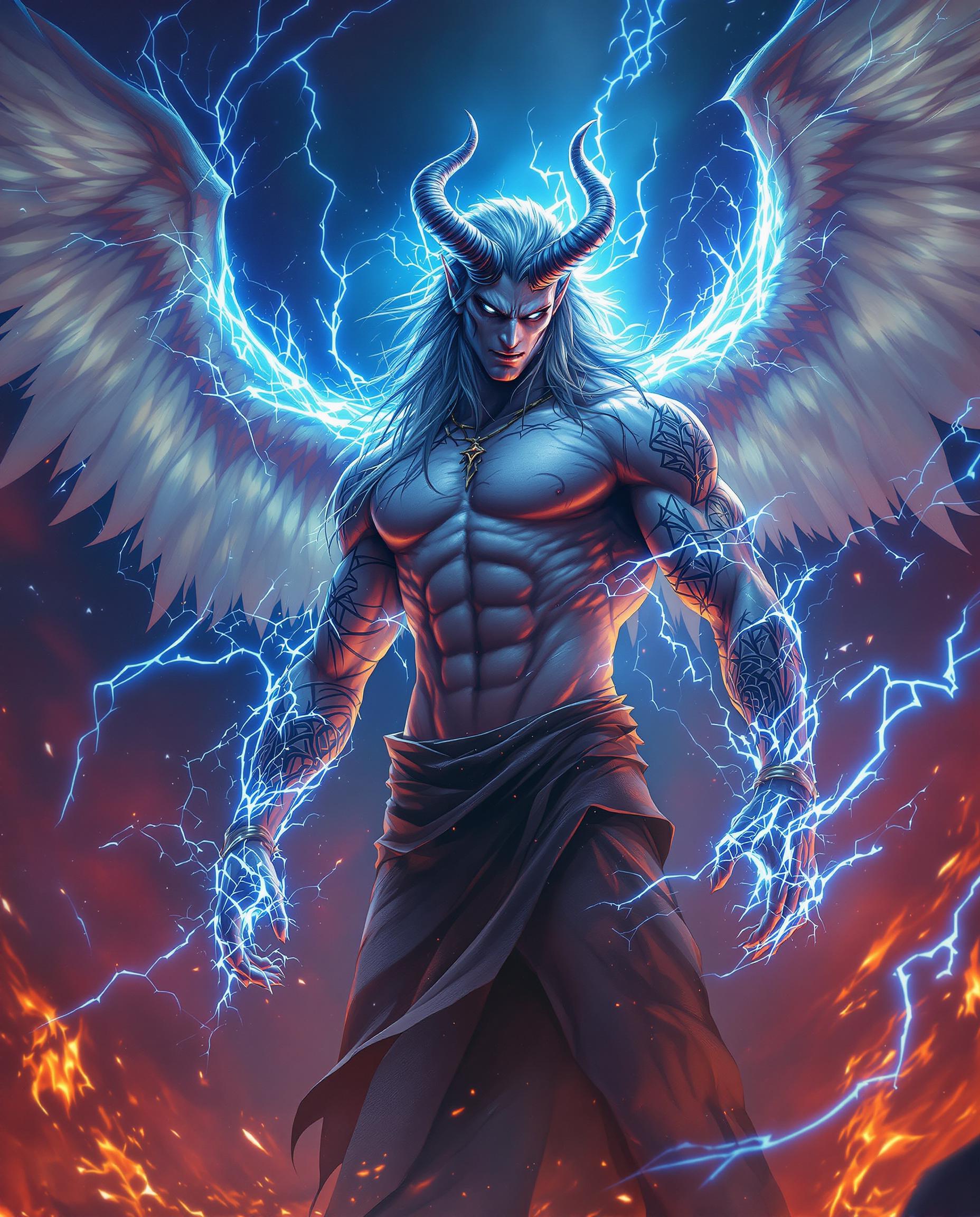
Exercise Creative Control
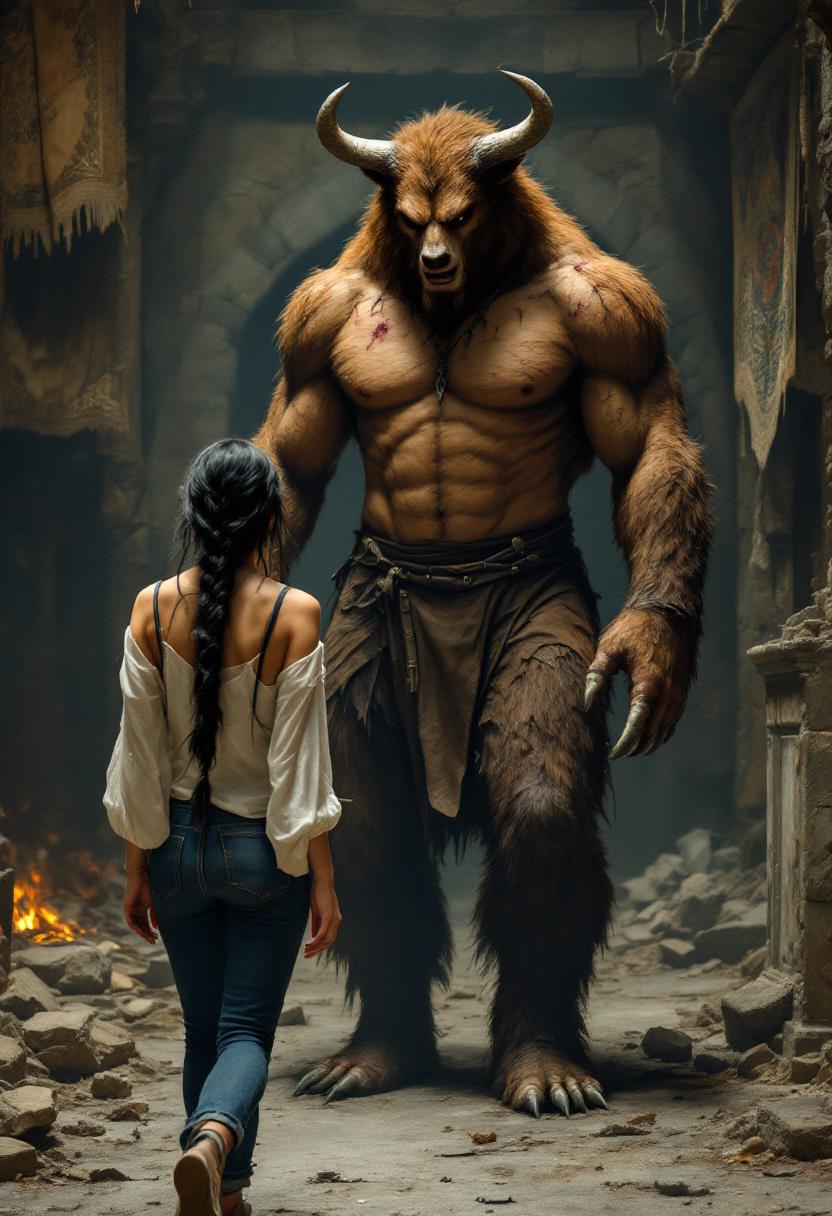
Combine characters, objects, and styles from different references into cohesive scenes, allowing for unique and personalized video content.
Produce Professional Quality Videos
Generate 8-second videos at 720p or 1080p with synchronized audio, delivering high-quality outputs suitable for various platforms.
How It Works
Creating consistent AI videos with WAN 2.6 is a straightforward process:
Step 1: Upload Reference Images
Add 1-3 reference images for characters, objects, or styles to guide the AI in maintaining visual consistency.
Step 2: Describe Your Scene
Write a detailed prompt describing the desired video, including actions, settings, and any specific elements you want to include.
Step 3: Configure Settings and Generate
Choose your preferred resolution and audio generation options, then initiate the video generation process.







The Pixel Dojo Advantage
Why PixelDojo outperforms other options for AI video generation:
| Others | Pixel Dojo |
|---|---|
| Traditional Video Production | Eliminate the need for costly equipment and extensive production time by generating high-quality videos with AI. |
| Generic AI Tools | Benefit from advanced features like reference-based character control and multi-shot storytelling for more dynamic and consistent videos. |
| Manual Video Editing | Save time and effort with automated processes that ensure visual consistency and professional quality without manual intervention. |
Loved by Creators
See what our community says about Wan 2.6 video reference
"PixelDojo's WAN 2.6 has revolutionized our content creation process, allowing us to produce consistent and engaging videos effortlessly."
Alex Johnson
Content Creator
"The reference video feature ensures our brand's visual identity remains intact across all our marketing materials."
Samantha Lee
Marketing Manager
Common Questions
Everything you need to know about Wan 2.6 video reference AI generation
How does WAN 2.6 maintain character consistency in AI-generated videos?
By analyzing up to three reference images, WAN 2.6 ensures that character identity and style are preserved across all frames, resulting in a cohesive and professional video output.
Can I use WAN 2.6 for brand marketing videos?
Absolutely. WAN 2.6 is perfect for creating brand marketing videos, as it maintains consistent brand mascots and products across different scenarios, enhancing brand recognition.
What video resolutions are supported by WAN 2.6?
WAN 2.6 supports generating videos at 720p and 1080p resolutions, providing high-quality outputs suitable for various platforms.
Is it possible to combine elements from different reference images into one video?
Yes, WAN 2.6 allows you to combine characters, objects, and styles from different reference images into cohesive scenes, offering creative flexibility.
How long does it take to generate a video with WAN 2.6?
The generation time varies depending on the complexity of the scene and settings, but WAN 2.6 is designed to produce videos efficiently, often within minutes.
Can I edit the generated videos after creation?
Yes, the videos generated by WAN 2.6 can be further edited using various video editing tools to add additional effects, transitions, or other elements as needed.