WAN 2.7 intelligent shot breakdown AI Generator
Imagine transforming your creative ideas into professional-quality cinematic videos without the need for extensive editing skills or expensive equipment. With WAN 2.7's intelligent shot breakdown feature, you can effortlessly create multi-shot scenes with lifelike motion, synchronized audio, and stunning 4K detail in minutes. Whether you're a content creator, marketer, or filmmaker, WAN 2.7 empowers you to bring your visions to life with unparalleled ease and efficiency.
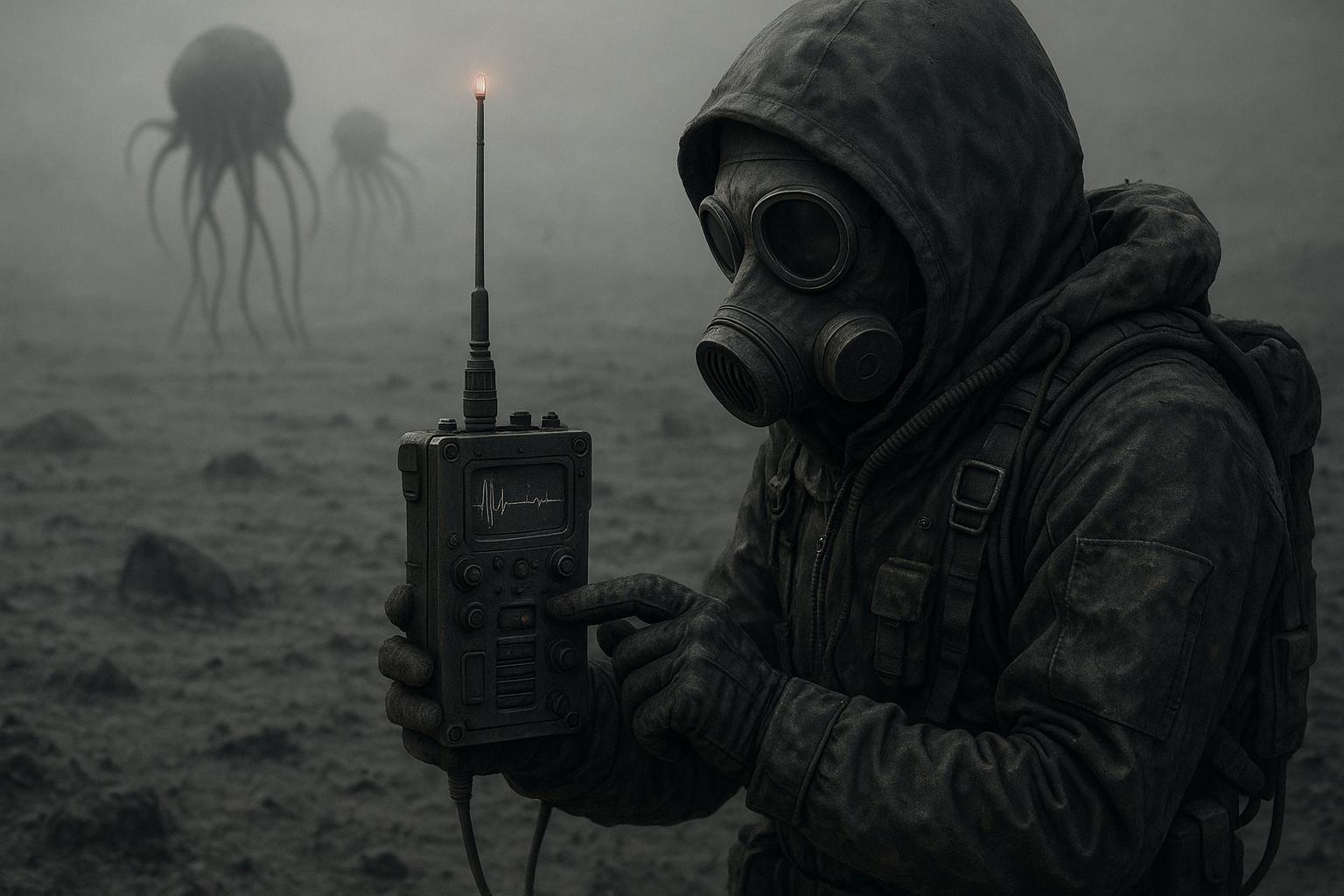
Join thousands of creators who have revolutionized their video production process with WAN 2.7. Rated 4.8/5 by users worldwide for its intuitive interface and exceptional output quality.
Why Choose Pixel Dojo for WAN 2.7 intelligent shot breakdown
Professional-quality results with cutting-edge AI technology
Effortless Multi-Shot Storytelling
Automatically generate coherent multi-shot sequences that tell a compelling story, eliminating the need for manual scene planning.
Seamless Audio-Visual Synchronization
Embed voice lines or music, and WAN 2.7 ensures perfect timing and lip-sync, delivering studio-quality audio-visual alignment.
High-Resolution 4K Output
Produce videos in up to 4K resolution, achieving ultra-sharp detail and cinematic color grading for a professional finish.
How It Works
Creating cinematic videos with WAN 2.7 is a straightforward process that involves three simple steps:
Step 1: Upload Your Visual Reference
Start by uploading an image or visual reference that defines your subject, scene, or style. This guides WAN 2.7 in framing and maintaining visual consistency throughout the video.
Step 2: Enter Your Prompt and Configure Settings
Describe the action, tone, and style you envision for your video. Set the desired duration, format, and other model settings to tailor the output to your needs.
Step 3: Generate and Review Your Video
Click 'Generate' to create your video. Review the result and refine your prompt or reference if necessary. WAN 2.7 supports fast iterations, allowing you to perfect your video efficiently.
















The Pixel Dojo Advantage
Why WAN 2.7 Outperforms Other Video Creation Methods
| Others | Pixel Dojo |
|---|---|
| Traditional Video Editing | Eliminates the need for complex software and extensive editing skills, making video creation accessible to everyone. |
| Generic AI Tools | Offers advanced features like intelligent shot breakdown and audio synchronization, providing a more comprehensive solution. |
| Manual Storyboarding | Automates the storyboarding process, saving time and ensuring a coherent narrative flow without manual planning. |
Loved by Creators
See what our community says about WAN 2.7 intelligent shot breakdown
"WAN 2.7 has transformed the way I create content. The intelligent shot breakdown feature allows me to produce professional-quality videos effortlessly."
Alex Johnson
Content Creator
"As a marketer, WAN 2.7 has been a game-changer. I can now create engaging promotional videos in minutes without any prior editing experience."
Samantha Lee
Marketing Manager
Common Questions
Everything you need to know about WAN 2.7 intelligent shot breakdown AI generation
How does WAN 2.7's intelligent shot breakdown enhance video creation?
WAN 2.7's intelligent shot breakdown automatically divides your input into multiple connected shots, enabling structured storytelling with smooth transitions and consistent visual logic across scenes.
Can I use WAN 2.7 without prior video editing experience?
Absolutely. WAN 2.7 is designed to be user-friendly, allowing individuals without any editing background to create professional-quality videos effortlessly.
What types of input does WAN 2.7 accept?
WAN 2.7 accepts text prompts and image references, providing flexibility in how you initiate your video creation process.
Is there a limit to the video resolution I can produce with WAN 2.7?
WAN 2.7 supports video outputs up to 4K resolution, ensuring your videos meet professional standards for clarity and detail.
How does WAN 2.7 ensure audio and visual elements are synchronized?
WAN 2.7 embeds voice lines or music and automatically times everything perfectly, achieving studio-quality lip-sync and ambient sound alignment.
Can I make adjustments to my video after generation?
Yes, WAN 2.7 supports fast iterations, allowing you to review the generated video and refine your prompt or reference as needed to achieve the desired result.