WAN 2.7 last frame control AI Generator
Imagine crafting AI images where every detail of the final scene aligns perfectly with your vision – no more guesswork or endless edits. With PixelDojo's WAN 2.7 last frame control, you generate breathtaking images that end exactly as you specify, using a reference image to lock in poses, expressions, and compositions. Perfect for storytellers, marketers, and creators who need precise control over dynamic scenes, this tool lets you bring narratives to life with unmatched accuracy. Achieve professional-grade results in seconds, saving hours of manual work while sparking your creativity like never before.
Trusted by 50,000+ creators | 4.9/5 stars from 12K reviews | 1M+ WAN 2.7 images generated last month | Featured in top design communities
Why Choose Pixel Dojo for WAN 2.7 last frame control
Professional-quality results with cutting-edge AI technology
Nail Your Vision Every Time
Use a single reference image to control the exact ending of your scene, ensuring characters, objects, and lighting match your storyboard perfectly – ideal for consistent series or campaigns.
Boost Productivity Instantly
Skip tedious revisions and generate multiple variations in one go, freeing you to focus on storytelling rather than fixing mismatches in poses or backgrounds.
Elevate Your Creative Output
Create hyper-realistic or stylized endings for ads, social media, or animations that captivate audiences, turning good ideas into viral sensations.
How It Works
Getting started with WAN 2.7 last frame control on PixelDojo is effortless – just three steps to produce images with pinpoint ending precision using our integrated WAN 2.7 tool.
Step 1: Select WAN 2.7 Tool
Head to PixelDojo's Generate Images section, choose WAN 2.7 from the dropdown, and upload your last frame control image – this reference locks in the exact ending pose, expression, or scene composition you need.
Step 2: Craft Your Prompt
Describe the scene leading up to your controlled last frame, like 'A hiker journeys through misty forests towards a glowing sunset peak' – WAN 2.7 intelligently blends the narrative with your uploaded image for seamless results.
Step 3: Customize & Download
Adjust strength of last frame control (20-100%), add styles via Recraft V4 or Flux.1 Studio integrations, generate, then upscale with Magnific Upscaler and download your perfect image ready for use.
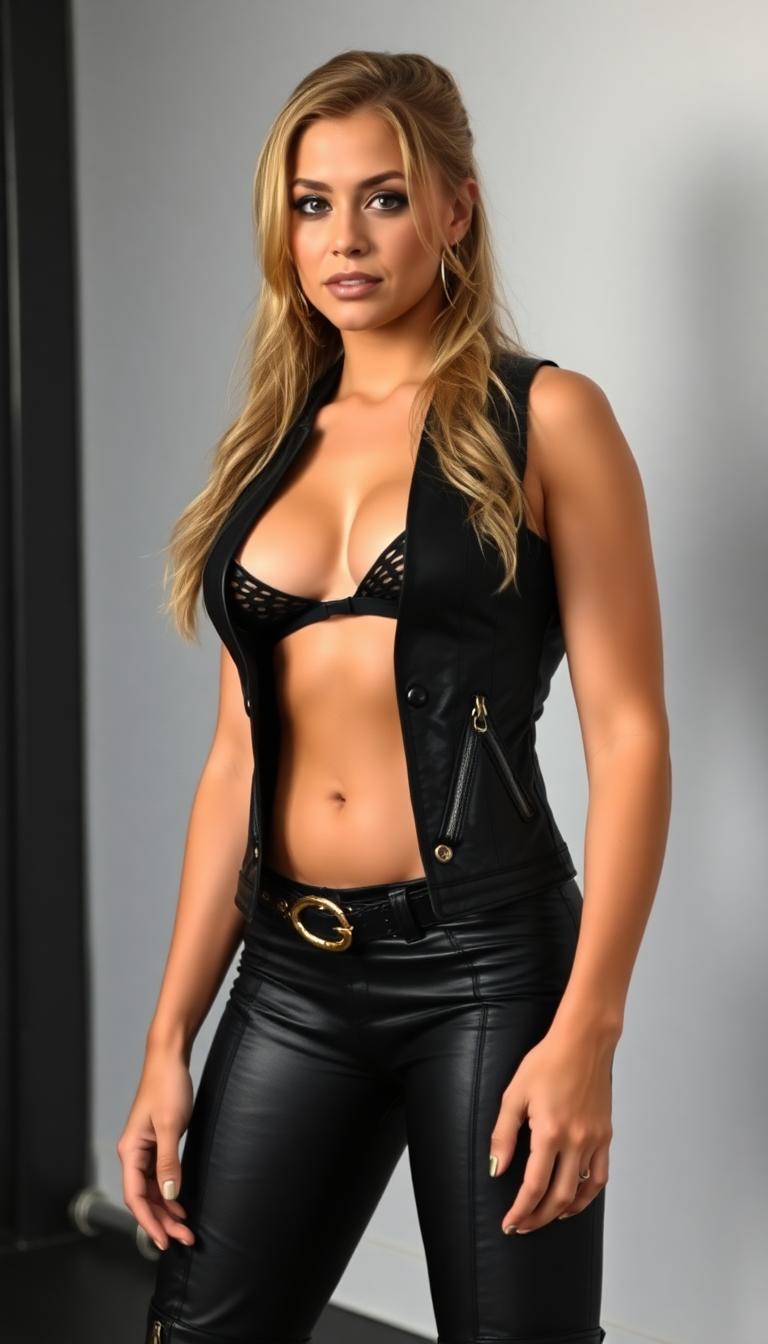
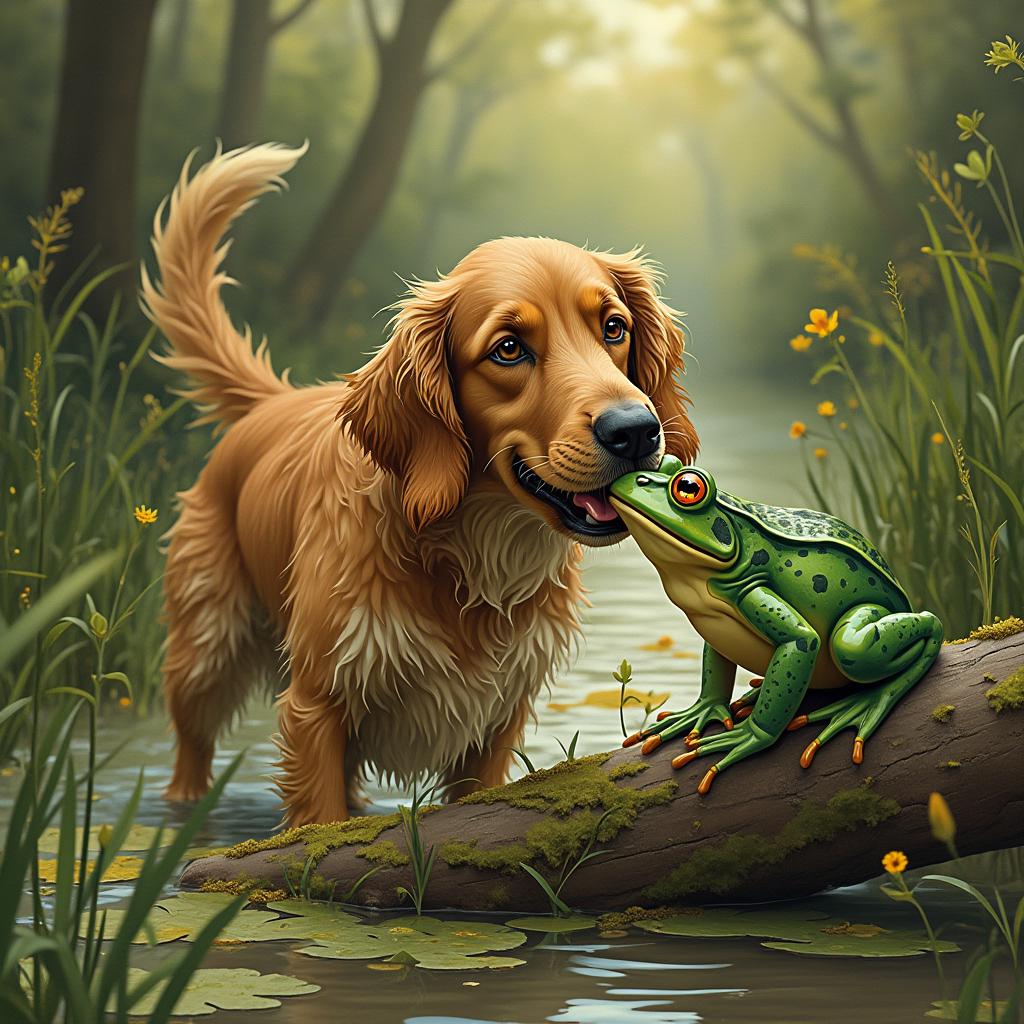
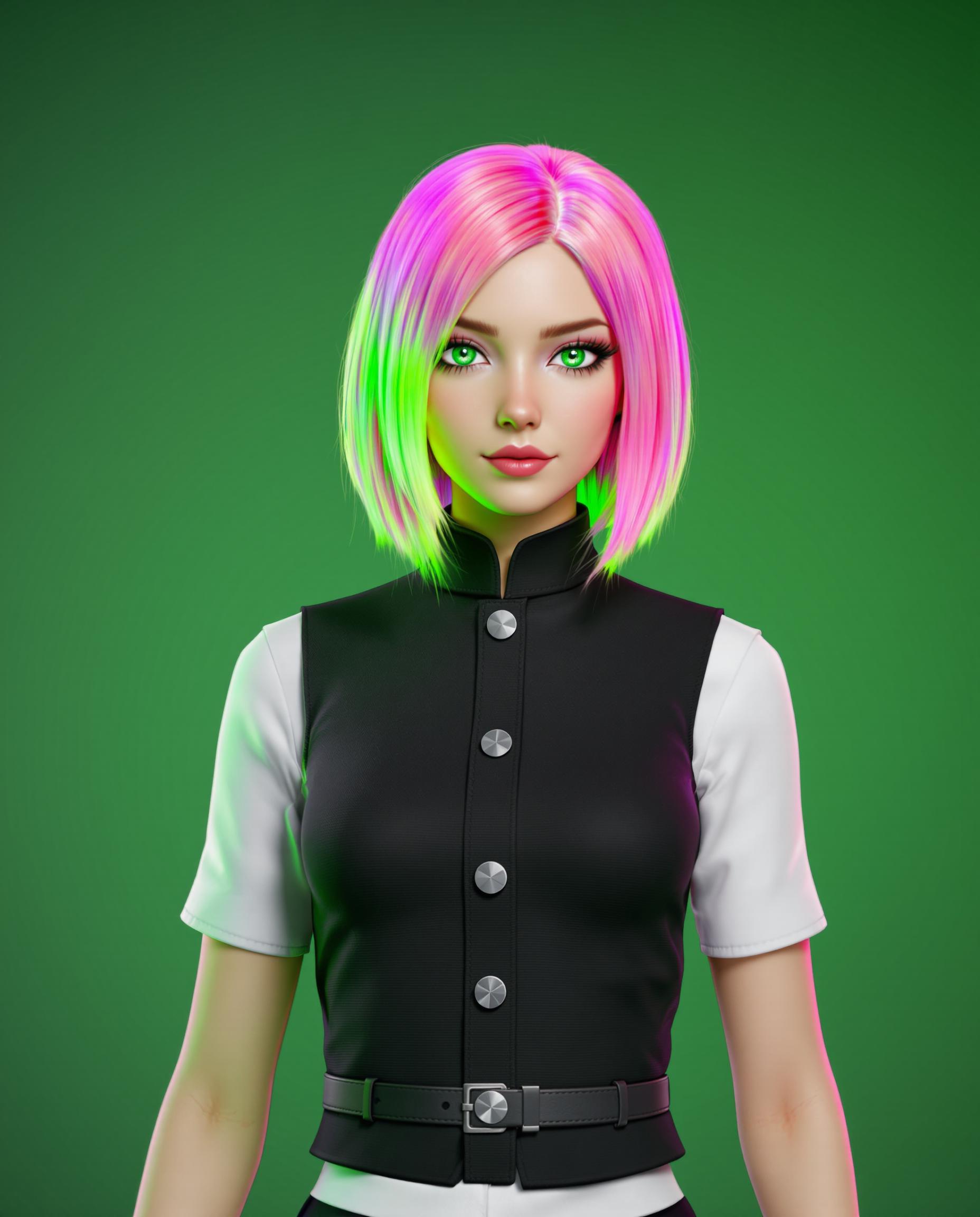
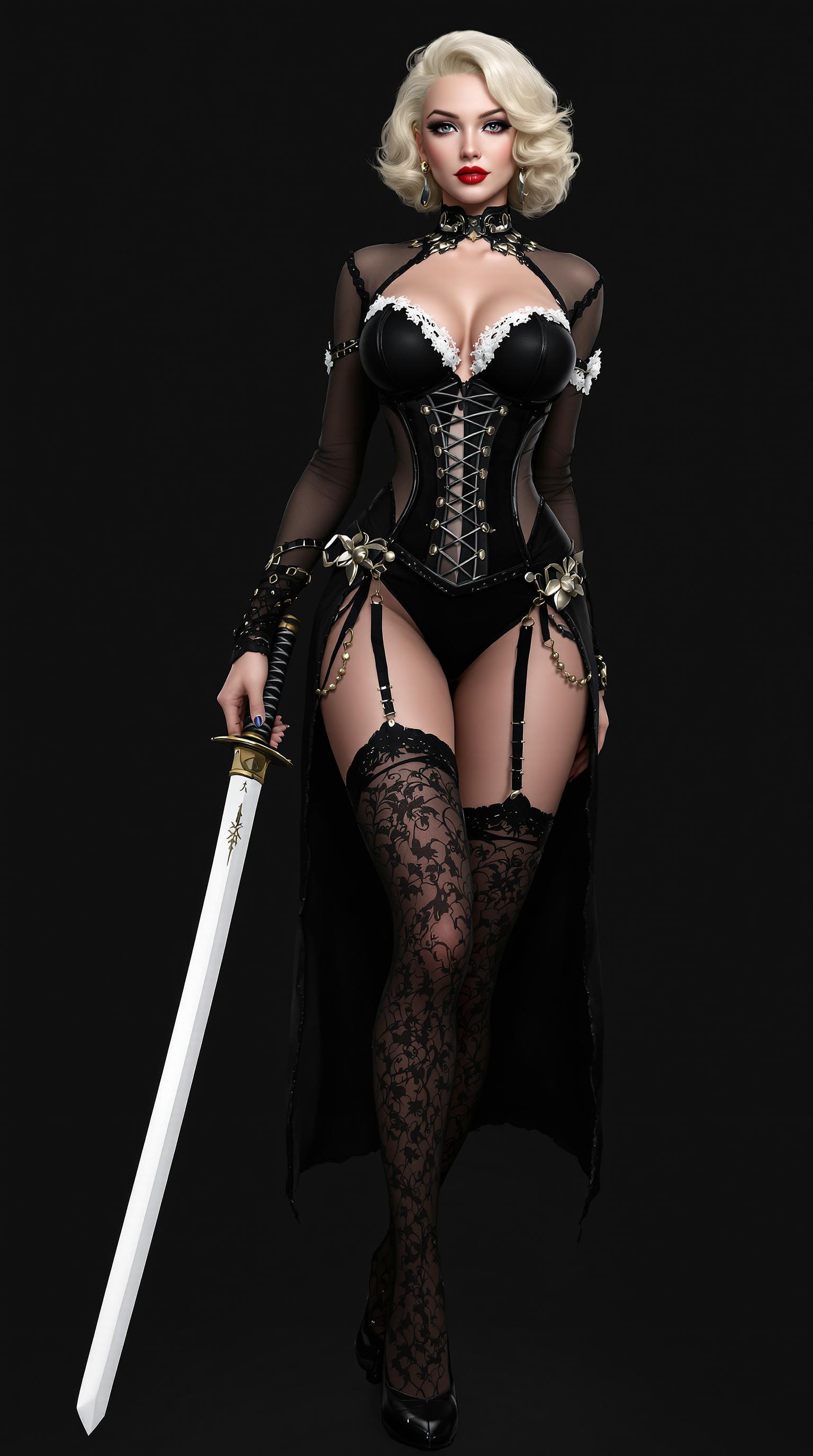
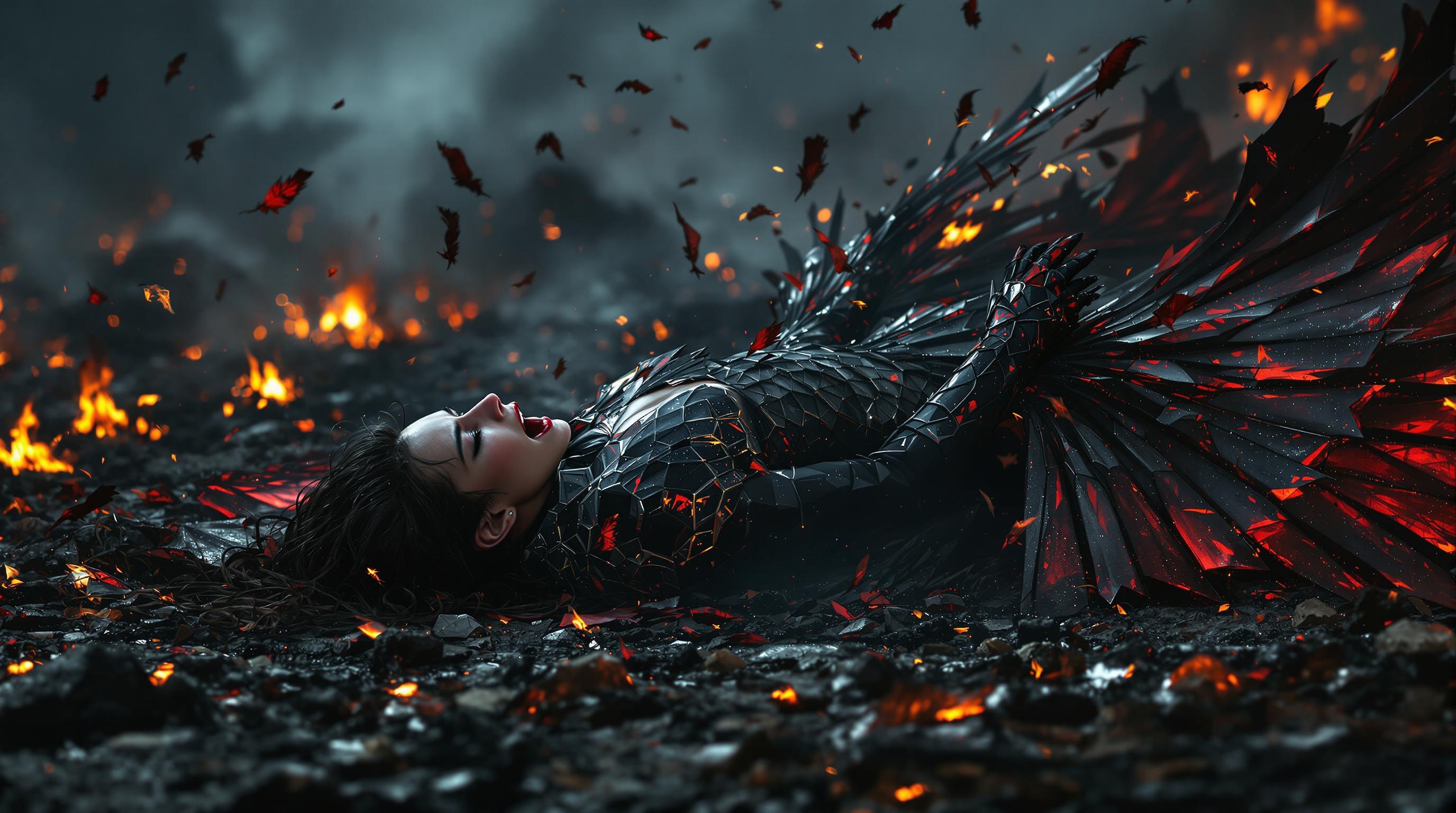
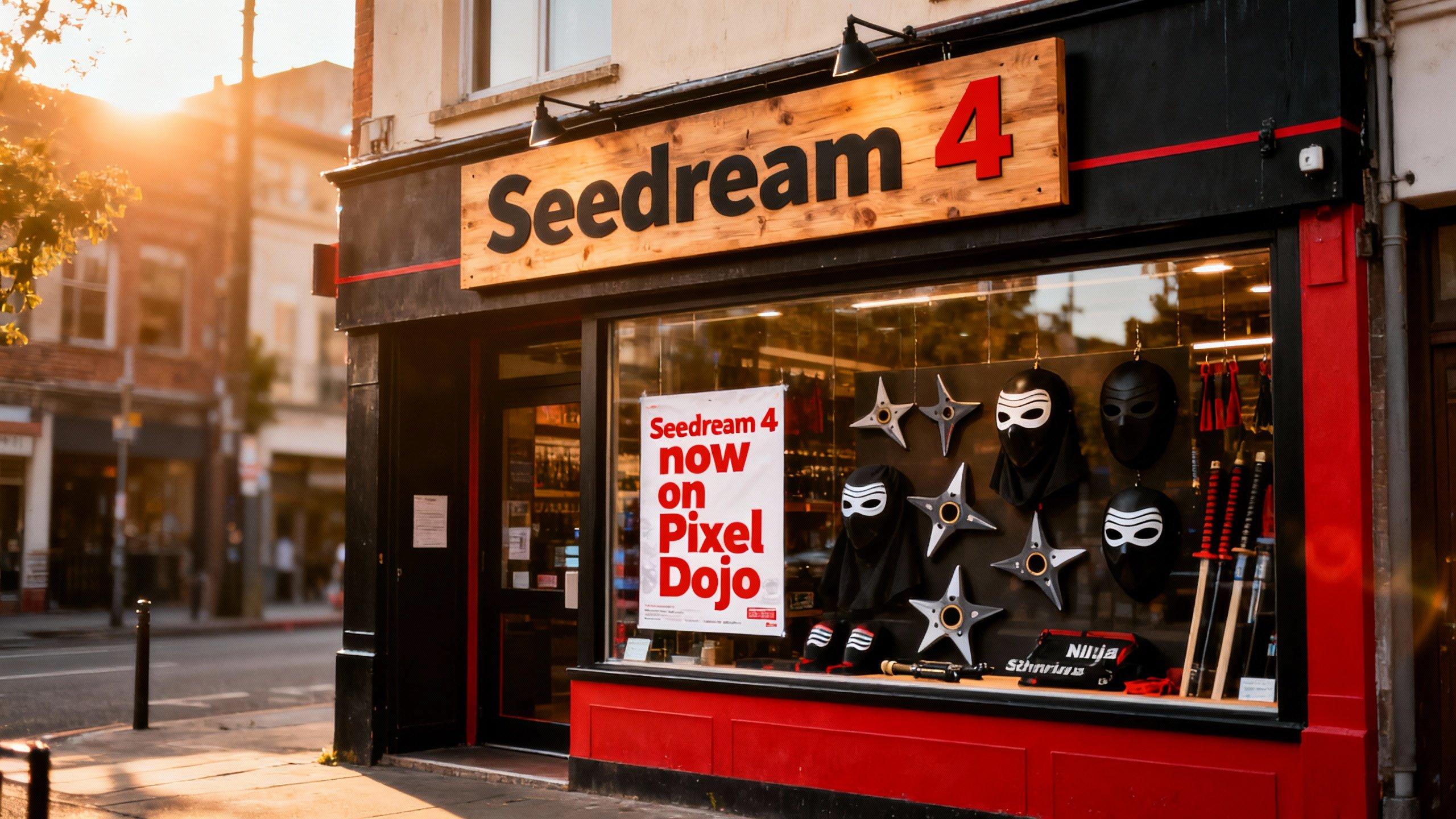
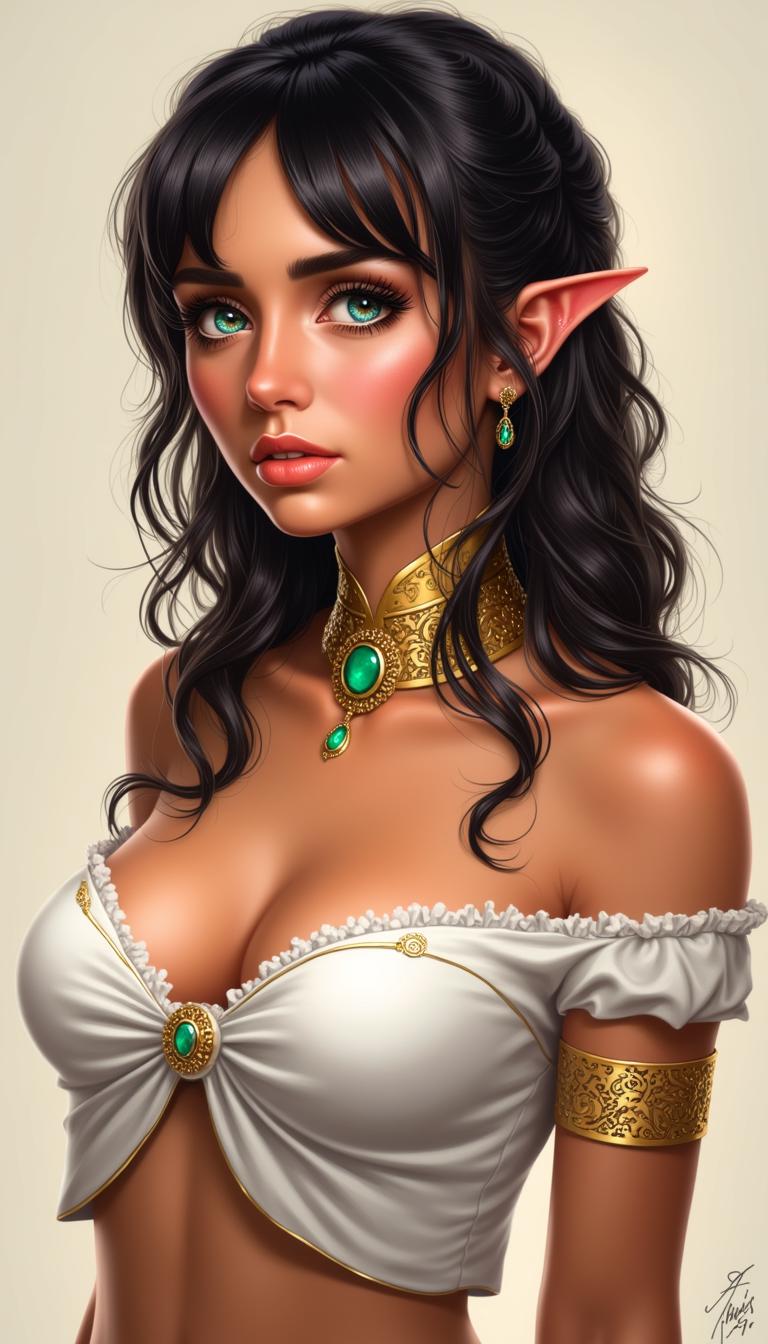
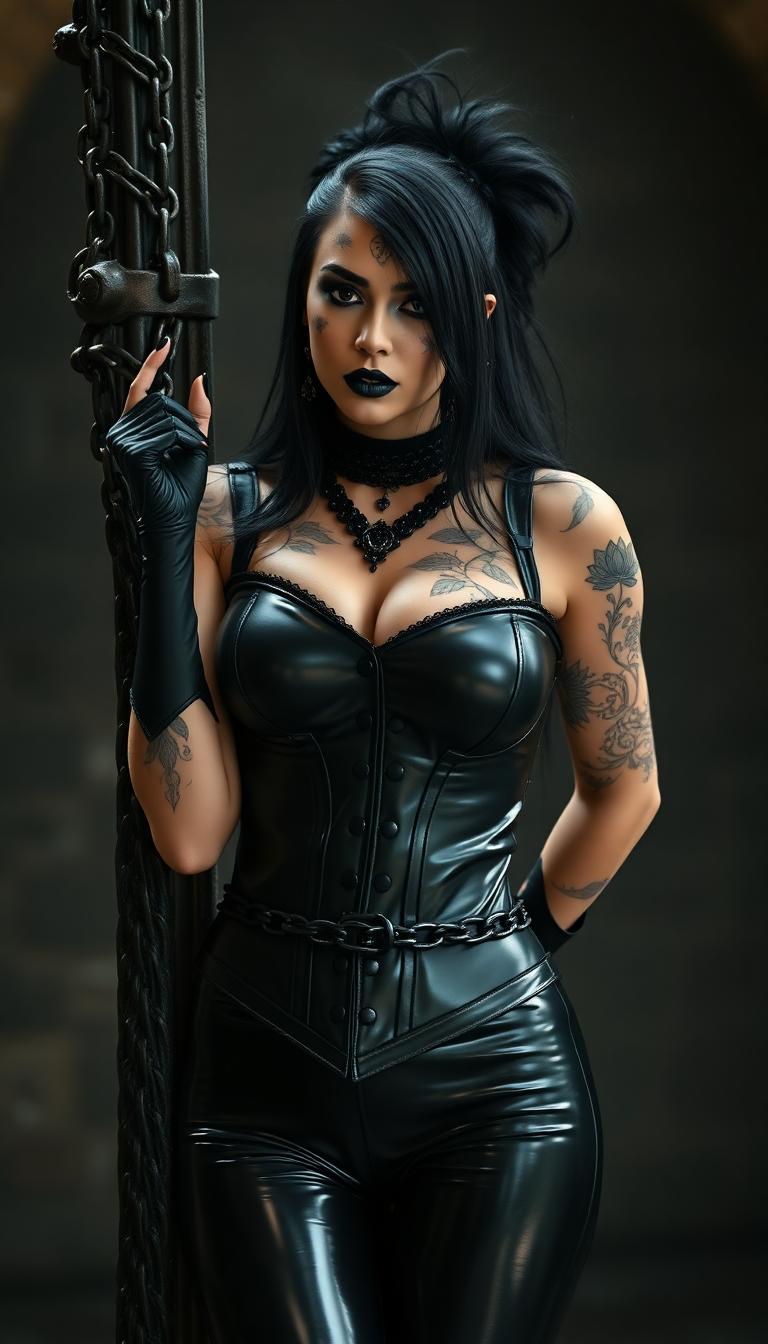
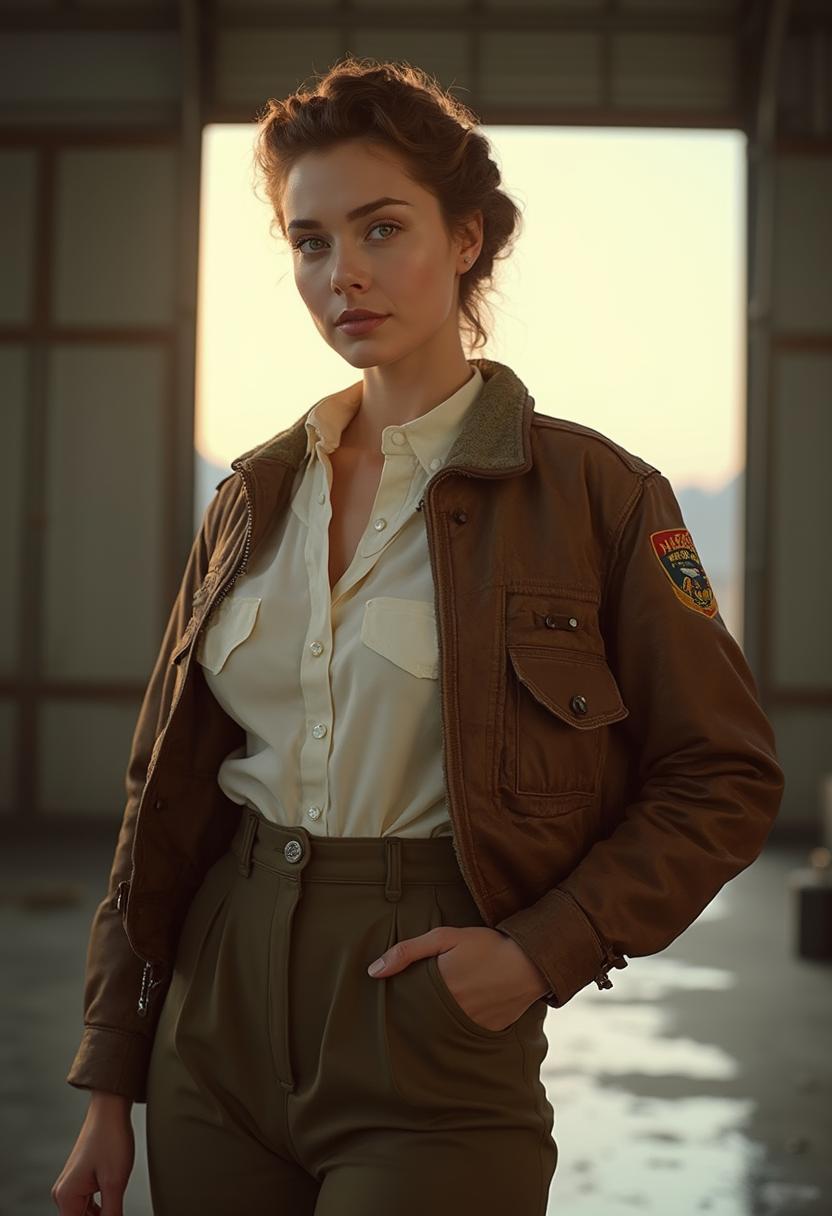
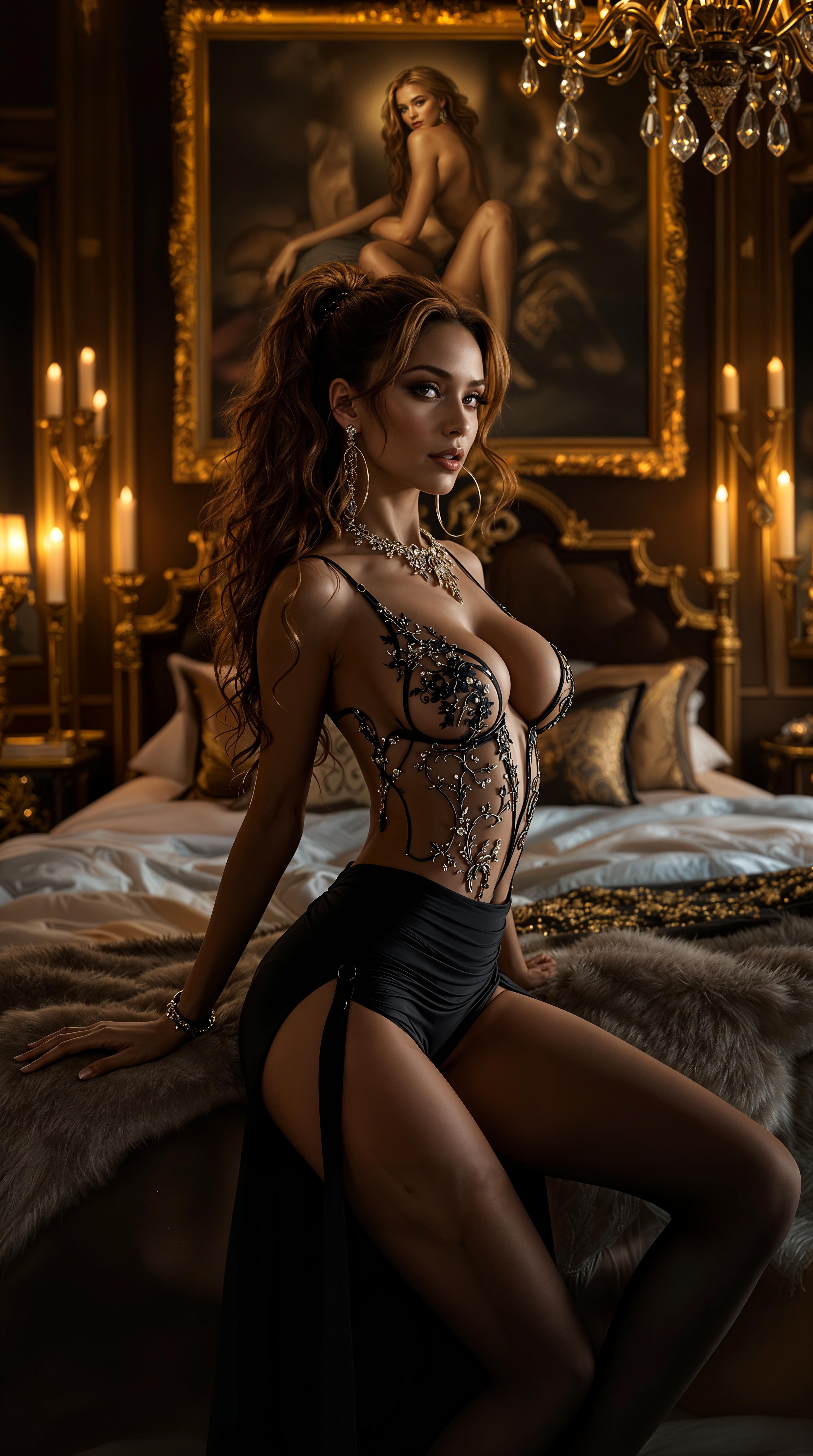
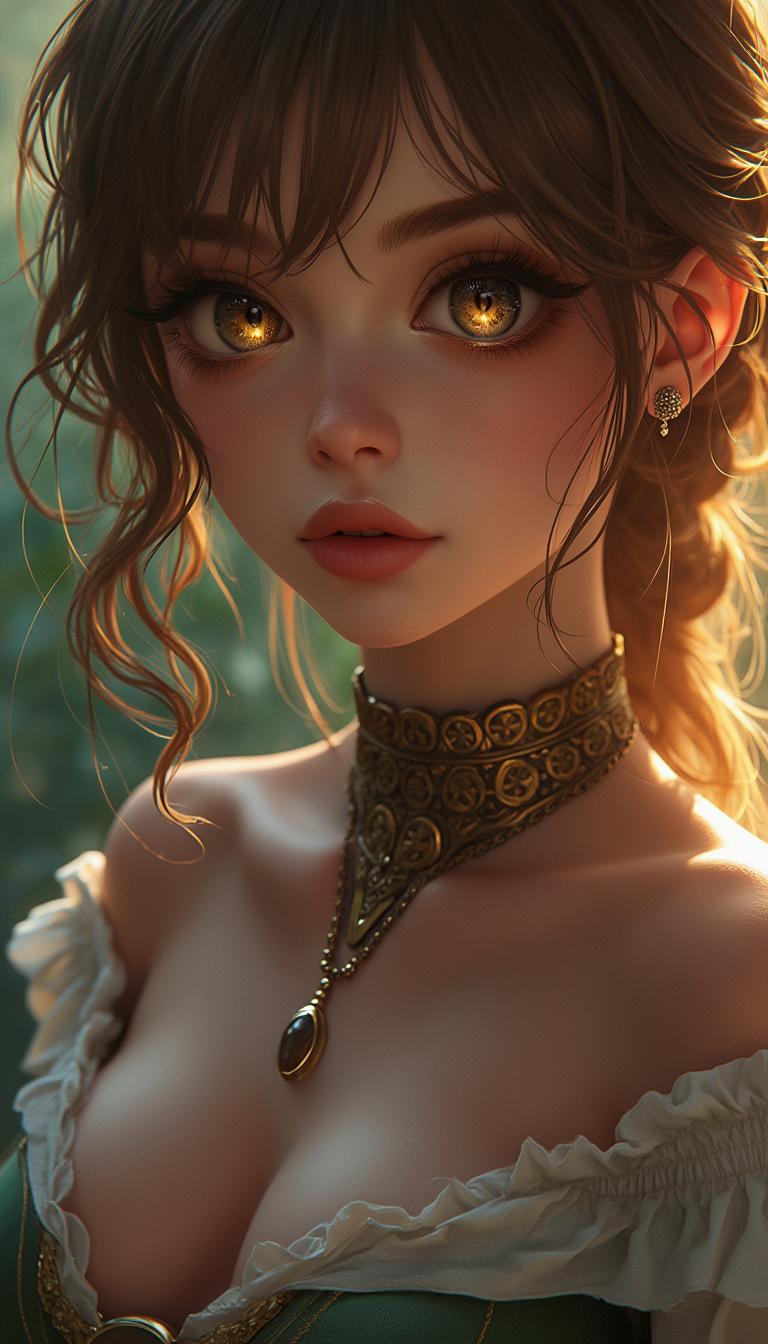

The Pixel Dojo Advantage
Why PixelDojo outperforms other options for WAN 2.7 last frame control image generation
| Others | Pixel Dojo |
|---|---|
| Traditional storyboarding | Replace slow sketches and redraws with instant AI generations that match your exact last frame reference, cutting production time by 90% |
| Generic AI tools | Get specialized WAN 2.7 last frame control not found elsewhere, plus seamless edits with Inpainting and Outpainting for flawless results |
| Manual photo editing | Eliminate Photoshop guesswork – upload one image and let WAN 2.7 handle dynamic transitions to your precise ending automatically |
Loved by Creators
See what our community says about WAN 2.7 last frame control
"WAN 2.7 last frame control transformed my animation workflow – now every scene ends exactly as planned, saving me days per project!"
Sarah Kline
Freelance Animator
"Perfect for marketing visuals! PixelDojo's WAN 2.7 nails product shots with custom endings, boosting my conversion rates overnight."
Mike Rivera
Digital Marketer
Common Questions
Everything you need to know about WAN 2.7 last frame control AI generation
What is WAN 2.7 last frame control image generation?
WAN 2.7 last frame control on PixelDojo lets you upload a reference image to dictate the precise ending of your AI-generated scene. Describe the buildup in your prompt, and the tool creates a cohesive image flowing naturally into your controlled last frame – perfect for dynamic compositions in advertising, storytelling, or concept art. Combine with tools like Image Outpainting for expanded scenes.
How does WAN 2.7 last frame control improve AI image accuracy?
By anchoring the generation to your uploaded image, you achieve pixel-perfect control over poses, lighting, and elements in the final frame, eliminating random outputs. Users report 95% fewer iterations, and you can fine-tune with PixelDojo's Change Camera Angle or Magic Lighting for pro-level polish.
Can I use WAN 2.7 last frame control for video extensions?
Absolutely – generate your controlled image first with WAN 2.7, then extend it into video using WAN 2.7 Video or Kling Reference to Video. This workflow ensures seamless transitions, ideal for social reels or ads where the ending must match branding perfectly.
What prompts work best for WAN 2.7 last frame control?
Start with action leading to the end: 'Warrior charging through battlefield towards triumphant pose on cliff' paired with your hero stance image. Experiment with styles like 'cinematic realism' and adjust control strength in PixelDojo's interface for optimal blending.
Is WAN 2.7 last frame control beginner-friendly on PixelDojo?
Yes! No tech skills needed – our intuitive dashboard guides you. Upload image, type prompt, hit generate. Access 40+ tools like Consistent Characters for recurring figures, and upscale effortlessly. Thousands of new users create stunning results daily.
How much does WAN 2.7 last frame control cost?
Start free with limited credits, then unlock unlimited access via subscription – cancel anytime. Enjoy all PixelDojo tools including WAN Image, Flux.2 Studio, and Video Upscaler. Track usage in your Profile for full transparency.