WAN 2.7 multi subject reference AI Generator
Transform your creative ideas into reality with PixelDojo's WAN 2.7 AI tool. Whether you're a marketer aiming to craft compelling visuals, a designer seeking inspiration, or a content creator looking to enhance your projects, WAN 2.7 empowers you to generate high-quality, multi-subject images effortlessly. Say goodbye to complex editing software and hello to intuitive, AI-driven image creation.
Join over 50,000 creators who trust PixelDojo for AI image generation. Rated 4.9/5 stars on Product Hunt, with users praising our tools for delivering images that boost engagement by up to 300%.
Why Choose Pixel Dojo for WAN 2.7 multi subject reference
Professional-quality results with cutting-edge AI technology
Effortless Multi-Subject Integration
Combine multiple subjects into a single, cohesive image without the need for advanced editing skills.
High-Quality, Photorealistic Results
Achieve stunning, lifelike images that maintain the integrity and details of each subject.
Time-Saving Automation
Generate complex images in minutes, allowing you to focus more on creativity and less on technicalities.
How It Works
Creating multi-subject images with WAN 2.7 is a straightforward process. Follow these steps to bring your vision to life:
Step 1: Select the WAN 2.7 Tool
Navigate to PixelDojo's platform and choose the WAN 2.7 tool from the 'Generate Images' section.
Step 2: Upload Your Reference Images
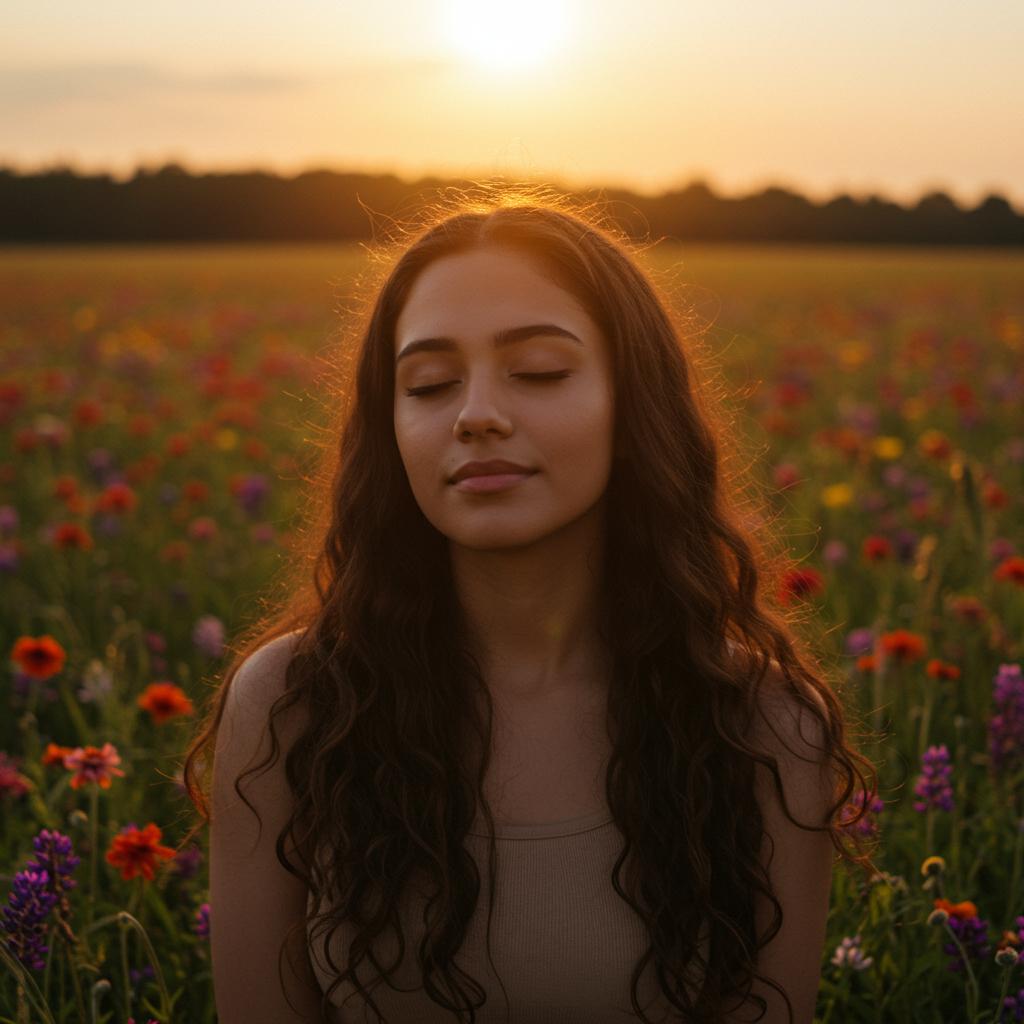
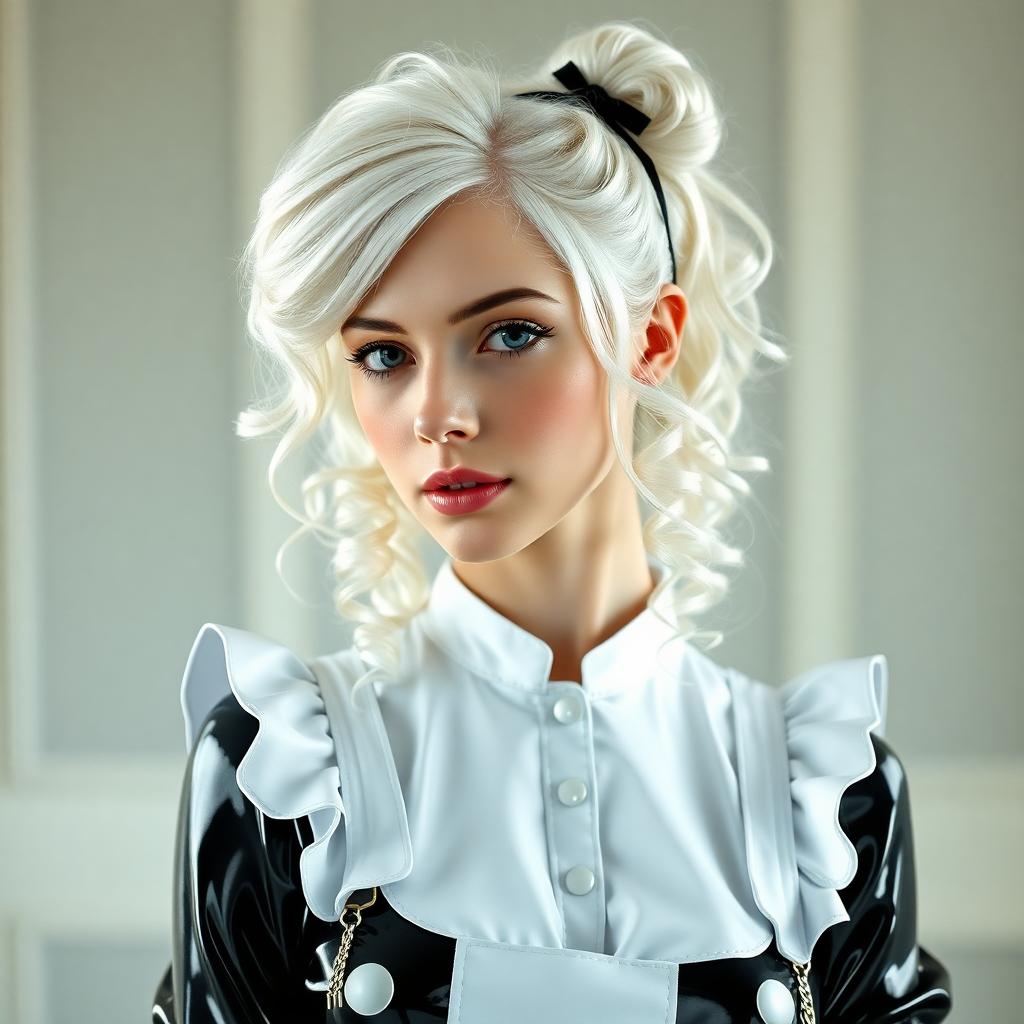
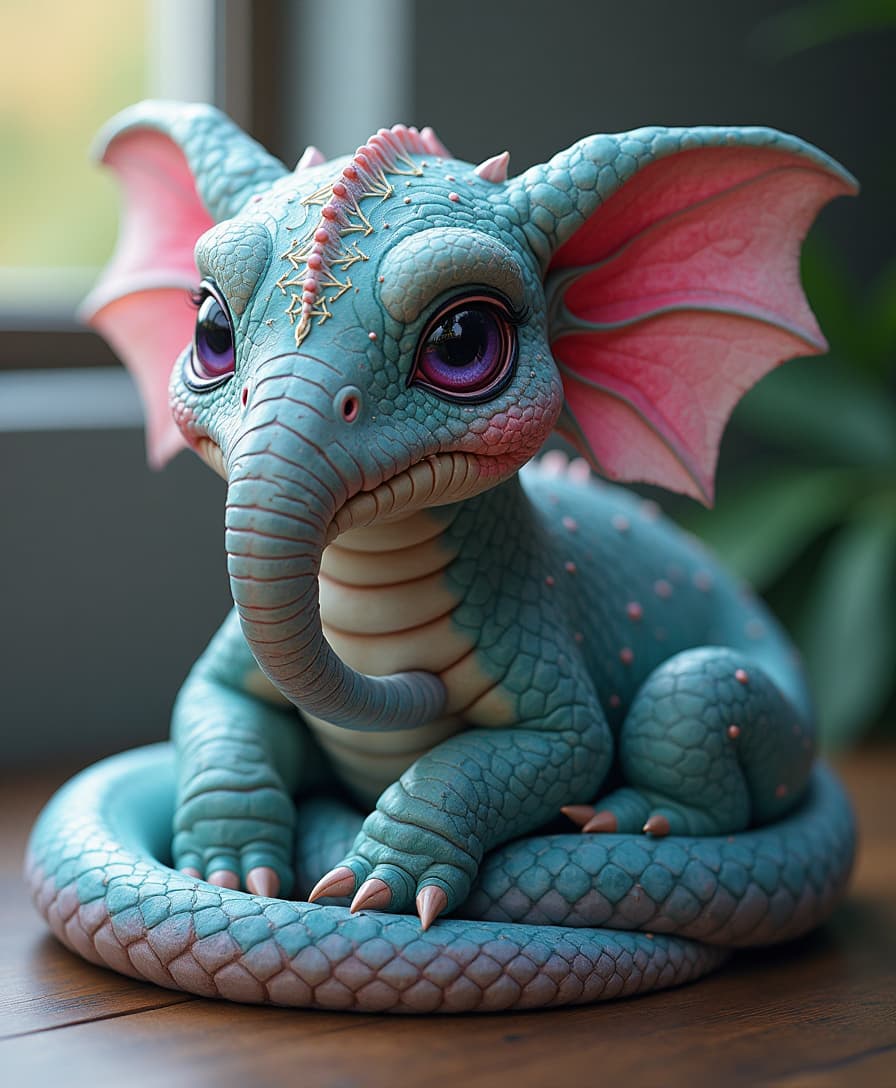
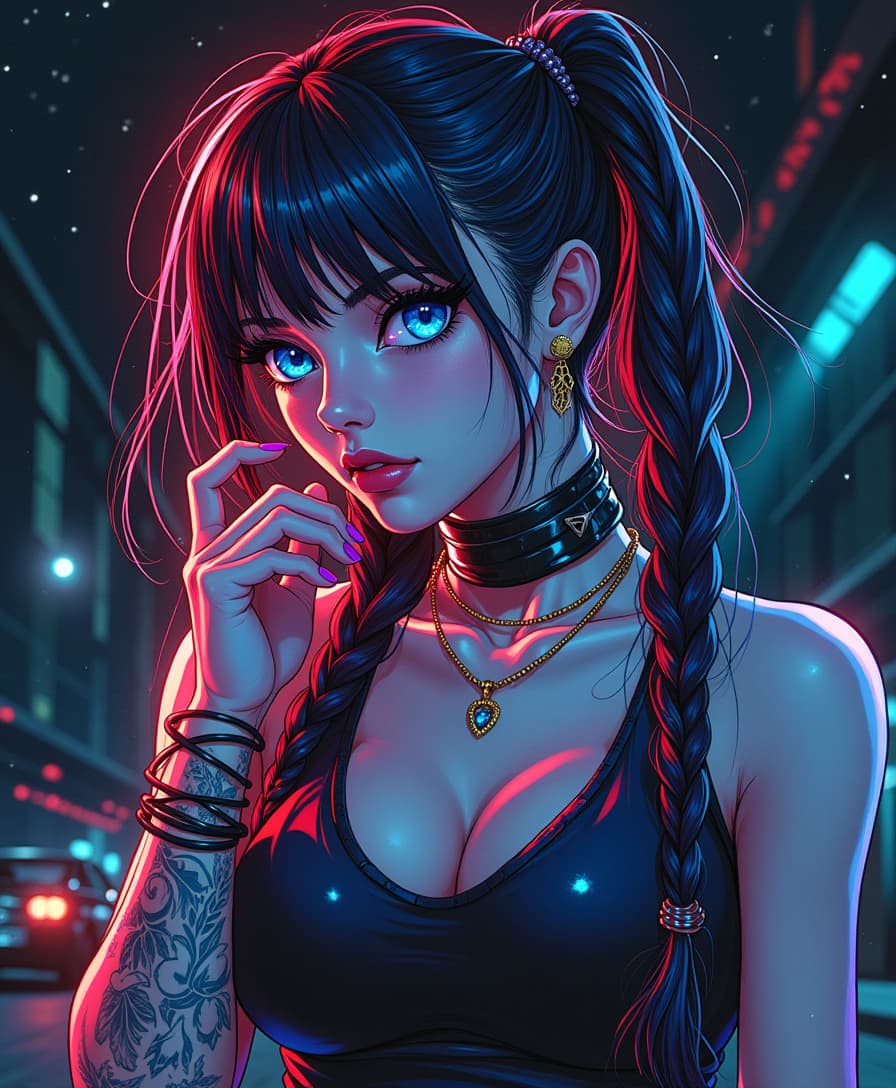
Upload the images of the subjects you want to include. WAN 2.7 supports multiple image inputs to create a unified composition.
Step 3: Enter Your Prompt and Generate
Describe the desired scene or context for your subjects. The AI will process your inputs and generate a cohesive image.
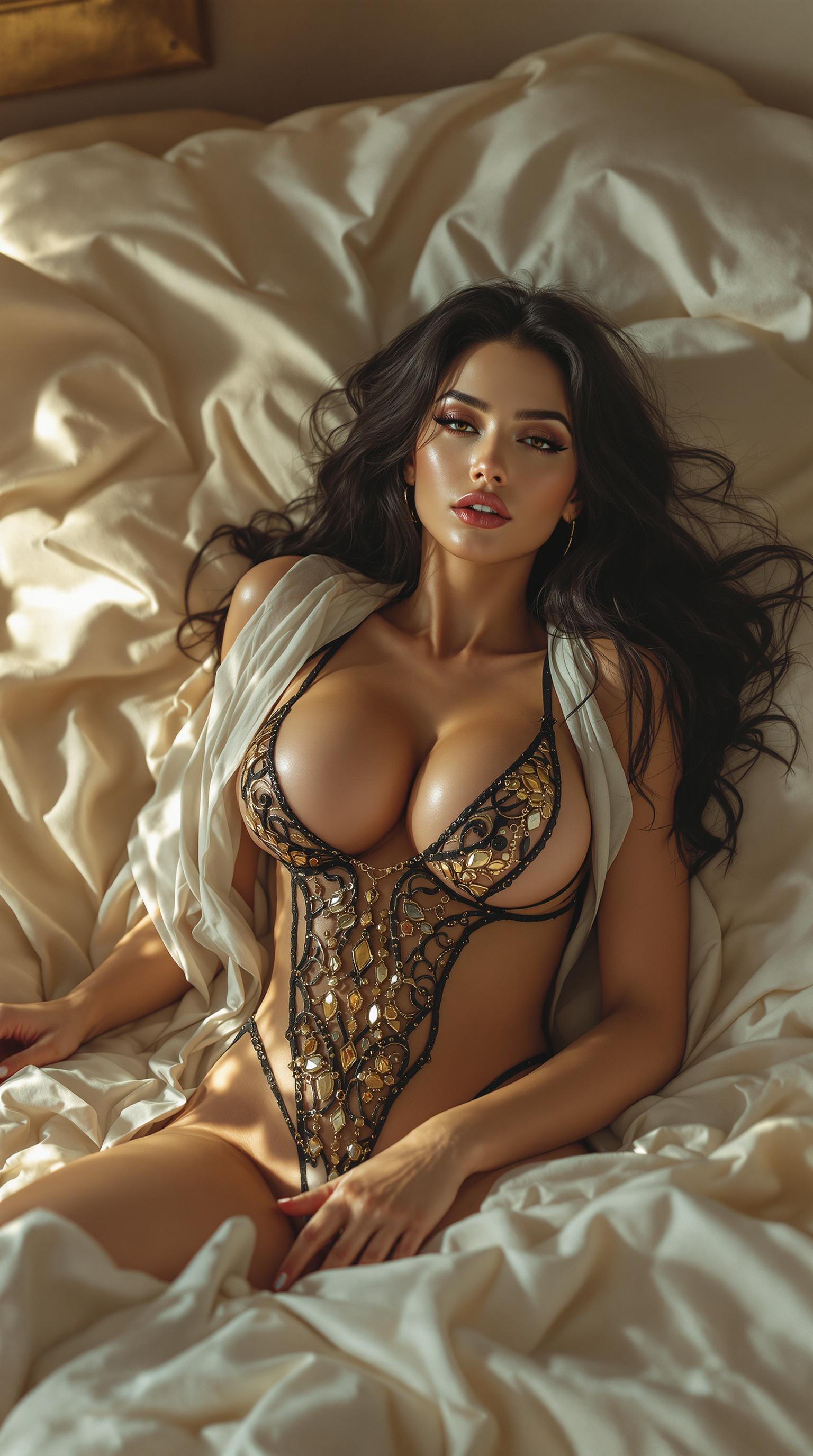
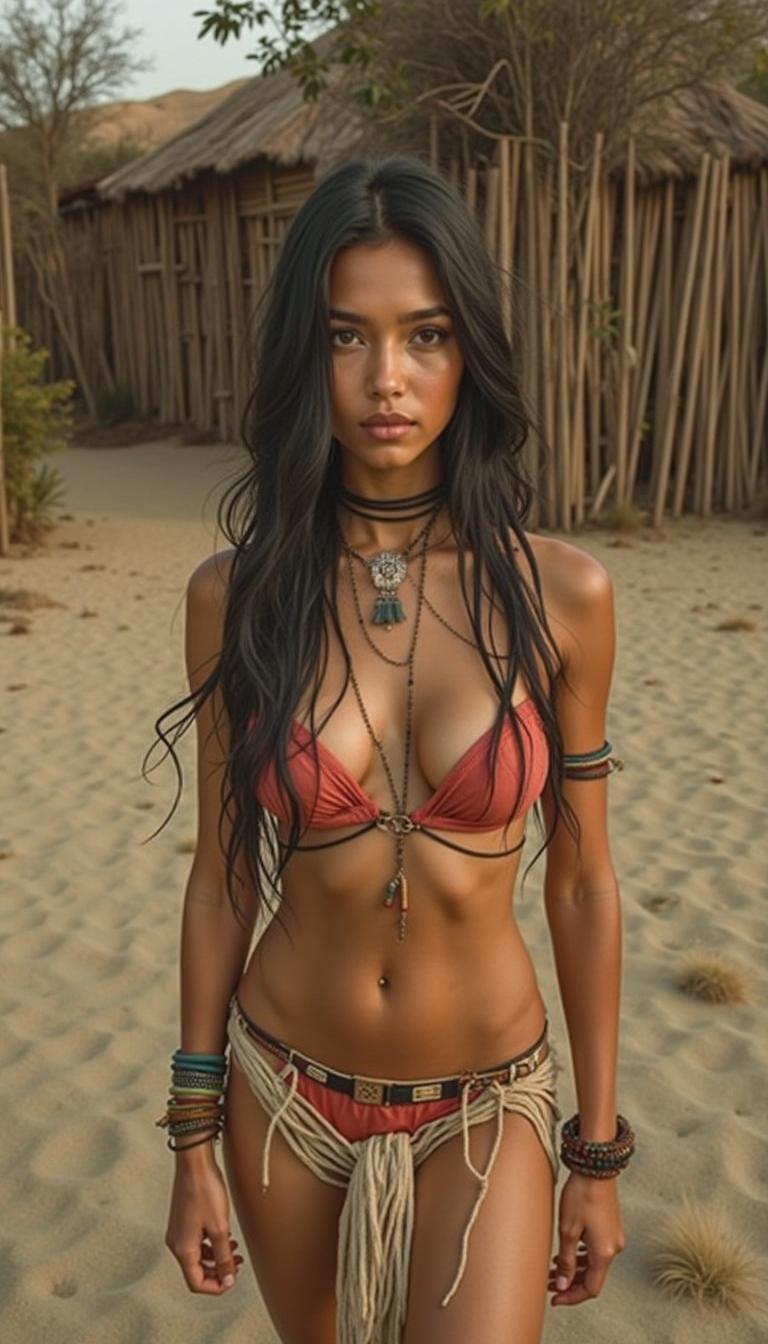
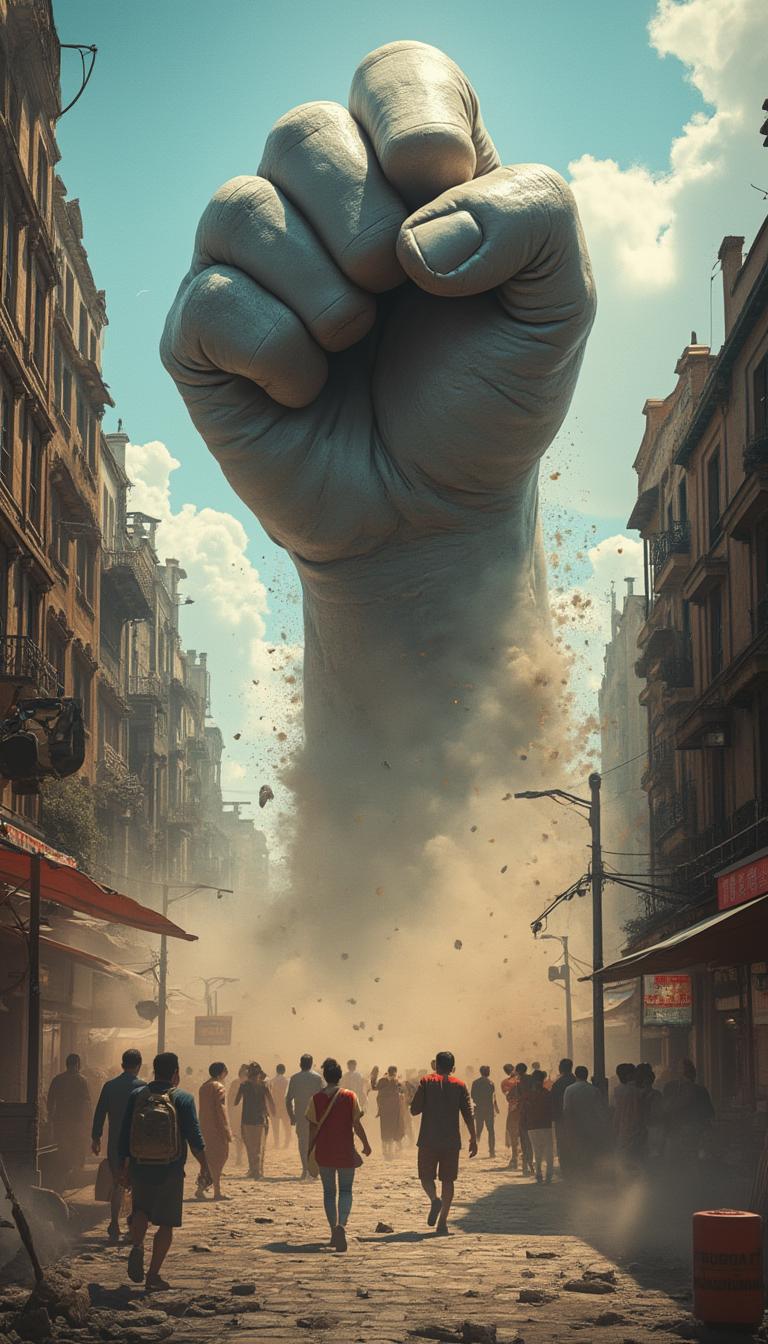
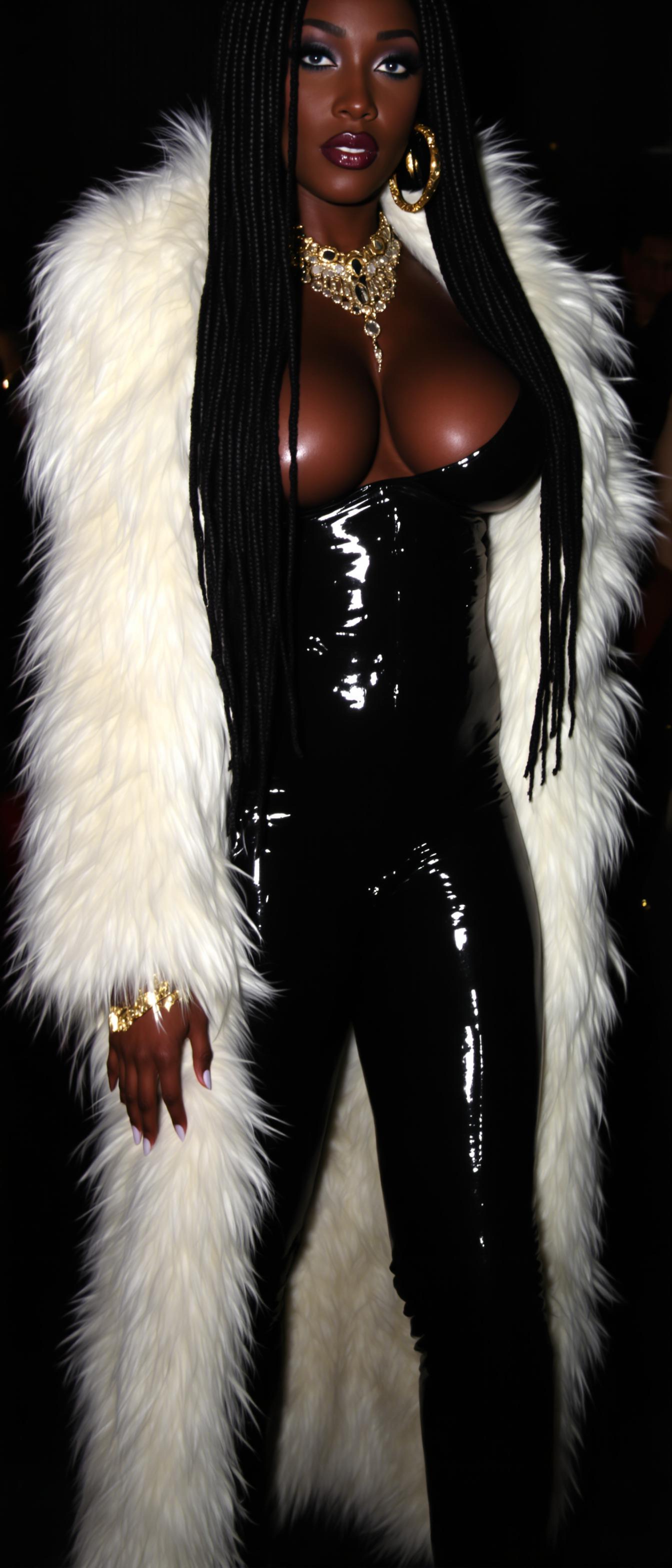
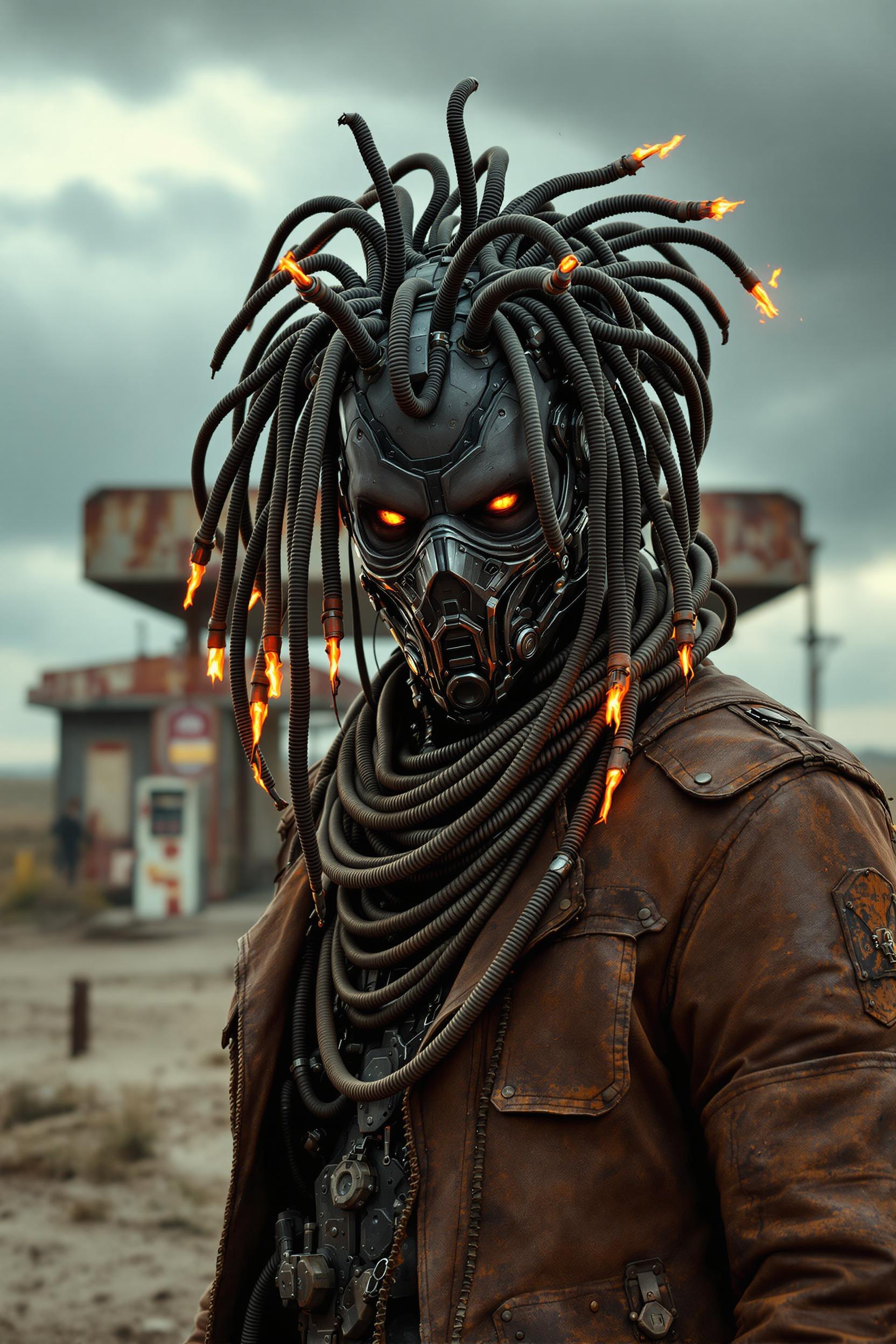
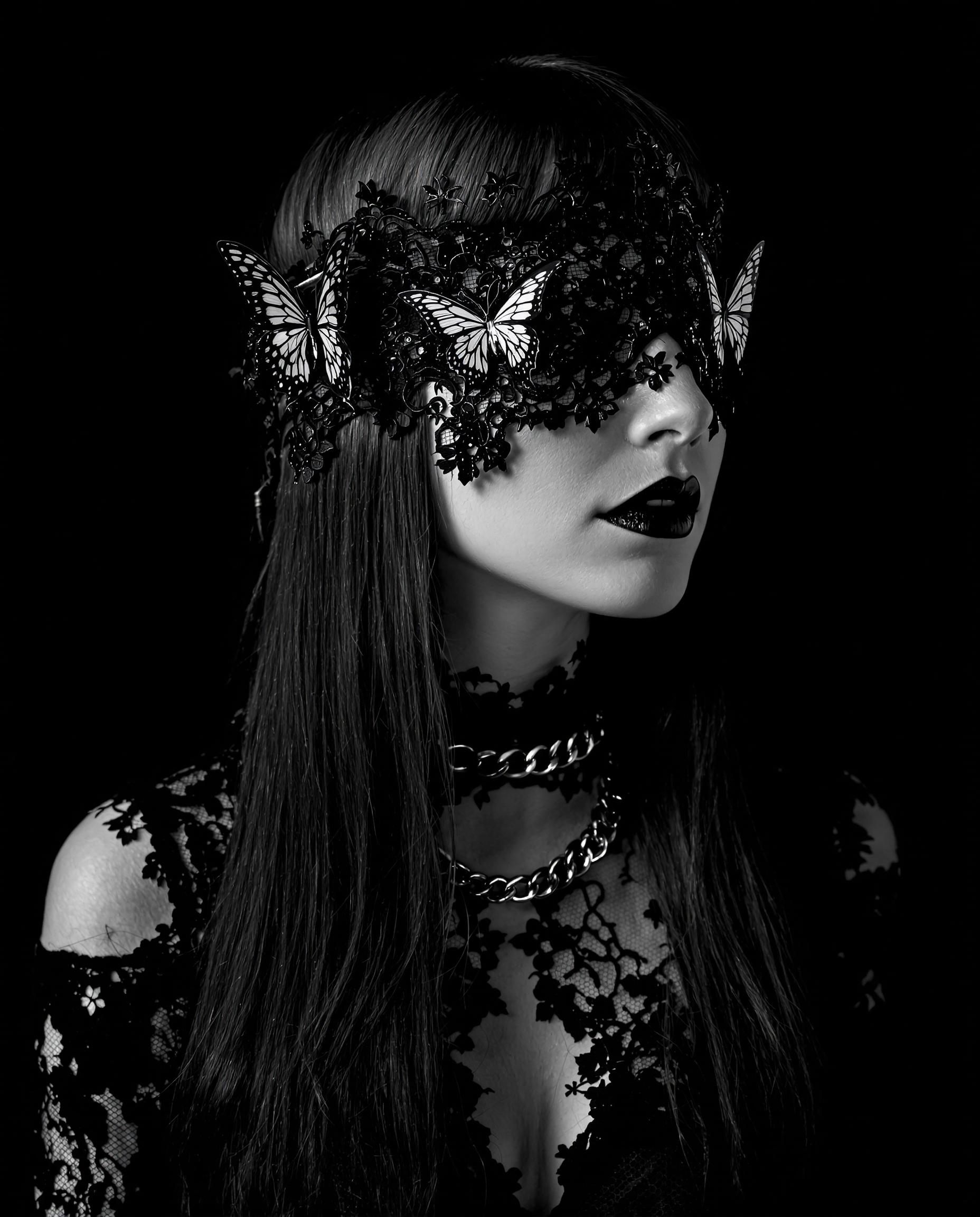
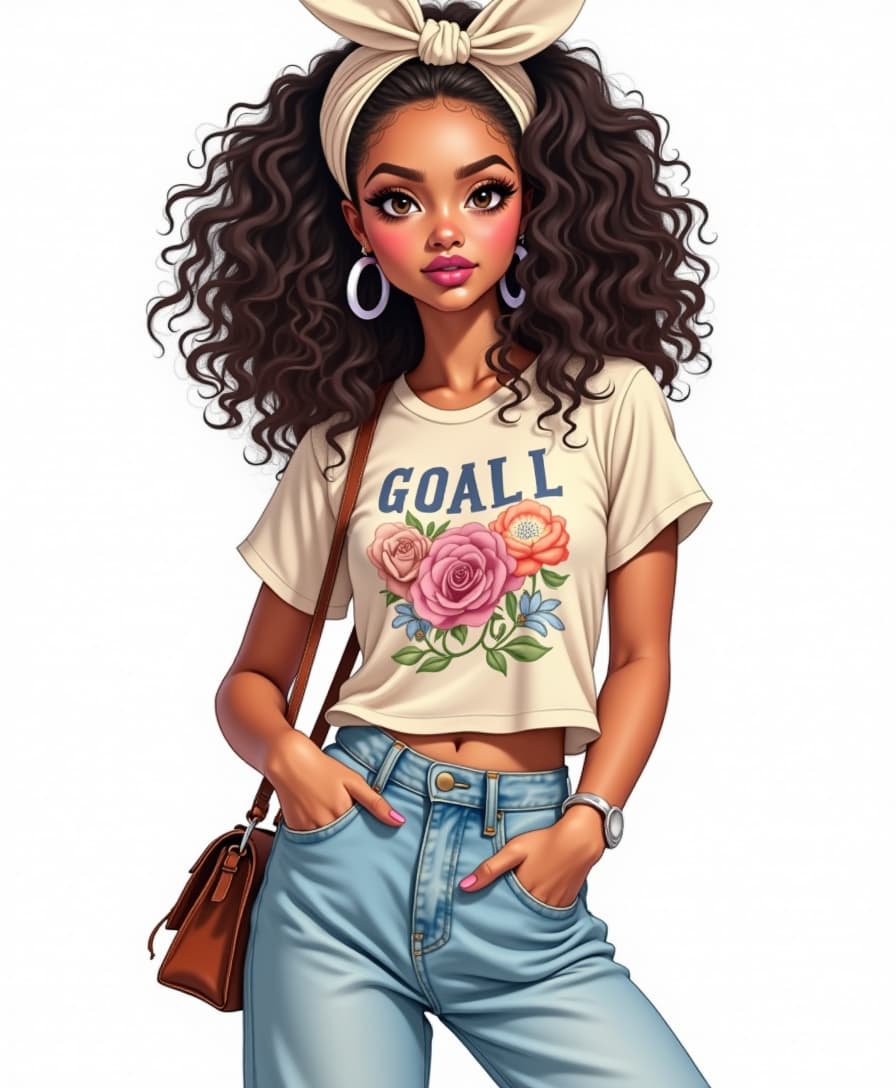
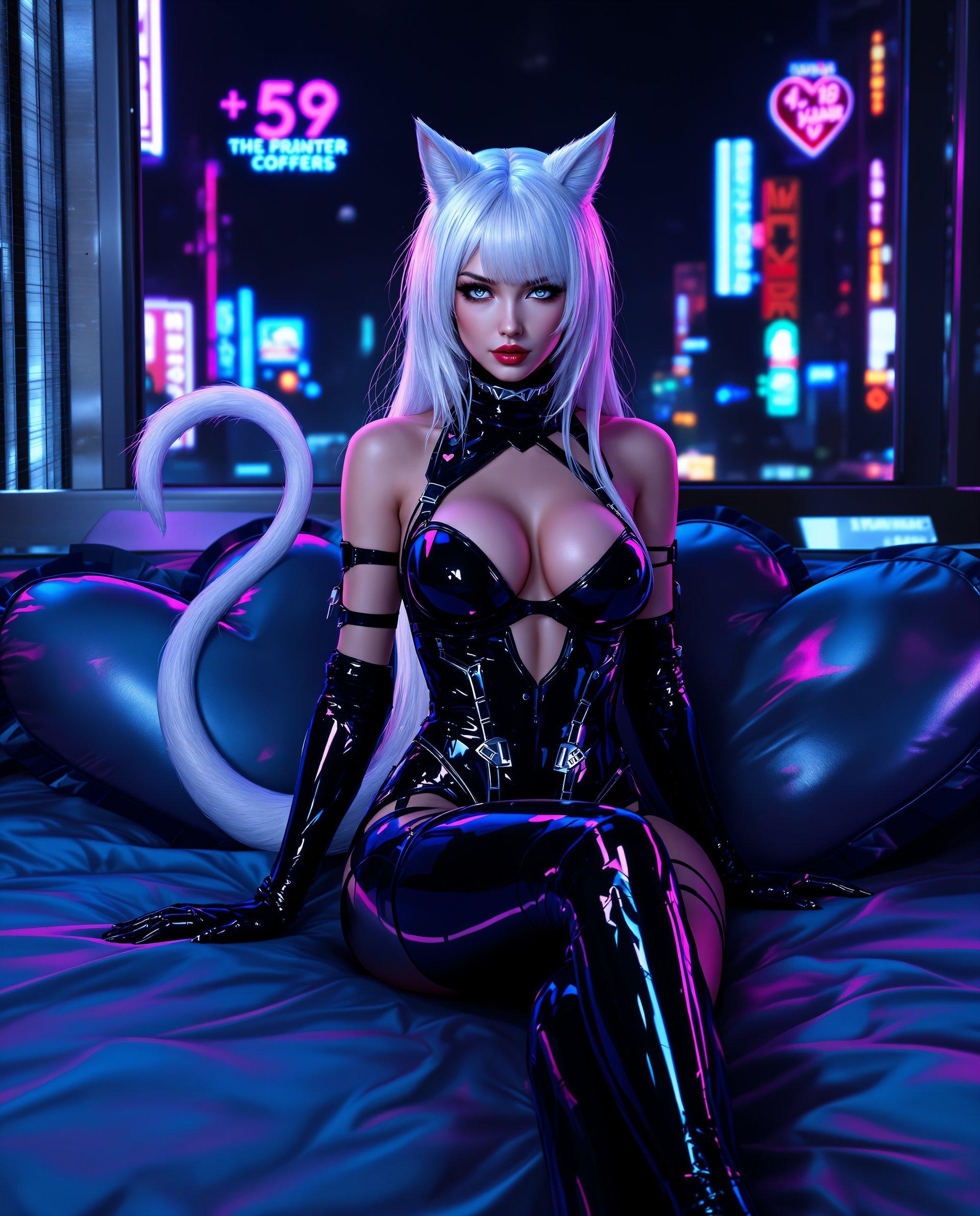
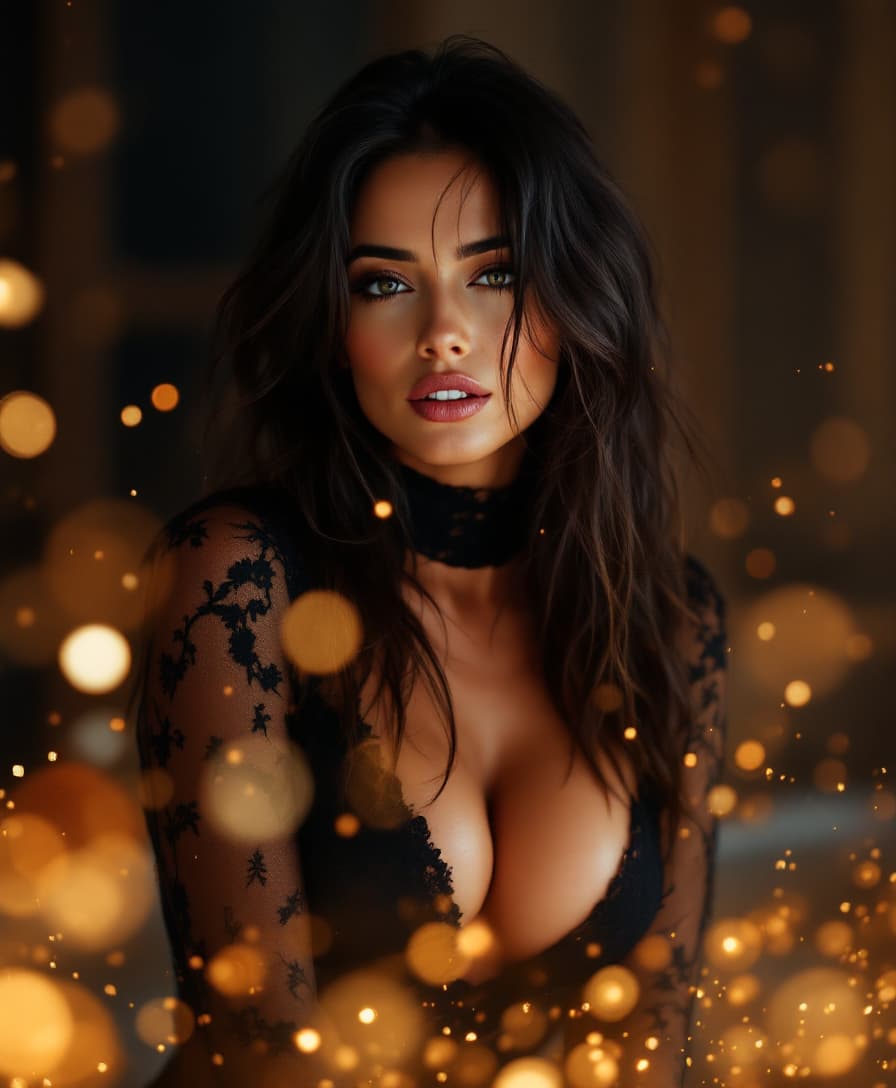
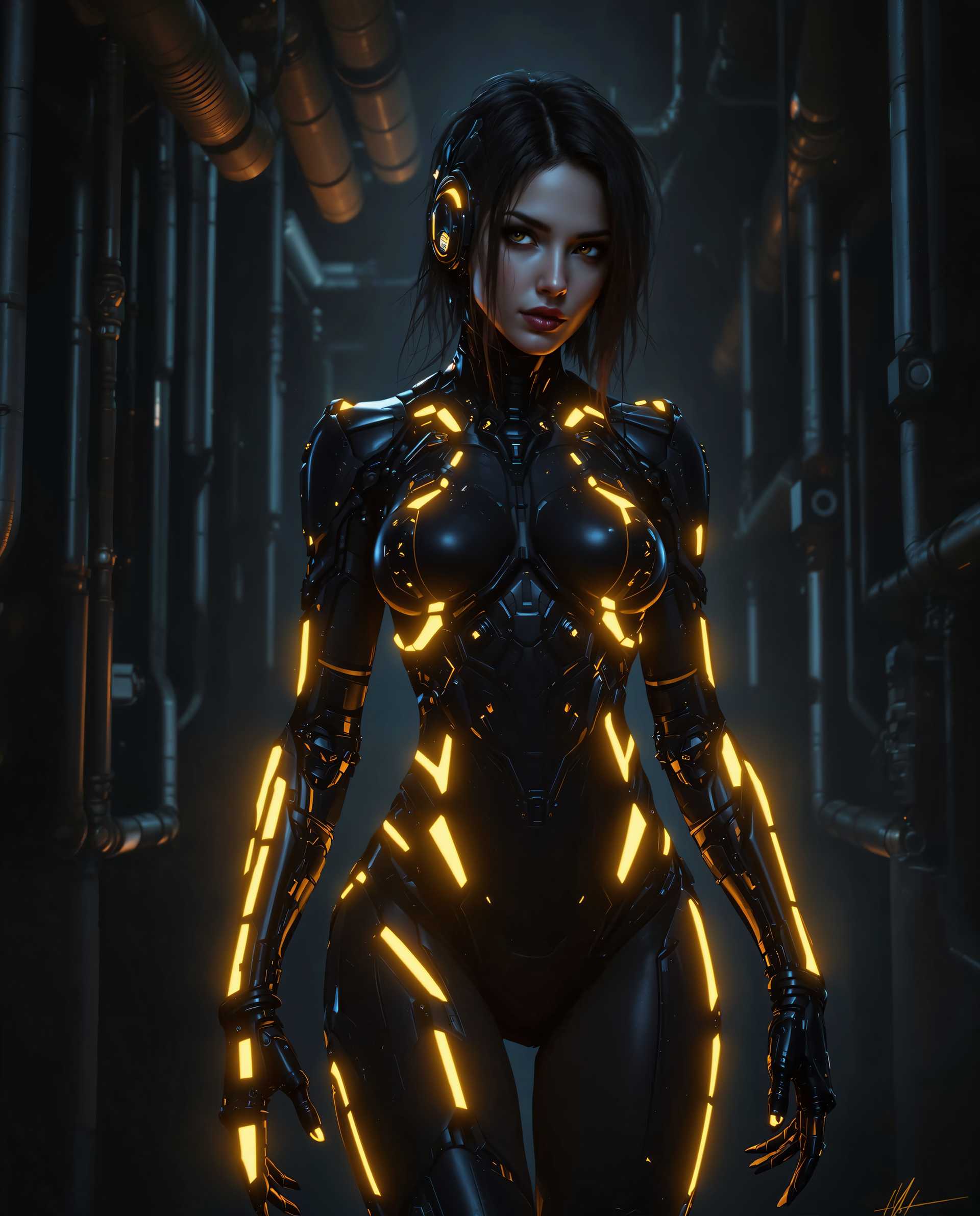
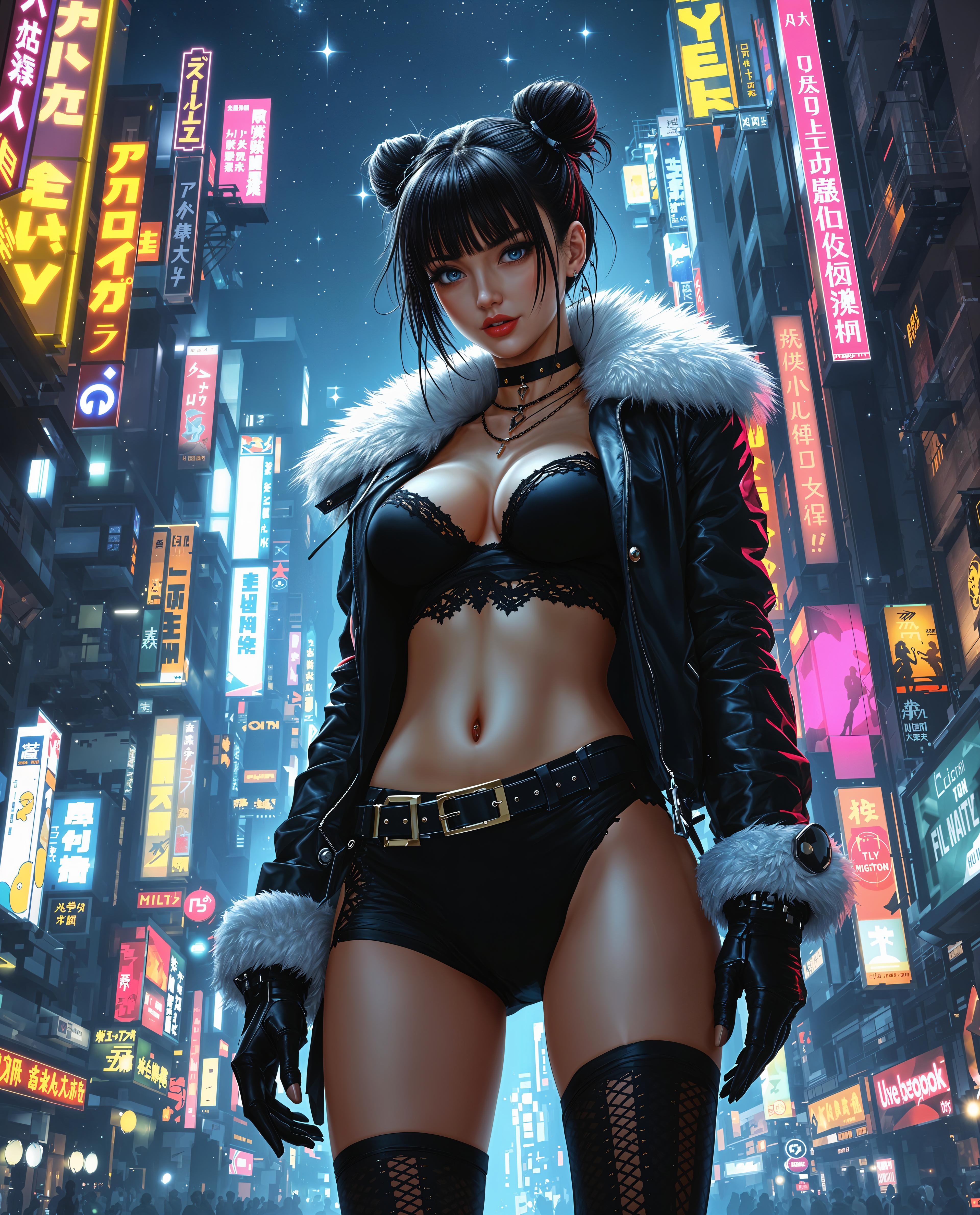
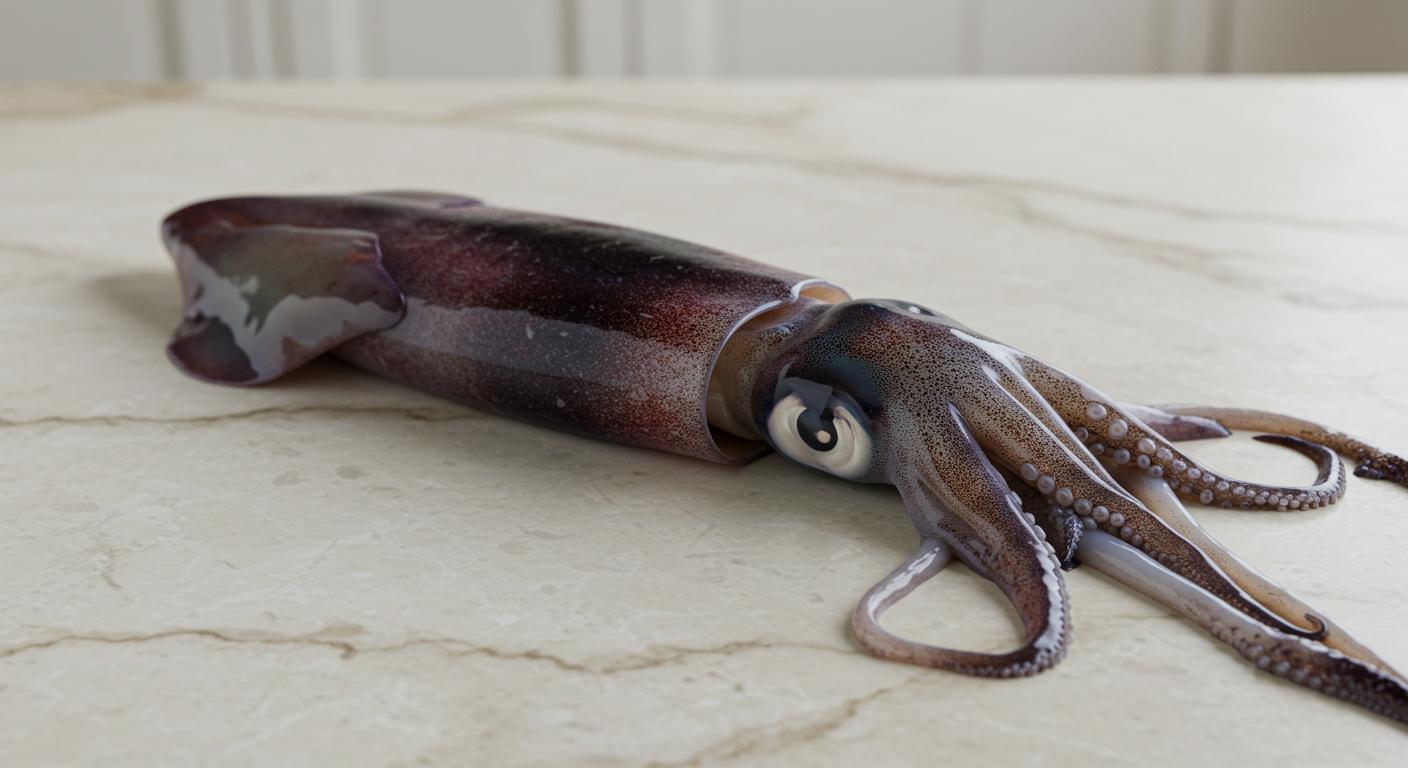

The Pixel Dojo Advantage
Why PixelDojo outperforms other options for multi-subject image generation
| Others | Pixel Dojo |
|---|---|
| Traditional Photo Editing | Eliminates the need for manual compositing and extensive editing skills. |
| Generic AI Tools | Specifically designed for multi-subject integration, ensuring better coherence and quality. |
| Stock Images | Provides unique, customized images tailored to your specific needs, avoiding generic visuals. |
Loved by Creators
See what our community says about WAN 2.7 multi subject reference
"PixelDojo's WAN 2.7 has revolutionized our content creation process. We can now produce high-quality images featuring multiple subjects in a fraction of the time."
Alex Johnson
Marketing Director
"As a designer, integrating multiple elements into a single image used to be a tedious task. With WAN 2.7, it's seamless and the results are stunning."
Maria Lopez
Graphic Designer
Common Questions
Everything you need to know about WAN 2.7 multi subject reference AI generation
How does WAN 2.7 handle multiple subjects in an image?
WAN 2.7 utilizes advanced AI algorithms to analyze and blend multiple reference images into a cohesive composition, ensuring natural integration and photorealistic results.
Can I specify the arrangement of subjects in the generated image?
Yes, by providing detailed prompts, you can guide the AI on the positioning and interaction of subjects within the scene.
What file formats are supported for input images?
WAN 2.7 supports common image formats such as JPEG, PNG, and WebP for input images.
Is there a limit to the number of subjects I can include?
While WAN 2.7 can handle multiple subjects, for optimal results, it's recommended to limit the number to ensure clarity and coherence in the final image.
Can I edit the generated image after creation?
Yes, PixelDojo offers additional tools like 'Image to Image' and 'Inpainting' for further editing and refinement of your generated images.
Do I need any prior experience with AI tools to use WAN 2.7?
No, WAN 2.7 is designed with user-friendliness in mind, allowing both beginners and professionals to create stunning images effortlessly.