WAN 2.7 reference image editing AI Generator
Unlock the full potential of your images with WAN 2.7's reference image editing capabilities. Whether you're a marketer aiming to create compelling visuals, a content creator seeking consistency, or a designer looking to streamline your workflow, WAN 2.7 empowers you to achieve professional-grade results with ease.
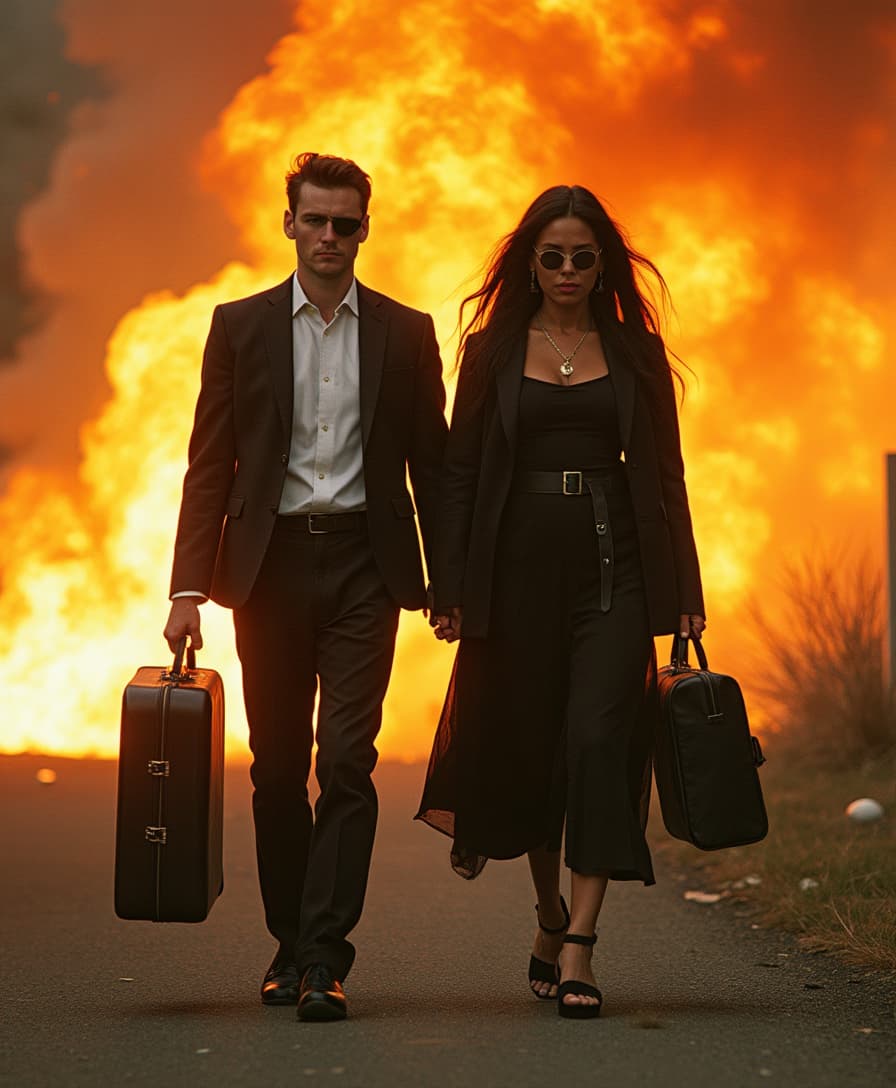
Join over 500,000 active users who have generated more than 10 million videos and images using WAN 2.7, boasting a 4.9 user rating.
Why Choose Pixel Dojo for WAN 2.7 reference image editing
Professional-quality results with cutting-edge AI technology
Achieve Consistent Visuals
Maintain character and scene consistency across multiple images, ensuring a cohesive visual narrative.
Save Time with Efficient Editing
Make precise modifications without starting from scratch, reducing production time and effort.
Enhance Image Quality
Utilize high-resolution outputs up to 1080p, delivering crystal-clear visuals suitable for professional use.
How It Works
Creating stunning images with WAN 2.7 is a straightforward process. Follow these steps to transform your visuals:
Step 1: Upload Your Reference Image
Select and upload the image you wish to edit or use as a reference.
Step 2: Enter Your Editing Instructions
Provide clear, natural language instructions detailing the desired changes.
Step 3: Generate and Download
Let WAN 2.7 process your request and generate the edited image, ready for download.

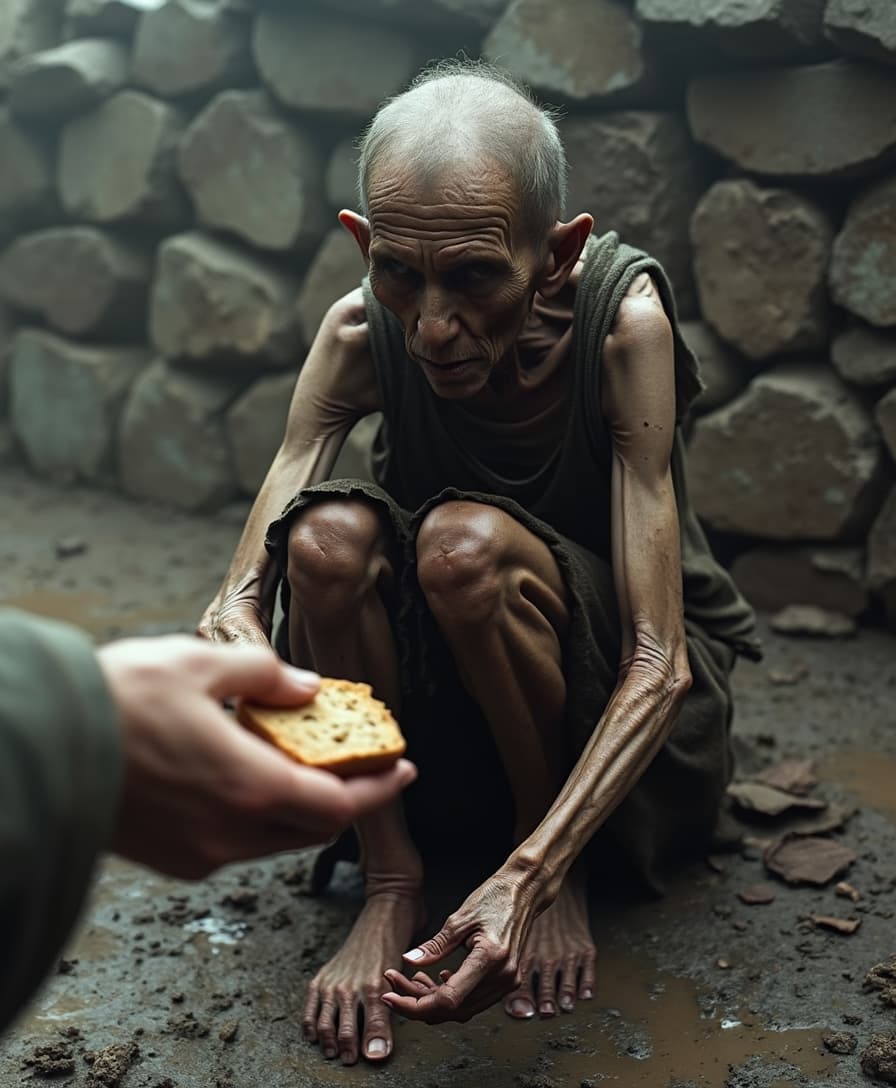
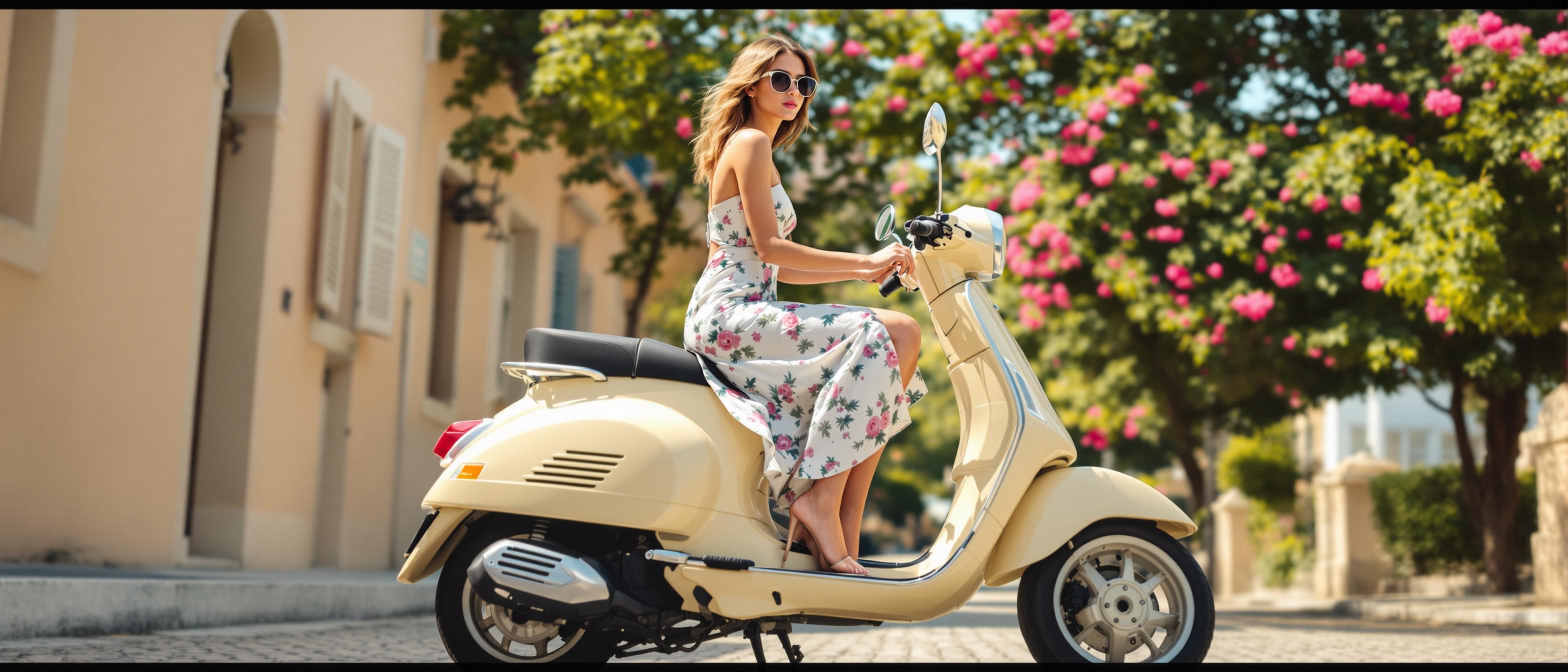
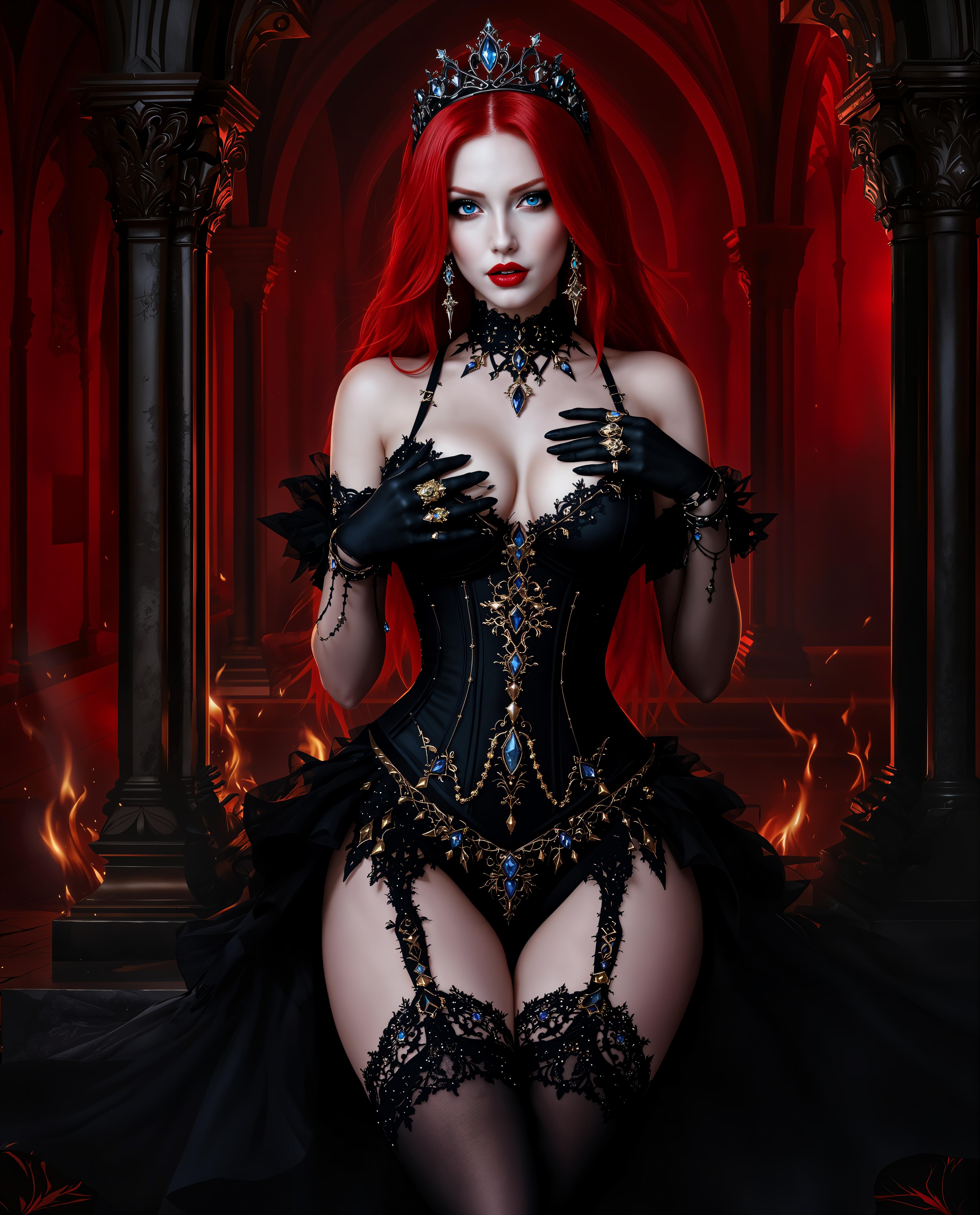

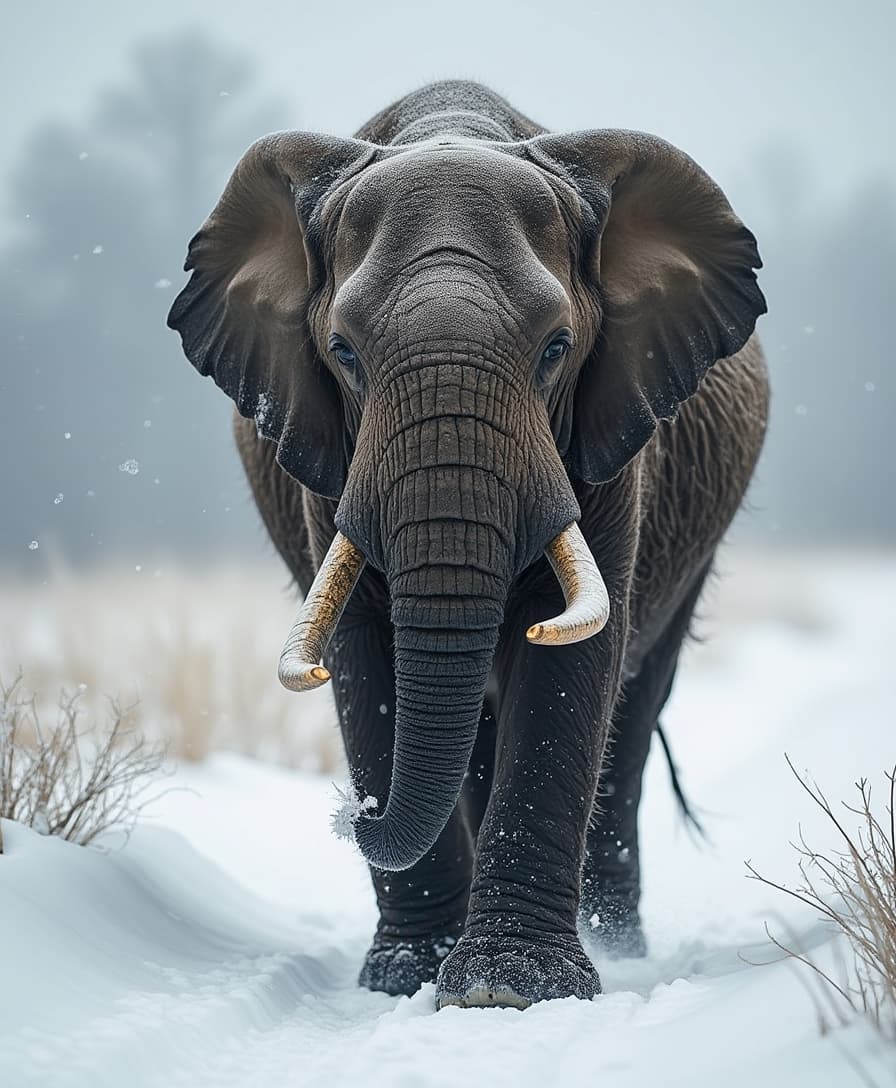
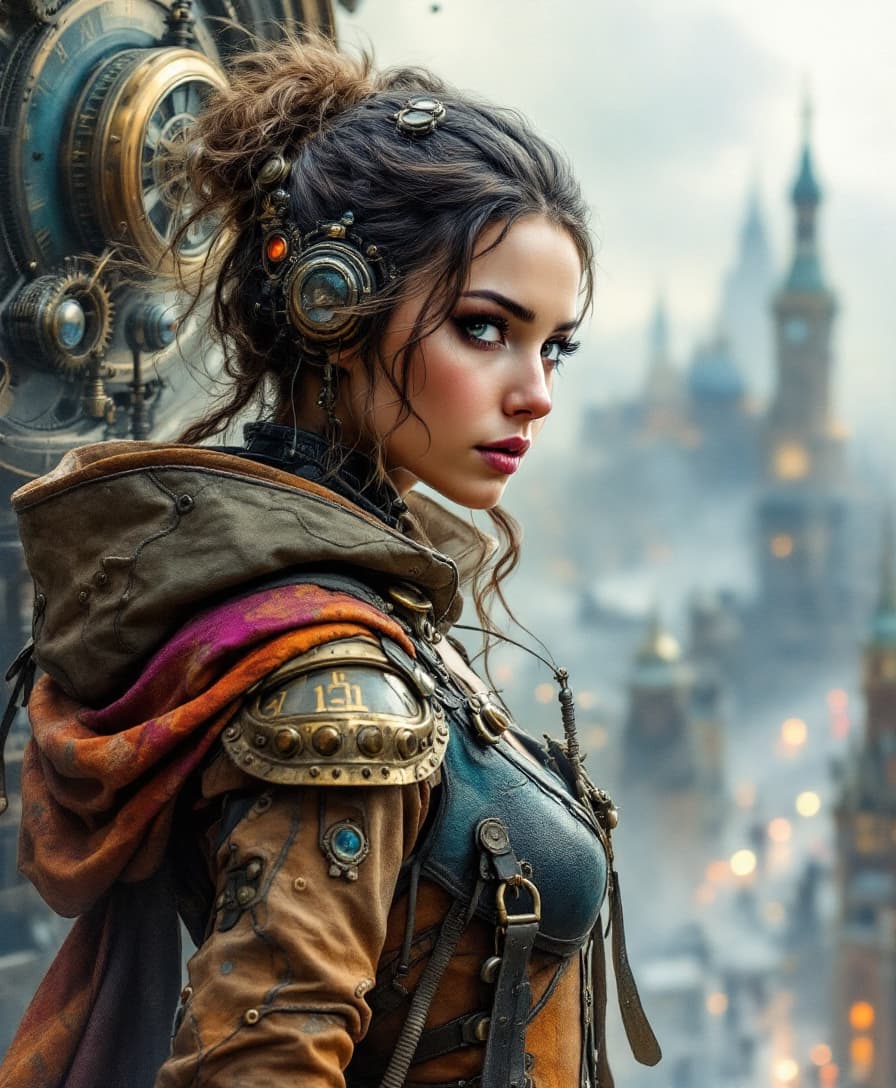
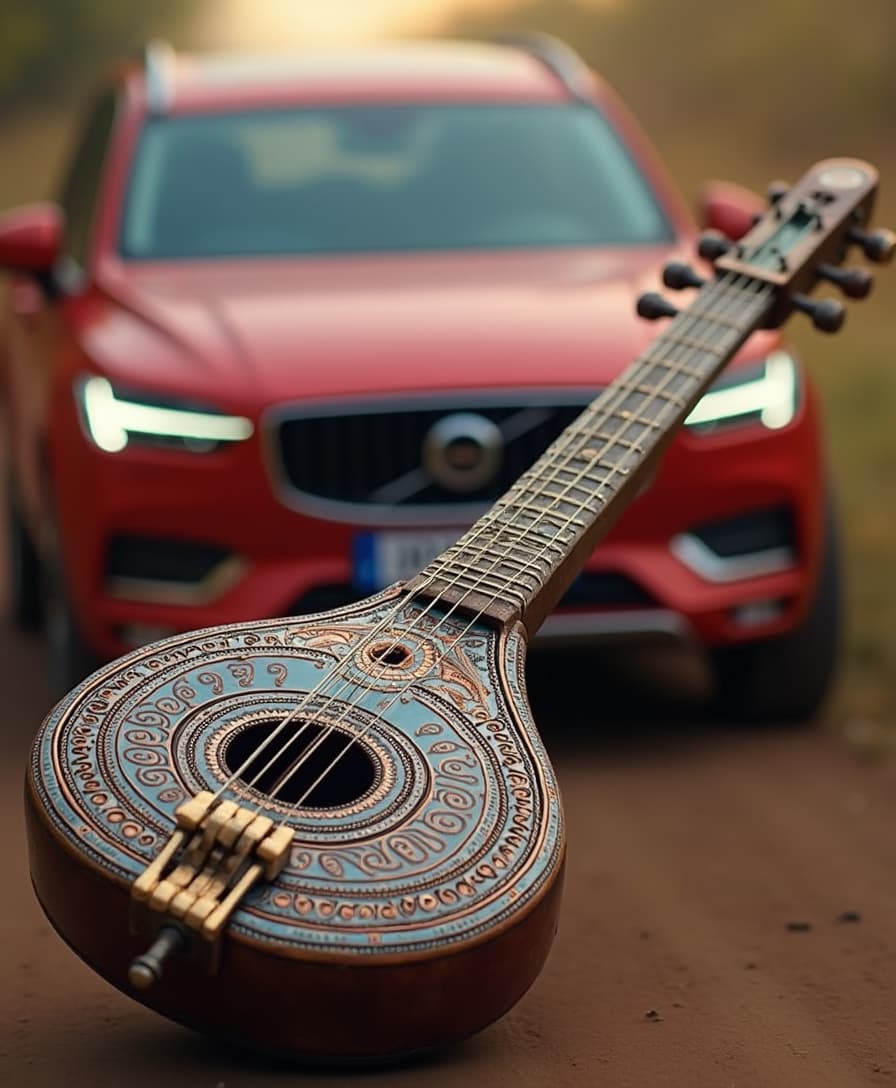
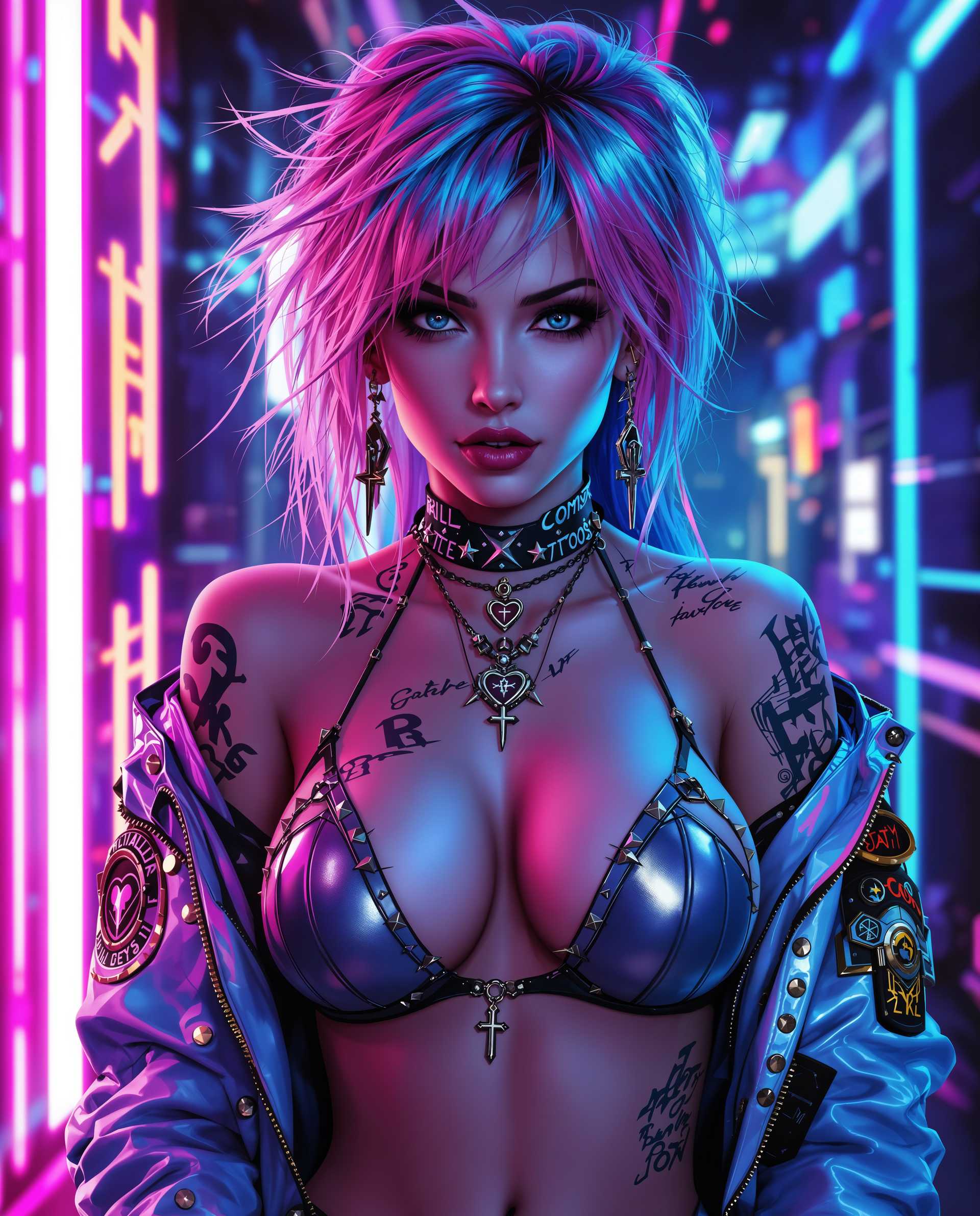
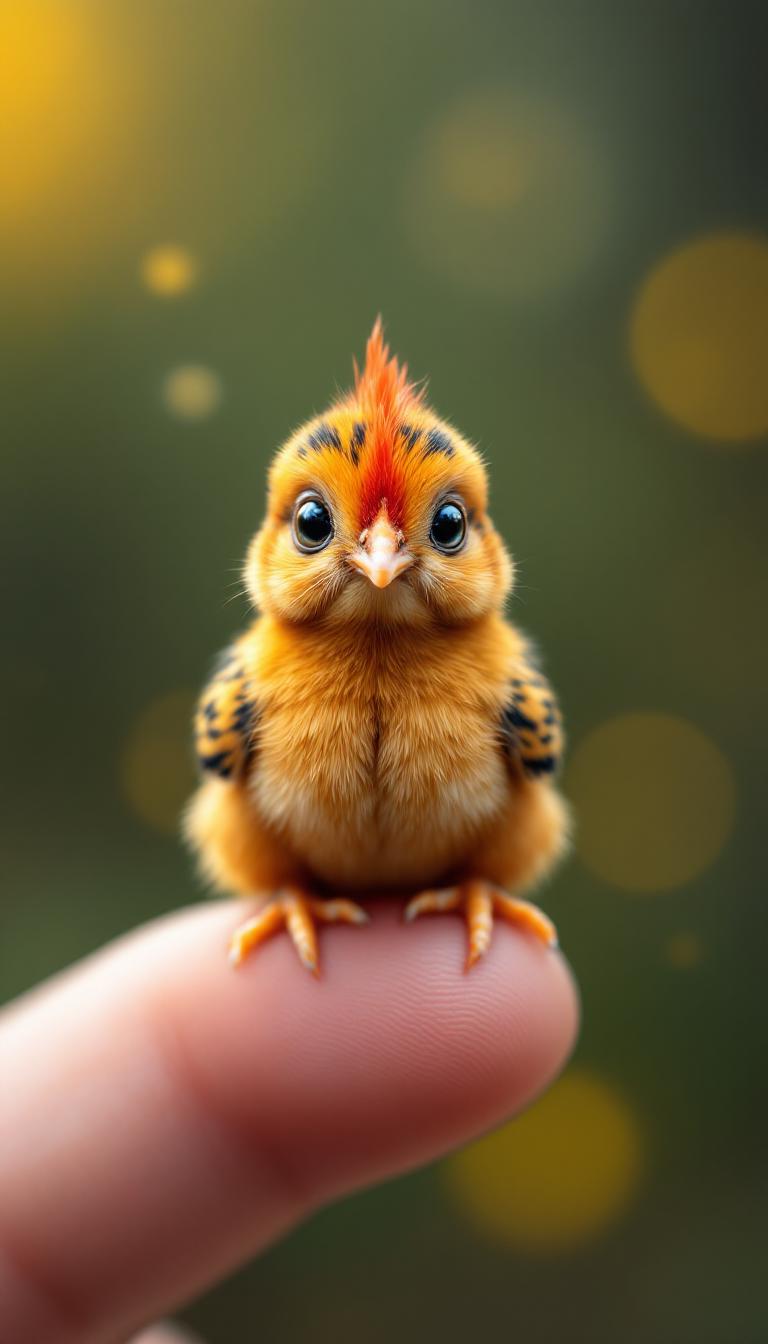
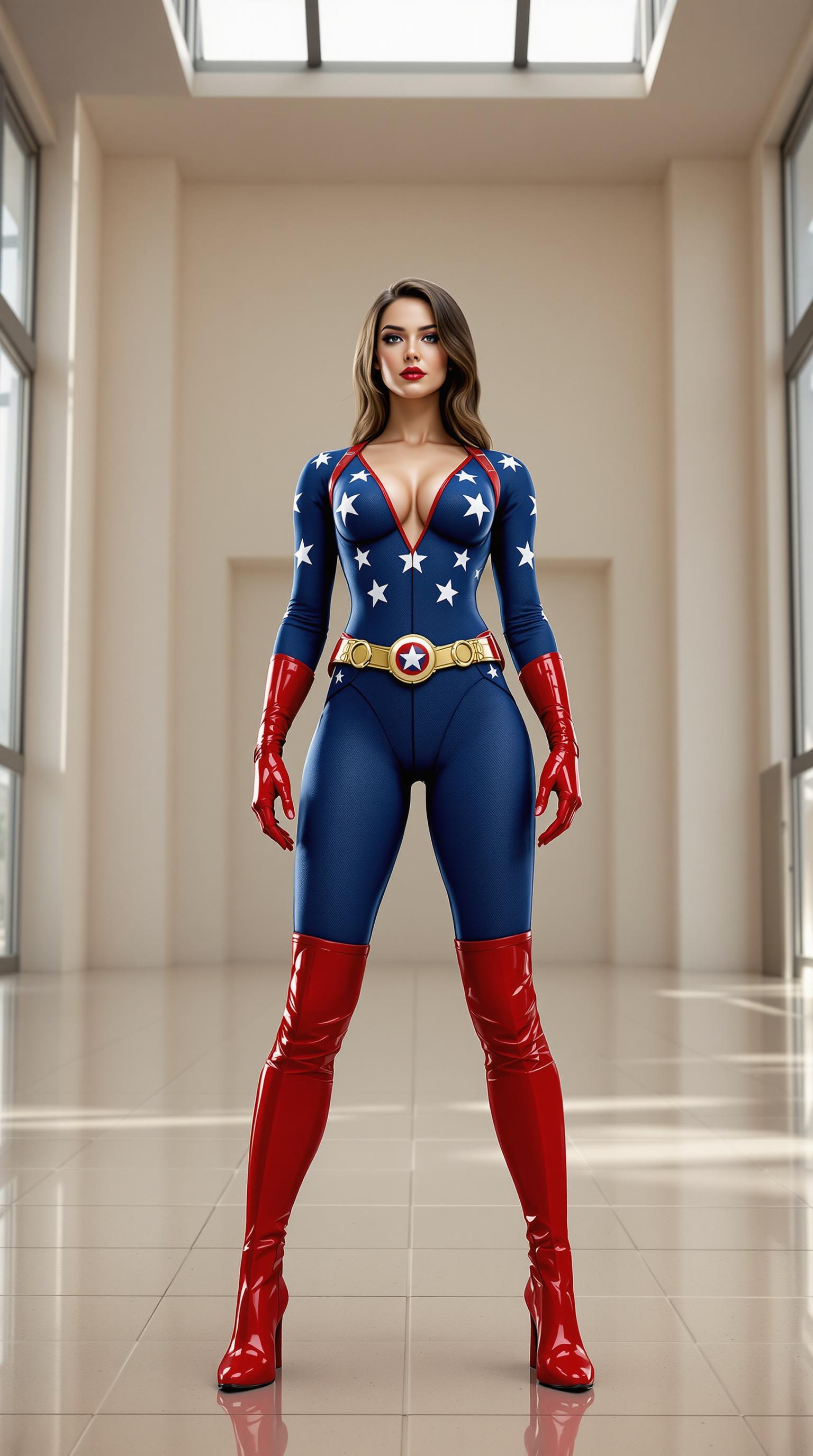
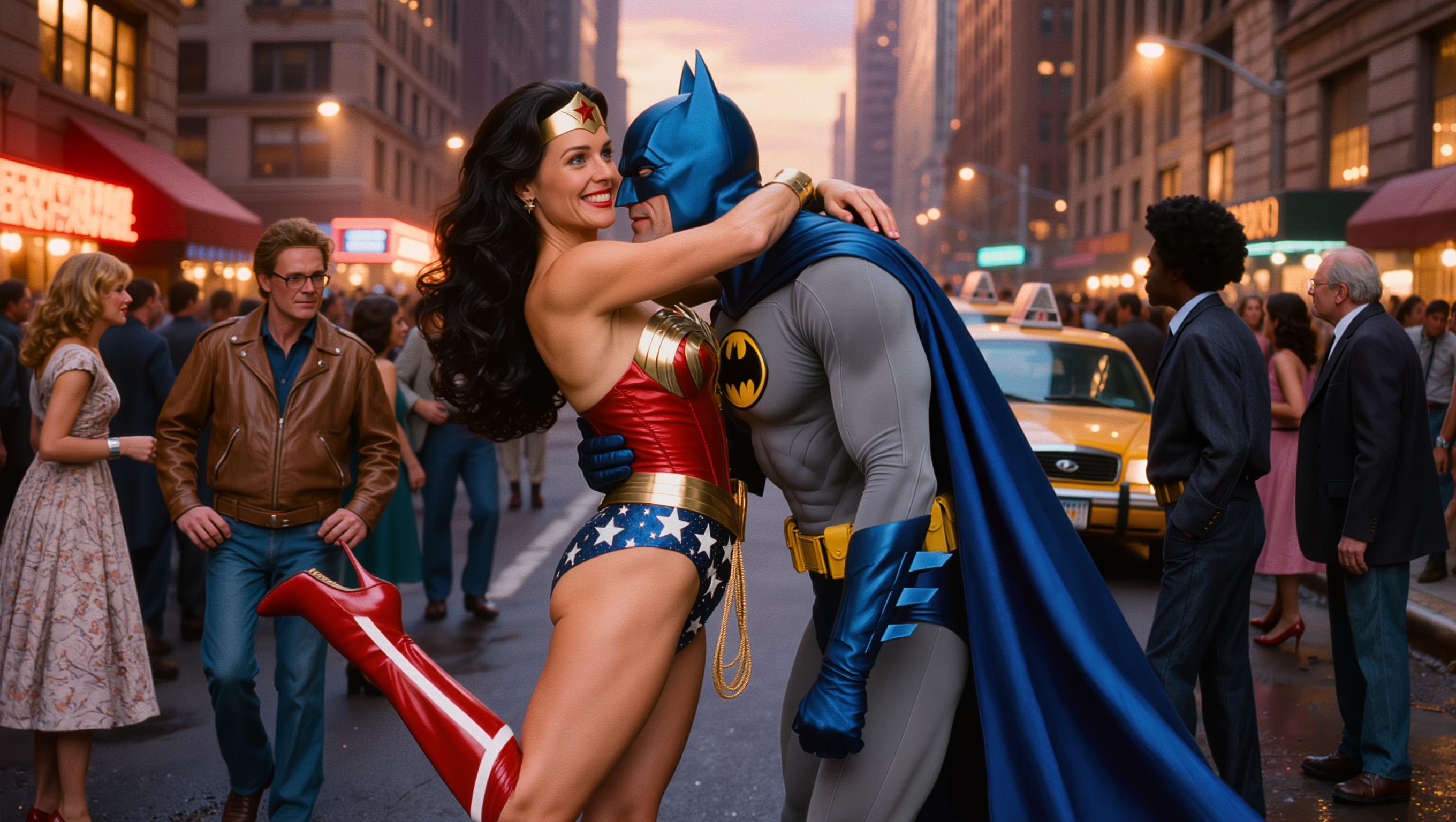

The Pixel Dojo Advantage
Why choose WAN 2.7 for your image editing needs?
| Others | Pixel Dojo |
|---|---|
| Traditional Photo Editing Software | Eliminate the learning curve and time-consuming manual edits with AI-powered automation. |
| Generic AI Tools | Benefit from WAN 2.7's advanced features like instruction-based editing and multi-reference integration for superior control. |
| Manual Graphic Design | Achieve high-quality results without the need for extensive design skills or resources. |
Loved by Creators
See what our community says about WAN 2.7 reference image editing
"WAN 2.7 has revolutionized our content creation process, allowing us to produce consistent and high-quality visuals effortlessly."
Alex Johnson
Marketing Director
"The instruction-based editing feature is a game-changer. I can make precise changes without starting over, saving me hours of work."
Samantha Lee
Content Creator
Common Questions
Everything you need to know about WAN 2.7 reference image editing AI generation
How does WAN 2.7's instruction-based editing work?
WAN 2.7 allows you to provide natural language instructions to modify specific elements of your image, such as changing backgrounds or adjusting lighting, without altering other parts of the image.
Can I use multiple reference images in WAN 2.7?
Yes, WAN 2.7 supports multi-reference integration, enabling you to combine elements from up to five different images for complex compositions.
What is the maximum resolution output in WAN 2.7?
WAN 2.7 can generate images up to 1080p resolution, ensuring high-quality outputs suitable for professional use.
Is WAN 2.7 suitable for beginners?
Absolutely. WAN 2.7's user-friendly interface and natural language processing make it accessible for users of all skill levels.
Can I edit videos with WAN 2.7?
While WAN 2.7 specializes in image editing, it also offers video editing capabilities, including instruction-based video editing and video recreation features.
What file formats does WAN 2.7 support?
WAN 2.7 supports common image formats such as JPEG and PNG for input and output, ensuring compatibility with various platforms and devices.