Wan AI image prototyping AI Generator
Bring your creative visions to life with PixelDojo's WAN 2.6, an advanced AI tool designed to generate high-quality image prototypes effortlessly. Whether you're a designer, marketer, or entrepreneur, WAN 2.6 empowers you to produce professional-grade visuals without the need for extensive resources or technical expertise.
Join over 50,000 creators who have generated more than 2 million images using WAN 2.6. Rated 4.9/5 stars on Product Hunt, with users praising its efficiency and quality.
Why Choose Pixel Dojo for Wan AI image prototyping
Professional-quality results with cutting-edge AI technology
Rapid Prototyping
Generate high-quality image prototypes in seconds, accelerating your creative workflow and reducing time-to-market.
Cost Efficiency
Eliminate the need for expensive photoshoots and design resources by leveraging AI-generated images.
Creative Freedom
Explore unlimited design possibilities and iterate quickly to find the perfect visual representation of your ideas.
How It Works
Creating AI-generated image prototypes with WAN 2.6 is simple and intuitive. Follow these steps to transform your concepts into stunning visuals:
Step 1: Select WAN 2.6 Tool
Log in to your PixelDojo account and choose the WAN 2.6 tool from the available AI options.
Step 2: Input Your Description
Enter a detailed description of the image you want to create. The more specific your input, the more accurate the generated prototype will be.
Step 3: Generate and Refine
Click 'Generate' to produce the image. Use the editing tools to make any necessary adjustments to align the prototype with your vision.




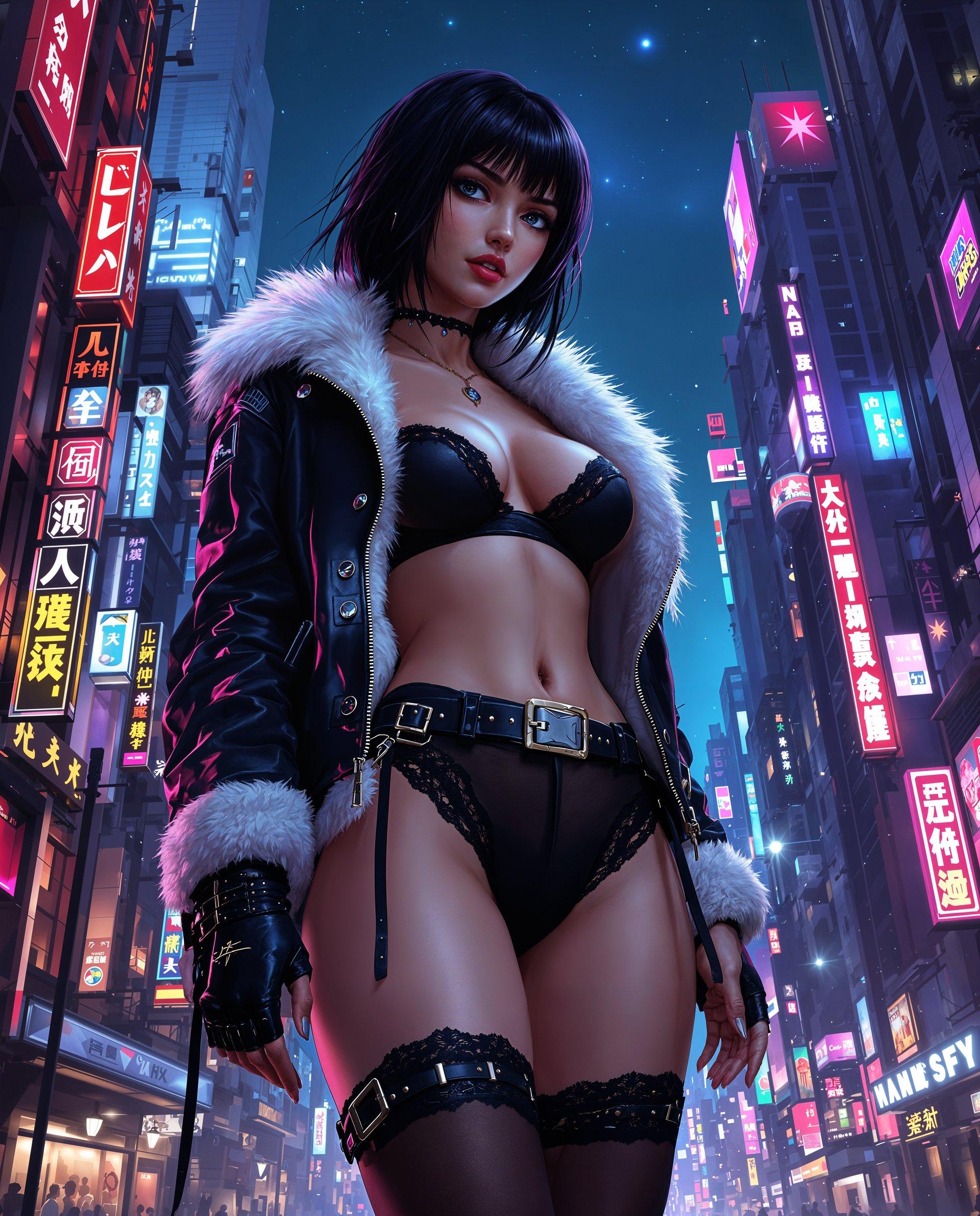
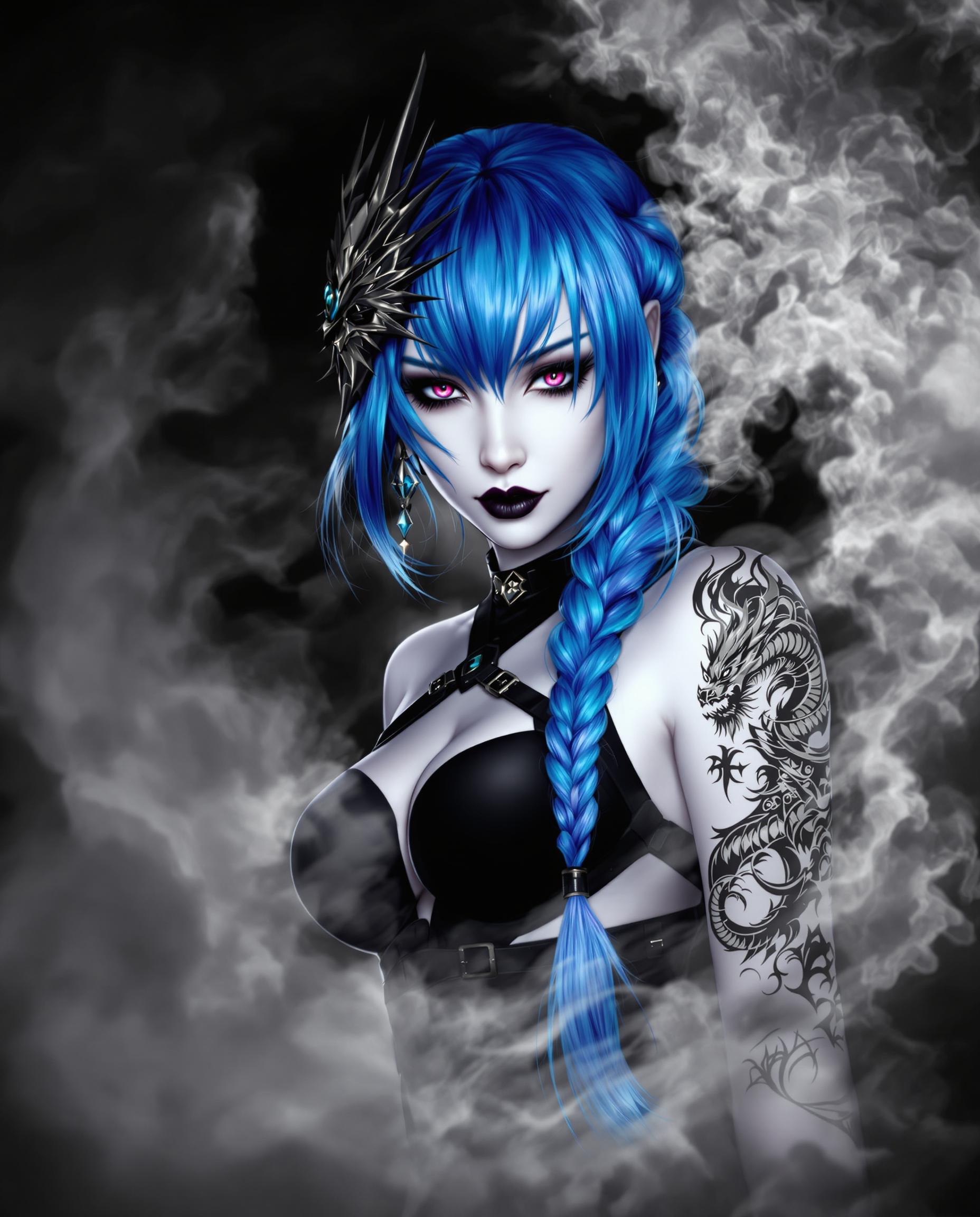



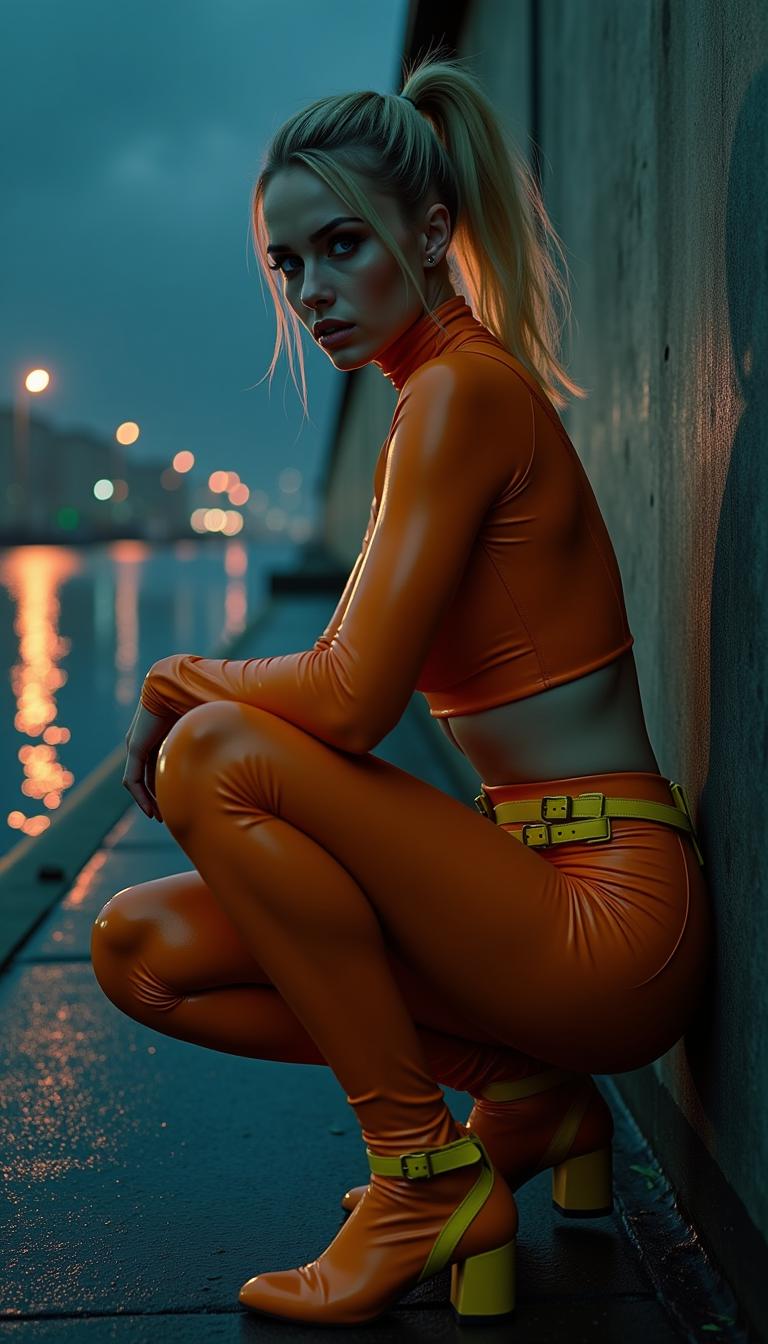

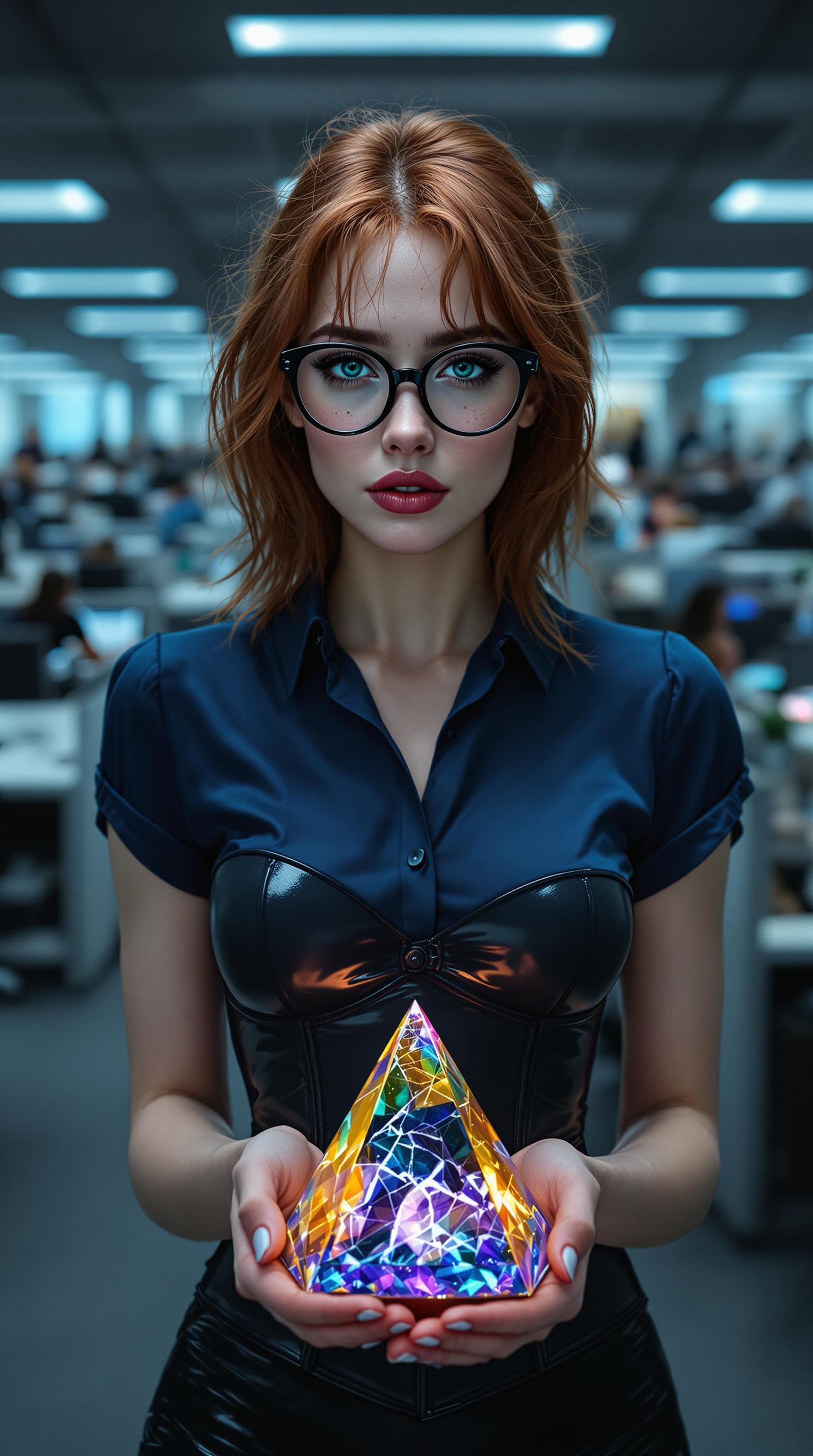
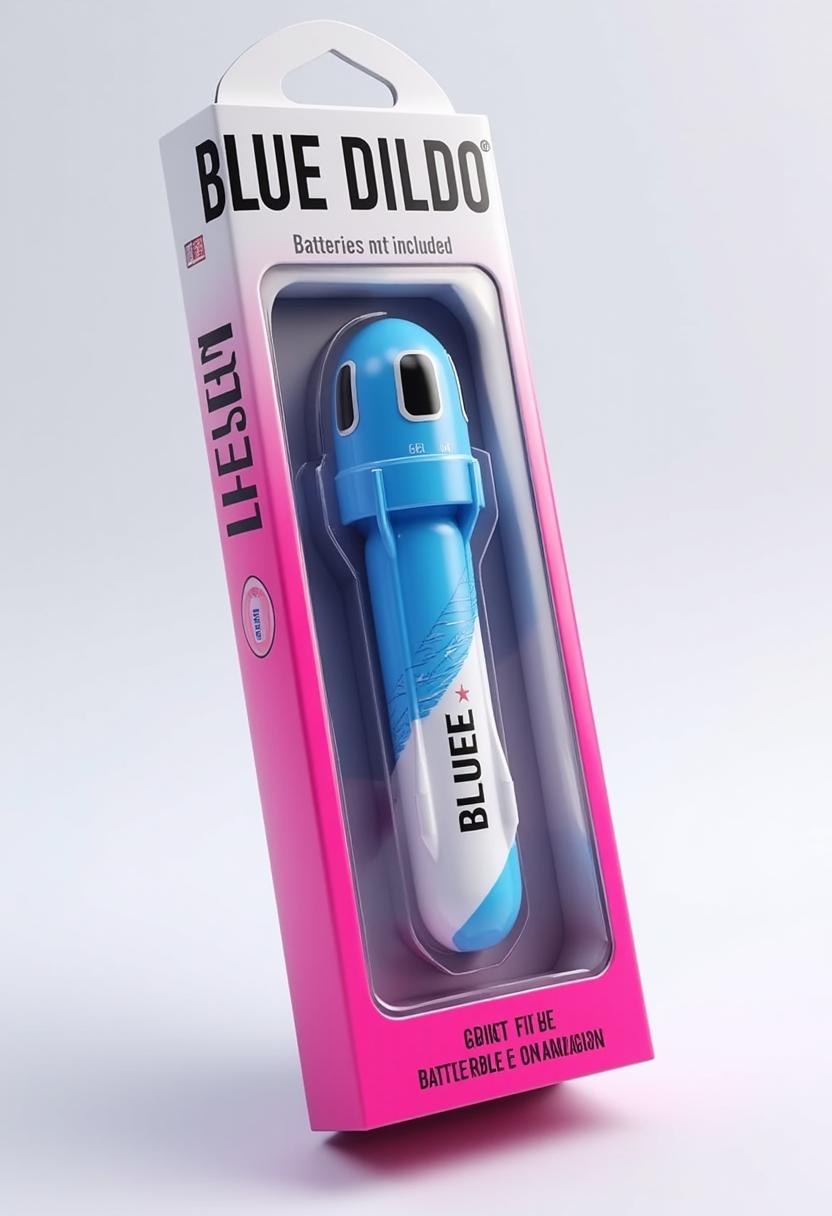
The Pixel Dojo Advantage
Why PixelDojo's WAN 2.6 stands out for AI image prototyping:
| Others | Pixel Dojo |
|---|---|
| Traditional Prototyping Methods | Save time and resources by generating prototypes instantly without the need for physical materials or extensive manual work. |
| Generic AI Tools | Benefit from specialized features tailored for high-quality image prototyping, ensuring more accurate and relevant results. |
| Manual Design Processes | Eliminate the steep learning curve and time investment associated with traditional design software by using an intuitive AI-powered platform. |
Loved by Creators
See what our community says about Wan AI image prototyping
"PixelDojo's WAN 2.6 has revolutionized our design process, allowing us to create high-quality prototypes in a fraction of the time."
Alex Johnson
Product Designer
"As a marketer, WAN 2.6 enables me to produce compelling visuals without relying on a design team, streamlining our campaign development."
Samantha Lee
Marketing Manager
Common Questions
Everything you need to know about Wan AI image prototyping AI generation
How does WAN 2.6 improve the prototyping process?
WAN 2.6 accelerates the prototyping process by generating high-quality images based on your descriptions, reducing the need for manual design work and enabling rapid iteration.
Can I customize the generated images?
Yes, after generating an image, you can use PixelDojo's editing tools to refine and customize the prototype to better fit your needs.
Is WAN 2.6 suitable for beginners?
Absolutely. WAN 2.6 is designed with an intuitive interface, making it accessible for users of all skill levels to create professional-grade prototypes.
What types of images can I create with WAN 2.6?
You can create a wide range of images, including product designs, architectural visualizations, marketing materials, and more, tailored to your specific requirements.
How does WAN 2.6 ensure the quality of generated images?
WAN 2.6 utilizes advanced AI algorithms trained on diverse datasets to produce high-resolution, realistic images that meet professional standards.
Is there a limit to the number of images I can generate?
PixelDojo offers various subscription plans to suit different needs, with options for unlimited image generation. You can choose the plan that best fits your requirements.