What's new Wan 2.6 image AI Generator
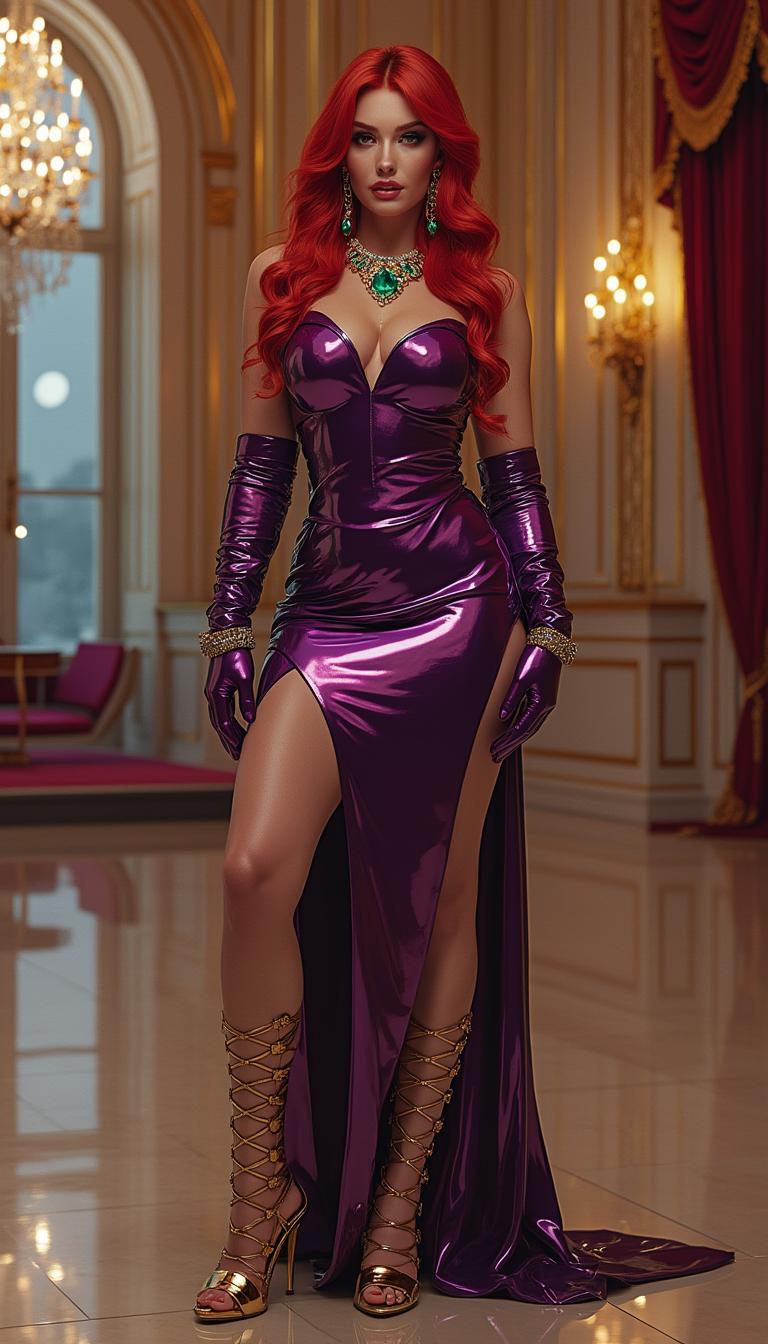
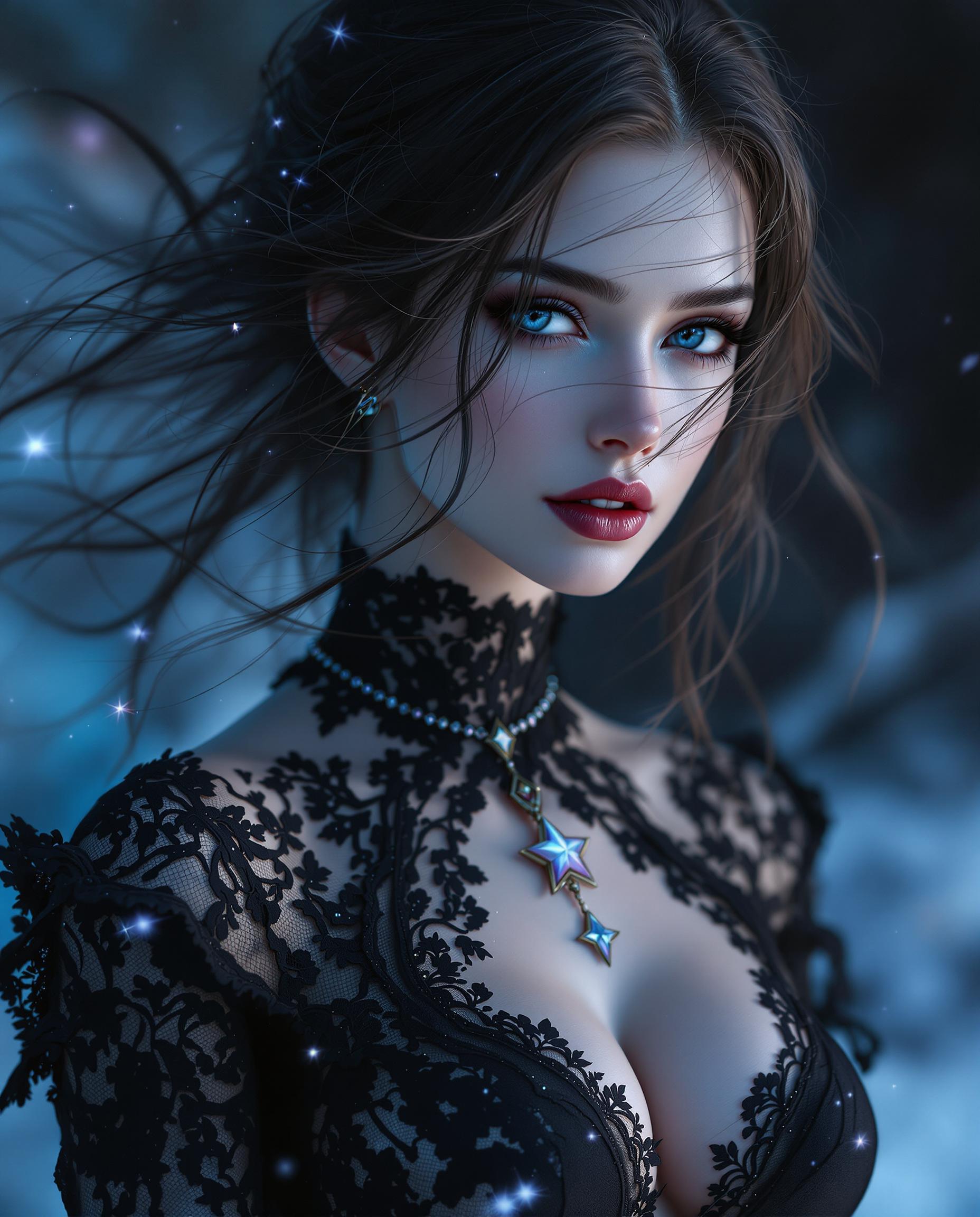
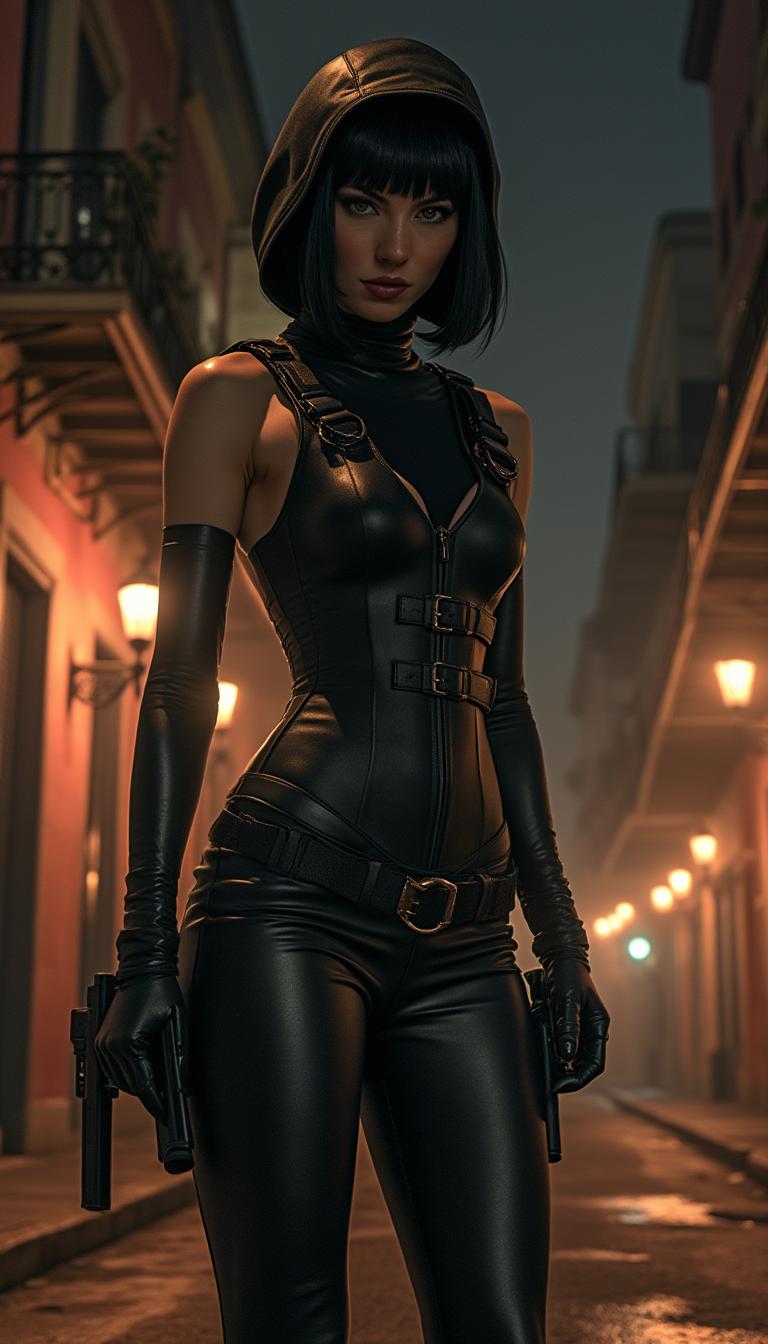
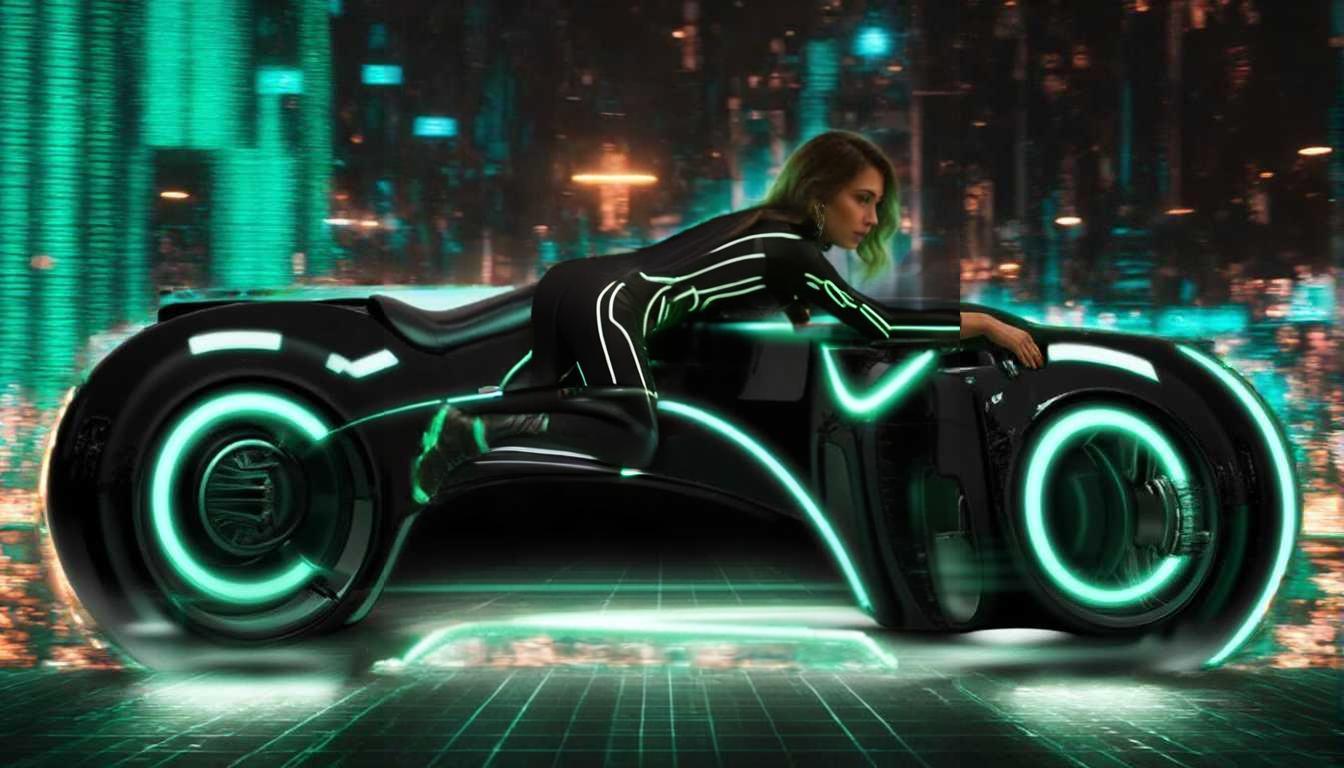
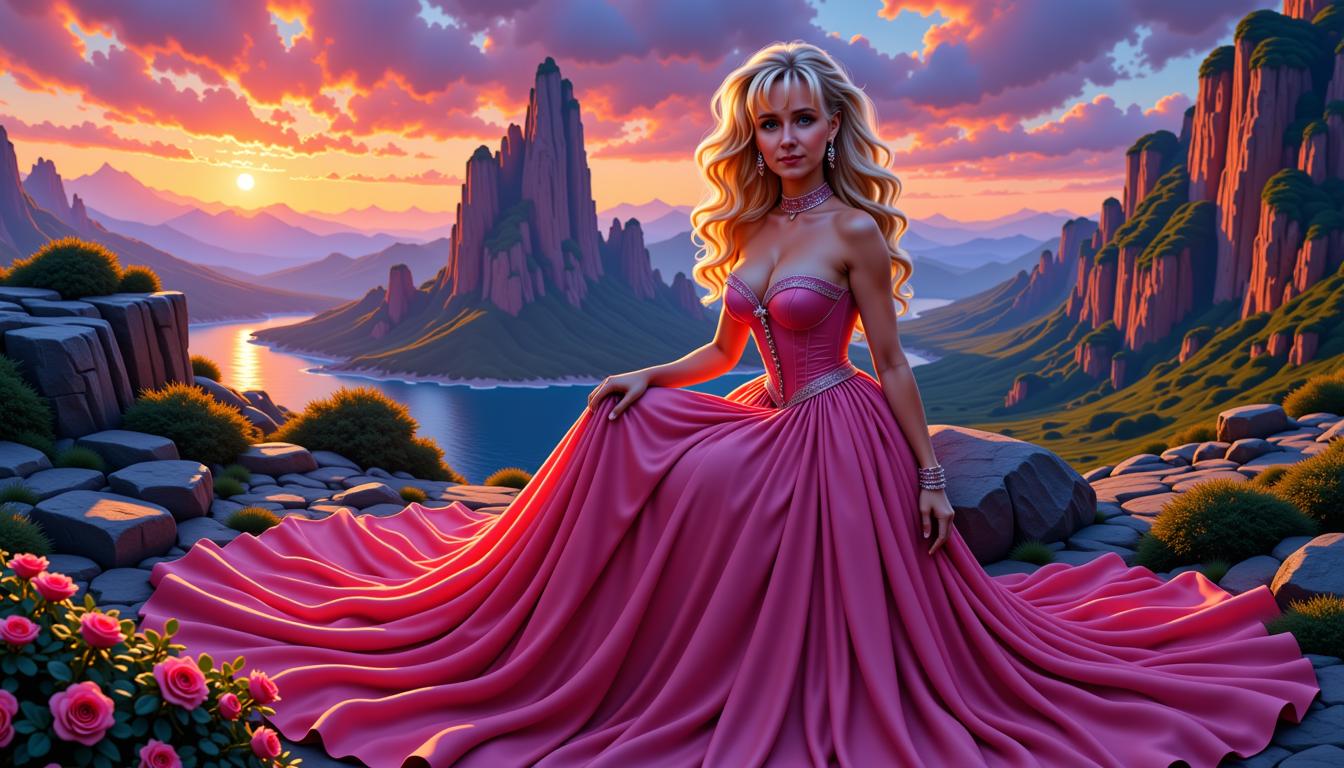
Experience the next evolution in AI image generation with WAN 2.6 Image. This latest model empowers you to create cinematic, high-fidelity visuals that bring your creative visions to life. Whether you're crafting detailed concept art, immersive environments, or dynamic character designs, WAN 2.6 Image offers unparalleled precision and versatility to elevate your projects.

Join over 50,000 creators who have generated more than 2 million images using PixelDojo's AI tools. Rated 4.9/5 on Trustpilot and featured in Creative Bloq as the 'Best professional AI tool,' PixelDojo is trusted by top agencies and brands worldwide.
Why Choose Pixel Dojo for What's new Wan 2.6 image
Professional-quality results with cutting-edge AI technology
Achieve Cinematic Quality Effortlessly
Generate images with rich textures and professional-grade lighting, making every creation look like a frame from a high-budget film.
Seamless Multilingual Text Rendering
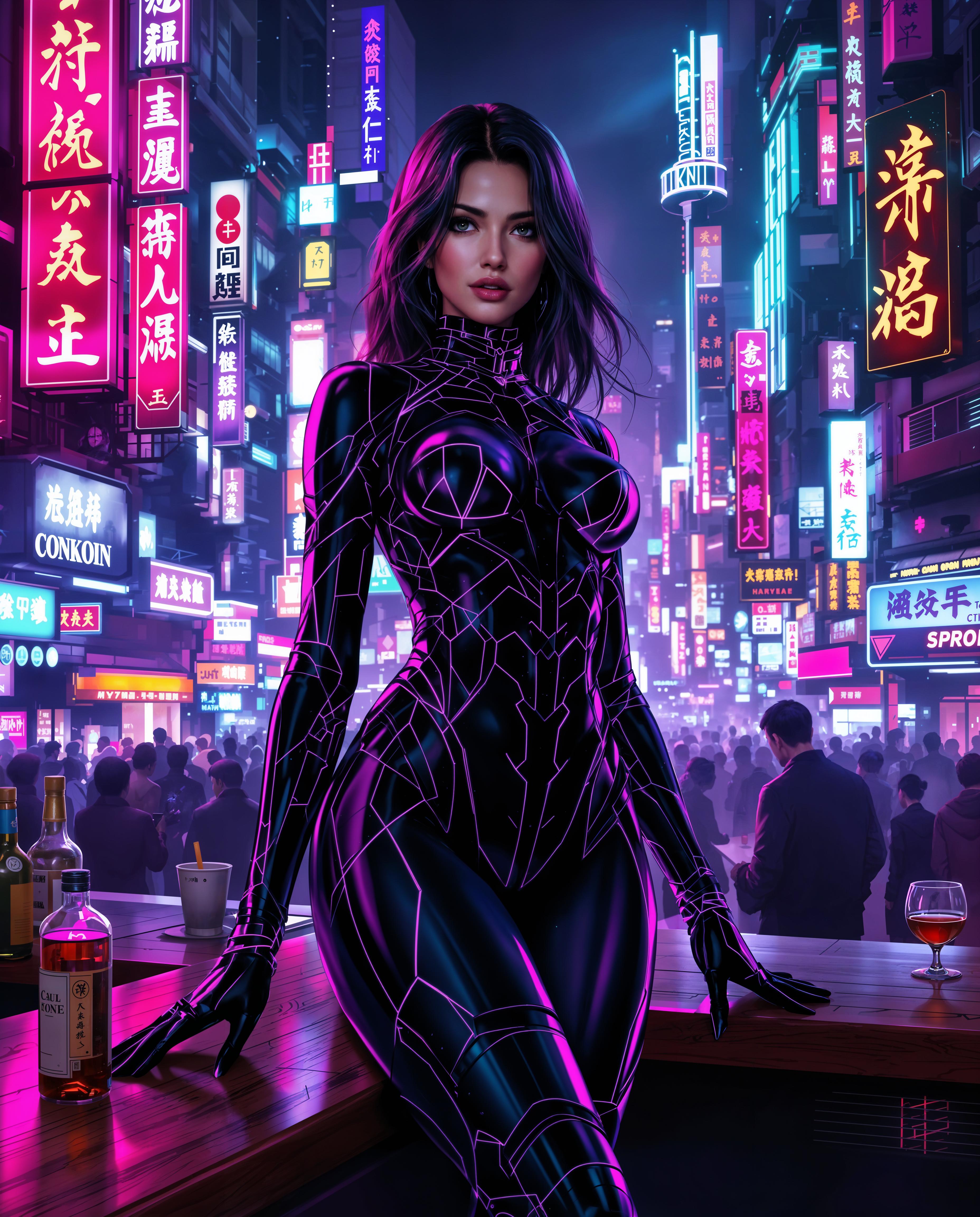
Incorporate both English and Chinese text into your images with exceptional clarity, expanding your creative possibilities.
Versatile Stylistic Adaptability
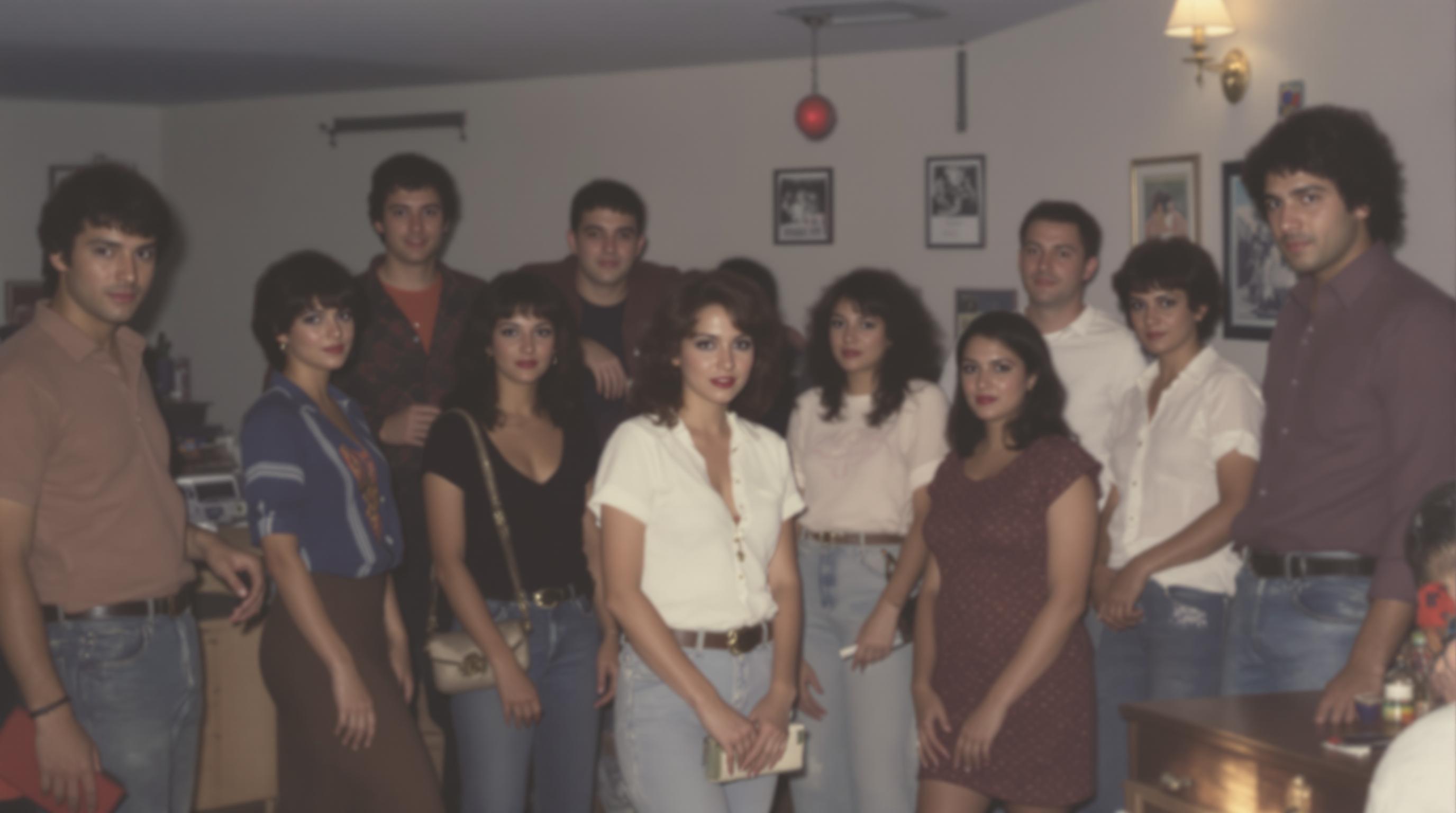
Effortlessly switch between photorealism, digital painting, anime, and traditional art styles to suit your project's needs.
How It Works
Creating stunning images with WAN 2.6 Image on PixelDojo is a straightforward process. Follow these steps to bring your ideas to life:
Step 1: Select Your Tool
Navigate to PixelDojo's 'Create Images' section and choose the WAN 2.6 Image tool to begin your creation.
Step 2: Input Your Prompt
Describe your desired image in natural language, specifying details like setting, style, and elements to guide the AI.
Step 3: Customize and Download
Review the generated image, make any necessary adjustments using PixelDojo's editing tools, and download the final high-resolution image.
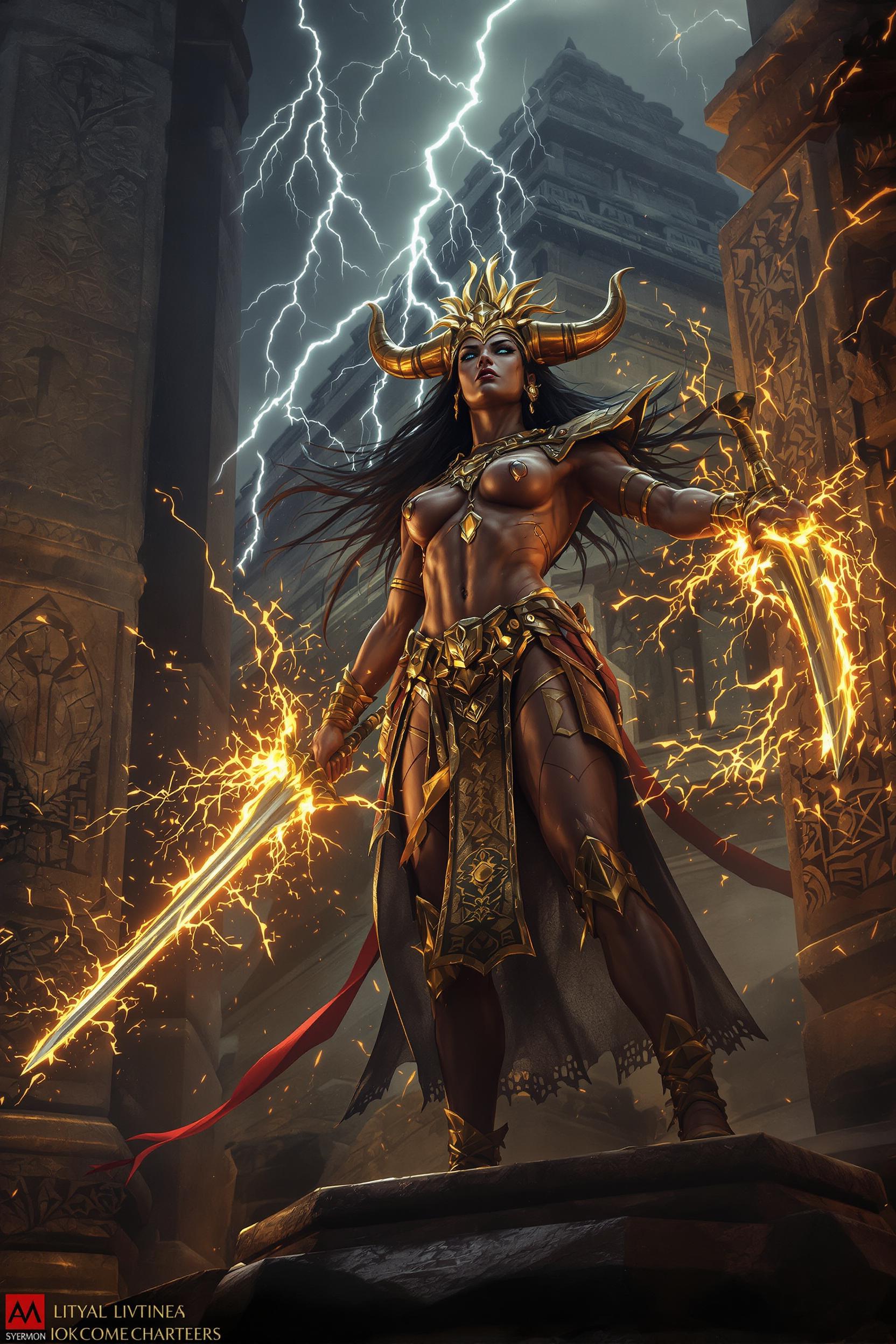
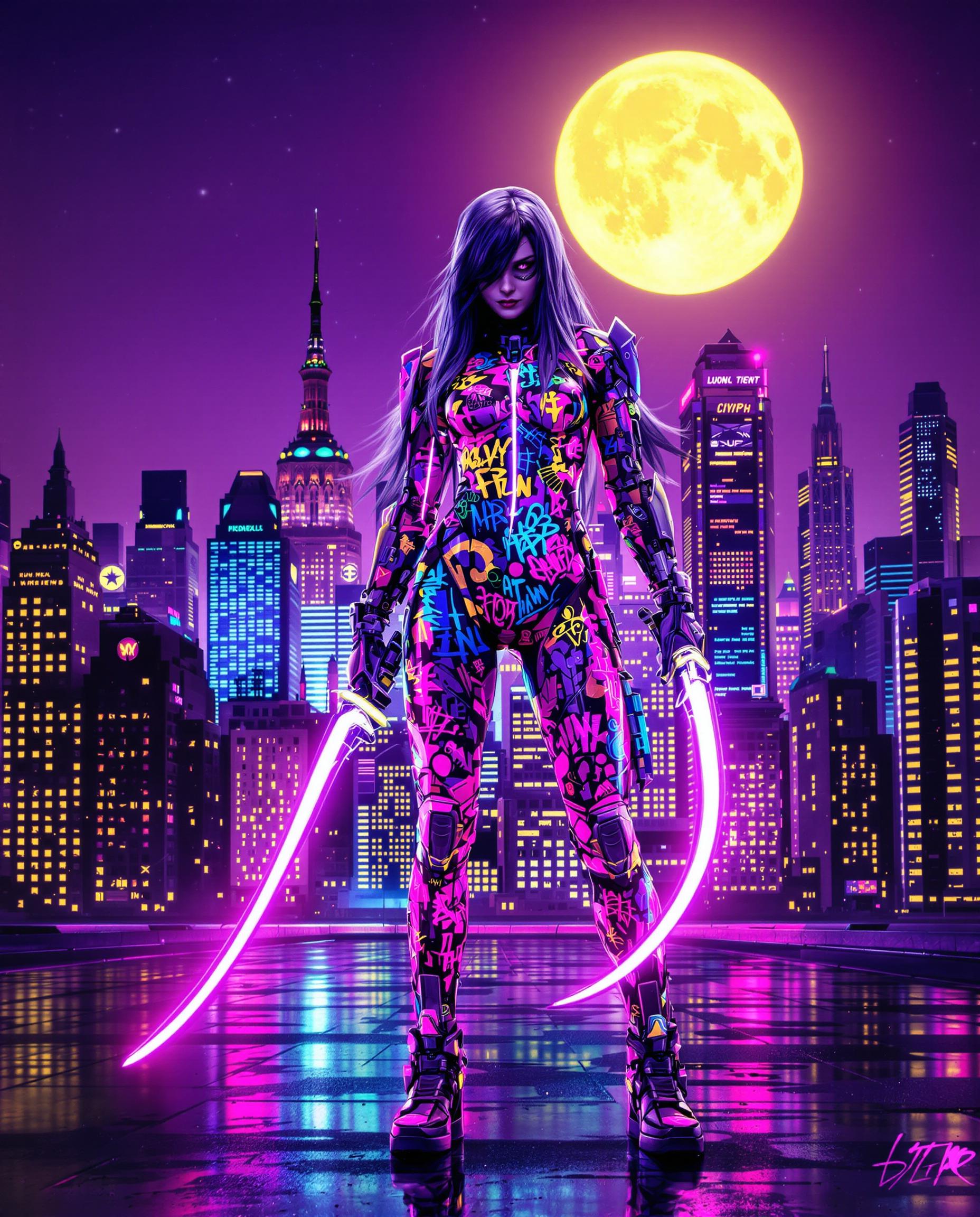
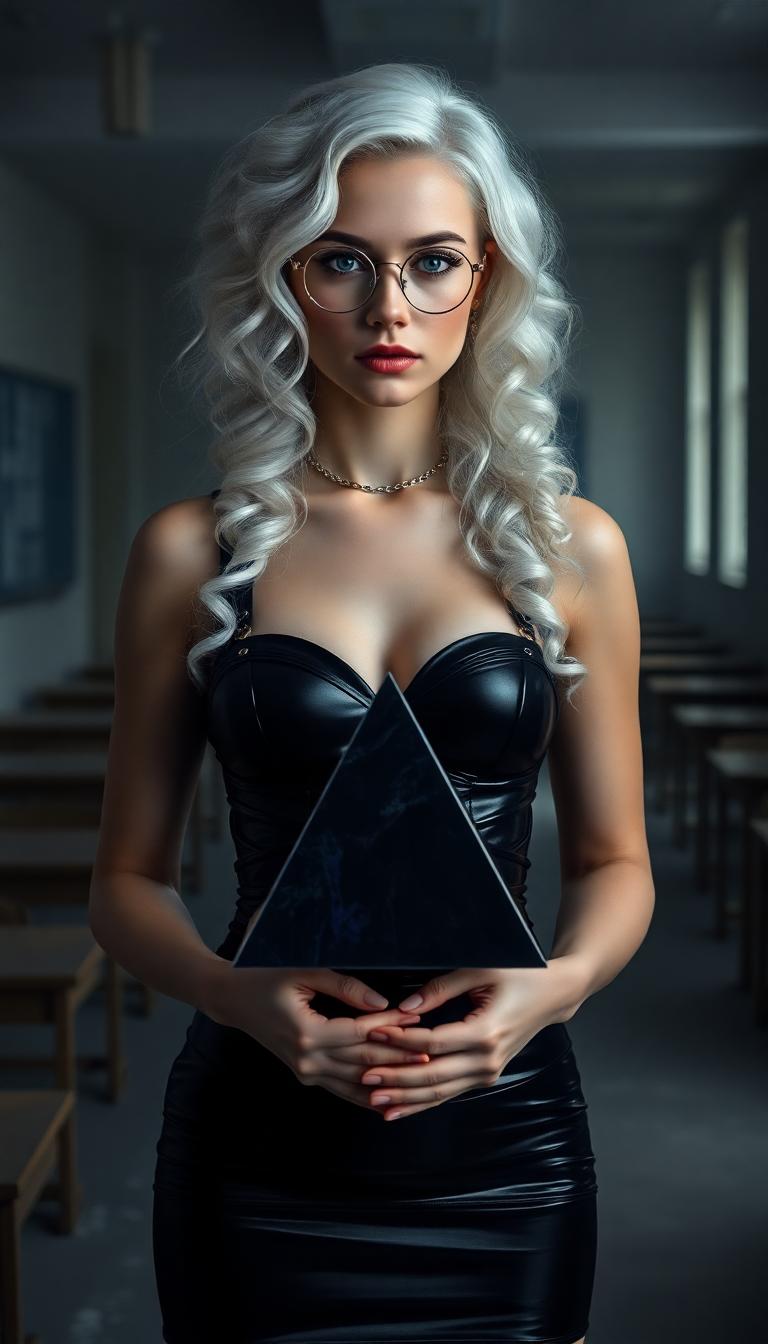


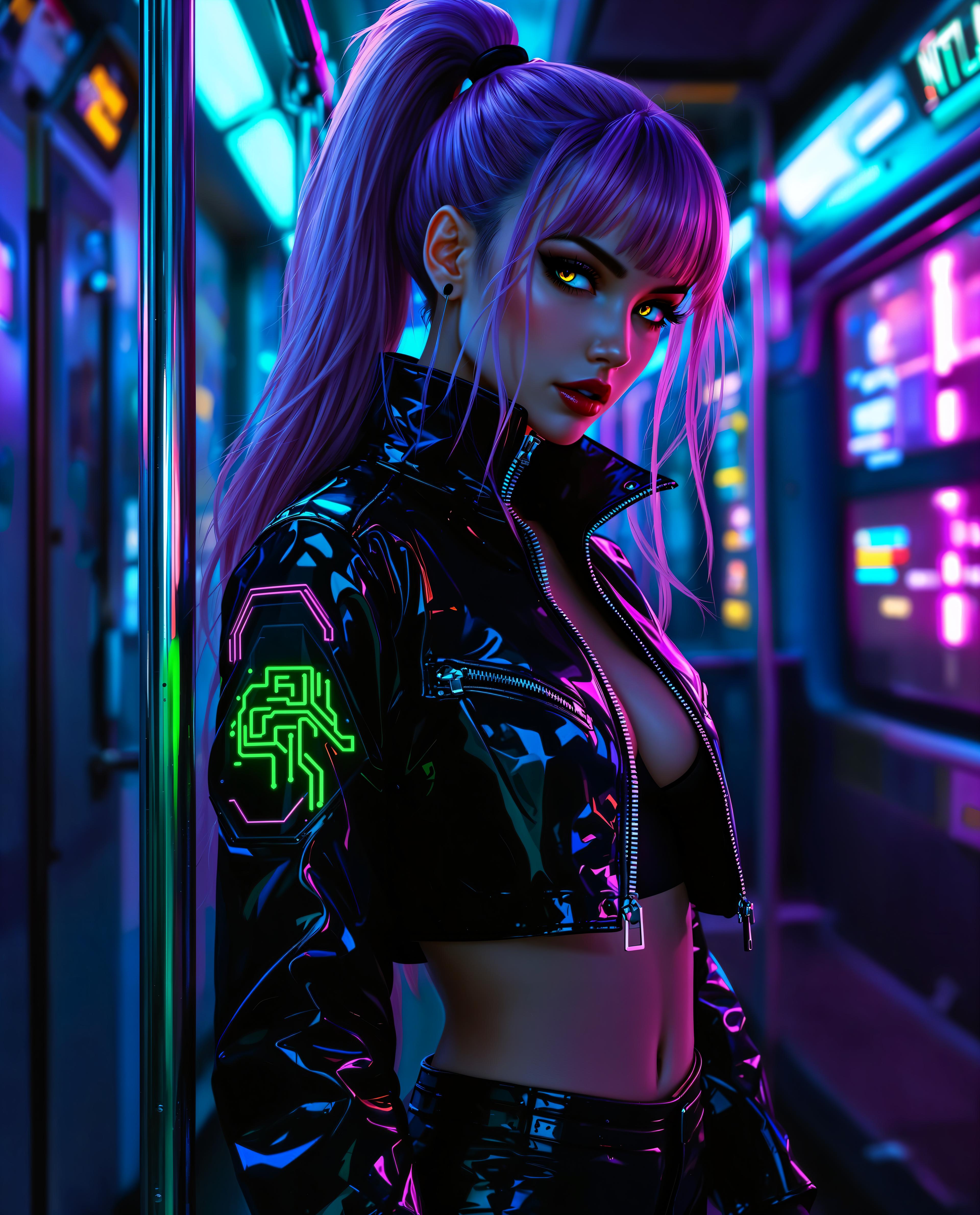




The Pixel Dojo Advantage
Why PixelDojo's WAN 2.6 Image stands out in AI image generation:
| Others | Pixel Dojo |
|---|---|
| Traditional Image Creation | Eliminate the need for expensive equipment and extensive time investments by generating high-quality images instantly. |
| Generic AI Tools | Benefit from superior prompt adherence and stylistic versatility, ensuring your images align perfectly with your creative vision. |
| Manual Photo Editing | Save hours of meticulous editing by generating images that require minimal post-processing, streamlining your workflow. |
Loved by Creators
See what our community says about What's new Wan 2.6 image
"PixelDojo's WAN 2.6 Image has revolutionized my concept art process, allowing me to produce stunning visuals in a fraction of the time."
Alex Johnson
Concept Artist
"The cinematic quality and detail I can achieve with WAN 2.6 Image are unparalleled. It's become an indispensable tool in my creative arsenal."
Maria Chen
Digital Illustrator
Common Questions
Everything you need to know about What's new Wan 2.6 image AI generation
How does WAN 2.6 Image ensure accurate prompt adherence?
WAN 2.6 Image utilizes advanced AI algorithms to interpret complex descriptions and translate them into precise visual elements, ensuring your prompts are accurately represented in the generated images.
Can I use WAN 2.6 Image for commercial projects?
Yes, images generated with WAN 2.6 Image on PixelDojo come with full commercial rights, allowing you to use them in your professional projects without restrictions.
What styles can I achieve with WAN 2.6 Image?
WAN 2.6 Image supports a wide range of styles, including photorealism, digital painting, anime, and traditional art, providing flexibility to match your project's aesthetic requirements.
Is there a limit to the number of images I can generate?
PixelDojo offers various subscription plans to suit different needs, with options that allow for unlimited image generation. You can choose a plan that best fits your creative demands.
How does PixelDojo's editing suite enhance my images?
PixelDojo's editing suite includes tools like Magic Lighting, Inpainting, and Background Remover, enabling you to refine and customize your images to perfection after generation.
Can I collaborate with others using PixelDojo?
Yes, PixelDojo supports collaborative workflows, allowing teams to work together seamlessly on image generation and editing projects.