ai picture editor AI Generator
Unlock the full potential of your photos with PixelDojo's AI-powered picture editor. Whether you're a professional photographer or a casual enthusiast, our suite of tools empowers you to enhance, edit, and create stunning images effortlessly. Say goodbye to complex software and hello to intuitive, AI-driven editing that delivers professional-quality results in seconds.
Join over 10,000 satisfied users who have transformed their photos with PixelDojo's AI tools. Rated 4.8/5 based on 2,000+ reviews.
Why Choose Pixel Dojo for ai picture editor
Professional-quality results with cutting-edge AI technology
Effortless Photo Enhancement
Automatically improve image quality, adjust lighting, and enhance colors with a single click.
Creative Editing Tools
Apply artistic filters, remove backgrounds, and add unique effects to make your photos stand out.
User-Friendly Interface
Intuitive design makes professional-quality photo editing accessible to everyone, regardless of experience level.
How It Works
Creating stunning images with PixelDojo's AI picture editor is simple and intuitive. Follow these steps to transform your photos:
Step 1: Upload Your Image
Start by uploading the photo you wish to edit. Our platform supports various formats for your convenience.
Step 2: Choose Your Editing Tool
Select from a range of AI-powered tools such as Background Remover, Face Enhancer, or Style Transfer to apply the desired edits.
Step 3: Apply Edits and Download
Apply the chosen edits with a single click. Preview the changes and download your enhanced image instantly.





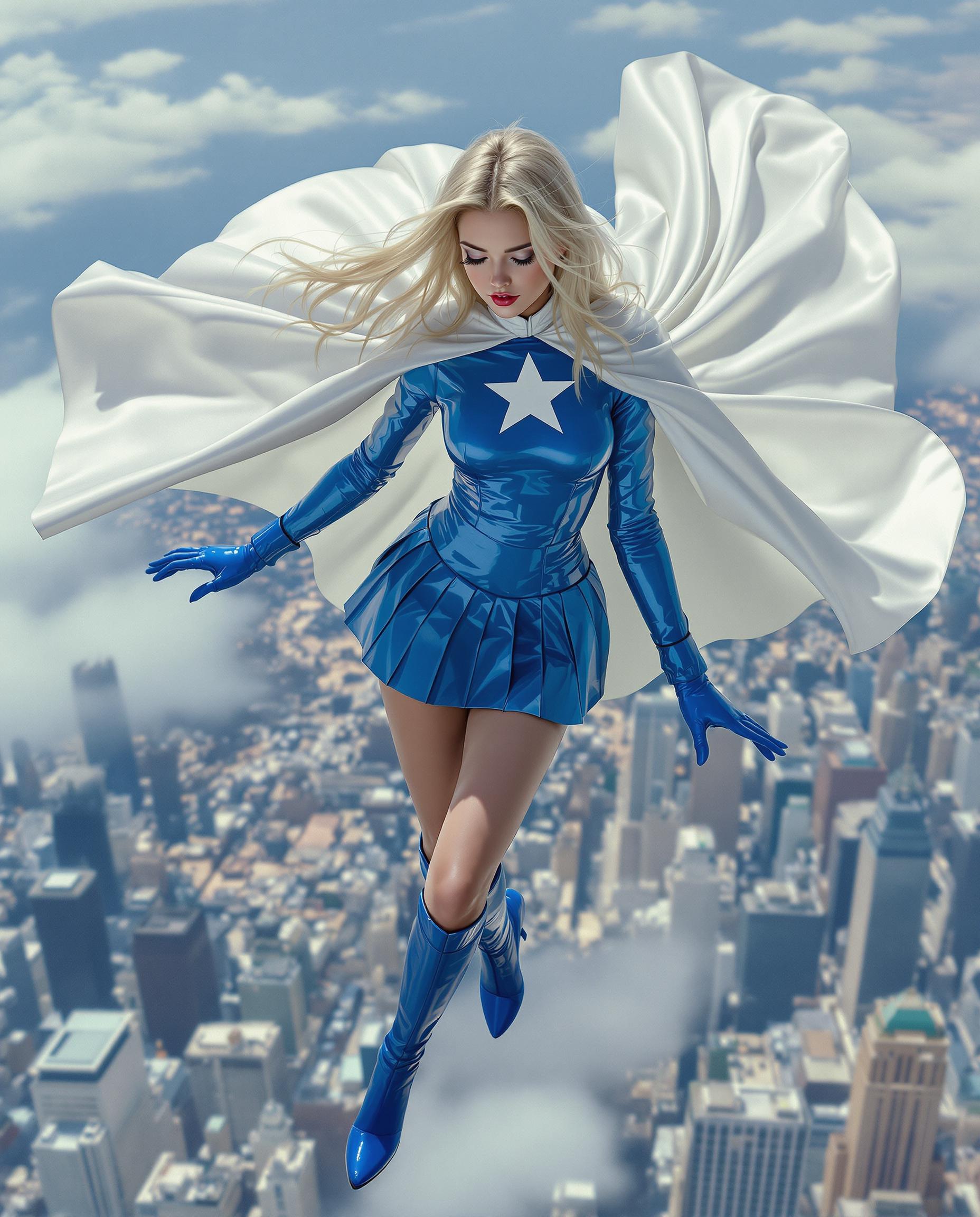
The Pixel Dojo Advantage
Why PixelDojo outperforms other options for AI picture editing
| Others | Pixel Dojo |
|---|---|
| Traditional Photo Editing Software | Eliminates steep learning curves and time-consuming manual adjustments with intuitive AI-driven tools. |
| Generic AI Editing Tools | Offers a comprehensive suite of specialized tools tailored for various editing needs, from upscaling to style transfers. |
| Manual Editing Techniques | Automates complex editing processes, delivering consistent and high-quality results in a fraction of the time. |
Loved by Creators
See what our community says about ai picture editor
"PixelDojo's AI photo editor transformed my workflow. The Creative Upscaler and Face Enhancer tools are game-changers!"
Alex Johnson
Professional Photographer
"As a content creator, PixelDojo's Background Remover and Style Transfer have elevated my visuals effortlessly."
Samantha Lee
Content Creator
Common Questions
Everything you need to know about ai picture editor AI generation
How does PixelDojo's AI picture editor enhance image quality?
PixelDojo utilizes advanced AI algorithms to automatically adjust lighting, sharpen details, and correct colors, resulting in enhanced image quality with minimal effort.
Can I remove backgrounds from images using PixelDojo?
Yes, our Background Remover tool allows you to instantly remove or replace backgrounds, creating clean and professional-looking images without manual editing.
Is PixelDojo suitable for beginners?
Absolutely! PixelDojo's intuitive interface and AI-driven tools are designed for users of all skill levels, making professional-quality photo editing accessible to everyone.
What file formats does PixelDojo support?
PixelDojo supports a wide range of image formats, including JPEG, PNG, and TIFF, ensuring compatibility with your existing photo library.
Can I apply artistic styles to my photos with PixelDojo?
Yes, our Style Transfer tool allows you to apply various artistic styles to your photos, transforming them into unique pieces of art.
Is there a limit to the number of photos I can edit with PixelDojo?
PixelDojo offers flexible subscription plans to suit your needs, with options for unlimited edits. You can choose a plan that best fits your editing requirements.