bg remove AI Generator
Transform your images effortlessly by removing backgrounds with PixelDojo's AI-powered tools. Whether you're enhancing product photos, creating marketing materials, or designing social media content, our background removal solutions deliver professional results in seconds—no manual editing required.
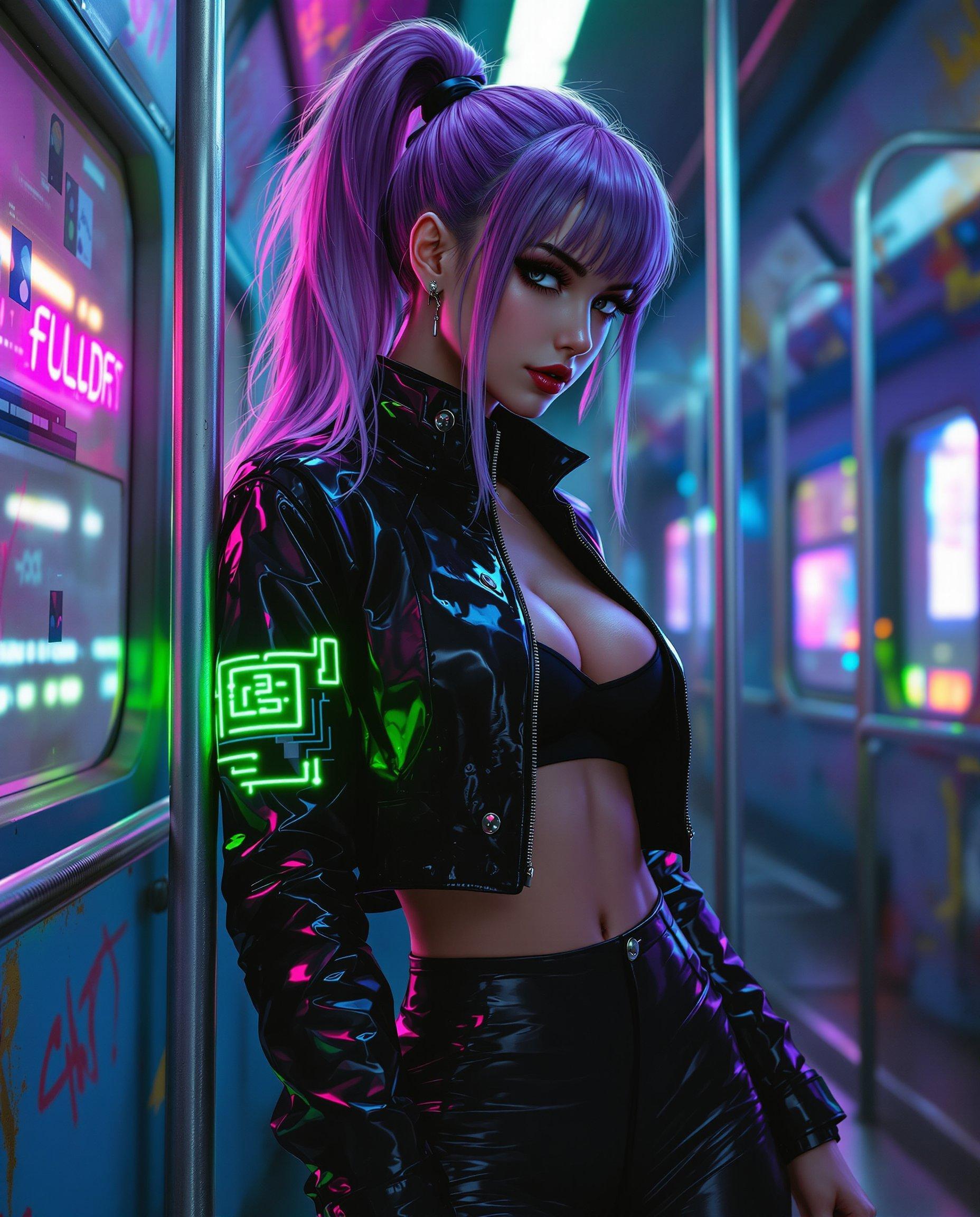
Join over 10,000 satisfied users who have streamlined their workflows with PixelDojo's AI background removal tools, achieving a 95% satisfaction rate.
Why Choose Pixel Dojo for bg remove
Professional-quality results with cutting-edge AI technology
Save Time and Effort
Eliminate the need for manual editing; our AI handles background removal instantly.
Achieve Professional Quality
Obtain clean, precise cutouts suitable for any professional application.
Enhance Creative Flexibility
Easily integrate subjects into new backgrounds or designs, expanding your creative possibilities.
How It Works
Removing backgrounds with PixelDojo is a simple three-step process:
Step 1: Upload Your Image
Select the image you wish to edit and upload it to PixelDojo's platform.
Step 2: AI Processes the Image
Our advanced AI analyzes and removes the background automatically.
Step 3: Download Your Edited Image
Review the result and download your image with a transparent background.
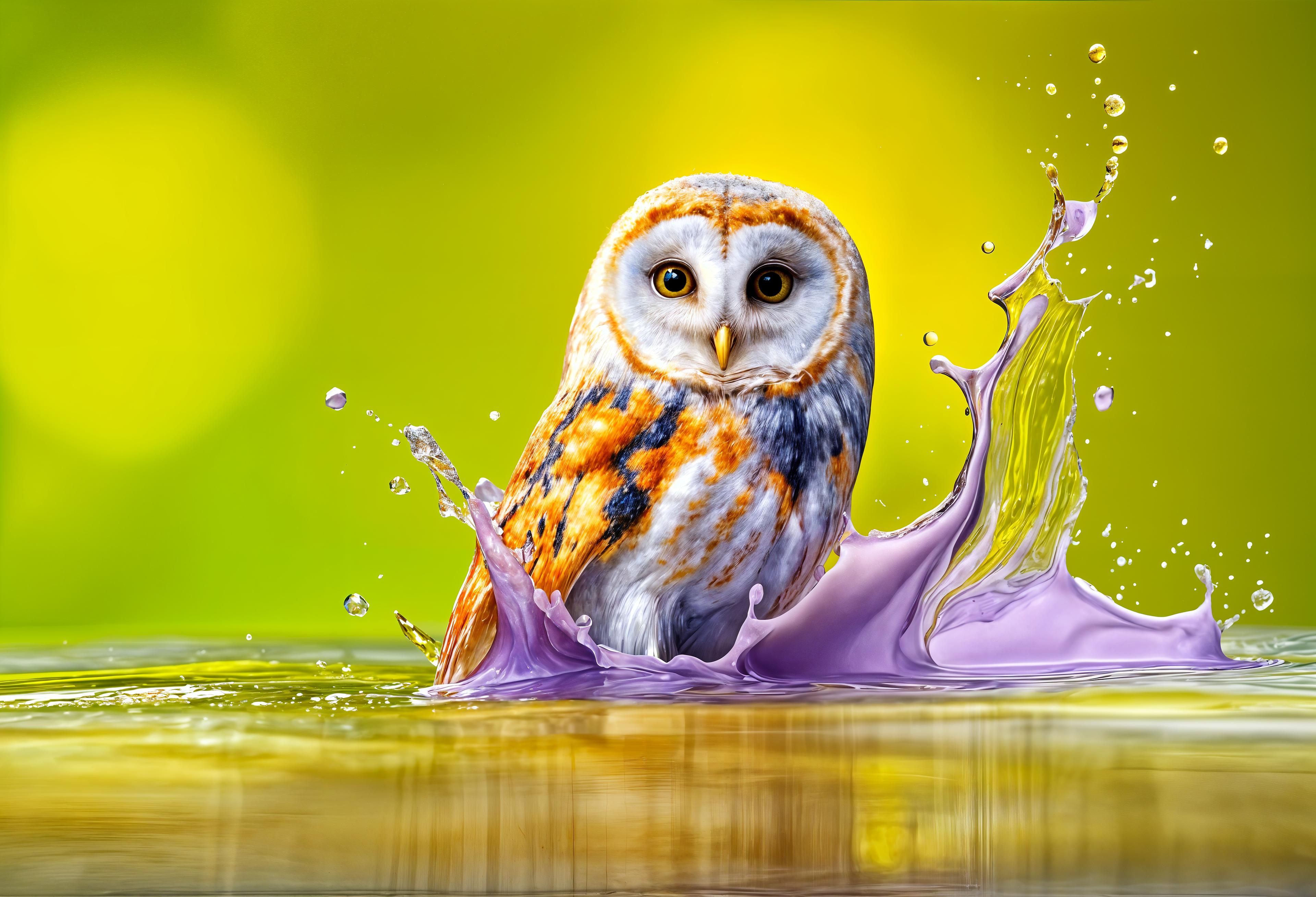







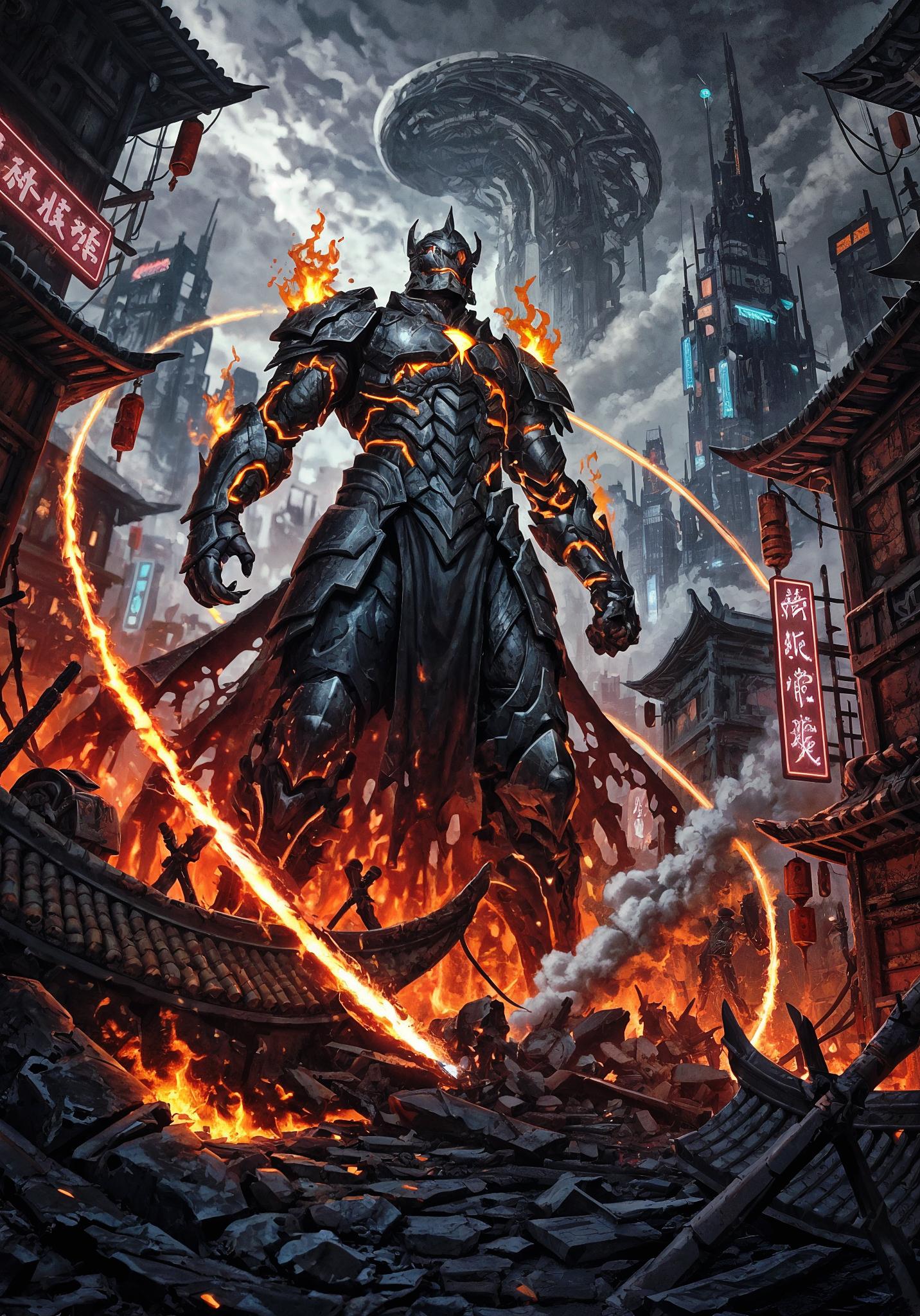
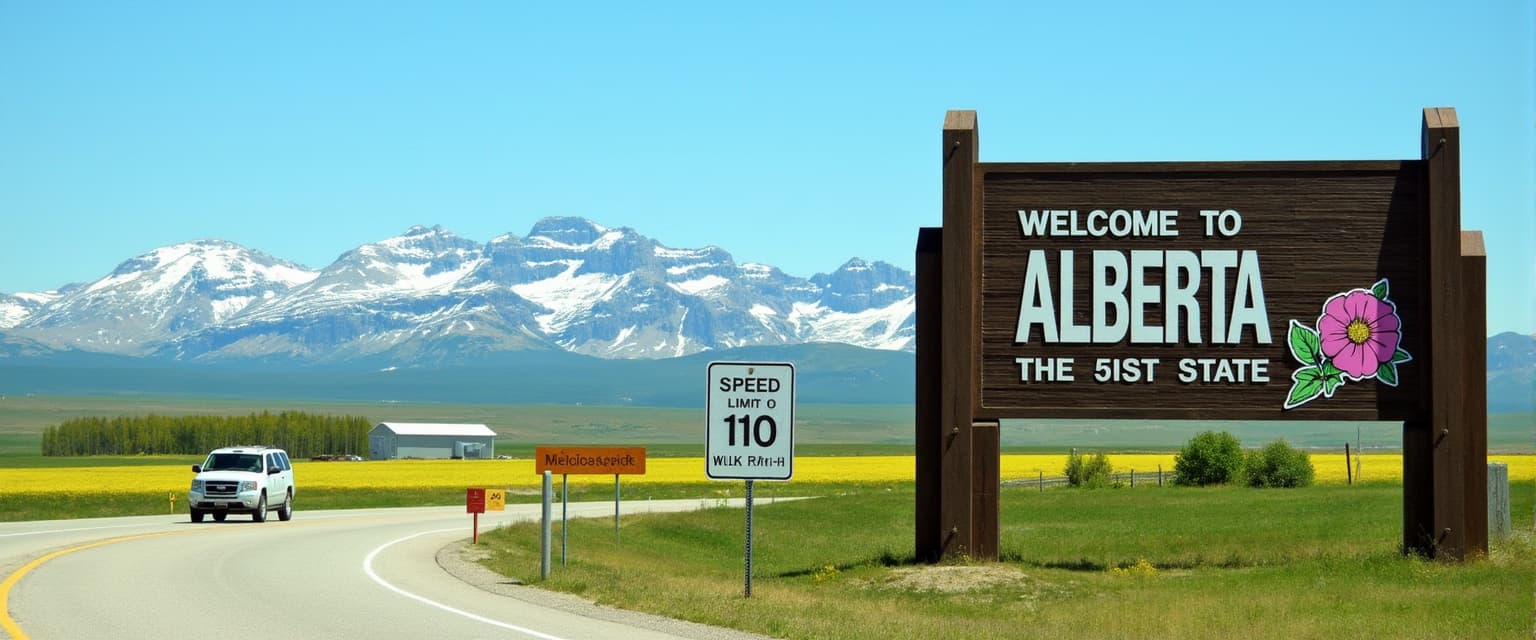




The Pixel Dojo Advantage
Why PixelDojo's AI background removal stands out:
| Others | Pixel Dojo |
|---|---|
| Manual Editing | Automates the process, saving hours of manual work. |
| Generic AI Tools | Offers superior edge detection and quality, especially for complex subjects. |
| Traditional Software | No need for expensive software or advanced skills; our tools are user-friendly and accessible. |
Loved by Creators
See what our community says about bg remove
"PixelDojo's background removal tool has revolutionized our product photography. It's fast, accurate, and incredibly easy to use."
Jane Doe
E-commerce Manager
"As a graphic designer, PixelDojo has become an essential part of my workflow. The AI delivers clean cutouts every time."
John Smith
Graphic Designer
Common Questions
Everything you need to know about bg remove AI generation
How does PixelDojo's AI background removal work?
Our AI analyzes your image to identify the subject and separates it from the background, delivering a clean, transparent result.
Is there a limit to the number of images I can process?
PixelDojo offers various subscription plans to suit different needs, including options for unlimited processing.
What image formats are supported?
We support popular formats such as JPG, PNG, and WebP for both input and output.
Can I edit the results if needed?
Yes, our platform allows for manual adjustments to ensure the final image meets your expectations.
Is my data secure with PixelDojo?
Absolutely. We prioritize user privacy and ensure that your images are processed securely.
Do I need any technical skills to use PixelDojo?
Not at all. Our tools are designed to be intuitive and user-friendly, requiring no prior experience.