bg remover AI Generator
Transform your images effortlessly with PixelDojo's AI-powered background remover tools. Whether you're a designer, marketer, or content creator, our intuitive tools enable you to achieve professional, background-free images in seconds, enhancing your visual content without the need for complex software or technical skills.

Join thousands of satisfied users who have streamlined their design process with PixelDojo's cutting-edge AI tools. Our platform boasts a 4.8/5 average rating from over 10,000 reviews, reflecting our commitment to quality and user satisfaction.
Why Choose Pixel Dojo for bg remover
Professional-quality results with cutting-edge AI technology
Save Time and Effort
Eliminate the need for manual editing with our AI tools that remove backgrounds in seconds.
Achieve Professional Results
Create clean, high-quality images suitable for any professional application.
Enhance Creativity
Easily integrate your subject into new backgrounds to create unique compositions.
How It Works
Creating background-free images with PixelDojo is simple and efficient. Follow these steps to transform your visuals:
Step 1: Select Your Image
Upload the image you wish to edit by dragging and dropping it into the PixelDojo interface.
Step 2: Apply Background Removal
Use the 'Background Remover' tool to automatically eliminate the background from your image.
Step 3: Customize and Download
Make any additional edits as desired, then download your new, background-free image.



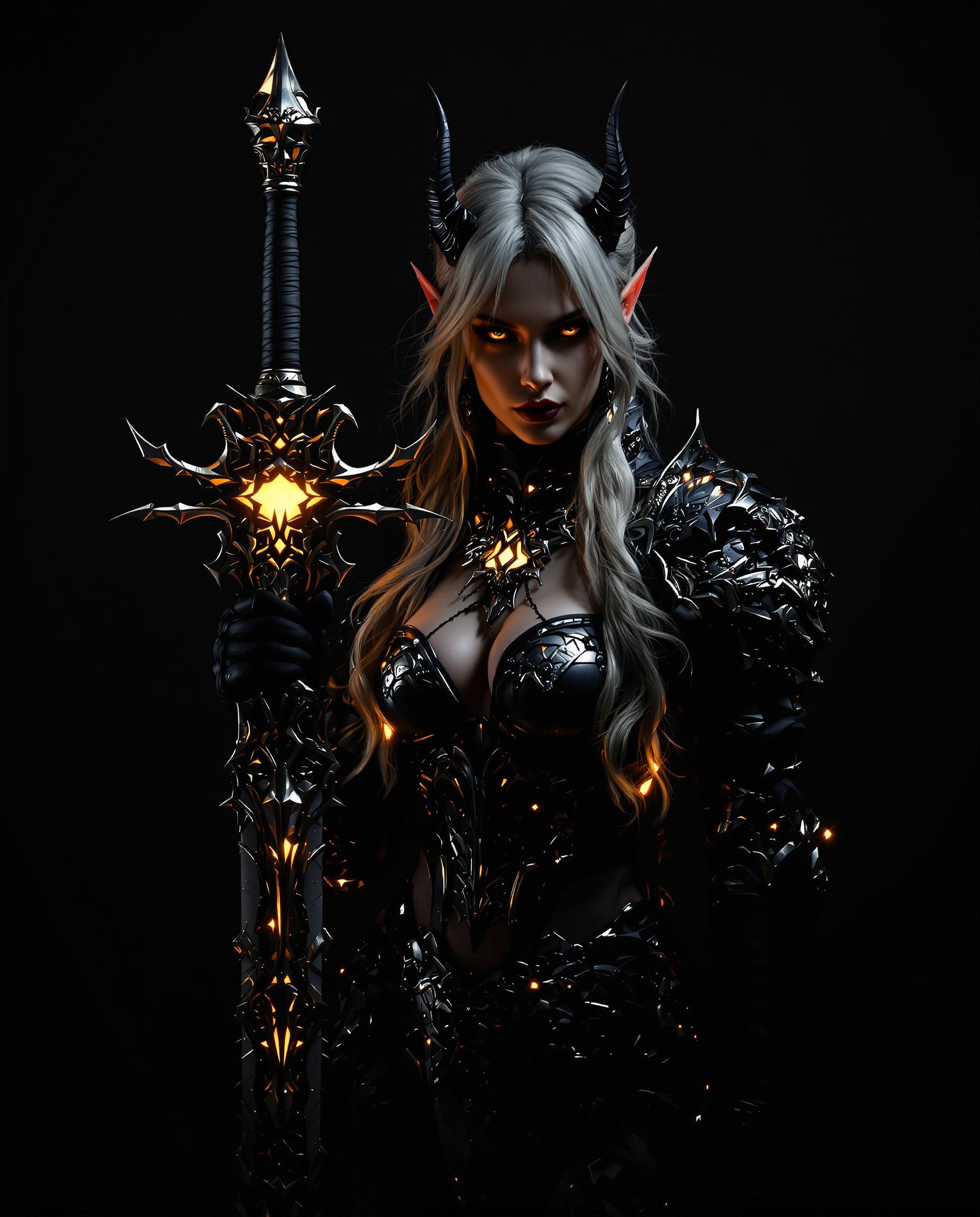




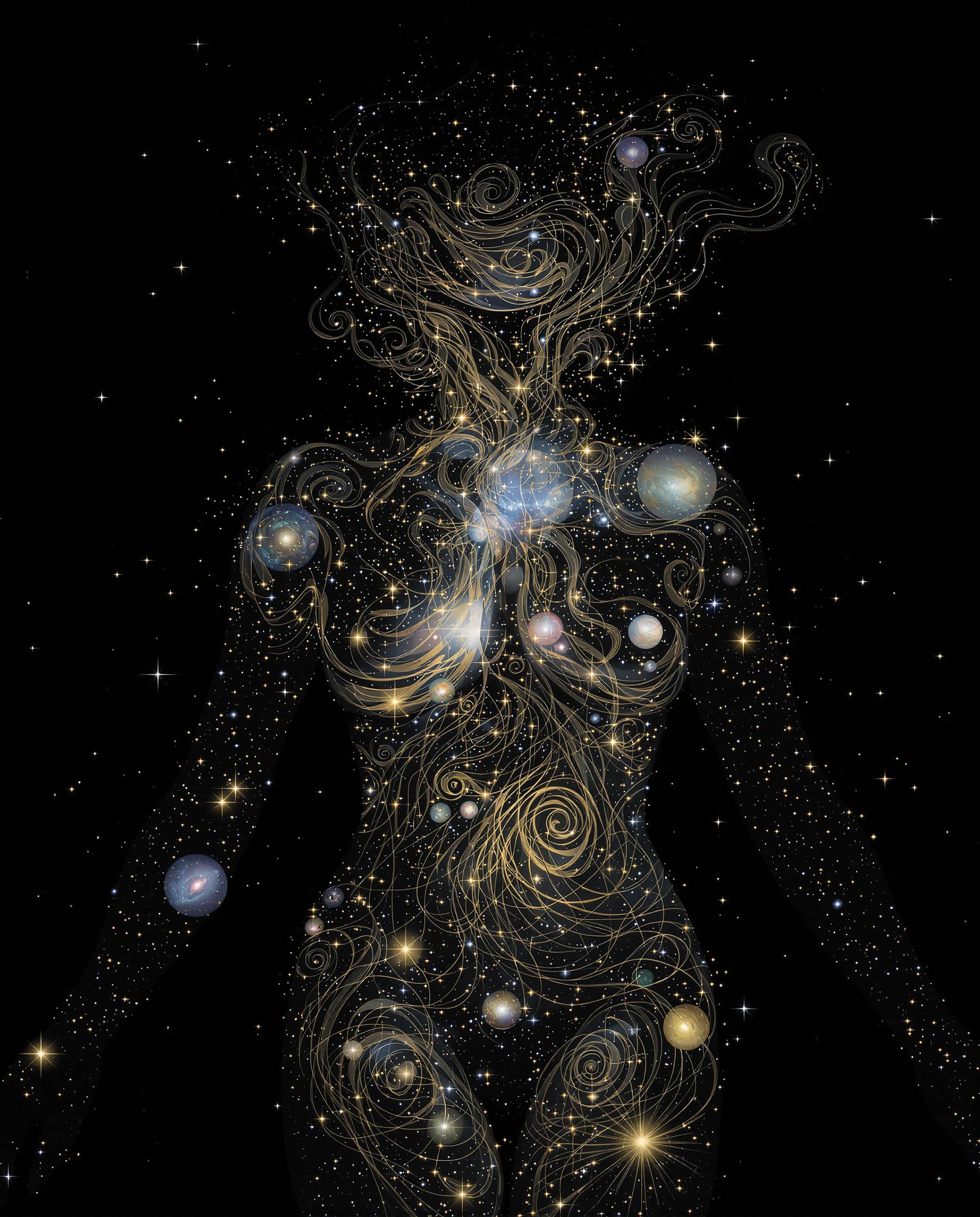

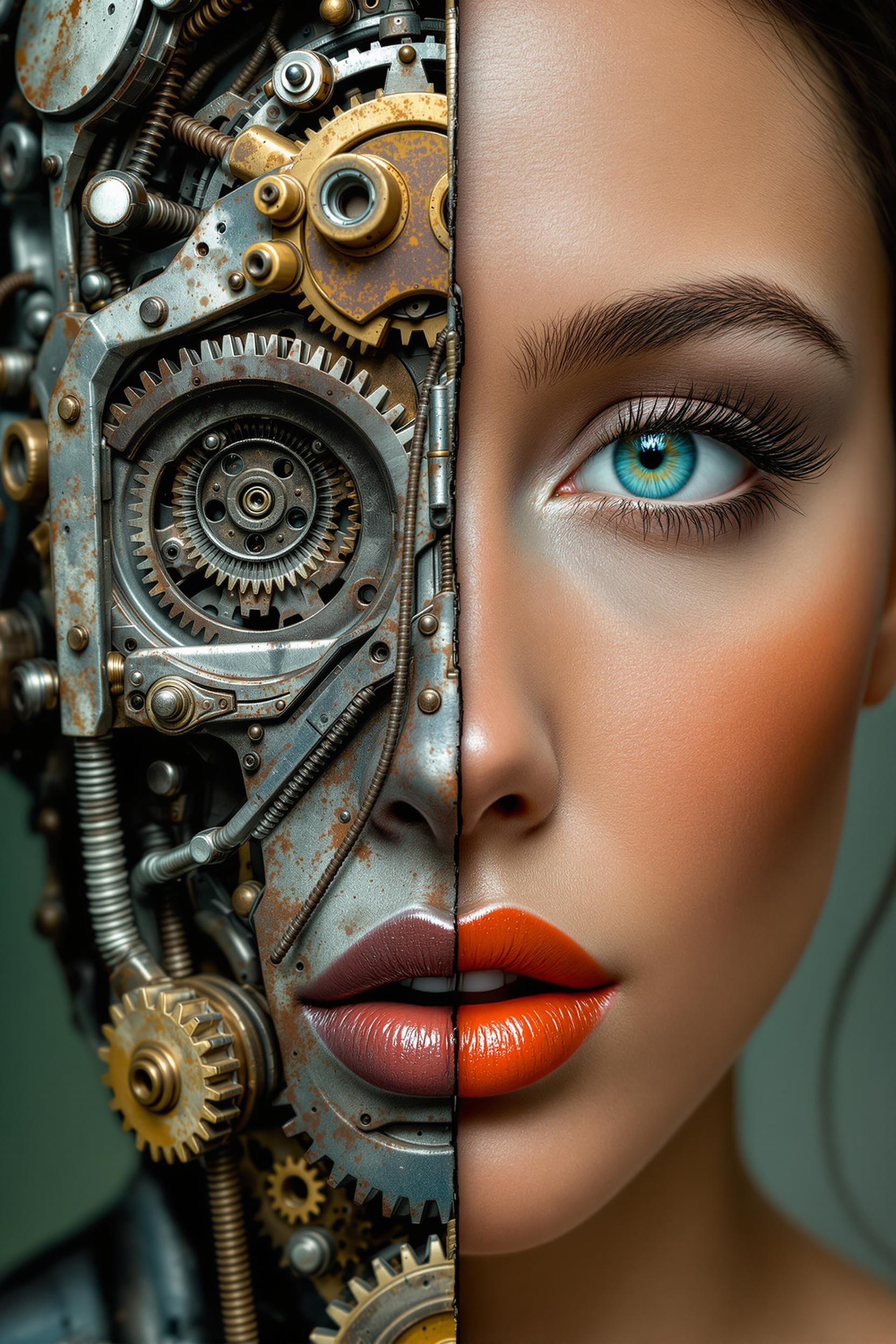
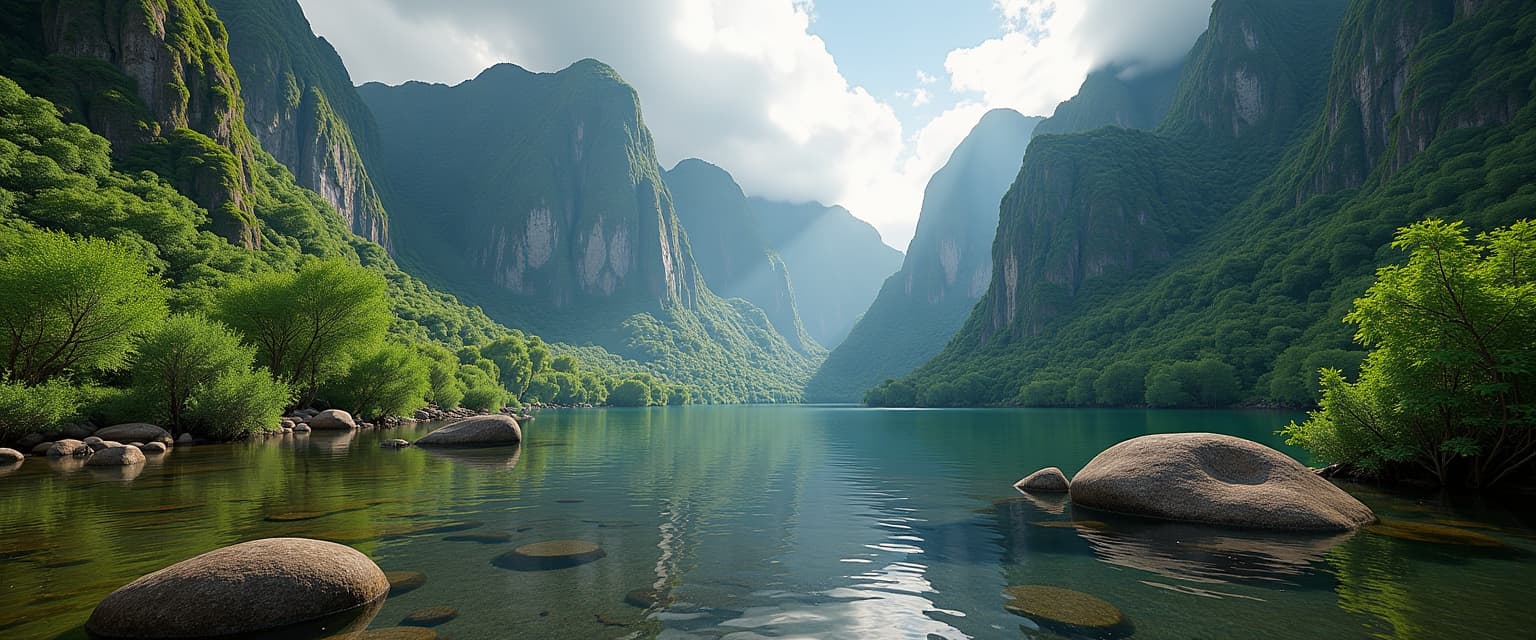


The Pixel Dojo Advantage
Discover why PixelDojo stands out in the realm of AI background removal:
| Others | Pixel Dojo |
|---|---|
| Traditional Manual Editing | Automates the background removal process, saving hours of manual work. |
| Generic AI Tools | Offers specialized tools tailored for precise background removal and image editing. |
| Expensive Software Suites | Provides professional-quality results without the hefty price tag or steep learning curve. |
Loved by Creators
See what our community says about bg remover
"PixelDojo's background remover has revolutionized my workflow. I can now produce clean product images in a fraction of the time."
Alex Johnson
E-commerce Entrepreneur
"As a graphic designer, PixelDojo's tools have become indispensable. The ease of use and quality of output are unmatched."
Maria Lopez
Graphic Designer
Common Questions
Everything you need to know about bg remover AI generation
How does PixelDojo's AI background remover work?
Our AI background remover uses advanced machine learning algorithms to automatically detect and remove backgrounds from images, delivering clean and professional results in seconds.
Can I use PixelDojo's background remover for commercial projects?
Yes, images edited with PixelDojo's tools can be used for both personal and commercial projects without any restrictions.
Is there a limit to the number of images I can process?
PixelDojo offers various subscription plans to suit different needs, including options for unlimited image processing.
Do I need any technical skills to use PixelDojo's tools?
No, our tools are designed with user-friendliness in mind, allowing anyone to achieve professional results without prior experience.
What file formats are supported for background removal?
PixelDojo supports a wide range of image formats, including JPG, PNG, and more, ensuring compatibility with your files.
Can I edit images on my mobile device?
Yes, PixelDojo's platform is fully responsive and can be accessed on both desktop and mobile devices for on-the-go editing.