chatgpt image 2 prompt engineering AI Generator
Imagine turning your wildest ideas into breathtaking, photorealistic images in seconds—without hiring artists or spending hours editing. With PixelDojo.ai's GPT Image 2, powered by cutting-edge ChatGPT Image 2 prompt engineering techniques, you achieve professional-grade visuals that captivate audiences, boost your social media engagement, and elevate your projects. Whether you're crafting marketing assets, concept art, or personal masterpieces, our platform makes prompt engineering intuitive, delivering outcomes like hyper-detailed scenes, perfect compositions, and mood-perfect renders that make you stand out. Thousands of creators rely on PixelDojo to generate images that convert viewers into fans—unlock this power for your next creation today.
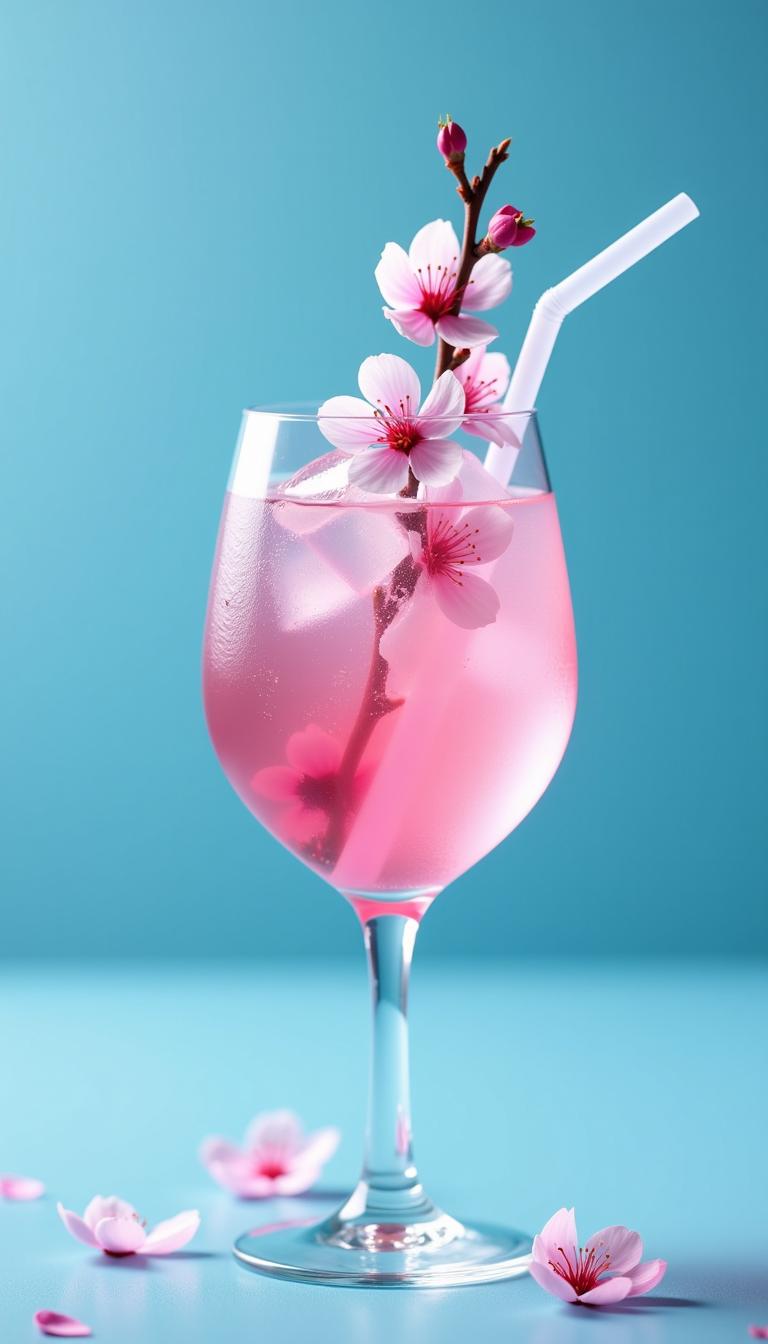
⭐ 4.9/5 from 12K+ creators | 1M+ images generated monthly | Trusted by top designers & marketers worldwide | 'Game-changer for prompt engineering!' – Featured on Product Hunt
Why Choose Pixel Dojo for chatgpt image 2 prompt engineering
Professional-quality results with cutting-edge AI technology
Craft Hyper-Realistic Images Effortlessly
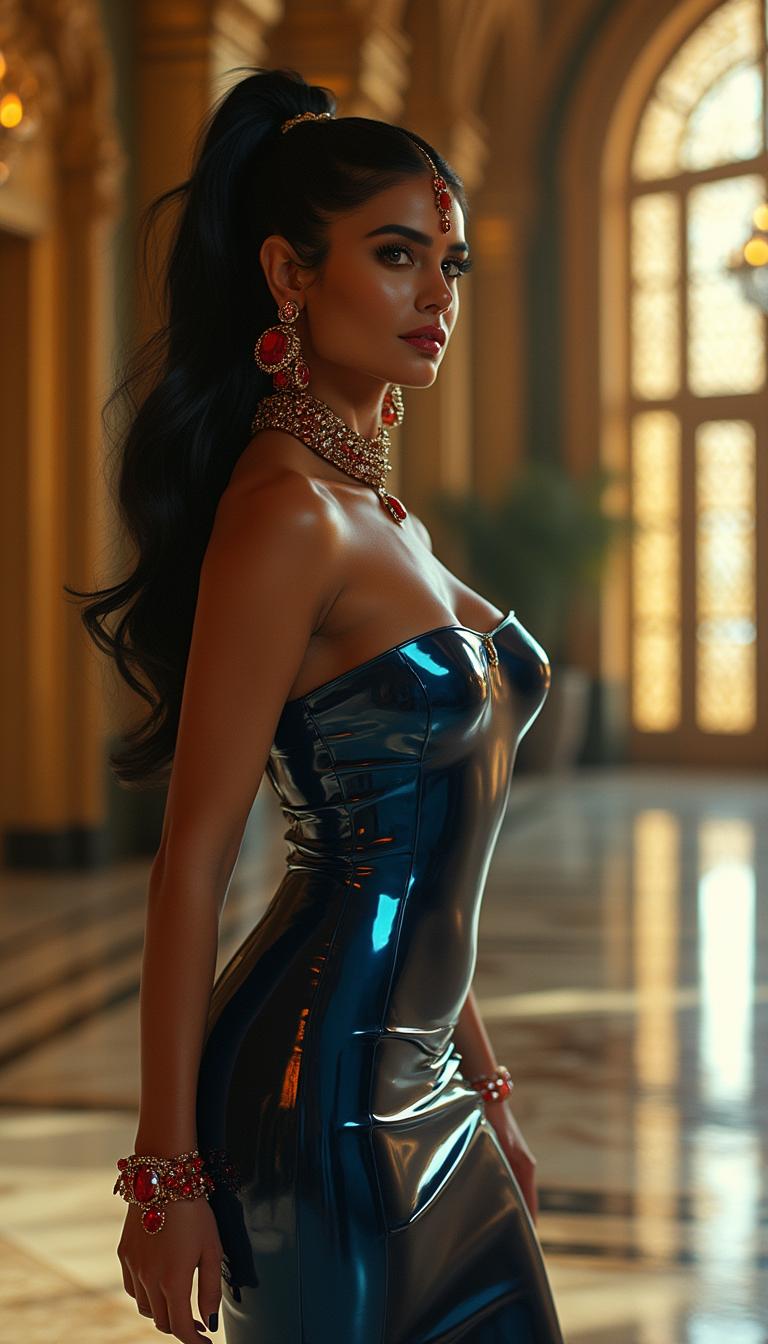
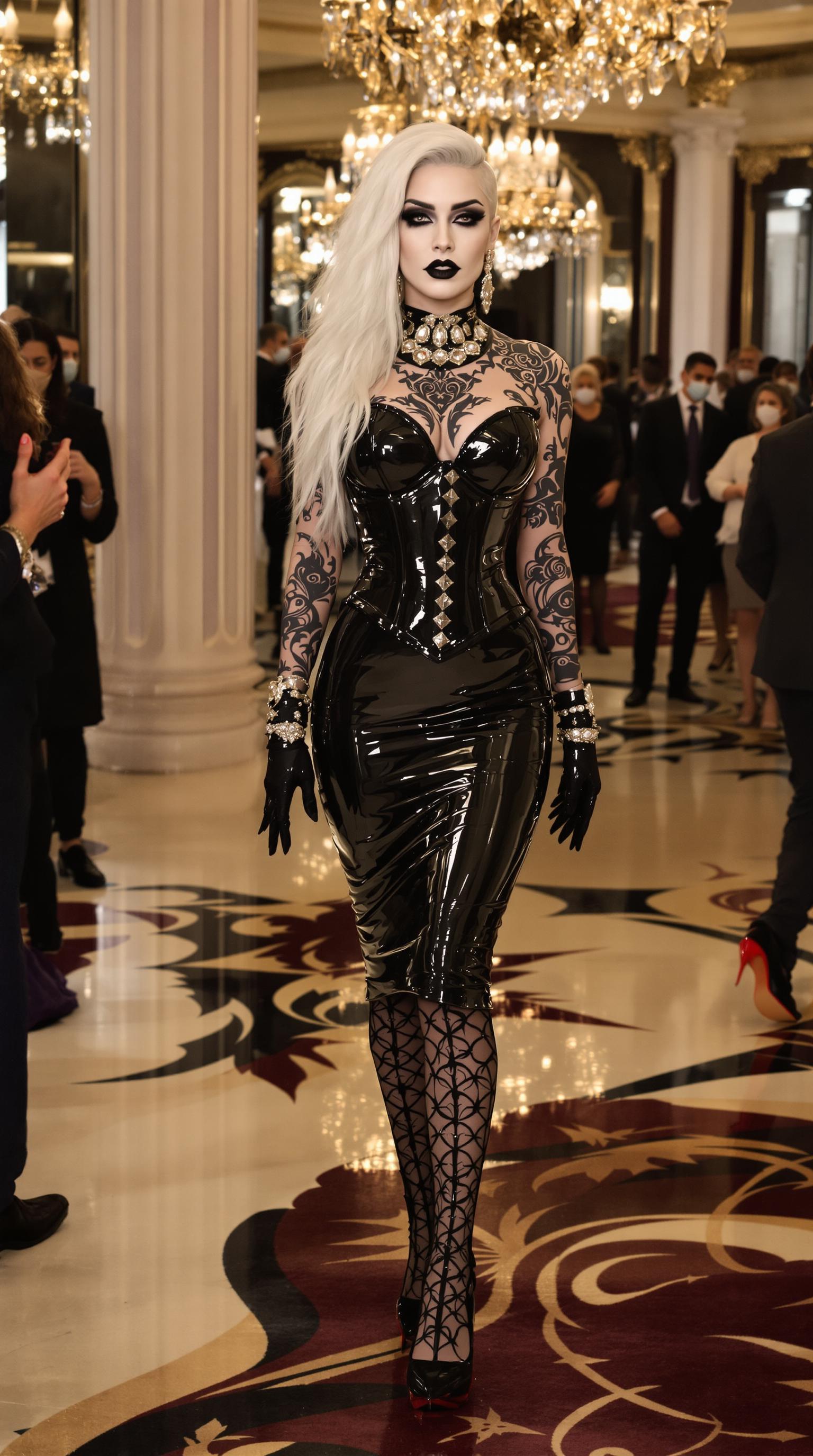
Use proven ChatGPT Image 2 prompt engineering to produce lifelike photos with intricate details, dynamic lighting, and flawless anatomy—ideal for e-commerce, ads, or storytelling that mesmerizes your audience.
Boost Creativity with Precise Control
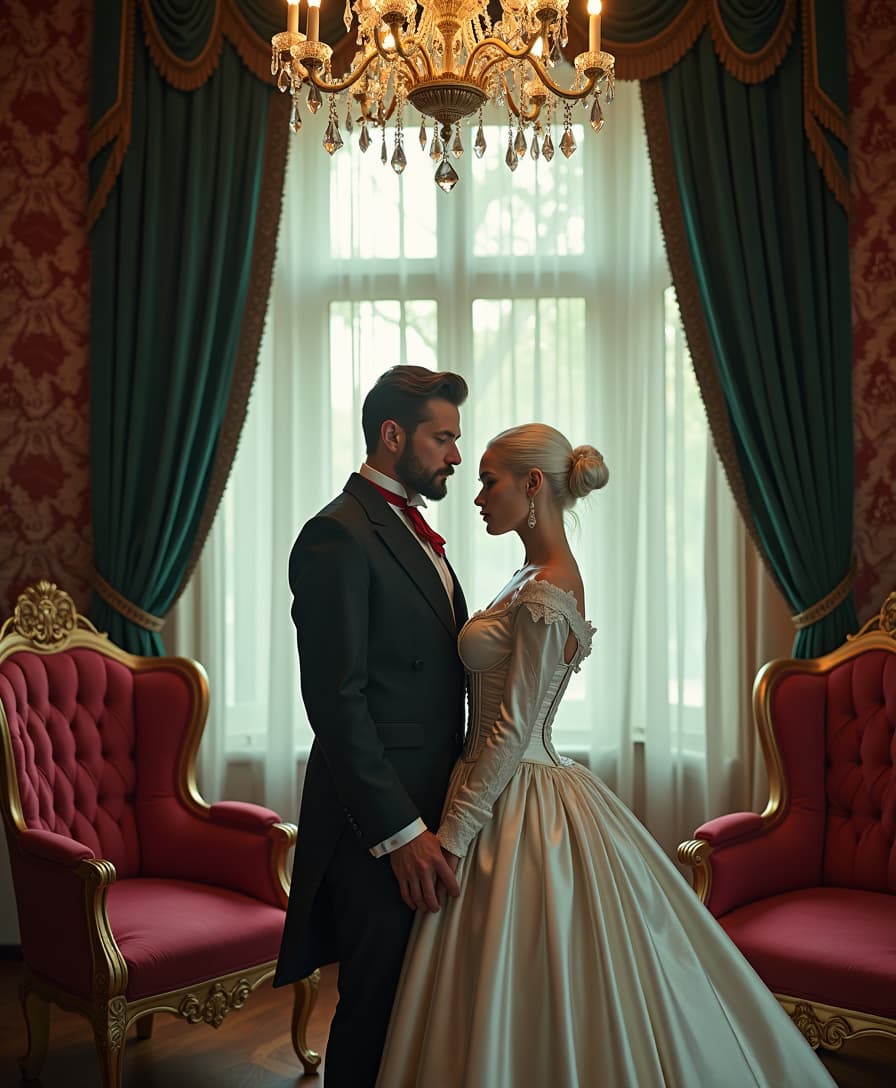
Engineer prompts that nail styles, moods, and compositions every time, turning vague ideas into polished visuals that save you hours and amplify your brand's impact across platforms.
Scale Your Content Production Instantly
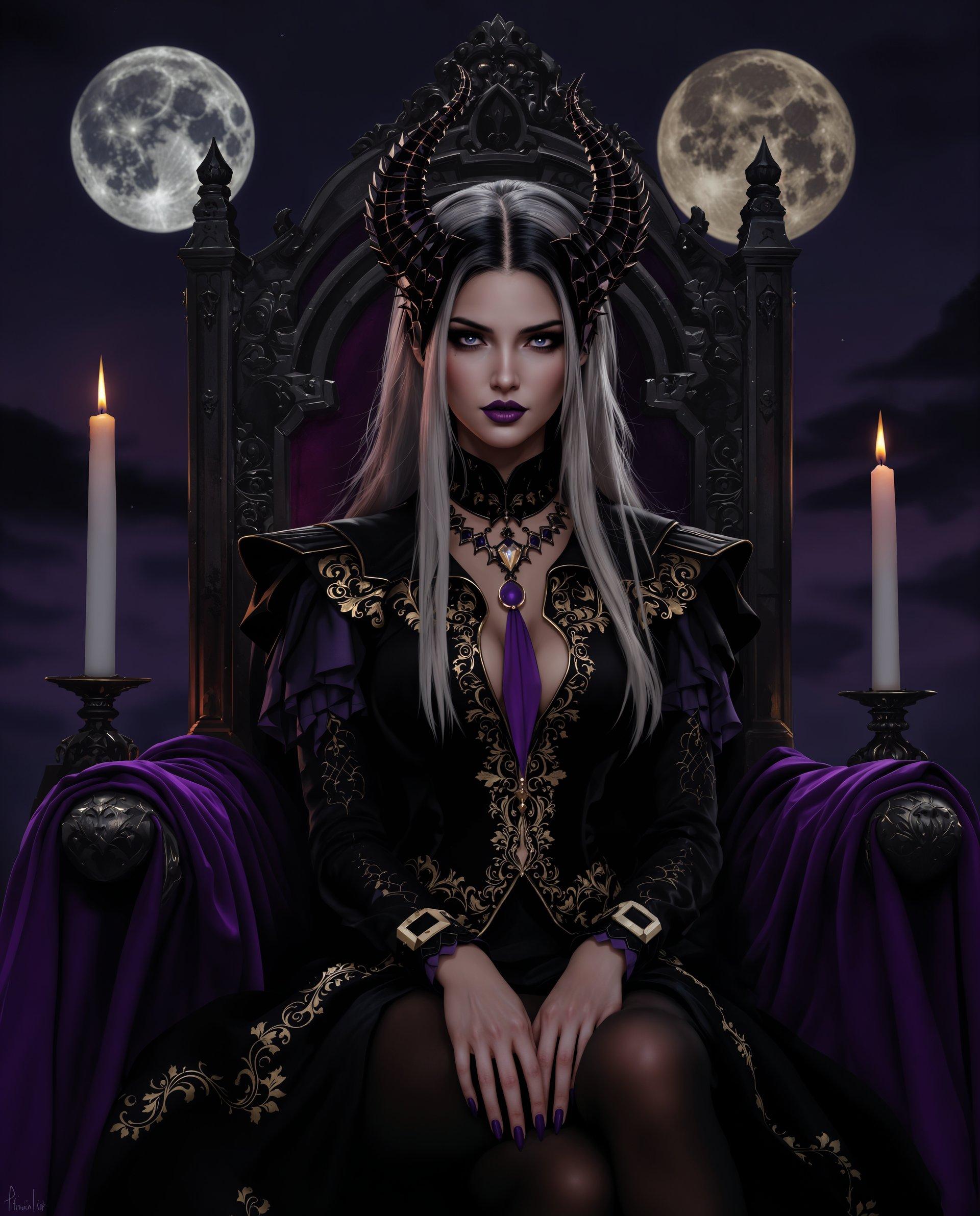
Generate endless variations quickly with GPT Image 2's advanced prompt techniques, empowering you to create viral social posts, book covers, or prototypes without creative blocks.
How It Works
PixelDojo makes ChatGPT Image 2 prompt engineering accessible: select GPT Image 2, craft your enhanced prompt using our tips, and watch stunning images emerge. No expertise required—get pro results in under a minute.
Step 1: Choose GPT Image 2 Tool
Log into PixelDojo.ai, navigate to Generate Images, and select GPT Image 2. This tool excels at interpreting detailed, natural-language prompts for complex scenes, text integration, and photorealism—perfect for your engineering needs.
Step 2: Enter Engineered Prompt
Input your ChatGPT Image 2 optimized prompt: Start with subject (e.g., 'a majestic dragon'), add action/environment ('flying over misty mountains at sunset'), specify style/lighting ('photorealistic, cinematic golden hour, highly detailed, 8K'), and refine with weights like (masterpiece:1.2). Use trends like iterative details for superior outputs.
Step 3: Customize & Download
Adjust aspect ratio, add negative prompts (e.g., 'blurry, lowres'), generate variations, then upscale with Magnific Upscaler or edit via Inpainting. Download HD files instantly—ready for your projects.
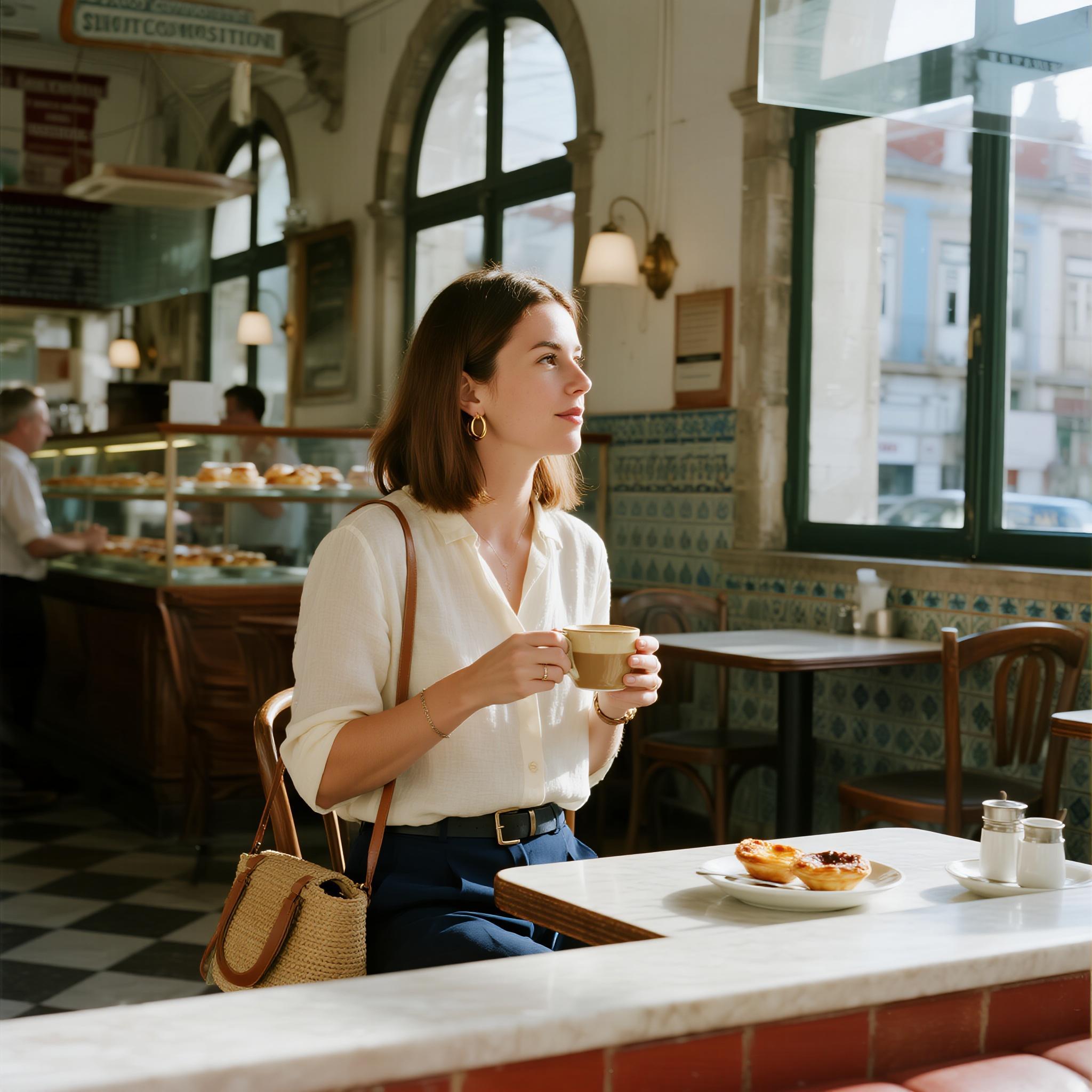
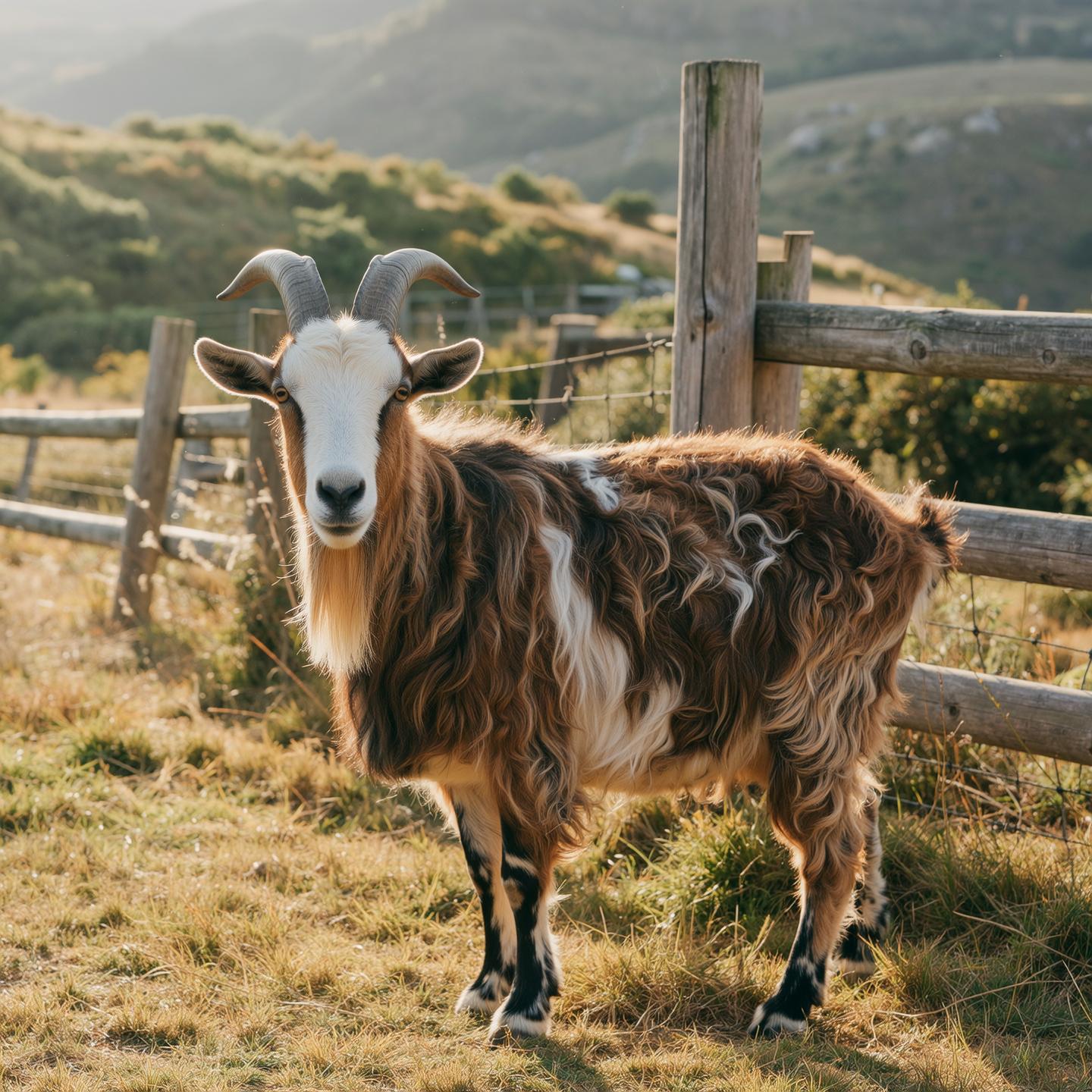
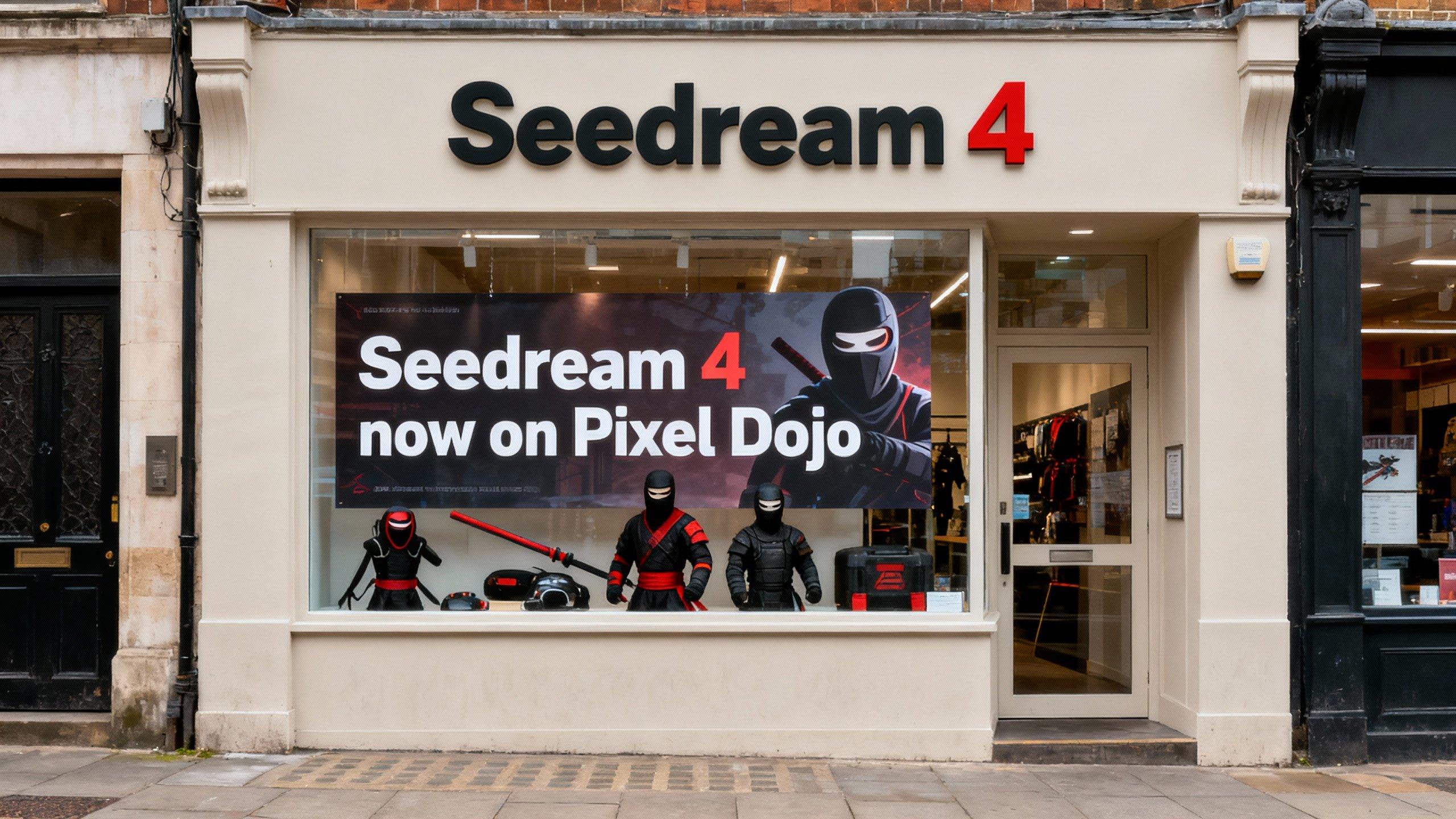
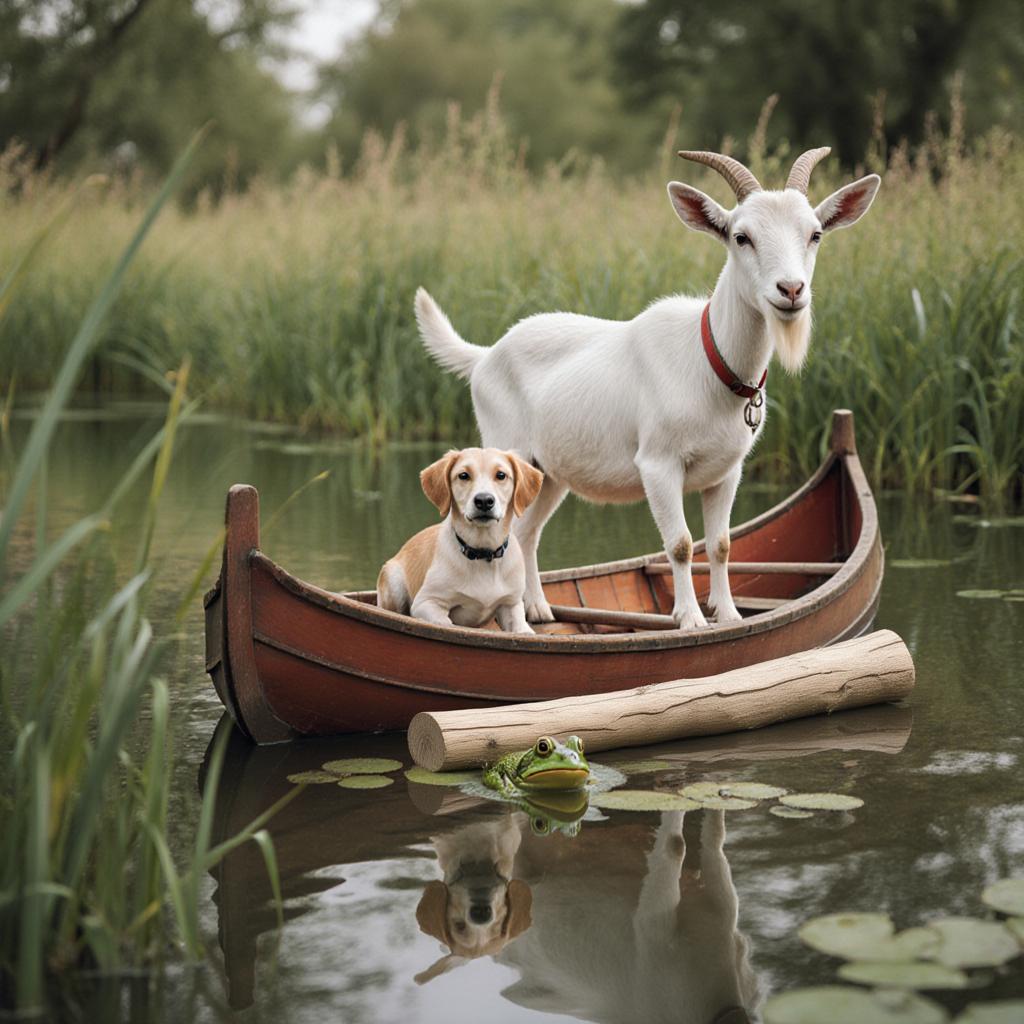
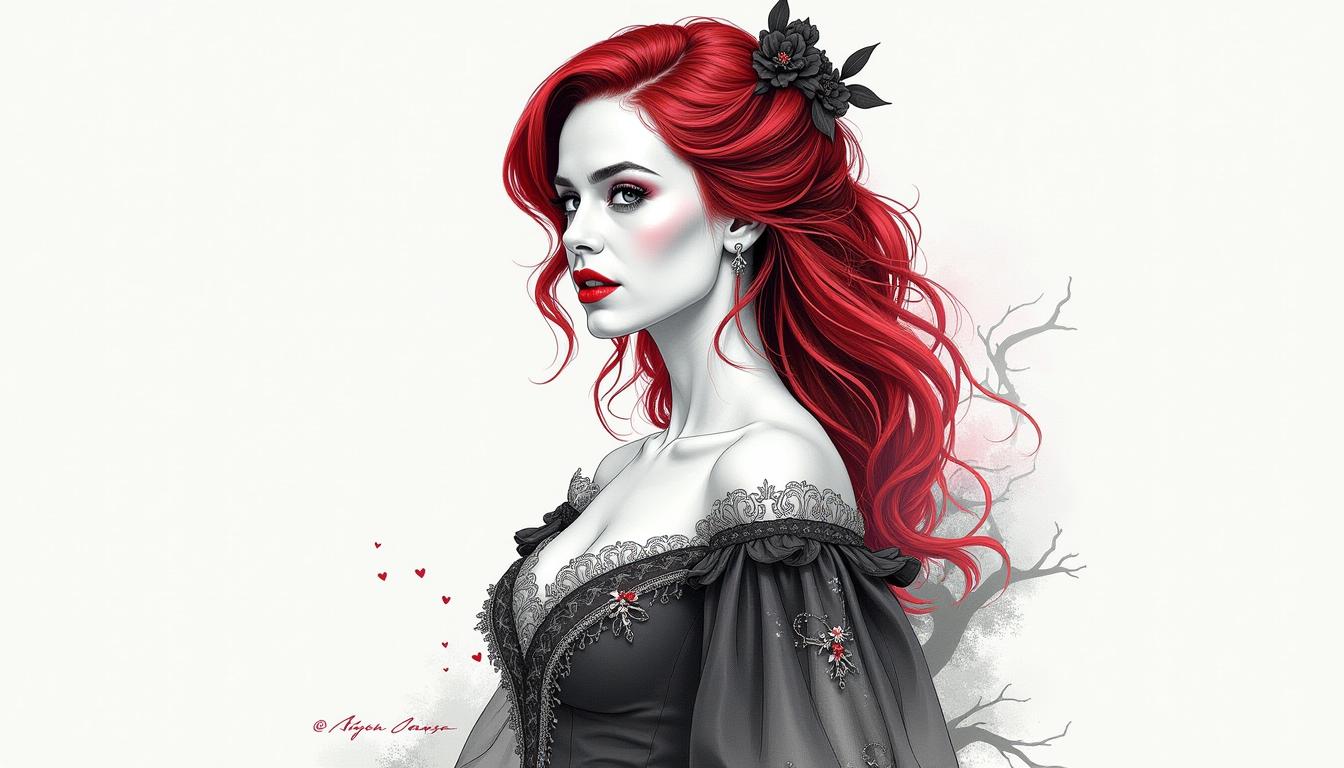
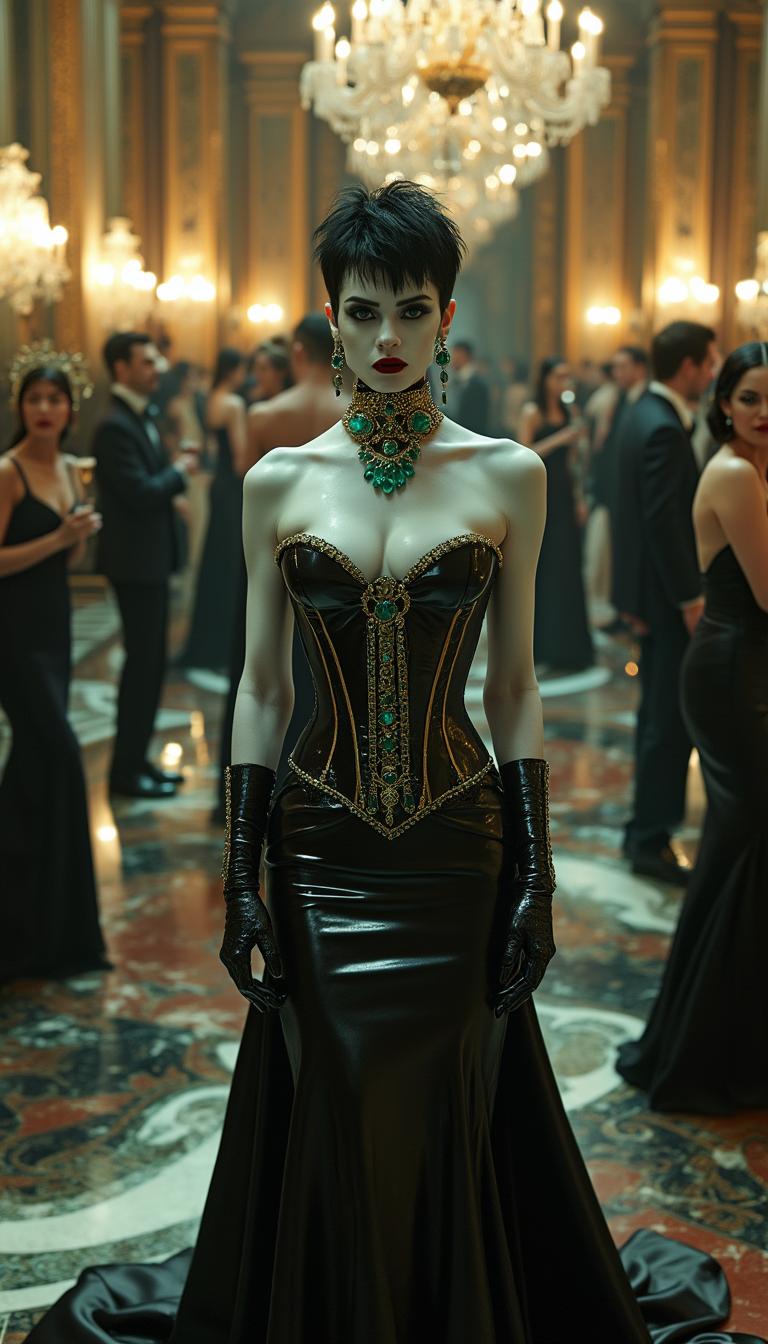
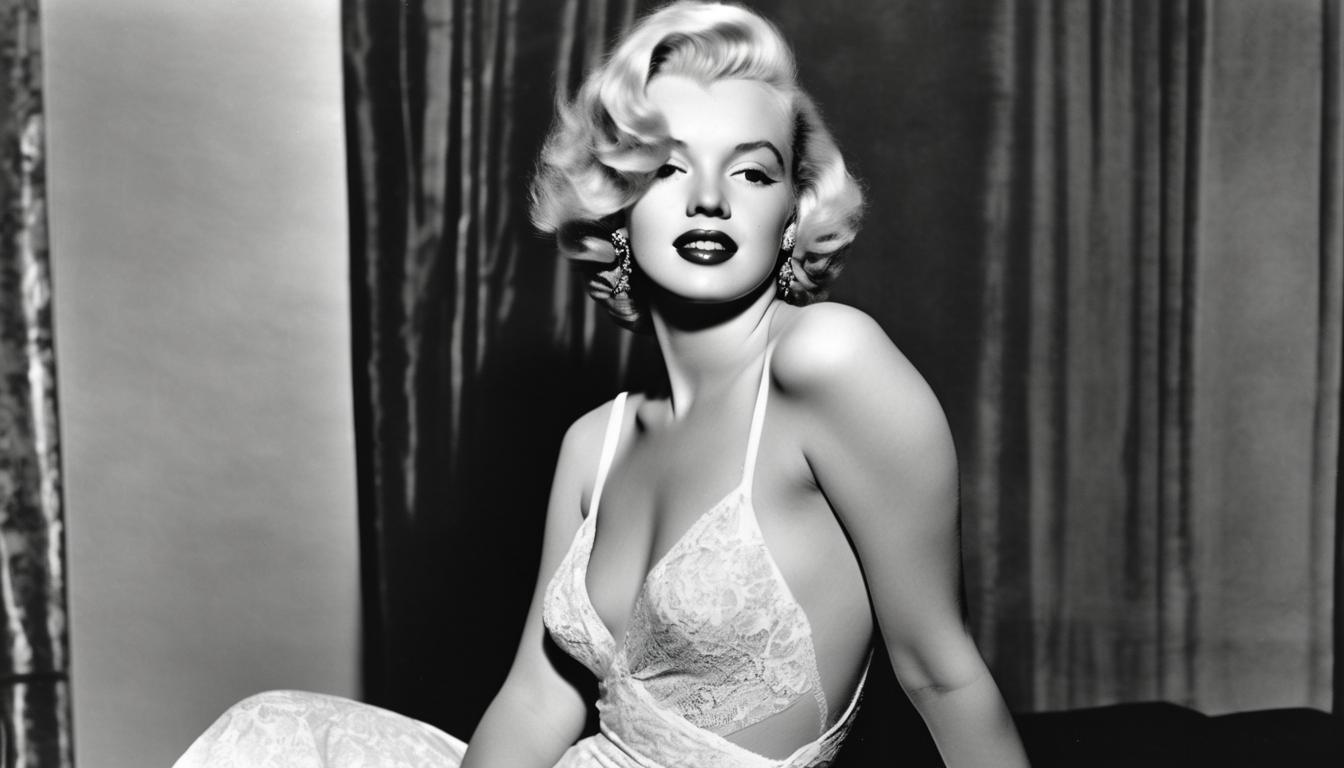
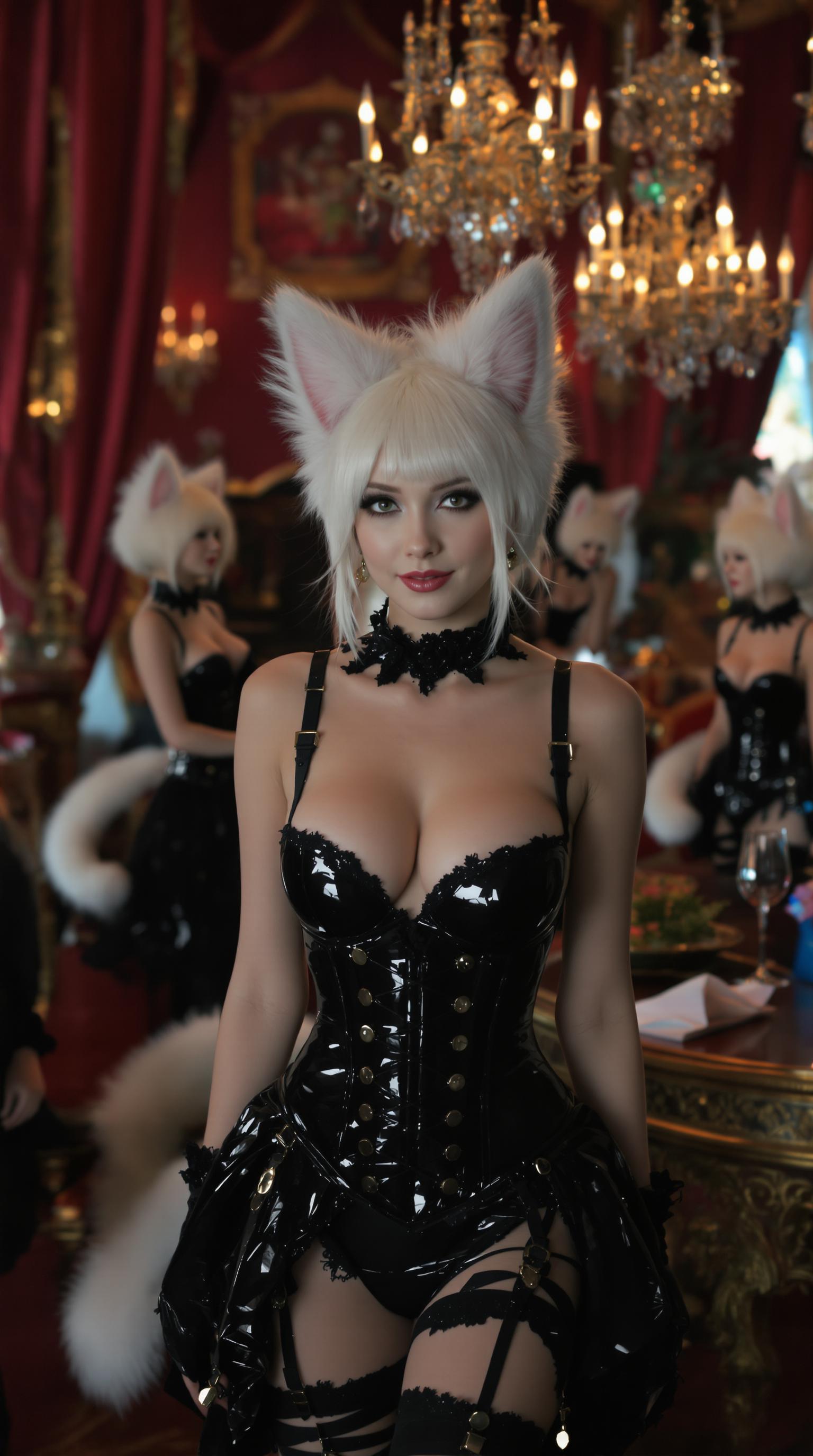
The Pixel Dojo Advantage
Why PixelDojo outperforms other options for ChatGPT Image 2 prompt engineering image generation
| Others | Pixel Dojo |
|---|---|
| Traditional image creation | Skip weeks of sketching and photography—GPT Image 2 delivers instant, customizable masterpieces with one engineered prompt |
| Generic AI tools | Exclusive GPT Image 2 access plus Flux.2 Studio and WAN 2.7 for unmatched prompt fidelity, text rendering, and style control |
| Manual photo editing | Automate perfection with built-in Image Analyzer and Reality Polisher—no Photoshop skills needed for pro refinements |
Loved by Creators
See what our community says about chatgpt image 2 prompt engineering
"PixelDojo's GPT Image 2 with prompt engineering tips transformed my marketing visuals—now my ads convert 3x better!"
Sarah Jenkins
Digital Marketer
"Mastered ChatGPT Image 2 prompts here; generated book covers that landed me clients. Incredibly intuitive!"
Mike Rivera
Freelance Illustrator
Common Questions
Everything you need to know about chatgpt image 2 prompt engineering AI generation
What is ChatGPT Image 2 prompt engineering and how does PixelDojo make it easy?
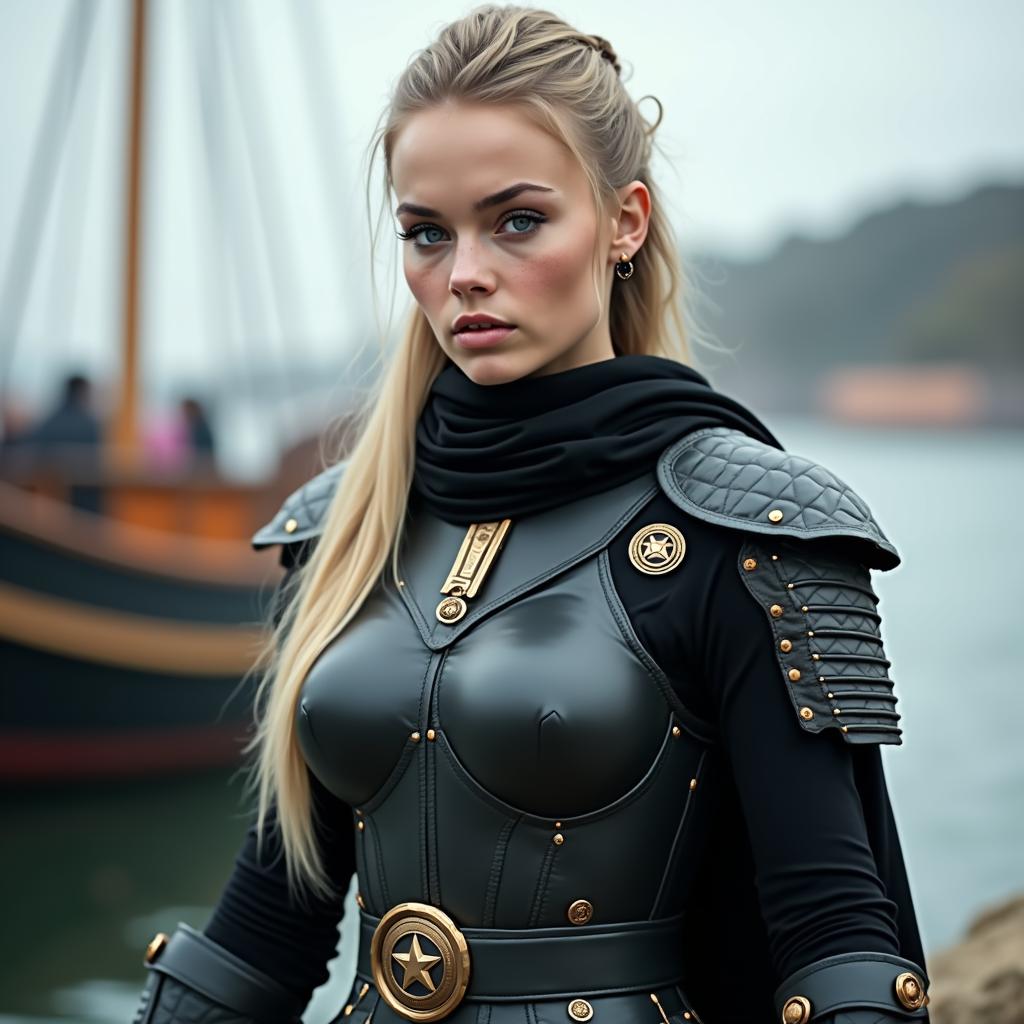
ChatGPT Image 2 prompt engineering involves crafting detailed, structured natural-language inputs to generate precise, high-quality images—like specifying 'photorealistic portrait of a warrior in ancient armor, dramatic volumetric lighting, (highly detailed:1.3), 8K'. PixelDojo's GPT Image 2 tool optimizes this with real-time previews, auto-suggestions, and integration with tools like Seedream 5 Lite for variations, helping you achieve flawless outcomes without trial-and-error frustration.
What are the best ChatGPT Image 2 prompts for photorealistic images?
Top prompts include: 'Ultra-realistic close-up of a serene forest lake at dawn, mist rising, god rays piercing canopy, sharp focus, Canon EOS 5D, 8K'. On PixelDojo, combine with QWEN Image 2 for enhanced realism, negative prompts like 'cartoon, deformed', and upscale via Portrait Upscaler to get print-ready results that impress clients instantly.
How do I use prompt weights and boosters in GPT Image 2 prompt engineering?
Boost elements with (keyword:1.2) for emphasis or [keyword:0.8] to reduce. Example: 'Futuristic city skyline (neon glow:1.4), rainy night, cyberpunk style, masterpiece'. PixelDojo's GPT Image 2 handles these seamlessly, paired with Flux.1 Studio for artistic flair, letting you fine-tune moods and details for viral-worthy images.
Can I generate images with text using ChatGPT Image 2 prompts on PixelDojo?
Yes! Prompts like 'Vintage poster: "Dream Big" in bold Art Deco font, surrounded by starry cosmos, high contrast' excel. GPT Image 2 on PixelDojo renders crisp text effortlessly, outperforming others—refine with Recraft V4 or Style Transfer for branded perfection.
What are current trends in ChatGPT Image 2 prompt engineering techniques?
2024 trends: Conversational multi-step prompts, camera specs (e.g., 'shot on iPhone 16 Pro, macro lens'), mood layering ('ethereal, melancholic'), and hybrid styles ('oil painting meets photorealism'). PixelDojo integrates these in GPT Image 2, WAN 2.6, and ImagineArt 1.5, with Image Outpainting for expansions—stay ahead and create trendsetting visuals.
How to fix common issues in ChatGPT Image 2 image generation with prompts?
Avoid deformities with negatives: 'blurry, mutated hands, extra limbs'. For composition, add 'rule of thirds, centered subject'. PixelDojo's Inpainting, Change Camera Angle, and Magic Lighting fix issues post-generation, while GPT Image 2's prompt engineering minimizes them upfront for your ideal outcomes.