cinematic ai video AI Generator
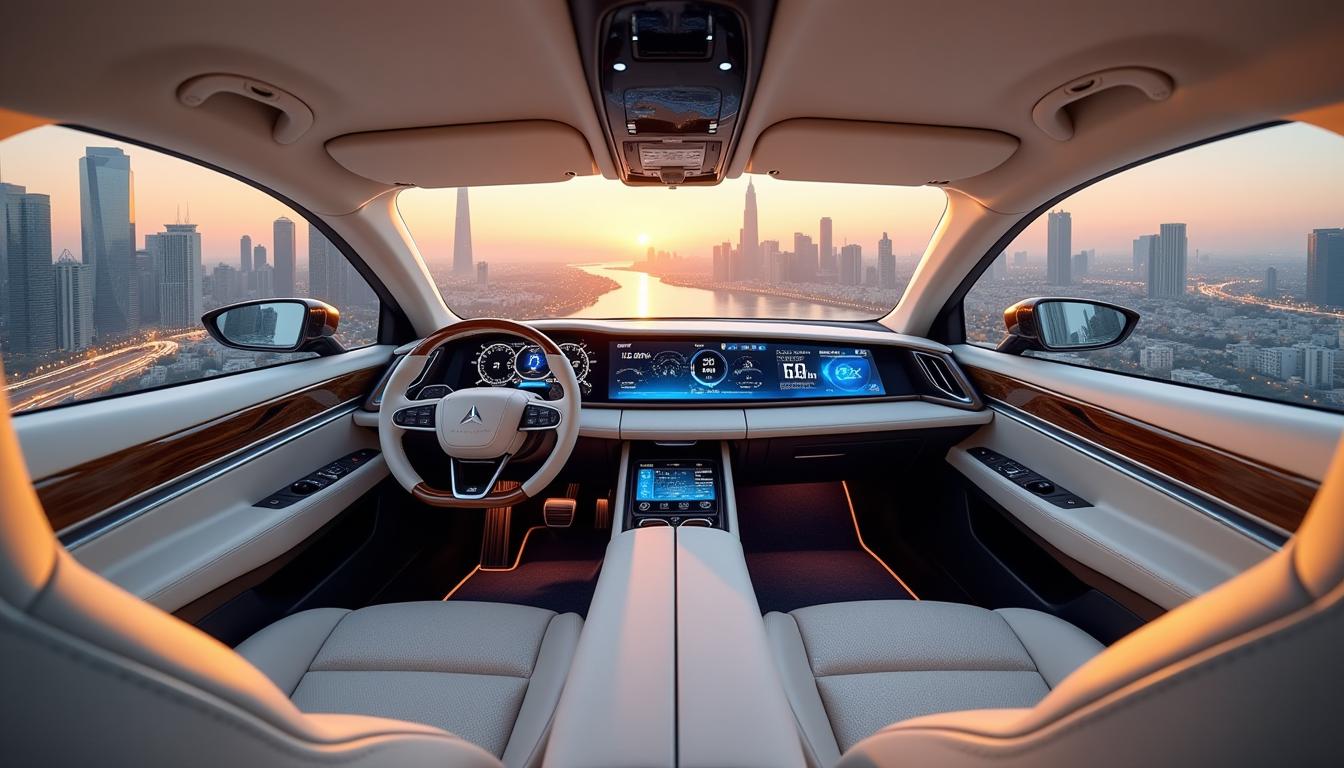
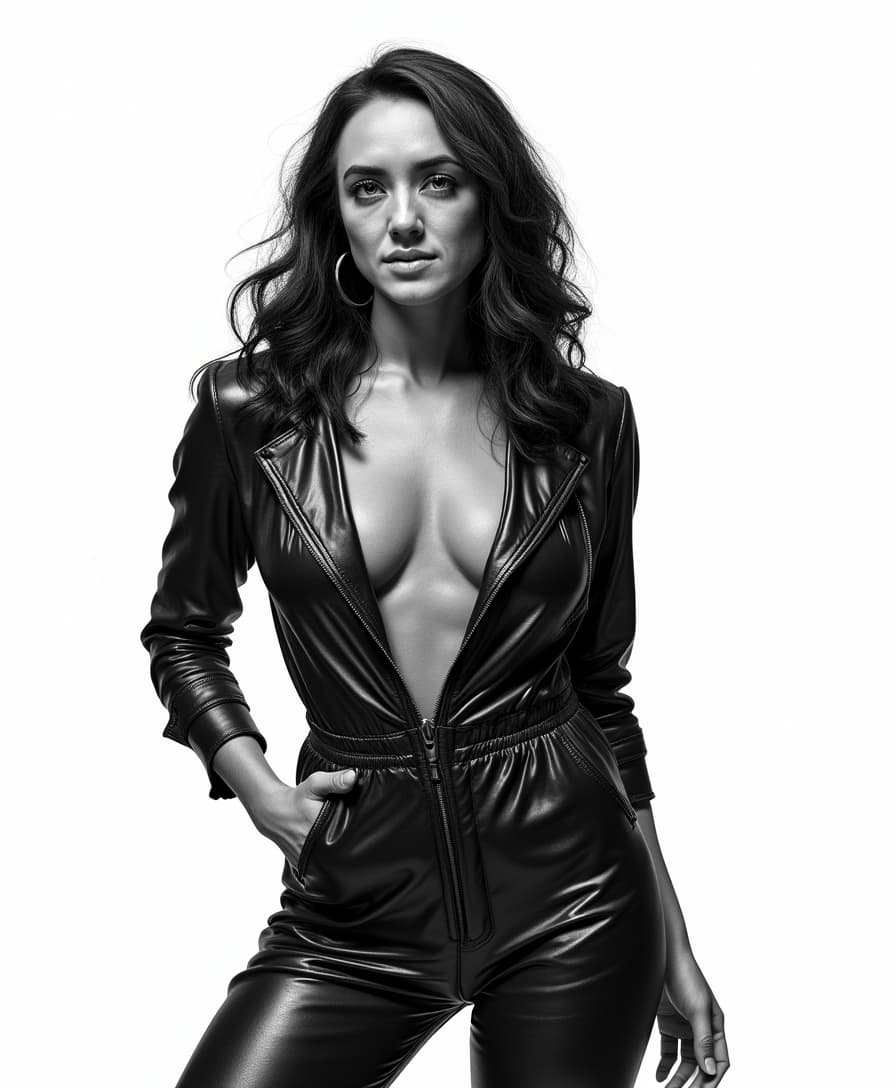
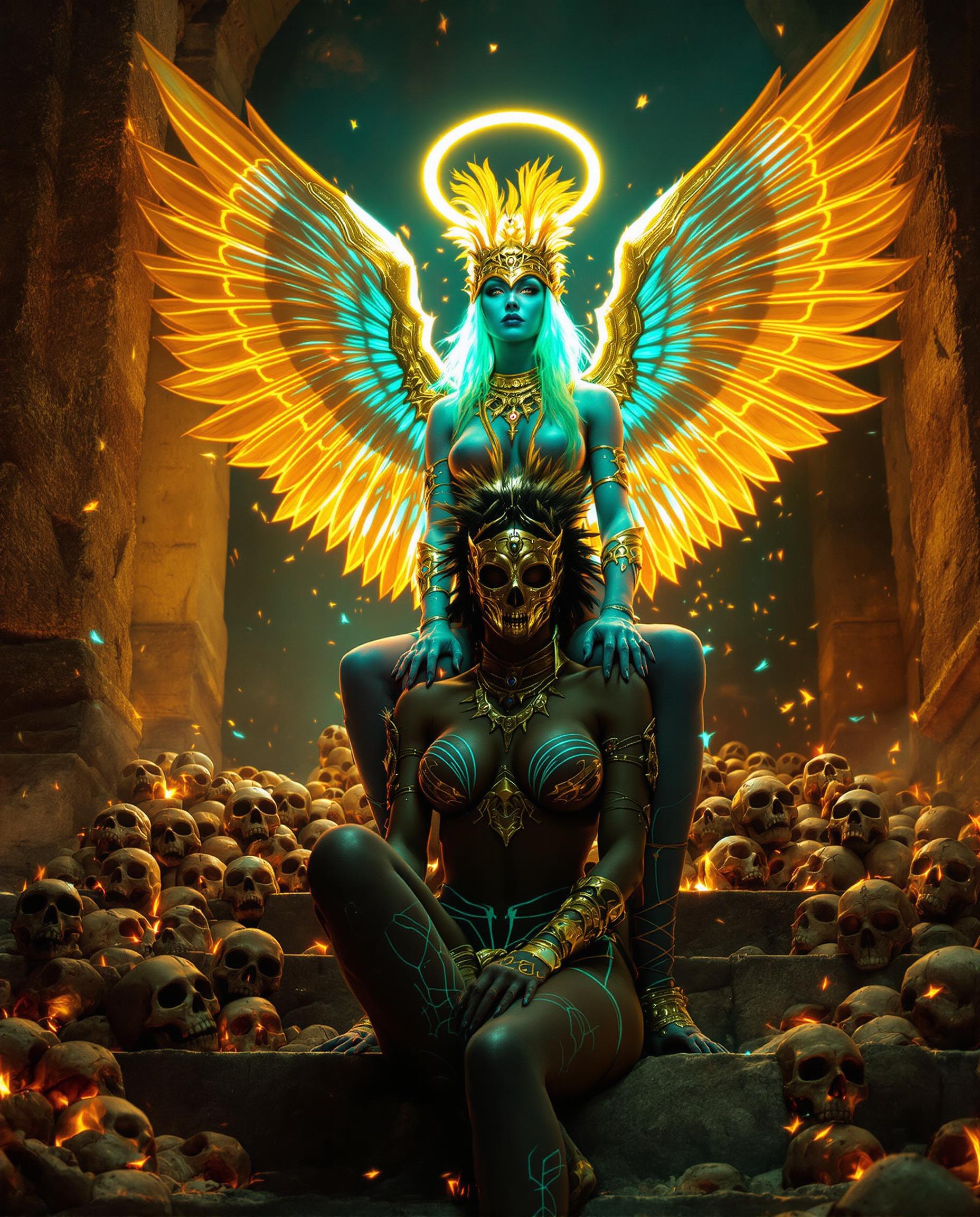
Imagine crafting breathtaking cinematic AI videos that rival Hollywood blockbusters – epic drone shots, dramatic slow-motion reveals, and flawless color grading – all without a single frame of footage or expensive gear. With PixelDojo's cinematic AI video tools like Kling Video, Runway, and Seedance 2, you can turn simple text prompts into professional-grade videos ready for YouTube, TikTok, or ads. Save thousands on production costs, produce content in minutes instead of weeks, and captivate your audience with visuals that demand attention. Whether you're a filmmaker, marketer, or content creator, unlock the power to create viral cinematic stories that drive views, shares, and sales.
Trusted by 50,000+ creators | 4.9/5 stars from 12K+ reviews | 1M+ cinematic videos generated | Featured in Creator Economy newsletters
Why Choose Pixel Dojo for cinematic ai video
Professional-quality results with cutting-edge AI technology
Produce Hollywood-Level Videos Instantly
Achieve cinematic depth with tools like Kling Video and VEO 3.1, delivering dynamic camera movements, realistic physics, and immersive storytelling that hooks viewers from the first second – perfect for trailers, ads, or social reels.
Save Time and Cut Costs Dramatically
Skip crews, equipment rentals, and endless edits. Generate full cinematic sequences in under 60 seconds using WAN 2.7 Video or Grok Video, freeing you to focus on creativity and scaling your content empire.
Customize for Perfect Consistency
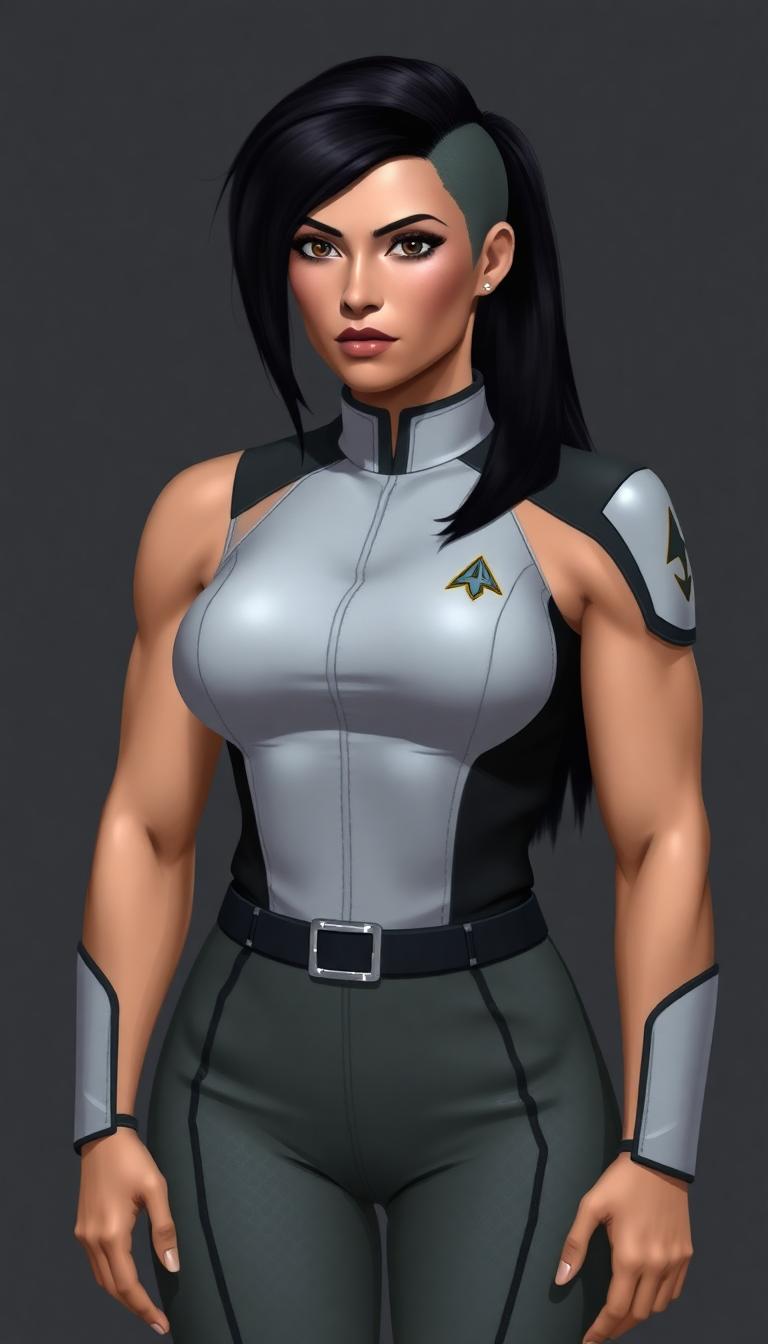
Maintain character continuity and style across scenes with Kling Reference to Video or Seedance 2 Reference, ensuring your cinematic AI videos feel like seamless films that build emotional impact.
How It Works
Creating cinematic AI videos on PixelDojo is effortless – pick a specialized tool, describe your vision with cinematic keywords like 'epic wide-angle dolly zoom at golden hour,' and watch magic unfold.
Step 1: Choose Your Cinematic Tool
Head to the Video Generation section and select Kling Video, Runway, or Seedance 2 for hyper-realistic cinematic motion. Upload a reference image via Kling Reference to Video for style matching if desired.
Step 2: Craft Your Epic Prompt
Enter a detailed prompt: 'A lone astronaut drifting in space, dramatic lens flare, slow-motion 360 pan, cinematic 35mm film grain, orchestral swell.' Add motion like 'camera dolly in' for blockbuster feel.
Step 3: Refine, Edit & Download
Use Video Edit tools like Kling Video Edit or Runway Aleph to tweak lighting, extend clips with Grok Imagine Video Extend, add lip sync, then upscale with Video Upscaler and download your 4K masterpiece.








The Pixel Dojo Advantage
Why PixelDojo outperforms other options for cinematic AI video generation
| Others | Pixel Dojo |
|---|---|
| Traditional video production | Ditch $10K+ shoots and weeks of editing – get cinematic results in minutes with zero crew using Kling Video and Runway. |
| Generic AI tools | Access 20+ specialized video models like WAN 2.7 Video and Seedance 2 for true cinematic depth, motion control, and 4K output unmatched elsewhere. |
| Manual video editing | Automate complex effects like realistic physics and camera paths – refine effortlessly with integrated edits, no steep learning curve. |
Loved by Creators
See what our community says about cinematic ai video
"PixelDojo's Kling Video turned my script into a cinematic trailer that got 100K views overnight. Game-changer for indie filmmakers!"
Alex Rivera
Indie Filmmaker
"Runway and Seedance 2 on PixelDojo let me create pro ads without a budget. Cinematic quality that's blowing up my socials."
Sarah Kline
Marketing Director
Common Questions
Everything you need to know about cinematic ai video AI generation
How do I create cinematic AI videos for free with PixelDojo?
Start instantly on PixelDojo with free credits for tools like Kling Video and Grok Video. Describe your scene with cinematic terms like 'dramatic low-angle shot, volumetric fog, epic score,' generate, and download. Upgrade for unlimited access to 40+ tools, cancel anytime.
What are the best AI tools for cinematic video generation on PixelDojo?
Top picks include Kling Video for hyper-real motion, Runway for advanced effects, Seedance 2 for consistent characters, and WAN 2.7 Video for 1080p cinematic grading. Combine with Video Upscaler for 4K Hollywood polish.
Can PixelDojo generate cinematic AI videos with custom characters?
Yes! Use Kling Reference to Video or WAN Reference to Video to lock in characters, then apply Pose Control or Character Stylist. Edit with Lip Sync and Video Autocaption for talking-head cinematics that feel alive.
How long does it take to make a cinematic AI video trailer?
Under 2 minutes total: Select Creator Studio or VEO 3.1, prompt your trailer sequence (e.g., 'fast-paced montage, explosions, hero reveal'), generate 5-10s clips, merge with Merge Videos, and export. Scale to full trailers effortlessly.
What cinematic effects can I add to AI videos on PixelDojo?
Achieve pro looks with Magic Lighting for god rays, Video Reframe for dynamic pans, Grok Video Edit for color grading, and Hailuo 2.3 for surreal slow-mo. Add audio via Text to Music for immersive soundtracks.
Is PixelDojo suitable for professional cinematic AI video production?
Absolutely – pros love the API for batch generation, Usage Reports for tracking, and trainers like Flux 2 Trainer for custom cinematic styles. Outputs support commercial use, with consistent quality across PixVerse V6 and LTX-2 Video.