dreamina 3.1 image generator AI Generator
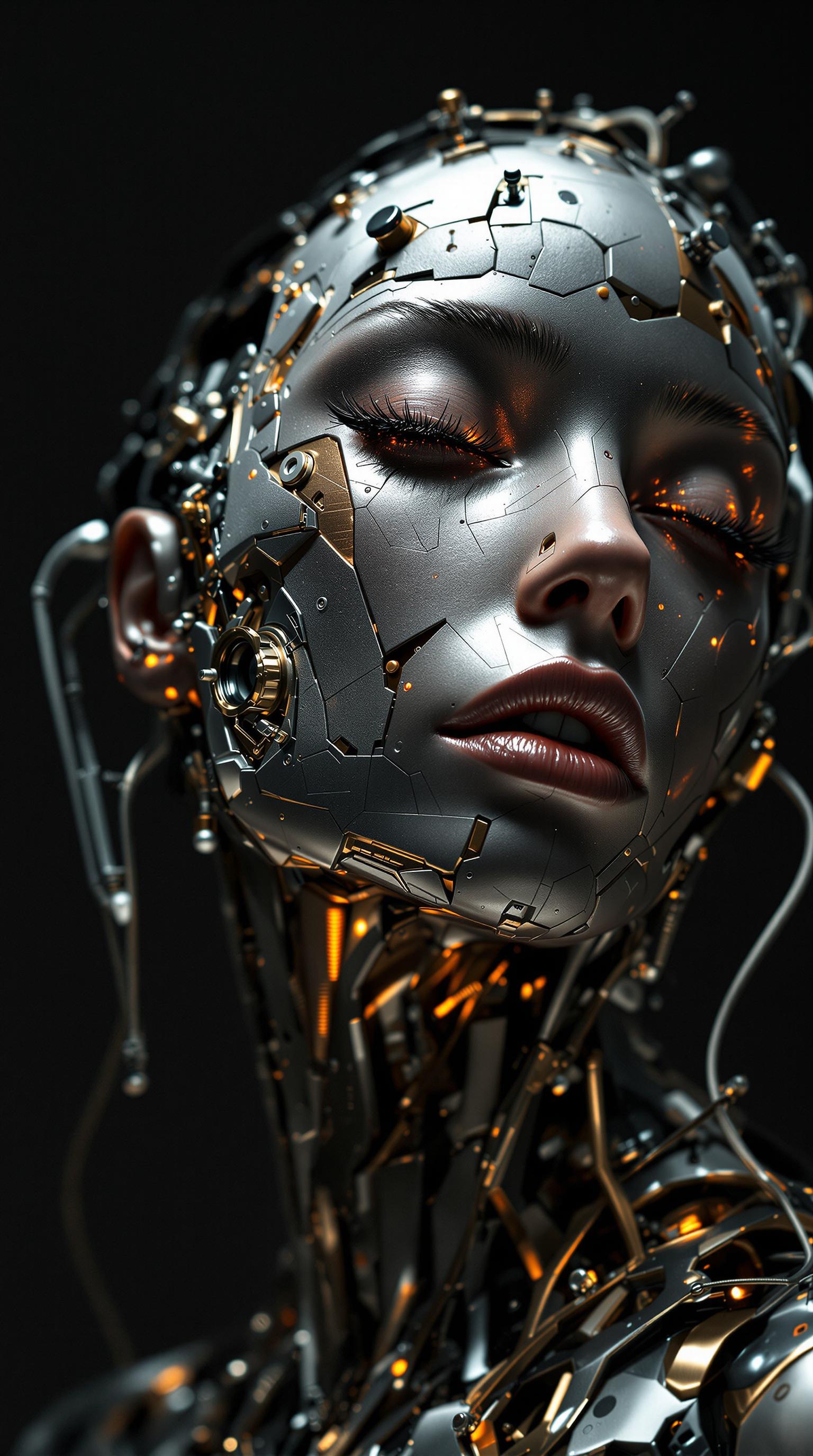
Imagine bringing your most vivid ideas to life with just a few words. With Dreamina 3.1 AI Image Generator, you can effortlessly transform your concepts into stunning visuals, unlocking a world of creative possibilities. Whether you're a designer, marketer, or hobbyist, Dreamina 3.1 empowers you to create high-quality images that captivate and inspire.
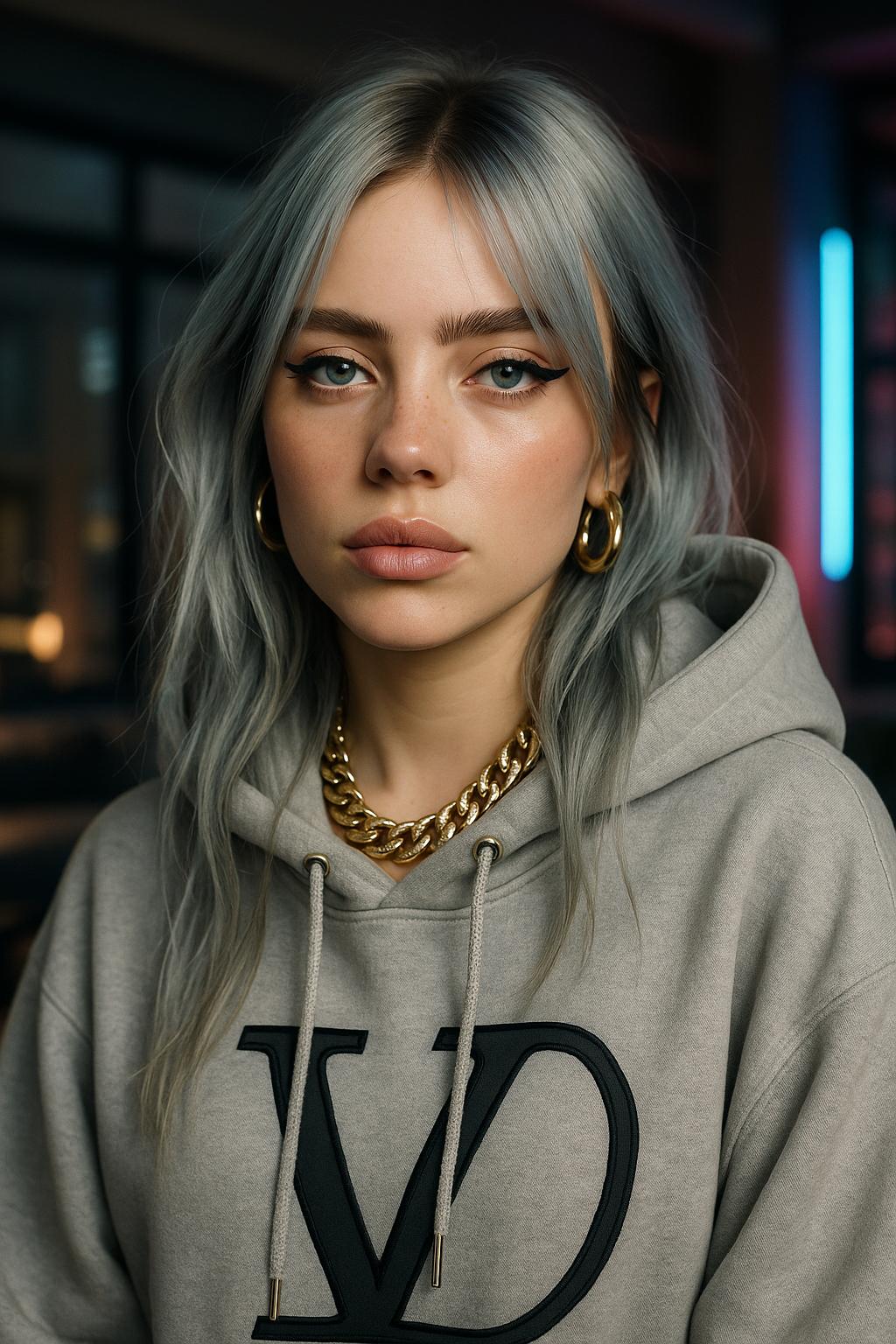
Join over 10,000 creators who have generated more than 1 million images using Dreamina 3.1. Rated 4.8/5 by our satisfied users.
Why Choose Pixel Dojo for dreamina 3.1 image generator
Professional-quality results with cutting-edge AI technology
Effortless Creativity
Generate high-quality images from simple text prompts, eliminating the need for complex design skills.
Versatile Artistic Styles
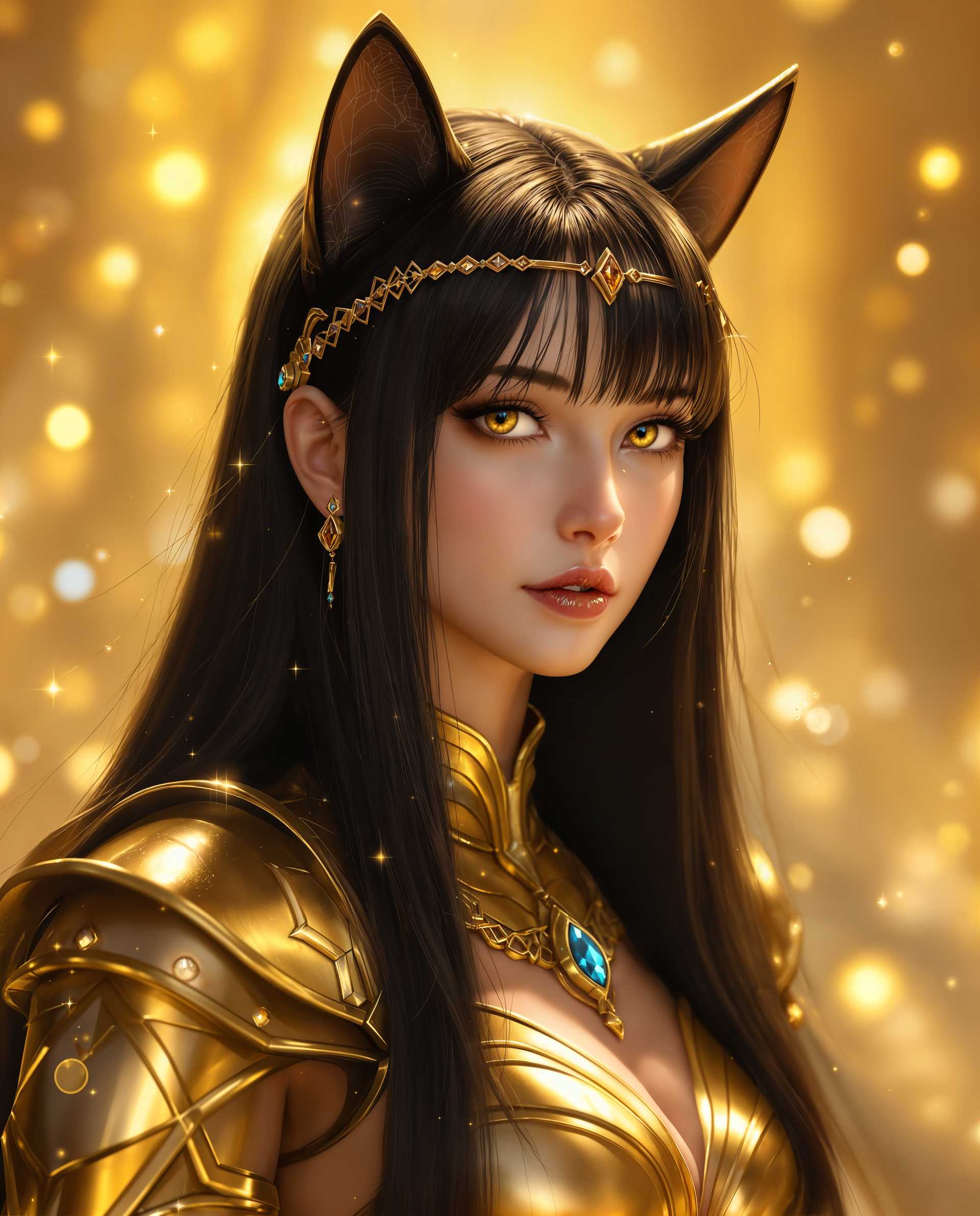
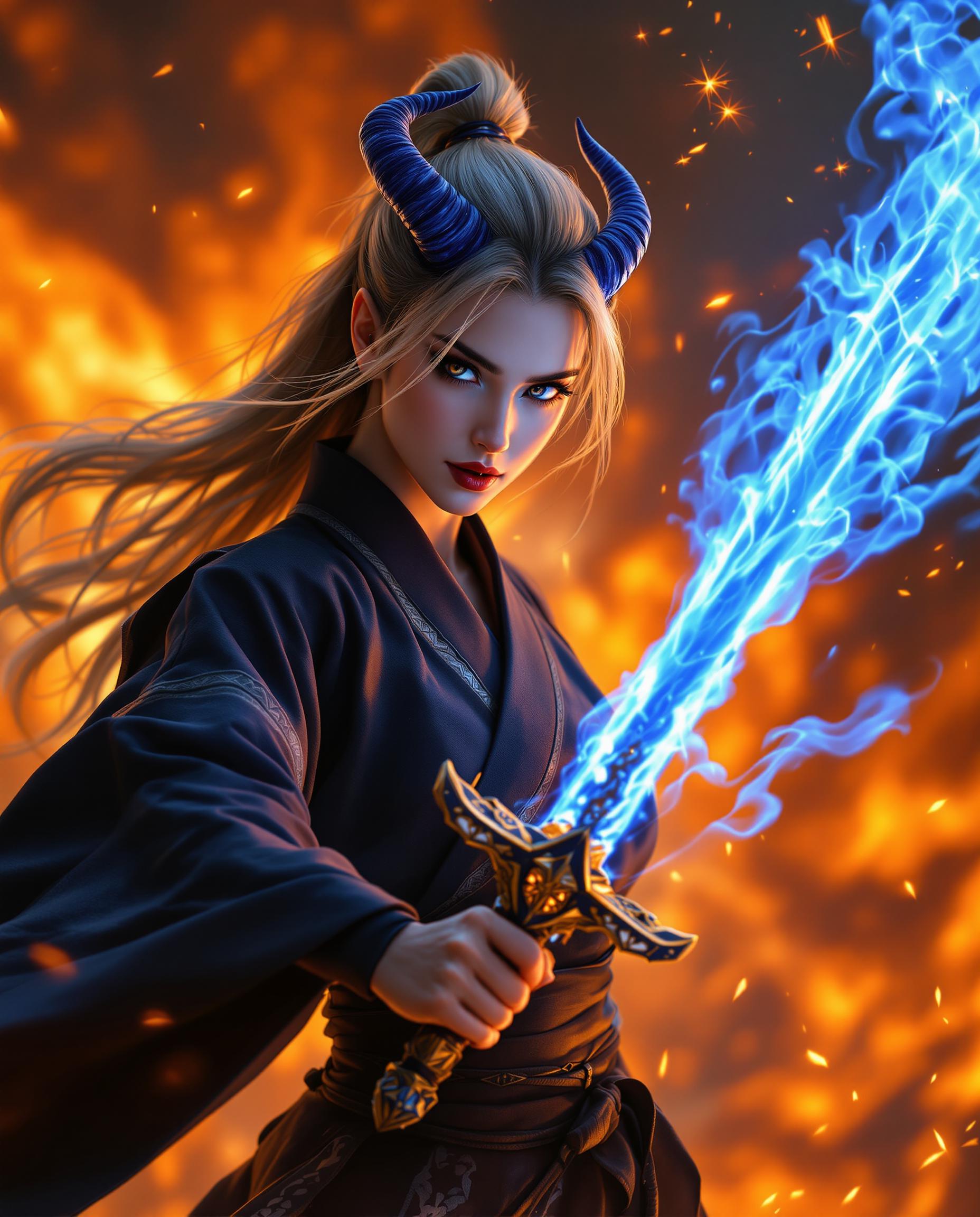
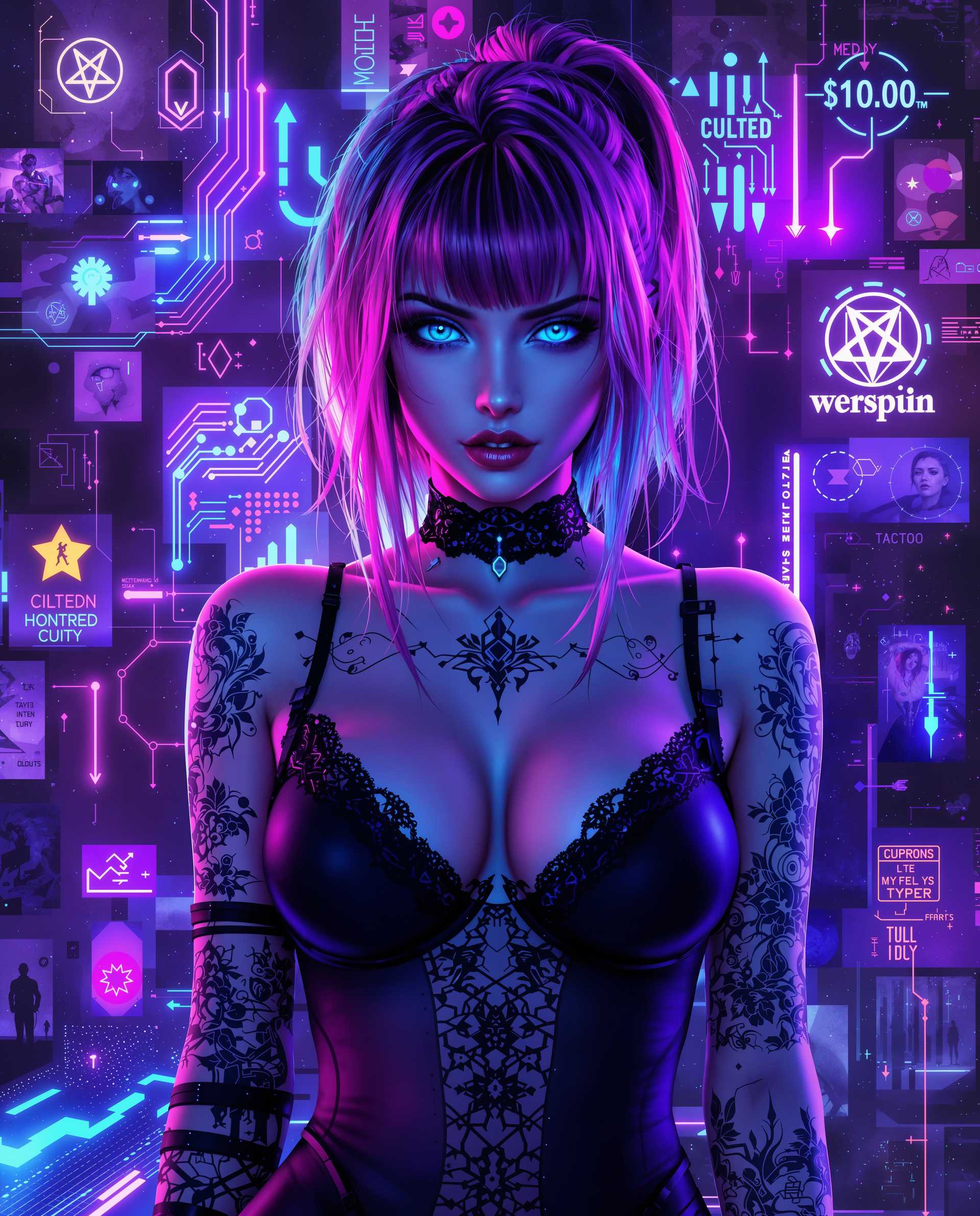
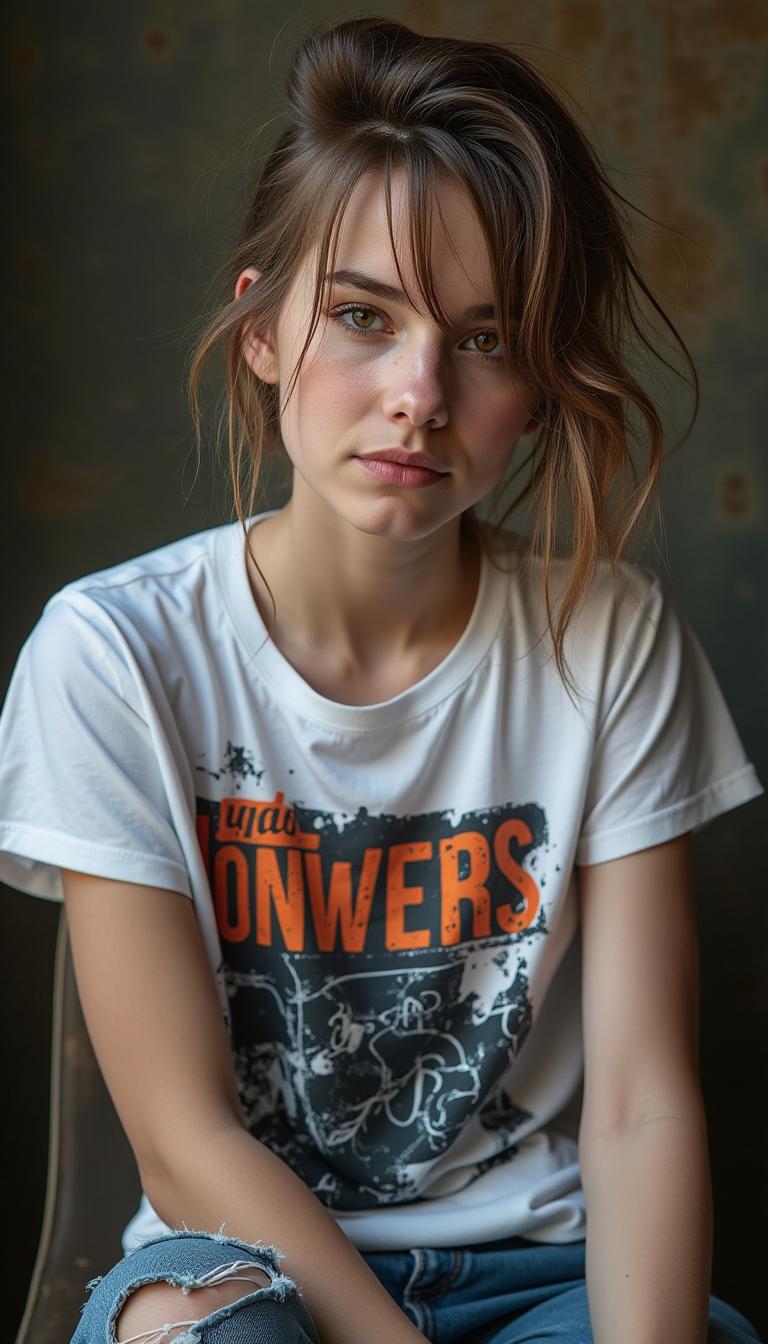
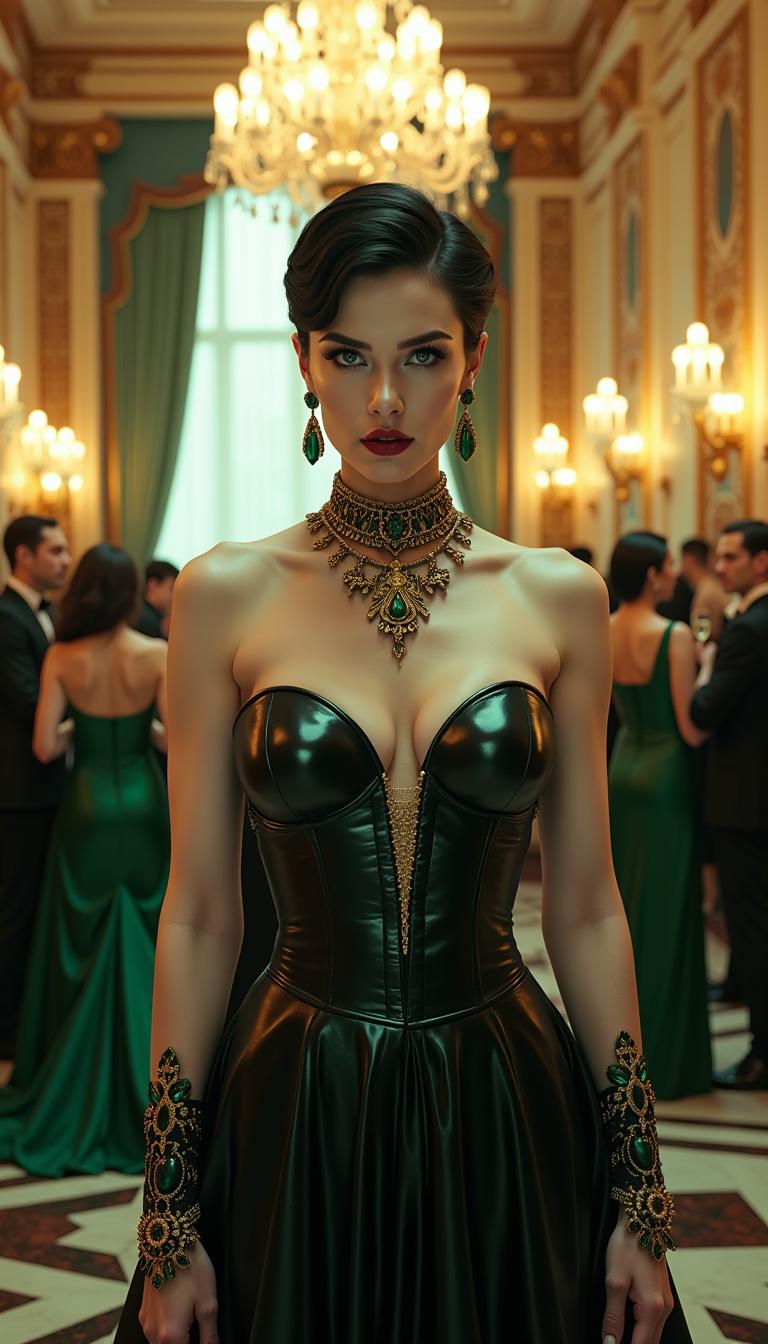
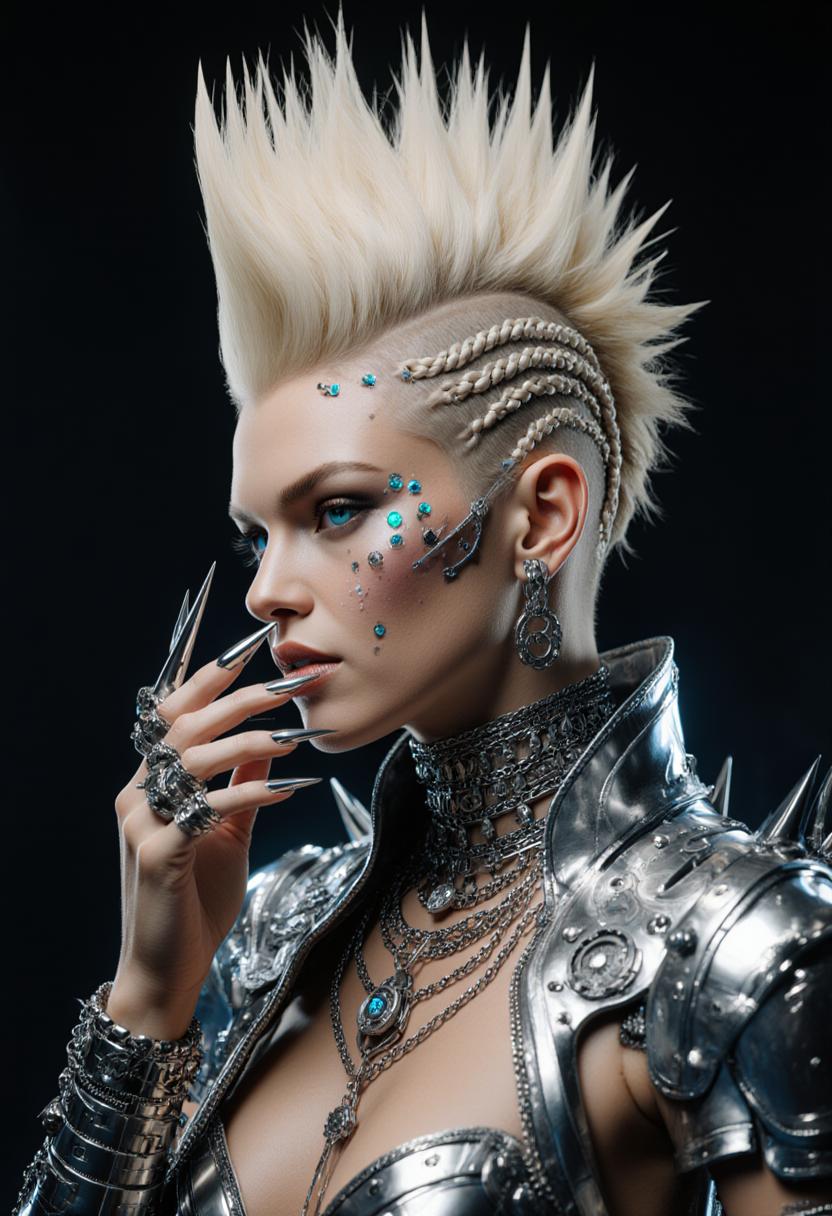
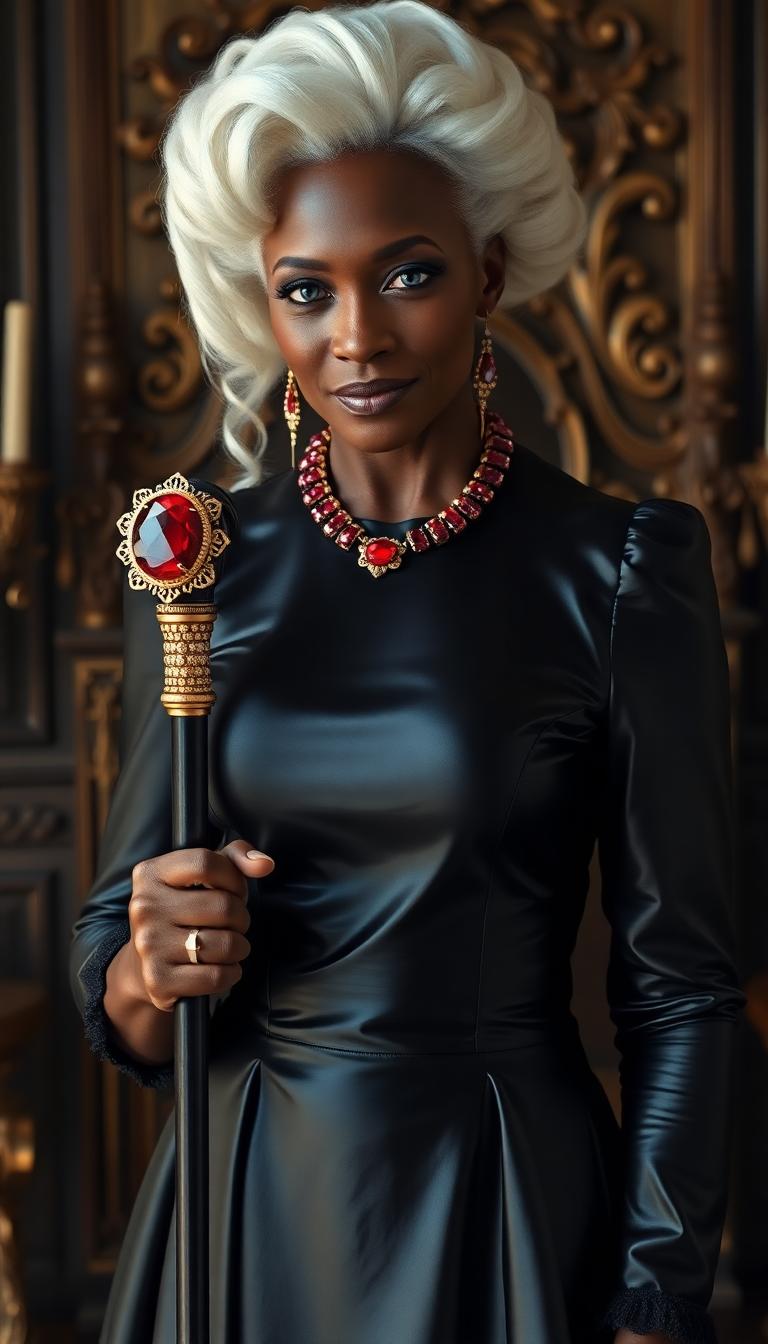
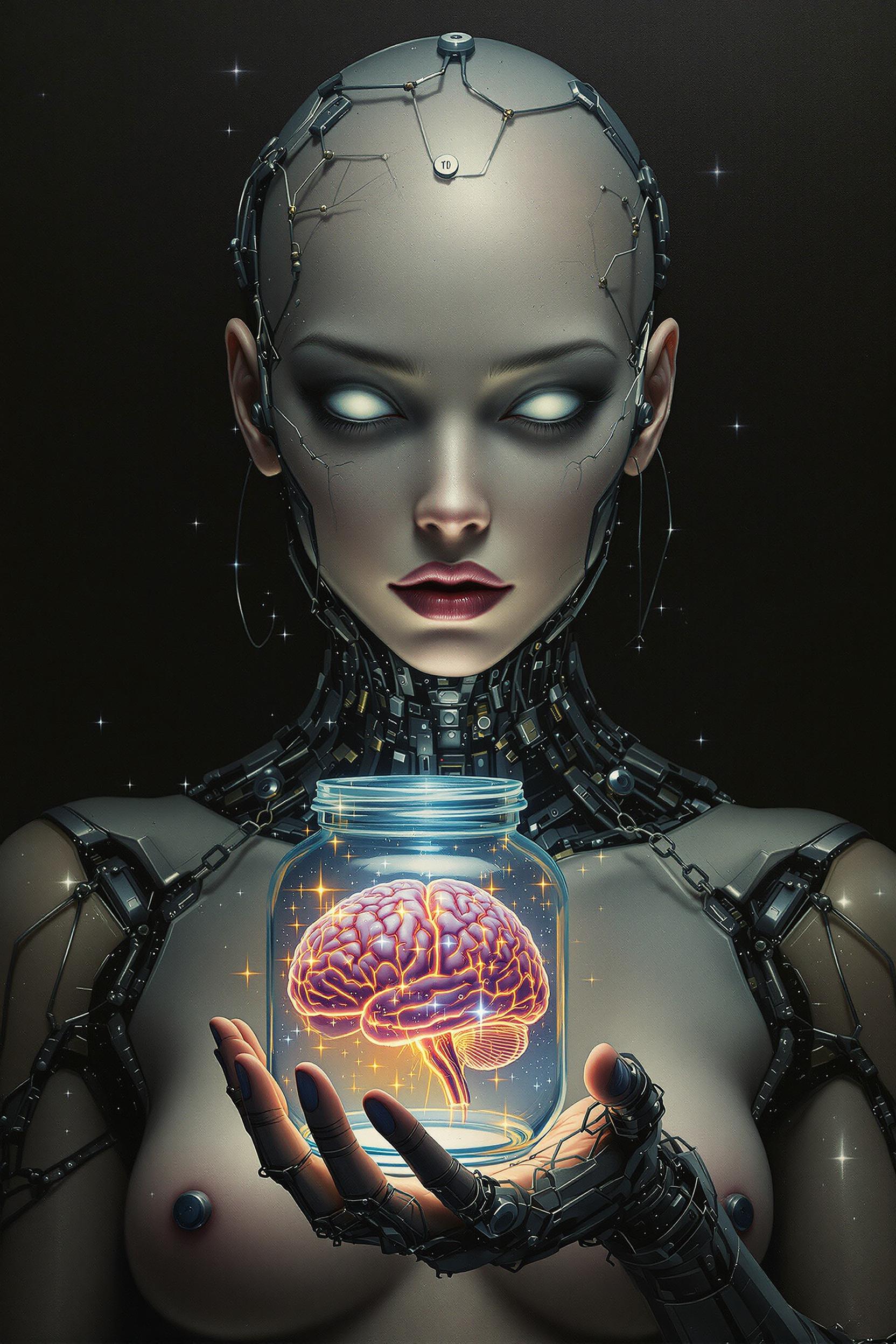
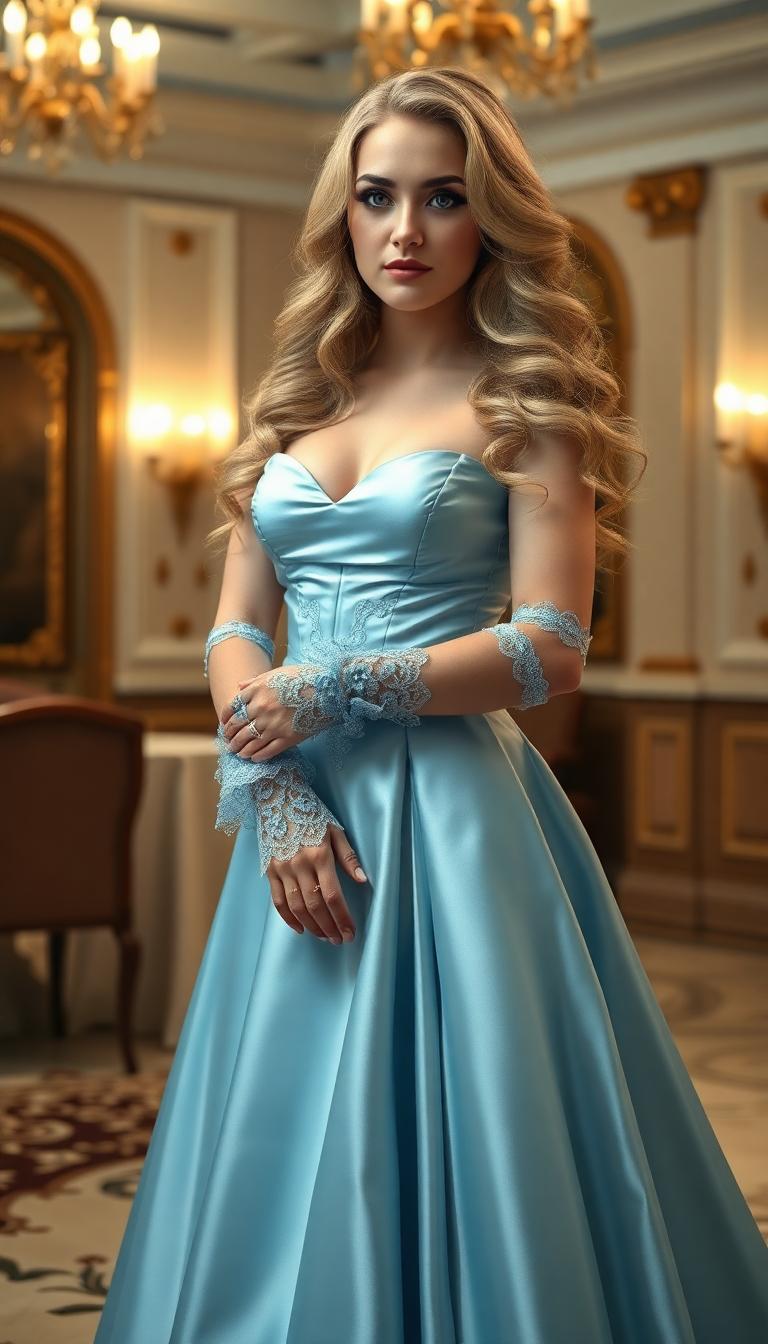
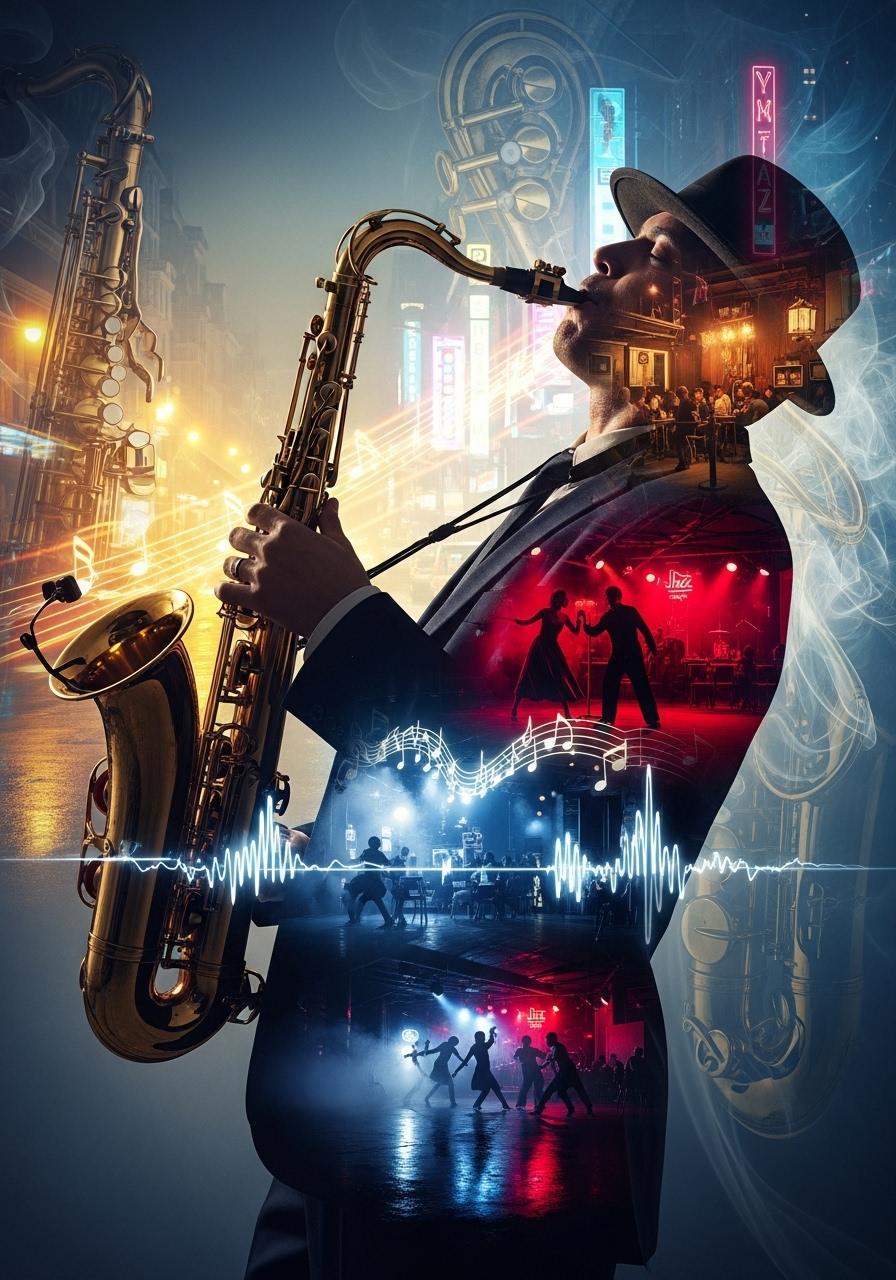
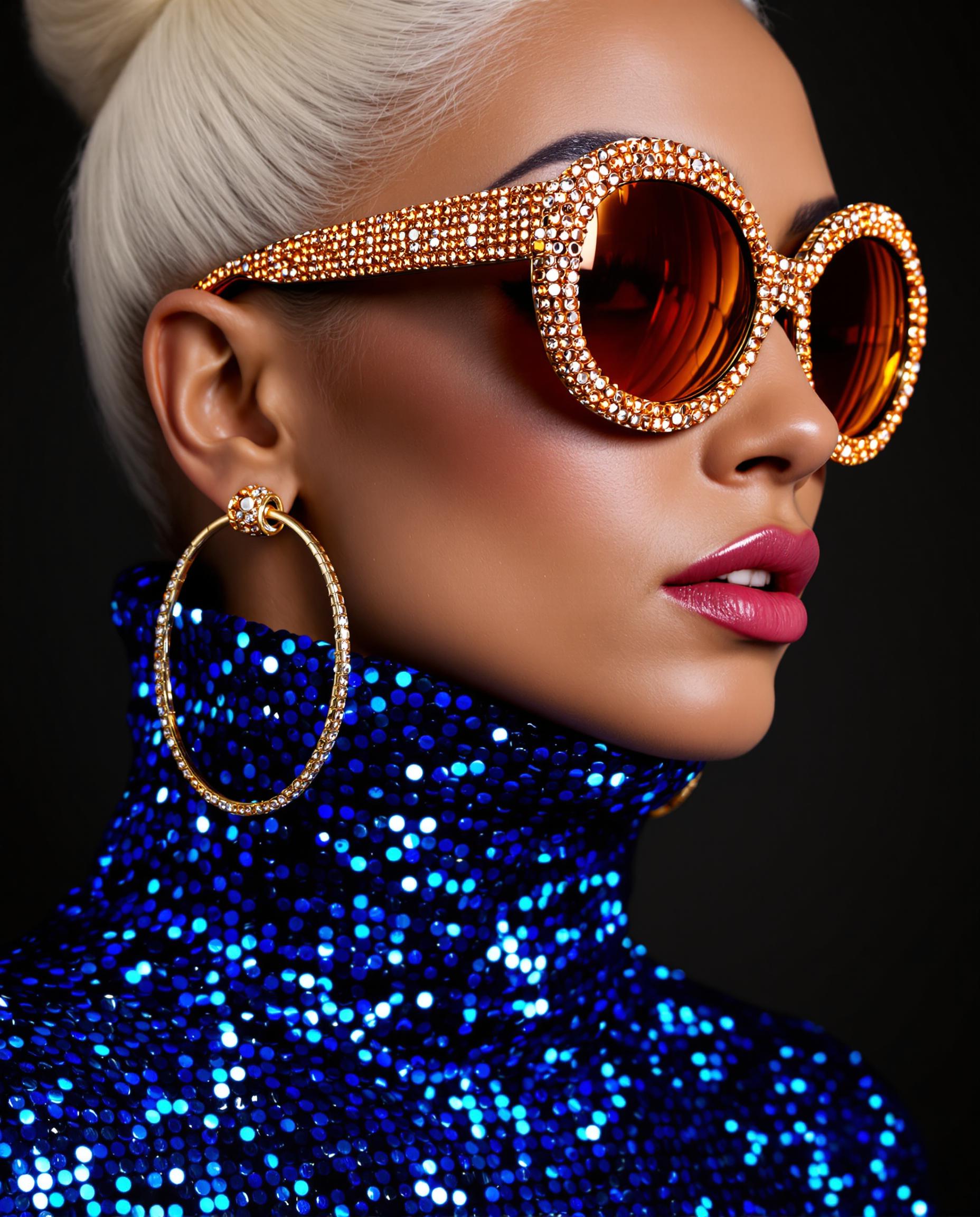
Choose from a wide range of styles, including photorealistic, surreal, anime, and more, to match your creative vision.
Time-Saving Efficiency
Quickly produce visuals for marketing, social media, or personal projects, reducing the time spent on manual design.
How It Works
Creating stunning images with Dreamina 3.1 is simple and intuitive. Follow these steps to bring your ideas to life:
Step 1: Choose Your Tool
Select the 'Text to Image' feature within Dreamina 3.1 to begin your creation process.
Step 2: Enter Your Prompt
Type a descriptive prompt detailing the image you envision. For example, 'a serene sunset over a mountain range in watercolor style.'
Step 3: Customize & Download
Review the generated image, make any desired adjustments using the editing tools, and download the final version.
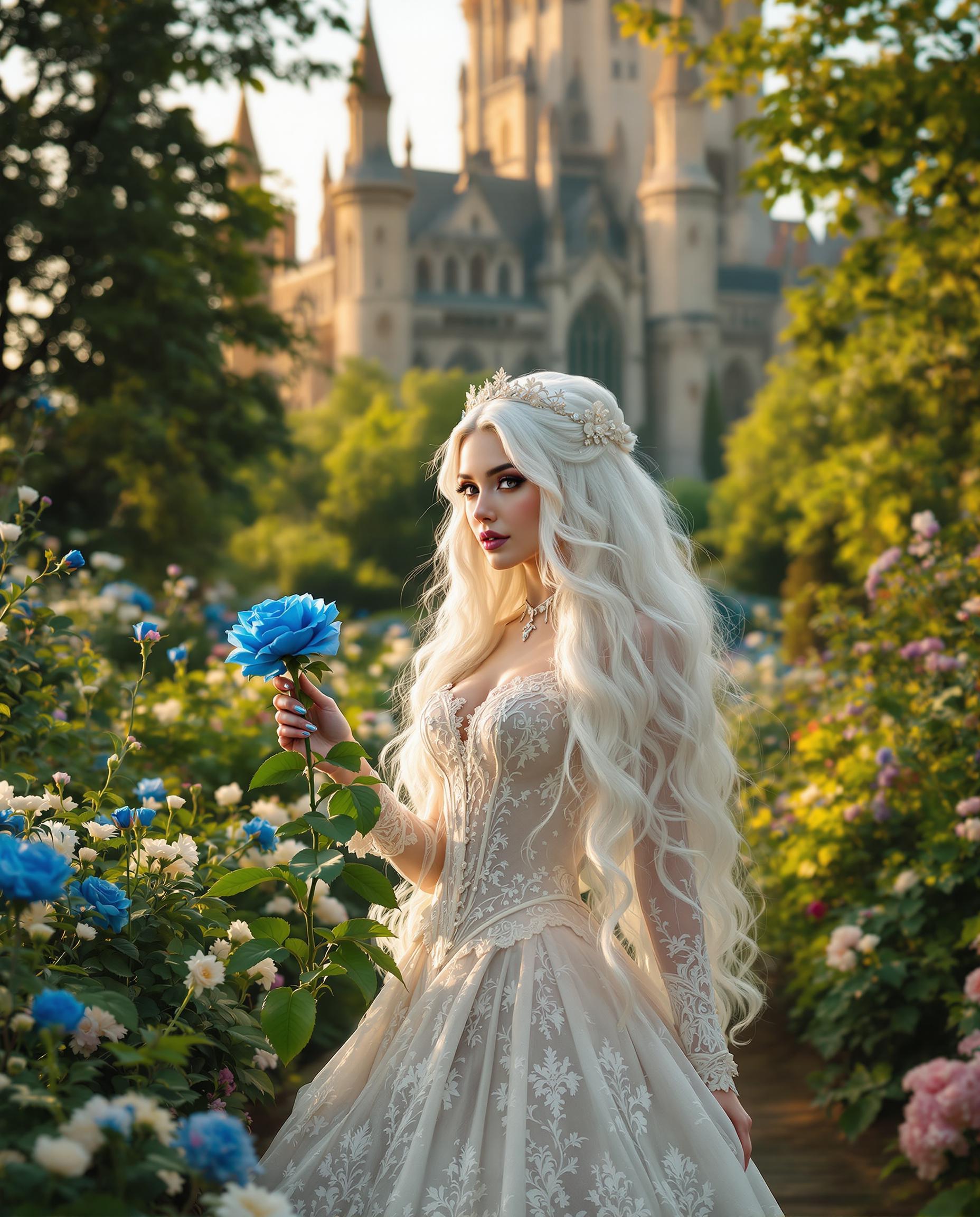
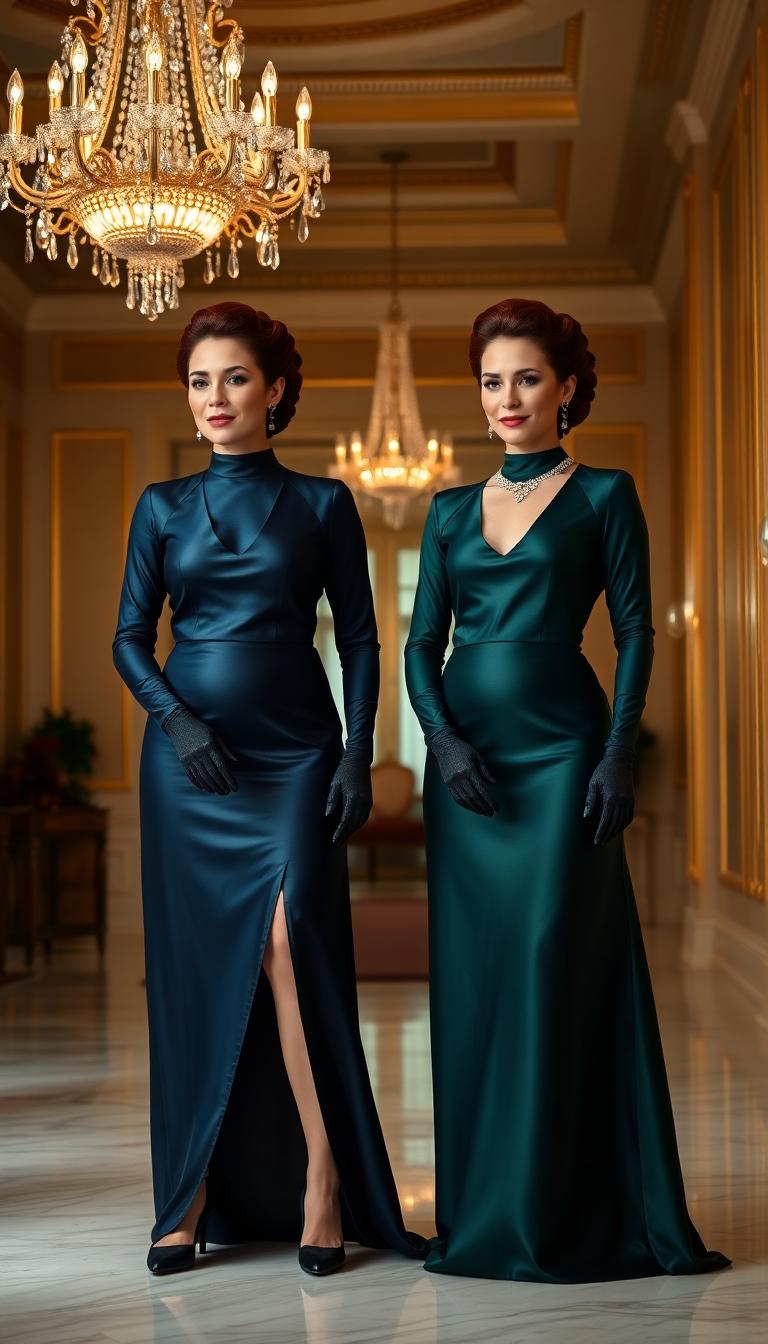
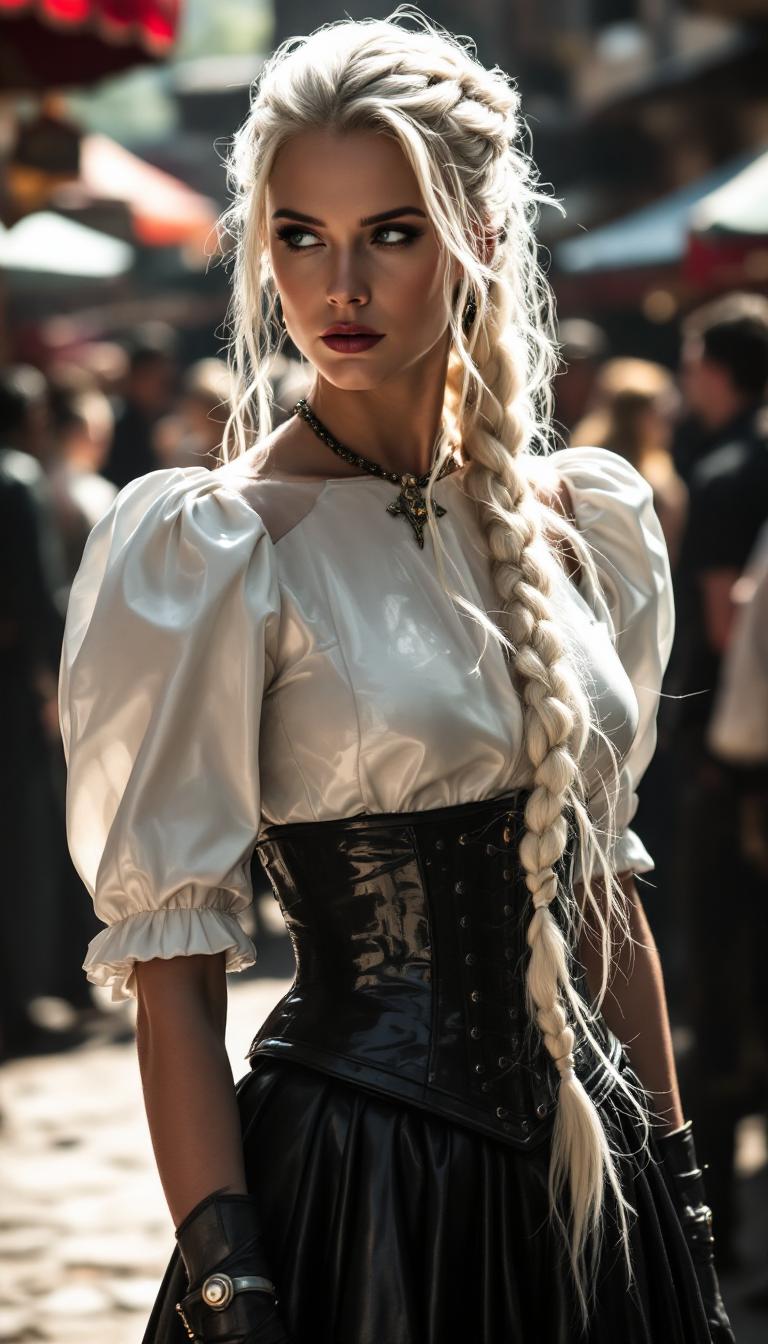
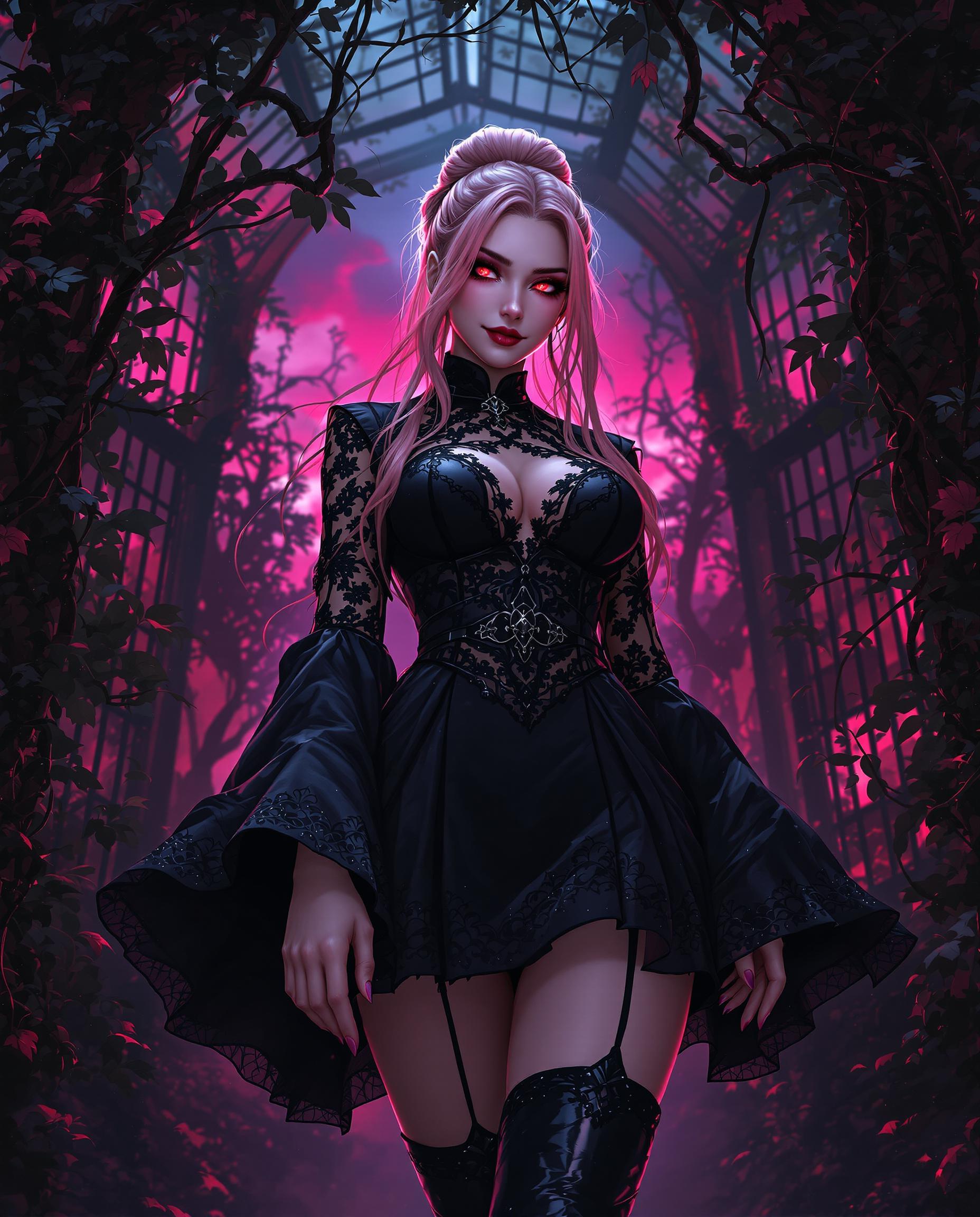
The Pixel Dojo Advantage
Why Dreamina 3.1 outperforms other options for AI image generation:
| Others | Pixel Dojo |
|---|---|
| Traditional Design Methods | Eliminates the need for extensive design skills, allowing anyone to create professional-quality images. |
| Generic AI Tools | Offers a broader range of artistic styles and more intuitive editing features tailored to diverse creative needs. |
| Manual Photo Editing | Significantly reduces the time and effort required to produce high-quality visuals, streamlining your creative workflow. |
Loved by Creators
See what our community says about dreamina 3.1 image generator
"Dreamina 3.1 has revolutionized my design process. I can now create stunning visuals in minutes without any prior design experience."
Alex Johnson
Marketing Specialist
"As a content creator, Dreamina 3.1 has been a game-changer. The variety of styles and ease of use have elevated my projects to new heights."
Samantha Lee
Content Creator
Common Questions
Everything you need to know about dreamina 3.1 image generator AI generation
How does Dreamina 3.1 AI Image Generator work?
Dreamina 3.1 utilizes advanced AI algorithms to interpret your text prompts and generate corresponding images. Simply input a descriptive prompt, and the AI will create a visual representation of your idea.
Can I use Dreamina 3.1 for commercial projects?
Yes, images generated with Dreamina 3.1 can be used for commercial purposes. However, it's advisable to review the licensing terms to ensure compliance with usage guidelines.
What artistic styles are available in Dreamina 3.1?
Dreamina 3.1 offers a diverse range of styles, including photorealistic, surreal, anime, watercolor, and more, allowing you to tailor the output to your specific creative vision.
Is there a free version of Dreamina 3.1 available?
Yes, Dreamina 3.1 offers a free tier with daily credits, enabling users to explore its features and create images without an initial investment.
How can I improve the quality of the generated images?
Providing detailed and specific prompts can enhance the accuracy and quality of the generated images. Additionally, utilizing the editing tools within Dreamina 3.1 allows for further refinement.
Does Dreamina 3.1 support image editing features?
Yes, Dreamina 3.1 includes editing tools such as inpainting, expanding, and removing elements, enabling users to customize and perfect their images.