face swap ai online AI Generator
Transform portraits, prank your friends, or craft marketing images that stop the scroll—face swap AI online at PixelDojo gives you stunning results in seconds with zero design experience needed. Seamlessly place one face onto another, match lighting and expression, and export images that look like they were taken in one shot—not pieced together. Whether you're creating content for Instagram, redesigning avatars, or adding humor to your blog, your outcomes will beat expectations.
Over 10,000 creators have generated more than 500,000 face swap images using PixelDojo. Rated 4.9★ by professionals and hobbyists alike. Trusted by brands, influencers & beginners worldwide.
Why Choose Pixel Dojo for face swap ai online
Professional-quality results with cutting-edge AI technology
Realistic Swaps Without Photoshop Hassle
You can get hyper-realistic blends using tools like Outpainting, Inpainting, Magic Lighting, and Multidiffusion Upscaler—no manual masking or color grading needed.
Fast Turnaround for Social & Campaigns
Need a face swap image now? Use Create Images tools like Flux, SEEDream 4, Runway Gen-4 Image or ImagineArt 1.0 to swap faces in seconds—perfect for social media content or ads.
Stay Ethical, Stay Legal
You control the process—from uploading consenting source images to labeling generated content. Our tools don’t store faces without your explicit permission—you create, you own.
How It Works
Achieving a beautiful face swap online with PixelDojo is done in just three easy steps. Here’s exactly how to get natural-looking results every time:
Step 1: Choose Your Tool
Go to PixelDojo’s “Swap Face AI” page and pick one of our image generation or editing tools—start with Create Images like Runway Gen-4 Image or SDXL, or go direct with Edit Images like Inpainting or Material Transfer for fine control.
Step 2: Upload Source & Target Faces
Upload the image you want altered (target), and the face you wish to swap in (source). Make sure both are clear and well-lit. Use Face Analyzer or Image Analyzer to refine alignment and matching.
Step 3: Customize & Download
Apply style options like Magic Lighting or Material Transfer to match tones. Use creative upscaling so your final has no visible edges. Once happy, export in high resolution—ready to share.
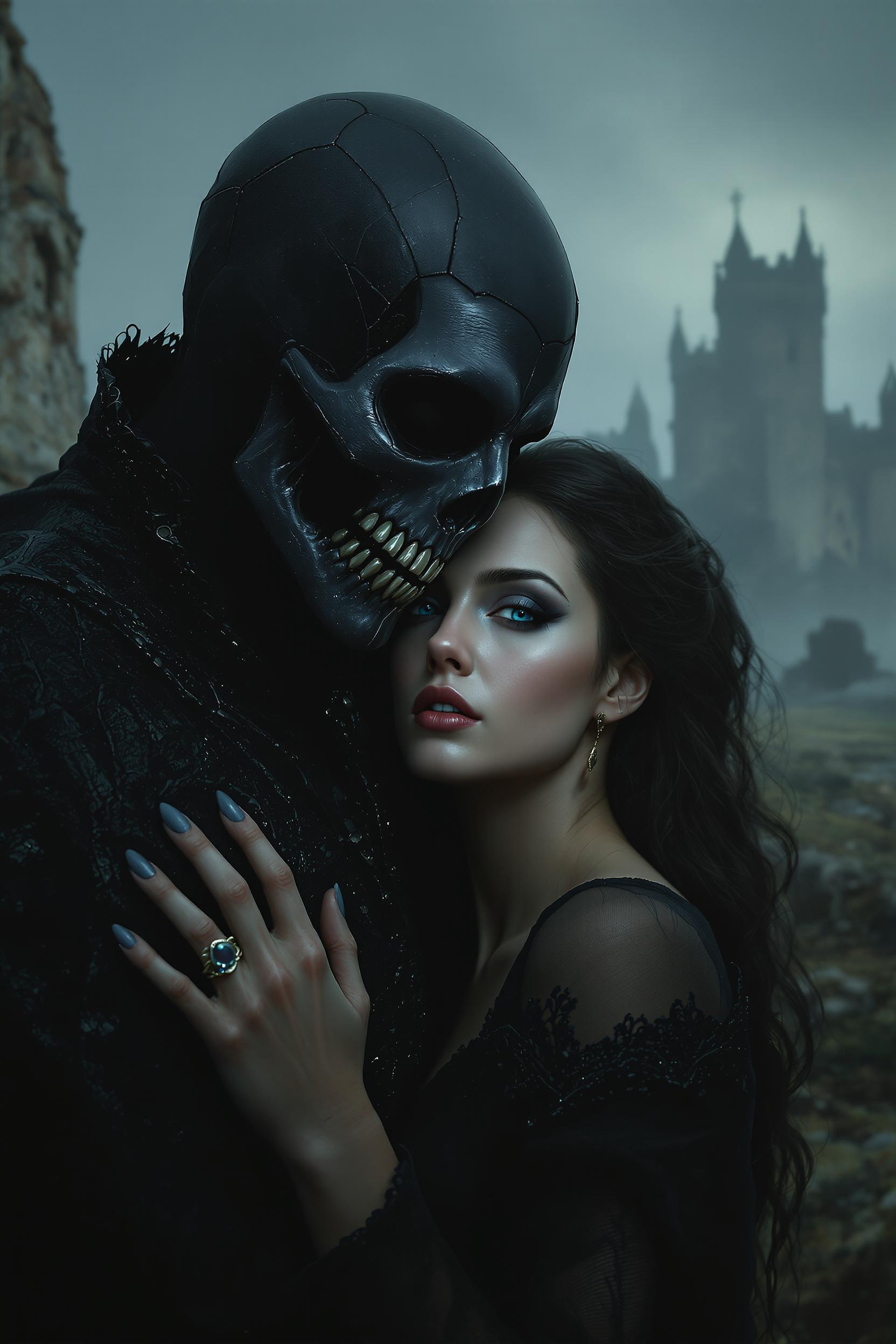
![headless horseman riding a ghostly black horse through a dense forest at midnight, the moon giving of the light, the riders cape trailing through the fog. The rider holds a sword up to the air. Gothic horror with dark tones and heavy use of shadows.looking toward the viewer, getting ready to swing the sword, huge dark creepy rotten tree as the background, on a puddle made out of blood, The scene is awash in blood red splatters and dripping textures, creating an eerie, nightmarish atmosphere , [ ( Terrifying nighttime horror photograph)]
stretches endlessly, roses and vines twist throughout the field, some sporting withered, decayed, rider without head](https://cdn.pixeldojo.ai/cdn-cgi/image/f=auto,q=75,w=3840/pixeldojo/generated-images/1741699572183-k5l7zxi9h.png)

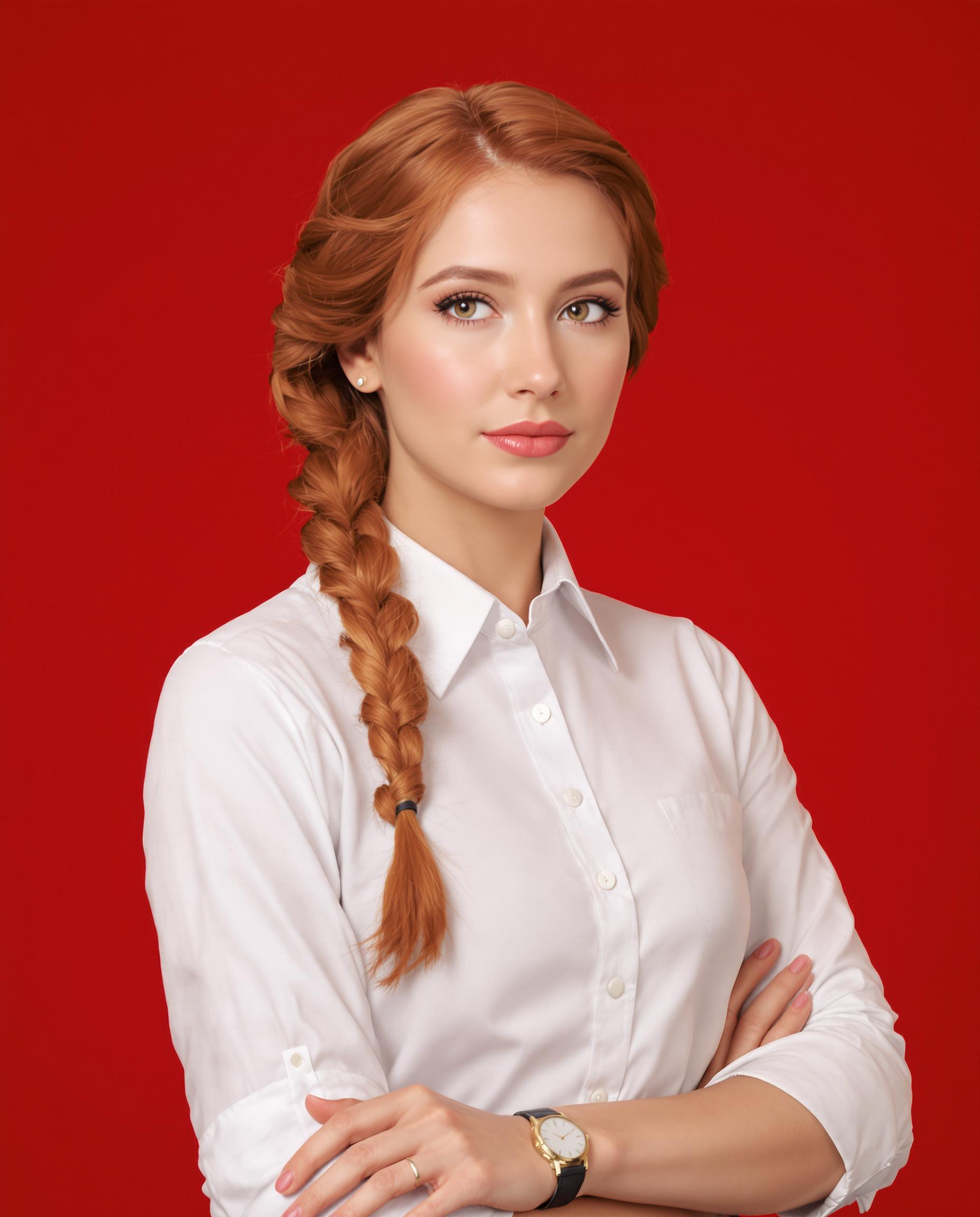
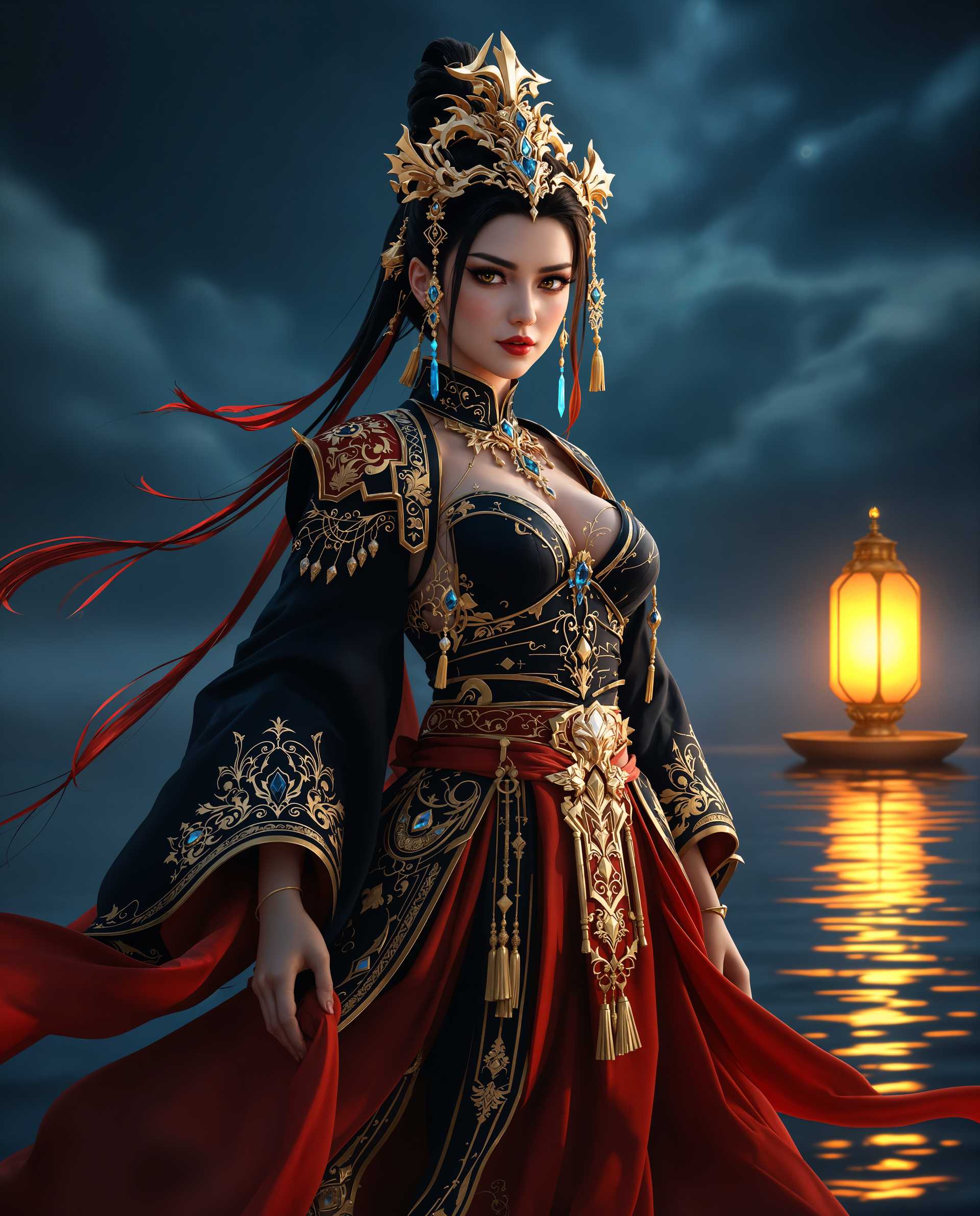
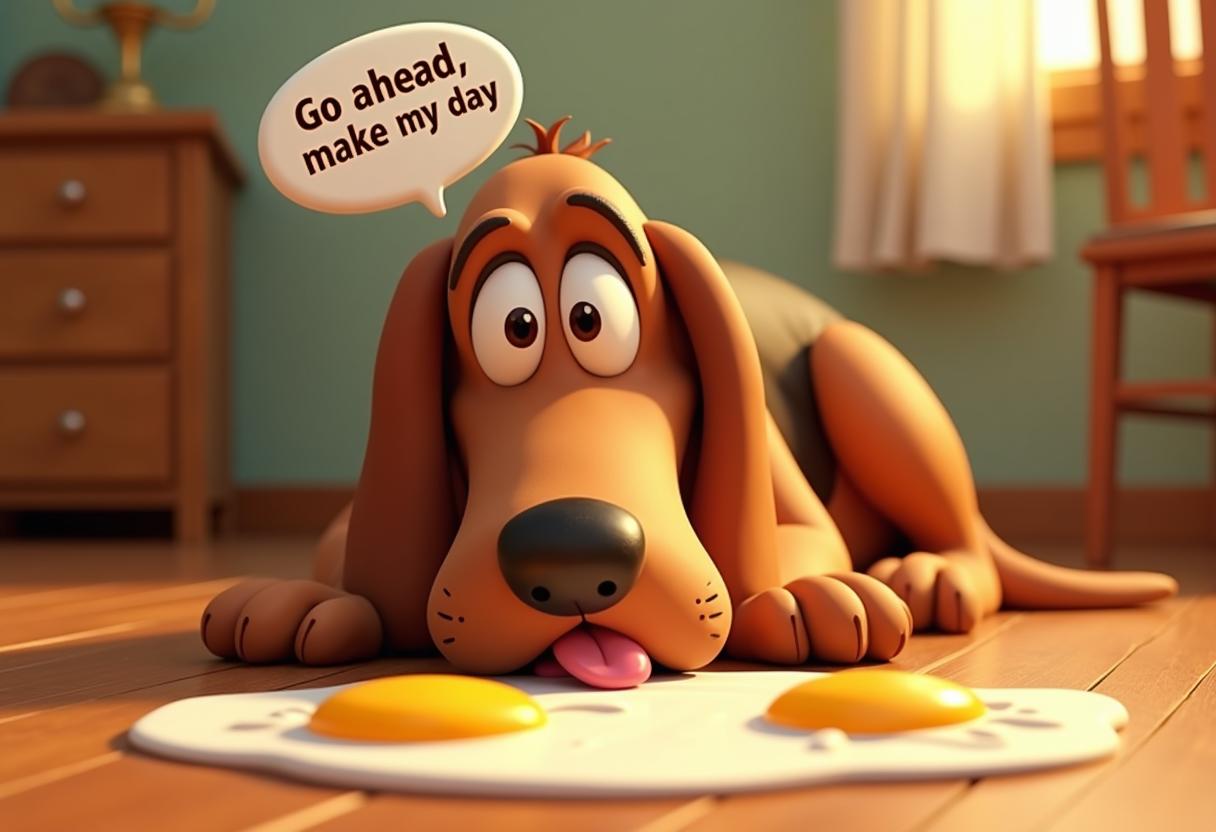

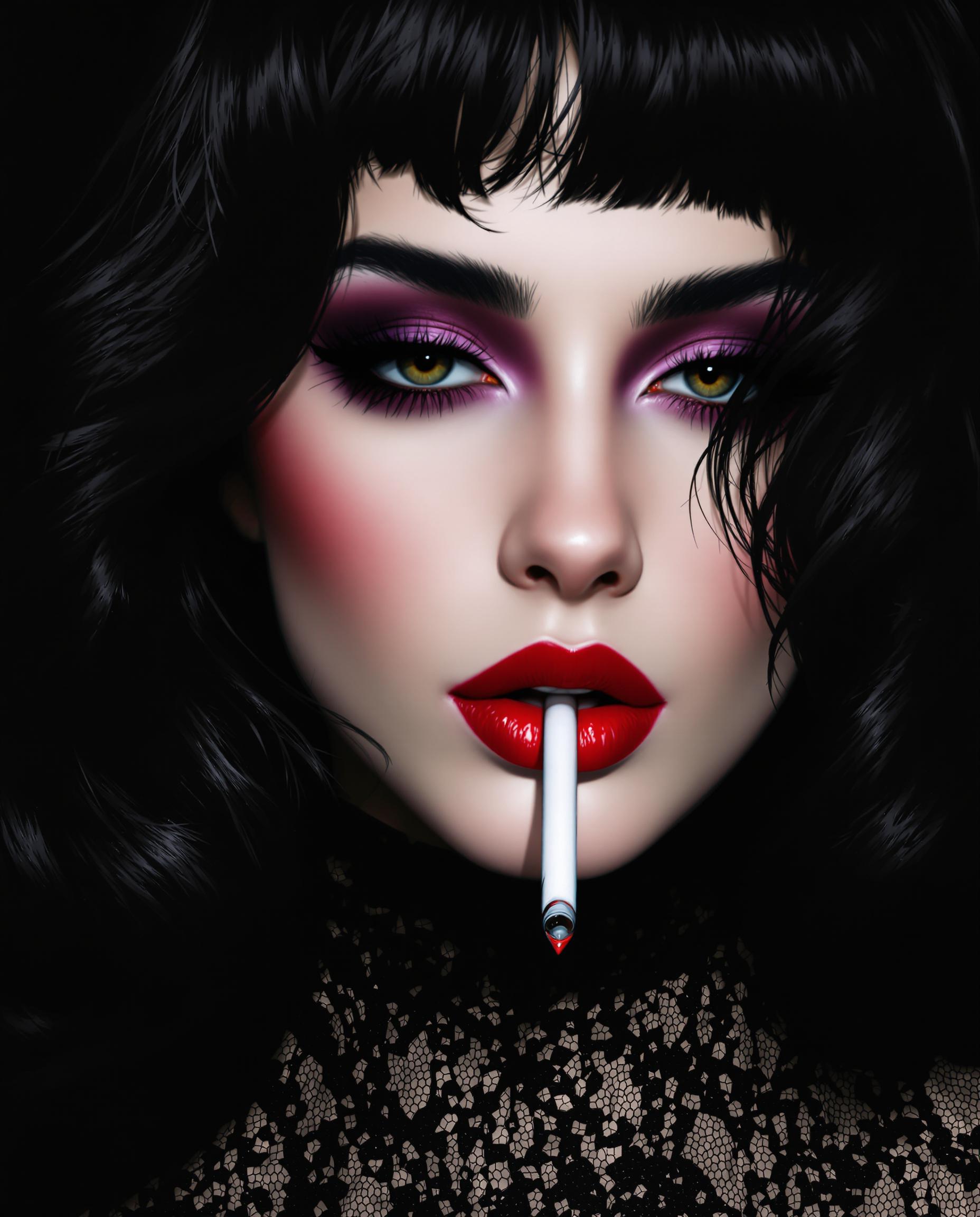

The Pixel Dojo Advantage
Here’s how PixelDojo outperforms other options when generating face swap AI online:
| Others | Pixel Dojo |
|---|---|
| Traditional photo editing (manual masking, Photoshop, etc.) | We automate blending, lighting, and alignment so you save hours and avoid technical skill barriers. |
| Generic AI tools with limited swaps or poor control | You get full control using tools like Change Camera Angle, Outpainting, Style Transfer, and Crucial Edit-Image tools to tailor each swap. |
| Low-quality apps that misuse data or lack consent | We follow ethical practices—uploading with permission, no hidden rights grabs—so your content stays legal and respectful. |
Loved by Creators
See what our community says about face swap ai online
"I swapped faces for a marketing campaign—PixelDojo’s Magic Lighting made it look like the model photo was taken with the swapped face from the beginning. Completely believable."
Aisha Taylor
Social Media Manager
"As a content creator, I’ve tried many face swap tools. The tools at PixelDojo let me adjust skin tone, facial alignment, and background seamlessly. My audience can’t tell it’s swapped!"
Brandon Lee
YouTuber / Creator
Common Questions
Everything you need to know about face swap ai online AI generation
Is face swap ai online legal and safe to use with your own photos?
Yes—using face swap AI online is legal when you only swap faces with your own photo or with someone who has given you permission. Laws like the U.S.’s Take It Down Act (passed April 29, 2025) now criminalize publishing non-consensual intimate imagery including deepfakes without consent.([apnews.com](https://apnews.com/article/741a6e525e81e5e3d8843aac20de8615?utm_source=openai)) PixelDojo only processes images you upload, doesn’t share or sell your likeness, and supports clear labeling so your creations stay ethical and law-abiding.
Can I use face swap ai online for commercial projects like ads or merchandise?
Absolutely—if you have consent for any face you’re swapping in and proper rights to all source images. At PixelDojo, you retain ownership of your output when you upload images you have rights to, and you can use final results for ads or products without hidden licensing fees.
How do I get realistic face swap ai online results with matching lighting and angle?
Use our tools like Inpainting, Magic Lighting, Change Camera Angle, and Style Transfer. First upload clean photos with consistent lighting. Then use Image Analyzer to adjust facial landmarks, and tools like Outpainting or Multidiffusion Upscaler to blend edges so the swapped face fuses naturally into the background.
Can face swap ai online tools respect privacy and protect my data?
Yes. PixelDojo encrypts uploads in transit and at rest, deletes working files after processing, and doesn’t share your face data with third parties. We enforce consent steps before using anyone else’s likeness. You stay in control of your images at all times.
What ethical risks should I know about swapping faces online, and how does PixelDojo handle them?
Ethical risks include misuse (such as deepfakes for deception), privacy violations, or defamation.([pixelfox.ai](https://pixelfox.ai/blog/face-swap-roop-why-this-ai-tool-raises-privacy-concerns?utm_source=openai)) PixelDojo addresses these by strict consent policies, visible labeling of generated content, and banning content that violates our community guidelines. If you're ever unsure, our support can help clarify what’s allowed.
What makes PixelDojo’s face swap ai online better than free face swap apps?
Free apps often trade off quality, control, or privacy. PixelDojo gives you higher resolution outputs, fine-grained editors like Style & Material Transfer, professional-grade upscale, and ethical guarantees. Plus, you benefit from 40+ AI tools, not just one, with usage reports so you always see how your time and credits are used.