Flux 2 Max lens effects AI Generator
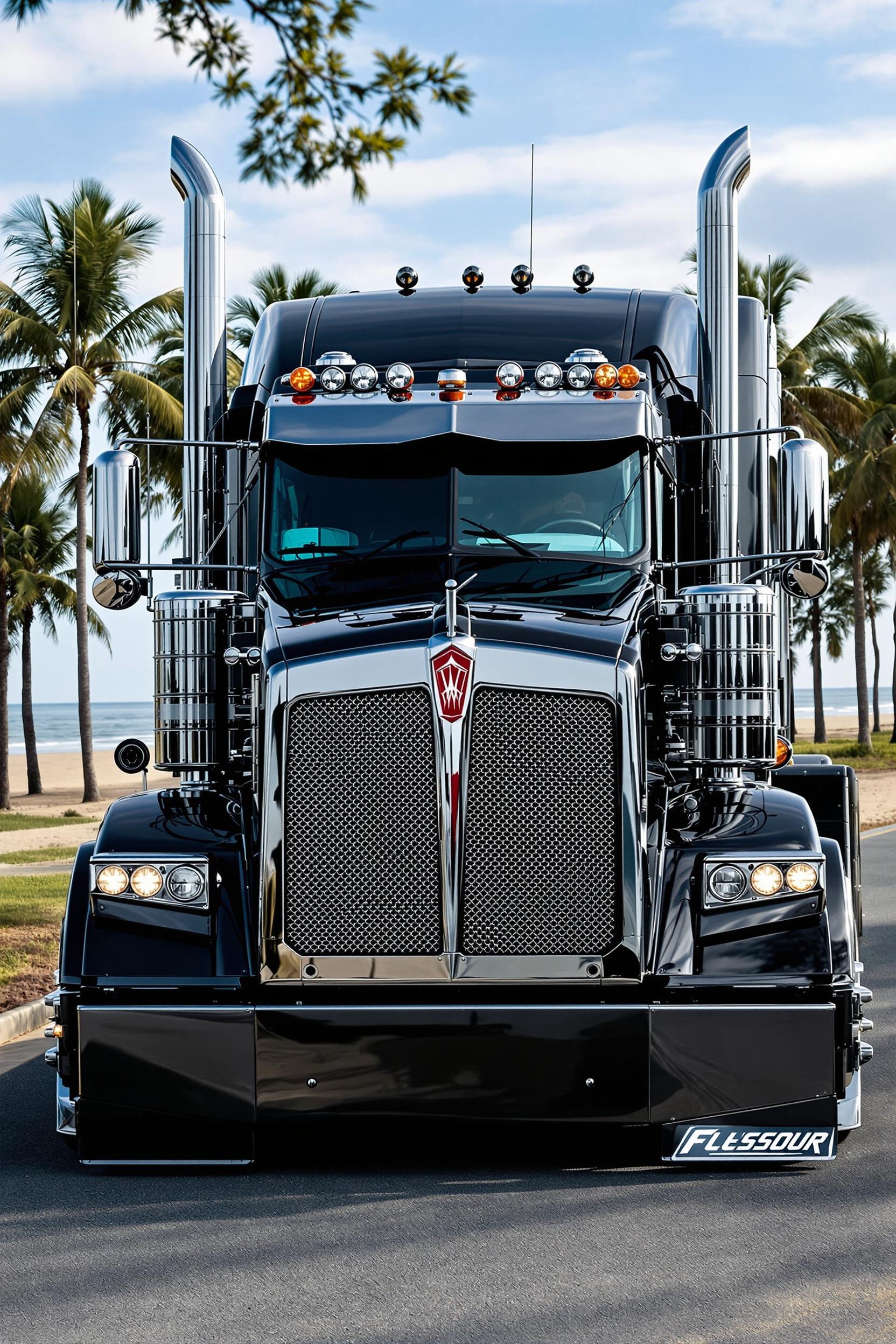
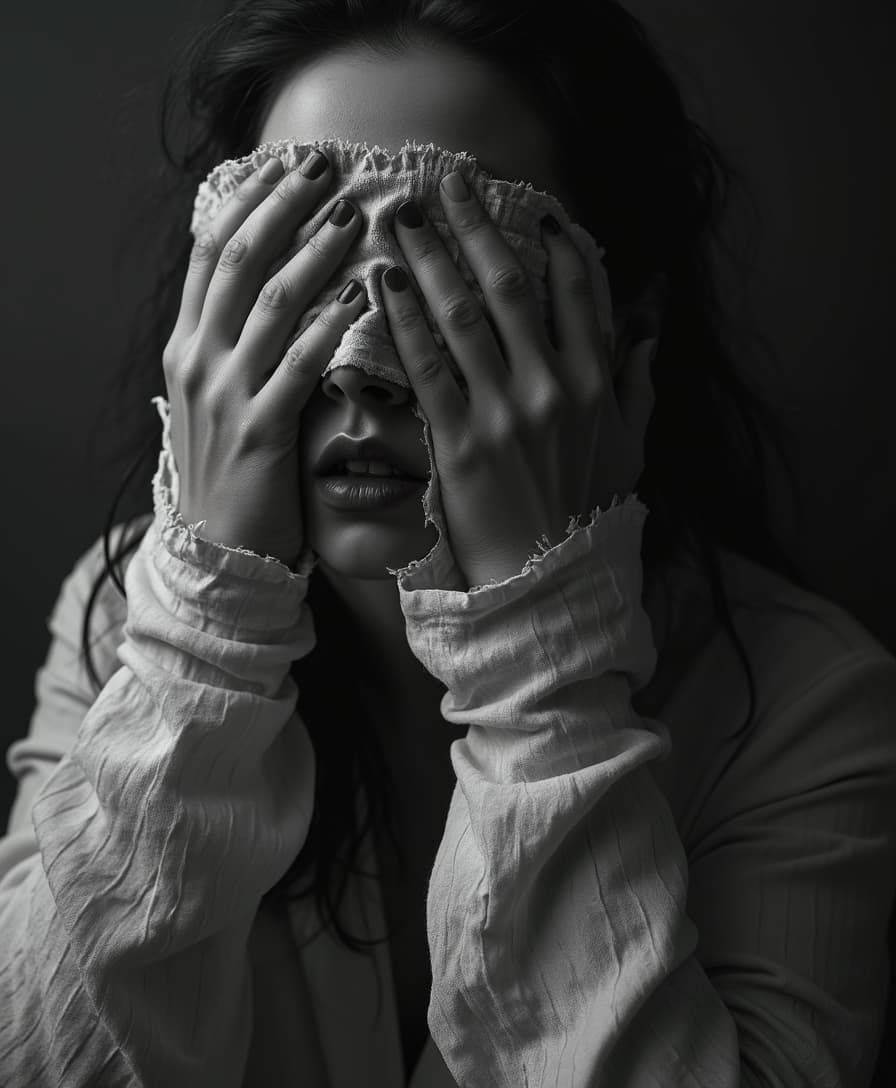
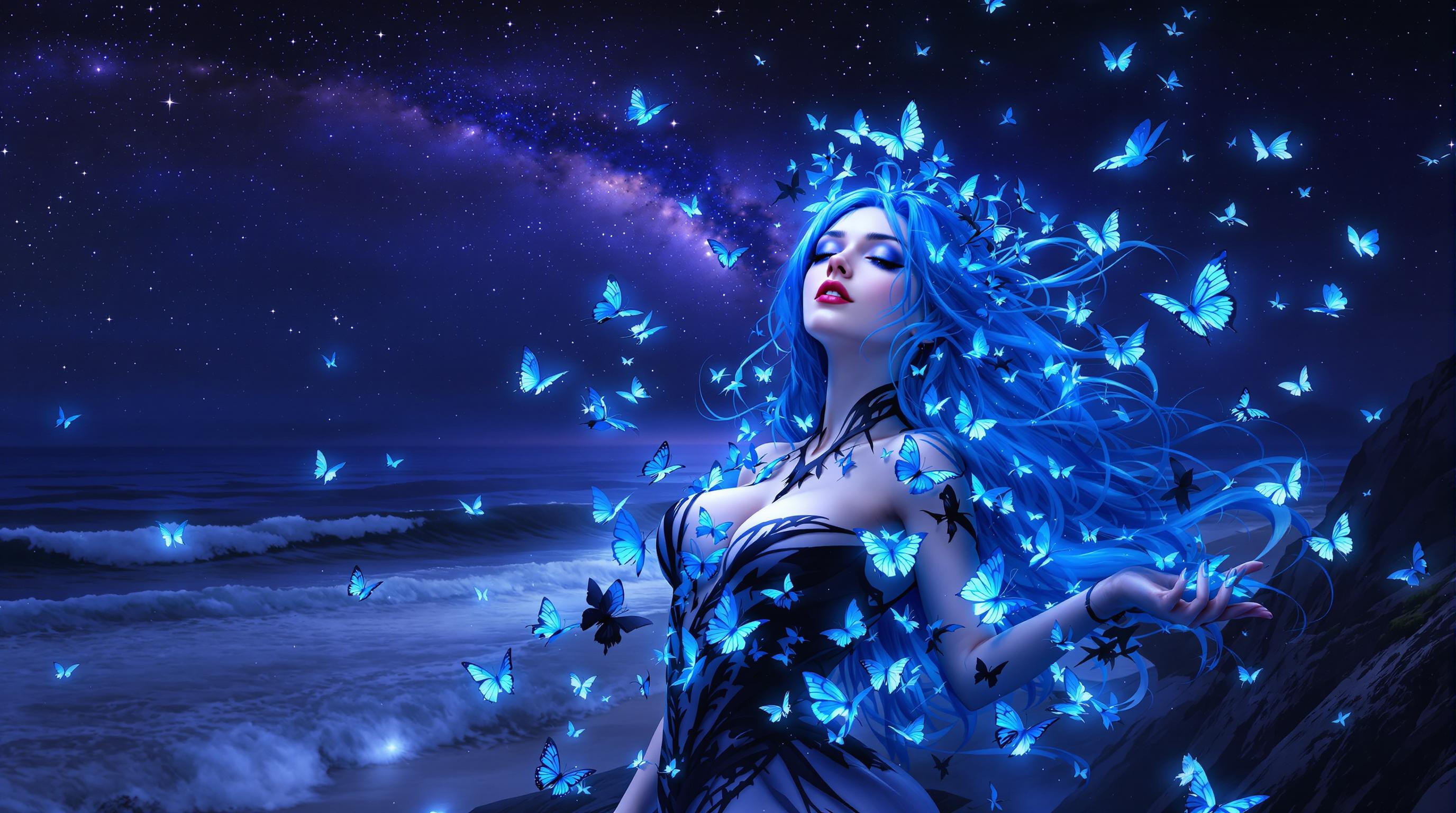
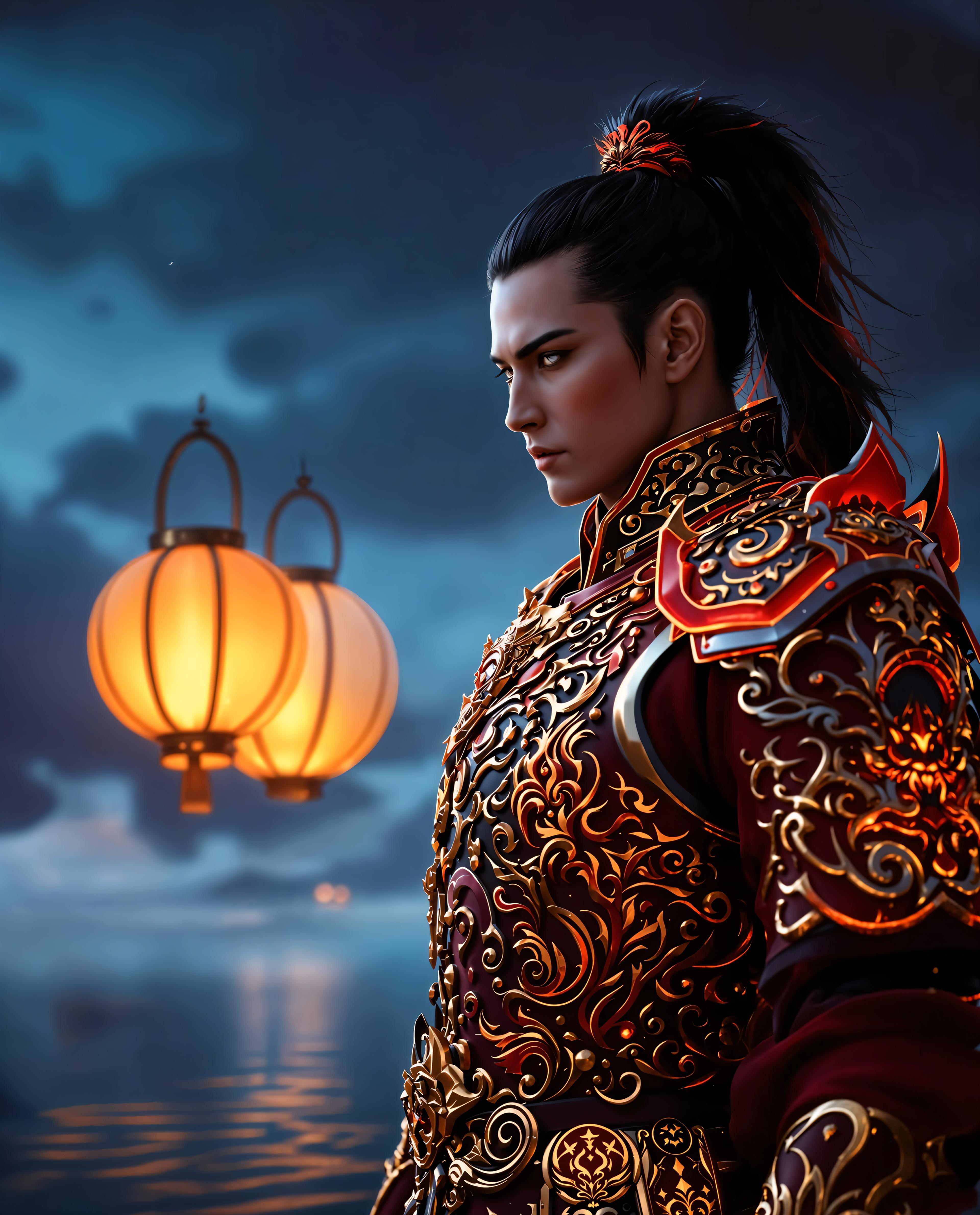
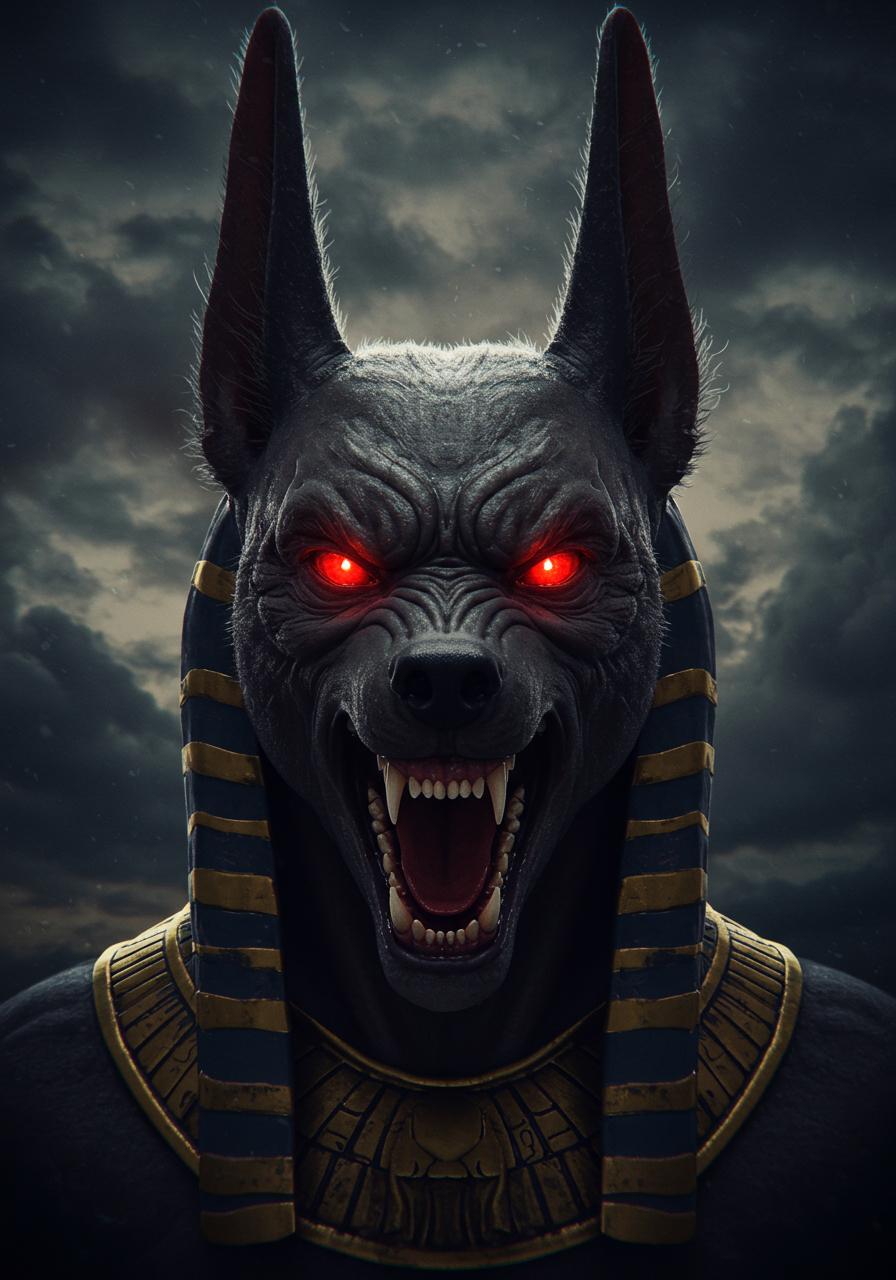
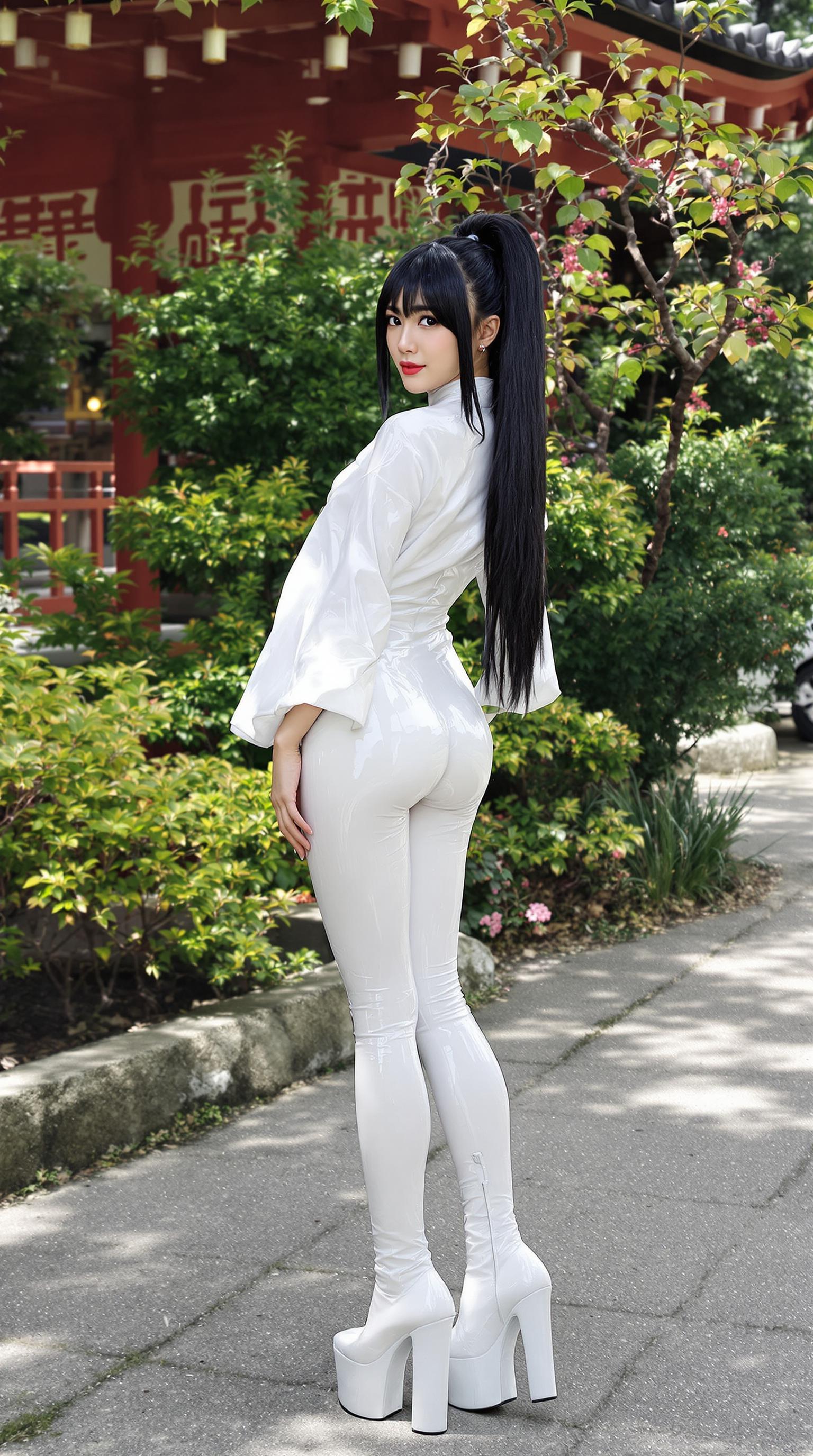
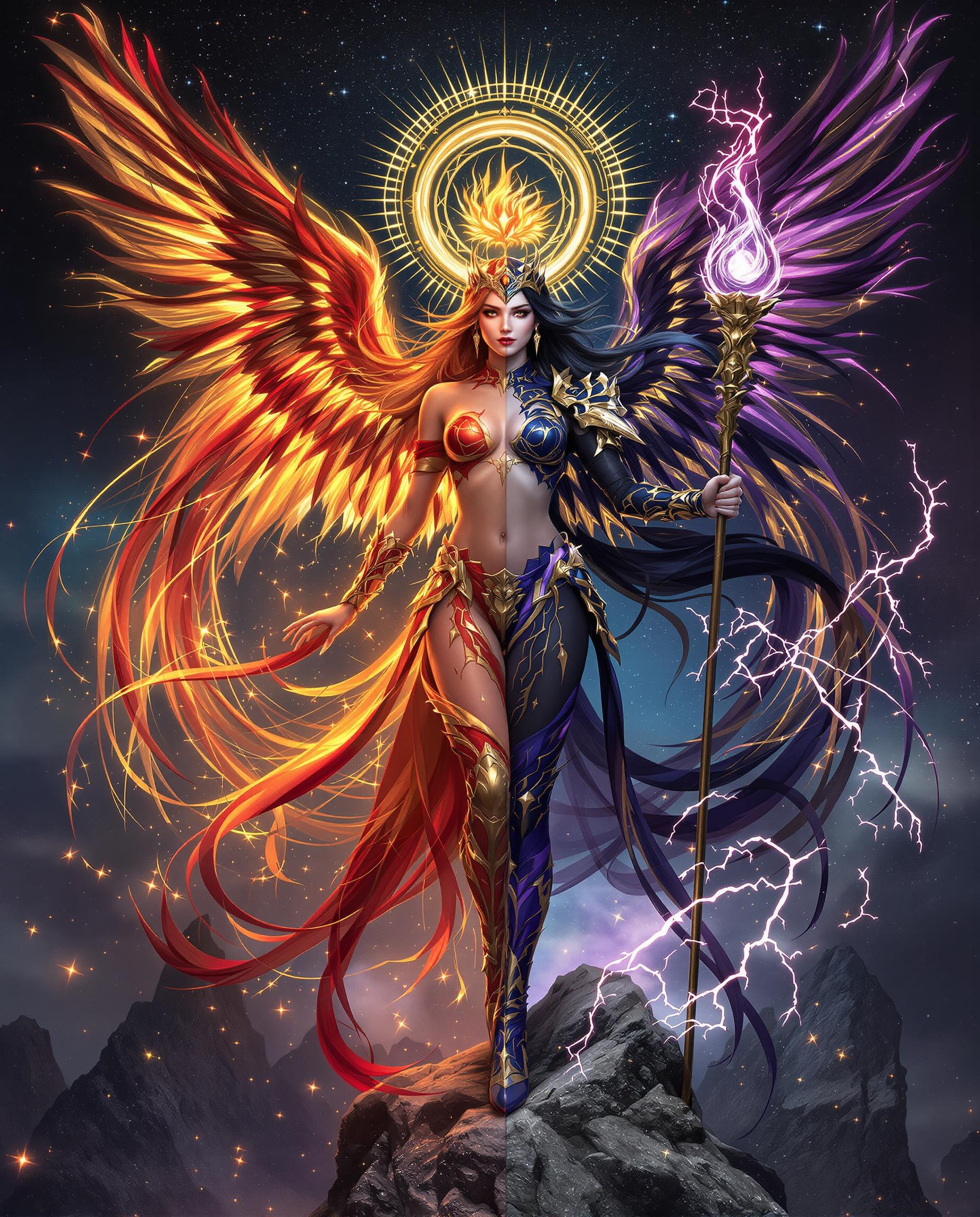
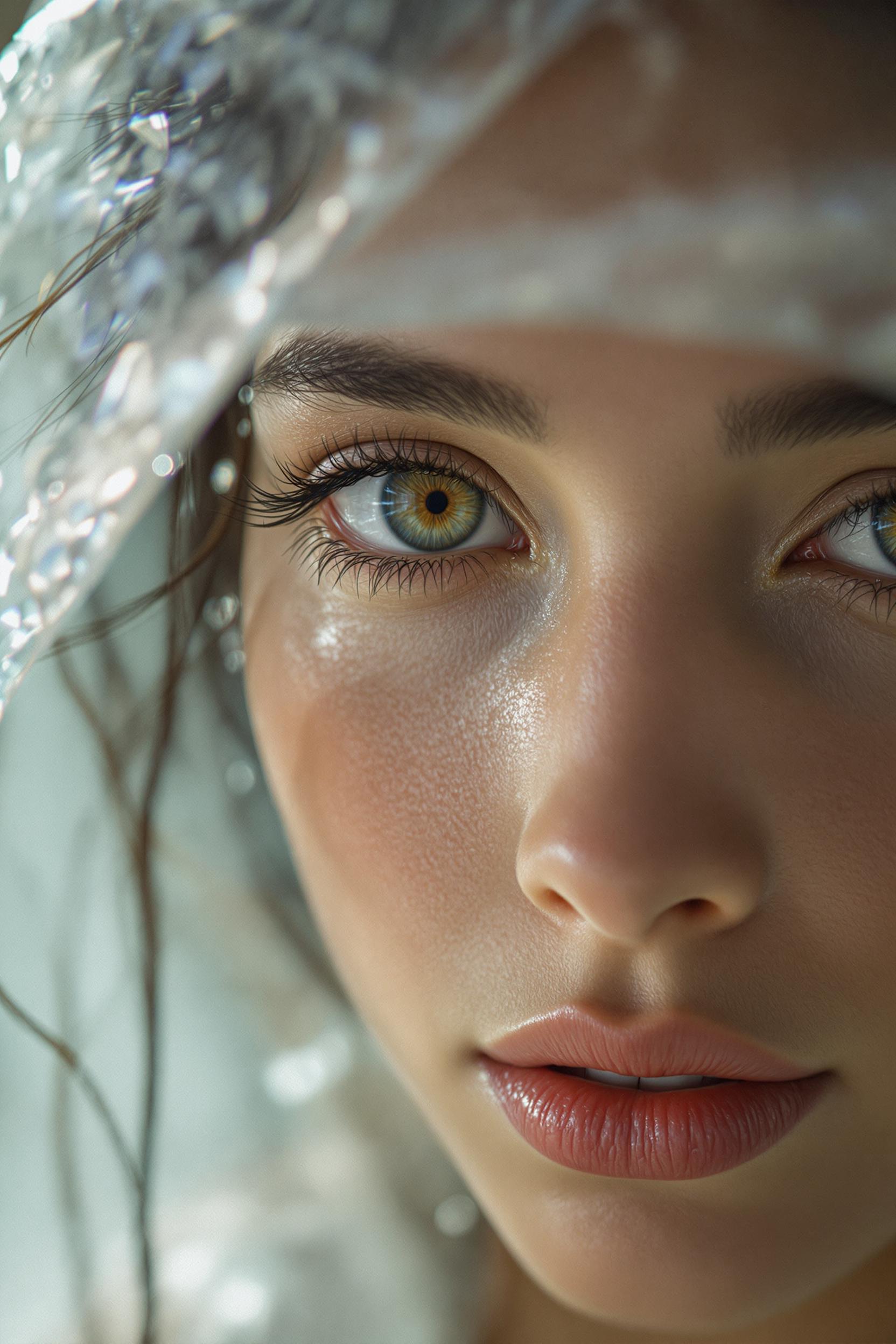
Unlock the power of cinematic photography with Flux 2's Max Lens Effects. Whether you're aiming for the dreamy blur of bokeh, the miniature world of tilt-shift, or the expansive view of a fisheye lens, Flux 2 empowers you to achieve these effects effortlessly. Elevate your visuals and captivate your audience with professional-quality images that stand out.

Join over 10,000 creators who have enhanced their visuals using Flux 2's advanced lens effects.
Why Choose Pixel Dojo for Flux 2 Max lens effects
Professional-quality results with cutting-edge AI technology
Achieve Professional Cinematic Depth
Add depth and focus to your images, creating a cinematic feel that draws viewers in.
Effortless Application of Complex Effects
Apply advanced lens effects like bokeh and tilt-shift without the need for expensive equipment or extensive editing skills.
Enhance Visual Storytelling
Use lens effects to guide viewer attention and convey emotions more effectively in your images.
How It Works
Creating stunning images with Flux 2's Max Lens Effects is simple and intuitive. Follow these steps to transform your visuals:
Step 1: Select Your Desired Lens Effect
Choose from a variety of lens effects such as bokeh, tilt-shift, or fisheye to achieve your desired visual style.
Step 2: Input Your Image or Prompt
Upload an existing image or enter a descriptive prompt to generate a new image with the selected lens effect.
Step 3: Customize and Generate
Adjust parameters like intensity and focus area to fine-tune the effect, then generate your enhanced image.








The Pixel Dojo Advantage
Why Flux 2's Max Lens Effects Outperform Other Methods
| Others | Pixel Dojo |
|---|---|
| Traditional Photography Equipment | Achieve professional lens effects without the need for expensive cameras and lenses. |
| Manual Photo Editing | Apply complex effects in seconds without extensive editing skills or software. |
| Other AI Tools | Flux 2 offers more precise control and a wider range of lens effects compared to generic AI image generators. |
Loved by Creators
See what our community says about Flux 2 Max lens effects
"Flux 2's Max Lens Effects have transformed my photography projects. The bokeh effect adds a professional touch that was previously out of reach."
Alex Johnson
Professional Photographer
"As a graphic designer, Flux 2 has been a game-changer. The tilt-shift effect allows me to create unique visuals that captivate my clients."
Maria Lopez
Graphic Designer
Common Questions
Everything you need to know about Flux 2 Max lens effects AI generation
How can I create a bokeh effect using Flux 2?
To create a bokeh effect, select the 'bokeh' option in Flux 2, input your image or prompt, and adjust the intensity to achieve the desired level of background blur.
Is it possible to apply multiple lens effects to a single image?
Yes, Flux 2 allows you to combine multiple lens effects. After applying one effect, you can add another by selecting it and adjusting the parameters accordingly.
Do I need prior photography experience to use Flux 2's lens effects?
No prior experience is necessary. Flux 2 is designed to be user-friendly, allowing anyone to apply professional lens effects with ease.
Can I adjust the focus area when using the tilt-shift effect?
Yes, Flux 2 provides controls to specify the focus area and intensity when applying the tilt-shift effect, giving you full creative control.
Are the images generated with Flux 2 suitable for commercial use?
Absolutely. Images created with Flux 2 are high-quality and can be used for both personal and commercial projects.
Is there a cost to use Flux 2's Max Lens Effects?
Flux 2 offers a free trial with access to all features, including Max Lens Effects. For continued use, various subscription plans are available to suit your needs.