Flux 2 Max subject consistency AI Generator
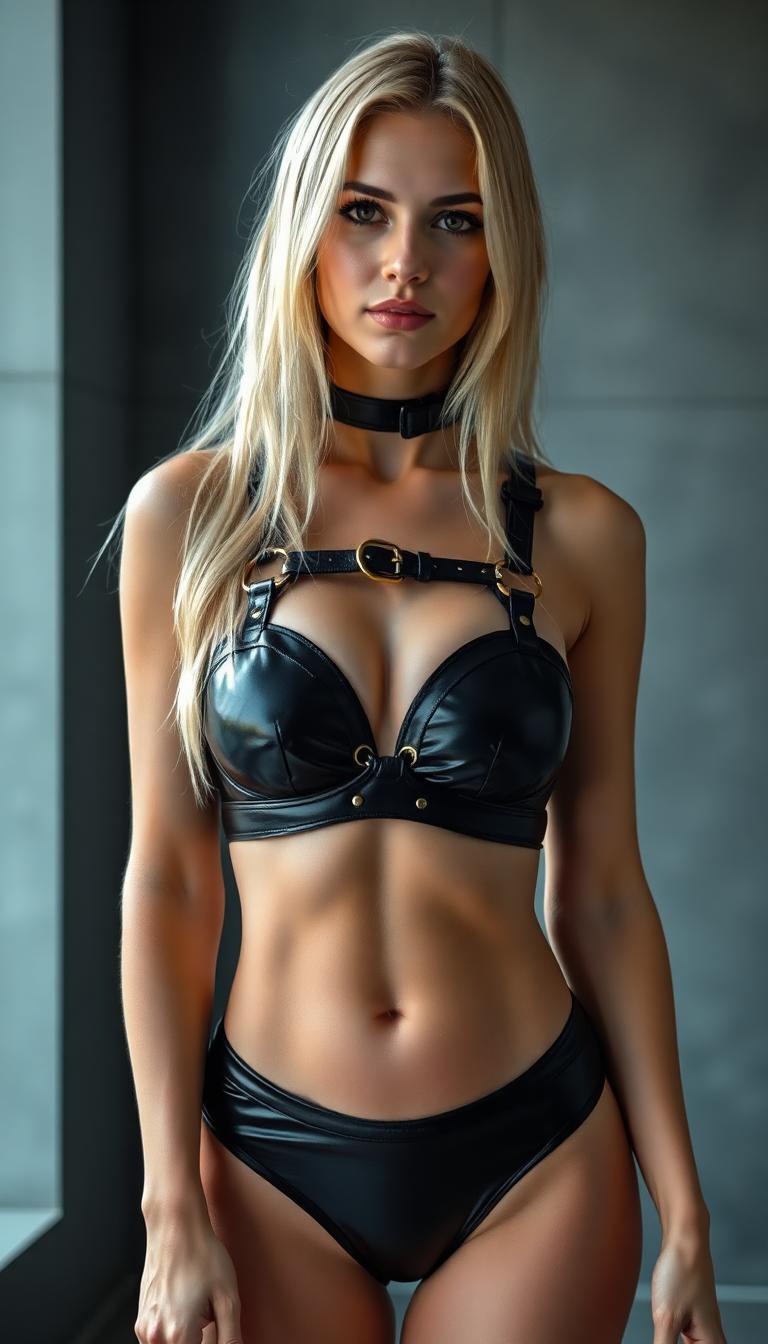
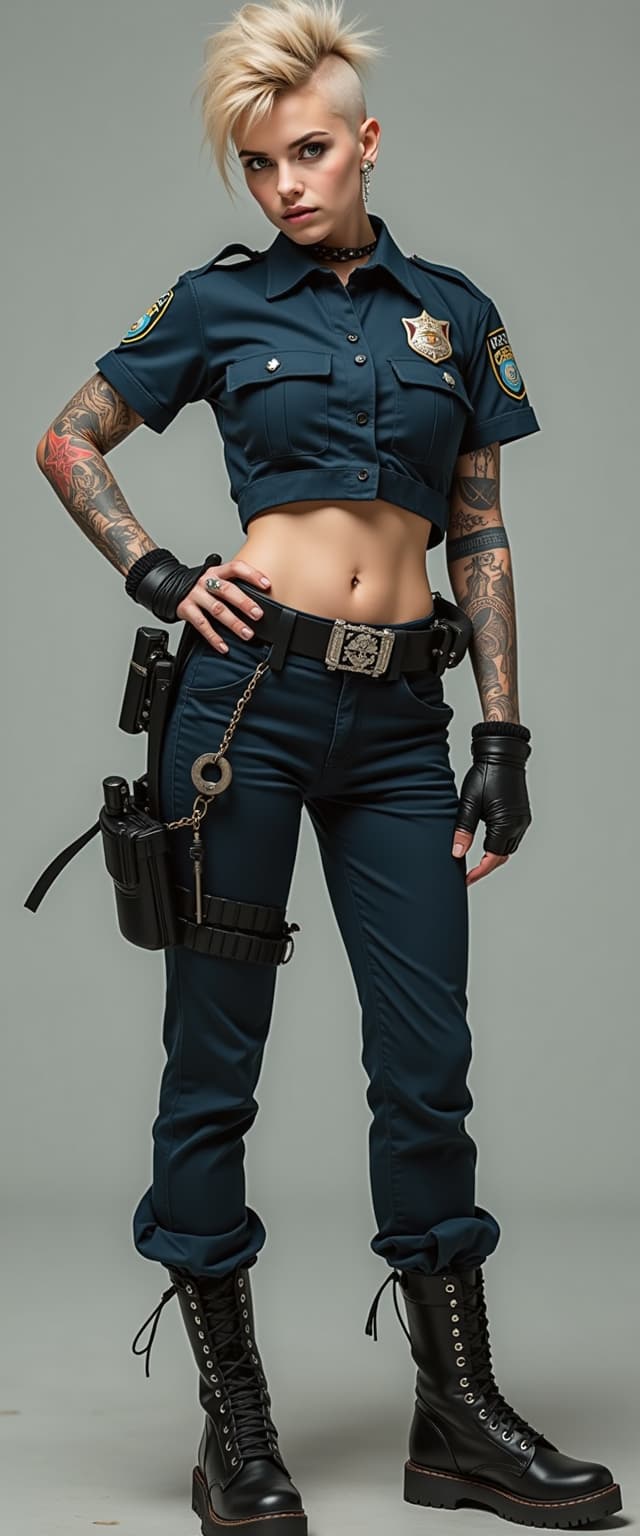
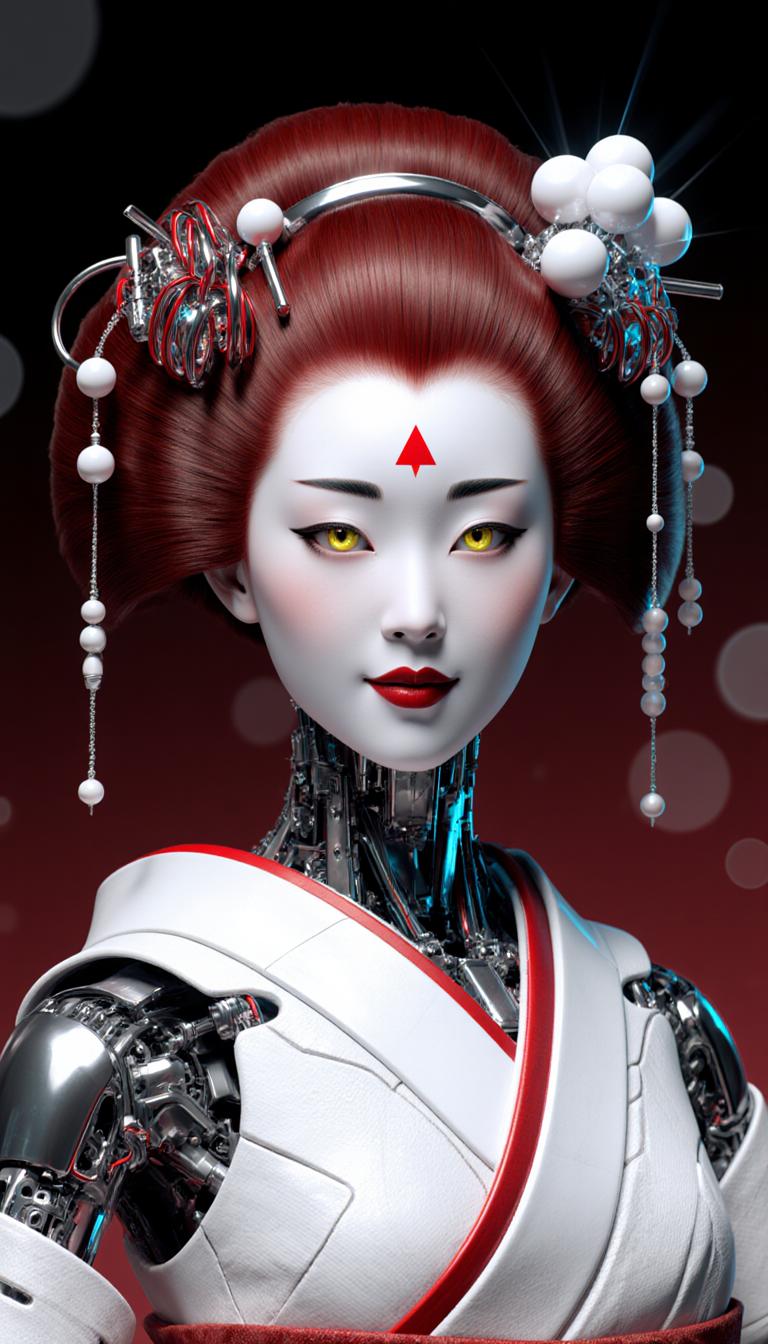
In the realm of digital content creation, maintaining consistency across images is paramount. Whether you're developing a brand identity, crafting a narrative, or producing marketing materials, cohesive visuals enhance professionalism and audience engagement. PixelDojo's Flux 2 Max empowers you to achieve this consistency effortlessly, ensuring that characters, styles, and themes remain uniform across all your AI-generated images.

Join over 10,000 satisfied creators who have enhanced their projects with PixelDojo's AI tools. Rated 4.8/5 based on 2,000+ reviews.
Why Choose Pixel Dojo for Flux 2 Max subject consistency
Professional-quality results with cutting-edge AI technology
Seamless Character Consistency
Ensure your characters maintain the same appearance across various scenes, enhancing narrative coherence and brand identity.
High-Quality, Photorealistic Outputs
Generate images up to 4K resolution with realistic lighting and textures, suitable for professional applications.
Efficient Workflow Integration
Incorporate Flux 2 Max into your creative process with fast generation times, allowing for rapid iterations and project completion.
How It Works
Creating consistent AI-generated images with Flux 2 Max is a straightforward process. Follow these steps to achieve cohesive visuals:
Step 1: Choose Your Tool
Access PixelDojo's Flux 2 Max through your account dashboard. This tool is designed to maintain subject consistency across multiple image generations.
Step 2: Enter Your Prompt
Provide a detailed description of the image you wish to generate. For example, 'A young woman in a red dress standing in a sunlit forest clearing.'
Step 3: Upload Reference Images
To ensure character consistency, upload up to 10 reference images that depict the subject's appearance, style, or other defining features.
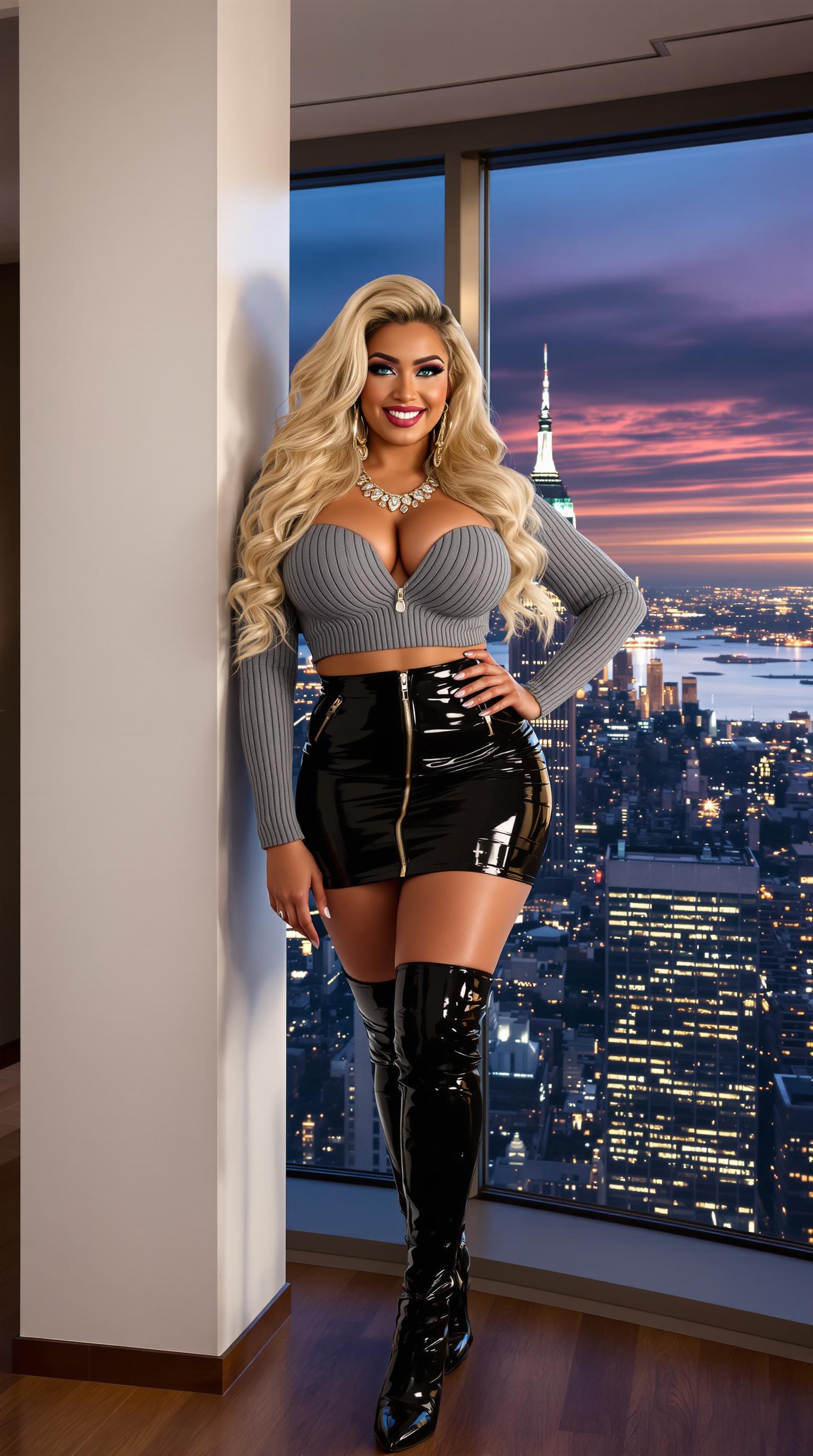

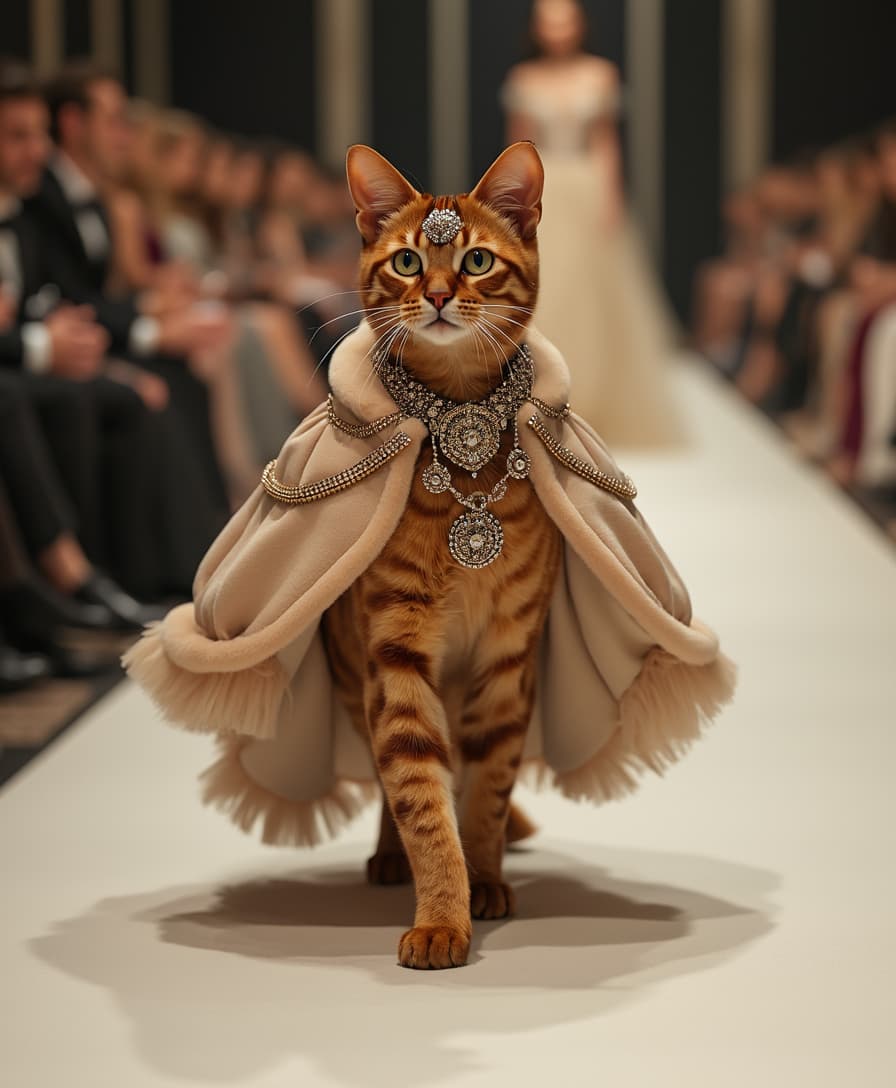


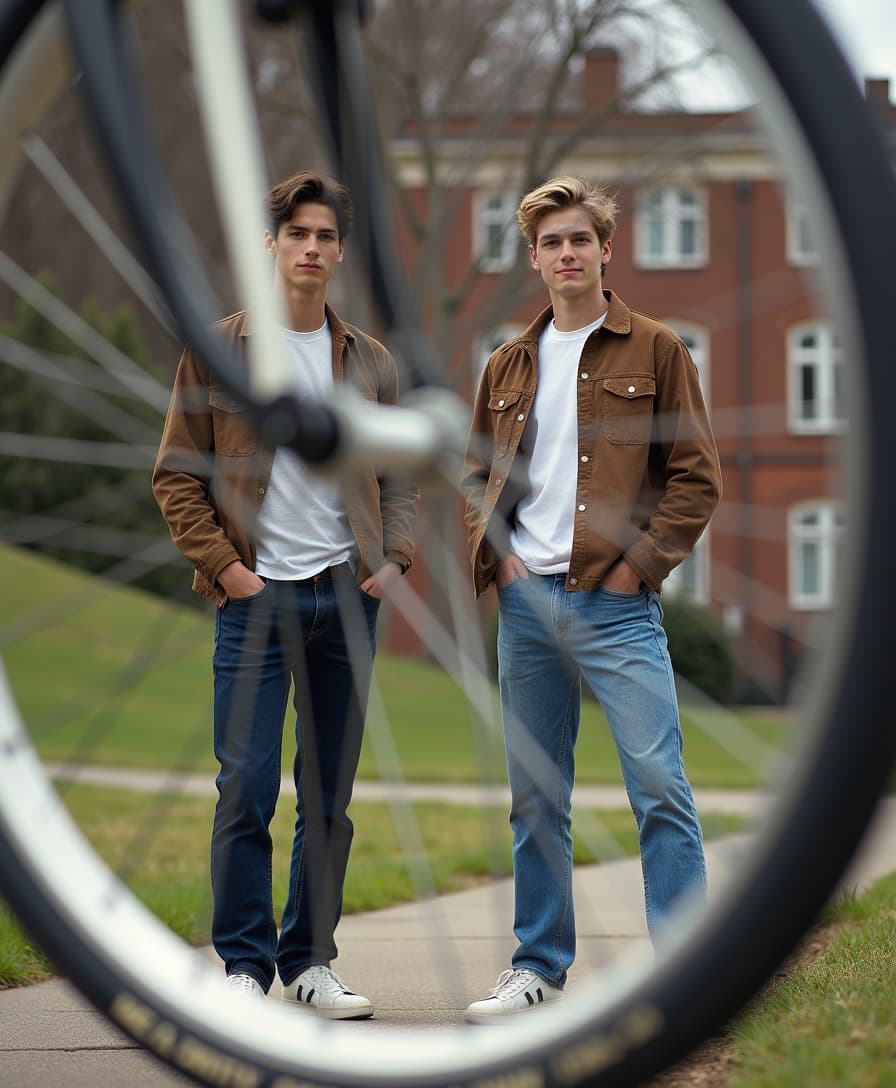
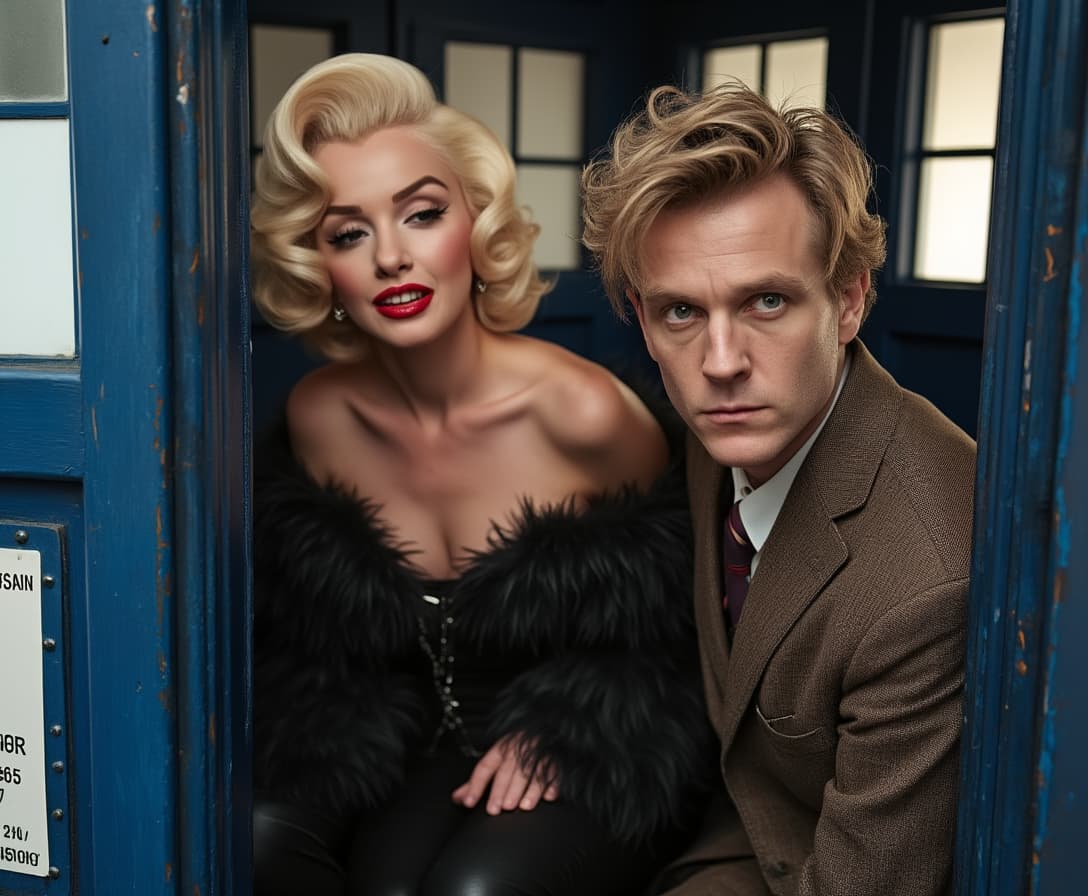



The Pixel Dojo Advantage
Why PixelDojo outperforms other options for consistent AI image generation
| Others | Pixel Dojo |
|---|---|
| Traditional Manual Editing | Automates the process, reducing time and effort while ensuring consistency. |
| Generic AI Tools | Offers advanced features like multi-reference support and high-resolution outputs for superior quality. |
| Stock Images | Provides unique, customizable images tailored to your specific needs, avoiding generic visuals. |
Loved by Creators
See what our community says about Flux 2 Max subject consistency
"Flux 2 Max has revolutionized our design process, enabling us to produce high-quality visuals in a fraction of the time."
Alex P.
Digital Marketing Manager
"The character consistency feature is a game-changer for our storytelling projects. Flux 2 Max ensures our visuals are cohesive and professional."
Jamie L.
Creative Director
Common Questions
Everything you need to know about Flux 2 Max subject consistency AI generation
How does Flux 2 Max ensure character consistency in AI-generated images?
Flux 2 Max allows you to upload up to 10 reference images, which the AI uses to maintain consistent character appearances across different scenes and poses.
Can I use Flux 2 Max for commercial projects?
Yes, Flux 2 Max is designed for both personal and commercial use, enabling you to create professional-quality images suitable for various applications.
What file formats does Flux 2 Max support for input and output?
Flux 2 Max supports input formats such as JPG, PNG, and WebP, and outputs images in high-resolution formats suitable for professional use.
Is there a limit to the number of images I can generate with Flux 2 Max?
While there is no strict limit, usage is subject to your subscription plan's credit allocation. Additional credits can be purchased as needed.
How long does it take to generate an image with Flux 2 Max?
Flux 2 Max is optimized for speed, typically generating high-quality images in under 10 seconds, allowing for rapid iterations.
Does Flux 2 Max require any prior experience with AI image generation?
No, Flux 2 Max is user-friendly and designed for creators of all skill levels. The intuitive interface guides you through the process seamlessly.