gemini 2.5 flash image combine images AI Generator
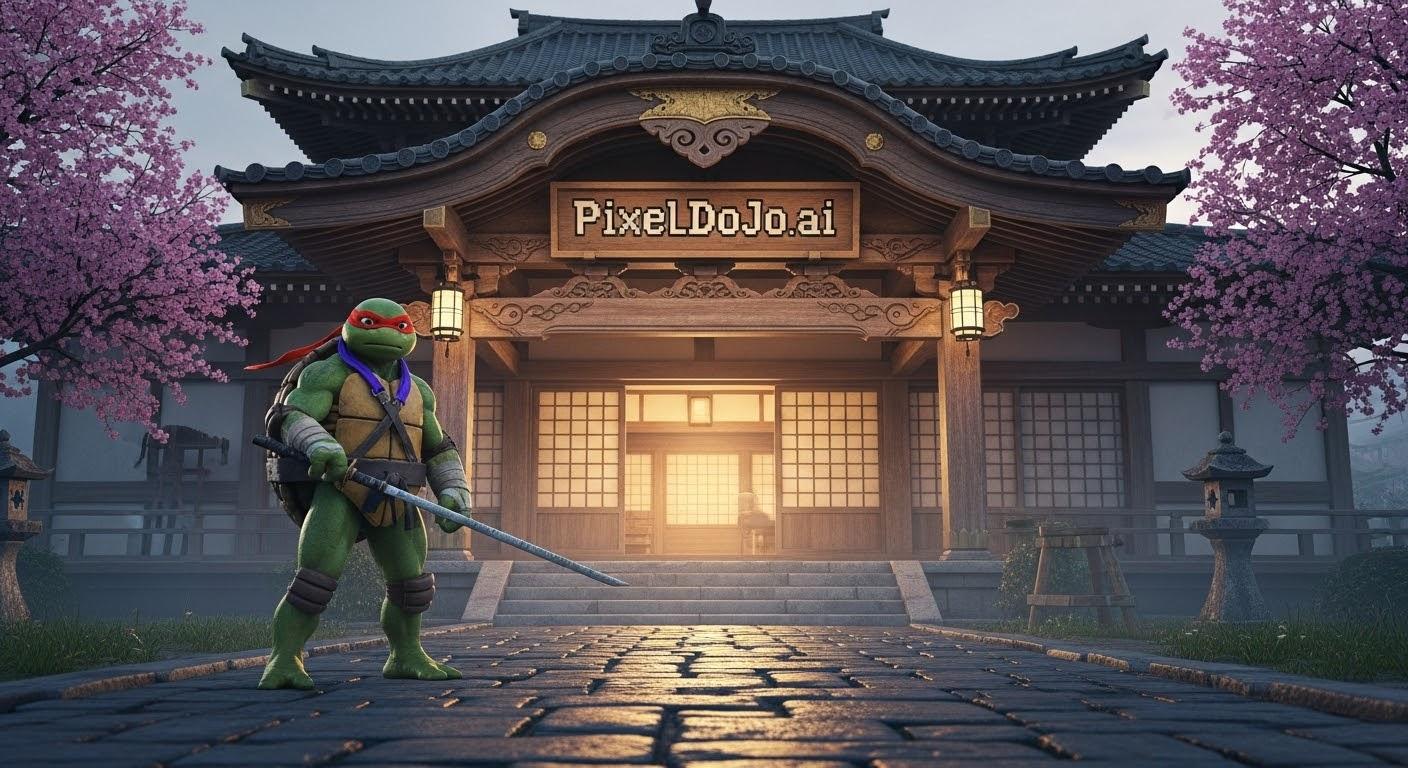
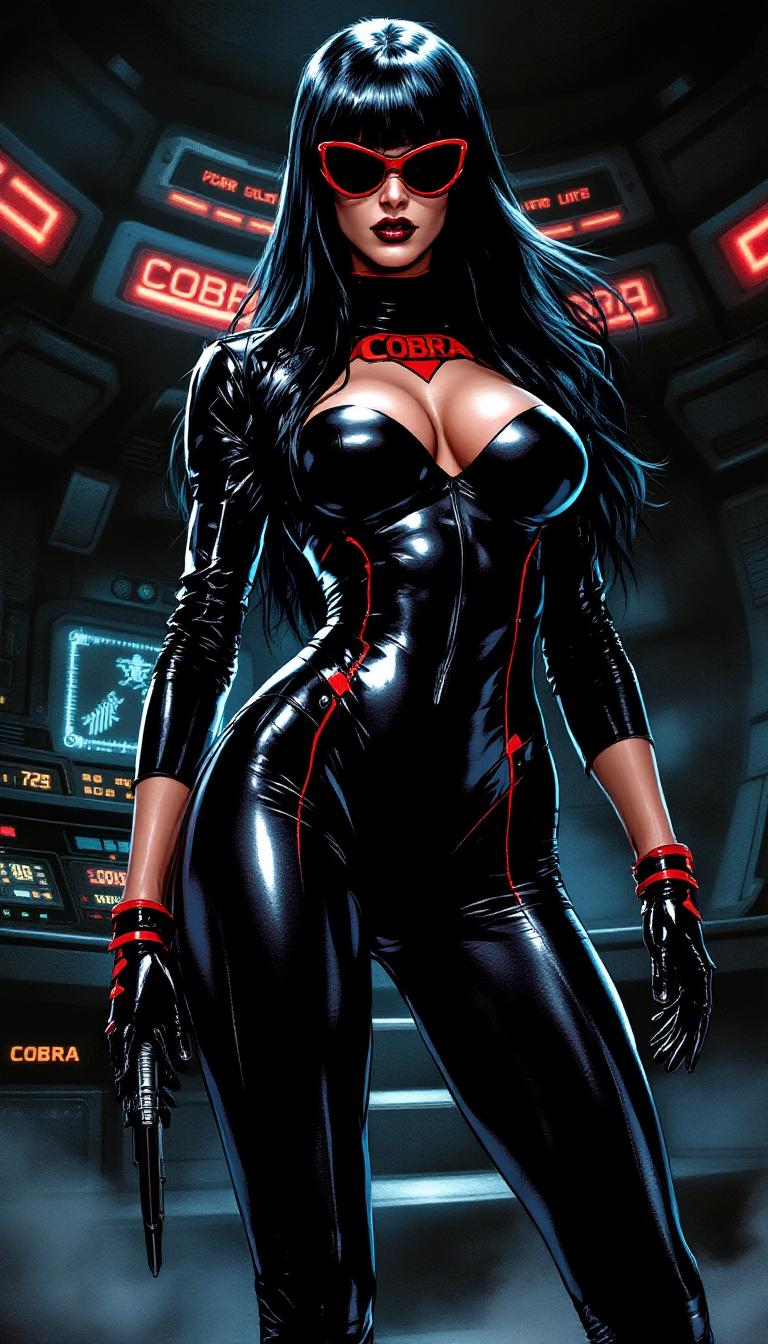
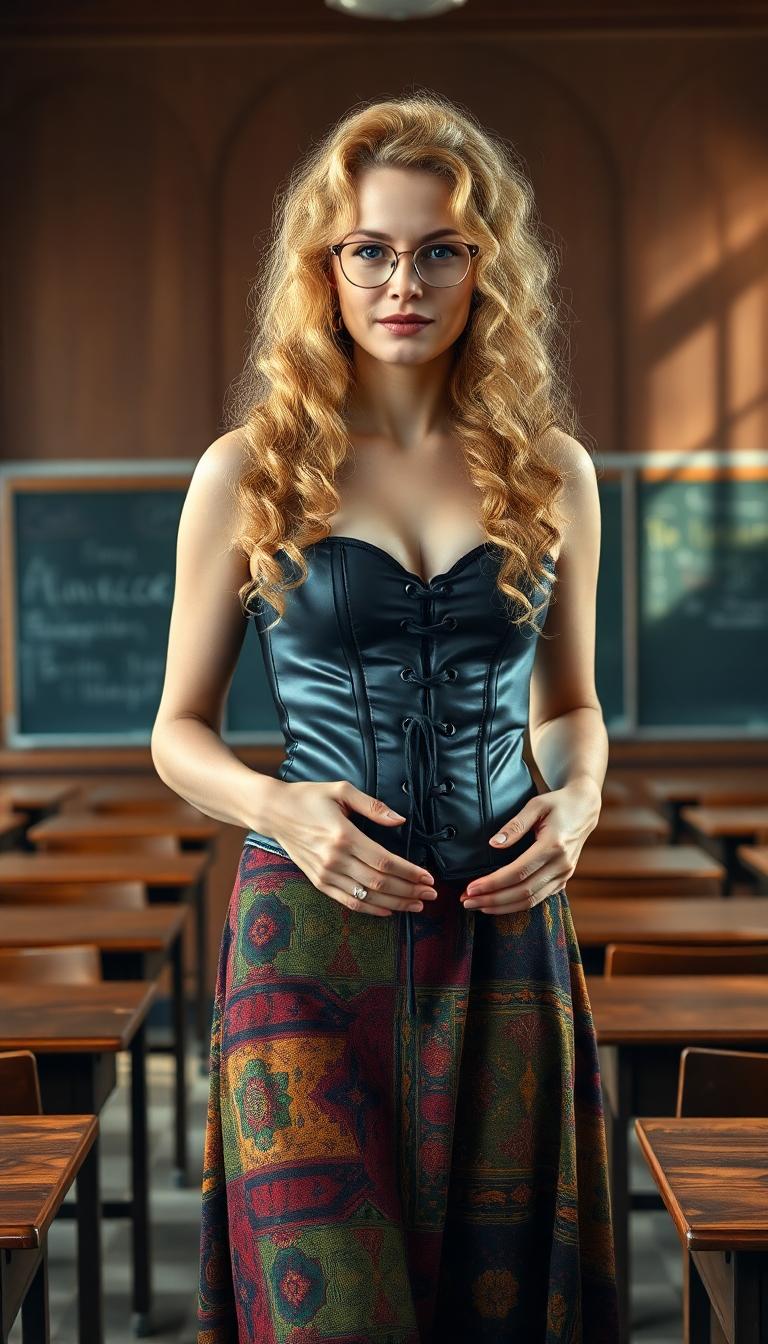
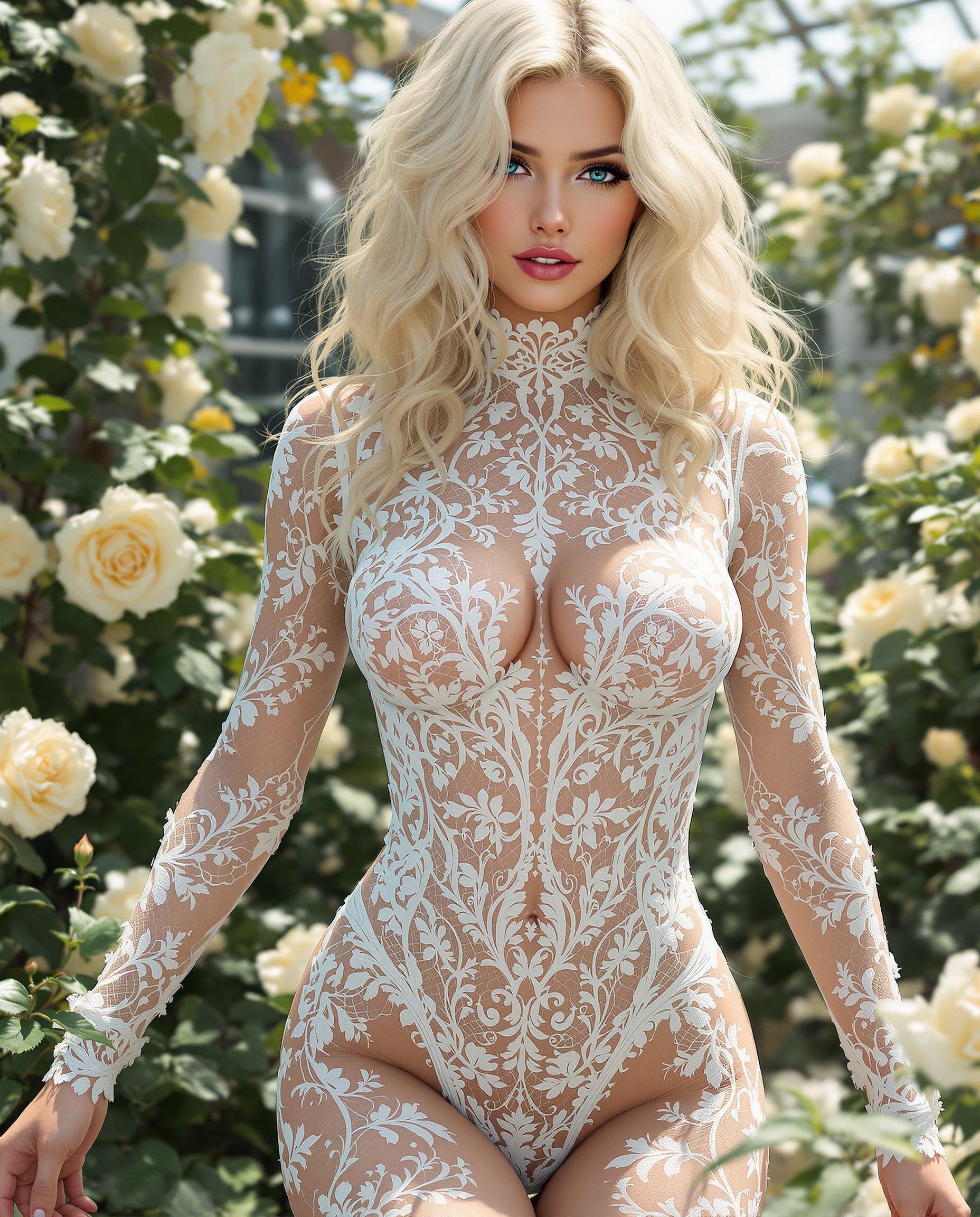
Unlock the power of AI to effortlessly combine multiple images into a single, cohesive masterpiece. With PixelDojo's advanced tools, you can create stunning visuals that captivate your audience and elevate your creative projects.
Join over 10,000 creators who have transformed their visuals using PixelDojo's AI tools, rated 4.8/5 for user satisfaction.
Why Choose Pixel Dojo for gemini 2.5 flash image combine images
Professional-quality results with cutting-edge AI technology
Seamless Image Blending
Merge multiple images into one harmonious composition without any manual effort.
Consistent Character Representation
Maintain character consistency across different scenes and settings for cohesive storytelling.
Effortless Editing with Natural Language
Make precise edits using simple text prompts, eliminating the need for complex software.
How It Works
Creating combined images with PixelDojo is straightforward and intuitive. Follow these simple steps to bring your vision to life:
Step 1: Choose Your Tool
Select the 'Image to Image' feature from PixelDojo's suite of AI tools to begin the image combination process.
Step 2: Upload Your Images
Upload the images you wish to combine. You can select multiple images to merge into a single composition.
Step 3: Enter Your Prompt
Use natural language to describe how you want the images to be combined. For example, 'Combine the two images to create a sunset beach scene.'




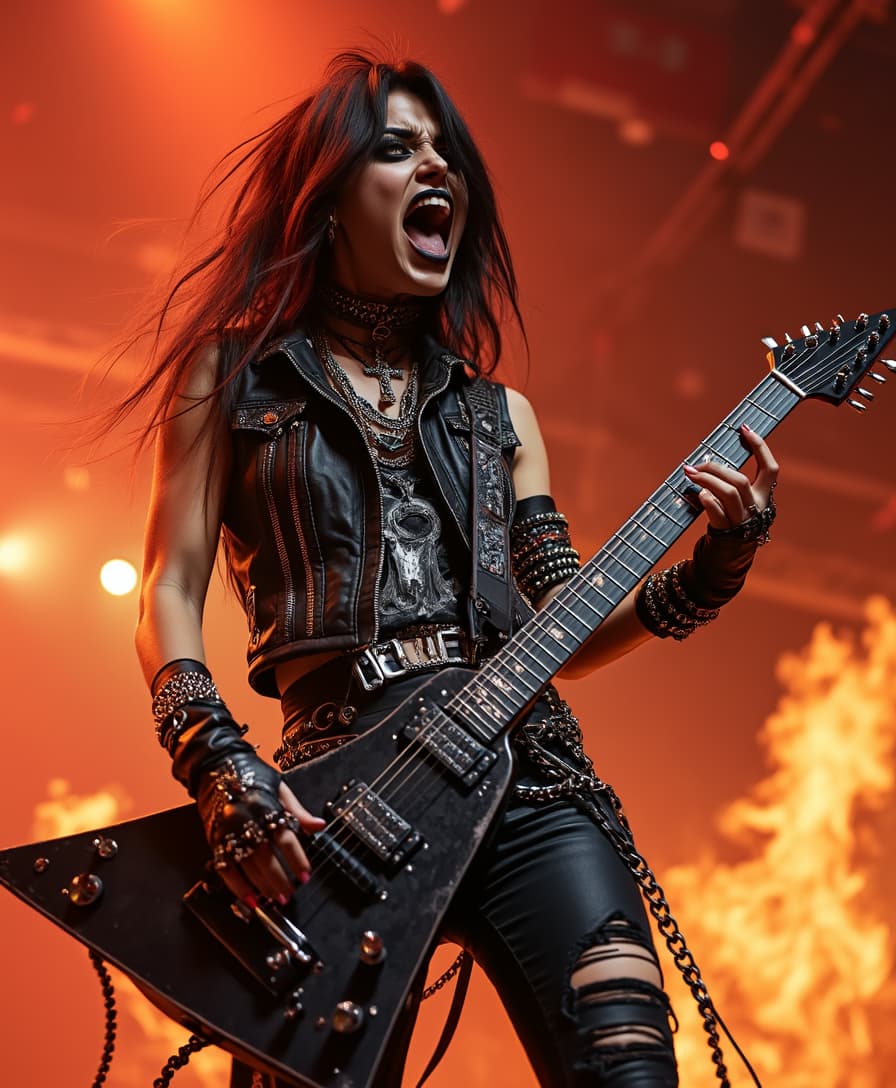
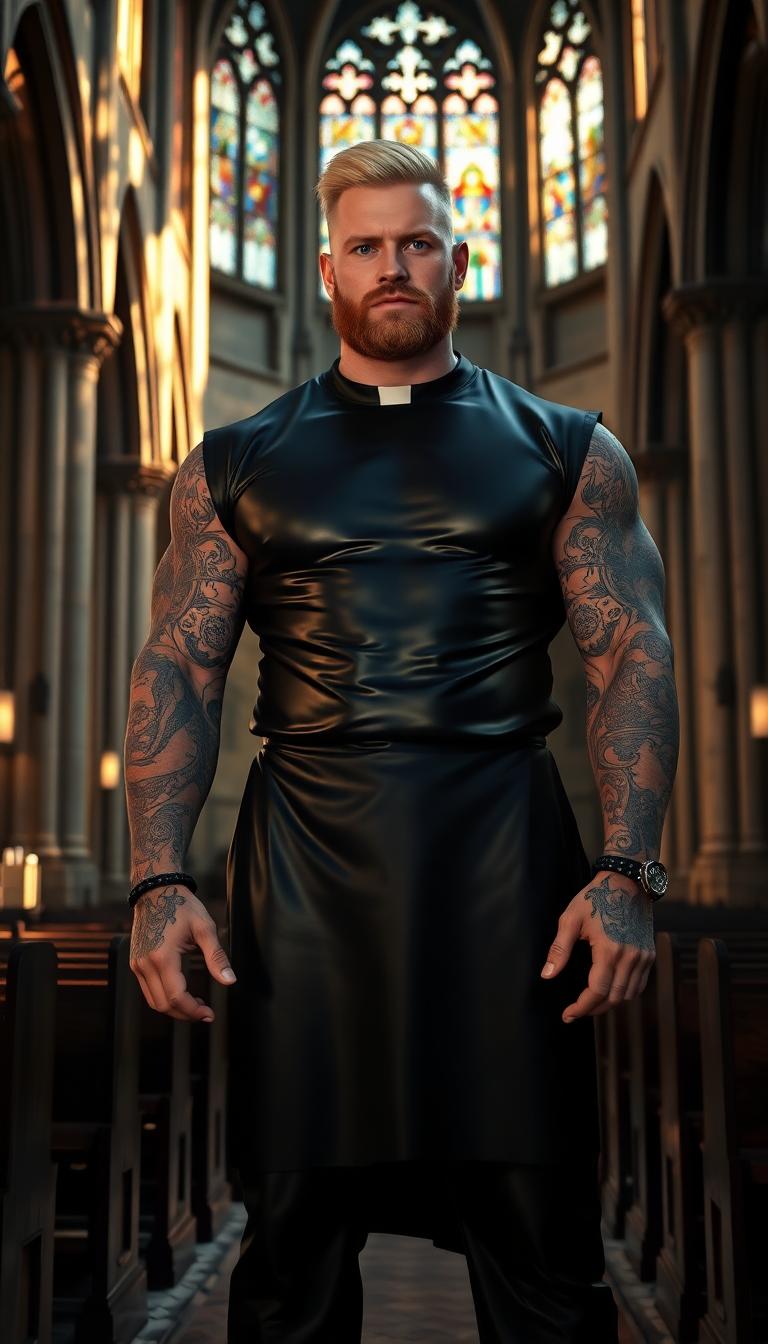
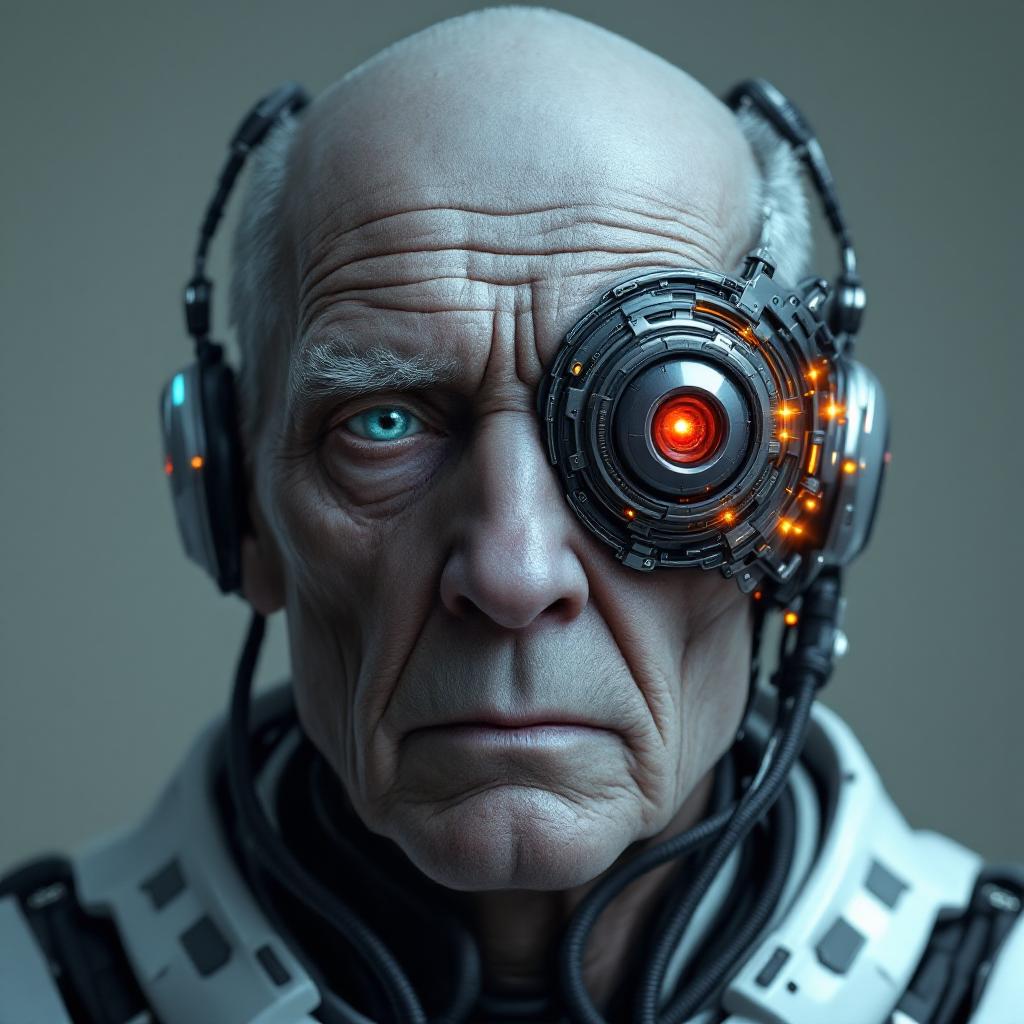

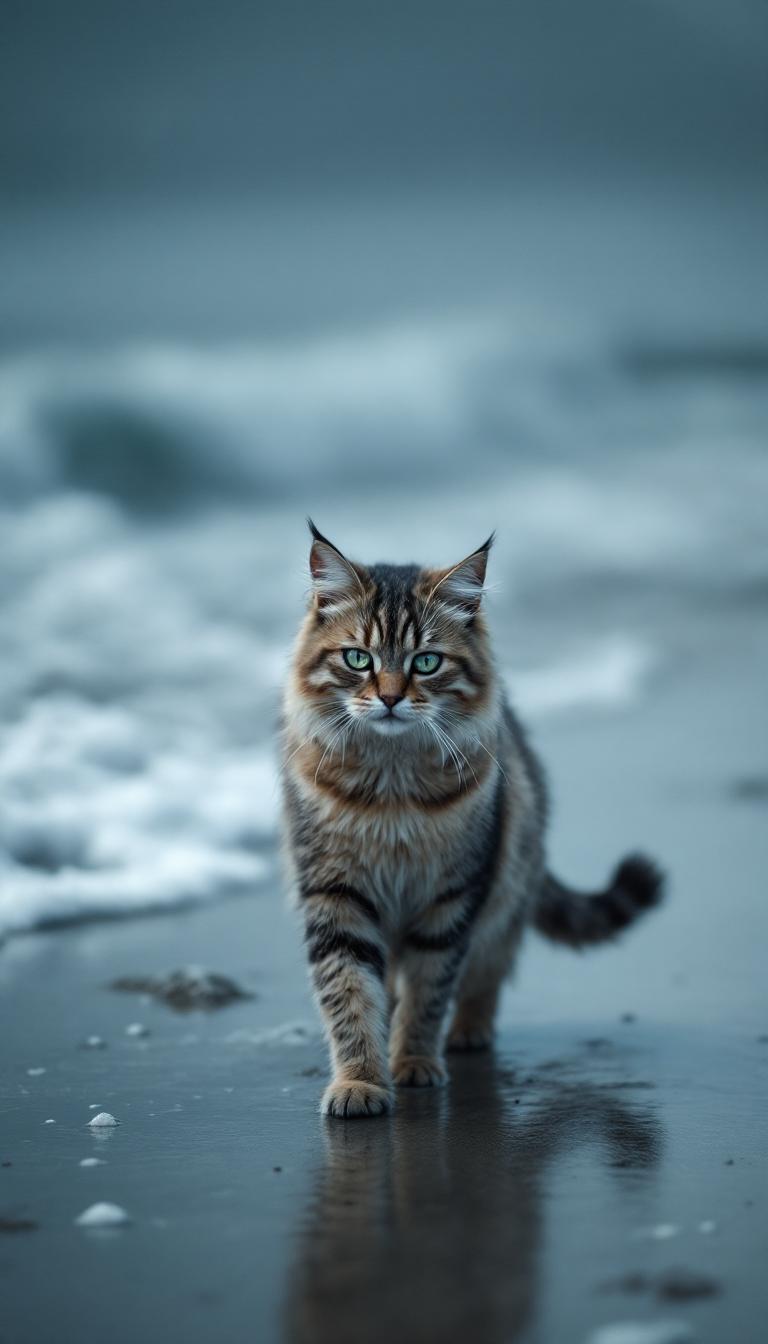
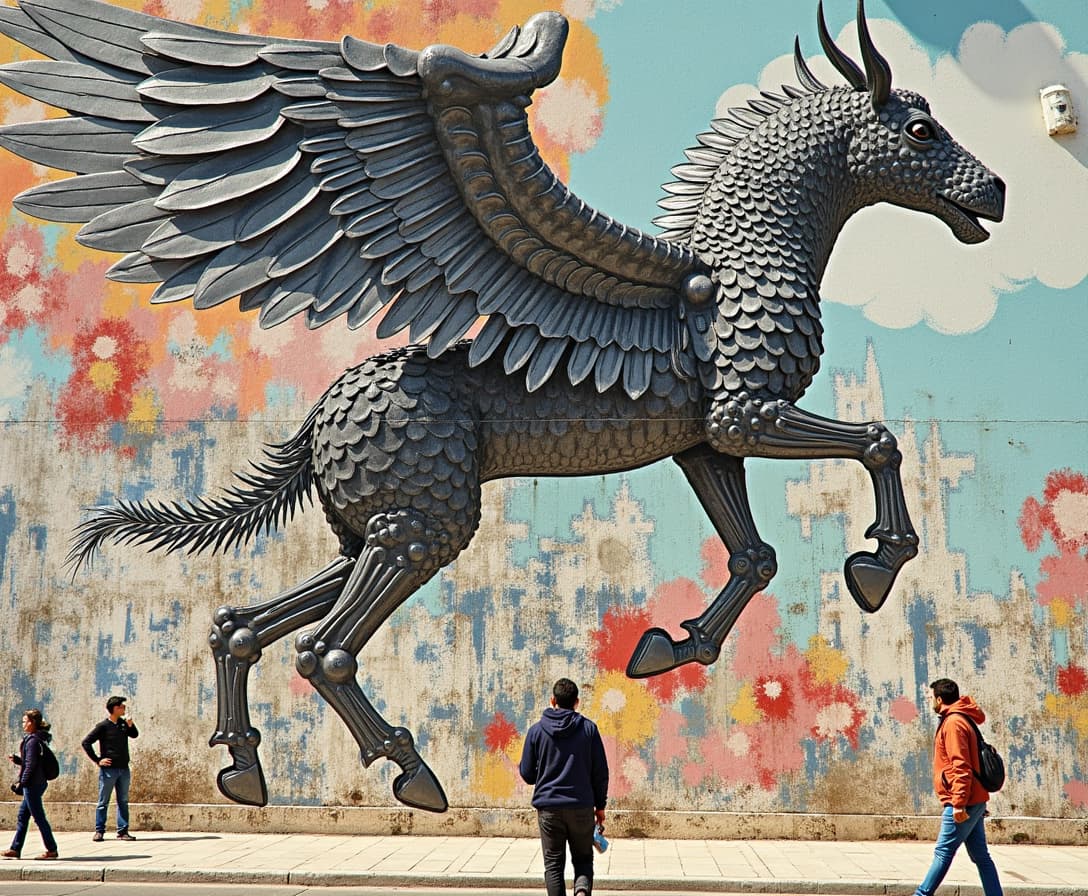
The Pixel Dojo Advantage
Why PixelDojo outperforms other options for AI image combination:
| Others | Pixel Dojo |
|---|---|
| Traditional Image Editing Software | Eliminates the need for manual blending and complex layering techniques. |
| Generic AI Tools | Offers specialized features for image combination with precise control over the final output. |
| Manual Photo Editing | Significantly reduces the time and effort required to combine images seamlessly. |
Loved by Creators
See what our community says about gemini 2.5 flash image combine images
"PixelDojo's AI tools have revolutionized the way I create composite images. The results are stunning and the process is incredibly user-friendly."
Alex Johnson
Professional Photographer
"As a graphic designer, PixelDojo has become an indispensable part of my workflow. Combining images has never been this easy and efficient."
Maria Lopez
Graphic Designer
Common Questions
Everything you need to know about gemini 2.5 flash image combine images AI generation
How does PixelDojo ensure character consistency across combined images?
PixelDojo's AI algorithms are designed to maintain character consistency by analyzing and preserving key features across different images, ensuring a cohesive final composition.
Can I edit the combined image after it's generated?
Yes, PixelDojo allows you to make further edits to the combined image using natural language prompts or by adjusting specific elements as needed.
Is there a limit to the number of images I can combine?
PixelDojo supports combining multiple images; however, for optimal performance and quality, it's recommended to combine up to three images at a time.
Do I need any prior experience with image editing to use PixelDojo?
No, PixelDojo is designed to be user-friendly and intuitive, allowing users of all skill levels to create stunning combined images without prior experience.
What file formats are supported for uploading images?
PixelDojo supports a variety of image formats, including JPEG, PNG, and BMP, for uploading and combining images.
Is there a cost associated with using PixelDojo's image combination tools?
PixelDojo offers a range of subscription plans, including a free trial, allowing you to explore the image combination tools before committing to a paid plan.