gemini 2.5 flash image preview AI Generator
Unlock the full potential of your creativity with Gemini 2.5 Flash Image Preview. This advanced AI tool empowers you to generate and edit images with remarkable ease and precision. Whether you're a marketer aiming for consistent brand visuals, a designer seeking seamless edits, or a content creator blending multiple images into one, Gemini 2.5 Flash Image Preview delivers the outcomes you desire.
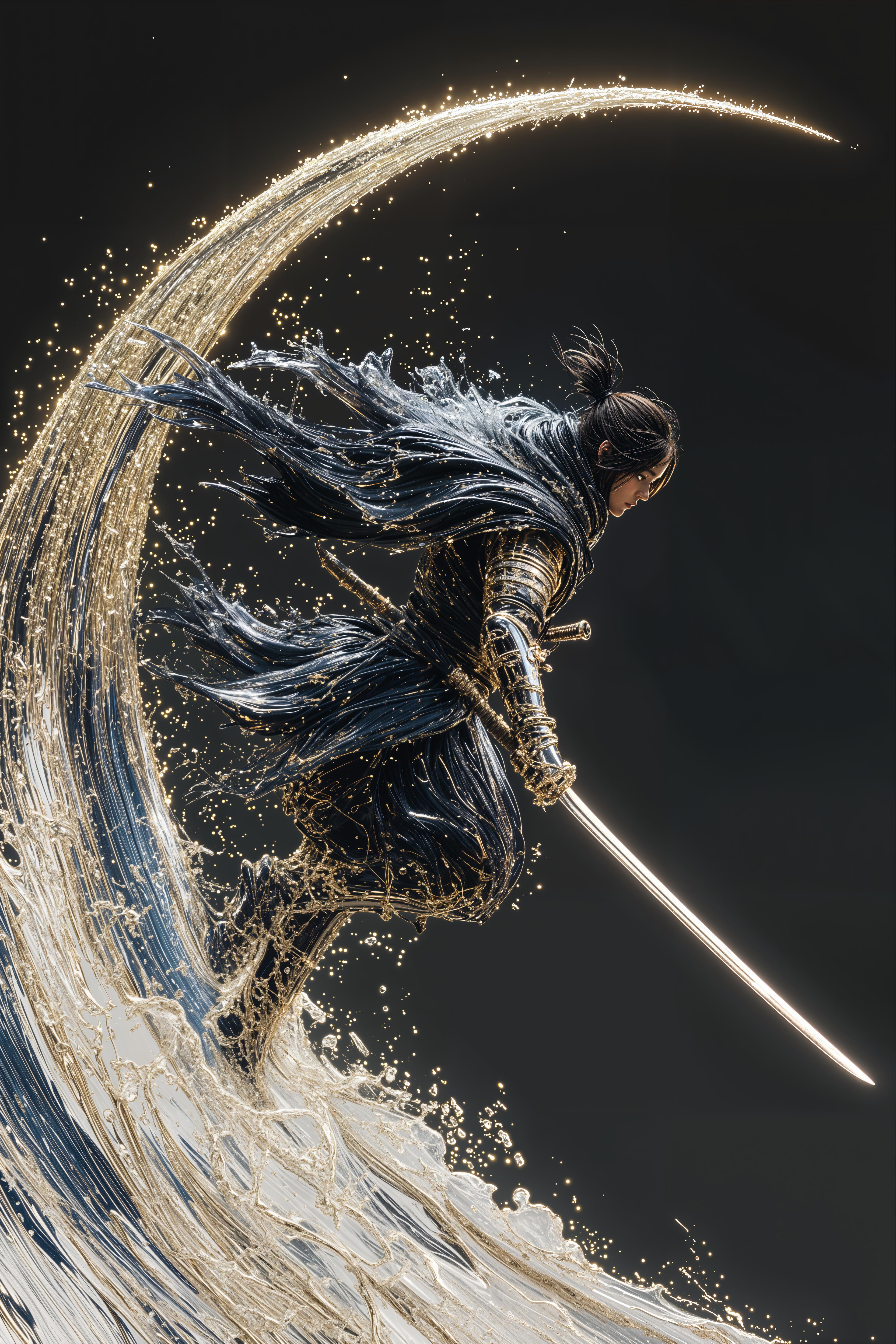
Join thousands of satisfied users who have transformed their visual content using Gemini 2.5 Flash Image Preview. Rated 4.8/5 by professionals worldwide.
Why Choose Pixel Dojo for gemini 2.5 flash image preview
Professional-quality results with cutting-edge AI technology
Consistent Character Representation
Maintain the appearance of characters or objects across multiple images, ensuring uniformity in your visual storytelling.
Precise, Natural Language Edits
Make targeted transformations using simple text prompts, from altering colors to removing objects, without manual selection.
Seamless Multi-Image Fusion
Combine multiple images into a single, cohesive composition, perfect for creating complex scenes or product mockups.
How It Works
Creating stunning images with Gemini 2.5 Flash Image Preview is straightforward. Follow these steps to bring your ideas to life:
Step 1: Access Gemini 2.5 Flash Image Preview
Navigate to the Gemini 2.5 Flash Image Preview platform through your preferred device.
Step 2: Input Your Prompt
Describe the image you want to create or edit using natural language. Be as detailed as possible to achieve the desired outcome.
Step 3: Customize and Download
Review the generated image, make any necessary adjustments, and download the final version for your use.


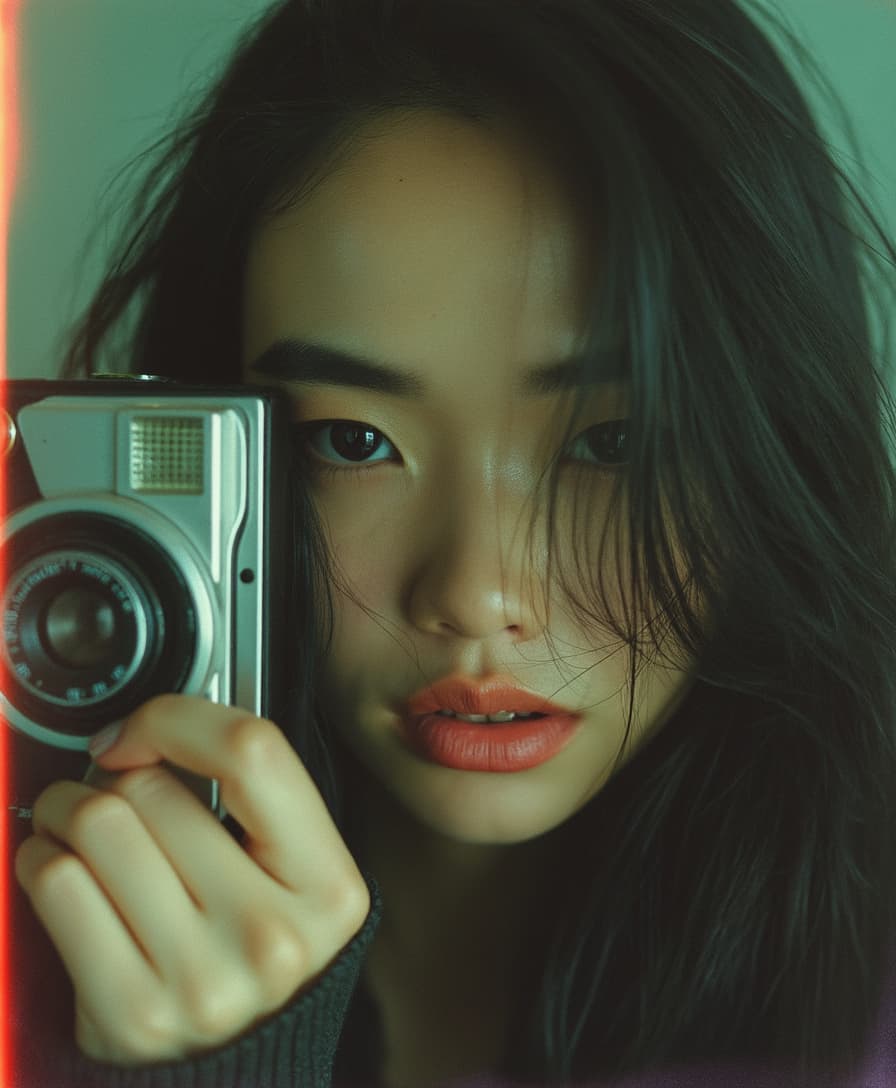
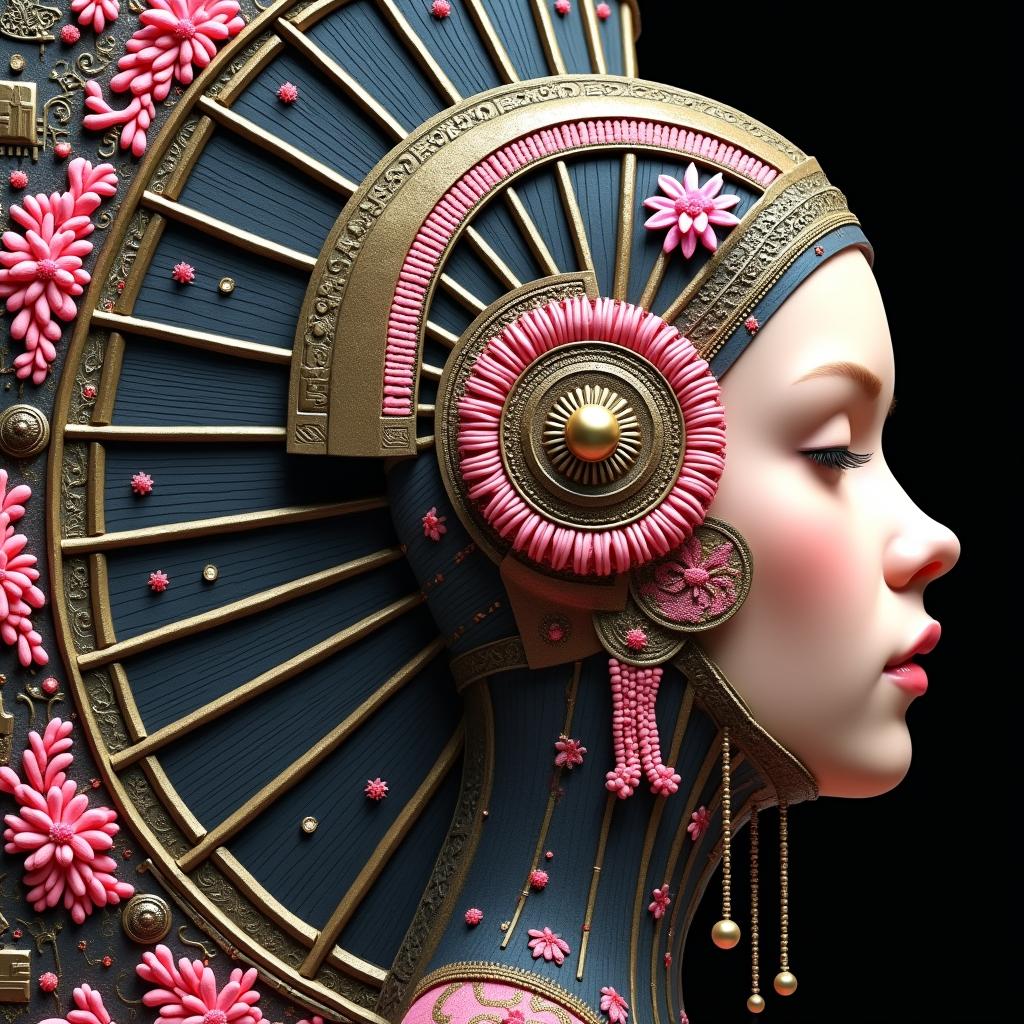


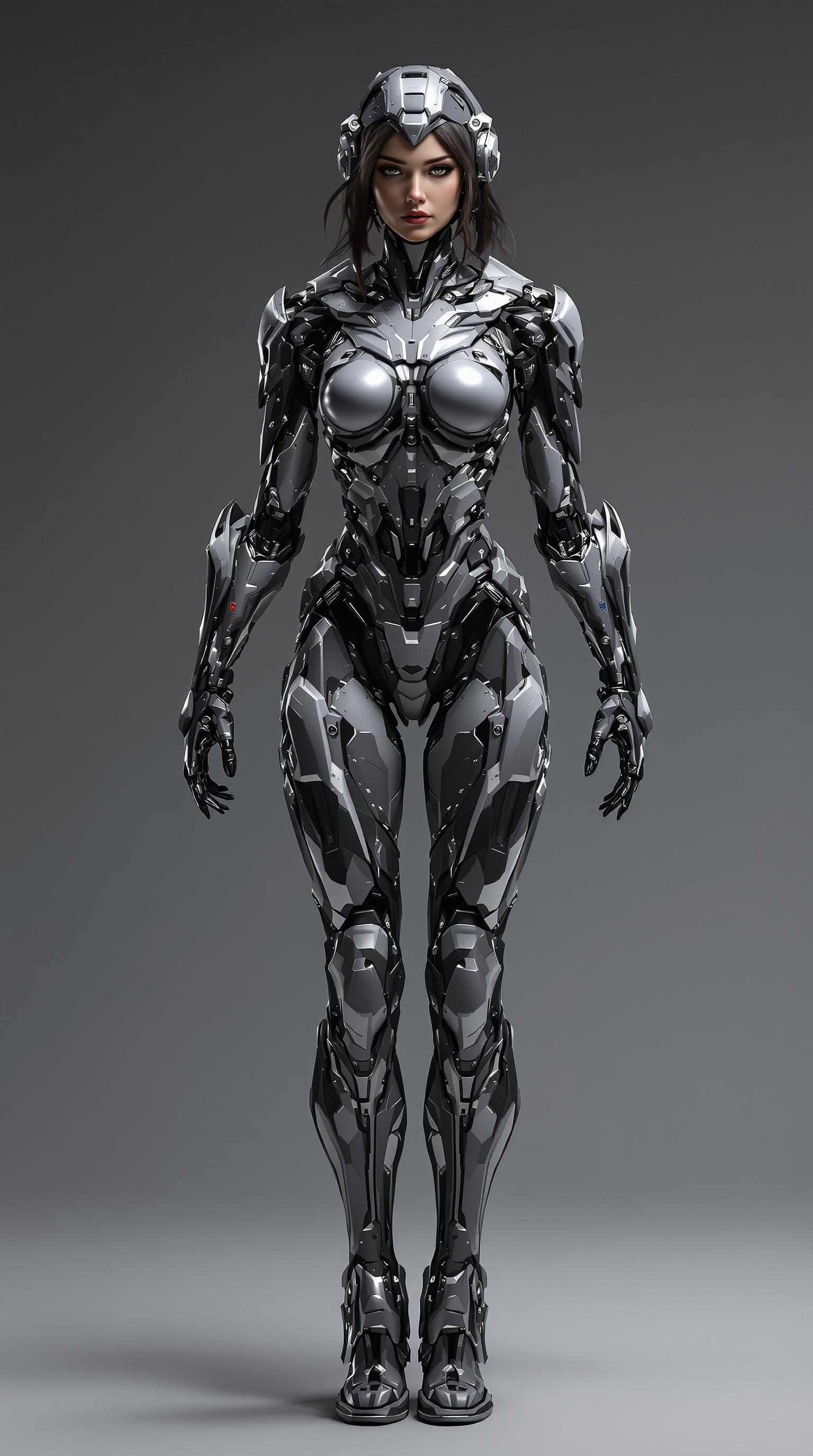
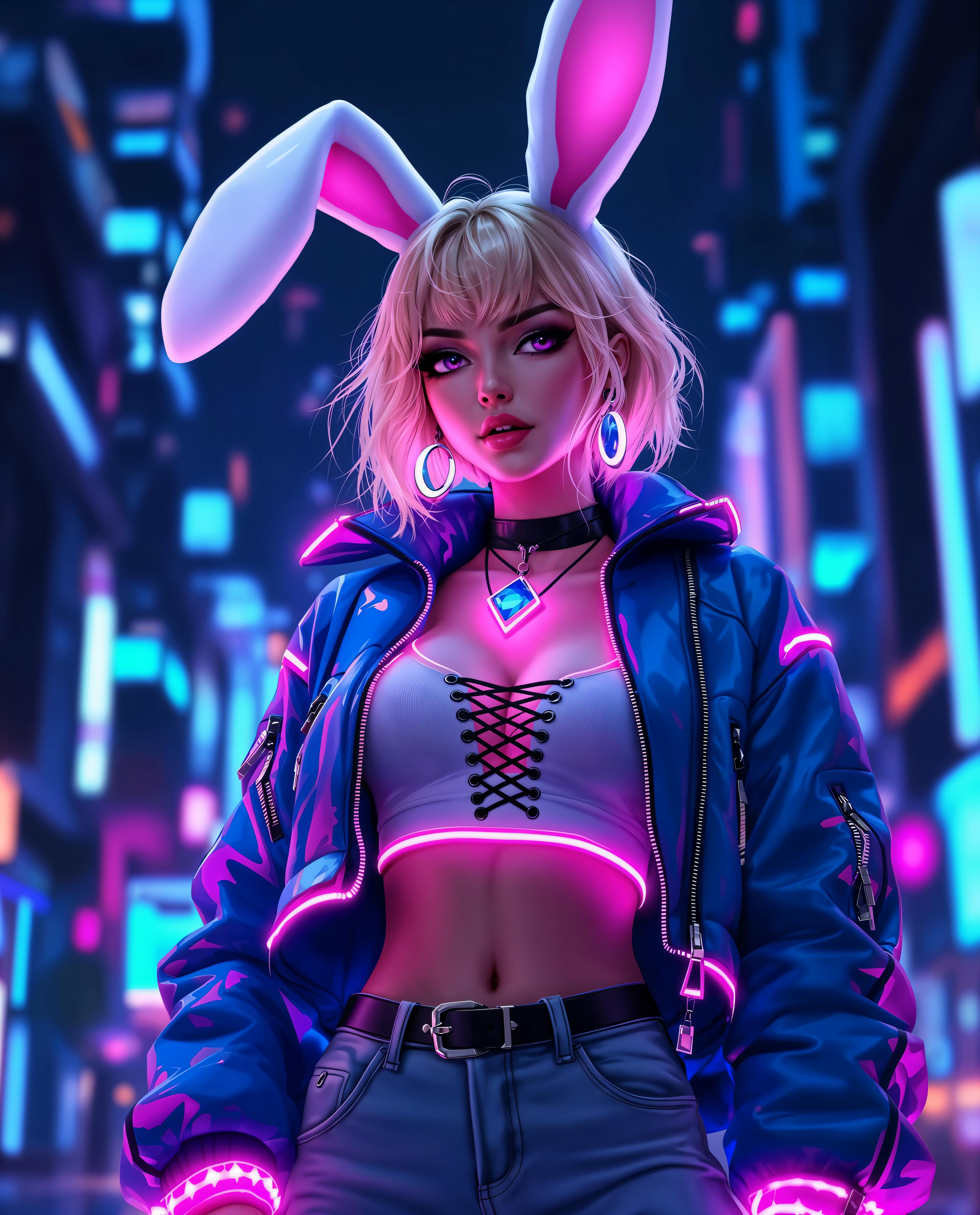



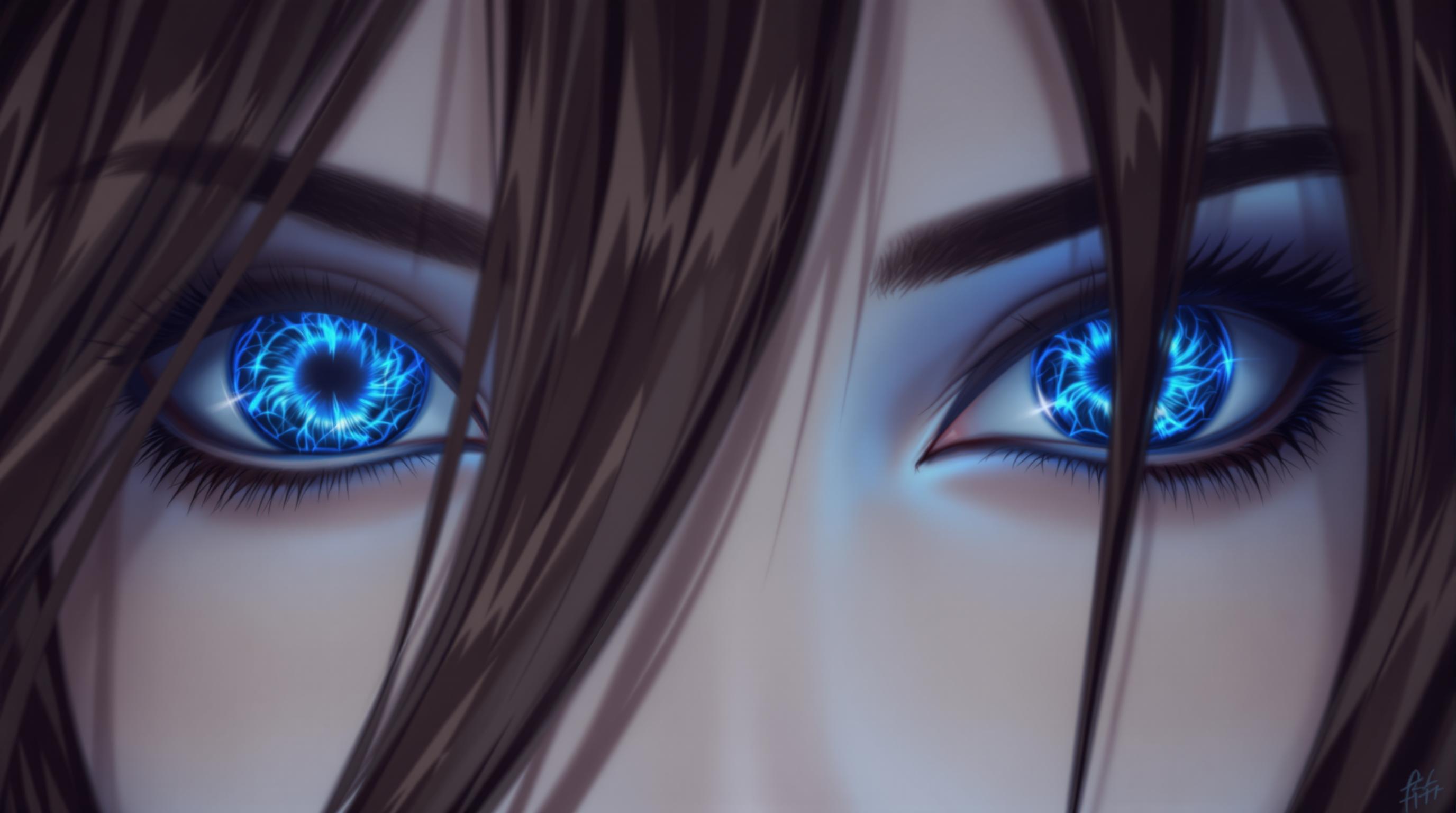
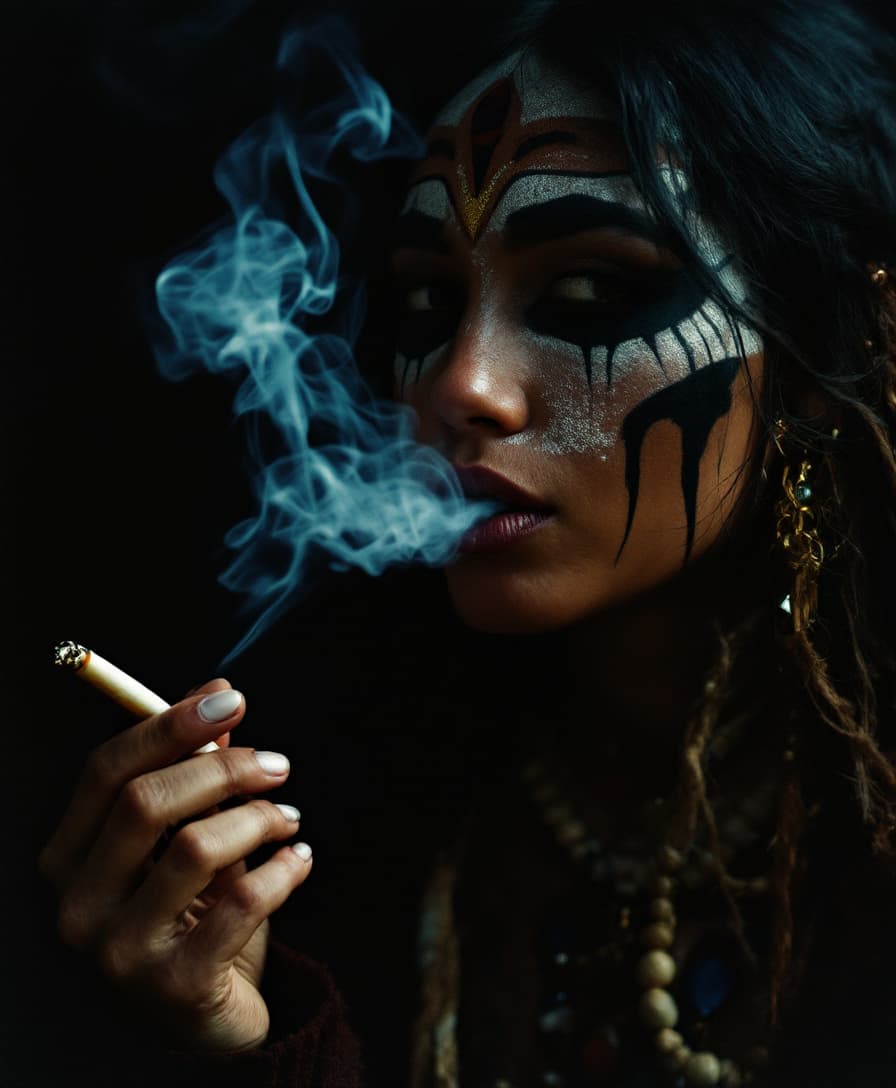

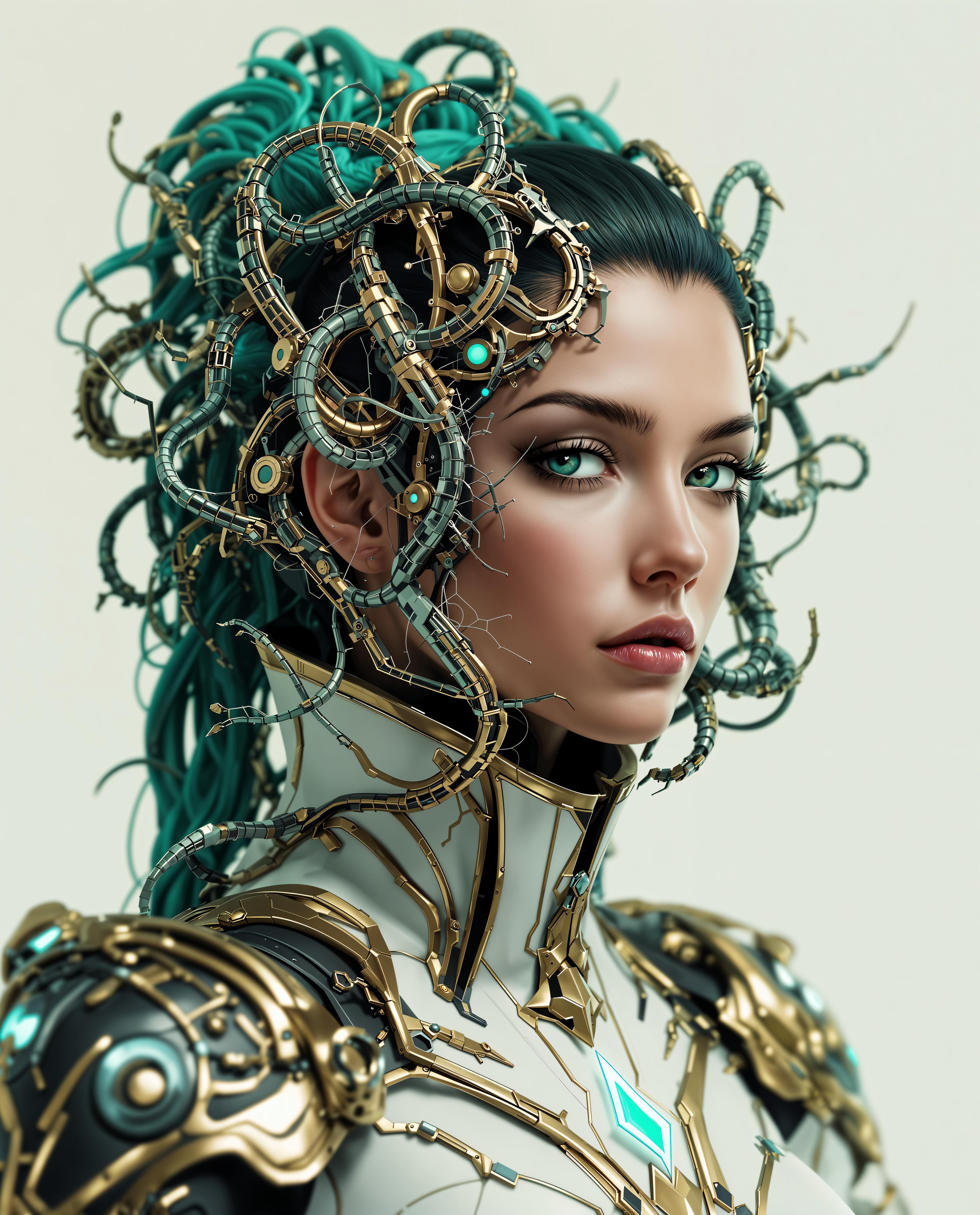
The Pixel Dojo Advantage
Why Gemini 2.5 Flash Image Preview Outperforms Other Image Generation Tools
| Others | Pixel Dojo |
|---|---|
| Traditional Image Editing Software | Achieve complex edits and image generation without the steep learning curve or time investment. |
| Generic AI Image Tools | Benefit from advanced features like character consistency and multi-image fusion not available in standard AI tools. |
| Manual Photo Editing | Save time and effort with AI-driven edits that maintain high-quality results without manual intervention. |
Loved by Creators
See what our community says about gemini 2.5 flash image preview
"Gemini 2.5 Flash Image Preview has revolutionized my design process. The ability to maintain character consistency across images is a game-changer."
Alex Johnson
Graphic Designer
"As a marketer, creating cohesive visuals is crucial. This tool allows me to generate and edit images effortlessly, ensuring brand consistency."
Maria Lopez
Marketing Manager
Common Questions
Everything you need to know about gemini 2.5 flash image preview AI generation
How does Gemini 2.5 Flash Image Preview ensure character consistency?
The tool utilizes advanced AI algorithms to recognize and maintain the appearance of characters or objects across multiple images, ensuring uniformity in your visuals.
Can I edit existing images using natural language prompts?
Yes, you can make targeted transformations to existing images by describing the desired changes in natural language, such as altering colors or removing objects.
Is it possible to combine multiple images into one?
Absolutely. Gemini 2.5 Flash Image Preview allows you to blend multiple images into a single, cohesive composition, perfect for creating complex scenes or product mockups.
Do I need technical expertise to use this tool?
No, the platform is designed for ease of use. With simple text prompts, you can generate and edit images without any technical background.
What file formats are supported for downloads?
Generated images are available in standard formats like JPEG, ensuring compatibility with various platforms and applications.
Is there a cost associated with using Gemini 2.5 Flash Image Preview?
Pricing details are available on the platform. There may be free trials or subscription plans to suit different user needs.