google veo3 AI Generator
Imagine bringing your creative visions to life with ease. With PixelDojo's integration of Google Veo 3, you can transform simple prompts into high-quality, AI-generated videos complete with synchronized audio. Whether you're a marketer, educator, or content creator, our platform empowers you to produce engaging videos that captivate your audience.
Join over 10,000 creators who have generated more than 50,000 videos using PixelDojo's AI tools. Rated 4.8/5 by our satisfied users.
Why Choose Pixel Dojo for google veo3
Professional-quality results with cutting-edge AI technology
Effortless Video Creation
Generate professional-grade videos from text prompts without any prior video editing experience.
Time-Saving Automation
Quickly produce videos with synchronized audio, reducing the time spent on manual editing.
Versatile Applications
Create content for marketing, education, social media, and more, tailored to your specific needs.
How It Works
Creating AI-generated videos with PixelDojo is simple and intuitive. Follow these steps to bring your ideas to life:
Step 1: Select the Video Generation Tool
Navigate to the 'Create Videos' section and choose 'VEO 3' from the list of available tools.
Step 2: Input Your Prompt
Enter a descriptive text prompt detailing the scene, actions, and audio elements you envision.
Step 3: Generate and Download
Click 'Generate' to create your video. Once processed, preview and download the final output.


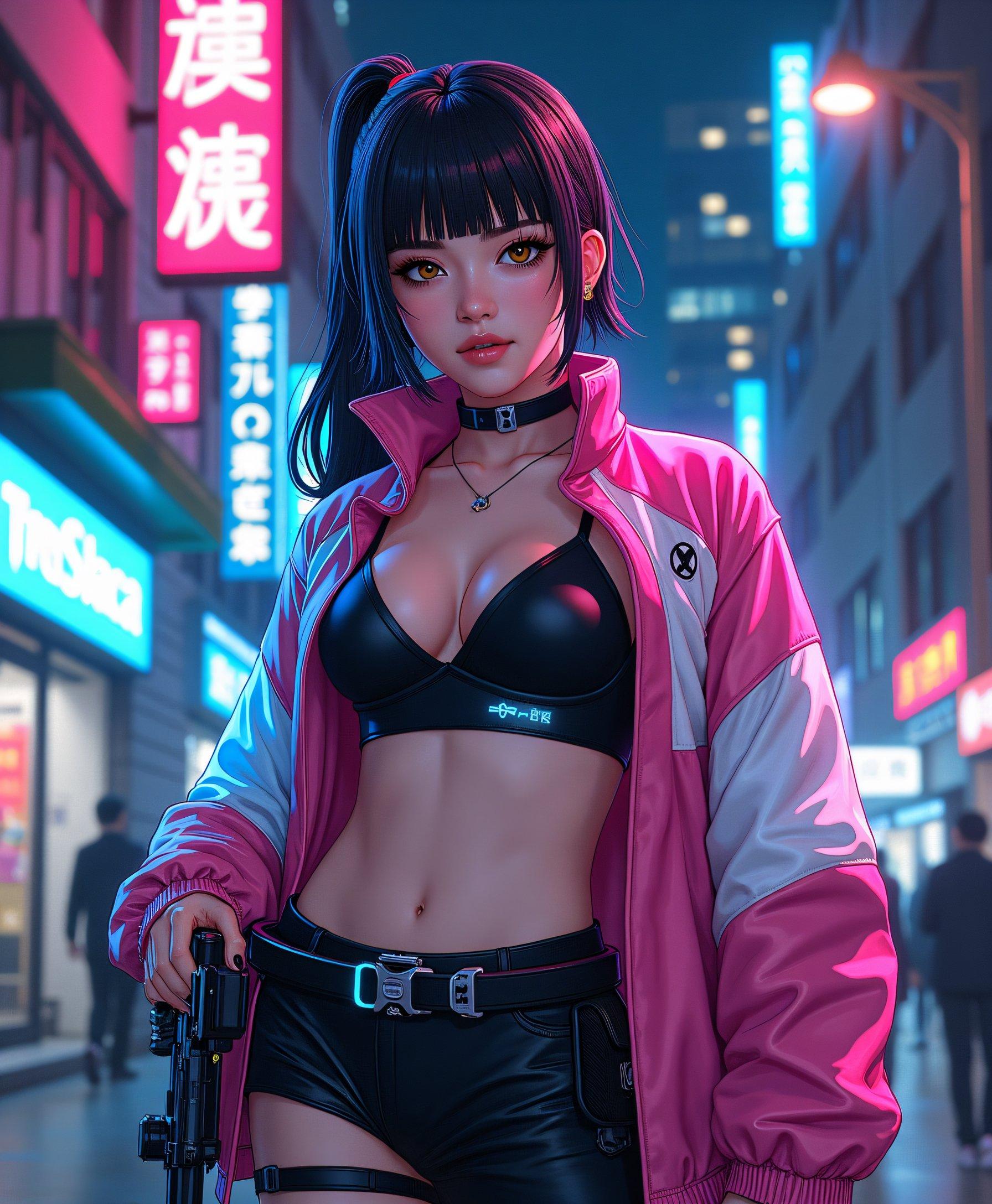


The Pixel Dojo Advantage
Why PixelDojo outperforms other options for AI video generation:
| Others | Pixel Dojo |
|---|---|
| Traditional Video Production | Eliminate the need for expensive equipment and extensive editing skills. |
| Generic AI Tools | Benefit from our integration with Google Veo 3 for superior video quality and audio synchronization. |
| Manual Animation | Save countless hours by automating the animation process with AI. |
Loved by Creators
See what our community says about google veo3
"PixelDojo's AI video tools have revolutionized our content creation process. The quality and ease of use are unparalleled."
Alex Johnson
Digital Marketing Manager
"As an educator, creating engaging videos has never been easier. PixelDojo's integration with Google Veo 3 is a game-changer."
Maria Lopez
Online Course Instructor
Common Questions
Everything you need to know about google veo3 AI generation
How does PixelDojo's integration with Google Veo 3 enhance video creation?
By leveraging Google Veo 3, PixelDojo enables users to generate high-quality videos with synchronized audio from simple text prompts, streamlining the video creation process.
Do I need prior video editing experience to use PixelDojo's AI video tools?
No, our platform is designed for users of all skill levels. The intuitive interface allows you to create professional videos without any prior experience.
Can I customize the audio in the AI-generated videos?
Yes, you can specify audio elements in your text prompts, and the AI will generate synchronized audio to match your scene.
What types of content can I create with PixelDojo's AI video tools?
You can create a wide range of content, including marketing videos, educational materials, social media posts, and more, tailored to your specific needs.
Is there a limit to the number of videos I can generate?
PixelDojo offers various subscription plans to suit different needs. Please refer to our pricing page for details on video generation limits.
How long does it take to generate a video using PixelDojo's AI tools?
The generation time depends on the complexity of your prompt, but most videos are processed within a few minutes.