GPT Image 1.5 hyper-detailed visuals AI Generator
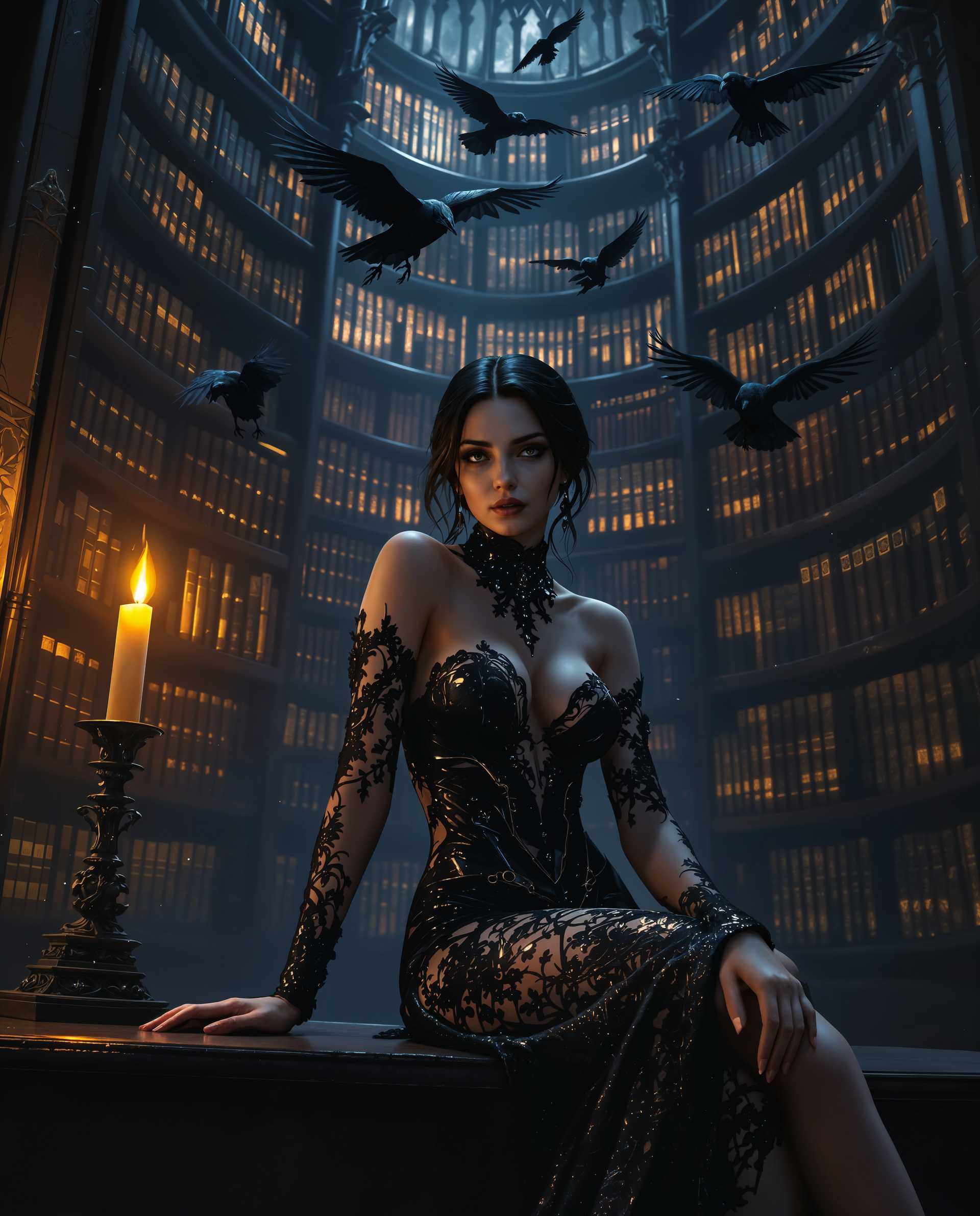
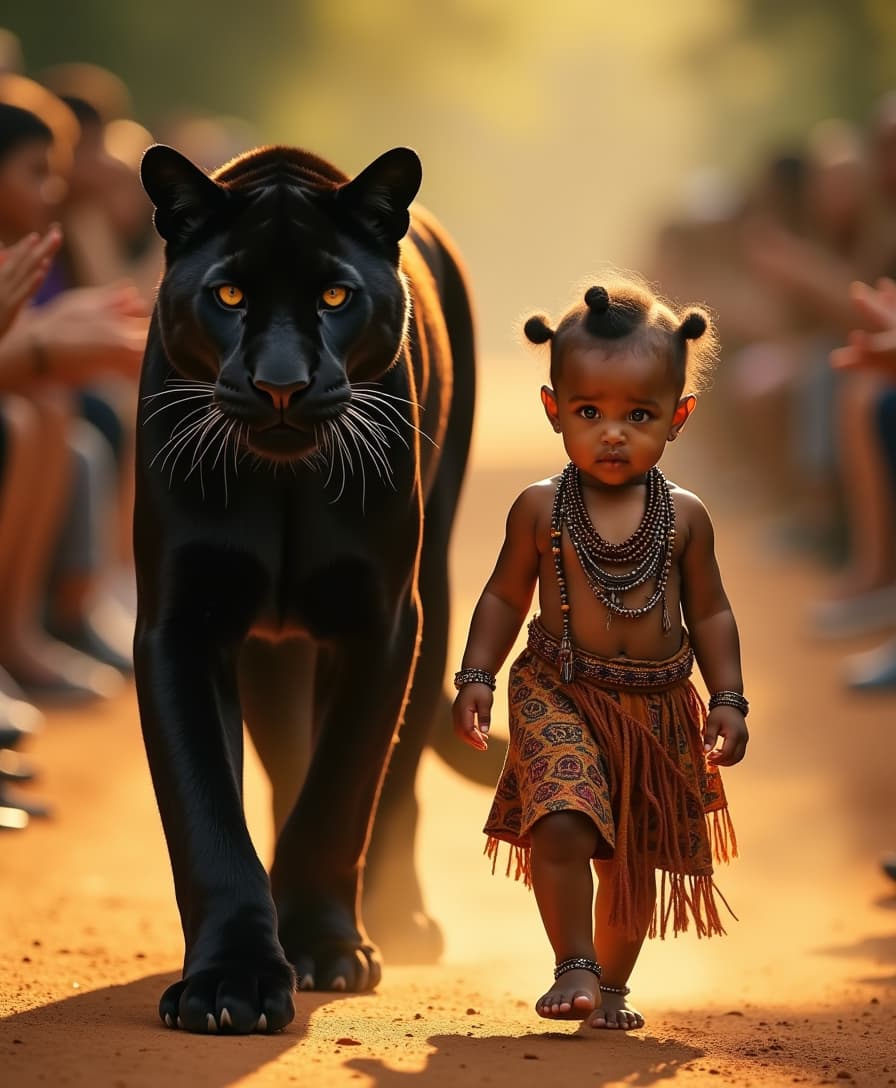
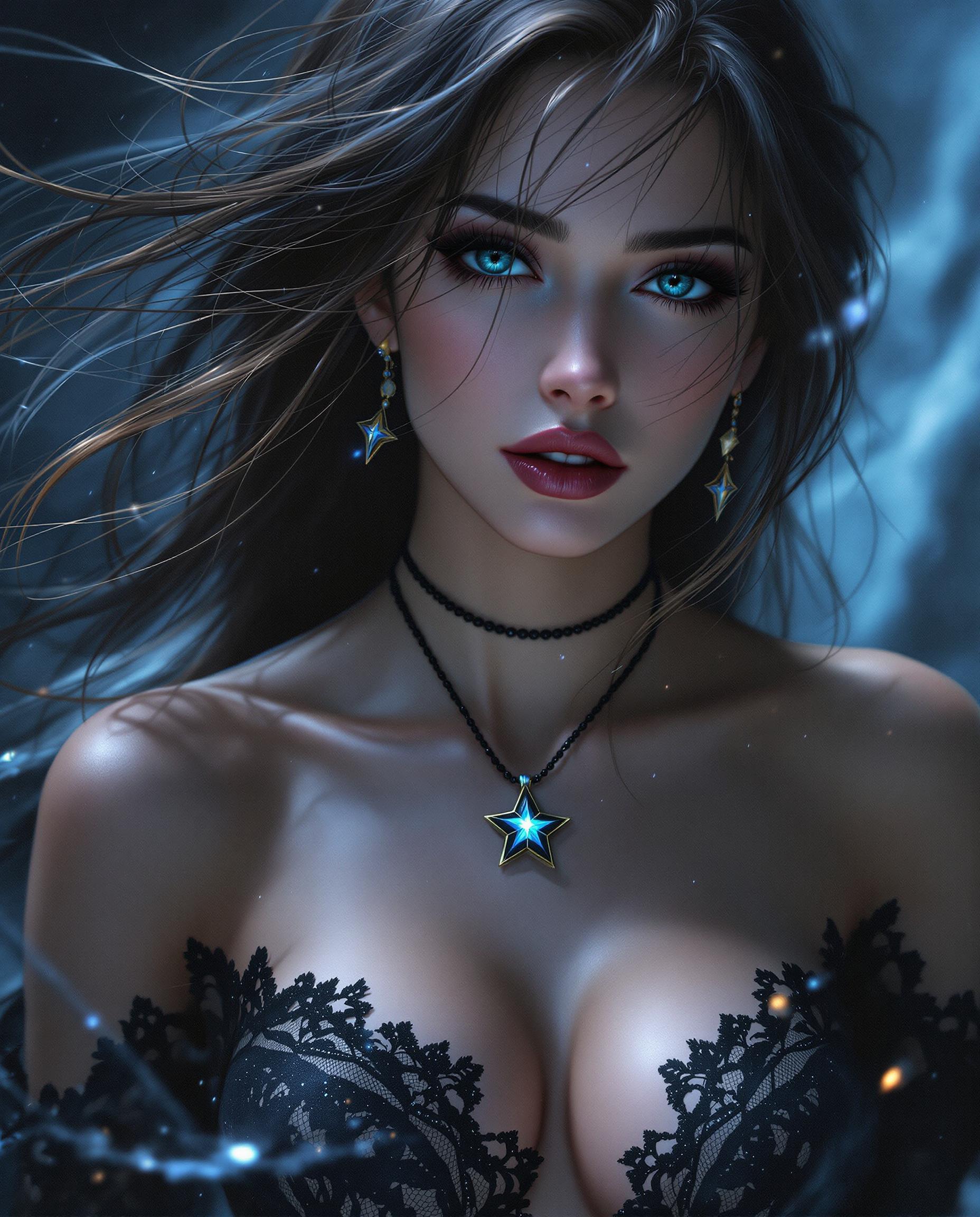
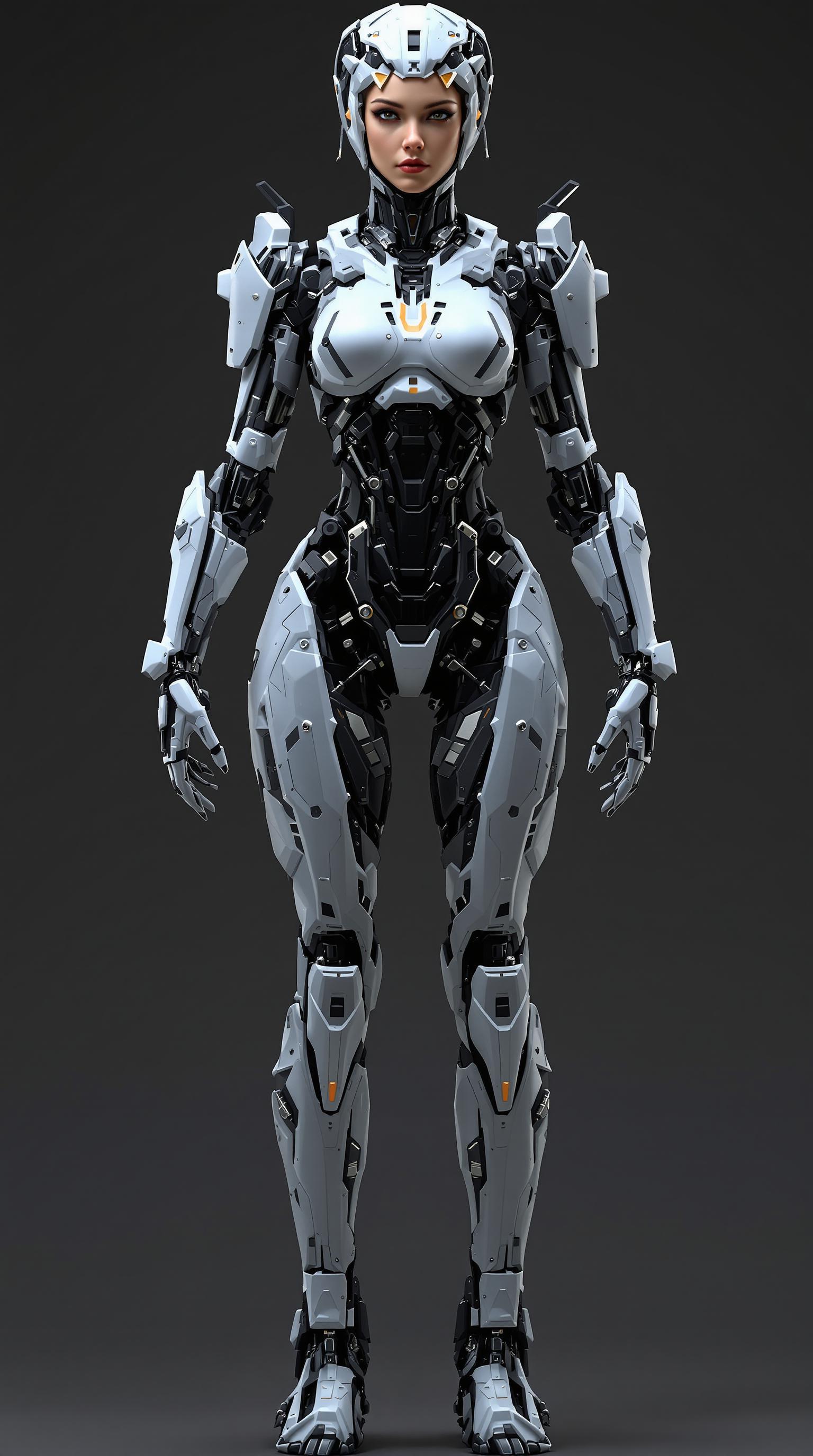
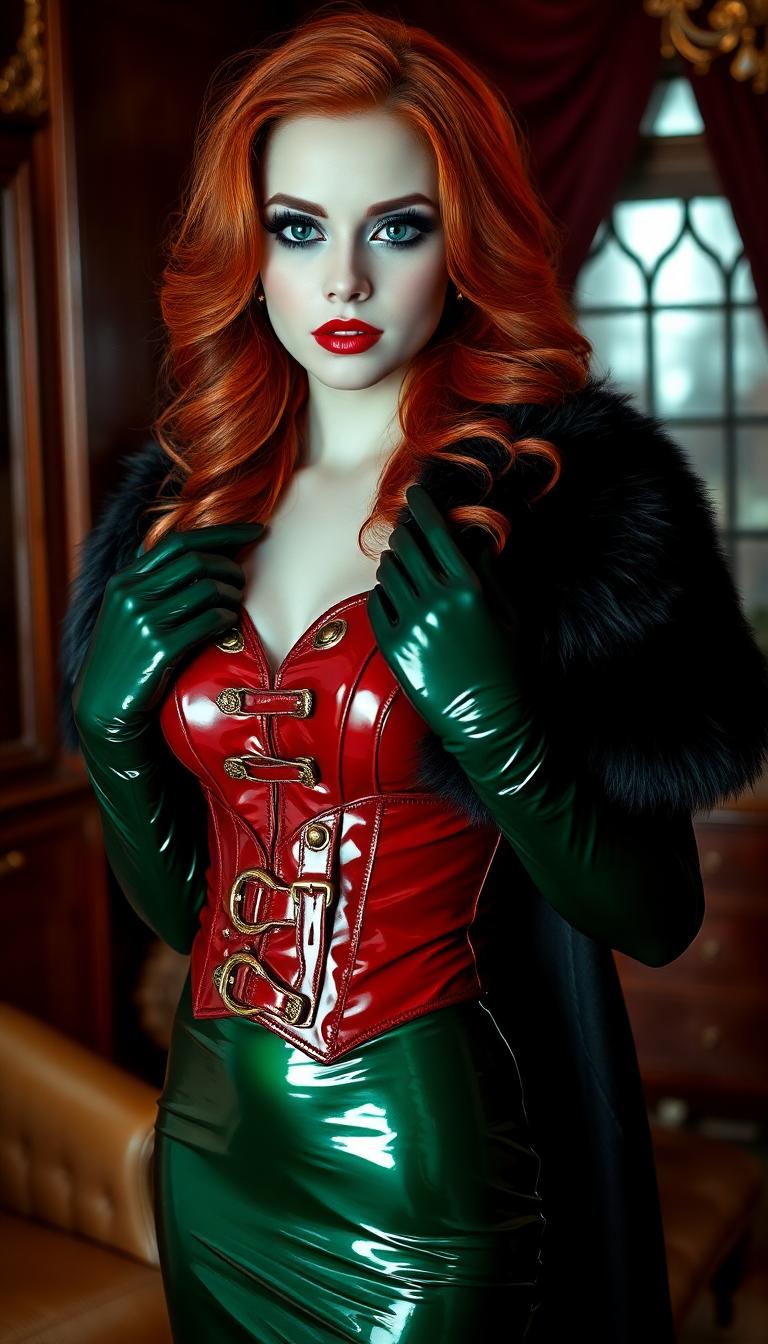
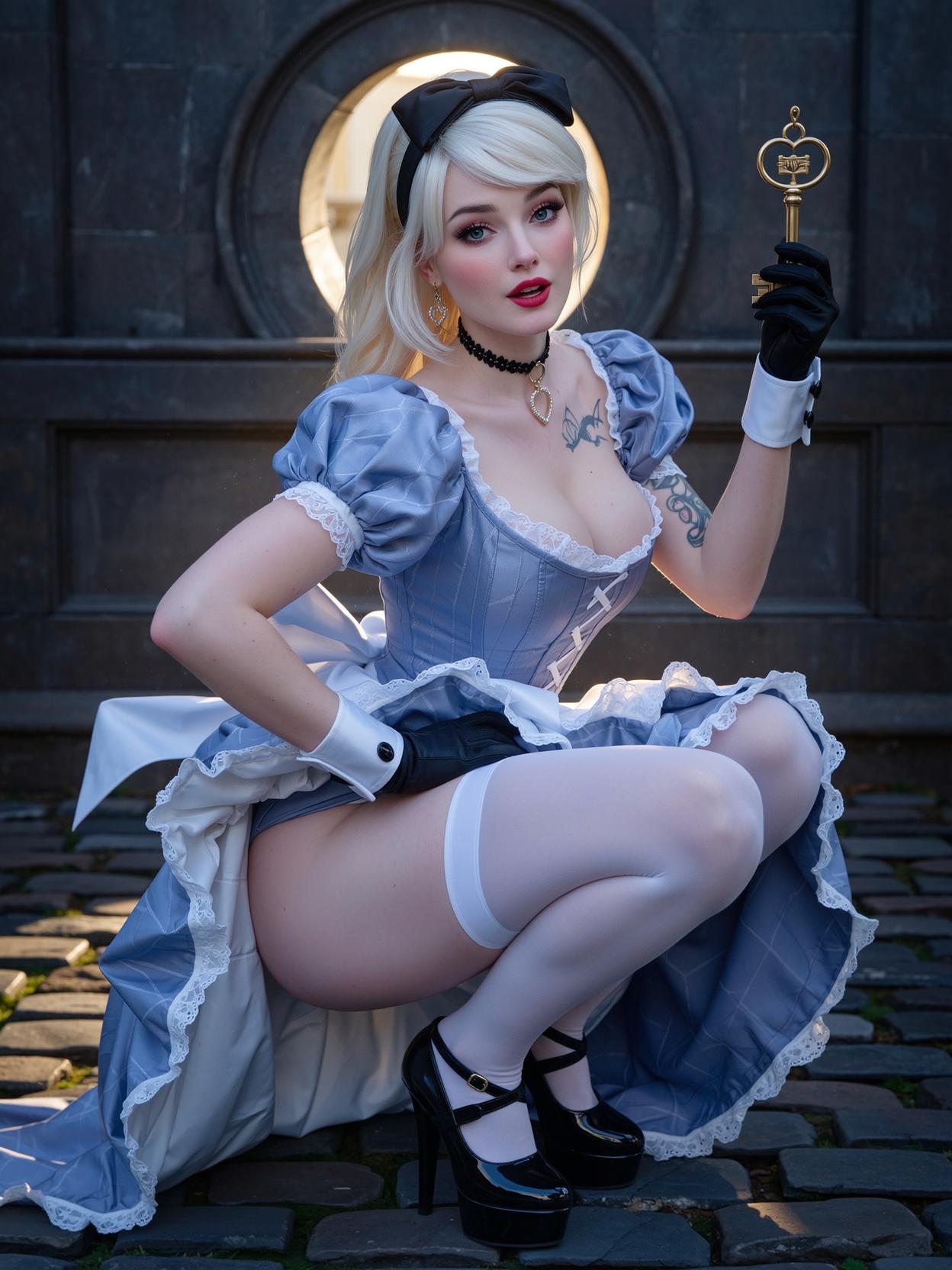
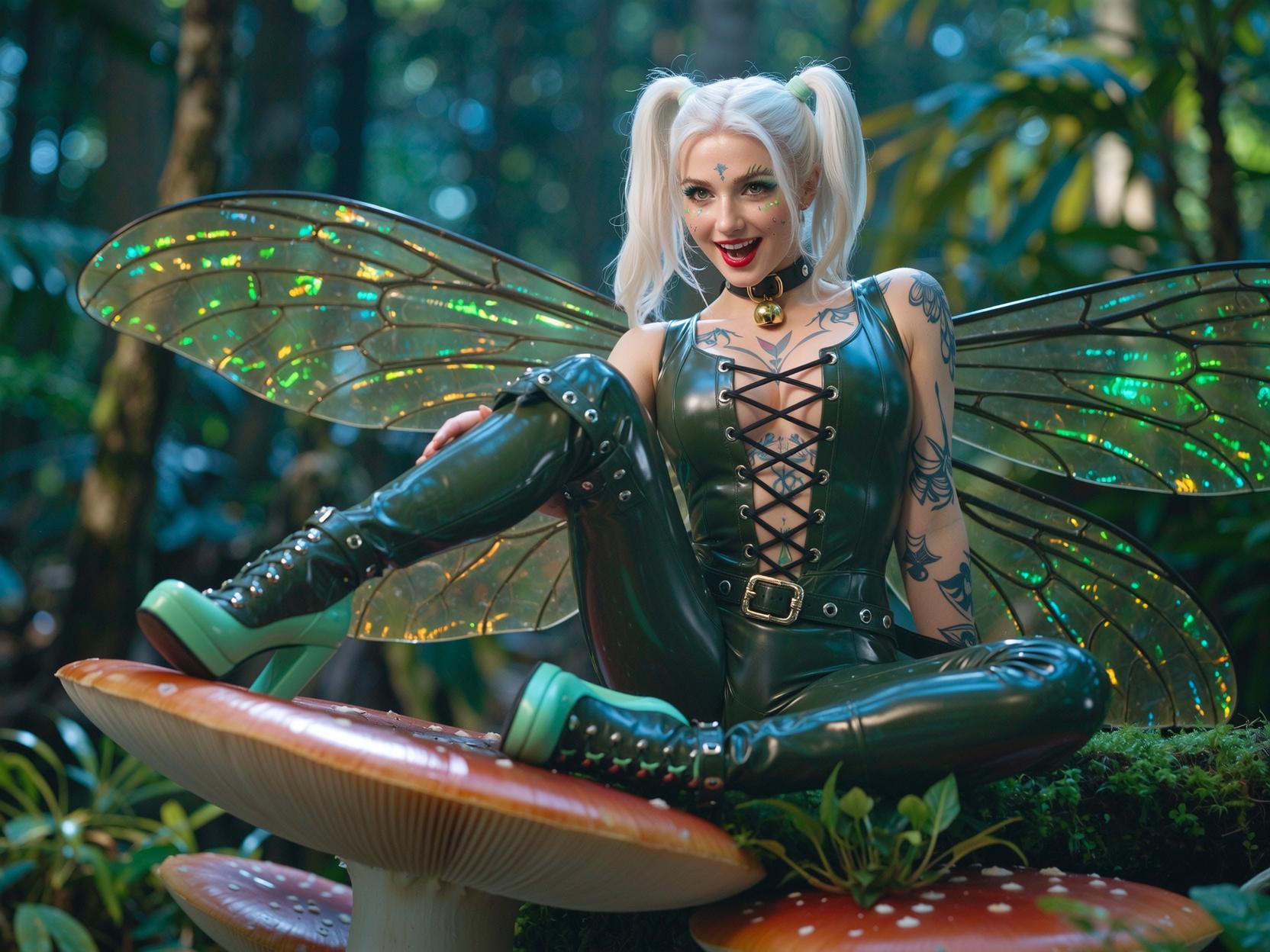
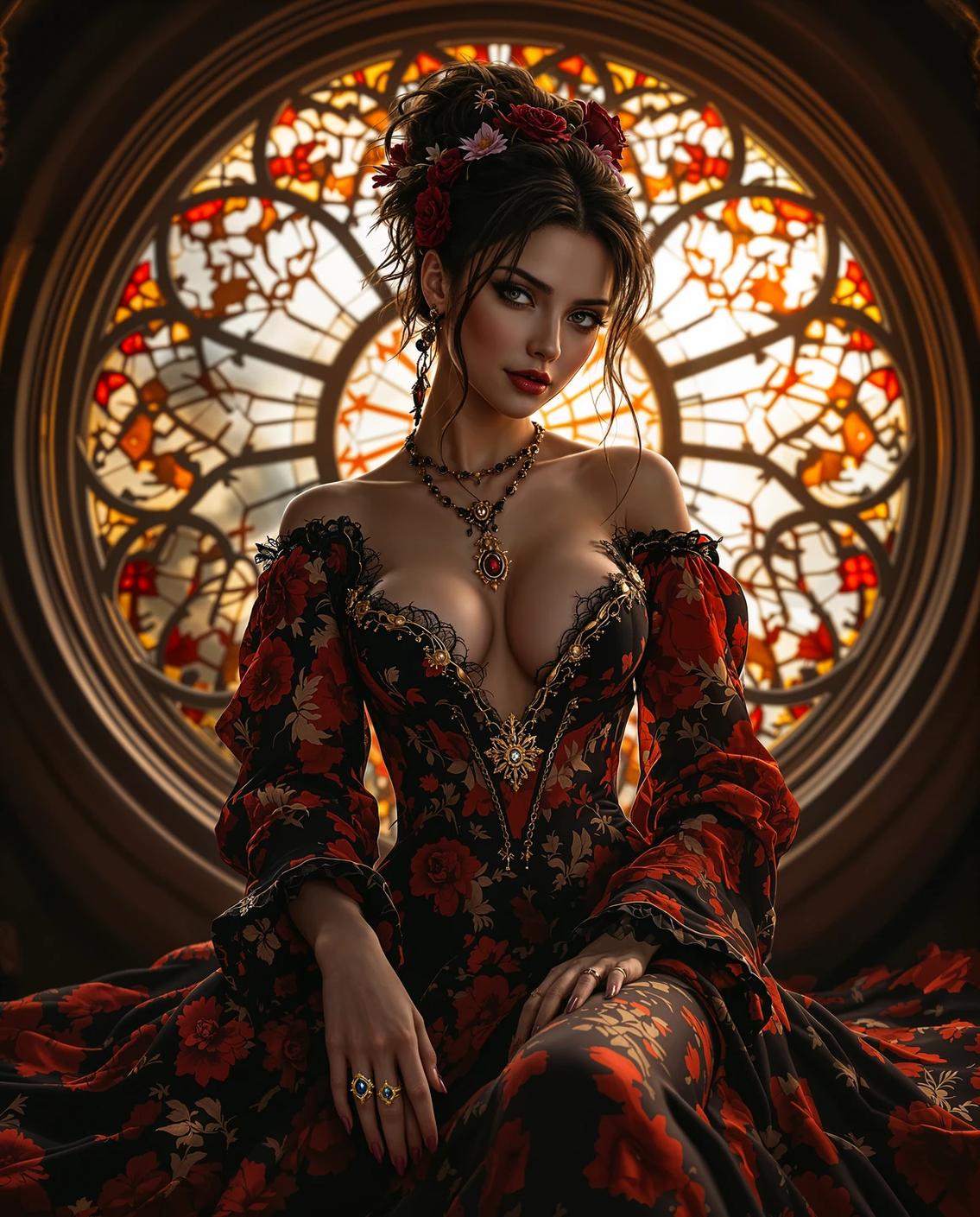
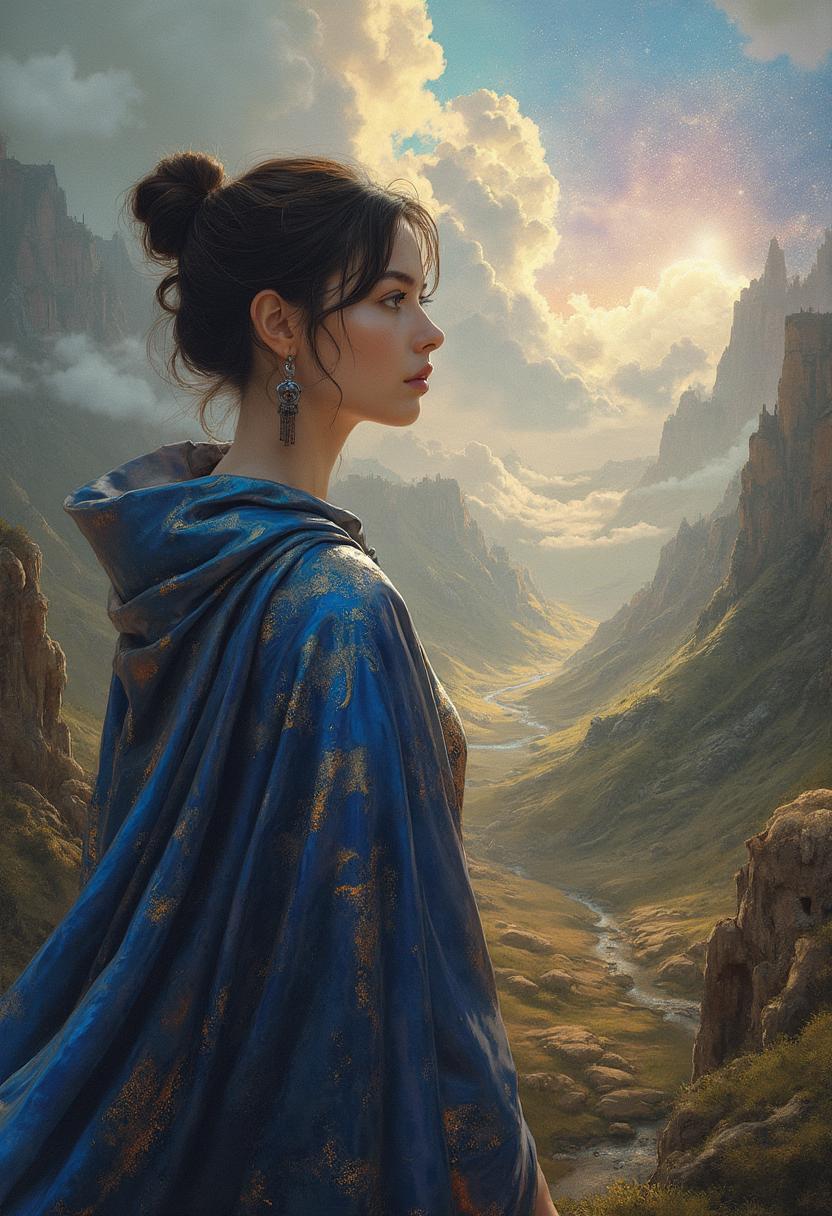
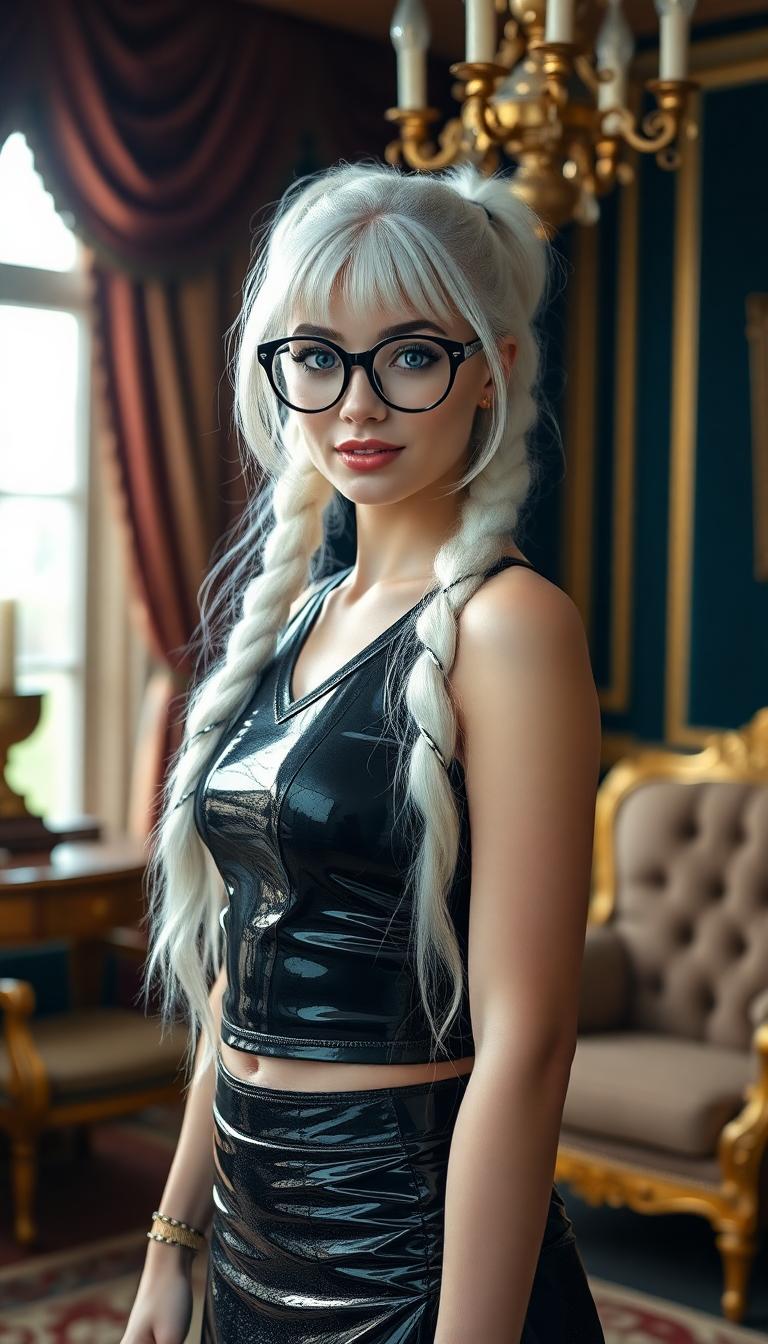
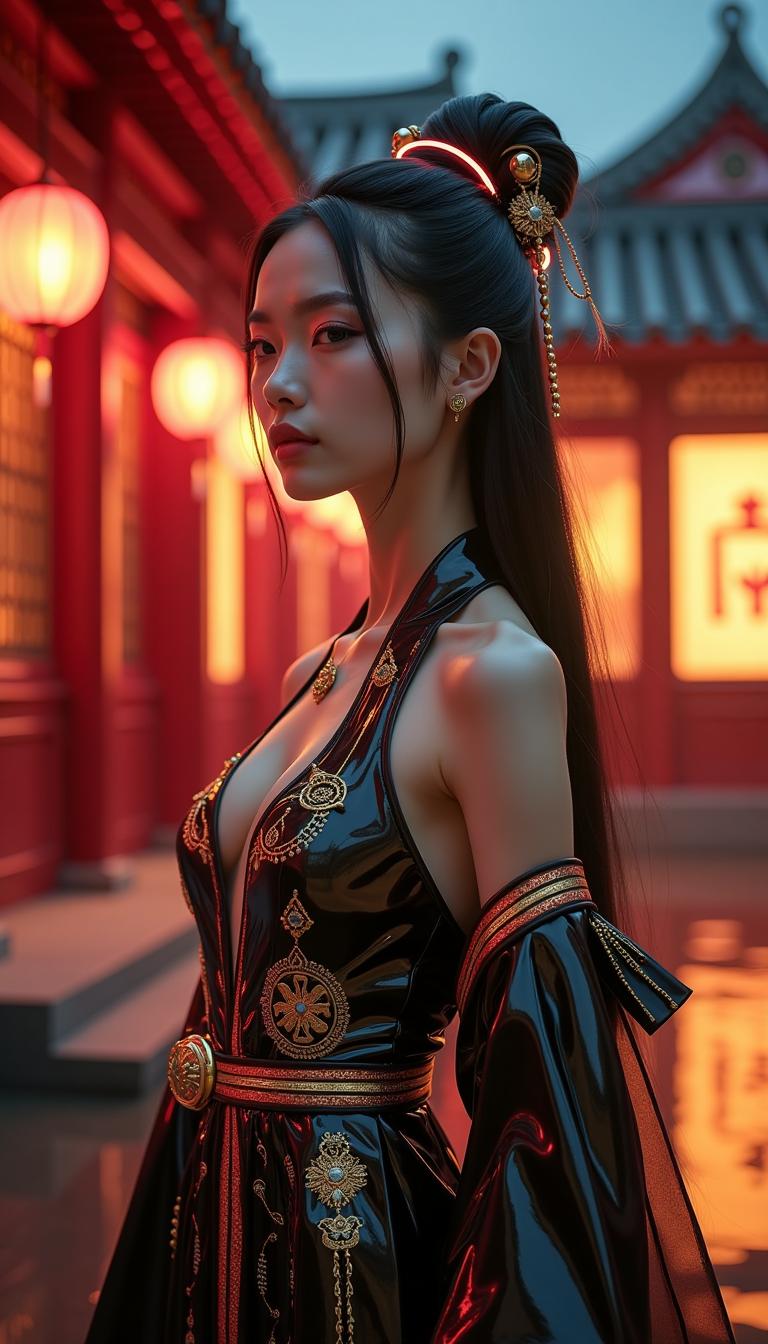
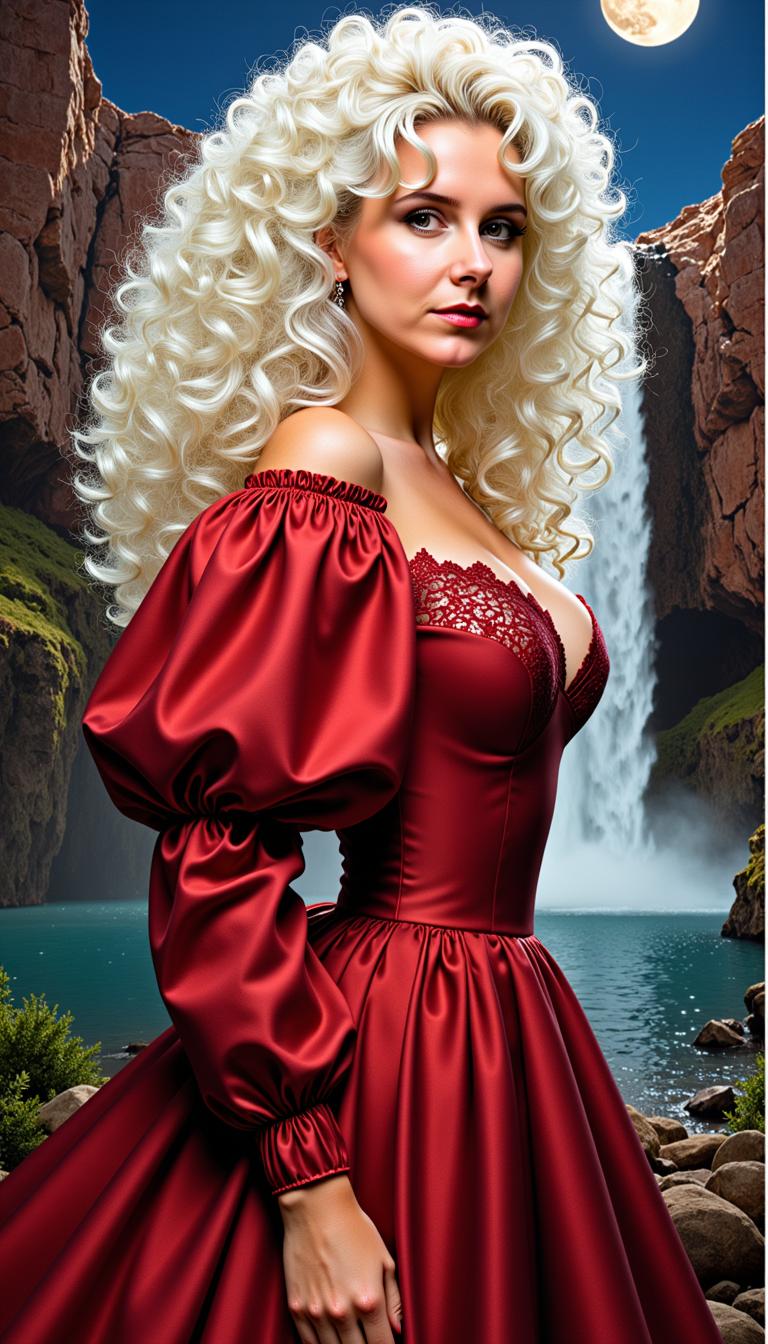
Unlock the potential of your creative projects with PixelDojo's GPT-Image 1.5. This advanced AI tool empowers you to generate hyper-detailed visuals that capture every nuance of your imagination. Whether you're a designer, marketer, or content creator, GPT-Image 1.5 transforms your ideas into stunning, high-fidelity images effortlessly.
Join over 10,000 satisfied creators who have enhanced their projects using PixelDojo's cutting-edge AI tools. Rated 4.8/5 based on 2,000+ reviews.
Why Choose Pixel Dojo for GPT Image 1.5 hyper-detailed visuals
Professional-quality results with cutting-edge AI technology
Achieve Unparalleled Detail
Generate images with intricate textures and lifelike details that make your visuals stand out.
Streamline Your Workflow
Quickly produce high-quality images, reducing the time spent on manual design tasks.
Customize with Precision
Tailor every aspect of your image to match your exact specifications and creative vision.
How It Works
Creating hyper-detailed images with GPT-Image 1.5 is simple and intuitive. Follow these steps to bring your vision to life:
Step 1: Choose Your Tool
Log in to your PixelDojo account and select 'GPT-Image 1.5' from the 'Create Images' section.
Step 2: Enter Your Prompt
Describe the image you want to create in detail. Be specific about elements like subject, style, lighting, and composition to guide the AI effectively.
Step 3: Customize & Download
Review the generated image, make any necessary adjustments using the customization options, and download the final high-resolution image.

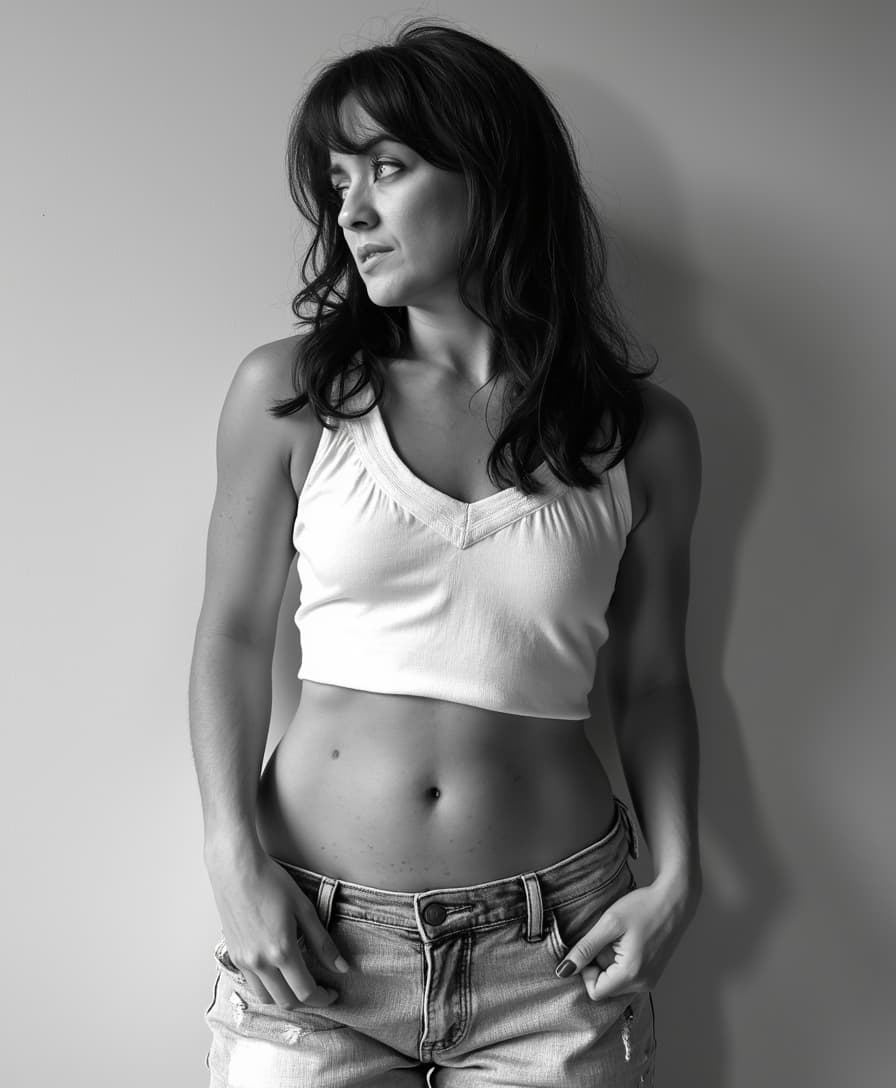
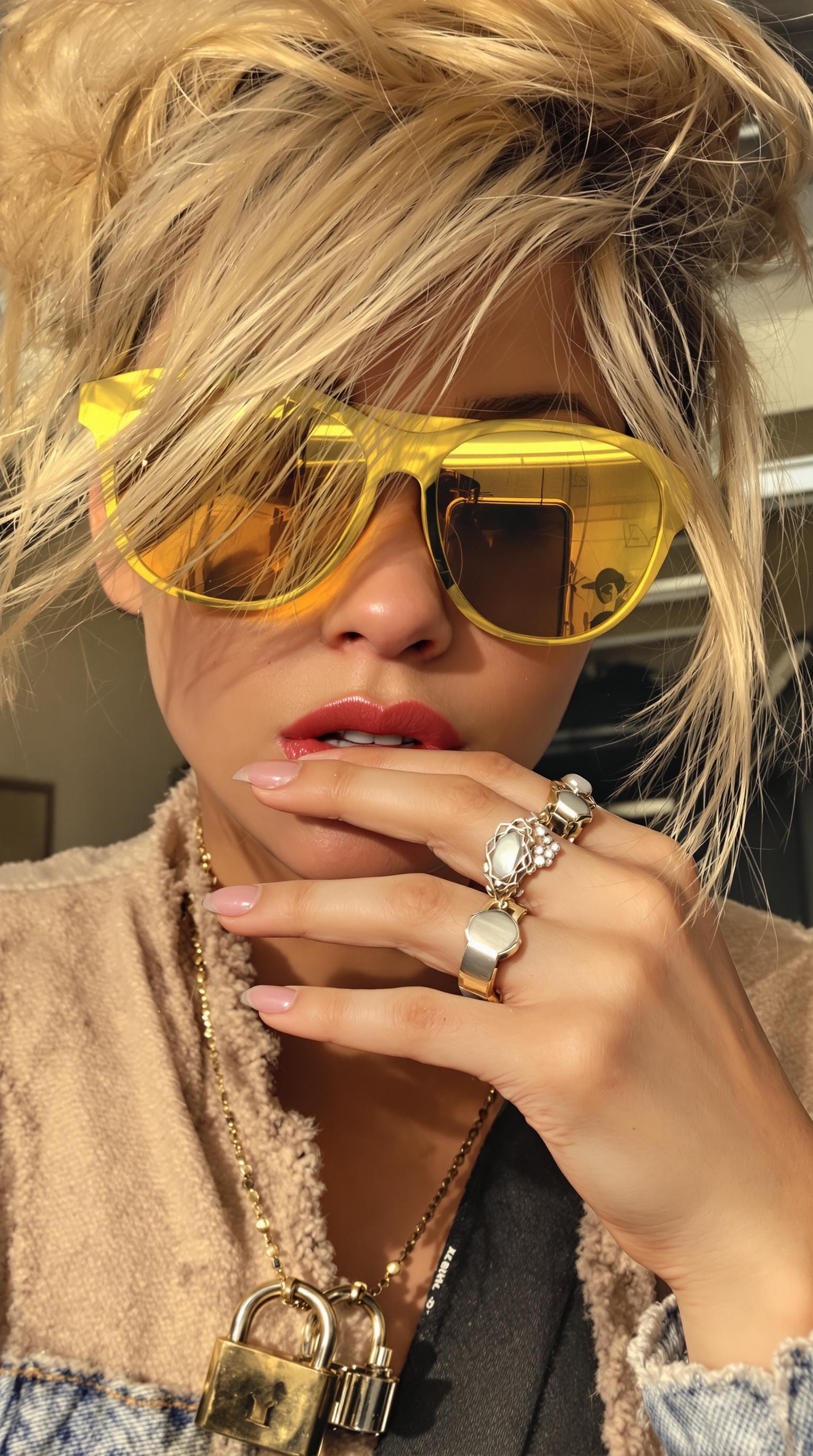
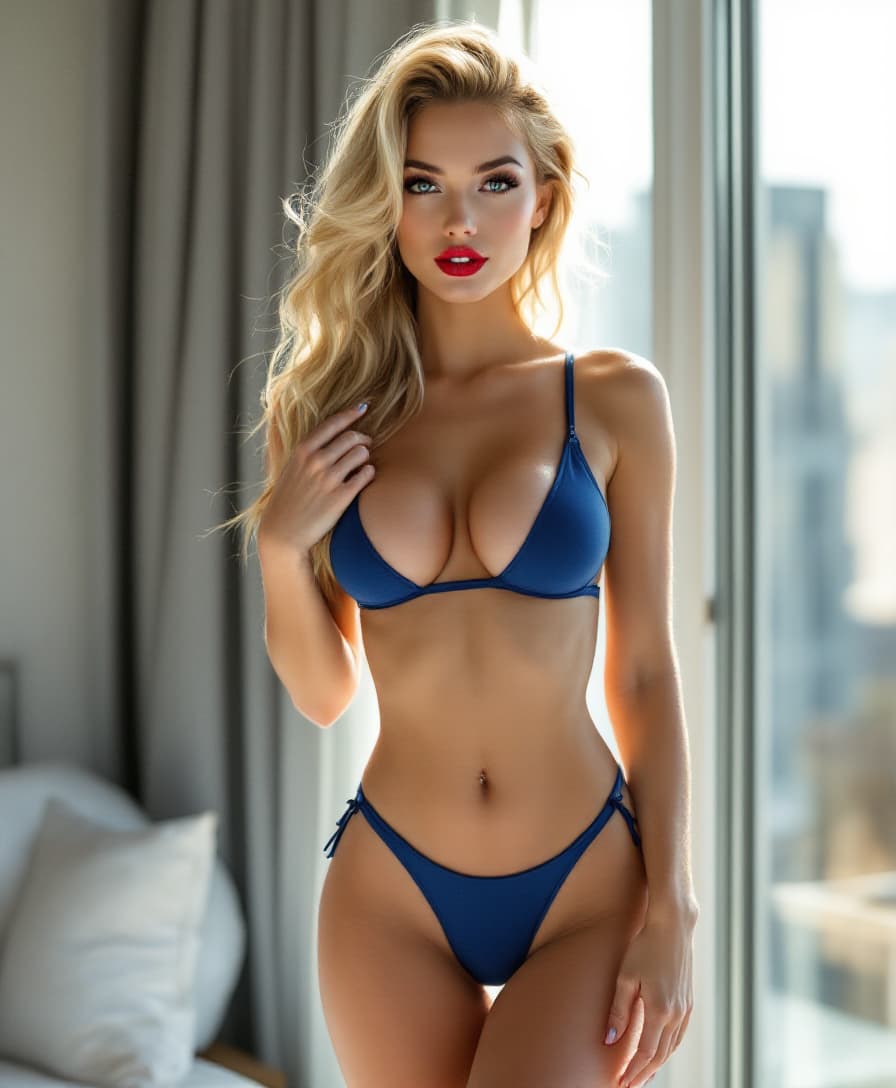
The Pixel Dojo Advantage
Why PixelDojo outperforms other options for hyper-detailed image generation
| Others | Pixel Dojo |
|---|---|
| Traditional Design Methods | Eliminate hours of manual work by generating detailed images in minutes. |
| Generic AI Tools | Achieve higher fidelity and more accurate prompt adherence with GPT-Image 1.5. |
| Stock Images | Create unique visuals tailored to your specific needs, avoiding generic stock photos. |
Loved by Creators
See what our community says about GPT Image 1.5 hyper-detailed visuals
"PixelDojo's GPT-Image 1.5 has revolutionized our design process, allowing us to create stunning visuals in record time."
Alex Johnson
Creative Director
"The level of detail and customization we can achieve with GPT-Image 1.5 is unparalleled. It's a game-changer for our marketing campaigns."
Samantha Lee
Marketing Manager
Common Questions
Everything you need to know about GPT Image 1.5 hyper-detailed visuals AI generation
How does GPT-Image 1.5 generate hyper-detailed visuals?
GPT-Image 1.5 utilizes advanced AI algorithms to interpret your detailed prompts and generate images with intricate textures, accurate lighting, and lifelike details, ensuring high-fidelity results.
Can I use GPT-Image 1.5 for commercial projects?
Yes, images created with GPT-Image 1.5 can be used for commercial purposes, including marketing materials, product designs, and more, as per PixelDojo's licensing terms.
What types of images can I create with GPT-Image 1.5?
You can create a wide range of images, including photorealistic scenes, illustrations, infographics, and more. The tool adapts to various styles based on your prompt.
Is there a limit to the number of images I can generate?
PixelDojo offers various subscription plans to suit different needs. Depending on your plan, you can generate a specific number of images per month. Check our pricing page for more details.
How can I ensure the best results with GPT-Image 1.5?
Provide clear and detailed prompts, specifying elements like subject, style, lighting, and composition. The more specific you are, the better the AI can interpret and generate your desired image.
Can I edit the images after generation?
Yes, PixelDojo offers a suite of image editing tools, such as 'Inpainting' and 'Style Transfer,' allowing you to refine and customize your generated images further.