gpt image 2 image editing AI Generator
Unlock the full potential of your images with PixelDojo's GPT Image 2 editing tools. Whether you're a marketer aiming for compelling visuals, a designer seeking precision, or a content creator desiring unique imagery, our AI-powered platform empowers you to achieve professional-grade edits effortlessly. Experience the future of image editing where your creative vision becomes reality with just a few clicks.
Join over 10,000 satisfied users who have transformed their visuals using PixelDojo's cutting-edge AI tools. Rated 4.8/5 based on 2,000+ reviews.
Why Choose Pixel Dojo for gpt image 2 image editing
Professional-quality results with cutting-edge AI technology
Achieve Professional-Quality Edits Instantly
Utilize AI-driven tools to perform complex edits, such as background removal and style transfers, without the need for advanced skills.
Save Time with Efficient Workflows
Streamline your editing process with intuitive tools that deliver high-quality results in minutes, freeing up time for other creative tasks.
Customize Images to Fit Your Brand
Easily adjust images to align with your brand's aesthetics, ensuring consistency across all your visual content.
How It Works
Transforming your images with PixelDojo's GPT Image 2 tools is straightforward. Follow these simple steps to achieve stunning results:
Step 1: Select Your Editing Tool
Choose from a variety of tools such as Inpainting for object removal, Style Transfer for artistic effects, or Background Remover for isolating subjects.
Step 2: Upload Your Image
Upload the image you wish to edit. Our platform supports various formats and resolutions to accommodate your needs.
Step 3: Apply Edits and Download
Use the selected tool to make your desired edits. Preview the changes in real-time and download the final image once satisfied.












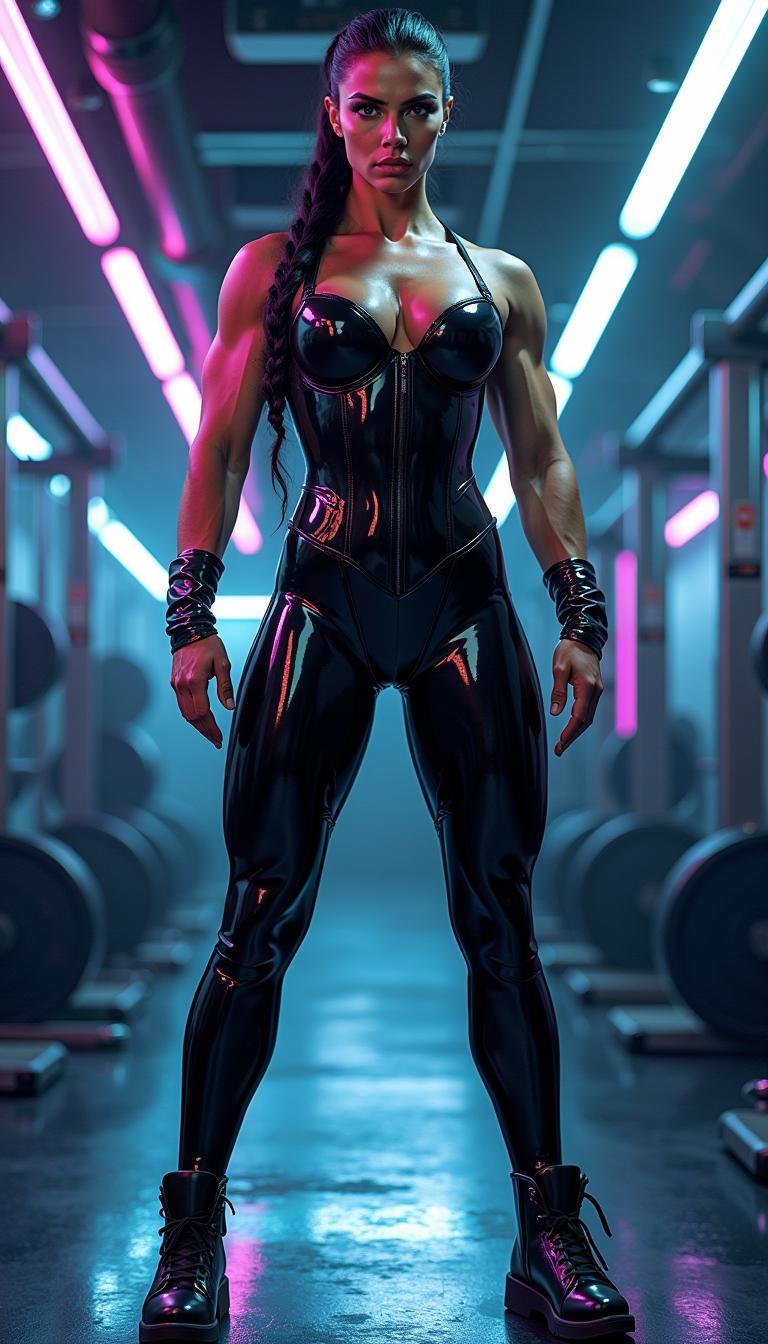
The Pixel Dojo Advantage
Discover why PixelDojo's GPT Image 2 editing tools stand out in the realm of AI image editing:
| Others | Pixel Dojo |
|---|---|
| Traditional Photo Editing Software | Eliminate the steep learning curve and time-consuming processes associated with traditional software by leveraging AI for quick and precise edits. |
| Generic AI Editing Tools | Benefit from specialized tools tailored for specific editing tasks, ensuring higher accuracy and better results compared to one-size-fits-all solutions. |
| Manual Editing Techniques | Achieve complex edits like background removal and style transfers in seconds, tasks that would otherwise require extensive manual effort and expertise. |
Loved by Creators
See what our community says about gpt image 2 image editing
"PixelDojo's GPT Image 2 tools have revolutionized my workflow. I can now produce high-quality edits in a fraction of the time it used to take."
Alex Johnson
Professional Photographer
"As a marketer, creating compelling visuals is crucial. PixelDojo's AI tools have made it incredibly easy to generate and edit images that resonate with our audience."
Samantha Lee
Digital Marketing Manager
Common Questions
Everything you need to know about gpt image 2 image editing AI generation
How does PixelDojo's GPT Image 2 editing enhance my images?
Our AI-powered tools allow you to perform complex edits such as object removal, style transfers, and background changes with ease, resulting in professional-quality images without the need for advanced editing skills.
Is PixelDojo suitable for beginners in image editing?
Absolutely! Our intuitive interface and AI-driven tools are designed to be user-friendly, making it easy for beginners to achieve impressive edits without prior experience.
Can I use PixelDojo's tools for commercial projects?
Yes, images edited using PixelDojo can be used for commercial purposes. However, it's important to ensure that your use complies with our terms of service and any applicable laws.
What file formats are supported for uploading and downloading images?
PixelDojo supports a wide range of image formats, including JPEG, PNG, and WebP, for both uploading and downloading, ensuring compatibility with your workflow.
Are there any limitations on the number of images I can edit?
Our subscription plans offer varying limits to cater to different user needs. Please refer to our pricing page for detailed information on each plan's allowances.
How secure is my data when using PixelDojo?
We prioritize user privacy and data security. All uploaded images are processed securely, and we do not share your data with third parties without your consent.