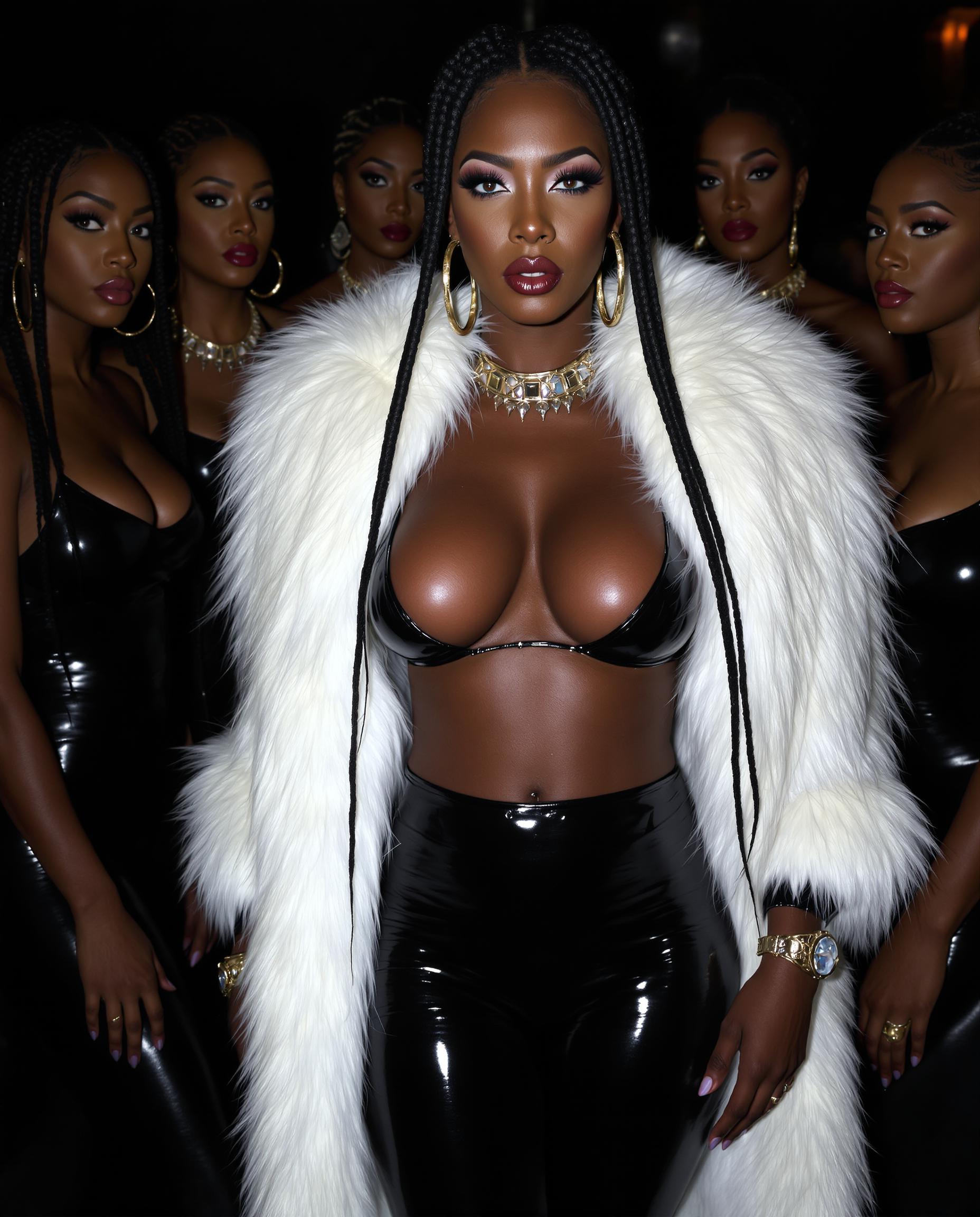
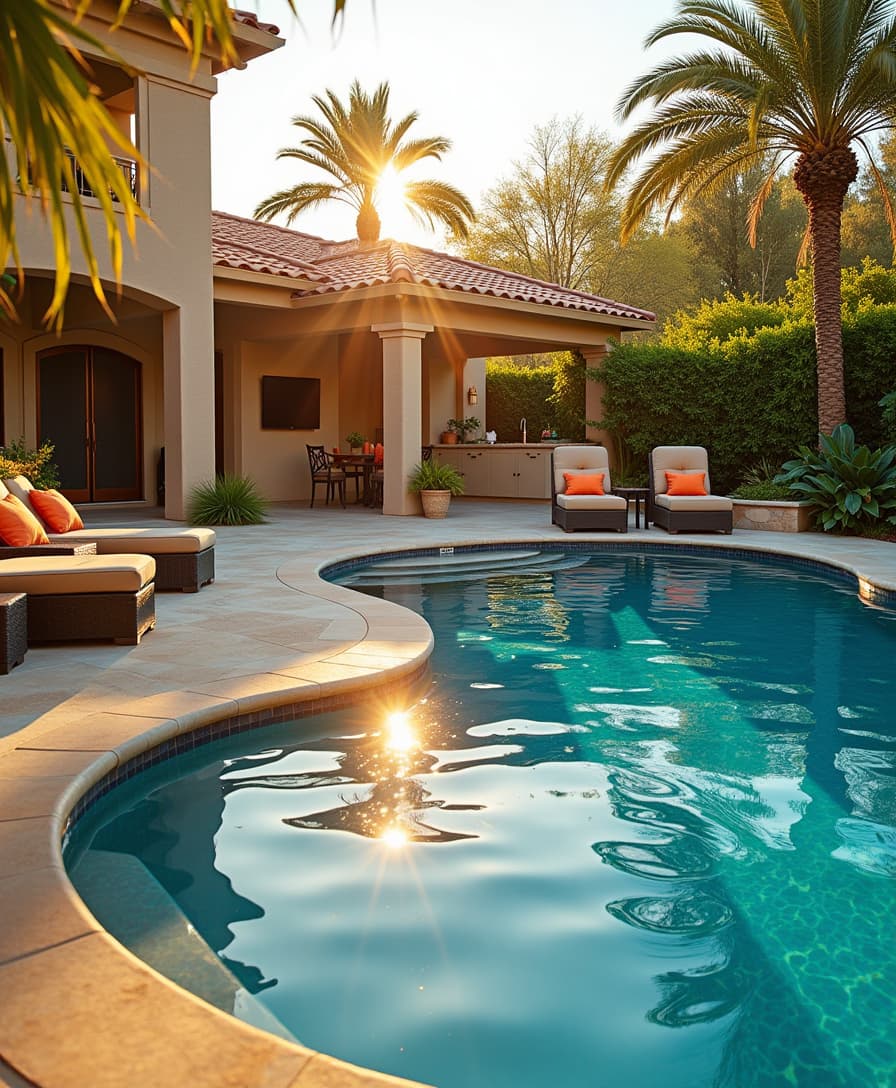
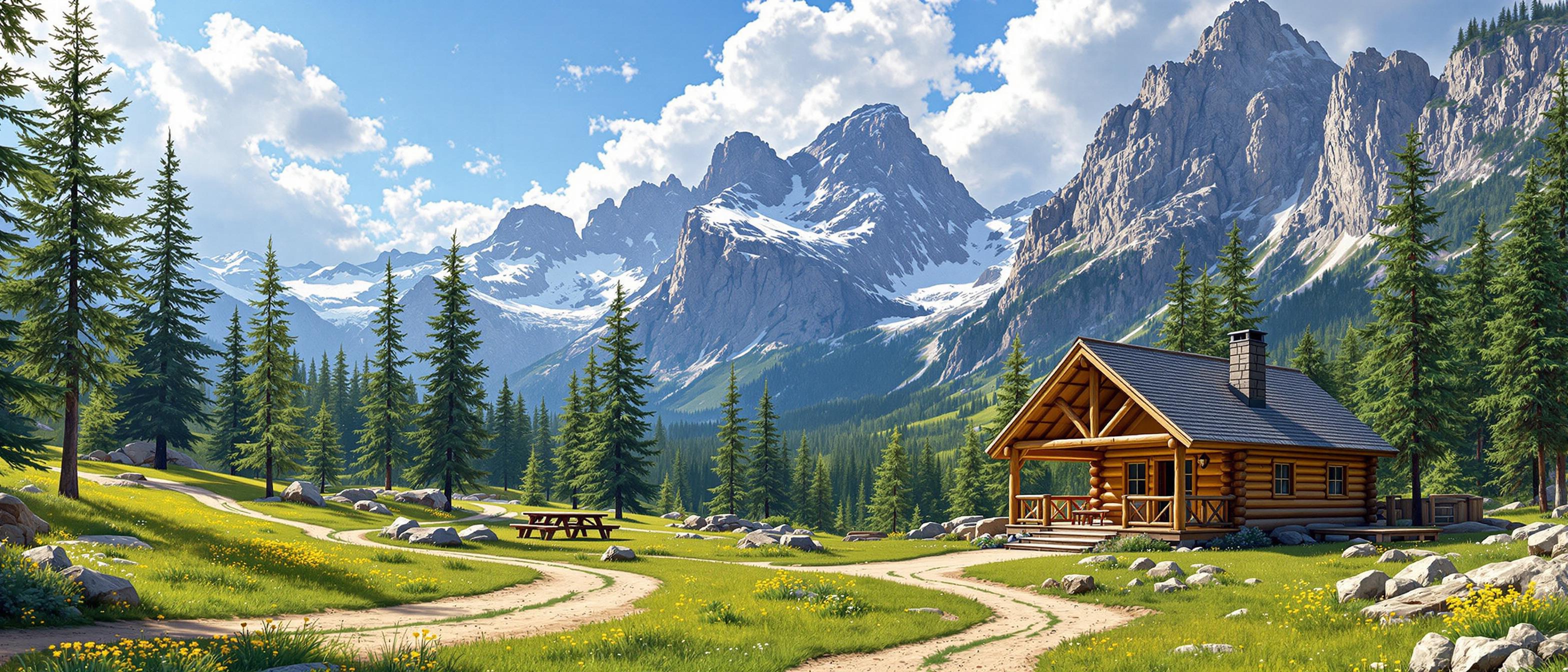
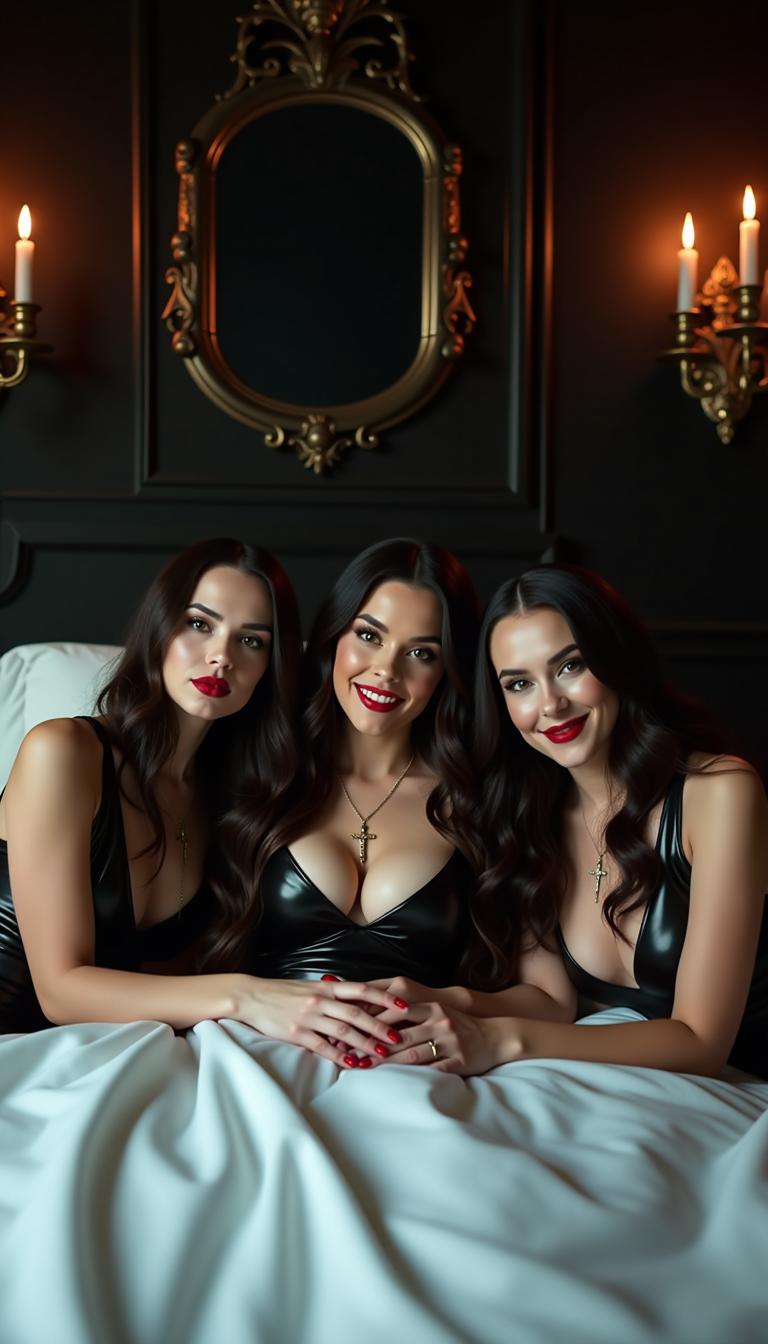
image 2 video AI Generator

Imagine turning your static images into dynamic, engaging videos that captivate your audience. With PixelDojo's AI-powered tools, you can effortlessly breathe life into your visuals, enhancing your content's appeal and effectiveness. Whether you're a marketer aiming to boost engagement, an artist seeking to animate your creations, or a content creator looking to stand out, our AI image-to-video solutions are designed to meet your needs.

AI Generated
Get Started TodayResults in seconds50+ AI models

Join over 10,000 creators who have transformed their content with PixelDojo's AI tools, achieving a 30% increase in audience engagement on average.

Why Choose Pixel Dojo for image 2 video

Professional-quality results with cutting-edge AI technology

Elevate Audience Engagement

Convert static images into dynamic videos that capture attention and keep viewers engaged longer.

Streamline Content Creation

Generate high-quality videos quickly, reducing production time and costs.

Enhance Storytelling

Bring your narratives to life by adding motion to your visuals, making your stories more compelling.

How It Works

Creating captivating videos from your images is simple with PixelDojo. Follow these steps to get started:

1

Step 1: Choose Your Tool

Select the 'Image to Video' tool from PixelDojo's suite to begin your transformation.

2

Step 2: Upload Your Image

Upload a high-quality image that you wish to animate. Ensure the image is clear and well-lit for optimal results.

3

Step 3: Customize & Generate

Adjust settings such as video length and motion effects to suit your needs. Once satisfied, click 'Generate' to create your video.


Community image 2 video Gallery

Real examples created by our community

a photo of a man flying through the air on a drone. the clouds say "PixelDojo.ai Now With Imagen 4"
This is a digitally created image that showcases a figure against a monochromatic pink backdrop. The subject is a woman with striking blue hair, styled in loose waves that cascade over her shoulders and frame her face. The hairs vivid blue hue stands out against the warm tones of the background, creating a visual contrast that draws the eye.She is dressed in a short, fitted pink dress with a sweetheart neckline and a flared skirt that ends just above the knee. The dress is adorned with a pattern of small white polka dots, which adds a playful and youthful touch to her ensemble. The fabric of the dress appears to be lightweight and possibly cotton or a cotton blend, given its soft drape and the way it clings to her figure.The womans pose is relaxed yet confident, with one hand gently resting on her hip and the other slightly raised to her waist. Her legs are crossed at the ankles, and she wears strappy highheeled sandals with a bow detail on the toe strap, which complements the dresss playful nature.The art style of the image is reminiscent of contemporary digital illustration, with a focus on smooth color gradients and a high level of detail. The lighting in the image is soft and diffused, casting a gentle shadow behind the figure that outlines her silhouette and adds depth to the composition. The shadow is cast in a way that suggests a light source coming from the upper left, which is consistent with the position of the figures shadow.The medium used to create this image is likely to be a digital painting program, given the clean lines and the absence of brush strokes or textural irregularities that might be present in traditional mediums like oil or acrylic paints. The colors used are a harmonious blend of warm and cool tones, with the pink of the dress and the background creating a cohesive and calming atmosphere.Overall, the image exudes a sense of modern femininity and style, with attention to detail in both the subjects appearance and the surrounding environment. The use of color and light in the composition enhances the visual appeal, making the subject the focal point while still maintaining a balanced and aesthetically pleasing composition.
Wavy long dark brown hair thick and curly it falls down her back to her waist. Mid 20s italian american woman, soft tan, dark brown eyes.  Shiny white latex corset over a shiny dark blue latex blouse. Tight white shiny latex pants, and shiny white latex knee boots. Sitting on her ornate throne in a medieval style throne room
This is a realistic photo (photograph) of a female real person digitally created image that showcases a closeup of a person with a striking resemblance to a character from a fantasy or science fiction setting. The person has large, expressive green eyes with long, dark lashes and a hint of green in the irises, which match the green of the snake they are holding. The hair is dark, with bangs that are slightly wet, giving the hair a glossy appearance and a sense of movement. The snake is wrapped around the persons neck and shoulders, with its head resting on the persons collarbone. The snake is a realistic depiction, with scales that shimmer in the light, and its eyes are wide open, reflecting a sense of alertness or curiosity. The texture of the snakes scales is intricate, and the way the light plays across them gives the image a three dimensional quality. The art style is highly detailed and lifelike, with a focus on the interplay of light and shadow to create a sense of depth and realism. The medium appears to be a digital painting, given the smooth blending of colors and the lack of brush strokes. The colors in the image are primarily shades of green, with the persons skin appearing to be a soft, warm tone that contrasts with the coolness of the snake. The background is dark and nondescript, with a gradient of black and gray that fades into darkness, ensuring that the focus remains on the person and the snake. There is a watermark in the bottom right corner that reads aifluxart, indicating that the image was created using artificial intelligence. Overall, the image is a compelling blend of fantasy and realism, with a strong emphasis on the interplay between human and animal, and the use of color and light to create a sense of drama and intensity.
Dark Phoenix, xmen
{
  "SHOT COMPOSITION": "Full body shot captured with a Canon 5D camera using a 50mm lens for balanced perspective, deep depth of field to showcase the entire figure and surroundings sharply, framing the subject centrally in a wide composition to emphasize her stature and outfit from head to toe.",
  "SUBJECT & WARDROBE": "A striking mid-20s woman with big blue eyes, shiny black hair that's ample and silky, haning from a high ponytail. 54EE breasts; she wears a sleek and shiny white latex blouse with a plunging neckline revealing her ample cleavage, paired with a shiny black latex pleated plaid miniskirt. She stands in a medieval style throne room. Legs clad in fishnet and garters. Tribal style tattoos on her neck and arms

Start Creating Dynamic Videos Today

Access over 40 cutting-edge AI tools, loved by thousands of creators worldwide. Cancel anytime. Try it today.

The Pixel Dojo Advantage

Why PixelDojo is the superior choice for image-to-video generation:

OthersPixel Dojo
Traditional Video ProductionEliminates the need for expensive equipment and extensive editing, saving time and resources.
Generic AI ToolsOffers specialized tools tailored for image-to-video conversion, ensuring higher quality and more control.
Manual AnimationAutomates the animation process, allowing for quick and consistent results without manual effort.

Loved by Creators

See what our community says about image 2 video

"PixelDojo's image-to-video tool has revolutionized my content creation process. The results are stunning and the process is incredibly user-friendly."

Sarah K.

Digital Artist

"As a marketer, creating engaging content is crucial. PixelDojo's tools have enabled me to produce high-quality videos from images effortlessly."

Michael R.

Content Creator

Common Questions

Everything you need to know about image 2 video AI generation

How does PixelDojo's image-to-video generator work?

PixelDojo utilizes advanced AI algorithms to analyze your static images and apply motion effects, transforming them into dynamic videos. The process is automated and requires minimal input from the user.

Can I customize the motion effects in the generated videos?

Yes, PixelDojo allows you to customize various aspects of the video, including motion effects, duration, and transitions, to align with your creative vision.

What types of images work best for the image-to-video tool?

High-resolution images with clear subjects and good lighting yield the best results. Avoid images that are blurry or have low contrast.

Is there a limit to the number of videos I can create?

PixelDojo offers various subscription plans to suit different needs. Depending on your plan, you can create a specific number of videos per month. Check our pricing page for more details.

Can I use the generated videos for commercial purposes?

Yes, videos created with PixelDojo can be used for both personal and commercial projects. Ensure you have the rights to any images you upload.

Do I need any prior experience to use PixelDojo's tools?

No prior experience is necessary. PixelDojo is designed to be intuitive and user-friendly, making it accessible to beginners and professionals alike.

Ready to Create Amazing Videos?

Ready to Create Amazing image 2 video Images?

Join thousands of creators using AI to bring their ideas to life