ImagineArt 1.0 vs WAN 2.2 images AI Generator

Unlock the power of cutting-edge AI to create breathtaking images that captivate your audience and elevate your projects. With PixelDojo's ImagineArt 1.0 vs WAN 2.2 images comparison, you can effortlessly generate high-quality visuals tailored to your vision, whether you're designing marketing materials, illustrating stories, or enhancing digital art. Imagine producing detailed, realistic scenes in seconds, saving hours of manual work, and achieving professional-grade results that drive engagement and conversions. PixelDojo empowers you to explore these models side-by-side, helping you choose the perfect one for vibrant colors, intricate details, or stylized effects that make your content stand out.

AI Generated
Get Started TodayResults in seconds50+ AI models

Join over 50,000 creators who have generated millions of images with PixelDojo. Rated 4.9/5 stars on Trustpilot from 2,500+ reviews. Featured in top design blogs for revolutionizing AI creativity.

Why Choose Pixel Dojo for ImagineArt 1.0 vs WAN 2.2 images

Professional-quality results with cutting-edge AI technology

Achieve Superior Image Quality Effortlessly

With ImagineArt 1.0 vs WAN 2.2 images, you get crystal-clear details and vibrant realism that make your visuals pop, helping you impress clients and boost your portfolio without advanced skills.

Save Time on Creative Projects

Compare and generate images quickly using these models, allowing you to iterate ideas faster and complete designs in minutes, so you can focus on growing your business or audience.

Unlock Versatile Styling Options

Switch between ImagineArt 1.0's artistic flair and WAN 2.2's precise rendering to create everything from photorealistic scenes to abstract art, giving you the flexibility to match any creative need.

How It Works

Creating stunning images with ImagineArt 1.0 vs WAN 2.2 is simple in PixelDojo. Select your preferred model, input a prompt, and customize to perfection—transforming your ideas into visuals in moments.

1

Step 1: Choose Your Tool

Log into PixelDojo and navigate to the Image Generation section. Select either ImagineArt 1.0 for creative, artistic outputs or WAN Image for detailed, high-fidelity results. This lets you compare outputs directly and pick the best fit for your project.

2

Step 2: Enter Your Prompt

Type a descriptive prompt into the tool, such as 'a serene mountain landscape with flowing rivers.' Generate with both ImagineArt 1.0 and WAN 2.2 to see differences in style, detail, and realism, helping you refine your vision instantly.

3

Step 3: Customize & Download

Use PixelDojo's editing tools like Enhance Realism or Creative Upscaler to tweak the generated images. Compare versions side-by-side, then download your favorites in high resolution, ready for immediate use in your projects.
Community ImagineArt 1.0 vs WAN 2.2 images Gallery

Real examples created by our community

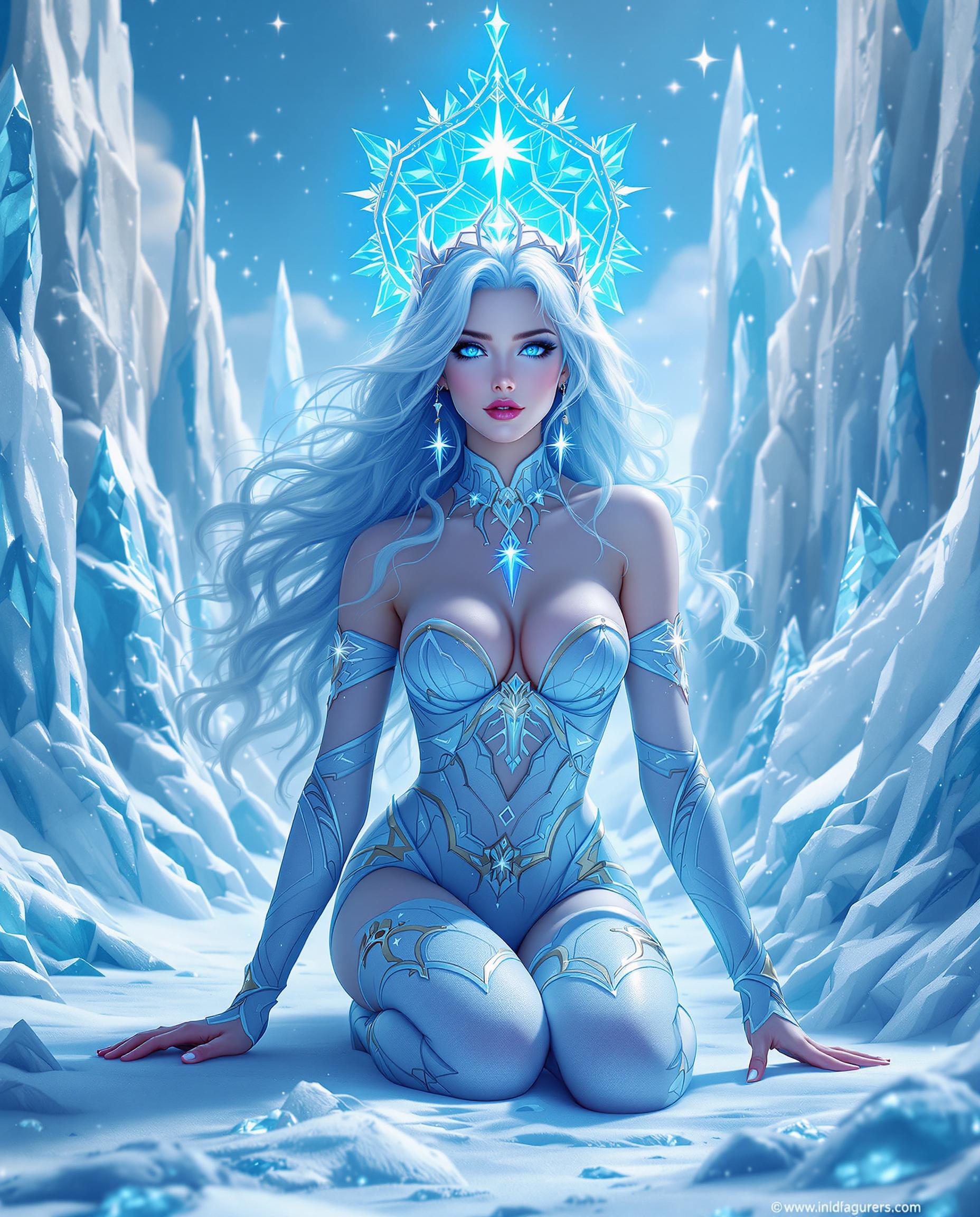
A breathtaking photorealistic digital painting of a magical female character with icy blue, wavy hair cascading softly, adorned with a halo-like structure featuring a central star, radiating a celestial aura. Her crystalline blue eyes reflect a surrounding icy landscape of jagged, towering ice formations and sparkling crystals, captured with cinematic lighting and intricate detail as if shot on a DSLR with a 50mm lens in 8K resolution. She kneels dynamically in a form-fitting costume of icy blues, whites, gold accents, and subtle pinks, one hand on the ground, the other extended in a commanding gesture, set against a cool, enchanting color palette under a mystical, softly lit winter sky.
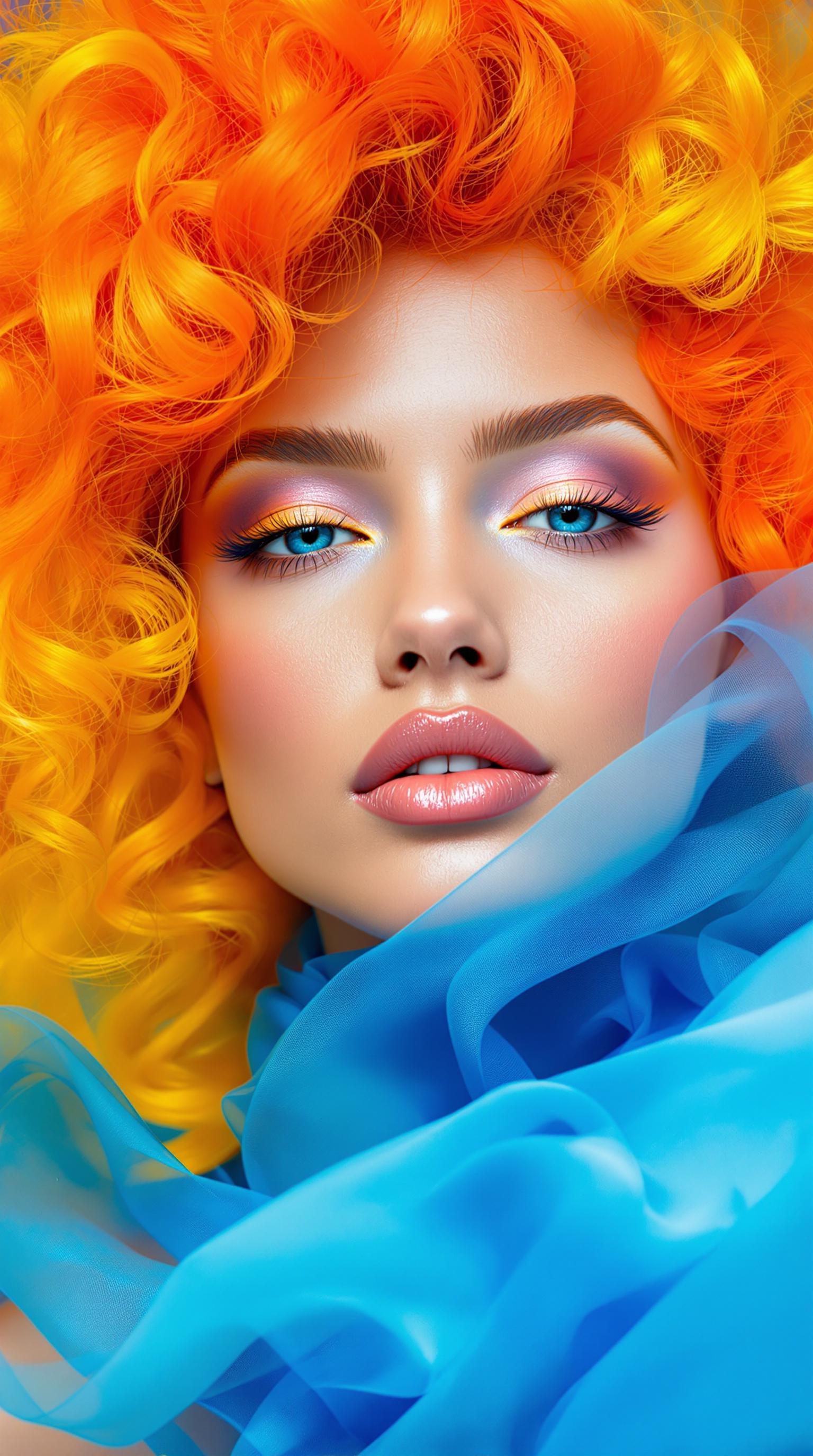
This image is a closeup portrait of a person with a highly stylized and artistic approach. The subject has a strikingly vibrant and colorful hairstyle that transitions from a fiery orange at the roots to a sunny yellow at the tips, giving the appearance of flames. The hair is voluminous and curly, with a dynamic and somewhat chaotic arrangement that adds to the overall sense of movement and energy in the image.The subjects skin is depicted with a smooth, flawless finish, and the lighting accentuates their features with a soft glow. The makeup is applied with subtlety, highlighting the eyes with a hint of shimmer and defining the eyebrows, while the lips are coated in a naturallooking nude shade that complements the overall softness of the makeup palette.The art style of the image leans towards surrealism, with elements that defy reality. The contrast between the warm tones of the hair and the cool blue fabric draped around the neck creates a striking visual dichotomy. The blue fabric is translucent and billows around the neck, giving the impression of smoke or ethereal mist. The way the fabric interacts with the light and the subjects skin adds depth and dimension to the composition.The medium used to create this image is not immediately apparent, but it appears to be a highquality photograph with postprocessing that has likely been applied to enhance the colors and create the surreal effects. The lighting is soft and diffused, likely controlled in a studio setting to achieve the desired look.Overall, the image is a creative and visually arresting piece that plays with color, texture, and light to evoke a sense of fantasy and otherworldliness.
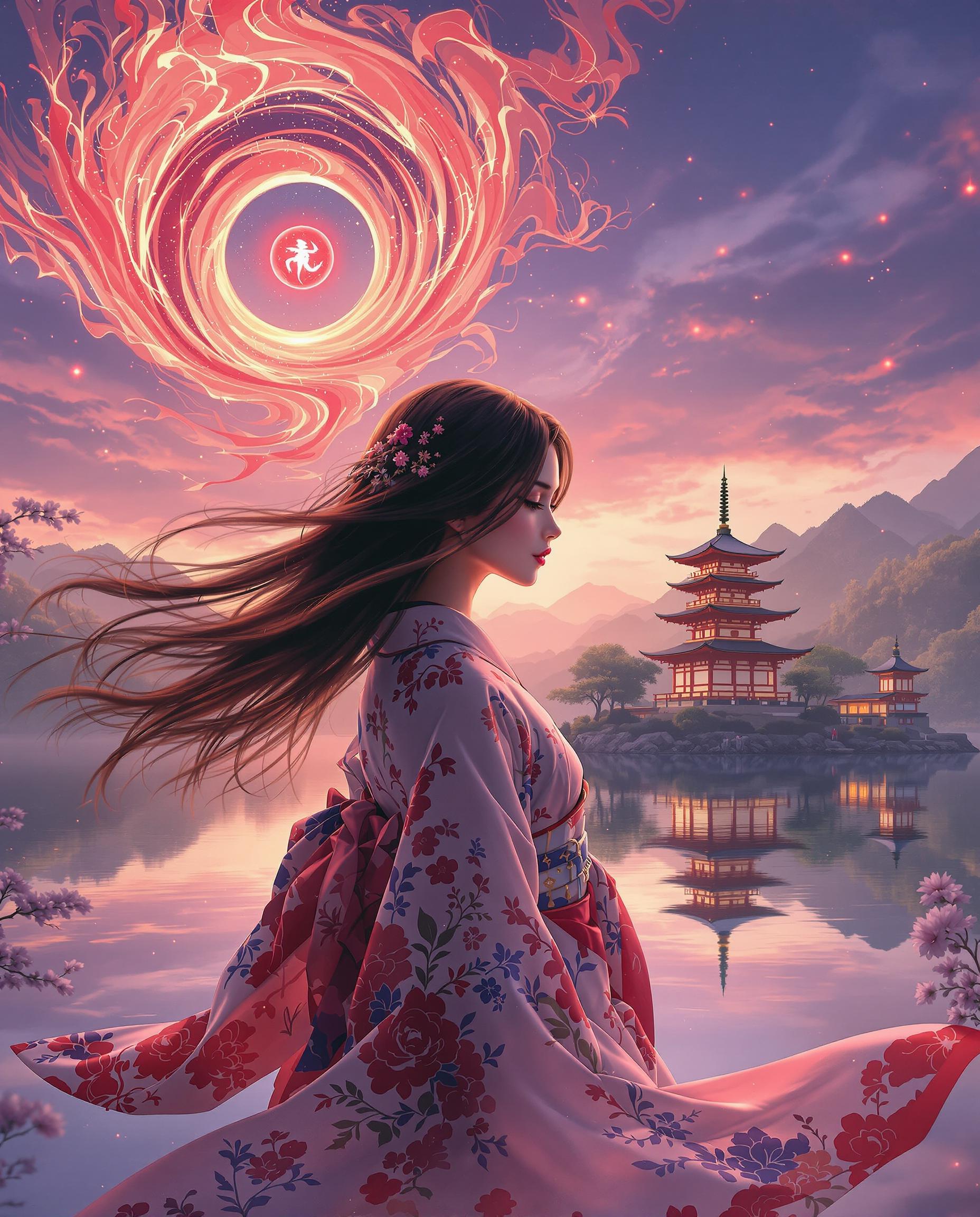
A stunning realistic photo (photograph) of a female real person digital painting of a female figure in a traditional Japanese kimono with intricate floral patterns, captured from the waist down with her hair flowing in motion, set against a dreamlike fantasy landscape. The scene features a multi-storied Japanese pagoda on a lush, elevated platform, reflected in a serene body of water under a warm sunset sky with purples, blues, and pinks, while a swirling red flame-like pattern and a mysterious red orb enhance the mystical atmosphere. Rendered with smooth color blending, cinematic lighting, and ArtStation-quality detail, the composition exudes nostalgia and harmony.
AI-generated image
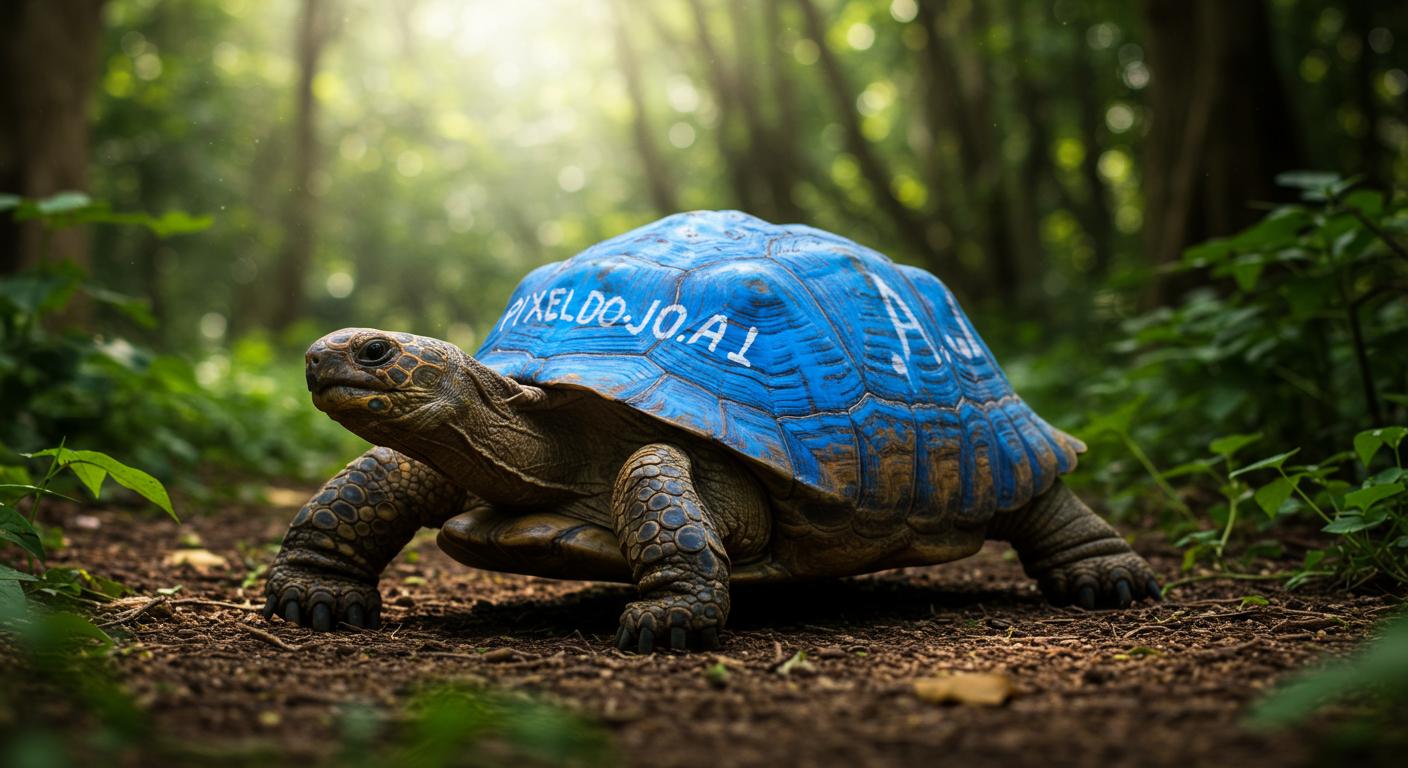
A wildlife photo of a bizarre giant turtle with blue paint on its shell that reads "PIXELDOJO.AI"
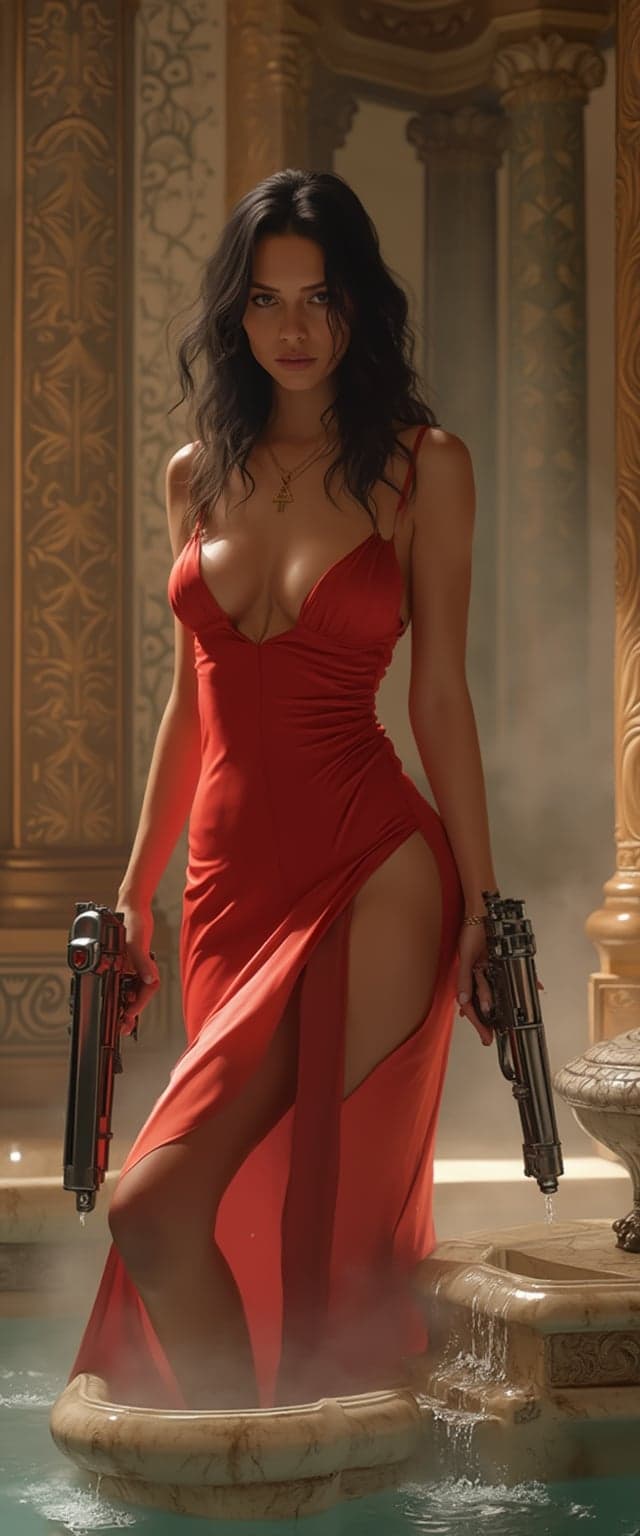
masterpiece, best quality, highres, sharp image, more detail, This image is a digital artwork that captures a female figure in a dynamic and dramatic pose. she stands gracefully in a grand, candle-lit Roman bath. She is positioned near a small, ornate marble fountain, its delicate streams of water cascading into a polished stone basin. One hand dips into the cool, crystal-clear water, sending shimmering ripples as warm steam rises around her, utilizing advanced rendering techniques to create realistic lighting and shadows. The colors are rich and vibrant, with a predominance of reds and oranges that give the image a warm, fiery feel. The figure is wearing a formfitting, red dress with a low neckline and a thighhigh slit, which adds to the dramatic and seductive nature of the image.The dress has a satiny texture that catches the light, and the folds and creases are rendered with great attention to detail. The figures skin is depicted with a realistic sheen and subtle shading, giving it a lifelike appearance. Her dark hair is styled in loose waves, and her eyes are focused and intense, adding to the overall sense of determination and power she exudes.In her hands, the figure wields two large, futuristiclooking pistols with a metallic finish. The Roman bath is adorned with elegant geometric mosaics and ornate floral patterns, woven into the polished marble walls, reflecting golden hues from the candlelight. Slender, classical stone columns frame the space, catching subtle highlights. Rising mist softens the architecture, enhancing the dreamlike ambiance.Cinematic photorealism, hyperrealistic textures. Soft lighting and subtle shadows.
AI-generated image
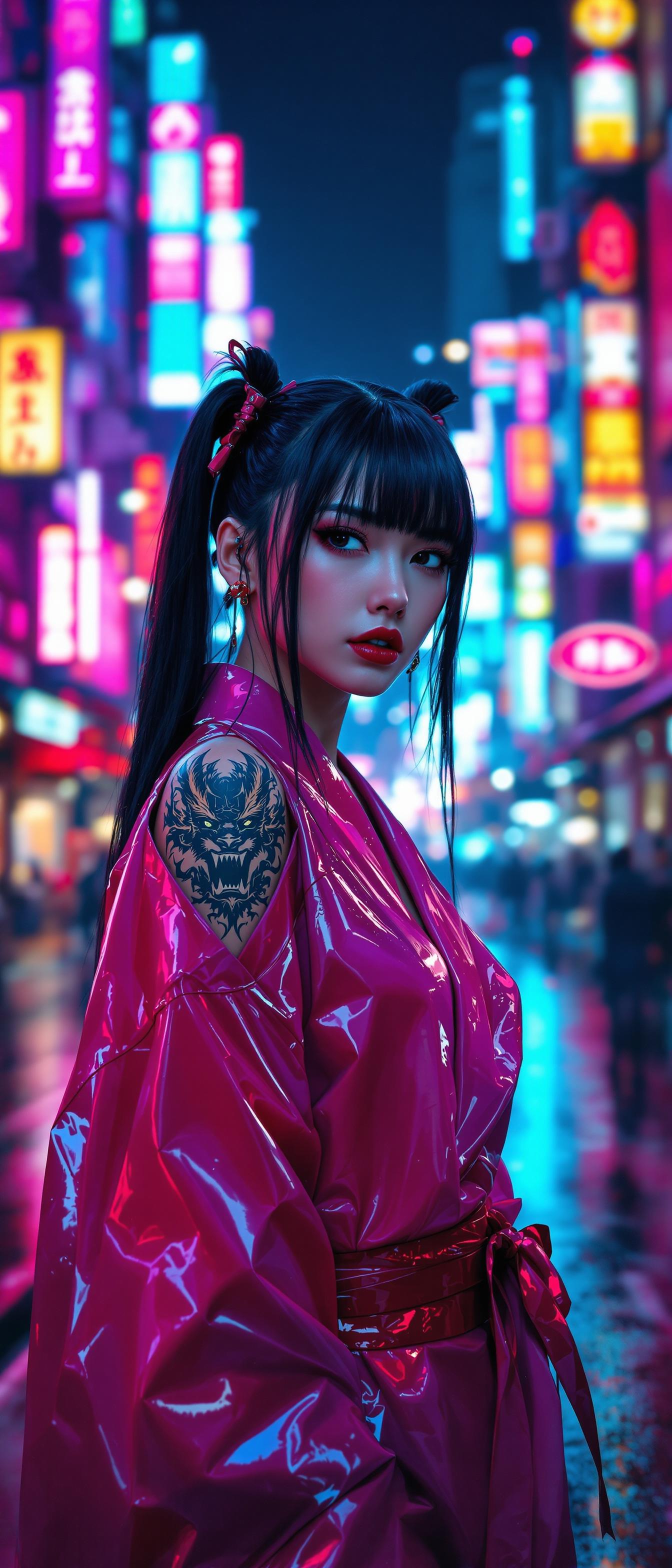
A striking 25-year-old Japanese woman with long, glossy black hair styled in playful pigtails and sharp, straight bangs framing her face. She wears a bold, shiny pink and red latex kimono, the material reflecting the vibrant lights with a slick, futuristic sheen, blending traditional elegance with modern edge. Intricate dragon tattoos peek just above the kimono's collar, adding a rebellious touch to her look. She stands confidently in the heart of a neon-lit Tokyo street at night, surrounded by towering skyscrapers and glowing signs in electric blues, pinks, and purples. The composition focuses on her as the central figure, captured from a low-angle perspective to emphasize her commanding presence, with the bustling cityscape blurring slightly in the background. The mood is dynamic and edgy, with a cyberpunk atmosphere, enhanced by the wet pavement reflecting neon hues and a faint mist lingering in the cool night air. The image is rendered in a hyper-realistic digital art style, with meticulous attention to the texture of the latex, the intricate tattoo details, and the dramatic interplay of light and shadow in an ultra-detailed, cinematic quality.
AI-generated image
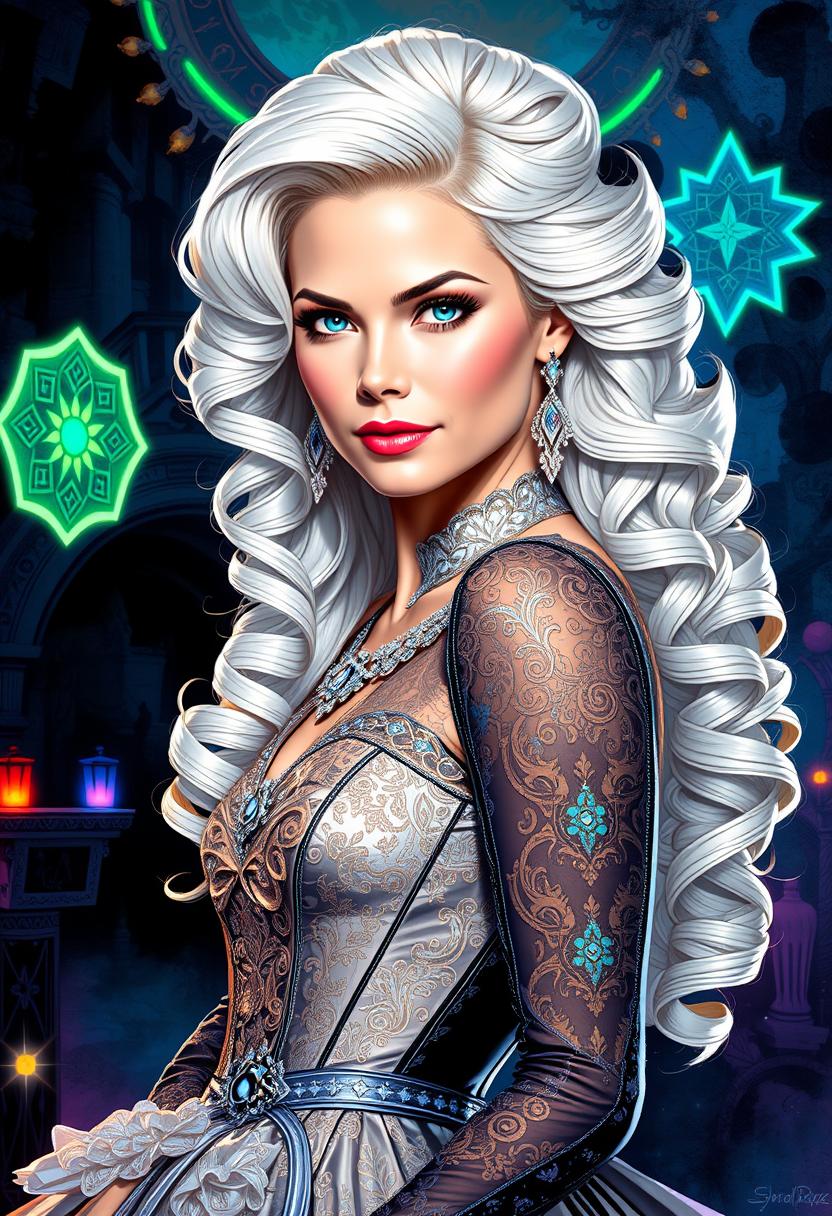
Brooke-LoRA-Zip, Waist-up portrait of a fashionable princess with a long, curly white-blonde hairstyle, her beautiful face featuring detailed, expressive eyes, set against a backdrop inspired by Karol Bak's surreal and mystical art. She wears an elegant gown adorned with lace, filigree, and geometric patterns, illuminated by neon lights and glowing bioluminescent elements. The composition employs a dynamic, highly polished style, with intricate line art softly washed with watercolor, creating smooth transitions between sharp focus and ethereal ambiance. 

Influenced by Carne Griffiths' bold textures, Wadim Kashim's intricate line work, and Carl Larsson's light and airy compositions, the artwork showcases:

- **Visual Details**: Emphasis on texture contrasts with lace and filigree, neon lights casting dynamic shadows, and bioluminescent accents. The hair has a luminous quality, reflecting light to highlight its curls and volume.

- **Artistic Style**: A fusion of hyper-realistic character design reminiscent of Pascal Blanche, combined with matte painting techniques, rendering a scene that's both cinematic and painterly. 

- **Composition**: The subject is framed using the golden ratio, with a dramatic and expressive camera angle that enhances the depth and storytelling. The layout balances intricate details with open, airy spaces, creating a visual flow.

- **Mood and Atmosphere**: The scene evokes a sense of enchantment and mystery, with the time of day being twilight, where neon and bioluminescence play with the natural light to cast an otherworldly glow.

- **Technical Aspects**: Utilizes sharp focus to highlight the subject's details, smooth transitions to blend different art styles, and employs dynamic lighting to guide the viewer's eye through the composition.

This artwork is a masterpiece of intricate design and flowing line art, highly polished with a balanced composition, designed to captivate and trend on platforms like CGSociety and Artstation.
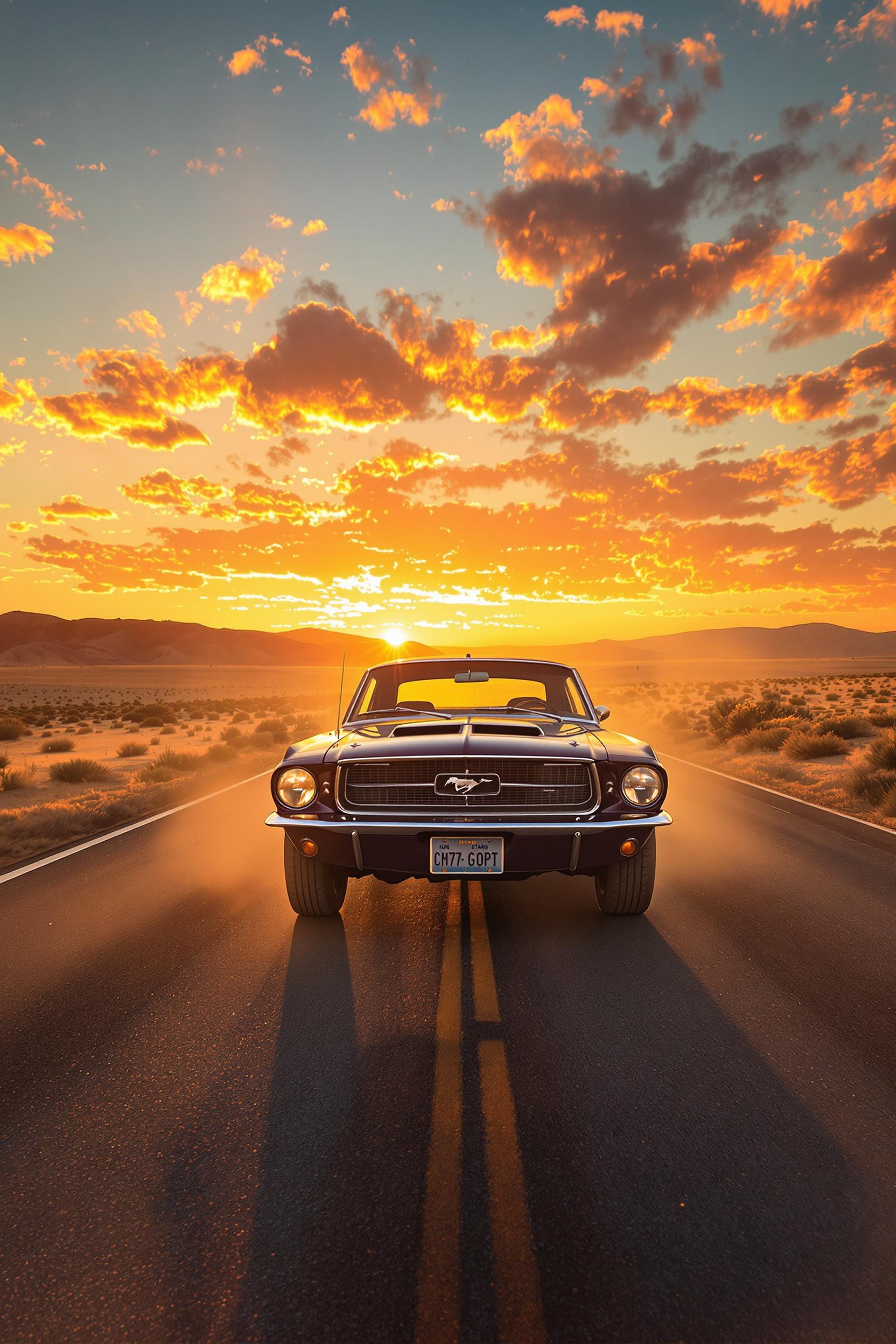
Classic 1967 Mustang on desert highway at sunset, photoreal automotive art, dust clouds and lens flare, warm orange and steel blue palette, nostalgic and free-spirited tone, front three-quarter angle, ultra-sharp 300 DPI --ar 2:3 --vivid
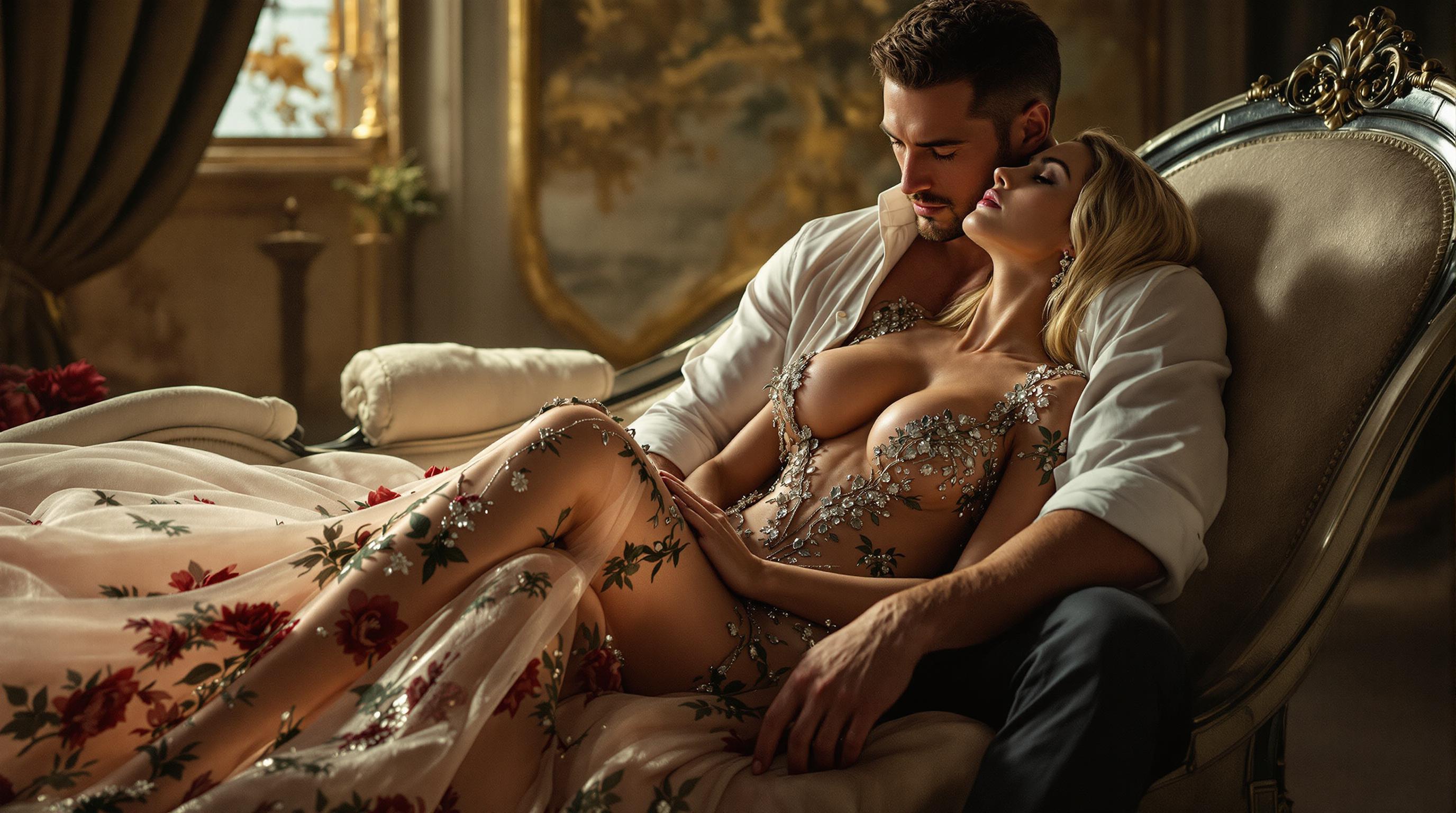
IMG_2985.HEIC, top fashion model photo, Vogue magazine, photographic image of a girl captured in a close-up with a dramatic atmosphere. The sexy big breasted girl is sitting on a chaise long, has long blonde hair and is wearing a long, elegant, transparent floral-embroidered gown. close Behind her is a muscular man with a white open shirt who hugs her intimate and she enjoys it in devotion, Imagine it is for a jewelry advertisement, where she is wearing important, sparkling, Victorian-style jewelry shot with the ARRI ALEXA 65 with unparalleled resolution and dynamic range. The scene was intended to feature dramatic light and luxurious textures, highlighting the elegance of the models and the rich details of haute couture fashion against a background of opulent decor.
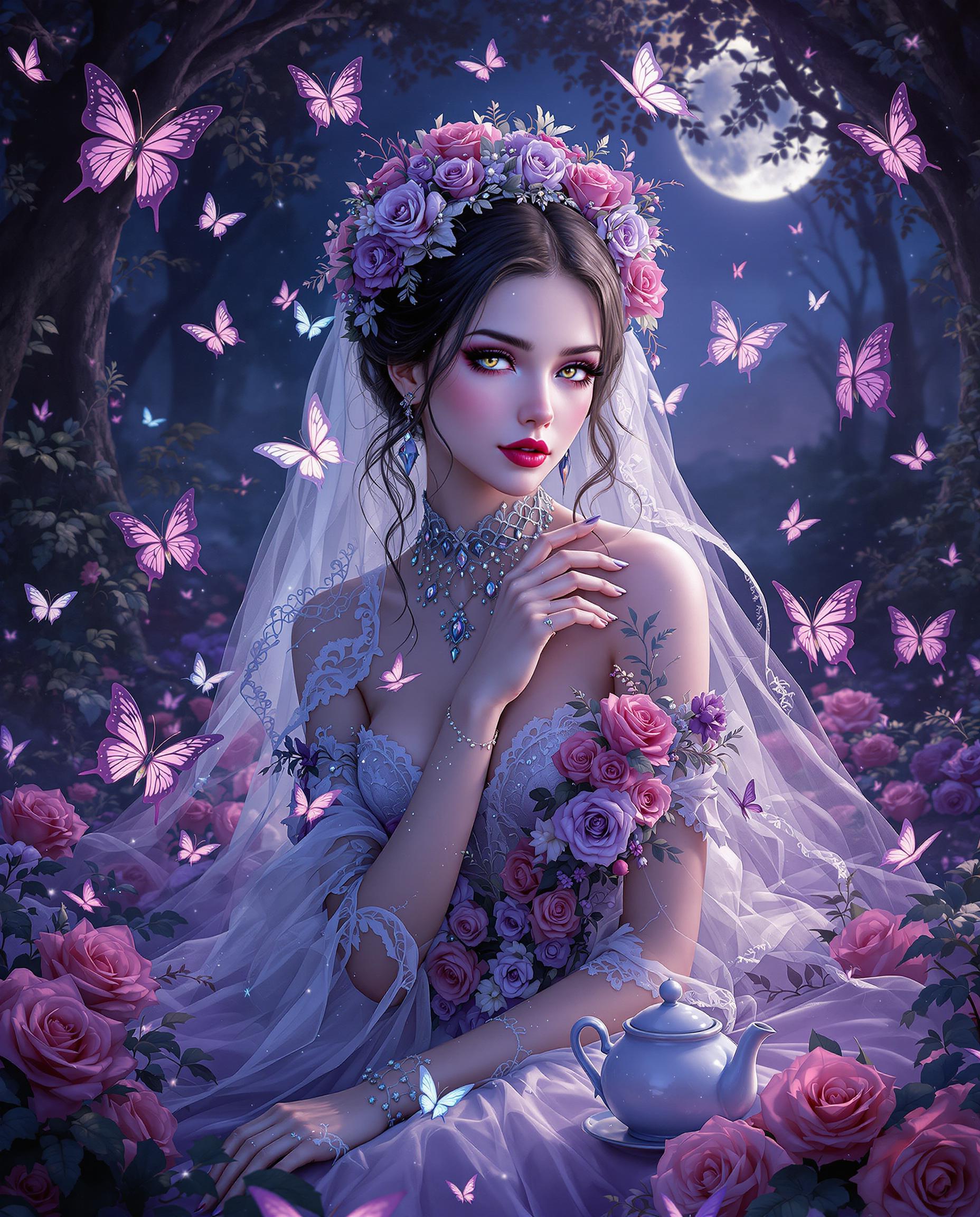
This image is a realistic photo (photograph) of a female real person digital illustration that exudes a gothic and romantic atmosphere. The art style is realistic with a touch of Western gothic elements, characterized by its intricate details, vibrant colors, and stylized characters.The medium appears to be a highresolution digital painting, utilizing a combination of vector and bitmap techniques to create a smooth and detailed image. The use of lighting and shadow adds depth and realism to the scene.The colors in the image are rich and varied, with a predominance of purples, pinks, and blues, which contribute to the overall gothic and dreamy ambiance. The character is adorned with lace, flowers, and butterflies, which are rendered in a gradient of purples and pinks, creating a sense of delicacy and fantasy.The objects in the image include1. The central figure, a female character, dressed in a gothic bridal outfit with lace, roses, and butterflies, which are prominent throughout the image. Her attire is detailed with beadwork, crystals, and ribbons, adding to the overall opulence and fantasy.2. Surrounding the character are several butterflies in various sizes and stages of flight, which add a sense of movement and vitality to the scene. The butterflies are depicted with a high level of detail, including their wings and antennae.3. The setting appears to be a dark, enchanted forest or garden, with trees and foliage in the background. The lighting and shadows suggest a twilight or moonlit scene, adding to the mystical and romantic atmosphere.4. There are also several roses scattered throughout the image, which complement the bridal theme and add to the romantic and gothic elements.5. In the background, there is a teapot and a cup, which could imply a tea party or a moment of relaxation in the midst of the fantastical surroundings.Overall, the image is a rich and detailed depiction of a gothic fantasy scene, with a focus on the central character and her surroundings, creating a sense of enchantment and mystery.
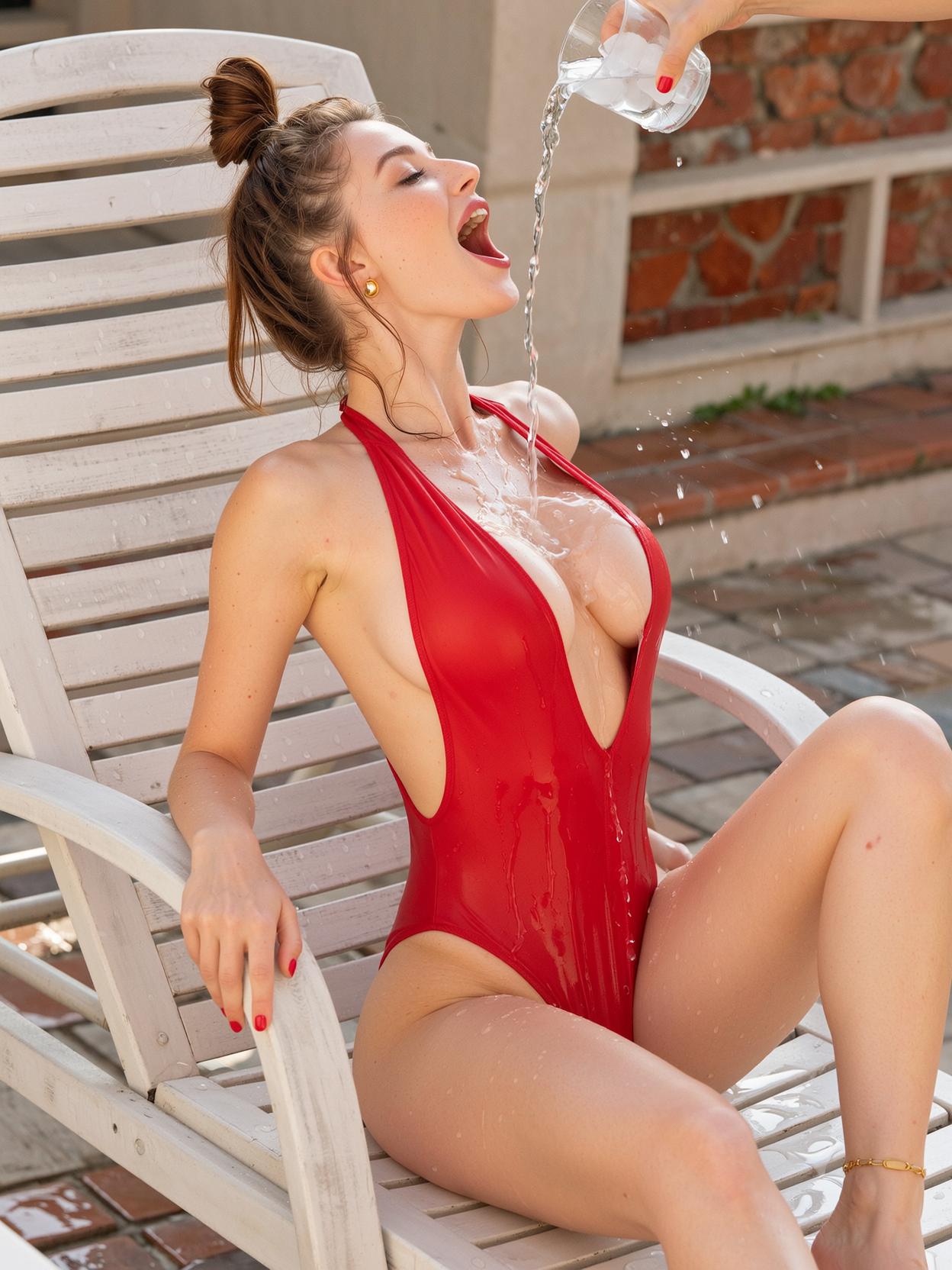
side profile composition, cute girl-next-door reclined on a white teak pool lounger, freckled heart-shaped face with soft snub nose and parted glossy lips, bright hazel eyes half-lidded in languid pleasure, chestnut hair in a loose high ponytail draped over the headrest with damp tendrils clinging to her neck, deep-red high-cut one-piece swimsuit in wet lycra, plunging halter neckline cutting a deep V between heavy round breasts, narrow ribcage and cinched waist exaggerating the swell of wide soft hips, swimsuit fabric pulled taut and translucent where wet, small gold hoop earrings, thin ankle chain, action anchor pouring a tall crystal tumbler of ice water down her sternum, glittering rivulet cascading between cleavage and pooling in the swimsuit cup, ice cubes catching highlights mid-tumble, goosebumps rising along collarbone, back arched in reflexive gasp, one knee bent upward, painted coral toenails, shallow depth of field, low side angle at chest height, golden hour rim lighting along thigh and bust, warm bounce light from terracotta tile, specular highlights on wet lycra and water droplets, subsurface scattering on fair skin, cinematic editorial photography, 85mm lens compression, soft chromatic bloom

Start Creating ImagineArt 1.0 vs WAN 2.2 Images Today

40+ cutting edge AI tools, loved by thousands of creators worldwide, cancel anytime, try it today

The Pixel Dojo Advantage

Why PixelDojo outperforms other options for ImagineArt 1.0 vs WAN 2.2 image generation

OthersPixel Dojo
Traditional image creationSkip hours of manual drawing or photography; generate and compare professional images in seconds, achieving consistent quality without expensive software or skills.
Generic AI toolsAccess specialized models like ImagineArt 1.0 and WAN 2.2 in one platform, with seamless integration for editing and upscaling, delivering superior customization and speed.
Manual photo editingAutomate comparisons and enhancements, saving you time and effort while producing polished results that rival expert edits, all without learning complex programs.

Loved by Creators

See what our community says about ImagineArt 1.0 vs WAN 2.2 images

"PixelDojo's ImagineArt 1.0 vs WAN 2.2 comparison helped me create client-ready graphics in half the time. The quality is unmatched!"

Alex Rivera

Graphic Designer

"Switching between these models in PixelDojo transformed my art workflow. I now produce stunning images that engage my social media followers effortlessly."

Jordan Lee

Digital Artist

Common Questions

Everything you need to know about ImagineArt 1.0 vs WAN 2.2 images AI generation

What are the key differences in ImagineArt 1.0 vs WAN 2.2 images for AI generation?

In PixelDojo, ImagineArt 1.0 excels in artistic, expressive styles with vibrant colors and creative interpretations, ideal for illustrations and conceptual art. WAN 2.2 focuses on photorealistic details and precision, perfect for realistic scenes or product visuals. You can generate side-by-side comparisons to see how each handles prompts, helping you achieve the exact outcome for your projects like marketing campaigns or storytelling.

How can I use ImagineArt 1.0 vs WAN 2.2 images to improve my creative workflow?

PixelDojo lets you integrate these models with tools like Image to Image and Creative Upscaler. Start with a base image, apply ImagineArt 1.0 for stylized variations or WAN 2.2 for refined realism, then upscale for high-res outputs. This streamlines your process, allowing you to iterate quickly and produce polished visuals that save time and enhance your professional output.

Is ImagineArt 1.0 better than WAN 2.2 for generating artistic images?

Yes, ImagineArt 1.0 in PixelDojo shines for artistic endeavors, offering fluid, imaginative renders with less adherence to realism. Compare it to WAN 2.2's structured approach using our platform's preview features. You'll create unique art pieces faster, perfect for artists seeking inspiration without the constraints of traditional methods.

What trends are emerging in ImagineArt 1.0 vs WAN 2.2 image generation techniques?

Recent trends show ImagineArt 1.0 trending for hybrid styles blending realism and abstraction, while WAN 2.2 advances in texture accuracy and lighting simulation. In PixelDojo, leverage these with Flux Studio integration for trending effects, helping you stay ahead in content creation and produce images that align with current digital art movements.

Can I edit images generated from ImagineArt 1.0 vs WAN 2.2 in PixelDojo?

Absolutely! After generating with either model, use PixelDojo's editing suite including Inpainting, Outpainting, and Background Remover. This allows you to refine comparisons, remove elements, or expand canvases, resulting in customized images that perfectly fit your needs, from social media posts to professional designs.

How do I get started with ImagineArt 1.0 vs WAN 2.2 images on PixelDojo?

Sign up for free on PixelDojo, access the Image Generation tools, and select ImagineArt 1.0 or WAN Image. Input your prompt, generate, and compare results instantly. With our 40+ tools and easy cancellation, you'll start creating high-impact visuals right away, boosting your creativity without any risk.

Ready to create amazing ImagineArt 1.0 vs WAN 2.2 images?

Ready to Create Amazing ImagineArt 1.0 vs WAN 2.2 images Images?

Join thousands of creators using AI to bring their ideas to life