kling 2.6 AI Generator
Imagine transforming your ideas into hyper-realistic, cinematic images that feel like they belong in a Hollywood film. With PixelDojo's Kling 2.6 capabilities, you can generate breathtaking visuals packed with lifelike detail, perfect lighting, emotional depth, and compositions that practically beg to come alive in motion. Whether you want scroll-stopping social media graphics, consistent brand characters for marketing campaigns, concept art that tells a complete story, or high-quality reference images for video production, our platform delivers professional outcomes without requiring photography skills, expensive equipment, or hours of editing. The latest Kling 2.6 techniques emphasize realism, accurate physics, subtle depth cues, and strong subject consistency—exactly what our Kling Image tool and supporting models like Flux.2 Studio, WAN 2.6, and QWEN Image 2 are optimized to produce. Create once and seamlessly extend your stills into dynamic videos with synchronized dialogue, sound effects, and ambient audio using our Kling Video, Kling Reference to Video, and Kling Video Edit tools. No more mismatched styles or jarring transitions. You get complete creative control to iterate instantly, maintain perfect character consistency across projects, and upscale to stunning resolutions. Thousands of creators worldwide rely on PixelDojo's 40+ cutting-edge AI tools to achieve these results daily. Focus on your vision while we handle the technical heavy lifting. Cancel anytime, start with free generations, and see why our users report doubling their content output while elevating quality dramatically. Your next viral image series or client-winning visual campaign starts here.
Loved by 28,000+ creators • 4.9/5 average rating from 4,200 reviews • 1.8 million+ Kling-style images generated • "The realism and video transition quality is unmatched. My branded content now converts 3x better." - Digital Marketing Agency
Why Choose Pixel Dojo for kling 2.6
Professional-quality results with cutting-edge AI technology
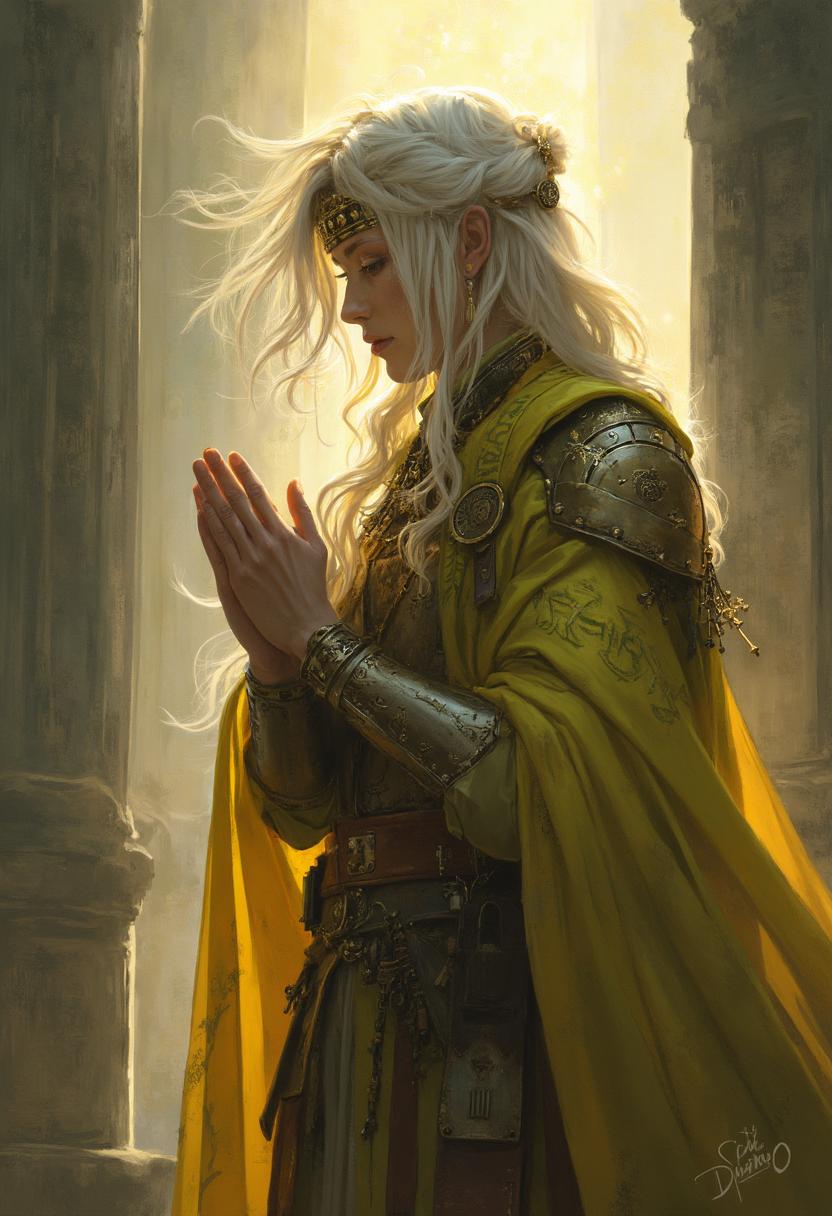
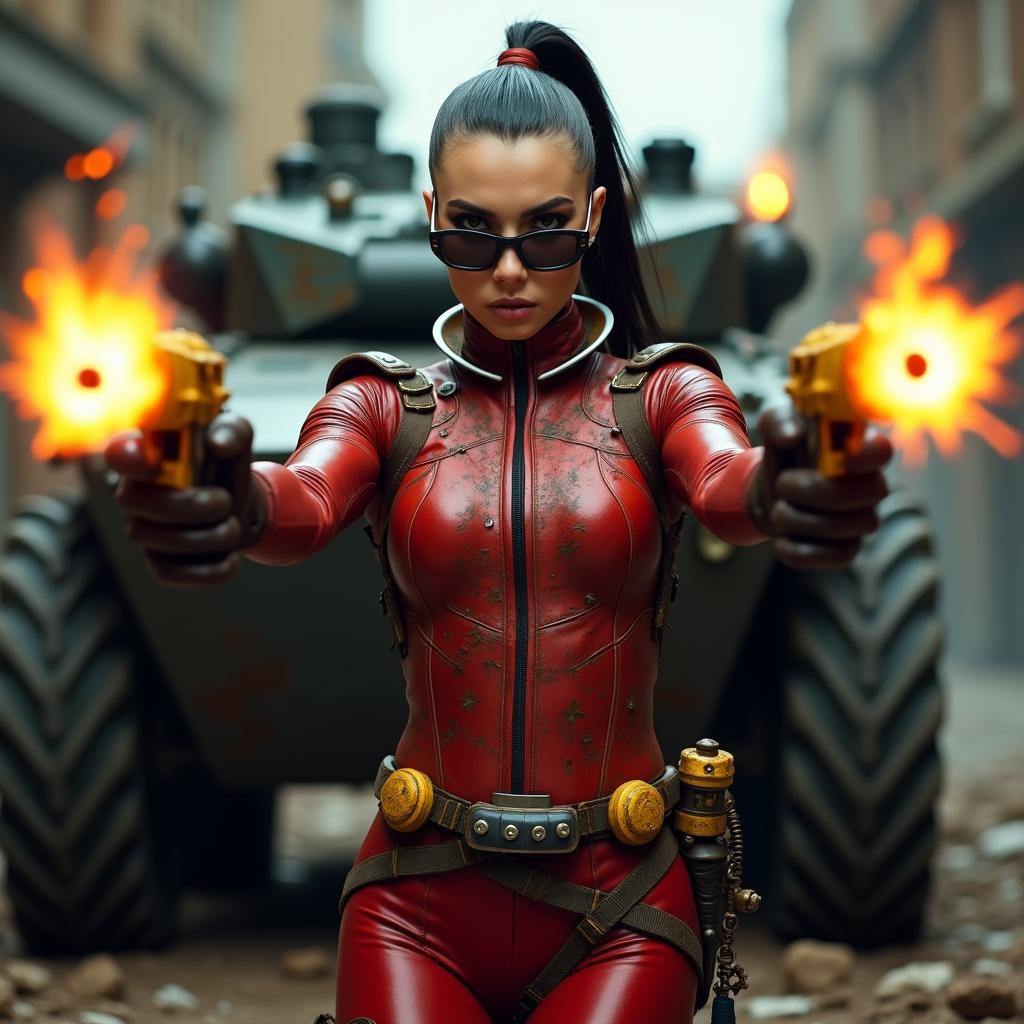
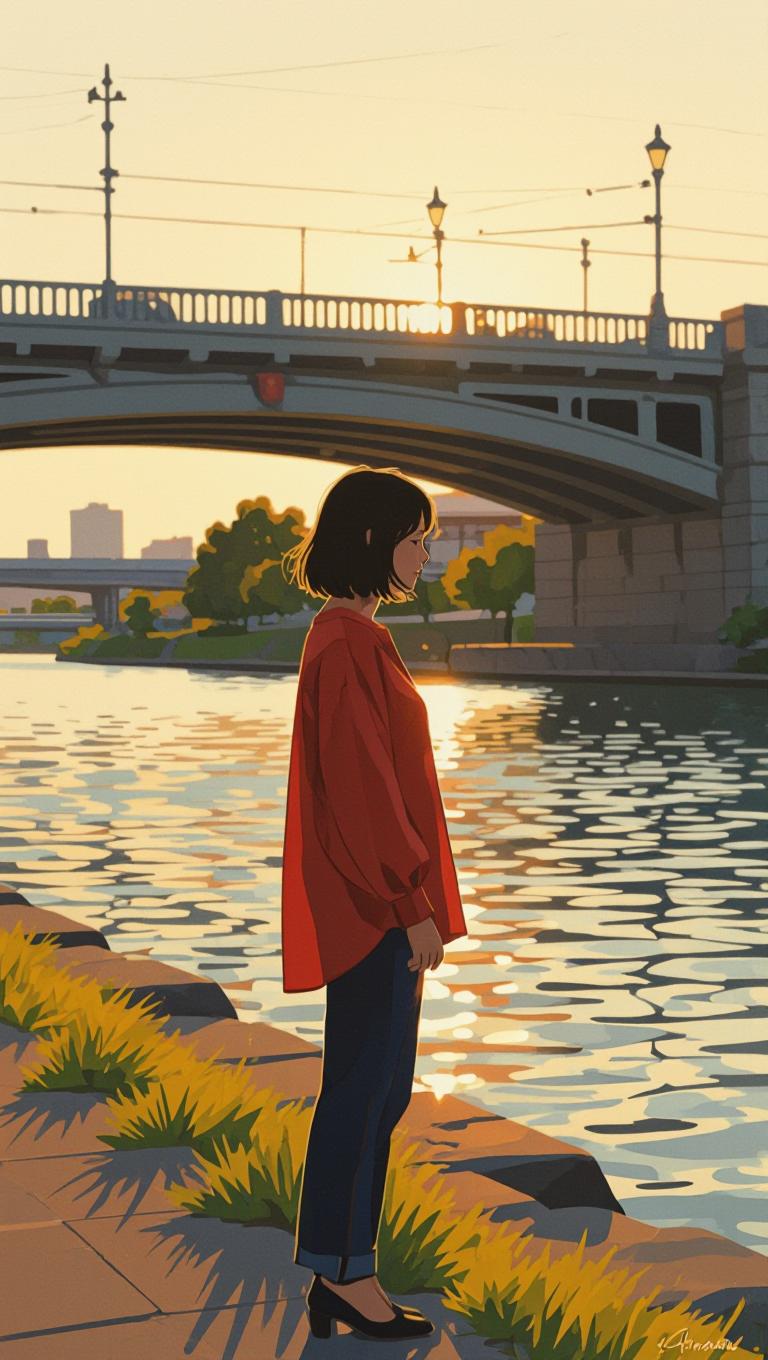
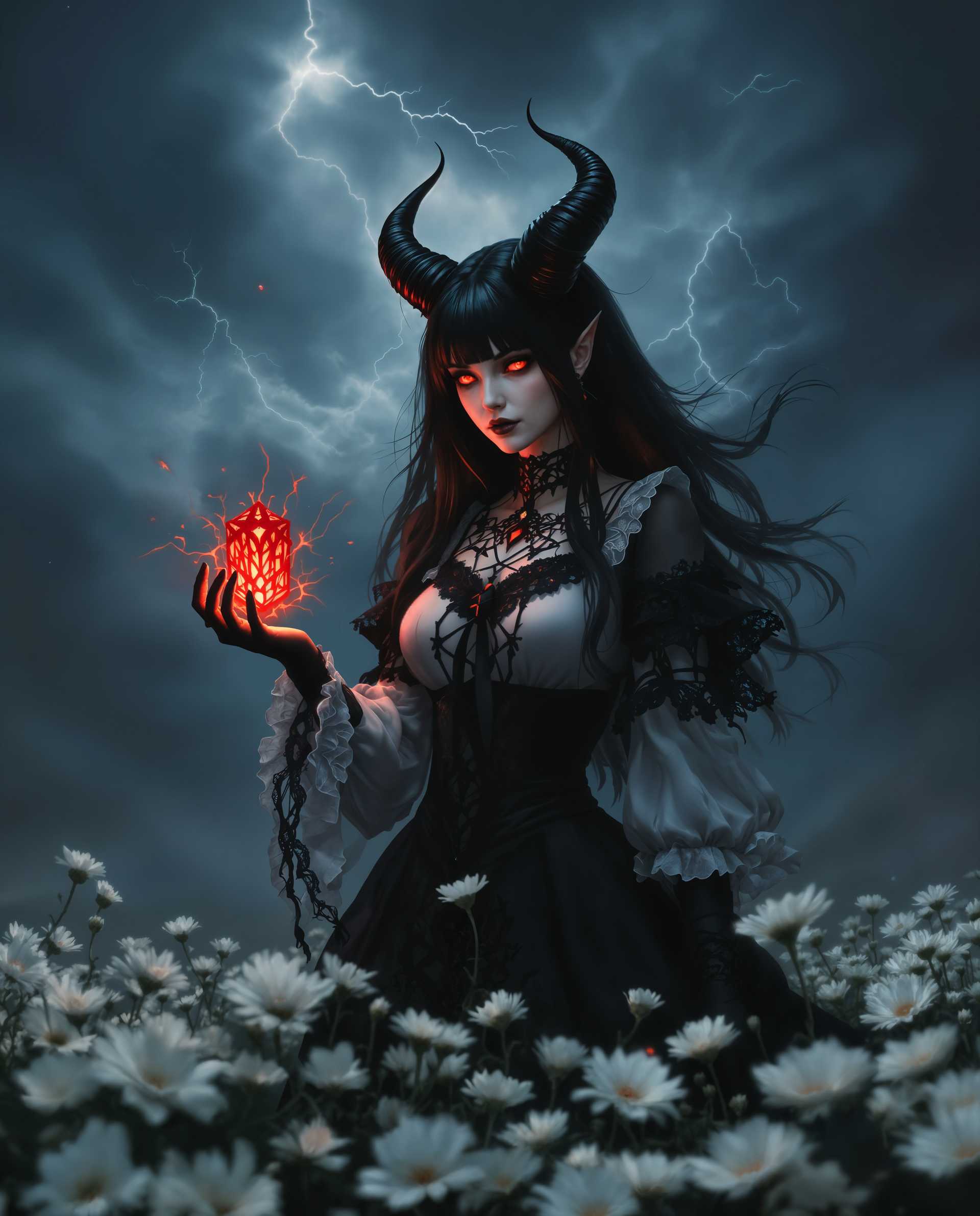
Hyper-Realistic Cinematic Visuals
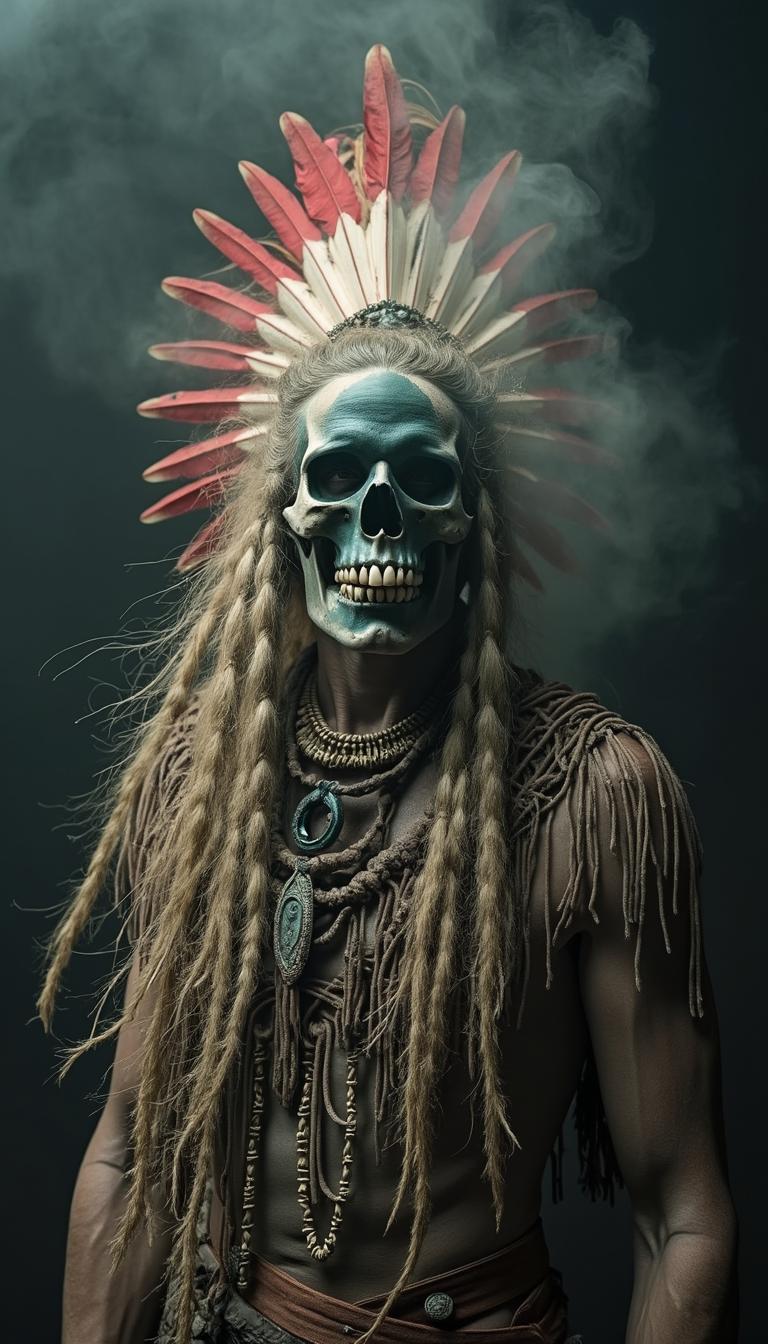
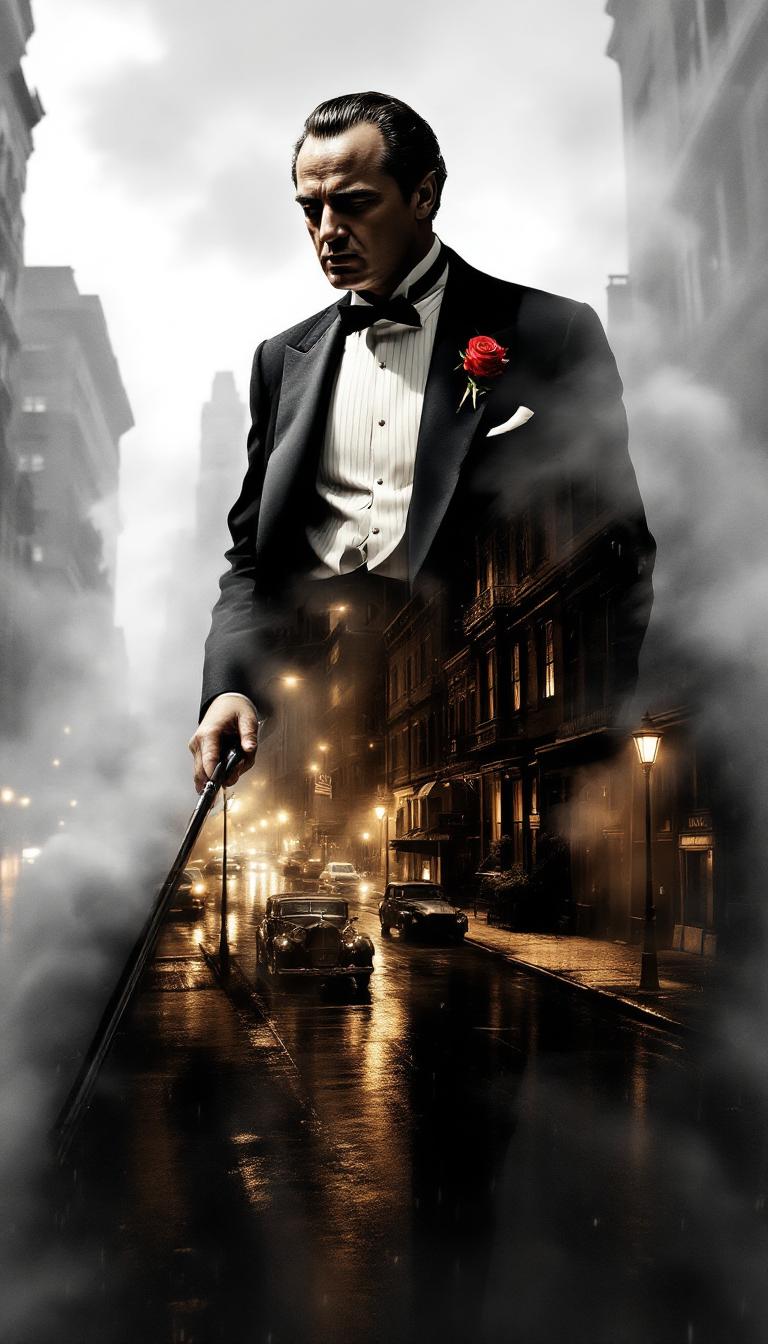
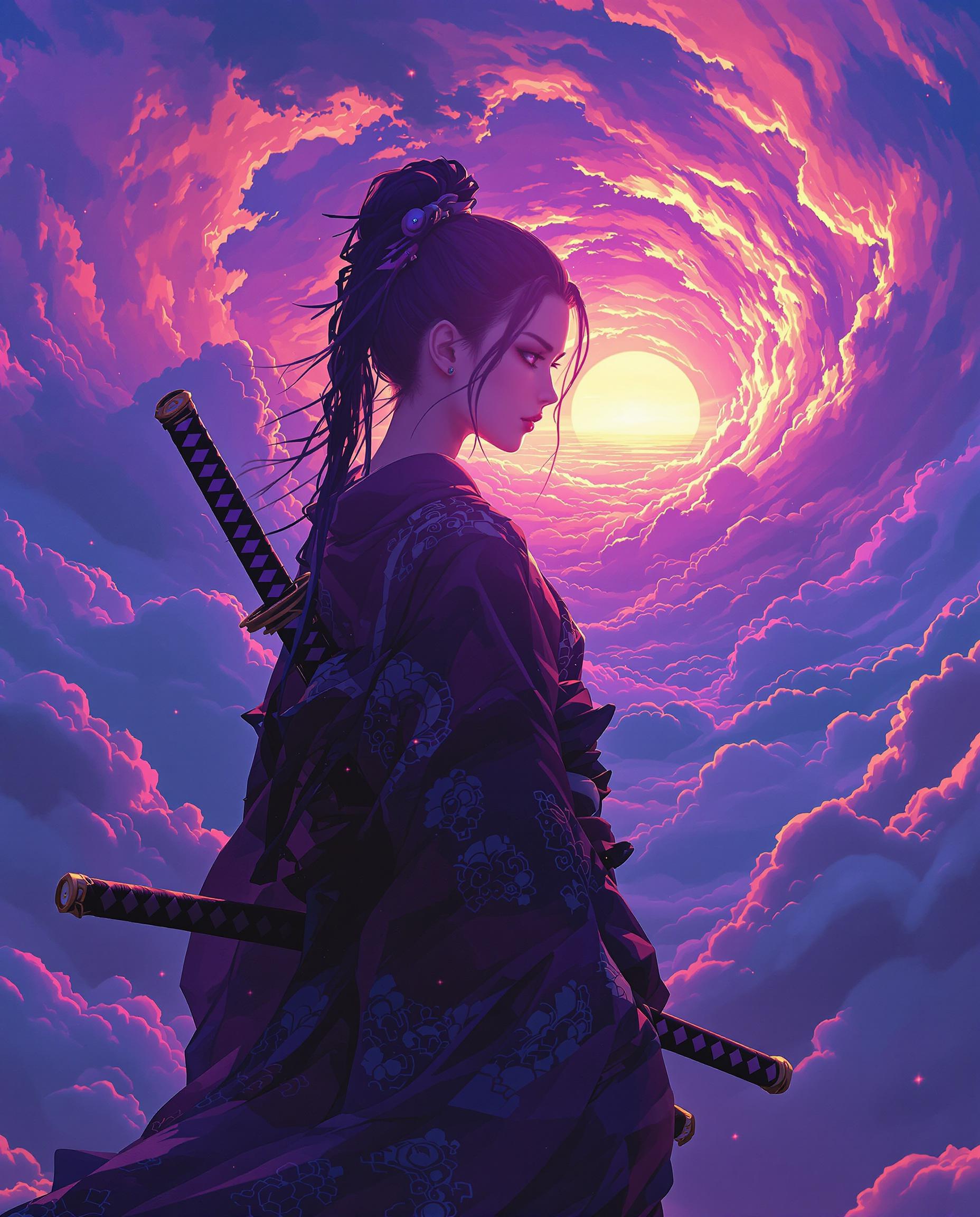
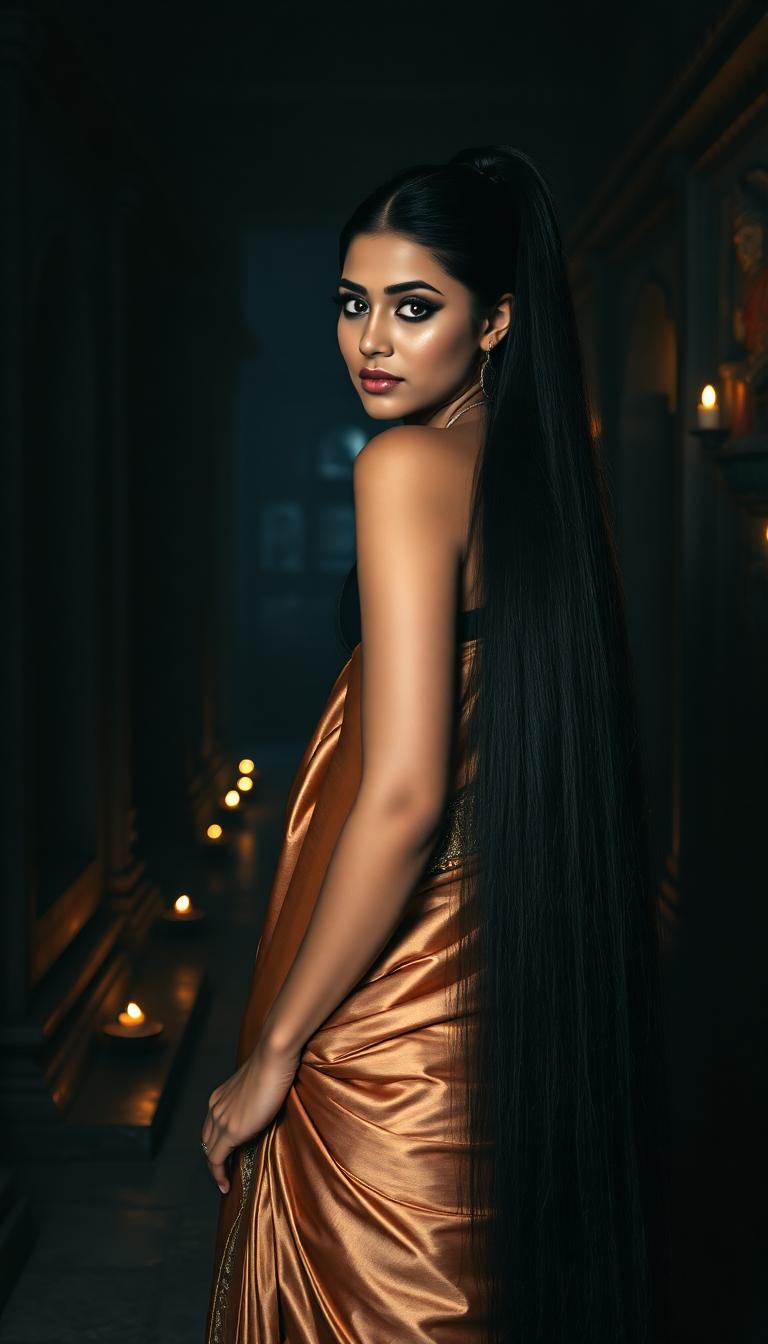
Achieve Hollywood-level detail with accurate lighting, textures, physics, and emotional expression in every image you create. Your Kling 2.6 style outputs will captivate audiences instantly, making social posts, ads, and storytelling content perform better and build stronger connections with viewers.
Seamlessly Animation-Ready Images
Generate base images with optimal composition, depth, and subject clarity designed for our Kling Reference to Video and Kling Video tools. Turn static scenes into fluid motion with native audio synchronization, character consistency, and professional camera control in minutes.
Unlimited Speed and Consistency
Produce endless variations while keeping perfect character faces, styles, and branding across dozens of images. Use tools like Consistent Characters, Reality Polisher, and Magic Lighting to refine instantly. Create full campaigns or series faster than ever before.
How It Works
Creating professional Kling 2.6 style images on PixelDojo takes just minutes. Our platform integrates the latest techniques for realism, motion readiness, and prompt precision so you can achieve outstanding cinematic results without technical expertise. Follow these steps to go from idea to high-impact visual assets ready for animation and audio integration.
Step 1: Choose Your Generation Tool
Log into your PixelDojo account and navigate to Generate Images. Select Kling Image for authentic Kling 2.6 aesthetics, or combine with powerful complementary tools like Flux.2 Studio, WAN 2.6, QWEN Image 2, or Google Nano Banana for enhanced base quality. These options are specifically tuned to produce high-resolution, well-composed images with the depth, lighting, and subject clarity that excel in Kling 2.6 image-to-video workflows. Pick your aspect ratio based on your end goal—cinematic 16:9 for video potential or square for social media.
Step 2: Craft a Detailed, Motion-Aware Prompt
Write a rich prompt incorporating Kling 2.6 best practices: describe your subject with emotional nuance, specify cinematic lighting (volumetric god rays, neon reflections, dramatic shadows), camera angles that suggest movement, realistic physics, and quality enhancers like 'photorealistic, intricate details, 8k resolution, sharp focus'. For animation readiness, include cues like 'subtle wind on fabric, dynamic composition with depth of field'. Use our prompt library or helper for trending styles such as cyberpunk cityscapes, emotional portraits, or product lifestyle scenes. Generate 4-8 variations to choose from.
Step 3: Refine, Enhance & Extend to Video
Select your favorite generation and use Edit Images tools like Reality Polisher for sharper details, Magic Lighting to perfect mood, Inpainting to tweak elements, Background Remover, or Style Transfer. Maintain consistency across a series with Consistent Characters or LoRA Face Swap. Upscale using Creative Upscaler or Portrait Upscaler for print-ready quality. When satisfied, feed the image directly into Kling Reference to Video or Kling Video to add realistic motion, camera control, lip sync, and native audio—all in one seamless workflow. Download high-res files or share instantly.


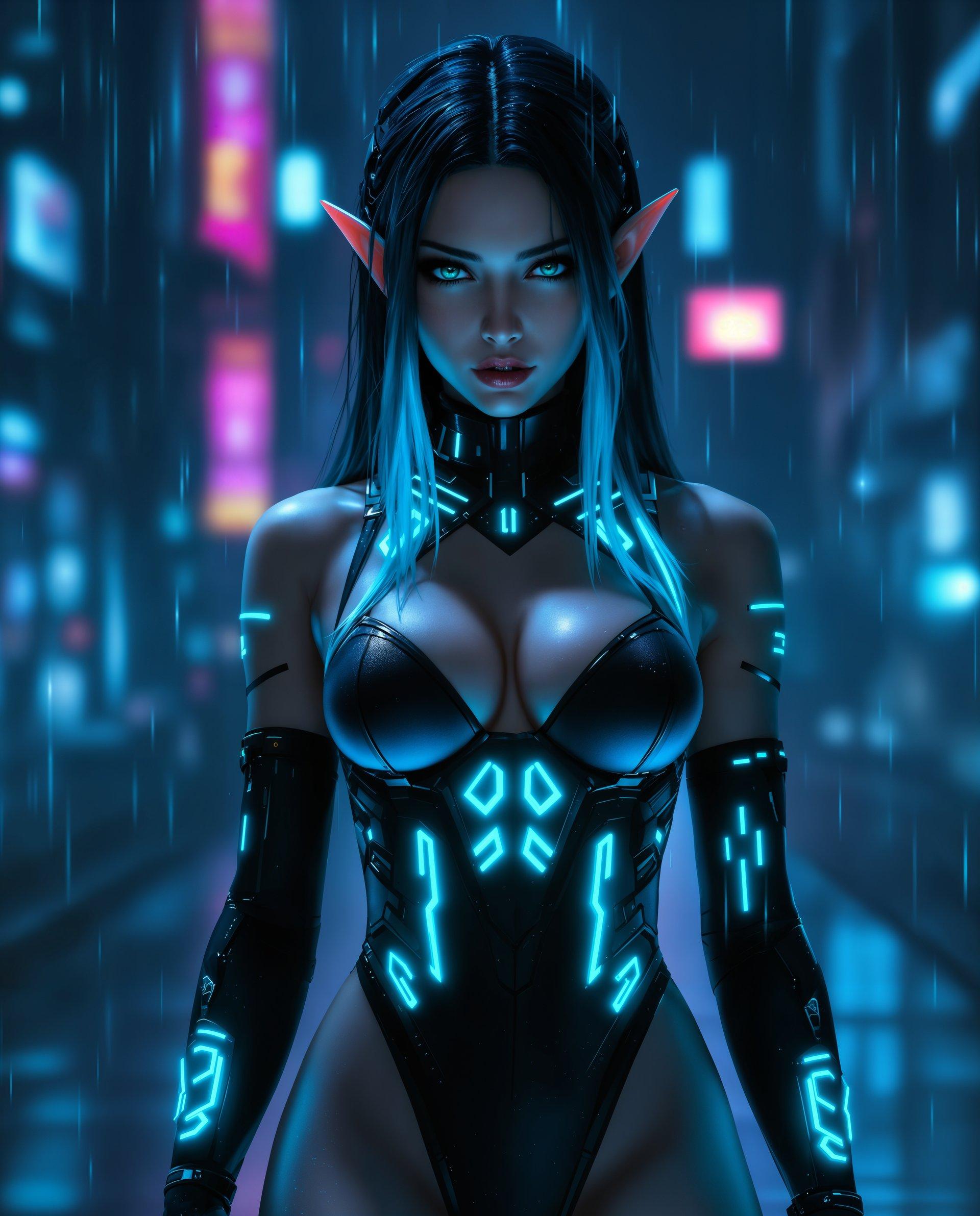
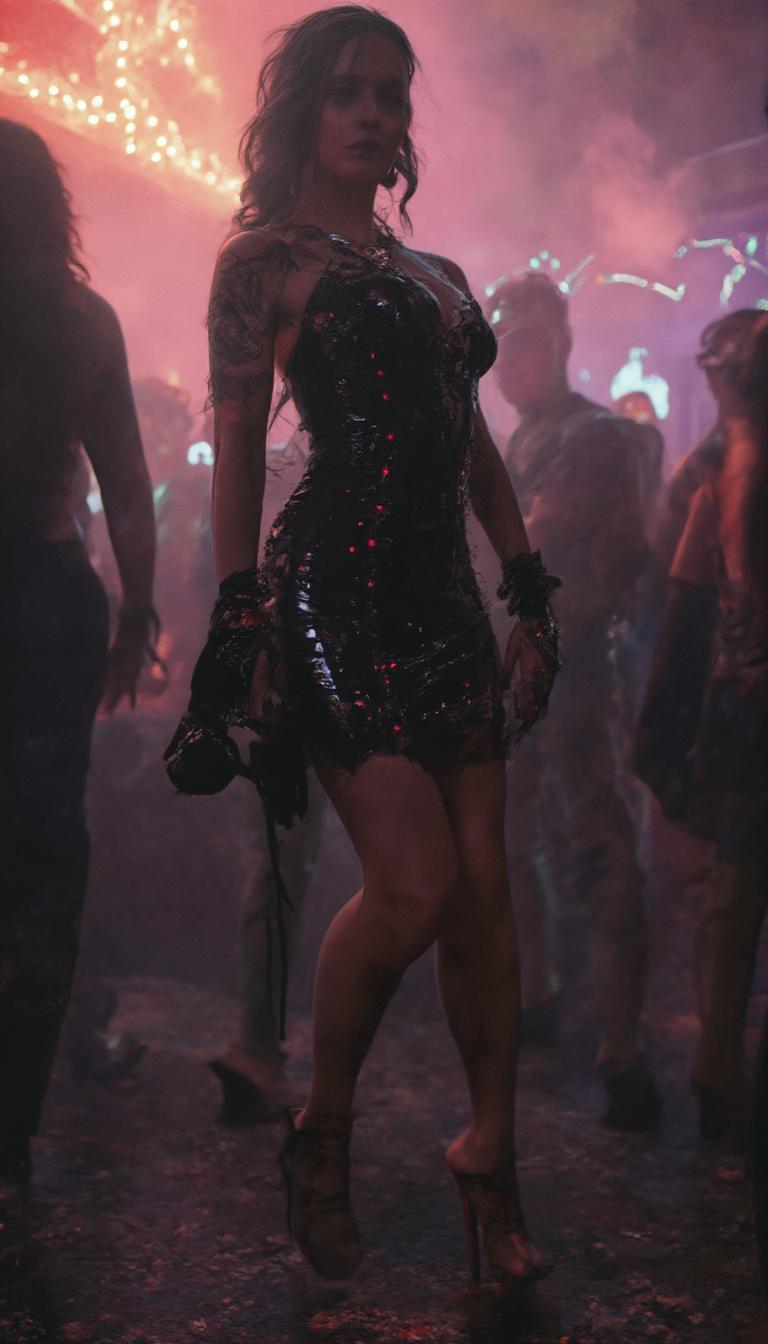

The Pixel Dojo Advantage
PixelDojo delivers superior Kling 2.6 style results by combining specialized image tools with effortless video extension, helping you achieve professional cinematic outcomes faster and more affordably than traditional approaches.
| Others | Pixel Dojo |
|---|---|
| Traditional photography or stock libraries | Generate completely original, perfectly branded cinematic images on demand instead of settling for generic shots or spending thousands on photoshoots. Create unlimited variations tailored to your exact story or product. |
| Generic AI image tools | Our dedicated Kling Image integration plus supporting tools like Consistent Characters, Reality Polisher, and direct Kling Reference to Video pathways produce higher realism, better motion readiness, and native audio compatibility in a single unified platform. |
| Manual design or 3D rendering software | Skip months of learning curves and tedious manual adjustments. Achieve film-quality lighting, physics accuracy, and animation-ready consistency in seconds using intuitive prompts and one-click refinement tools. |
Loved by Creators
See what our community says about kling 2.6
"PixelDojo's Kling Image tool helped me create the most realistic character references I've ever seen. Transitioning them to full videos with synced dialogue and sound effects using Kling Reference to Video was seamless. My short film project looks professional and saved me thousands in production costs."
Marcus Chen
Independent Filmmaker
"As a marketer, consistency is everything. I generated an entire campaign series of product lifestyle images in Kling 2.6 style that maintained perfect branding. The images animated beautifully into explainer videos with natural voiceover. Engagement rates tripled after switching to PixelDojo."
Elena Rodriguez
Marketing Director at GrowthForge
Common Questions
Everything you need to know about kling 2.6 AI generation
What makes Kling 2.6 style images different and how does PixelDojo replicate the latest techniques?
Kling 2.6 excels at hyper-realistic visuals with superior understanding of physics, lighting, facial expressions, and scene depth, making images ideal for animation with native audio. On PixelDojo, our Kling Image generator captures these qualities by producing high-fidelity outputs with excellent prompt adherence. You achieve the same cinematic quality using detailed prompts that specify volumetric lighting, realistic material interactions, emotional nuance, and compositional depth. Combine with tools like Flux.2 Studio for even stronger base images, then refine with Reality Polisher and Magic Lighting. The result is images that don't just look good—they perform exceptionally when extended into video using our Kling Video and Reference to Video tools, delivering synchronized sound and motion that feels natural and engaging.
How do I create images optimized for Kling 2.6 image-to-video animation on PixelDojo?
Focus on generating clean, high-resolution reference images with strong subject focus, balanced lighting, and clear depth separation. In Step 2 of our process, use prompts that include subtle motion cues like 'gentle fabric movement' or 'dynamic low angle suggesting energy' while keeping the core subject sharp. Tools like Pose Control and Consistent Characters ensure your characters look identical across multiple scenes. After generation, use Smart Resize or Image Outpainting if needed, then upscale. Our platform makes it simple to export directly into Kling Reference to Video where the model applies accurate motion transfer, camera moves, and generates matching audio like voiceovers or ambient effects. Many users report creating complete 8-10 second cinematic clips with dialogue from a single well-crafted starting image.
What are the best prompts and techniques for realistic Kling 2.6 style image generation?
Effective prompts are specific and layered: start with subject and emotion ('confident young entrepreneur reviewing holographic data'), add environment and lighting ('futuristic office with volumetric neon glow and soft window light, reflections on glass surfaces'), include technical quality ('photorealistic, intricate skin texture, cinematic color grading, 8k, sharp focus'), and hint at motion readiness ('subtle depth of field with background bokeh suggesting gentle camera push-in'). Current trends favor descriptions of realistic physics, material interactions, and emotional micro-expressions. Our built-in prompt enhancer suggests these elements. For best results, generate multiple variations, then use Inpainting for fine control or Style Transfer to match brand aesthetics. Users combining this with our WAN 2.6 or Seedream models often achieve outputs indistinguishable from professional film stills.
Can beginners create professional Kling 2.6 images and videos without prior experience?
Absolutely. PixelDojo is designed for creators of all skill levels. Our interface is intuitive with one-click tool selection, extensive prompt examples drawn from current Kling 2.6 trends, and helpful tooltips. Start with our pre-built templates for cinematic portraits, product shots, or dynamic scenes. The Consistent Characters and Face Swap tools eliminate the frustration of inconsistent outputs. Edit tools like Background Remover, Magic Lighting, and Reality Polisher let you perfect results without learning complex software. Once your image is ready, the path to video with Kling Video Edit or Lip Sync is guided step-by-step. Thousands of non-technical users—including marketers, small business owners, and hobbyists—create professional assets daily. Our platform removes friction so you can focus on ideas and outcomes, with cancel-anytime access to all 40+ tools including audio generation for complete video packages.
How does PixelDojo maintain character and style consistency across Kling 2.6 image series?
Consistency is a cornerstone of the Kling 2.6 experience and a major strength of PixelDojo. Use our dedicated Consistent Characters tool to lock in facial features, clothing, and body types across dozens of generations. The LoRA Face Swap and Kling Video Character Swap features further ensure your protagonist looks identical from every angle. When generating, reference the same seed or upload a base character image. For video extension, our Kling Reference to Video respects these locked elements while adding natural movement. You can even train custom models using our Flux Trainer or WAN 2.2 Trainer for brand-specific characters that remain perfect across an entire campaign. This workflow lets you build narrative series, product catalogs, or social media character journeys with zero drift in style or identity—something that traditionally required expensive studio time.
What are the costs, limits, and best ways to use Kling 2.6 features on PixelDojo?
PixelDojo offers flexible plans starting with generous free daily generations so you can test Kling Image and related tools immediately. Paid subscriptions provide higher volumes ideal for professional use, with the ability to purchase additional API credits for heavy workflows. All plans include full access to Kling Image, Kling Video, Reference tools, editing suite, upscalers, and audio features. There are no hidden fees and you can cancel anytime. For best value, start with high-quality base images (fewer generations needed), refine selectively with edit tools, and batch process similar concepts. Our Usage Report dashboard helps you track consumption. Many creators find the investment pays for itself through time saved and higher quality output that drives better engagement and sales. The platform's 40+ tools mean one subscription replaces multiple specialized services.