Kling 2.6 concepts to clips AI Generator
Imagine transforming your creative concepts into captivating video clips with synchronized audio, all within minutes. With Kling 2.6, you can effortlessly bring your ideas to life, producing high-quality videos that engage and inspire your audience. Whether you're a marketer, educator, or content creator, Kling 2.6 empowers you to create professional-grade videos without the need for extensive technical skills or resources.

Join over 10,000 creators who have generated more than 50,000 videos using Kling 2.6, achieving a 98% satisfaction rate.
Why Choose Pixel Dojo for Kling 2.6 concepts to clips
Professional-quality results with cutting-edge AI technology
Effortless Video Creation
Transform text prompts or images into high-quality videos with synchronized audio in just a few clicks.
Professional-Grade Quality
Produce 1080p videos with realistic motion, consistent characters, and native audio for a polished final product.
Time and Cost Efficiency
Eliminate the need for complex editing and expensive equipment, saving you time and resources.
How It Works
Creating stunning videos with Kling 2.6 is a straightforward process. Follow these simple steps to bring your concepts to life:
Step 1: Choose Your Tool
Select the Kling 2.6 Video Generator from the PixelDojo platform to begin your video creation journey.
Step 2: Enter Your Prompt
Input a detailed text description of your desired scene or upload a reference image to guide the AI in generating your video.
Step 3: Customize & Download
Adjust settings such as duration and aspect ratio, then generate your video. Once satisfied, download the final product for use.



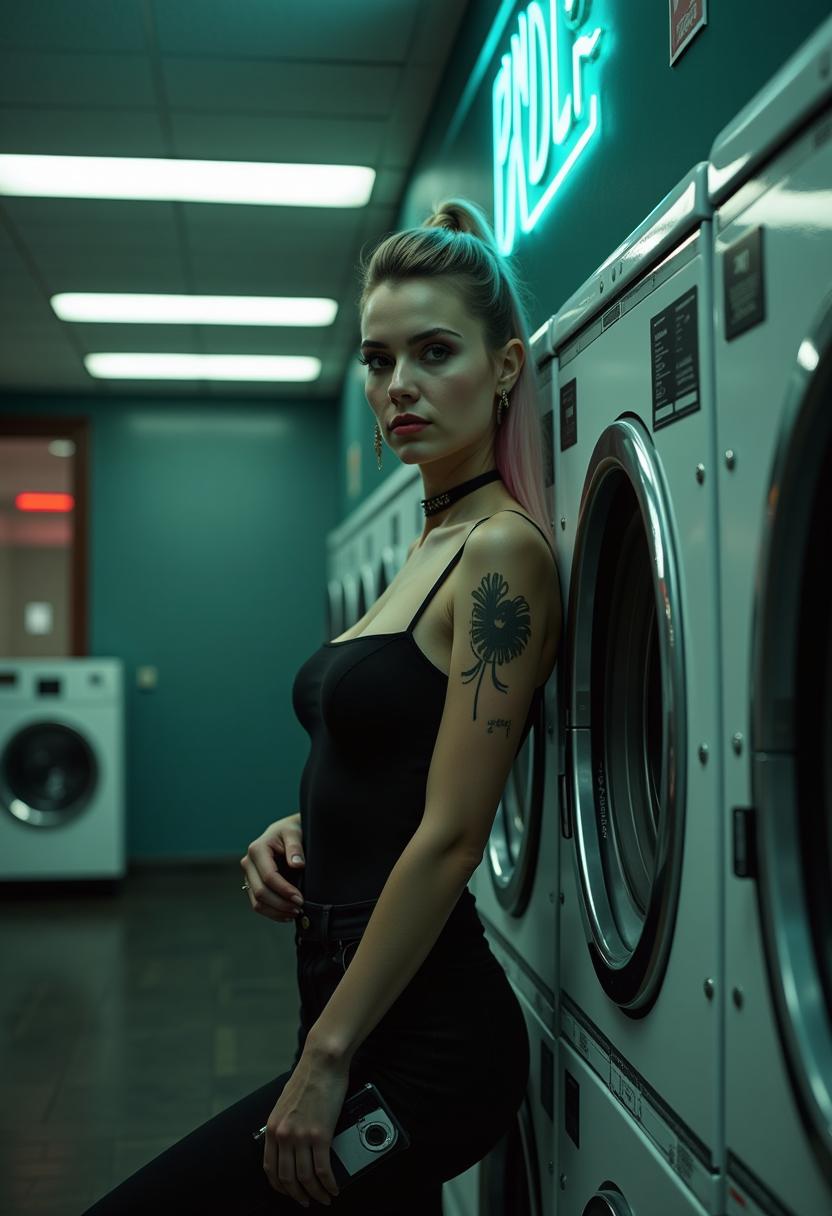

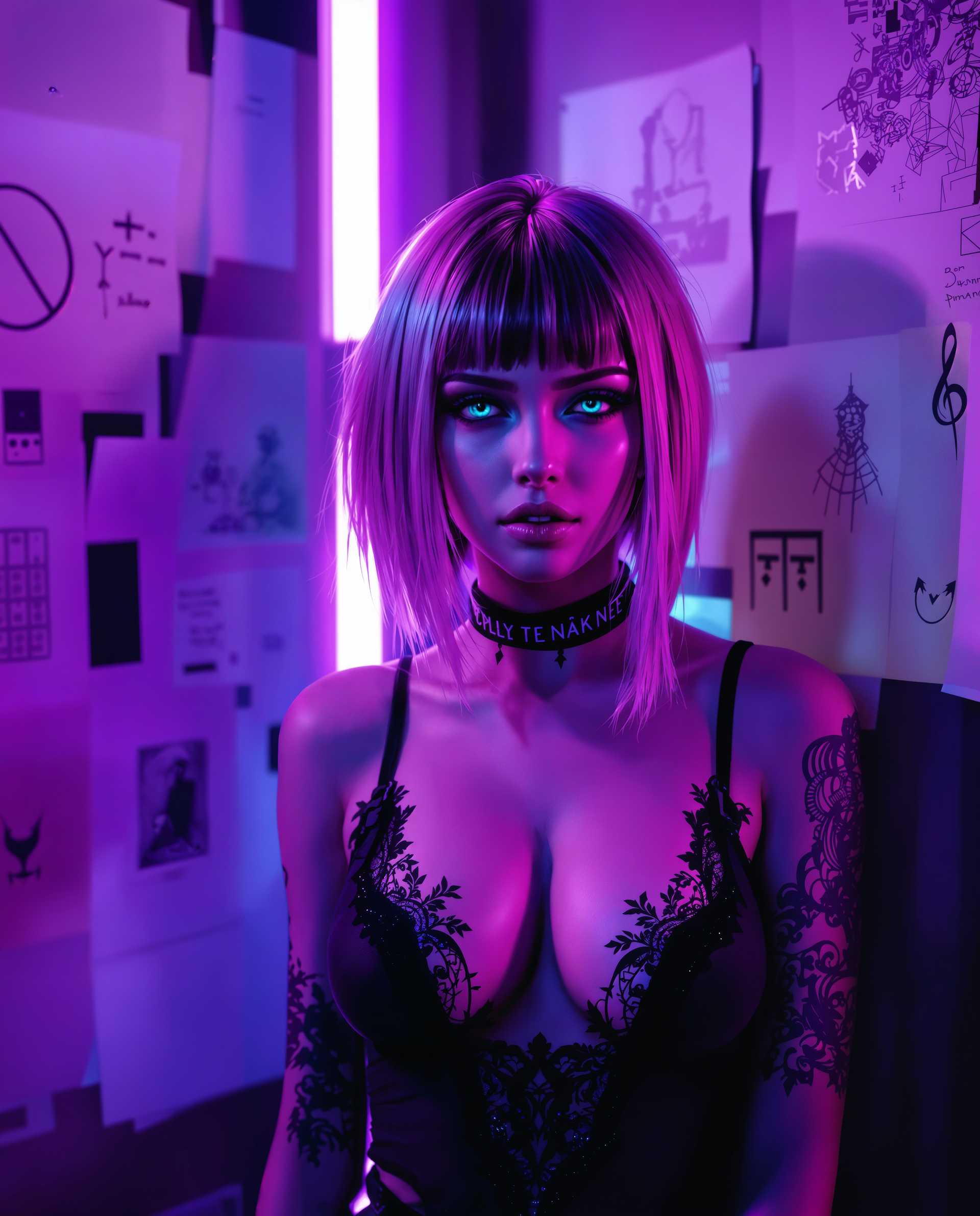
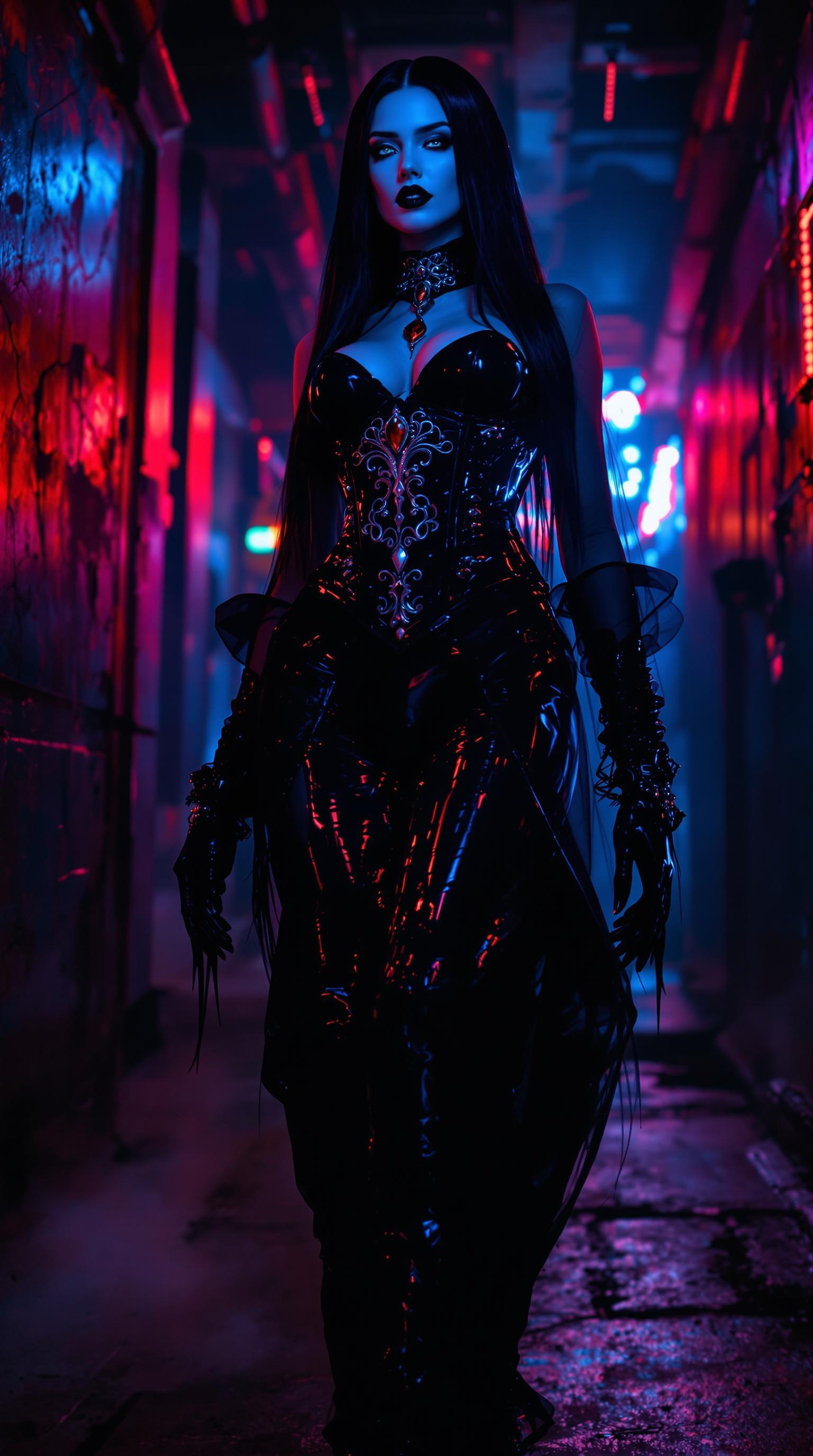
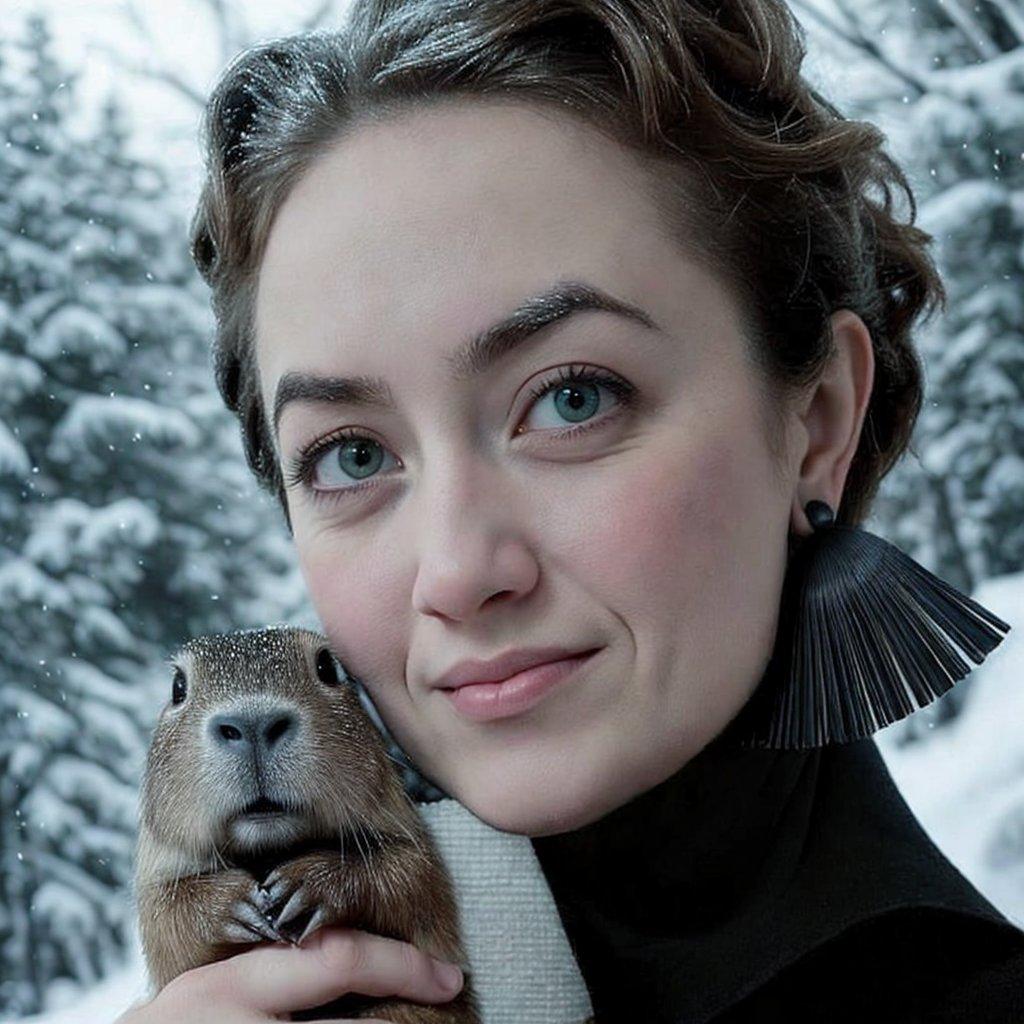

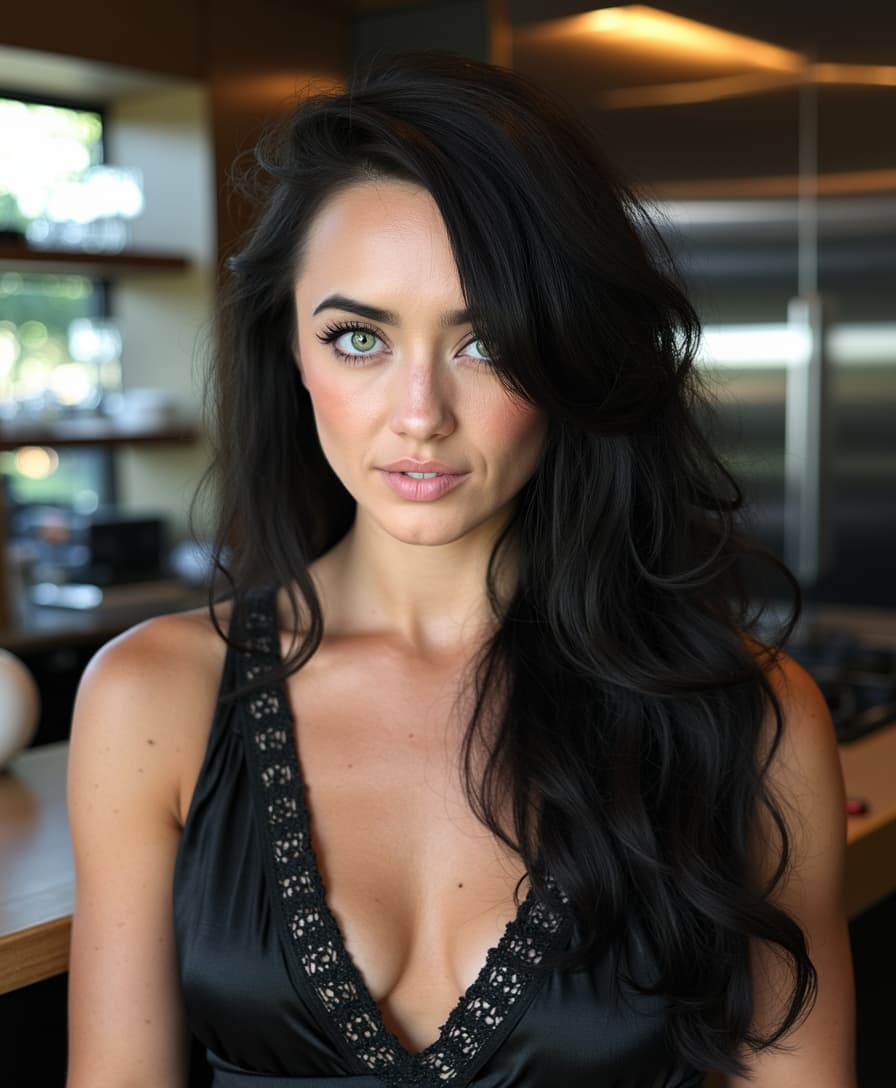
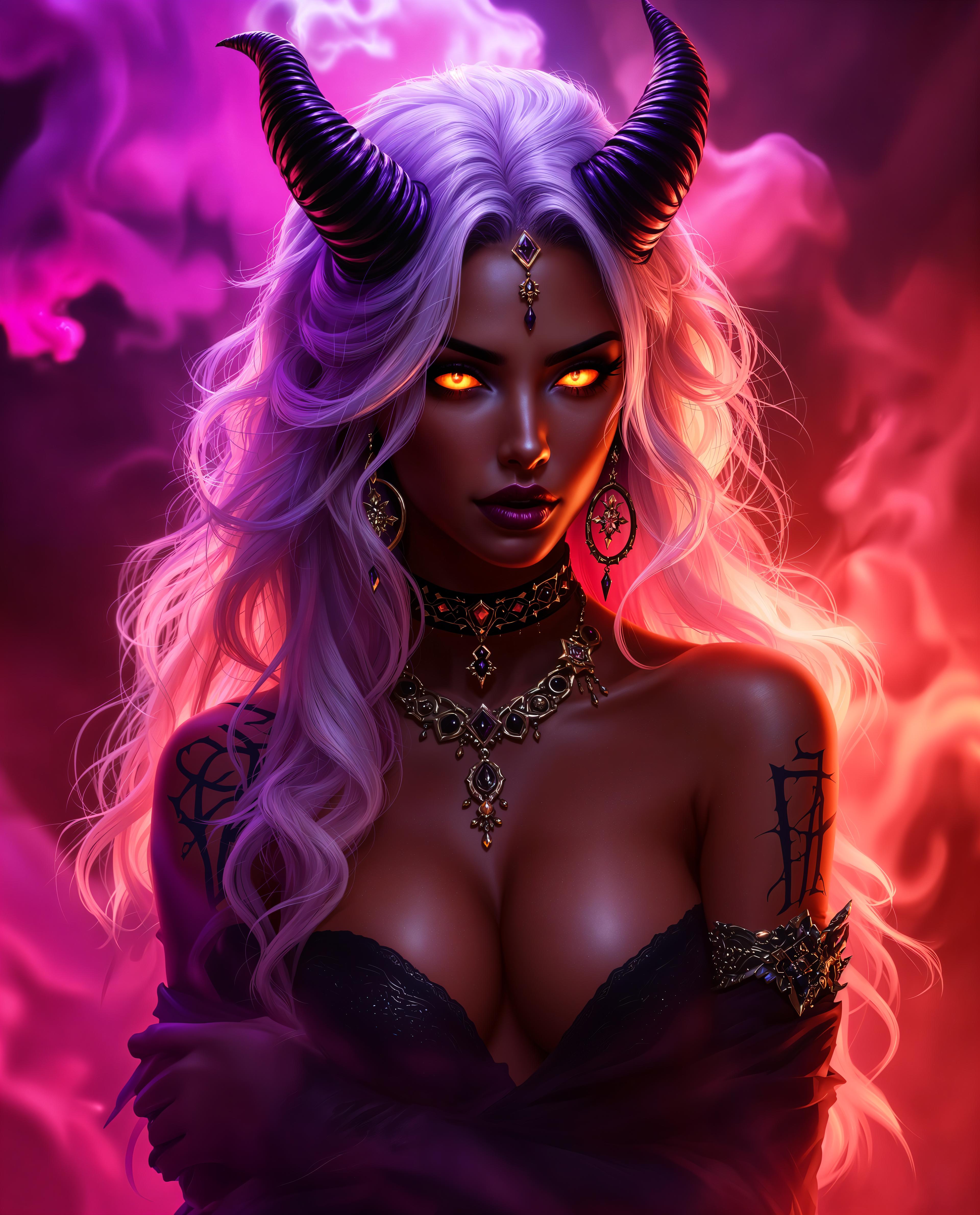
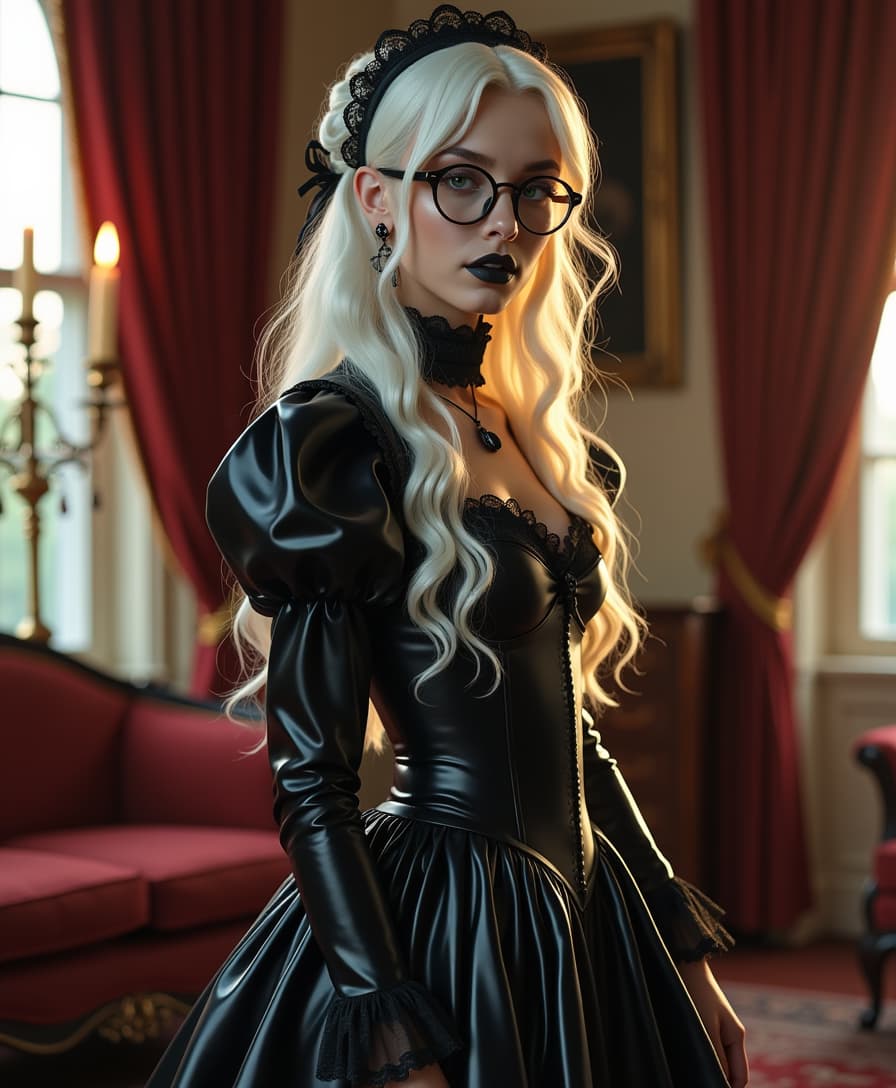
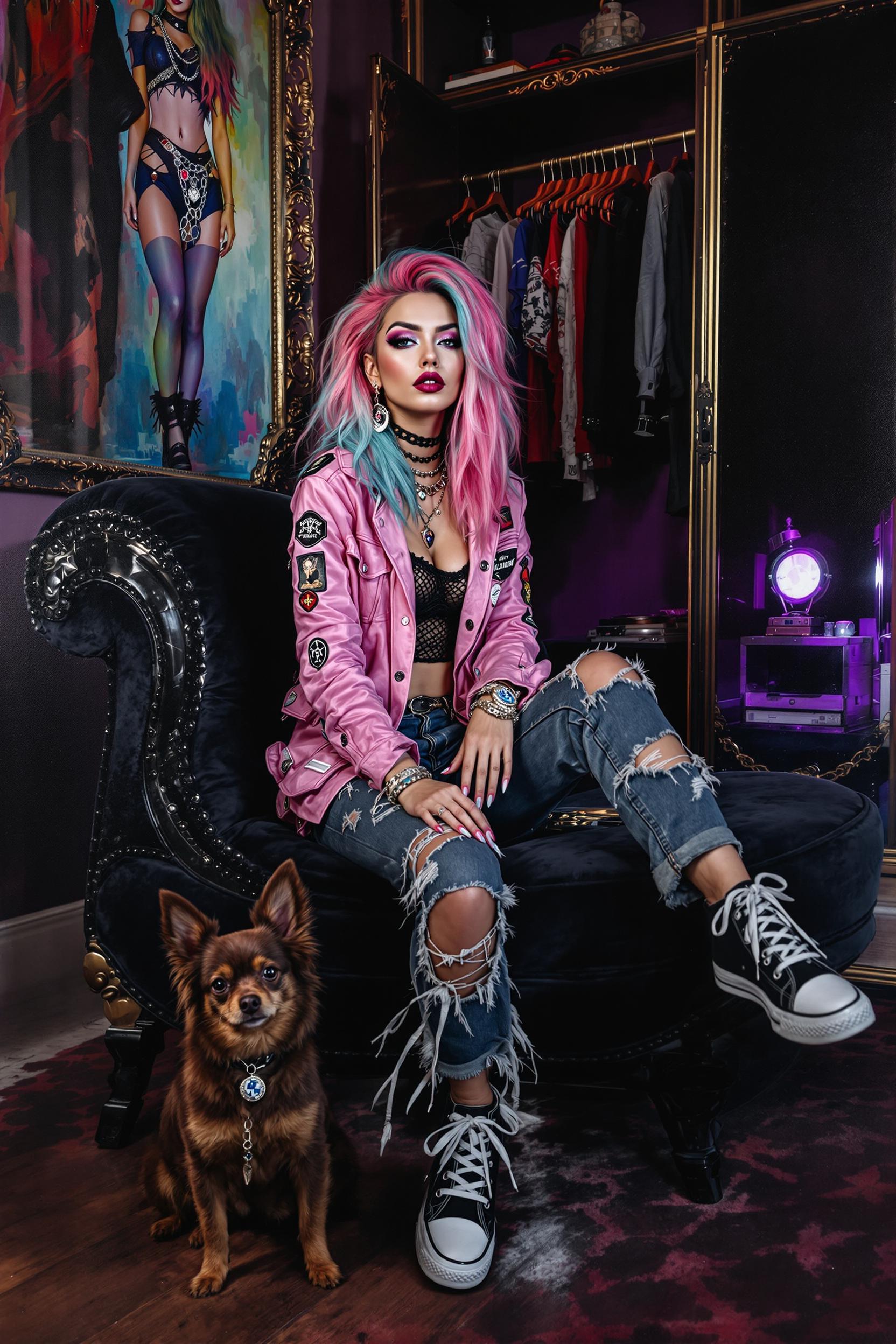

The Pixel Dojo Advantage
Discover how Kling 2.6 outperforms other video creation methods:
| Others | Pixel Dojo |
|---|---|
| Traditional Video Production | Kling 2.6 eliminates the need for expensive equipment and extensive editing, allowing you to create professional videos quickly and affordably. |
| Generic AI Tools | Unlike generic AI tools, Kling 2.6 offers synchronized audio-visual generation, ensuring your videos have cohesive sound and visuals. |
| Manual Editing | Kling 2.6 automates the video creation process, reducing the time and effort required for manual editing and post-production. |
Loved by Creators
See what our community says about Kling 2.6 concepts to clips
"Kling 2.6 has revolutionized our content creation process. We can now produce high-quality videos in a fraction of the time."
Alex Johnson
Marketing Director
"As an educator, Kling 2.6 allows me to create engaging instructional videos without any prior video editing experience."
Maria Lopez
Online Instructor
Common Questions
Everything you need to know about Kling 2.6 concepts to clips AI generation
How does Kling 2.6 generate synchronized audio and video?
Kling 2.6 utilizes advanced AI algorithms to simultaneously generate video and audio from your input, ensuring perfect synchronization between visuals and sound.
Can I use Kling 2.6 for commercial projects?
Yes, Kling 2.6 is designed for both personal and commercial use, allowing you to create content for various purposes, including marketing and advertising.
What input formats does Kling 2.6 support?
Kling 2.6 accepts text prompts and image uploads in formats such as JPEG, PNG, and WebP to guide the video generation process.
Is there a limit to the video length I can create with Kling 2.6?
Kling 2.6 is optimized for creating short-form content, typically up to 10 seconds in length, making it ideal for social media and quick promotional videos.
Do I need any prior video editing experience to use Kling 2.6?
No, Kling 2.6 is user-friendly and designed for individuals without prior video editing experience, enabling anyone to create professional-quality videos effortlessly.
How can I ensure my videos maintain character consistency across scenes?
Kling 2.6 analyzes reference images to maintain character consistency, allowing you to upload multiple angles or images to help the AI understand and replicate your character accurately.