Kling 2.6 multi-person dynamics AI Generator
Elevate your video content by effortlessly creating dynamic, multi-person scenes with synchronized audio using Kling 2.6 on PixelDojo. Whether you're producing engaging dialogues, group interactions, or complex narratives, Kling 2.6 empowers you to generate professional-quality videos without the need for extensive resources or technical expertise.

Join thousands of creators who have transformed their video production process with PixelDojo's cutting-edge AI tools. With over 40 advanced features and a community of satisfied users, PixelDojo is the trusted platform for innovative content creation.
Why Choose Pixel Dojo for Kling 2.6 multi-person dynamics
Professional-quality results with cutting-edge AI technology
Effortless Multi-Person Video Creation
Generate complex scenes featuring multiple characters interacting naturally, all with synchronized audio, streamlining your production process.
High-Quality, Synchronized Audio-Visual Content
Produce videos where dialogue, sound effects, and ambient sounds are perfectly aligned with visual actions, enhancing viewer engagement.
Time and Cost Efficiency
Eliminate the need for manual dubbing and extensive post-production, allowing you to create professional videos faster and more affordably.
How It Works
Creating multi-person dynamic videos with Kling 2.6 on PixelDojo is a straightforward process:
Step 1: Select Kling 2.6 Tool
Navigate to the 'Create Videos' section on PixelDojo and choose the Kling 2.6 tool to begin your project.
Step 2: Input Your Scene Description
Provide a detailed text prompt describing the scene, characters, actions, and desired audio elements. For example: 'Two friends conversing in a park, with ambient city sounds and birds chirping.'
Step 3: Generate and Download Your Video
Click 'Generate' to let Kling 2.6 process your input. Once the video is ready, preview it and download the final output for your use.




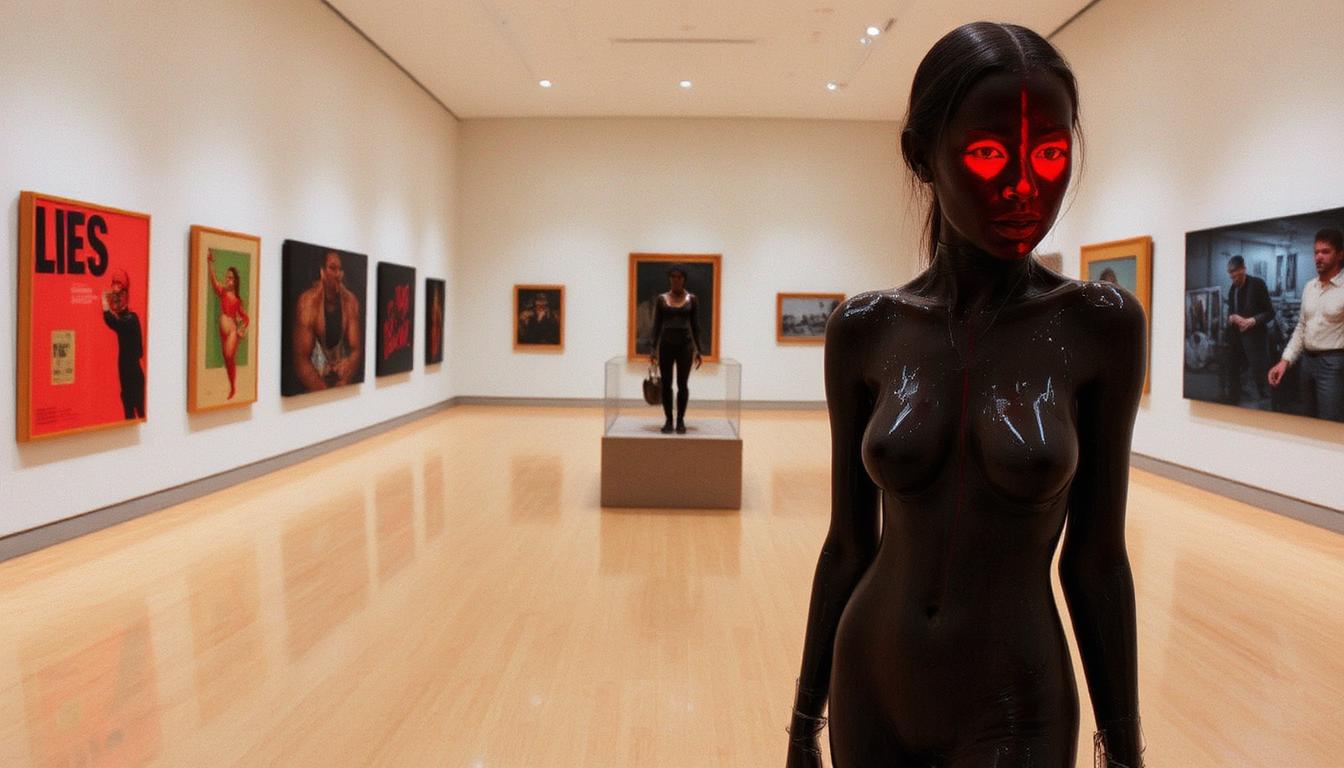

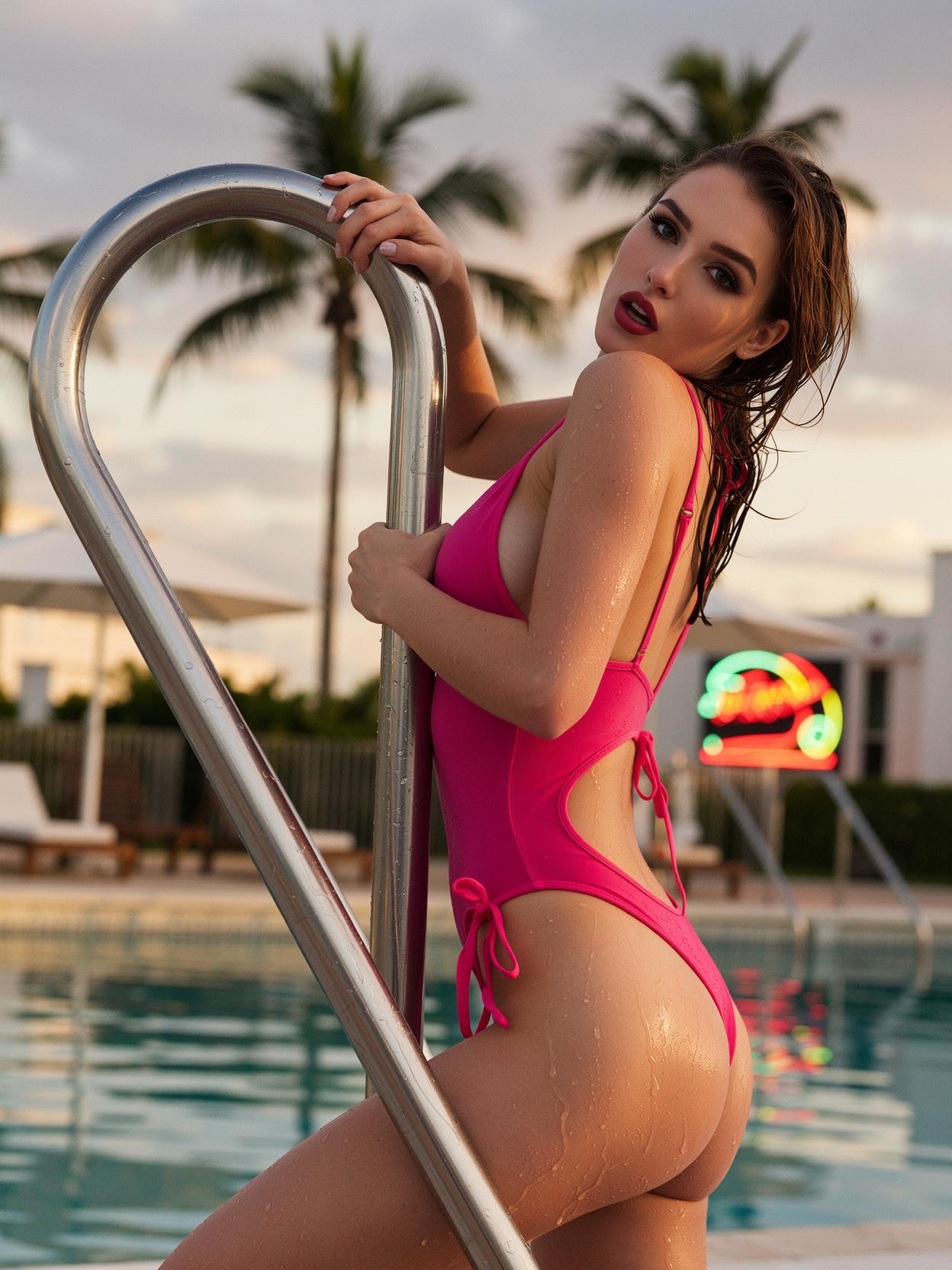





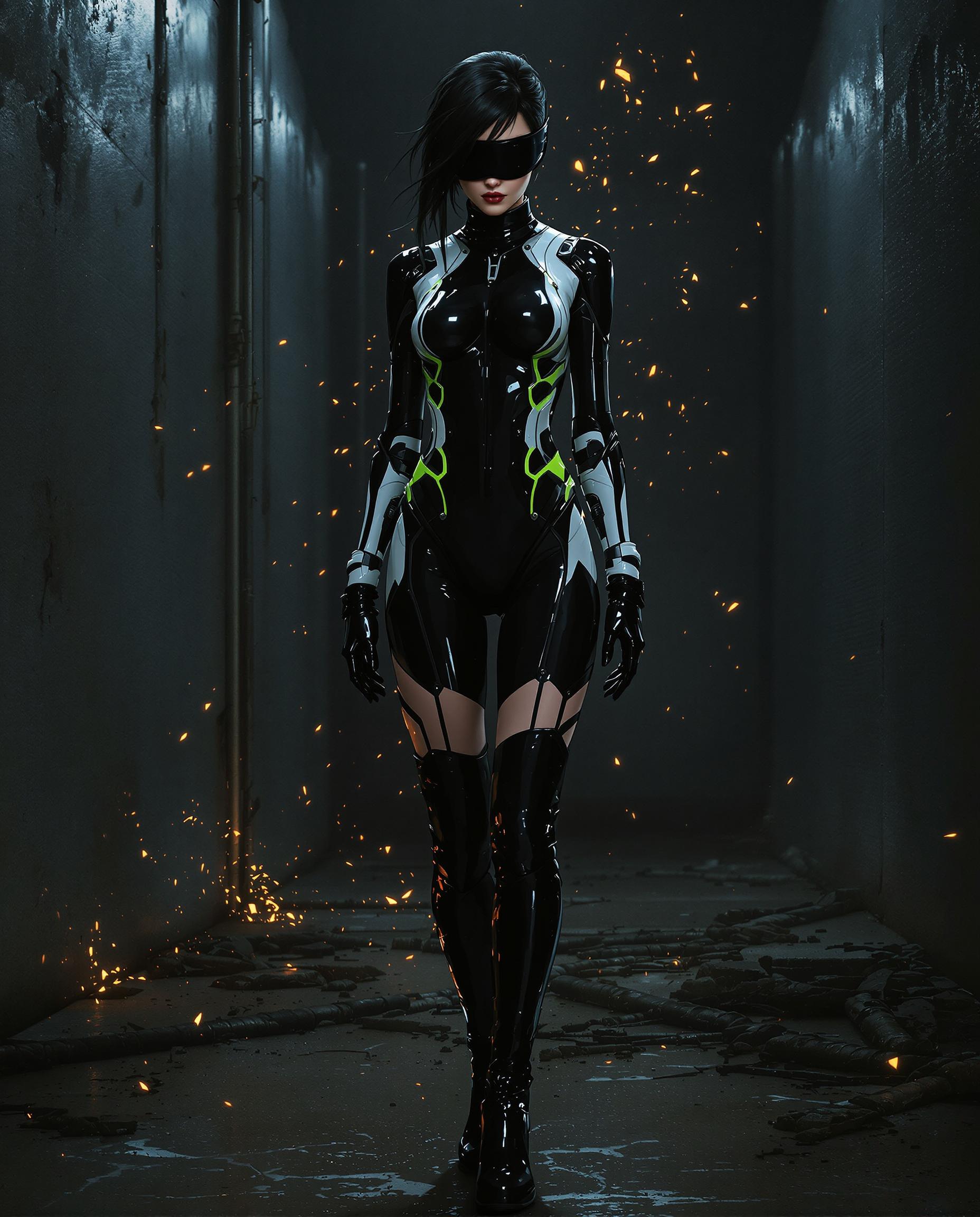
The Pixel Dojo Advantage
Discover how PixelDojo's Kling 2.6 surpasses traditional and other AI video creation methods:
| Others | Pixel Dojo |
|---|---|
| Traditional Video Production | Eliminates the need for actors, sets, and extensive post-production, reducing time and costs significantly. |
| Other AI Video Tools | Offers native audio-visual synchronization, ensuring dialogue and actions are perfectly aligned without additional editing. |
| Manual Editing | Automates complex processes, allowing for rapid iteration and experimentation with different scenes and dialogues. |
Loved by Creators
See what our community says about Kling 2.6 multi-person dynamics
"PixelDojo's Kling 2.6 has revolutionized our content creation process. We can now produce high-quality videos with multiple characters and synchronized audio in a fraction of the time."
Alex Johnson
Content Creator
"As a small business owner, PixelDojo has enabled me to create professional marketing videos without the need for a large budget or technical team."
Maria Lopez
Marketing Manager
Common Questions
Everything you need to know about Kling 2.6 multi-person dynamics AI generation
How does Kling 2.6 handle multi-person dialogue in videos?
Kling 2.6 generates synchronized audio-visual content, ensuring that each character's dialogue aligns perfectly with their on-screen actions, creating natural and engaging interactions.
Can I customize the voices and accents of characters in Kling 2.6?
Yes, you can specify voice attributes such as gender, age, tone, and accent in your text prompt to tailor each character's speech to your requirements.
What is the maximum duration of videos I can create with Kling 2.6?
Kling 2.6 supports video generation up to 10 seconds in length, suitable for creating concise and impactful scenes.
Is there a limit to the number of characters I can include in a scene?
While Kling 2.6 can handle multiple characters, it's recommended to keep scenes manageable to ensure clarity and quality in the generated video.
Do I need any prior video editing experience to use Kling 2.6?
No, Kling 2.6 is designed to be user-friendly, allowing creators of all skill levels to produce professional-quality videos without prior experience.
Can I use Kling 2.6 for commercial projects?
Yes, videos created with Kling 2.6 on PixelDojo can be used for commercial purposes, subject to PixelDojo's terms of service.