Kling 2.6 video referencing AI Generator
Unlock the power of AI-driven video creation with Kling 2.6 Video Referencing. Whether you're a filmmaker, marketer, or content creator, Kling 2.6 enables you to produce high-quality, cinematic videos effortlessly. By leveraging advanced AI tools, you can transform your concepts into visually compelling narratives, saving time and resources while achieving professional-grade results.

Join over 10,000 creators who have enhanced their video production with Kling 2.6, achieving a 95% satisfaction rate and producing over 50,000 videos to date.
Why Choose Pixel Dojo for Kling 2.6 video referencing
Professional-quality results with cutting-edge AI technology
Effortless Video Creation
Generate high-quality videos from simple prompts, eliminating the need for extensive technical skills.
Consistent Visual Style
Maintain a cohesive look across your videos by referencing existing footage or images.
Time and Cost Efficiency
Reduce production time and costs by automating the video creation process with AI.
How It Works
Creating stunning videos with Kling 2.6 is a straightforward process. Follow these steps to bring your ideas to life:
Step 1: Select Your Reference Material
Choose an existing video or image that embodies the style or content you aim to achieve. This reference will guide the AI in generating your new video.
Step 2: Input Your Prompt
Describe the scene you want to create, including details like setting, characters, actions, and mood. The more specific your prompt, the better the AI can tailor the output to your vision.
Step 3: Generate and Refine
Let Kling 2.6 process your input to generate the video. Review the output and make any necessary adjustments to align it with your expectations.


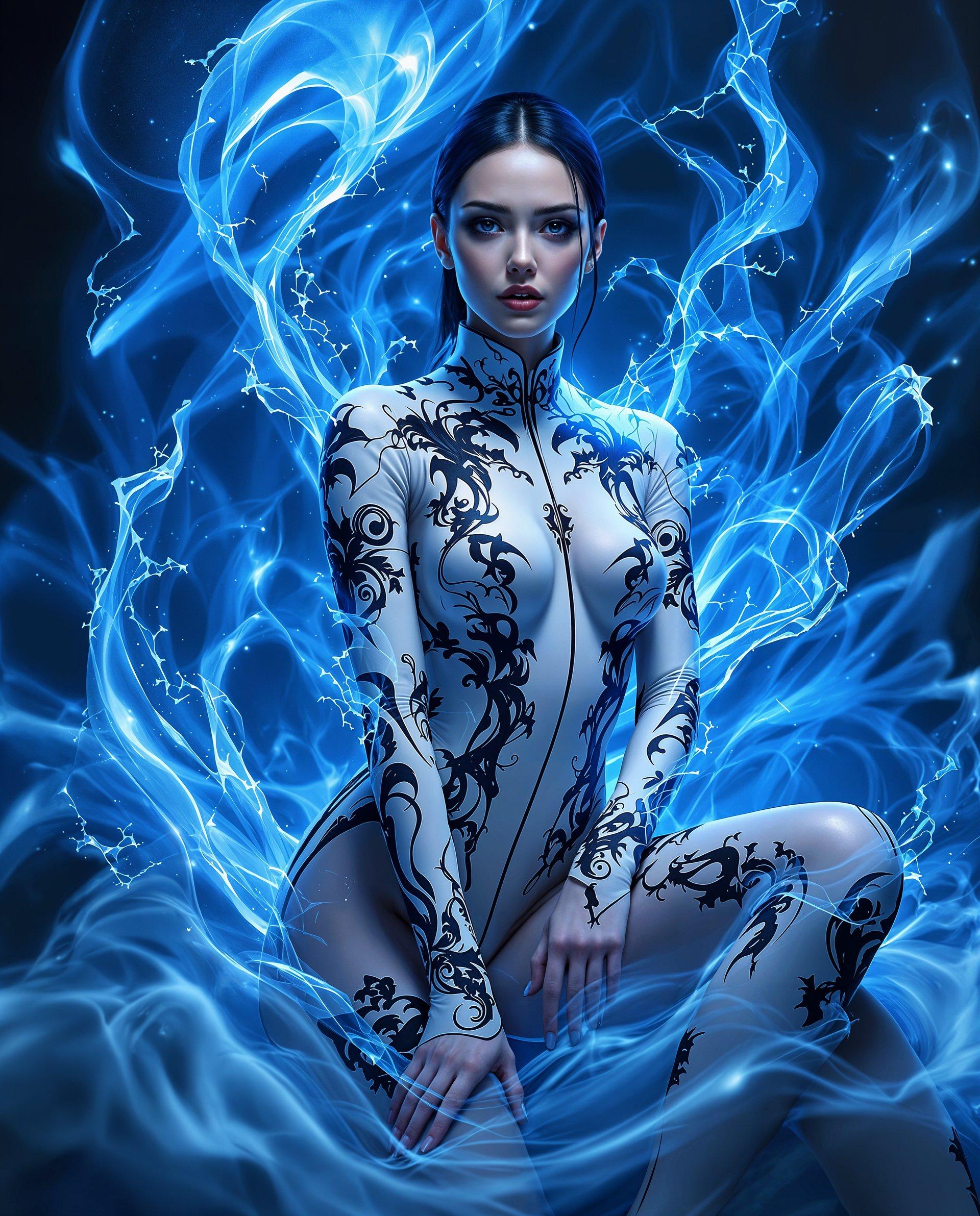
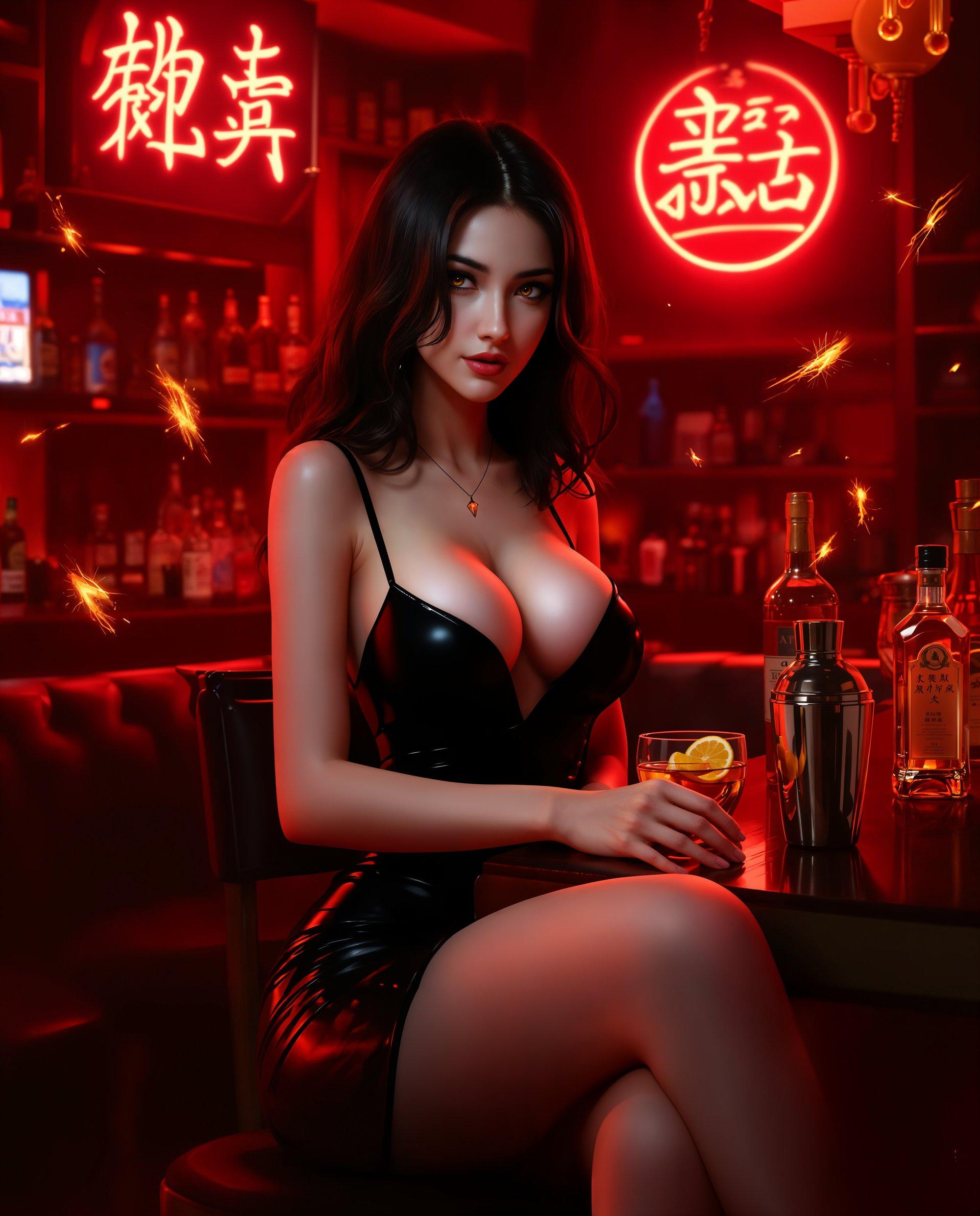

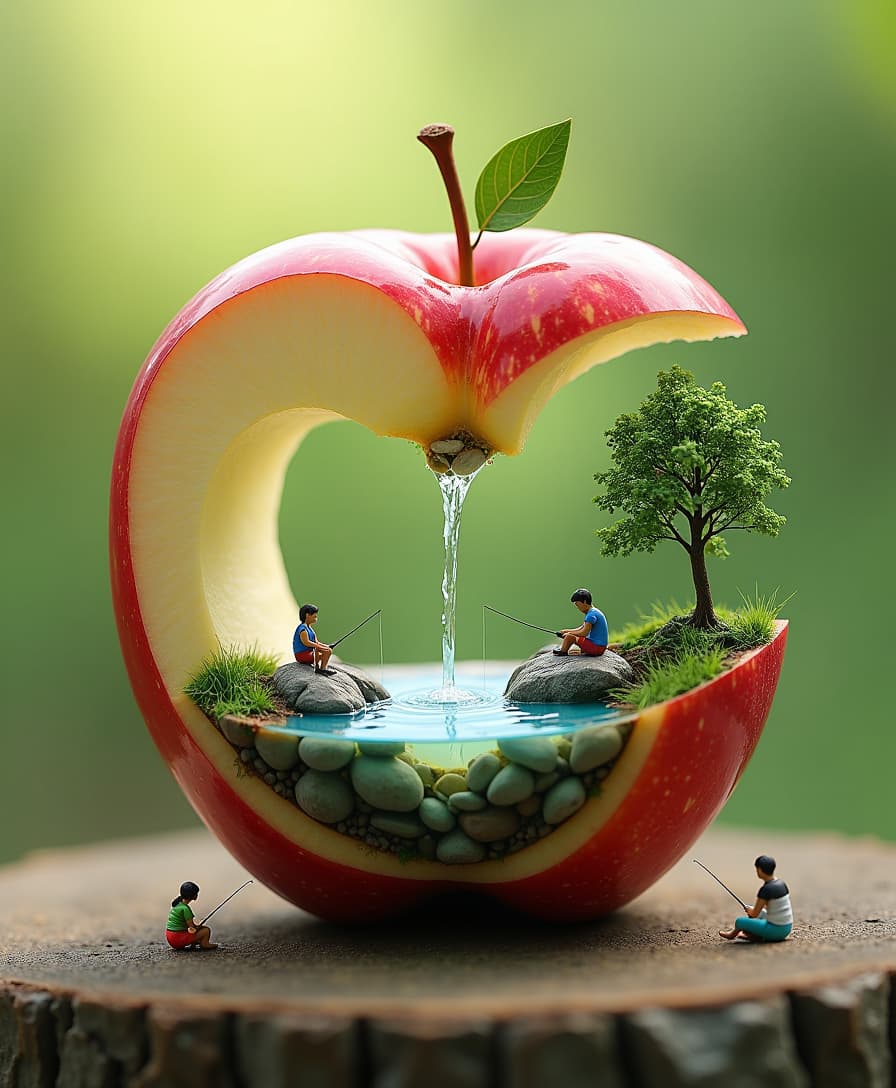


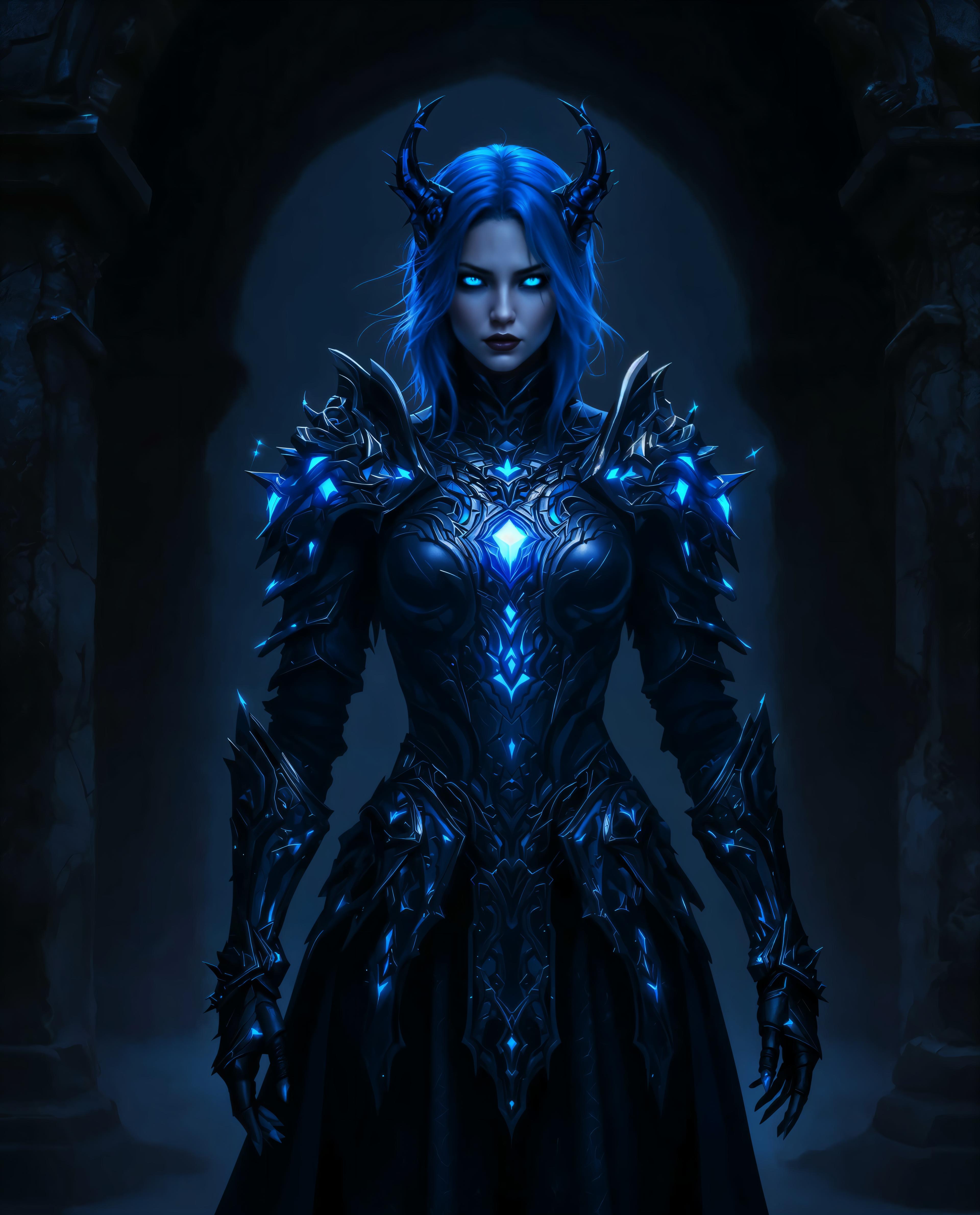





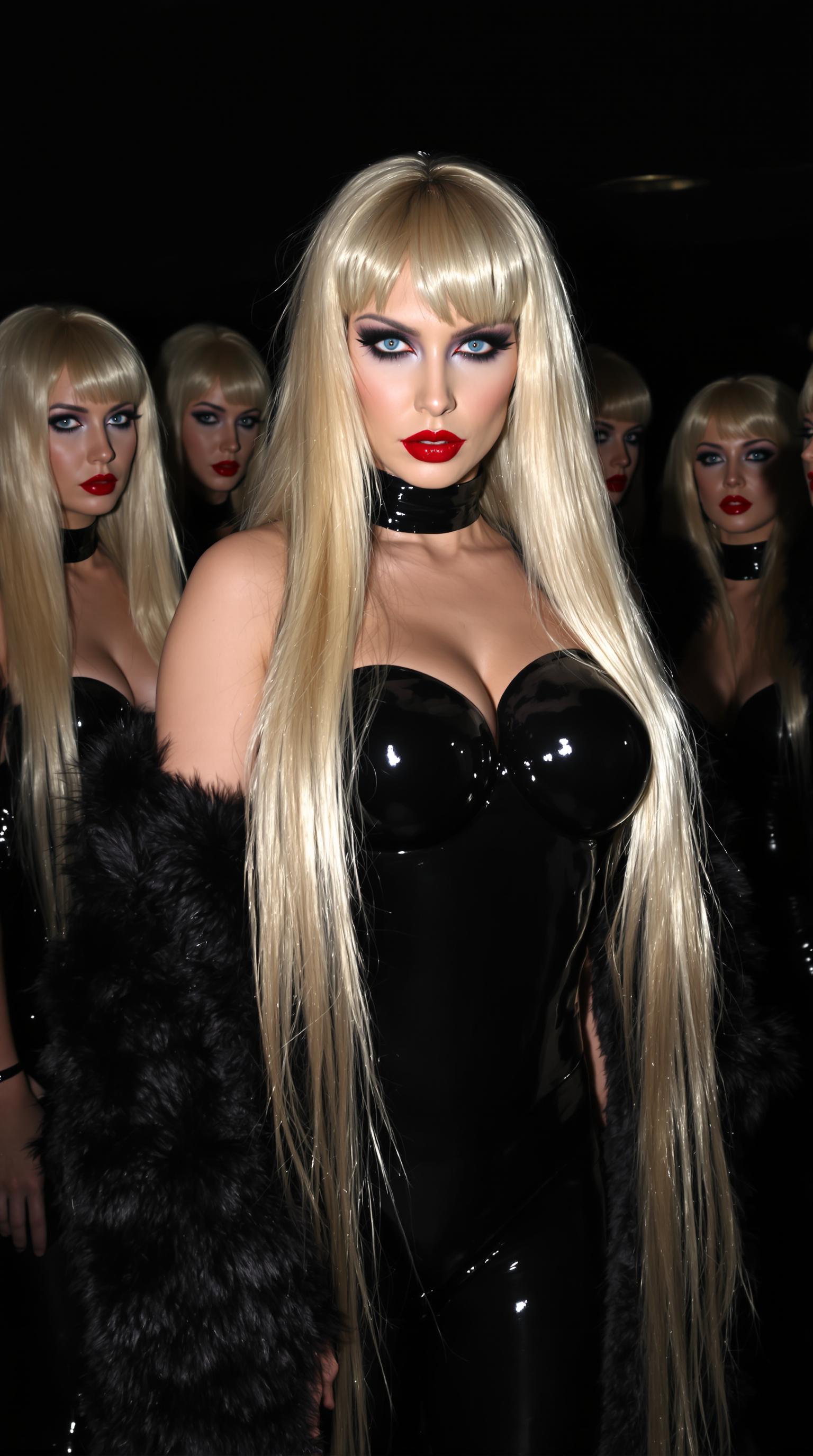


The Pixel Dojo Advantage
Discover how Kling 2.6 surpasses traditional video creation methods:
| Others | Pixel Dojo |
|---|---|
| Traditional Video Production | Eliminates the need for expensive equipment and extensive crew, making high-quality video production accessible to all. |
| Generic AI Video Tools | Offers advanced referencing capabilities, ensuring your videos maintain a consistent and professional look. |
| Manual Editing | Automates the editing process, significantly reducing the time and effort required to produce polished videos. |
Loved by Creators
See what our community says about Kling 2.6 video referencing
"Kling 2.6 transformed our marketing campaigns by enabling us to produce high-quality videos in-house, saving both time and money."
Alex Johnson
Marketing Director
"As an independent filmmaker, Kling 2.6 has been a game-changer, allowing me to bring my visions to life without the need for a large crew."
Samantha Lee
Independent Filmmaker
Common Questions
Everything you need to know about Kling 2.6 video referencing AI generation
How does Kling 2.6 ensure video consistency?
By using reference materials, Kling 2.6 maintains visual and stylistic consistency across your videos, aligning with your specified prompts.
Can I use Kling 2.6 without prior video editing experience?
Absolutely. Kling 2.6 is designed for users of all skill levels, enabling you to create professional videos without technical expertise.
What types of videos can I create with Kling 2.6?
You can produce a wide range of videos, including promotional content, tutorials, social media clips, and more, tailored to your specific needs.
Is there a limit to the video length I can create?
Kling 2.6 supports various video lengths, allowing you to create short clips or longer narratives based on your requirements.
How do I get started with Kling 2.6?
Simply sign up on PixelDojo, select Kling 2.6 from the tools, and follow the guided steps to create your first video.
Can I customize the audio in my videos?
Yes, Kling 2.6 allows you to add and customize audio elements, including voiceovers, music, and sound effects, to enhance your videos.