Kling 2.6 voice generation AI Generator
In today's fast-paced digital landscape, creating captivating video content is essential. With Kling 2.6's voice generation capabilities, you can produce high-quality AI videos complete with synchronized audio, including dialogue, sound effects, and ambient sounds. This innovative tool streamlines your workflow, allowing you to focus on storytelling while Kling 2.6 handles the technical complexities.
Join thousands of creators who have enhanced their content with Kling 2.6, achieving over 1 million views collectively and receiving an average rating of 4.8 out of 5 stars.
Why Choose Pixel Dojo for Kling 2.6 voice generation
Professional-quality results with cutting-edge AI technology
Effortless Audio-Visual Synchronization
Generate videos where visuals and audio are perfectly aligned, eliminating the need for post-production adjustments.
Time-Saving Content Creation
Produce complete videos from text prompts in minutes, significantly reducing production time.
High-Quality Output
Achieve 1080p resolution with realistic motion and sound, ensuring professional-grade videos.
How It Works
Creating engaging AI videos with Kling 2.6 is a straightforward process. Follow these steps to bring your ideas to life:
Step 1: Choose Your Input
Start by selecting either a text prompt or an image to base your video on. Kling 2.6 supports both text-to-video and image-to-video generation.
Step 2: Enter Your Prompt
Provide a detailed description of the scene you want to create. Include specifics about the environment, characters, actions, and any dialogue or sounds.
Step 3: Generate and Download
Click the 'Generate' button to let Kling 2.6 process your input. Once the video is ready, preview it and download the final product.


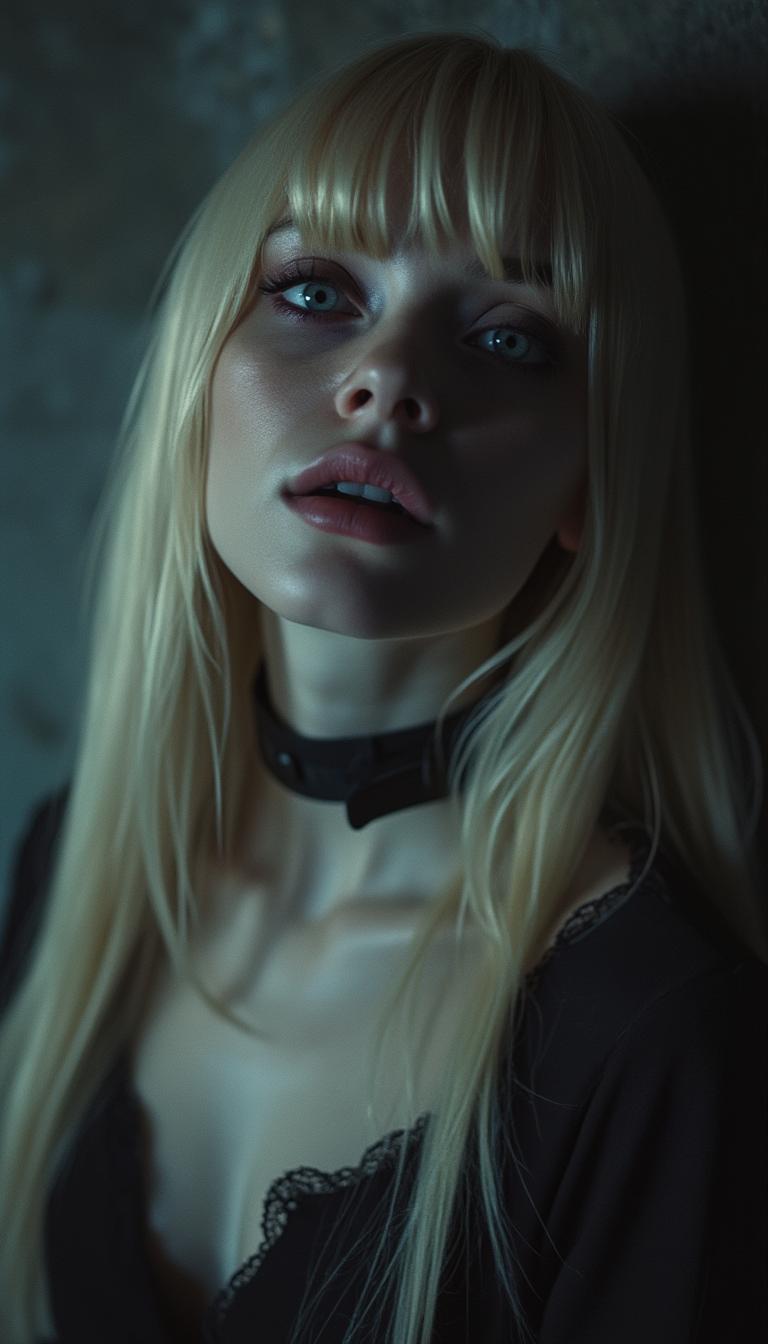

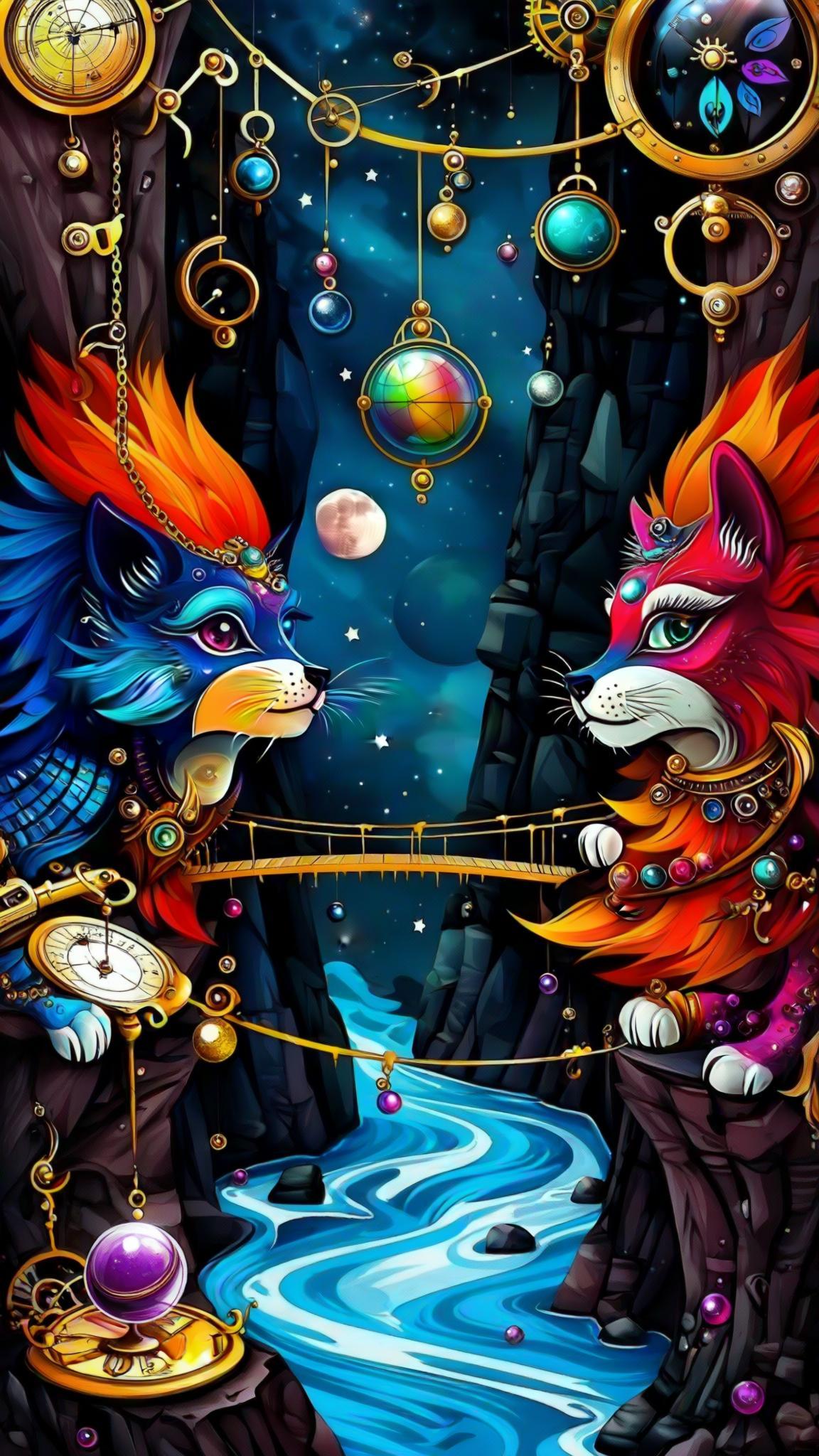

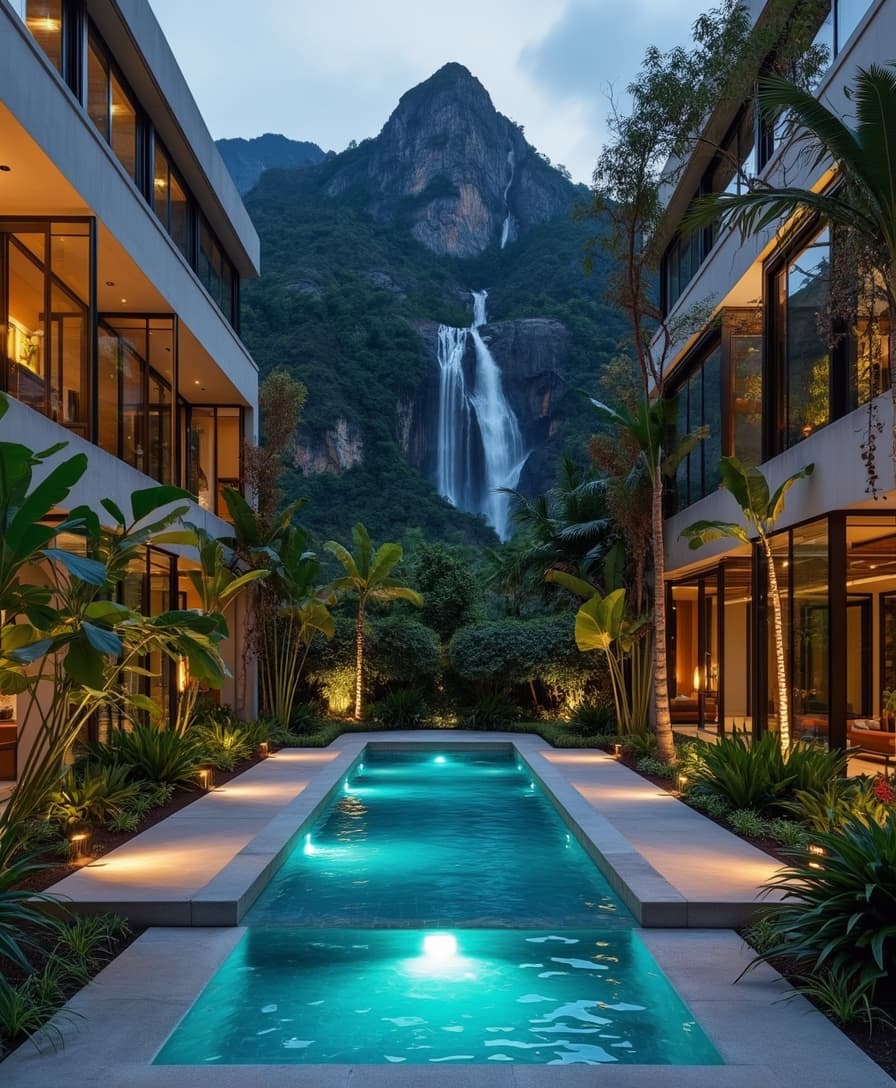
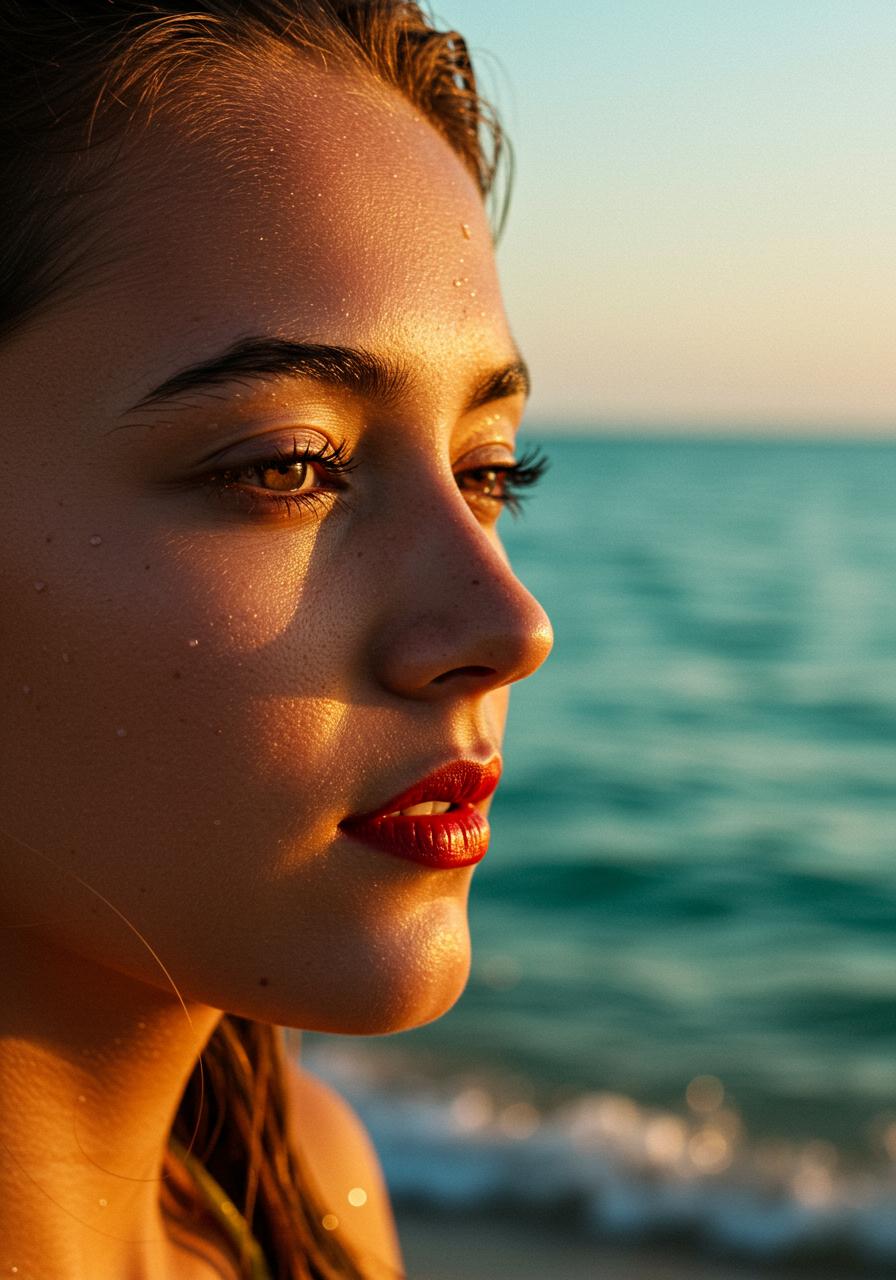
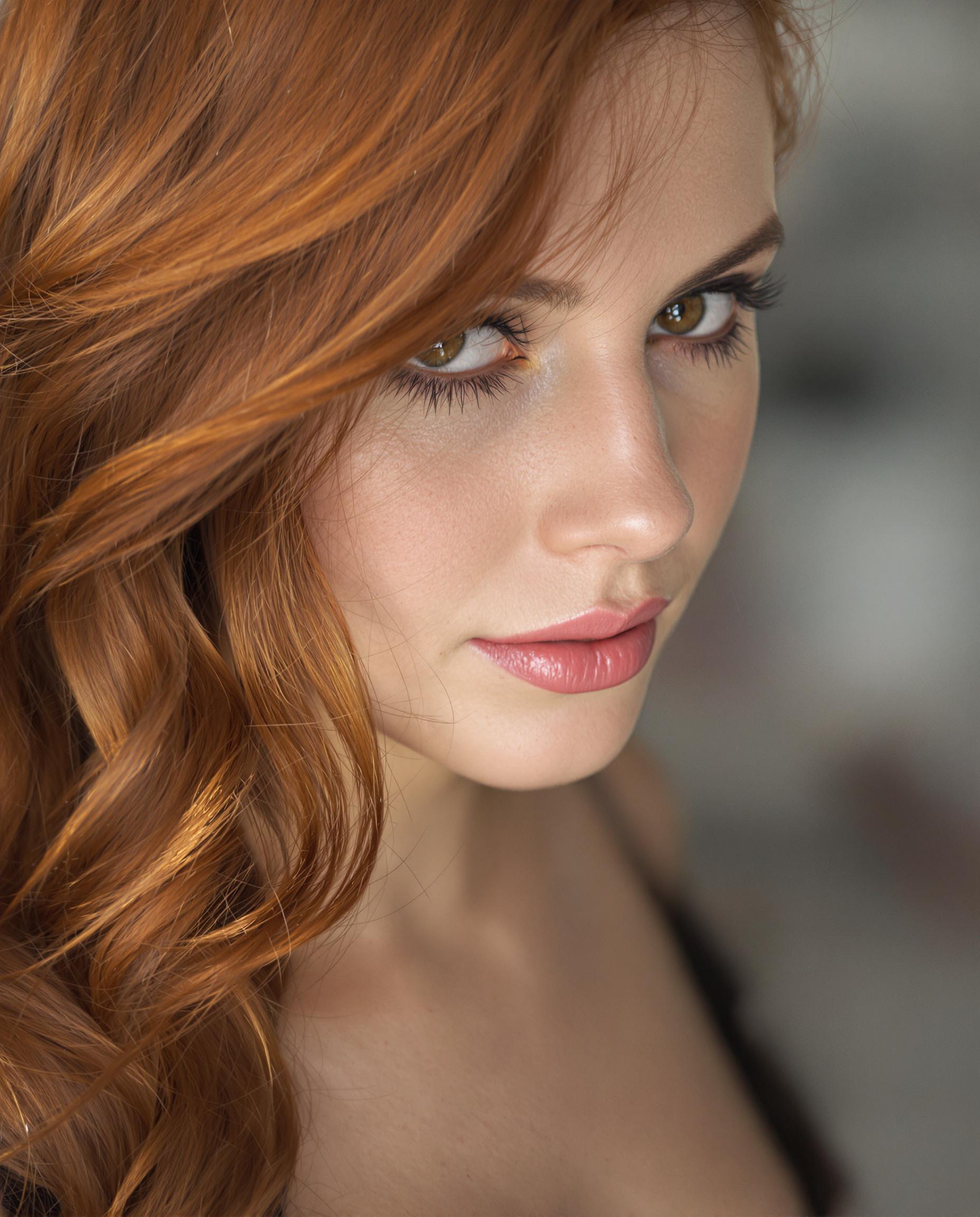
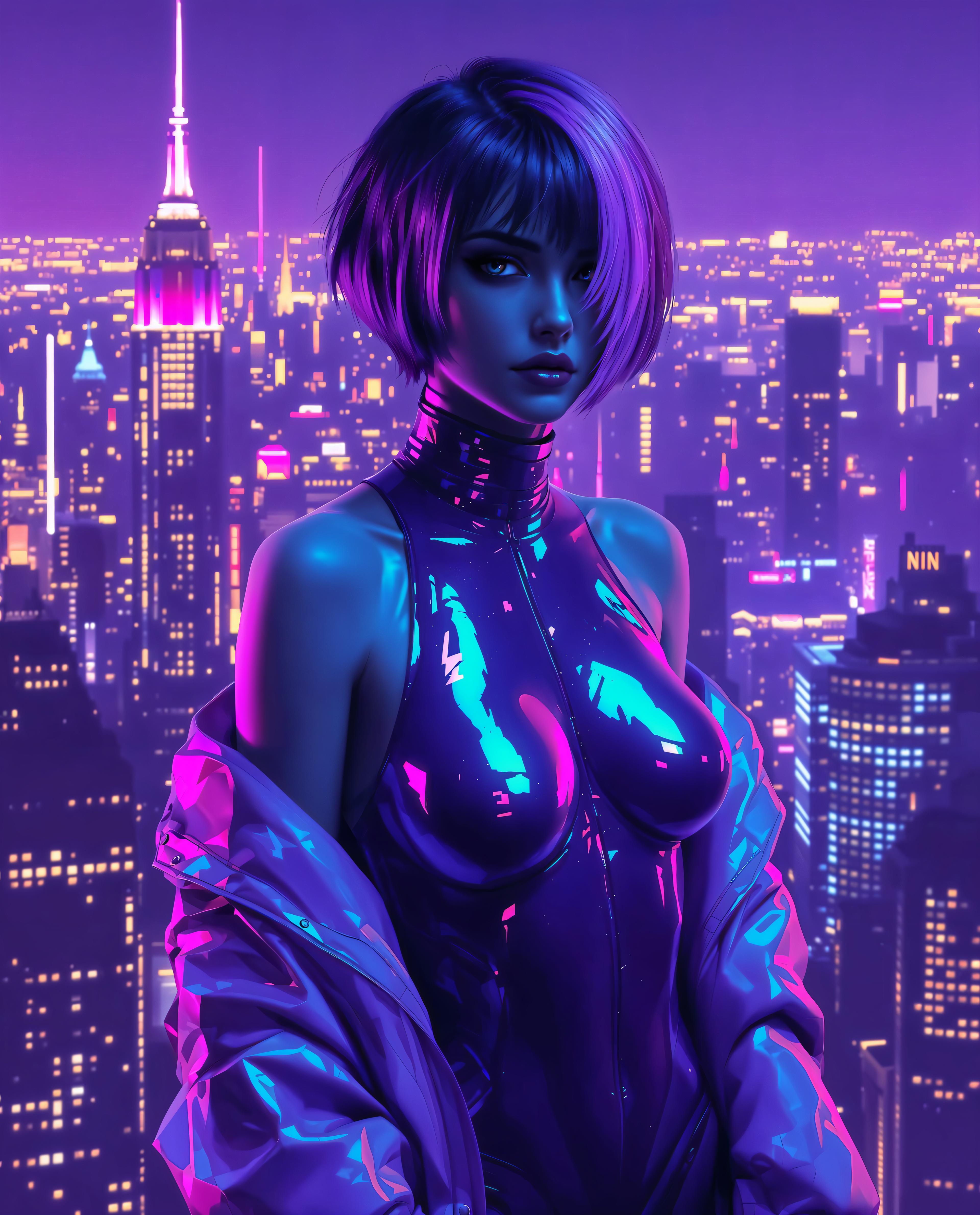

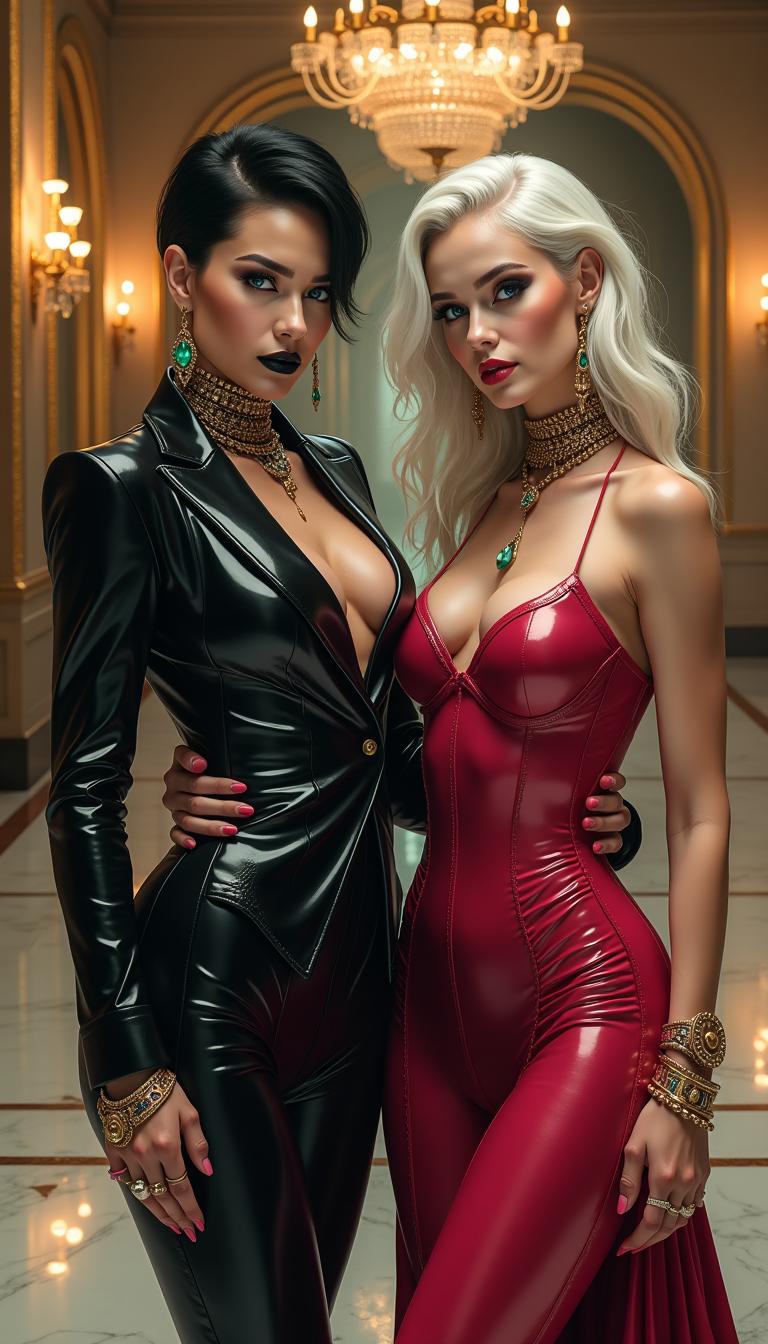

The Pixel Dojo Advantage
Why Kling 2.6 Outperforms Other Video Creation Methods
| Others | Pixel Dojo |
|---|---|
| Traditional Video Production | Eliminates the need for separate audio recording and editing, streamlining the production process. |
| Generic AI Video Tools | Provides native audio generation, ensuring perfect synchronization between visuals and sound. |
| Manual Audio Synchronization | Automates the synchronization process, saving time and reducing the potential for errors. |
Loved by Creators
See what our community says about Kling 2.6 voice generation
"Kling 2.6 revolutionized my content creation process. The synchronized audio and video generation saved me hours of editing."
Alex Johnson
Content Creator
"The quality of videos produced with Kling 2.6 is outstanding. It's like having a professional production team at my fingertips."
Maria Lopez
Marketing Specialist
Common Questions
Everything you need to know about Kling 2.6 voice generation AI generation
How does Kling 2.6 ensure audio and video synchronization?
Kling 2.6 generates audio and video simultaneously, ensuring perfect alignment between visuals and sound without the need for manual synchronization.
Can I use Kling 2.6 for commercial projects?
Yes, videos created with Kling 2.6 can be used for commercial purposes, including marketing, advertising, and client projects.
What input formats does Kling 2.6 support?
Kling 2.6 supports both text prompts and image inputs, allowing for flexible content creation based on your needs.
Is there a limit to the video length I can create?
Kling 2.6 currently supports video generation up to 10 seconds in length, suitable for short-form content and social media posts.
Do I need any prior experience to use Kling 2.6?
No prior experience is necessary. Kling 2.6 is designed with a user-friendly interface that guides you through the video creation process.
How can I improve the quality of my generated videos?
Providing detailed and specific prompts, including descriptions of scenes, actions, and desired audio elements, will help Kling 2.6 generate higher-quality videos.