kling 3.0 AI Generator
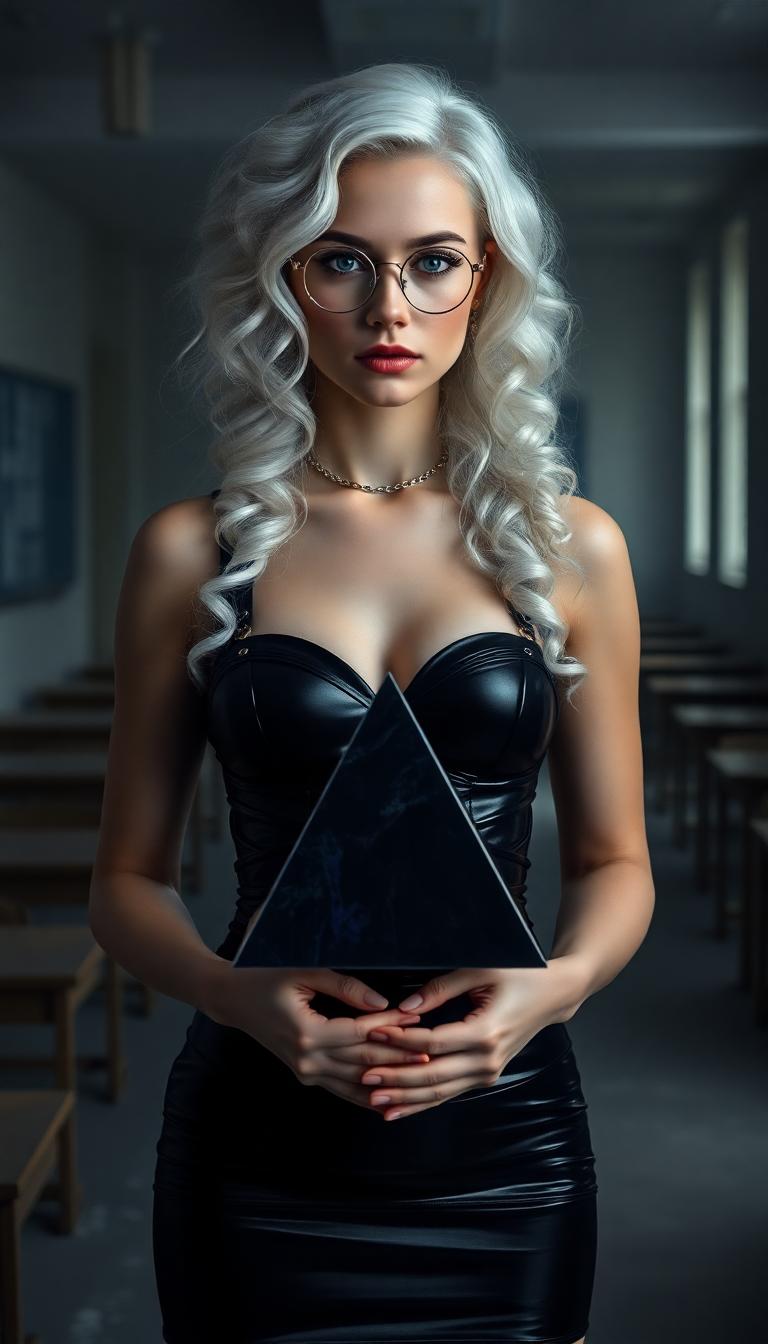
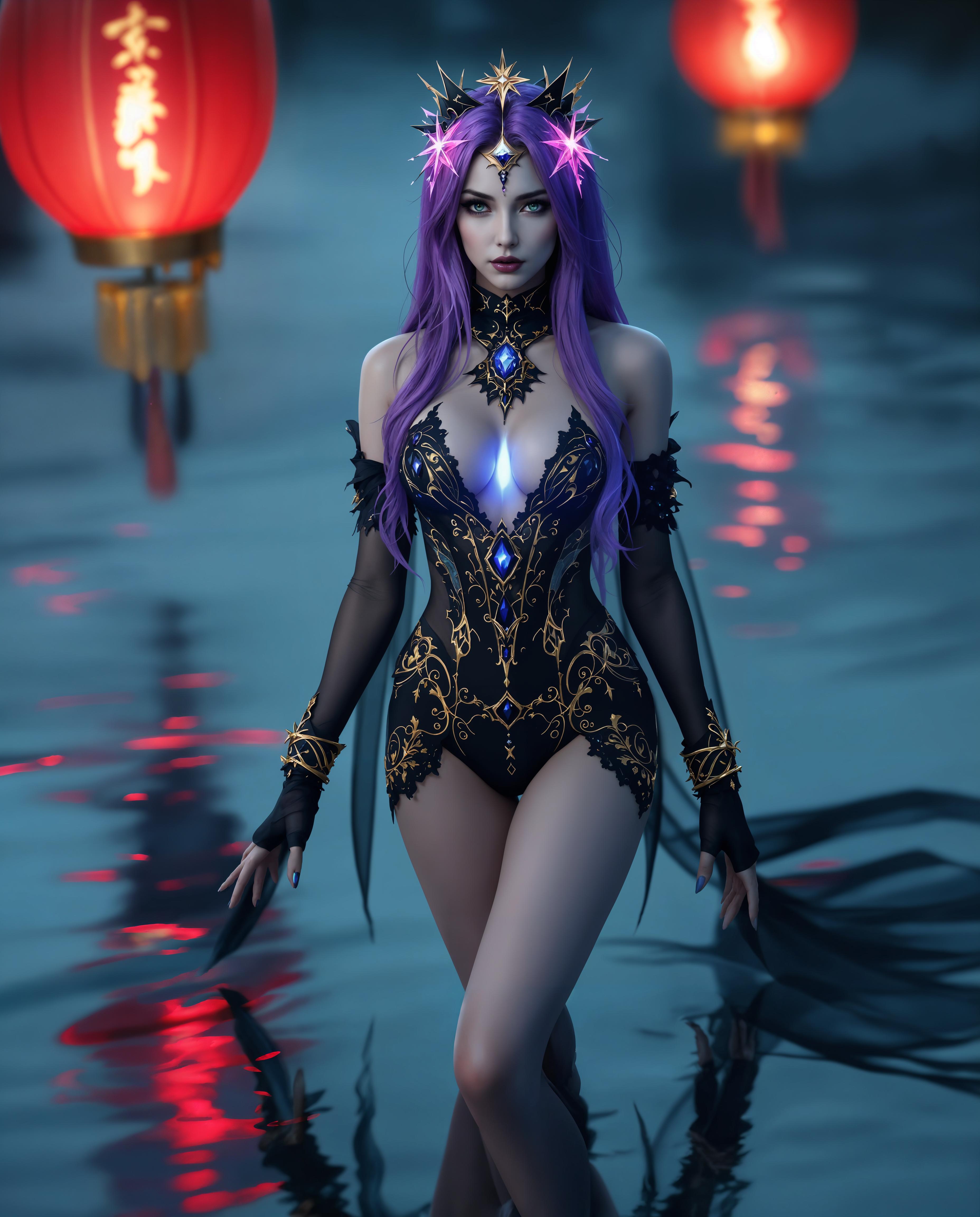
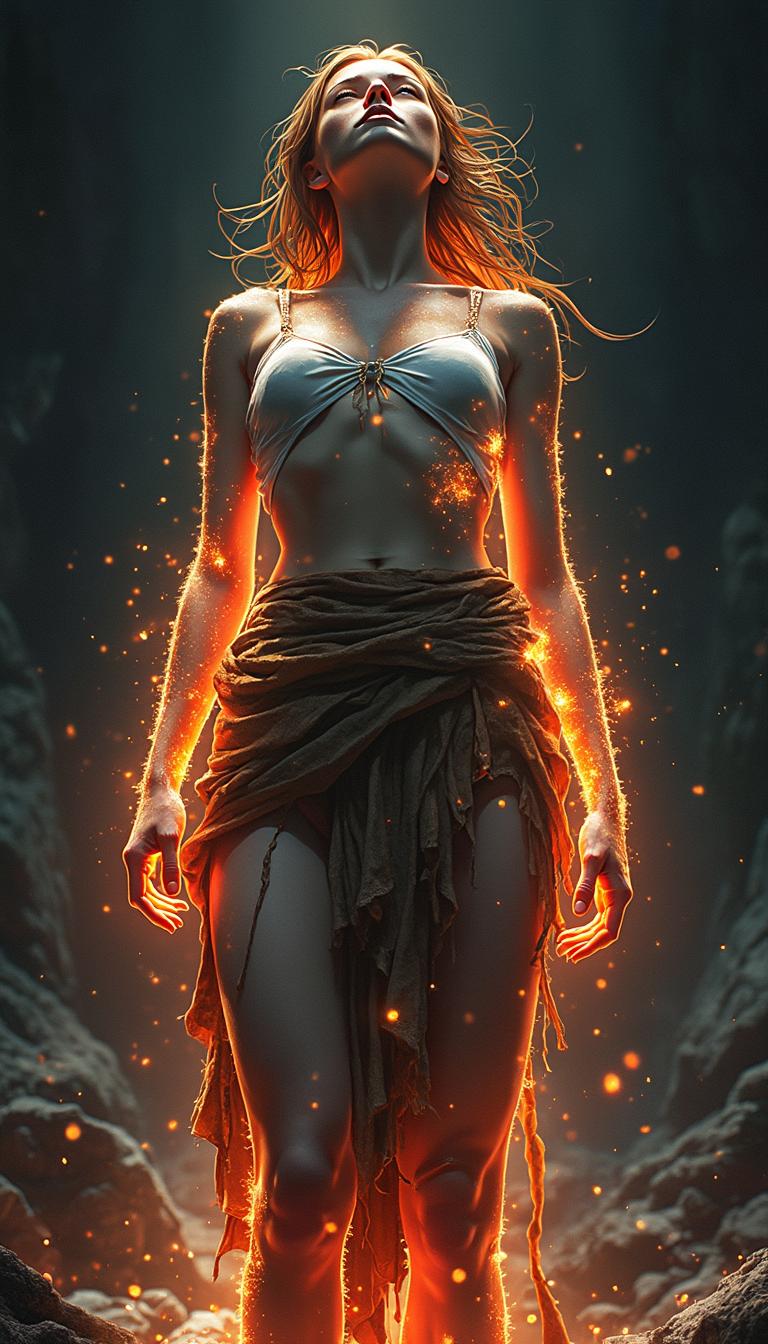
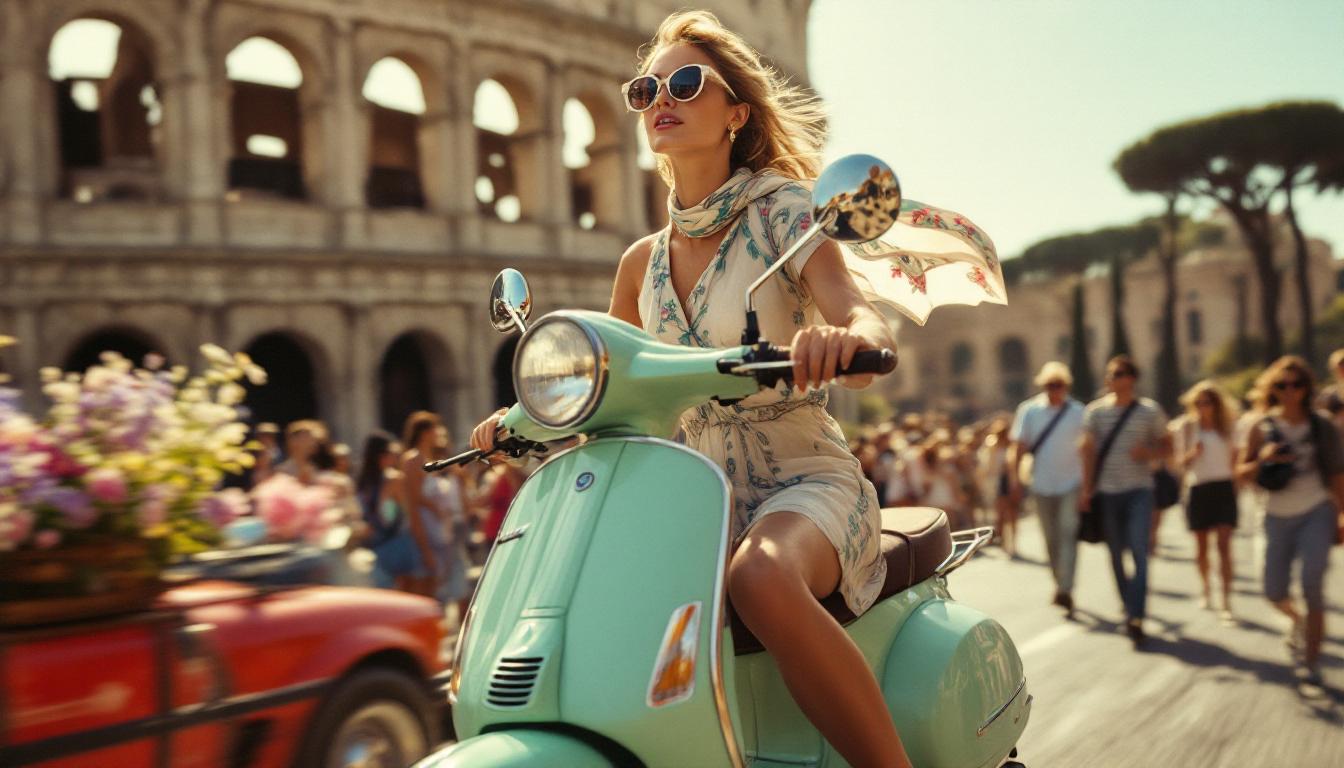
Imagine transforming your ideas into breathtaking cinematic images that feature perfect lighting logic, lifelike material textures, and flawless compositional balance — all in seconds instead of days. With PixelDojo's Kling 3.0 image generation, you achieve studio-quality visuals that drive real outcomes for your projects. Whether you need consistent characters across an entire marketing campaign, hyper-realistic product visualizations that boost conversions, or detailed storyboards that impress clients and investors, our platform delivers results you can be proud of. Kling 3.0 on PixelDojo leverages advanced visual reasoning to understand your intent deeply, composing scenes with cinematic intelligence that feels like working with a professional director and photographer combined. You get native high-resolution outputs with accurate physics, subsurface scattering on skin and fabrics, realistic reflections, and rich environmental details that make your images stand out. No more generic AI look or frustrating inconsistencies. You can generate complete image series where every frame maintains perfect character appearance, style, and narrative flow. Then refine them using our integrated editing tools without ever leaving the platform. Marketers create on-brand assets faster, filmmakers visualize scenes before shooting, e-commerce teams produce lifestyle photography without costly photoshoots, and creators build entire visual worlds. PixelDojo removes every barrier with 40+ cutting-edge AI tools including our dedicated Kling Image generator, all in one easy-to-use web app. Join thousands of creators worldwide who rely on us daily. Cancel anytime. Your first generations are free — start turning your vision into reality today.
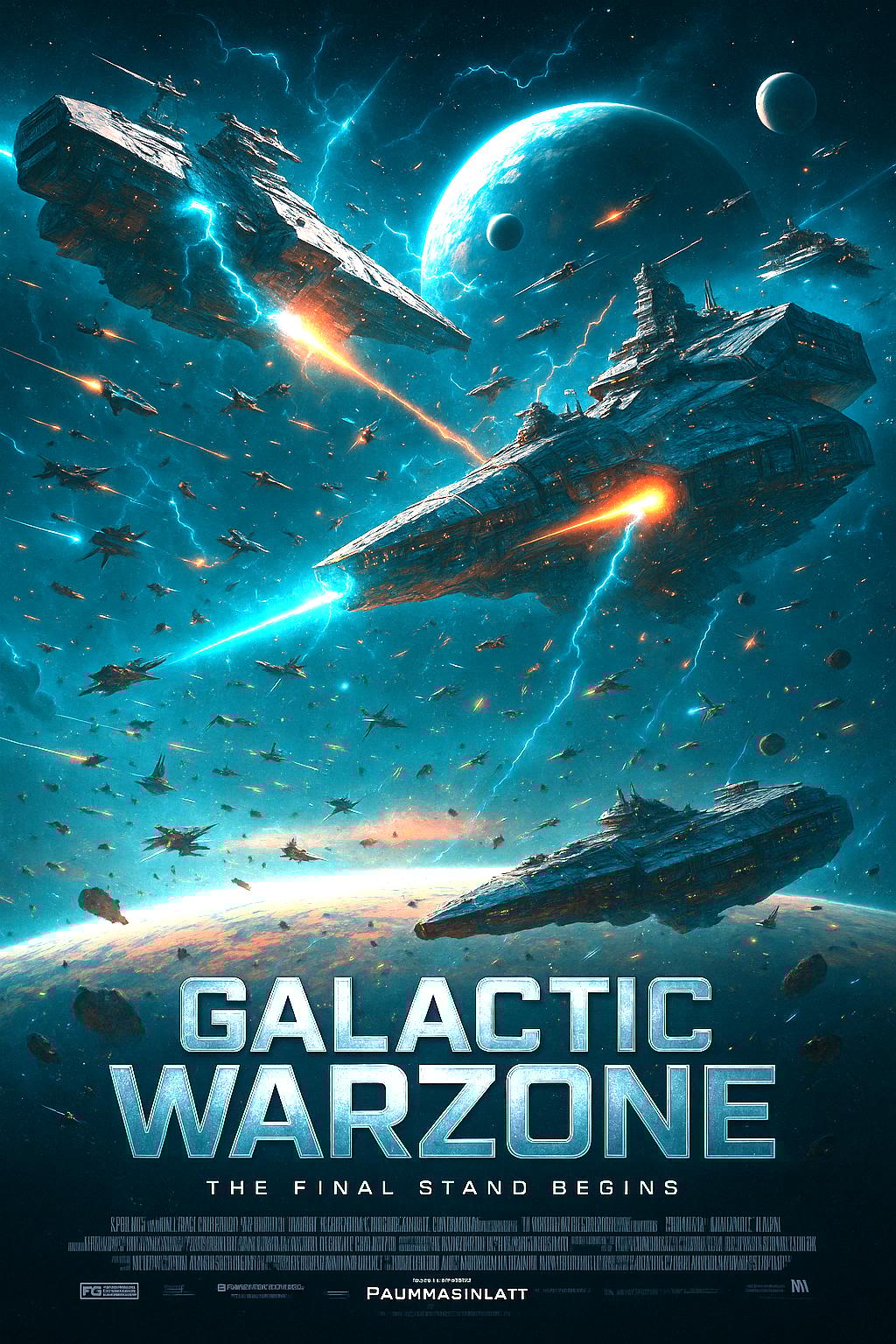
Trusted by 25,000+ creators • 4.9/5 average rating from 3,400+ reviews • "Kling 3.0 on PixelDojo gave us perfectly consistent characters for our entire game universe. The cinematic quality is production-ready." — Marcus Rodriguez, Lead Concept Artist • "Our product lifestyle images look better than professional photoshoots and took minutes instead of weeks. Massive time and cost savings." — Elena Patel, E-commerce Director
Why Choose Pixel Dojo for kling 3.0
Professional-quality results with cutting-edge AI technology
Create Studio-Quality Cinematic Images Instantly
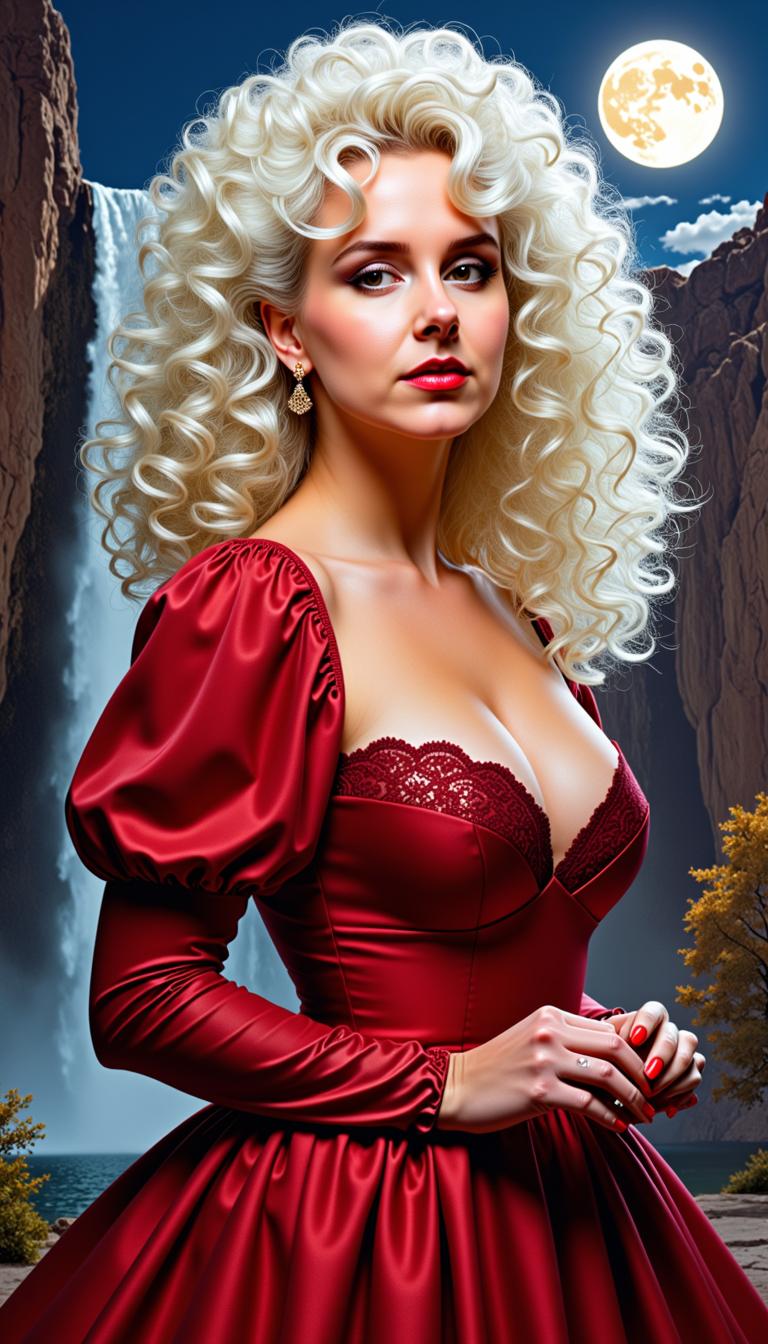
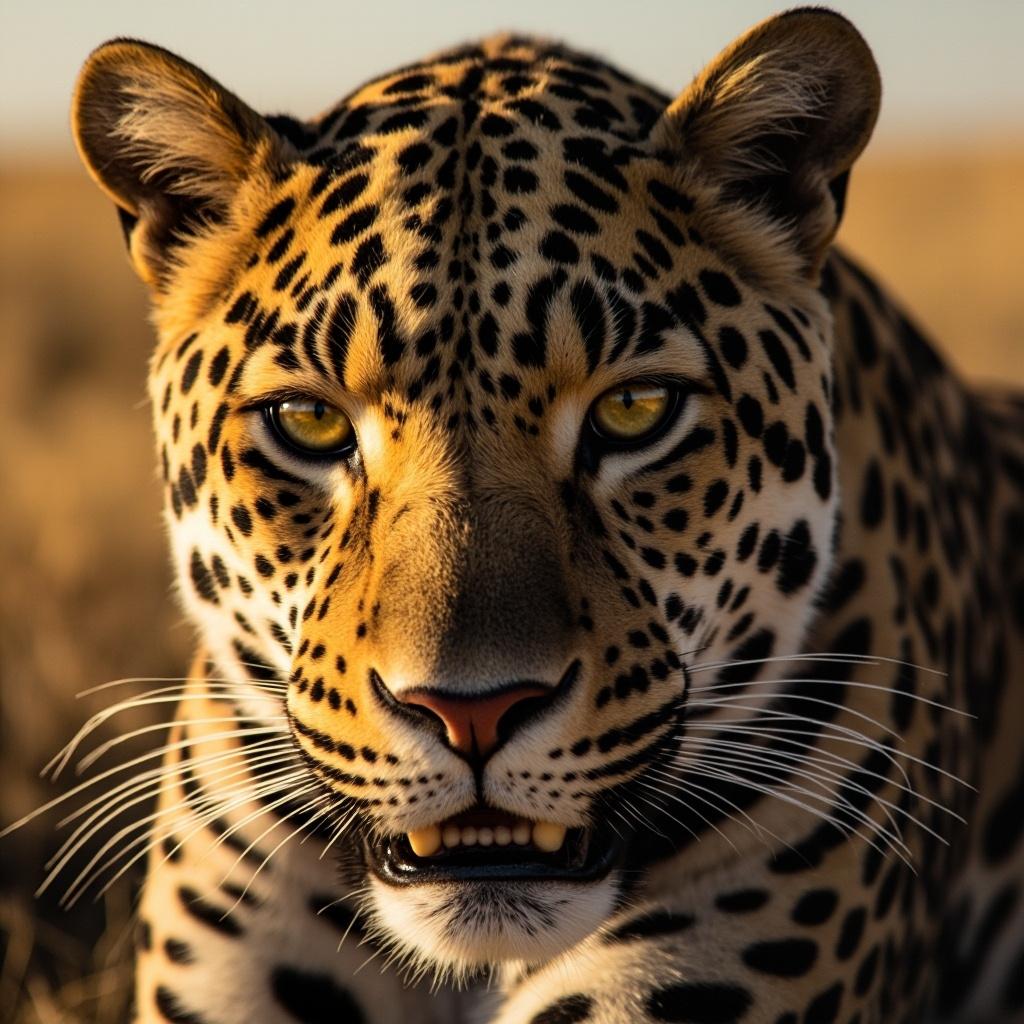
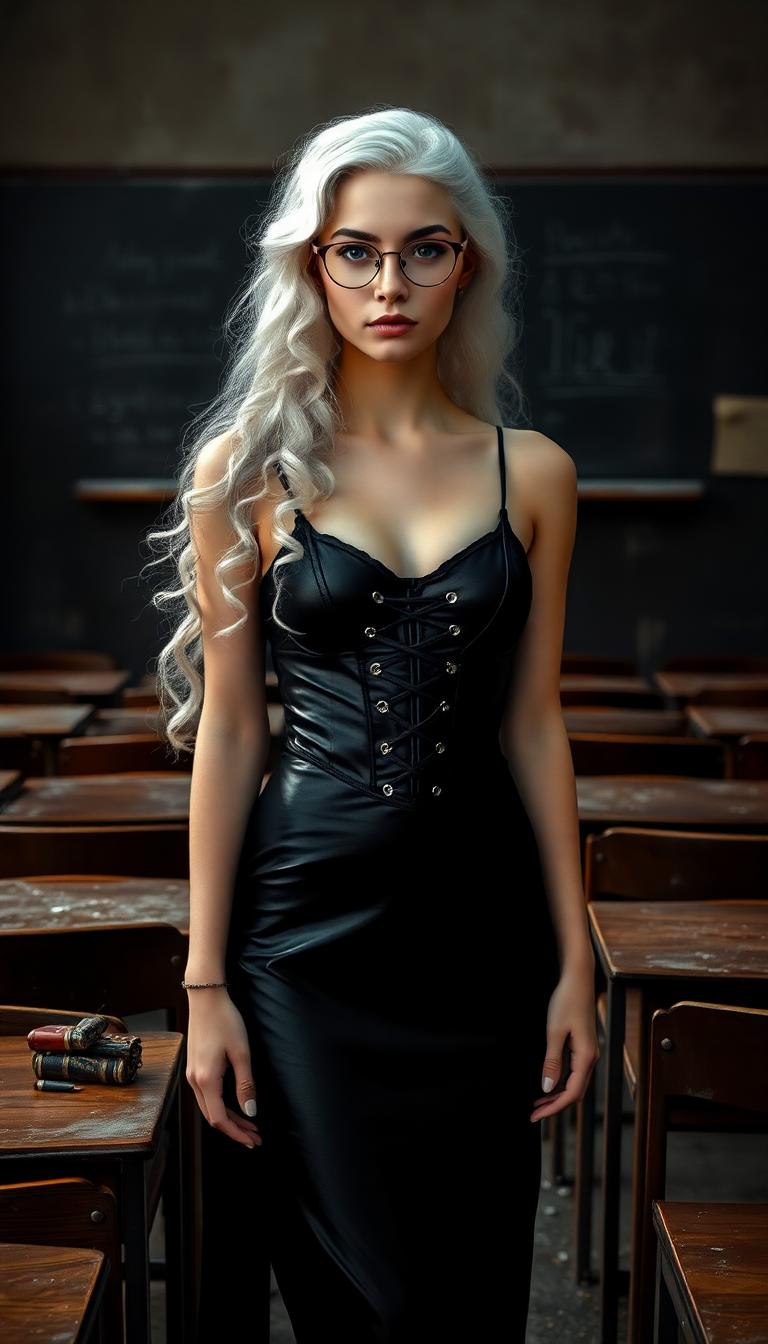
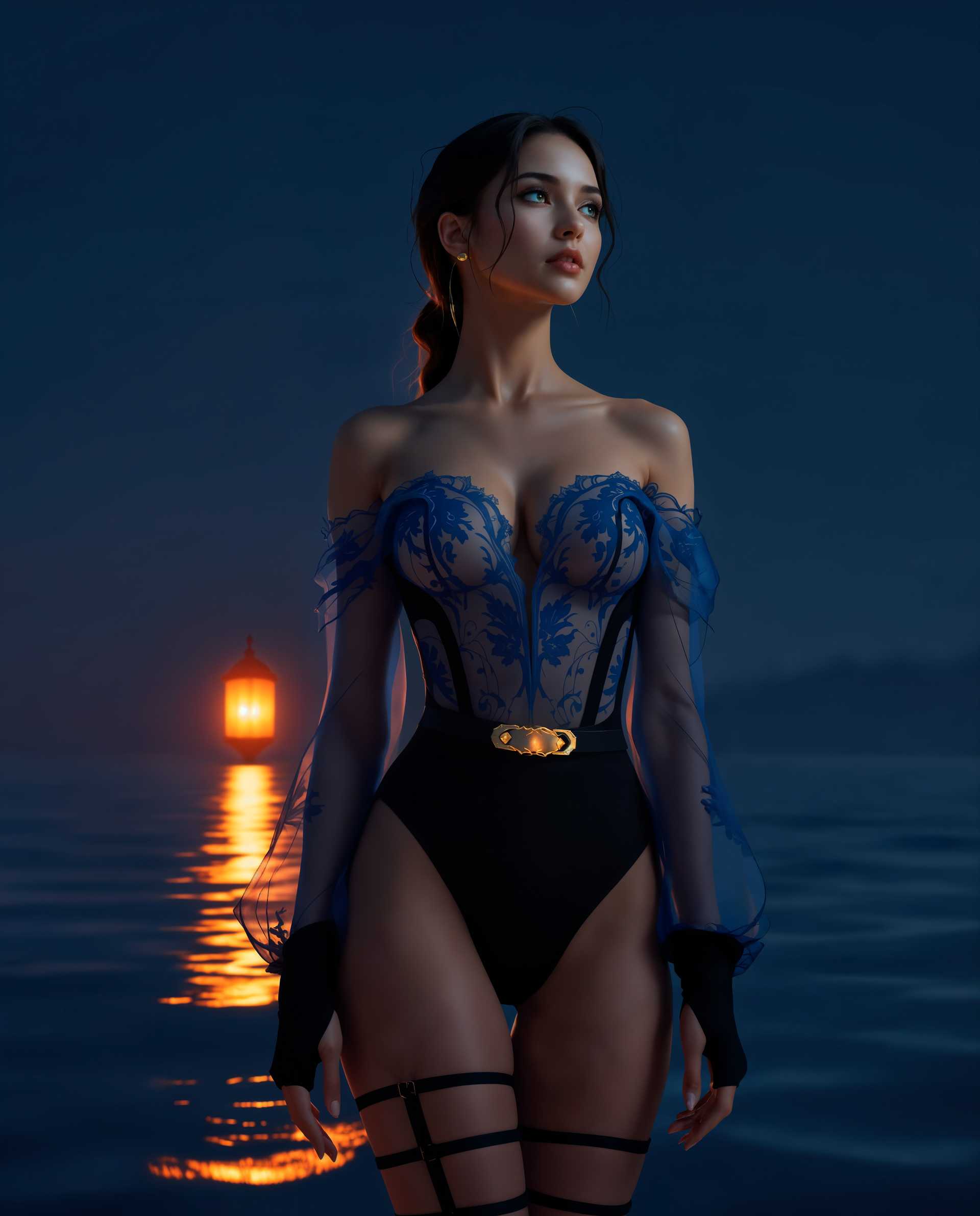
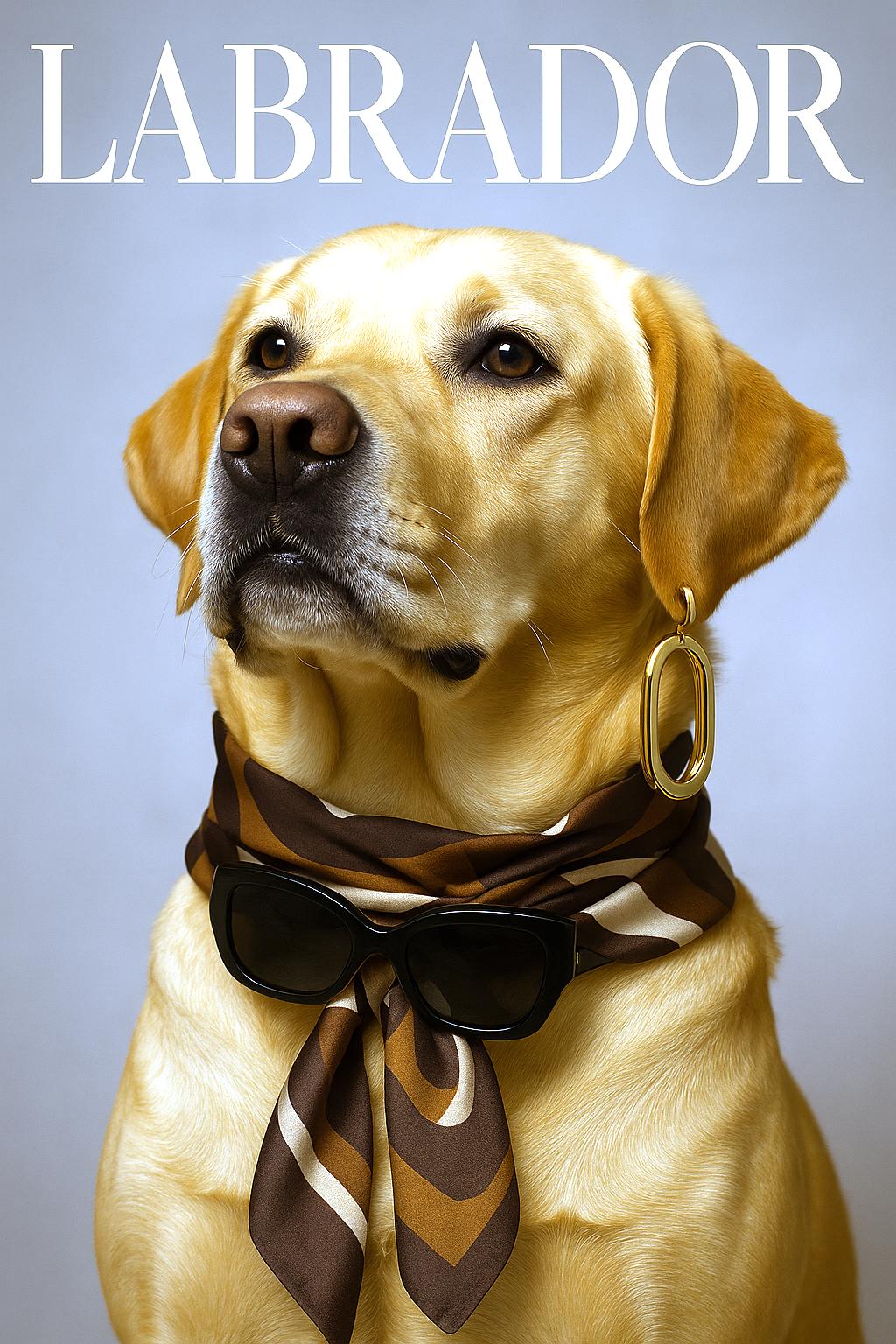
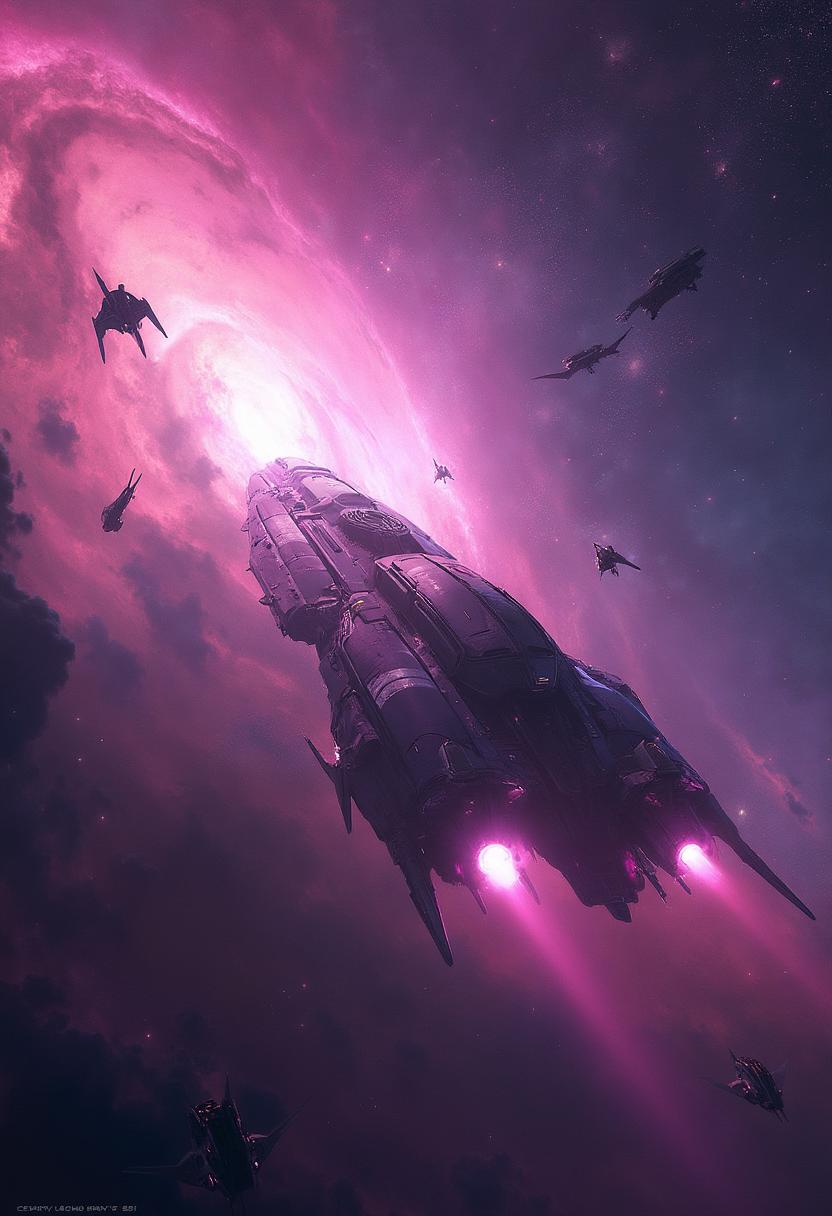
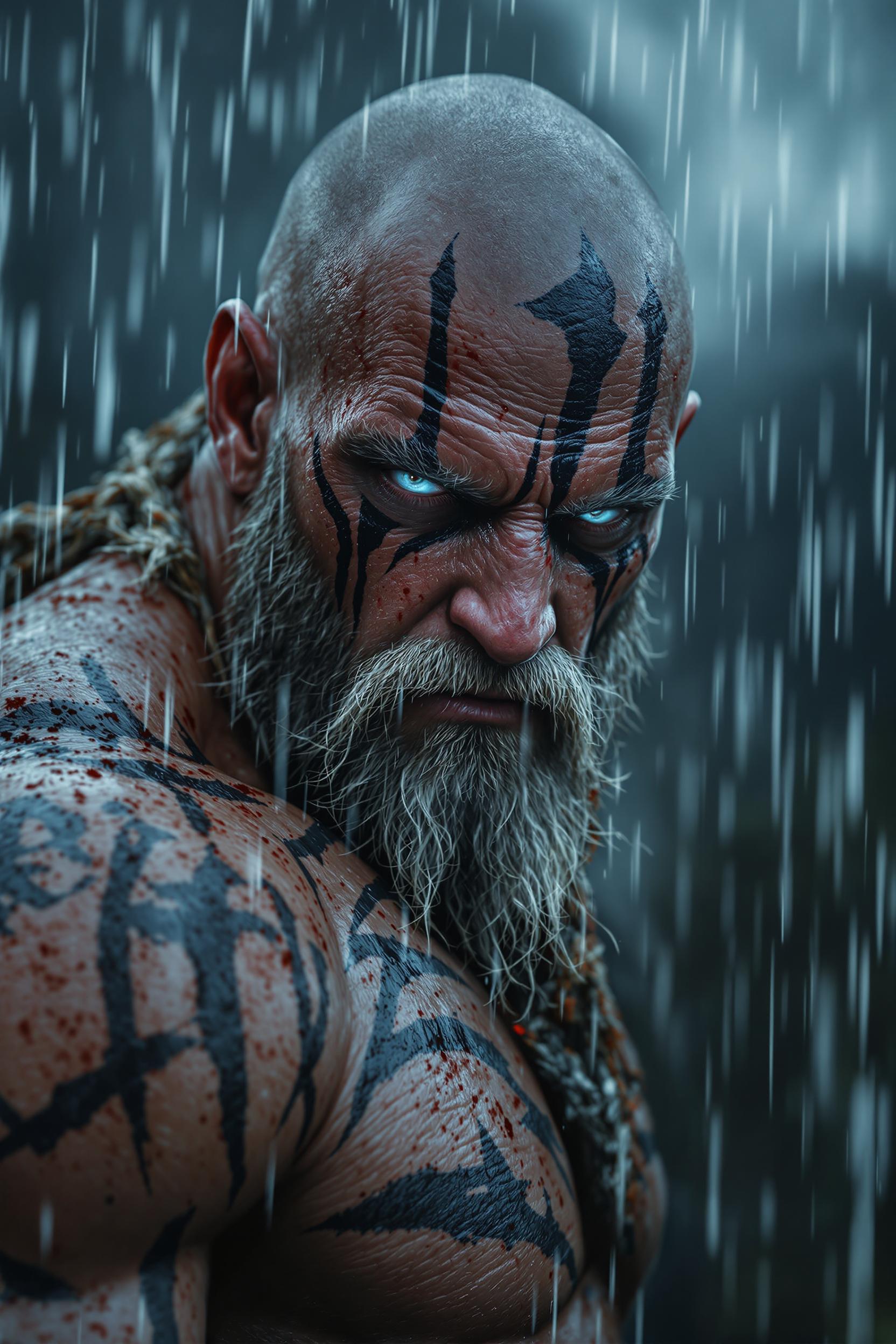
You achieve photorealistic visuals with intelligent scene composition, accurate lighting, camera techniques, and material physics that rival professional photography. Generate concepts, storyboards, or final assets that capture attention and communicate your vision powerfully, all without expensive gear, locations, or teams. PixelDojo's Kling Image tool makes this accessible so you can produce images that elevate your brand, content, and projects immediately.
Maintain Perfect Consistency Across Entire Projects
Upload multiple reference images and create cohesive series where characters, products, environments, and styles remain identical every time. Perfect for building recognizable IPs, running marketing campaigns, developing comics, or maintaining brand standards. You save countless hours previously spent on manual corrections while delivering the professional uniformity clients and audiences expect.
Refine and Customize Your Images with Total Control
Modify any detail using simple text instructions while preserving original quality and style. Combine Kling 3.0 generations with PixelDojo tools like Inpainting, Magic Lighting, Reality Polisher, Style Transfer, and Magnific Upscaler to perfect every pixel. You stay in creative flow, iterating rapidly until your images perfectly match your vision and drive the outcomes you want.
How It Works
Creating outstanding Kling 3.0 images with PixelDojo is straightforward and powerful. Our platform combines the latest Kling Image 3.0 capabilities with an intuitive interface and complementary tools so you can focus on creativity and results rather than technical details. Follow these three steps to generate, refine, and export professional cinematic images.
Step 1: Select the Kling Image Tool
Log into your PixelDojo account and navigate to Generate Images. Choose the dedicated Kling Image tool to access the latest 3.0 capabilities optimized for visual reasoning, reference handling, and cinematic output. Browse our full selection including Flux.2 Studio, QWEN Image 2, or Recraft V4 if you want to compare styles quickly. This single click gives you immediate access to advanced AI without any setup or learning curve.
Step 2: Craft Layered Prompts and Add References
Write a structured prompt starting with your main subject, followed by environment, specific lighting (golden hour, rim lighting, volumetric rays), camera techniques (85mm lens, dutch angle, rule of thirds), and quality descriptors. Upload up to 10 reference images for characters, products, or styles to ensure high feature retention and consistency. Our smart prompt assistant suggests cinematic terms and optimizations so you get superior results on the first try. Generate single images or complete series for storytelling.
Step 3: Generate, Edit, Enhance & Download
Hit generate to create your high-resolution Kling 3.0 images. Review results and use built-in tools like Image to Image, Inpainting for targeted changes, Change Camera Angle, Magic Lighting, Reality Polisher for extra crispness, or Consistent Characters for long-term projects. Upscale with Magnific or Portrait Upscaler if needed. Once perfect, download in multiple formats or seamlessly move to Kling Video tools to animate your creations. Your finished assets are ready for immediate commercial use.
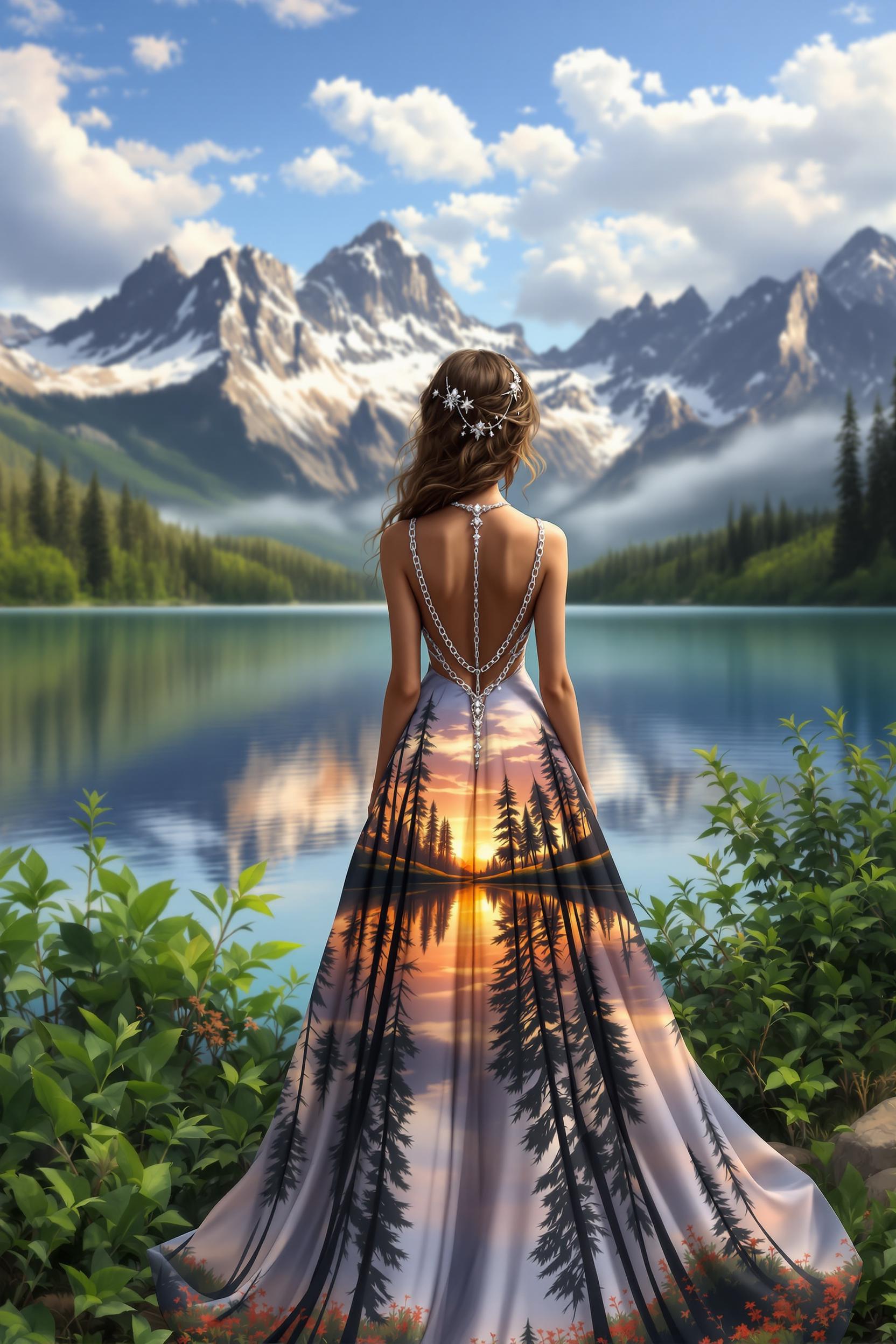
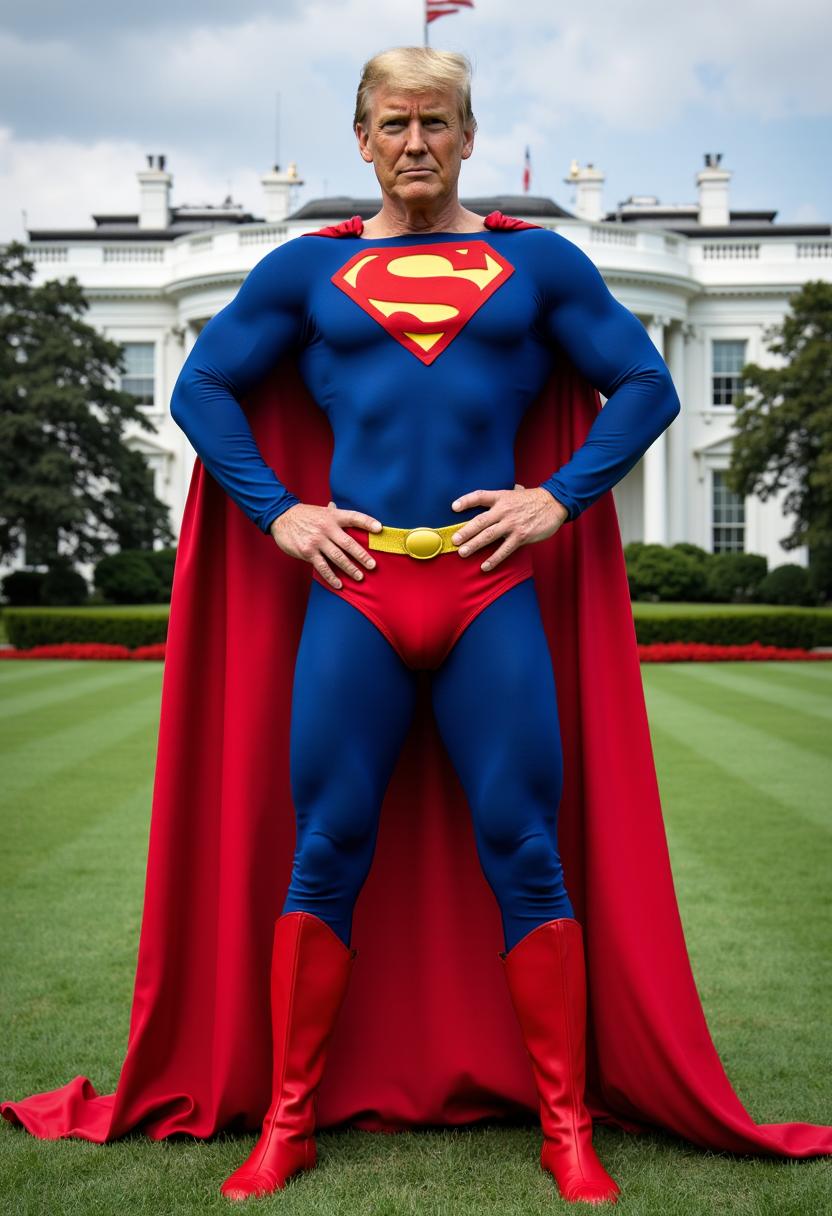
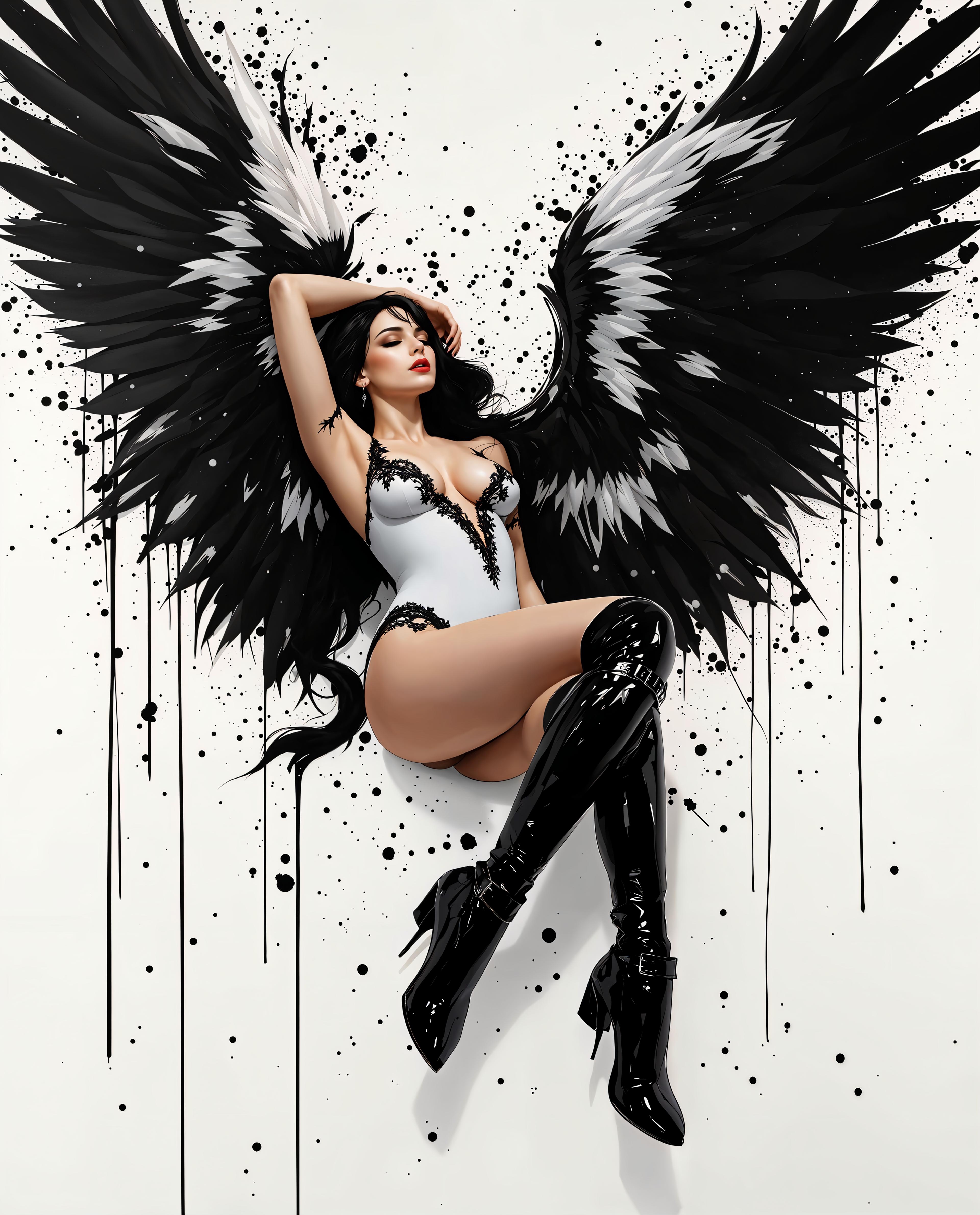
The Pixel Dojo Advantage
PixelDojo delivers superior outcomes for Kling 3.0 image generation by combining powerful AI with an integrated creative workflow that saves you time and delivers consistent professional results.
| Others | Pixel Dojo |
|---|---|
| Traditional photography or stock images | You generate unlimited custom, perfectly on-brand cinematic images tailored to your exact needs in minutes instead of scheduling expensive shoots or settling for generic stock that doesn't match your vision. |
| Basic standalone AI image tools | You get Kling 3.0's advanced visual reasoning, native high-resolution output, and multi-reference consistency plus seamless access to editing, upscaling, character tools, video generation, and training models all in one reliable platform. |
| Complex multi-tool workflows | You enjoy a simple, fast web experience with everything integrated so your creative process flows naturally from prompt to polished asset without switching apps, managing files, or losing quality between steps. |
Loved by Creators
See what our community says about kling 3.0
"Switching to PixelDojo's Kling Image tool for our branding work was a game changer. We now create perfectly consistent asset libraries in a fraction of the time with cinematic quality that clients love. The reference system works flawlessly."
Sarah Chen
Creative Director, Digital Marketing Agency
"The material rendering and lighting intelligence in Kling 3.0 generations on PixelDojo are unmatched. Our e-commerce product visuals now convert better than professional photography, and we can iterate concepts instantly. Highly recommend for any serious creator."
David Morales
Product Photographer & Visual Strategist
Common Questions
Everything you need to know about kling 3.0 AI generation
What makes Kling 3.0 image generation on PixelDojo superior for cinematic and consistent AI images?
Kling 3.0 stands out through its Visual Chain-of-Thought reasoning that intelligently plans scene composition, lighting logic, and material physics before creating pixels. This results in more natural, cinematic images with accurate textures, reflections, and spatial relationships. On PixelDojo you access this power instantly through our optimized Kling Image tool while benefiting from complementary features like Consistent Characters, Ideogram Character reference, Inpainting for precise edits, and Magnific Upscaler for final polish. Unlike fragmented solutions, everything works together seamlessly so you achieve professional outcomes faster with less frustration. Thousands of creators choose us for the reliability, quality, and all-in-one workflow that actually delivers on the promise of advanced AI.
How do I create consistent characters and image series using Kling 3.0 on PixelDojo?
Start by selecting the Kling Image tool and uploading 2-10 reference images showing your character or product from different angles and lighting conditions. Write a clear prompt describing the new scene while referencing those images. The model extracts key features like facial structure, clothing details, color palette, and style to maintain high consistency across generations or in series mode. For even stronger long-term consistency, follow up with our dedicated Consistent Characters tool, LoRA Face Swap, or train a custom model with our Flux Trainer. This workflow is ideal for comic books, game assets, brand campaigns, or animated storyboards. You retain full commercial rights and can generate as many variations as needed with your subscription.
What are the best prompting techniques for outstanding Kling 3.0 results on PixelDojo?
Use a layered structure for best results: begin with the core subject and action, describe the environment with rich sensory details, specify lighting and mood using cinematic terms like 'dramatic rim lighting, golden hour glow, volumetric god rays, three-point studio lighting,' add camera instructions such as 'shot on 50mm lens at f/2.8, low Dutch angle, rule of thirds composition,' and finish with quality enhancers like 'intricate details, realistic material physics, photorealistic, 8k resolution.' Be specific about textures — mention wood grain, fabric wrinkles, or skin subsurface scattering. Our platform includes prompt examples, saved styles, and an assistant that suggests improvements. Avoid conflicting descriptors and let the model's advanced reasoning do the heavy lifting. Users consistently report excellent first-generation results when following this approach.
Can I easily edit, enhance, and upscale Kling 3.0 images created on PixelDojo?
Yes — editing is one of PixelDojo's greatest strengths. After generating with Kling Image, you have immediate access to powerful tools including Inpainting to add or remove elements with text instructions, Magic Lighting to completely change time of day or mood, Style Transfer to apply artistic looks, Change Camera Angle for new perspectives, Background Remover, Smart Resize, and Reality Polisher to enhance fine details. For resolution, use our Magnific Upscaler, Creative Upscaler, or Portrait Upscaler to take images to extraordinary clarity while preserving the cinematic quality. All changes maintain the original Kling 3.0 strengths. This integrated approach means your workflow stays fluid from initial concept through final deliverable, helping you meet tight deadlines with superior results every time.
Is PixelDojo suitable for professional commercial projects using Kling 3.0 image generation?
Absolutely. Every image you create with Kling Image or any of our 40+ tools belongs to you with full commercial usage rights. Professional teams use PixelDojo for client work, advertising campaigns, film pre-visualization, game development, book illustration, and e-commerce because the output quality meets or exceeds traditional production standards. You get usage reports, team collaboration features on higher plans, Developer API access for custom integrations, and the ability to train custom models with our trainers. Our platform is built for real production demands with reliable generation speeds, high daily limits on paid plans, and priority support. Many agencies and brands have replaced expensive traditional creative processes with PixelDojo, achieving better results at a fraction of the cost while maintaining complete creative control.
How does PixelDojo combine Kling 3.0 with other AI tools for complete creative workflows?
PixelDojo is designed as a complete creative operating system. Begin with stunning base images using our Kling Image tool powered by 3.0 technology. Maintain character consistency across projects with Consistent Characters, Face Swap, or WAN Video Character Swap. Expand into motion using Kling Video, Seedance 2, or VEO 3.1. Enhance further with Magnific Upscaler, edit videos with Kling Video Edit or Runway Aleph, add audio through Text to Music or Lip Sync, and even create 3D assets with Hunyuan 3D. You can train custom models with Flux Trainer or QWEN Trainer to develop your unique style. Everything lives in one account with unified credits, usage reporting, and a clean interface. This connected ecosystem means you spend less time managing tools and more time creating impactful work that achieves your goals, whether that's growing your audience, selling products, or telling compelling stories.