kling 3.0 lip sync video AI Generator
Imagine creating videos where characters speak naturally, with lip movements perfectly synchronized to the audio. With Kling 3.0's advanced AI lip-sync technology, you can produce lifelike videos that captivate your audience and elevate your content to professional standards.
Join thousands of creators who have enhanced their video content using Kling 3.0's cutting-edge AI technology. Experience the future of video production today.
Why Choose Pixel Dojo for kling 3.0 lip sync video
Professional-quality results with cutting-edge AI technology
Effortless Realism
Achieve natural-looking lip-sync in your videos without the need for manual animation or editing.
Multilingual Support
Create content in multiple languages with accurate lip synchronization, expanding your reach to a global audience.
Time Efficiency
Reduce production time by automating the lip-sync process, allowing you to focus on creativity and storytelling.
How It Works
Creating realistic lip-sync videos with Kling 3.0 is a straightforward process. Follow these steps to bring your characters to life:
Step 1: Upload Your Video
Start by uploading a base video featuring the character whose lips you want to synchronize with the audio.
Step 2: Add Audio or Text
Provide the audio file or text script that you want the character to speak. Kling 3.0 supports multiple languages for diverse content creation.
Step 3: Generate and Download
Click the 'Generate' button to process the video. Once completed, download your high-quality, lip-synced video ready for use.

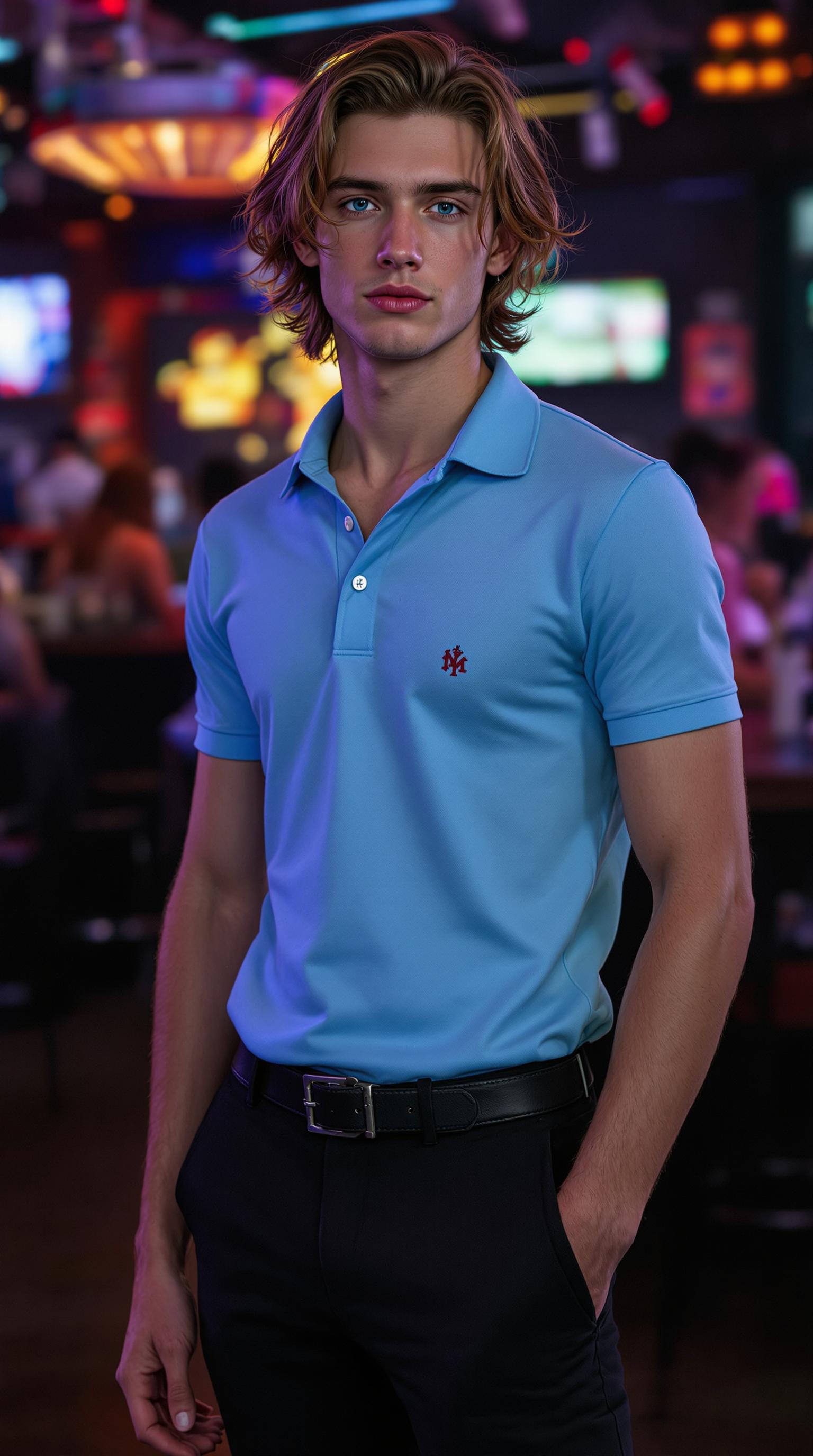


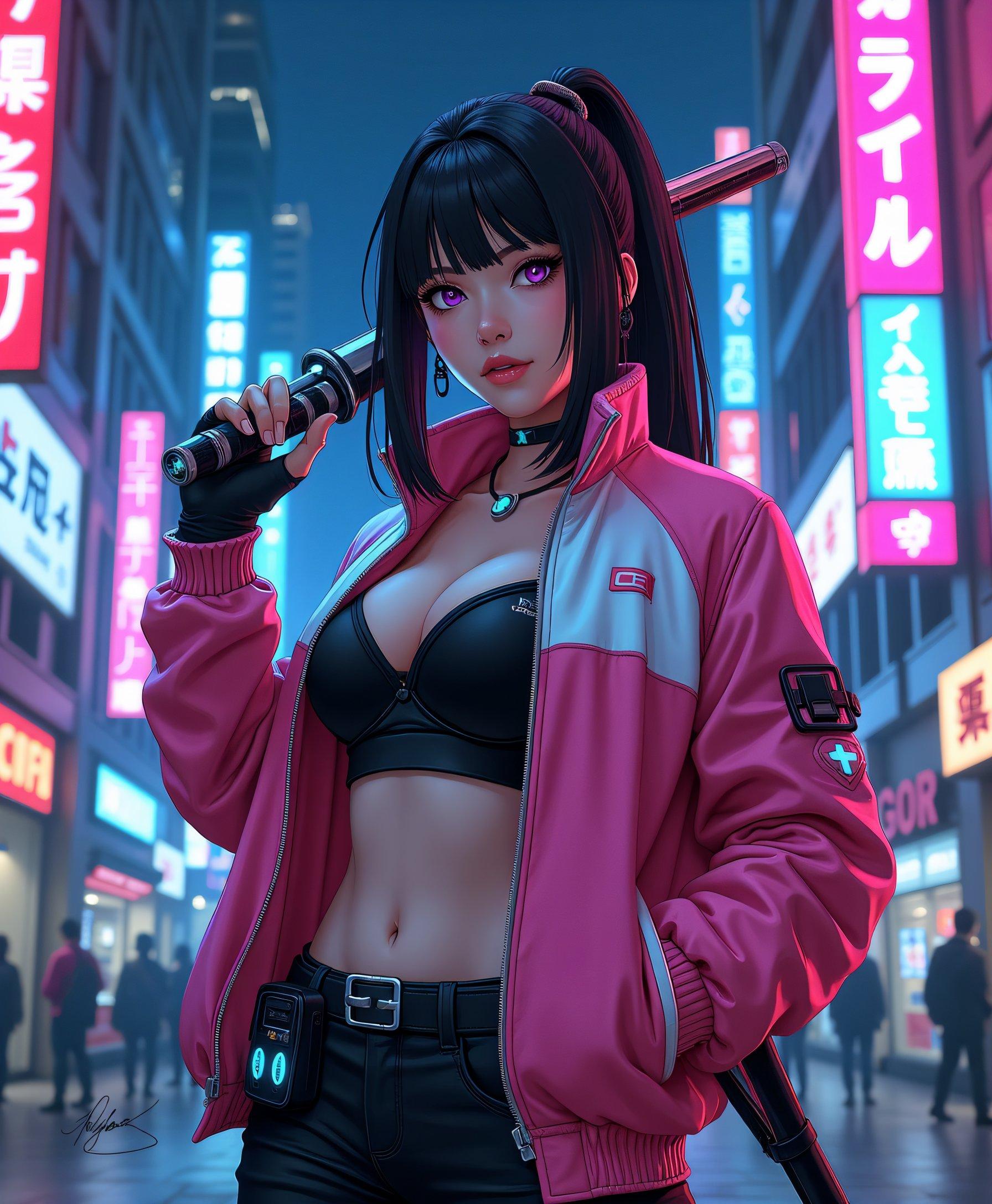

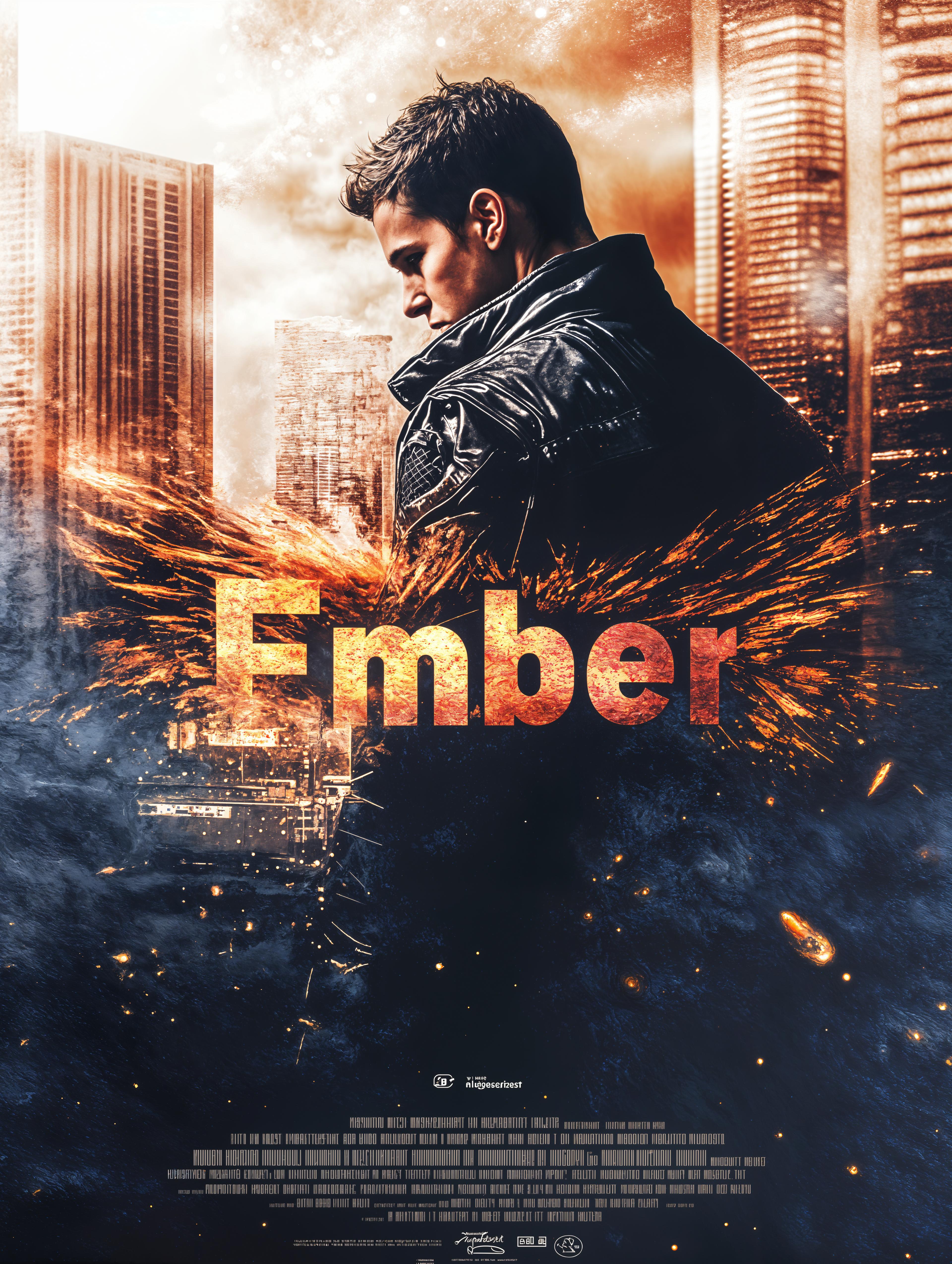


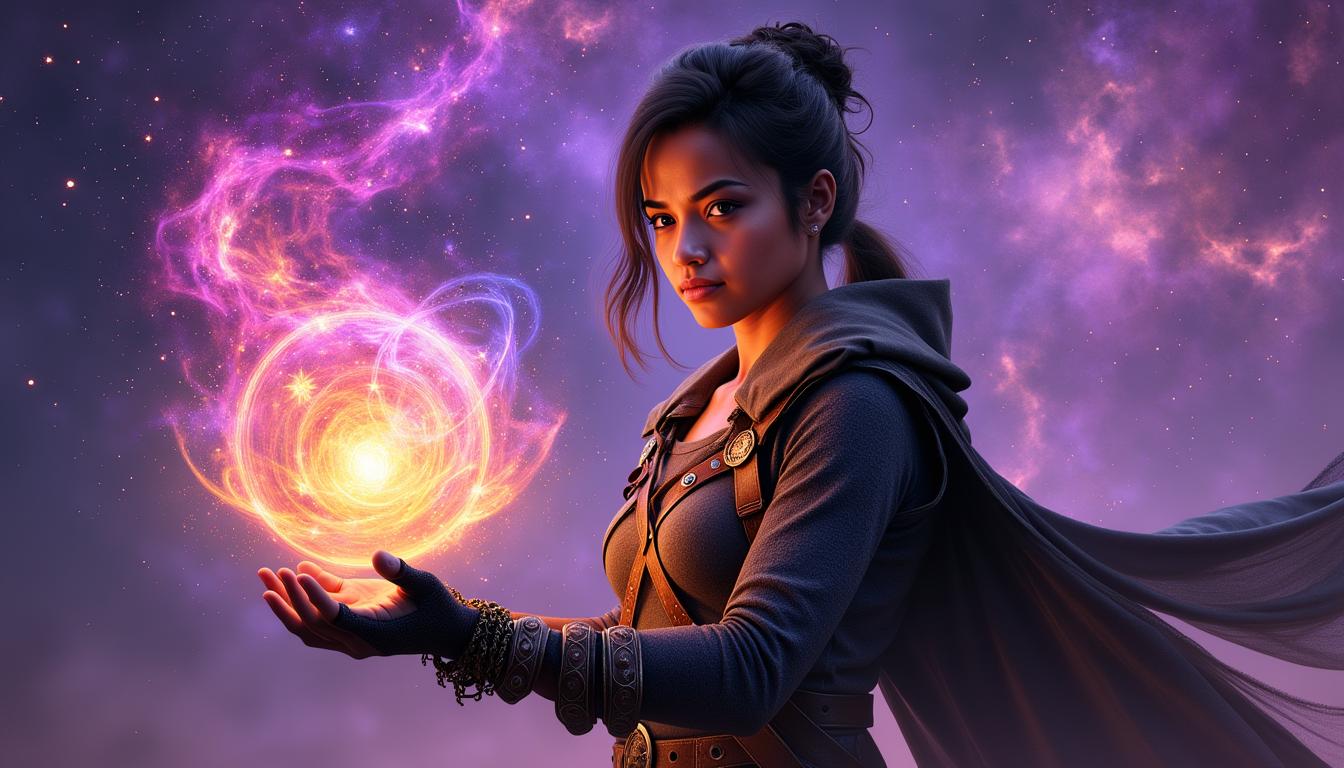

The Pixel Dojo Advantage
Why Kling 3.0 Outperforms Other Lip-Sync Solutions
| Others | Pixel Dojo |
|---|---|
| Manual Animation | Automates the lip-sync process, saving hours of manual work and ensuring consistent quality. |
| Generic AI Tools | Offers advanced features like multilingual support and native audio synchronization for more realistic results. |
| Traditional Video Editing | Simplifies complex editing tasks, making high-quality lip-sync videos accessible to creators of all skill levels. |
Loved by Creators
See what our community says about kling 3.0 lip sync video
"Kling 3.0 has revolutionized our video production process. The lip-sync feature is incredibly accurate and saves us so much time."
Jordan Vance
Film Director
"Our international campaigns have never been easier. Kling 3.0's multilingual support allows us to create content for diverse audiences effortlessly."
Linda Wu
Marketing Head
Common Questions
Everything you need to know about kling 3.0 lip sync video AI generation
How does Kling 3.0 achieve realistic lip-sync in videos?
Kling 3.0 utilizes advanced AI algorithms to analyze audio input and generate corresponding lip movements, ensuring natural synchronization between speech and visuals.
Can I use Kling 3.0 for lip-sync in multiple languages?
Yes, Kling 3.0 supports lip-sync in multiple languages, including English, Chinese, Japanese, Korean, and Spanish, allowing you to create content for a global audience.
Is Kling 3.0 suitable for professional video production?
Absolutely. Kling 3.0 offers high-quality output with features like native audio synchronization and character consistency, making it ideal for professional use.
How long does it take to generate a lip-synced video with Kling 3.0?
The generation time varies based on video length and complexity but typically ranges from a few minutes to under an hour.
Can I edit the lip-synced videos after generation?
Yes, Kling 3.0 allows for post-generation editing, enabling you to refine and adjust your videos as needed.
Is there a free trial available for Kling 3.0?
Yes, Kling 3.0 offers a free trial period, allowing you to explore its features before committing to a subscription.