kling 3.0 shot control AI Generator
Unlock the full potential of your video projects with Kling 3.0's advanced shot control capabilities. Whether you're aiming to create dynamic cinematic sequences or precise camera movements, Kling 3.0 empowers you to bring your creative visions to life effortlessly.
Join over 10,000 creators who have enhanced their video content using Kling 3.0's cutting-edge AI technology.
Why Choose Pixel Dojo for kling 3.0 shot control
Professional-quality results with cutting-edge AI technology
Achieve Professional Cinematic Quality
Utilize advanced shot control to produce videos with smooth transitions and dynamic camera movements, elevating your content to professional standards.
Enhance Storytelling with Precise Camera Angles
Direct your audience's focus by controlling camera angles and movements, adding depth and emotion to your narratives.
Streamline Video Production
Reduce the need for extensive post-production editing by generating videos with desired camera dynamics directly through Kling 3.0.
How It Works
Creating cinematic videos with Kling 3.0's shot control is straightforward. Follow these steps to bring your vision to life:
Step 1: Select Your Input Method
Choose between text-to-video or image-to-video generation to start your project.
Step 2: Define Camera Movements
Specify desired camera movements such as pan, tilt, zoom, or tracking within your prompt to guide the shot control.
Step 3: Generate and Review
Click 'Generate' to create your video. Review the output and make adjustments as needed to achieve the perfect shot.



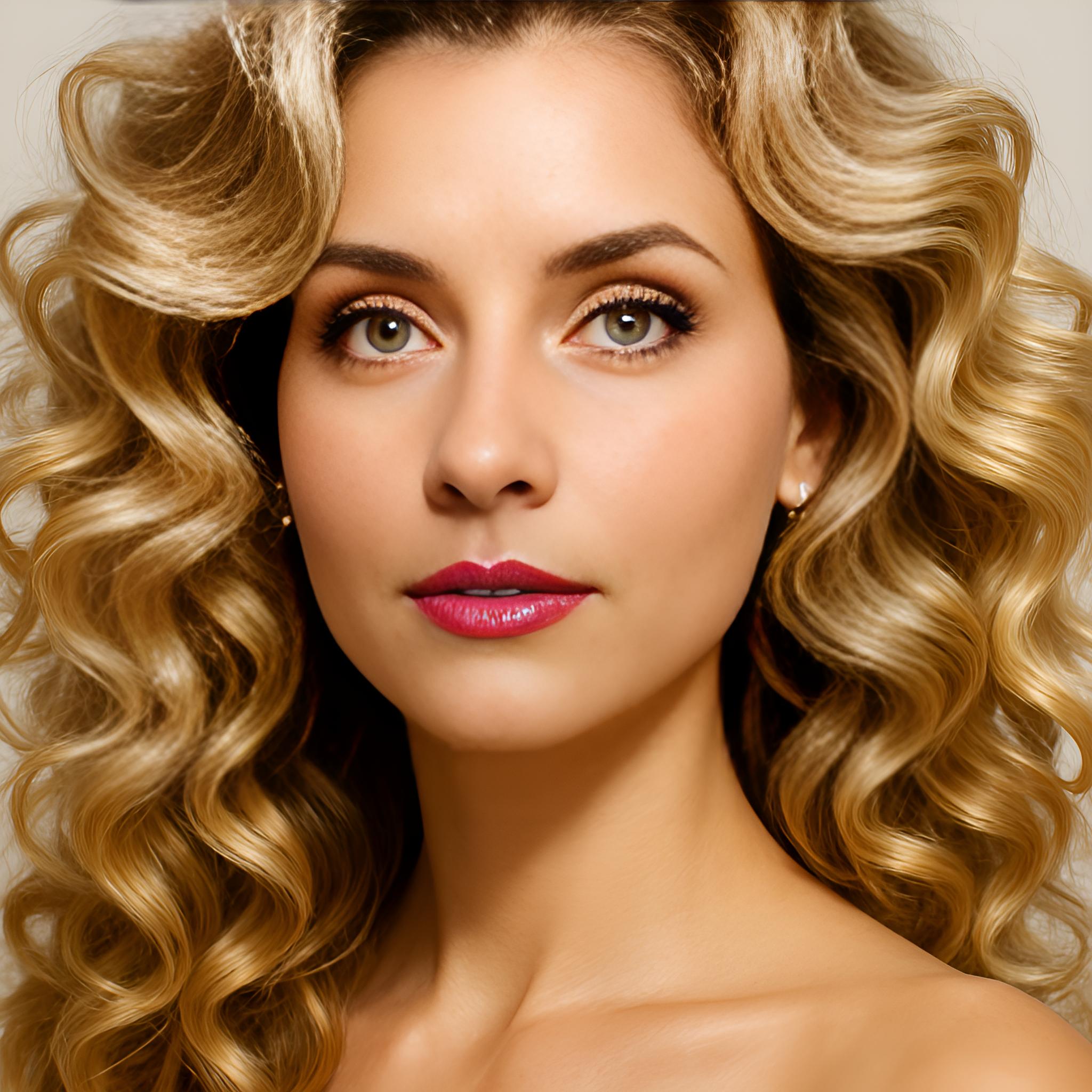
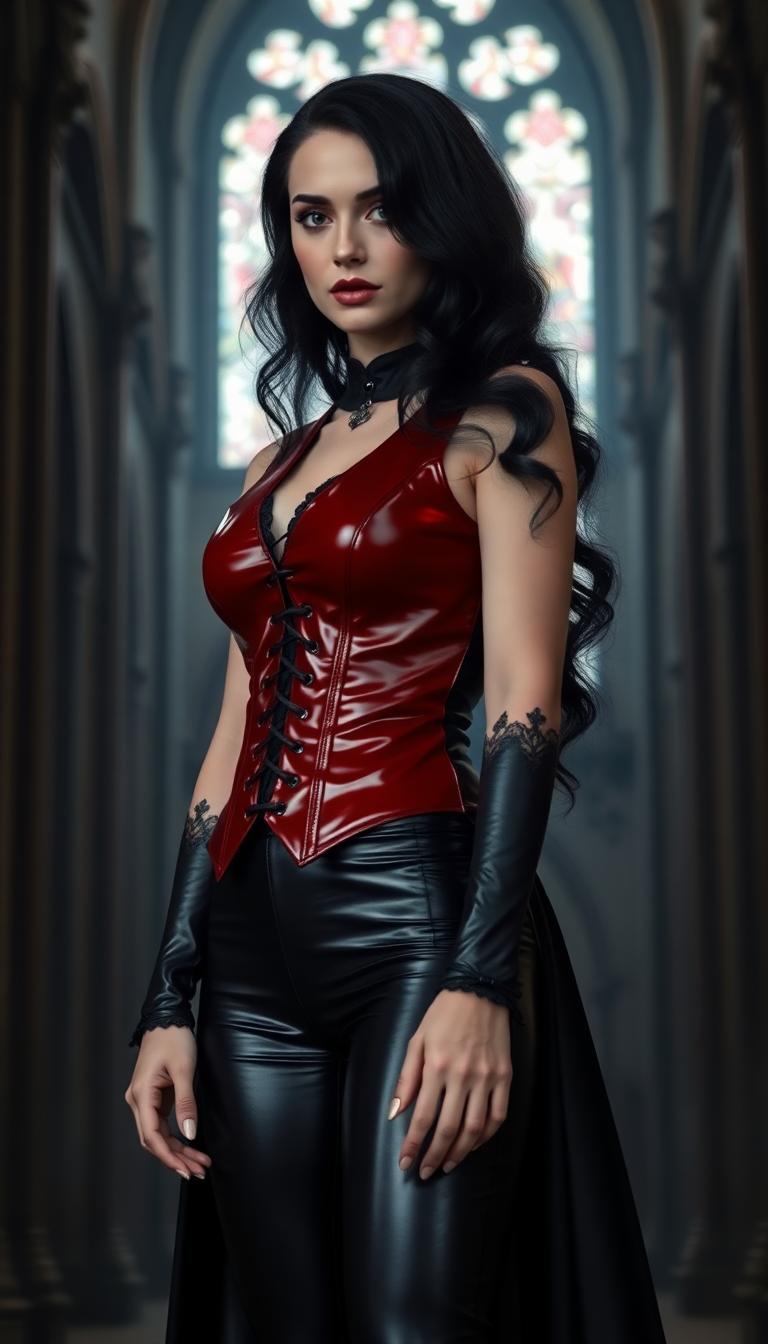
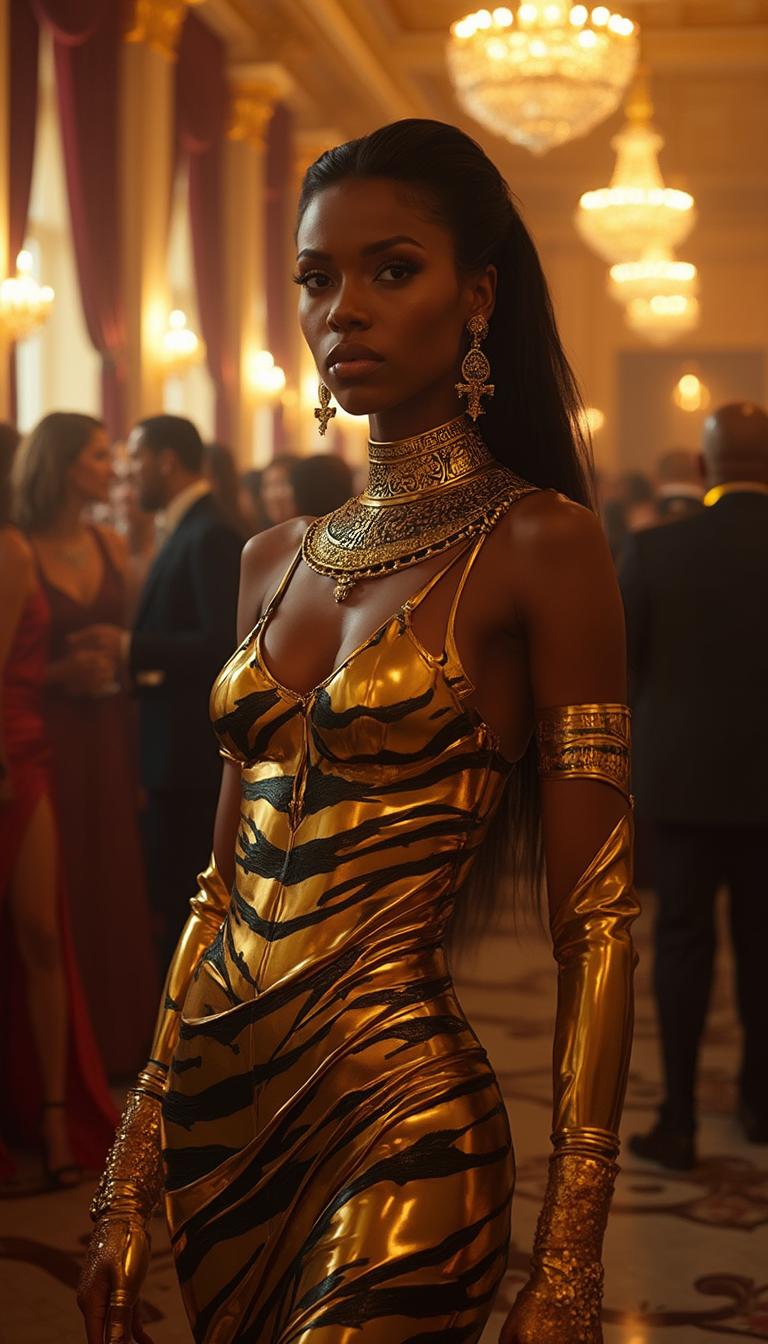
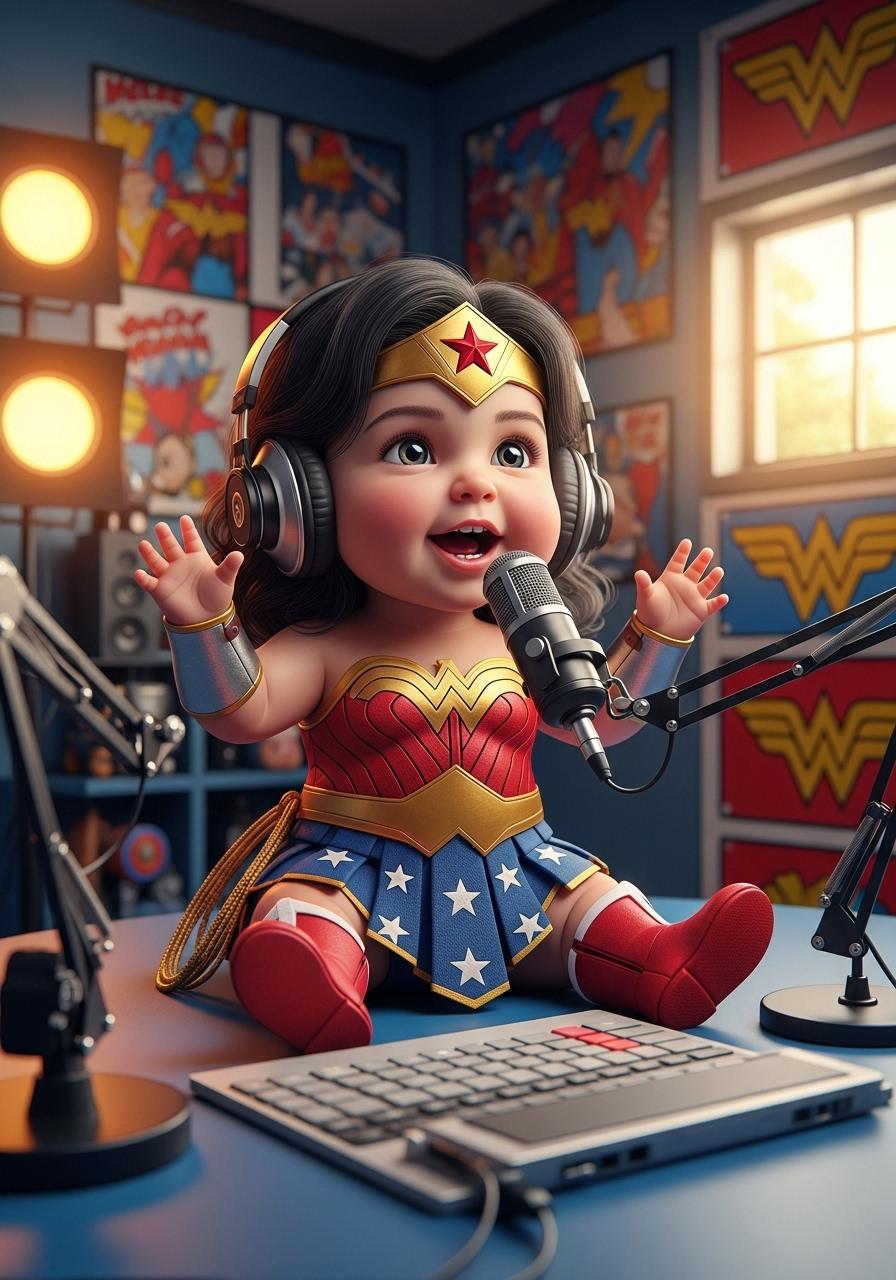


The Pixel Dojo Advantage
Why Kling 3.0's shot control stands out in AI video generation:
| Others | Pixel Dojo |
|---|---|
| Traditional Video Production | Eliminates the need for expensive equipment and extensive crew, making high-quality video creation accessible. |
| Basic AI Video Tools | Offers advanced shot control features not available in simpler AI video generators, providing greater creative freedom. |
| Manual Editing Software | Reduces time spent on post-production by generating videos with desired camera dynamics directly. |
Loved by Creators
See what our community says about kling 3.0 shot control
"Kling 3.0's shot control has revolutionized my video production process, allowing me to create professional-quality content effortlessly."
Alex Johnson
Content Creator
"The precision and ease of use in Kling 3.0's shot control features have significantly enhanced my storytelling capabilities."
Maria Lopez
Filmmaker
Common Questions
Everything you need to know about kling 3.0 shot control AI generation
How does Kling 3.0's shot control enhance video creation?
Kling 3.0's shot control allows you to specify precise camera movements and angles within your prompts, enabling the creation of dynamic and professional-quality videos without extensive manual editing.
Can I use Kling 3.0's shot control for both text-to-video and image-to-video projects?
Yes, Kling 3.0's shot control features are available for both text-to-video and image-to-video generation, providing flexibility in your creative process.
Do I need prior experience in video editing to use Kling 3.0's shot control?
No, Kling 3.0 is designed to be user-friendly, allowing creators of all experience levels to utilize shot control features effectively.
What types of camera movements can I control with Kling 3.0?
You can control various camera movements, including pan, tilt, zoom, tracking, and more, to achieve the desired cinematic effect in your videos.
Is Kling 3.0's shot control suitable for creating content for social media platforms?
Absolutely, Kling 3.0's shot control enables the creation of engaging and dynamic videos ideal for social media platforms like Instagram, TikTok, and YouTube.
How can I get started with Kling 3.0's shot control features?
Simply sign up for a free account on Kling 3.0, choose your input method, define your desired camera movements, and start generating cinematic videos today.