kling 3.0 video generation AI Generator
Imagine bringing your creative visions to life in stunning 15-second videos, complete with native audio and lifelike motion, all generated from simple text prompts or images. With Kling 3.0's AI-powered video generation, you can effortlessly produce cinematic sequences that captivate your audience and elevate your content.
Join over 100,000 creators worldwide who trust Kling 3.0 for their video generation needs. With a 4.9/5 satisfaction rating and 99.9% uptime, Kling 3.0 is the go-to platform for AI-driven video creation.
Why Choose Pixel Dojo for kling 3.0 video generation
Professional-quality results with cutting-edge AI technology
Effortless Video Creation
Generate high-quality 15-second videos from text descriptions or images, eliminating the need for complex editing software or extensive production resources.
Native Audio Integration
Produce videos with synchronized voiceovers, sound effects, and ambient audio, all generated in real-time alongside your visuals for a seamless experience.
Consistent Character Representation
Maintain perfect character identity across scenes by providing visual references, ensuring consistency and professionalism in your video content.
How It Works
Creating cinematic videos with Kling 3.0 is a straightforward process that empowers you to bring your ideas to life with ease.
Step 1: Define Your Vision
Describe your scene in detail using text prompts, including setting, mood, character details, and camera movements. Alternatively, upload an image or reference to guide the generation process.
Step 2: Generate Your Video
Kling 3.0 processes your input through its unified multimodal engine, producing a complete 15-second video with synchronized audio and realistic motion in seconds.
Step 3: Refine and Download
If needed, use Kling 3.0's editing capabilities to modify sequences, adjust timing, or transform the visual style. Once satisfied, download your final video for use.

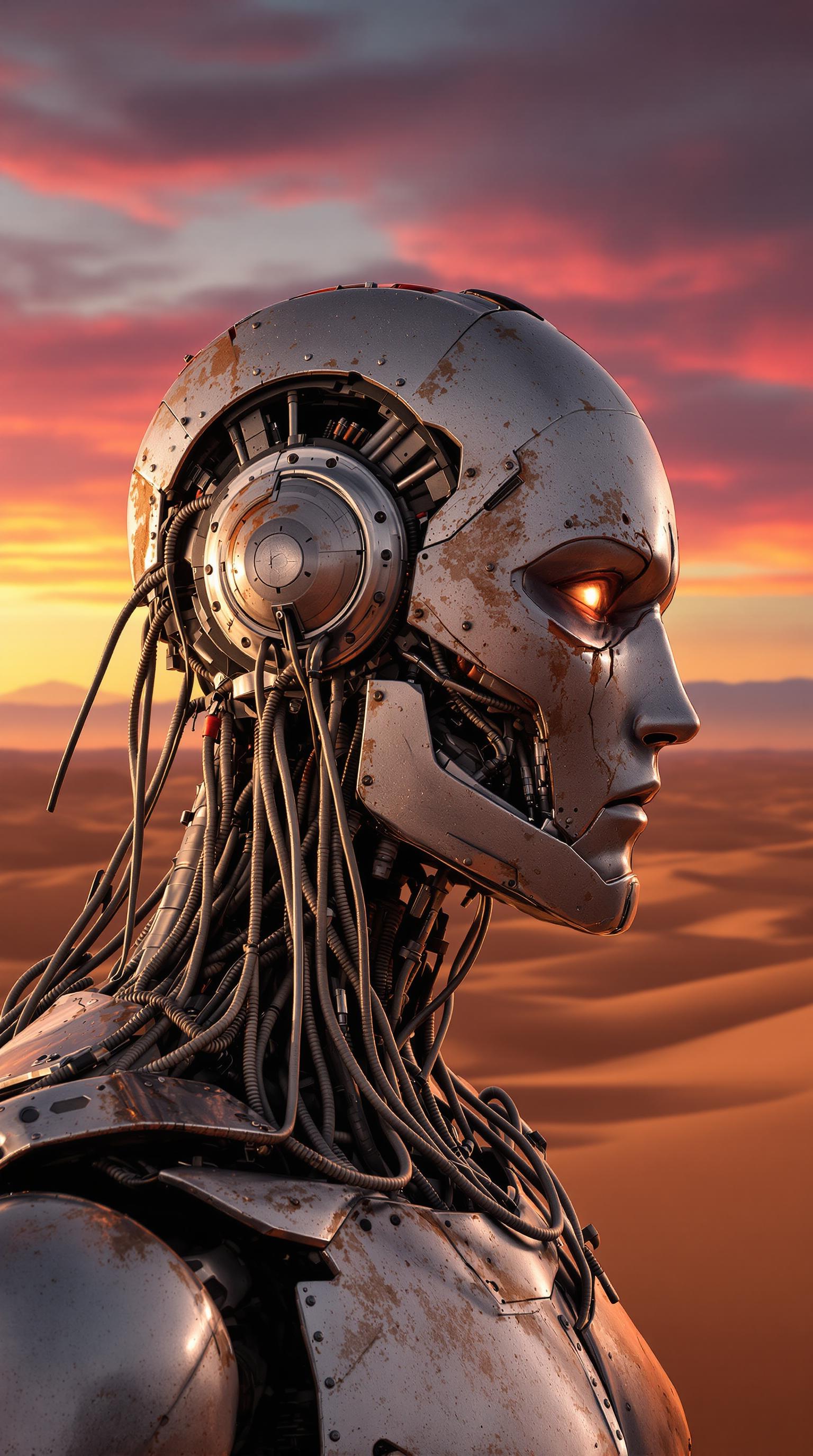


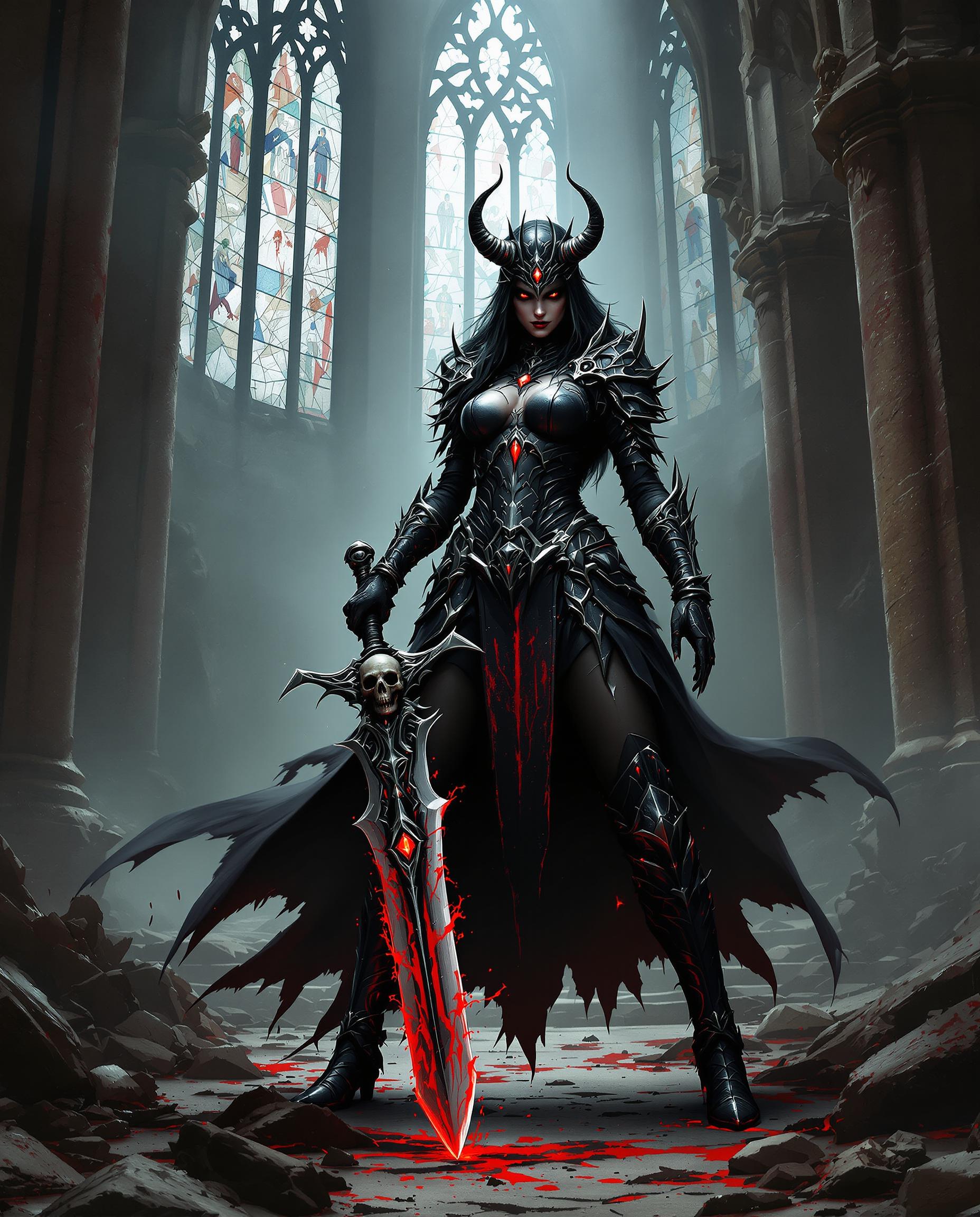

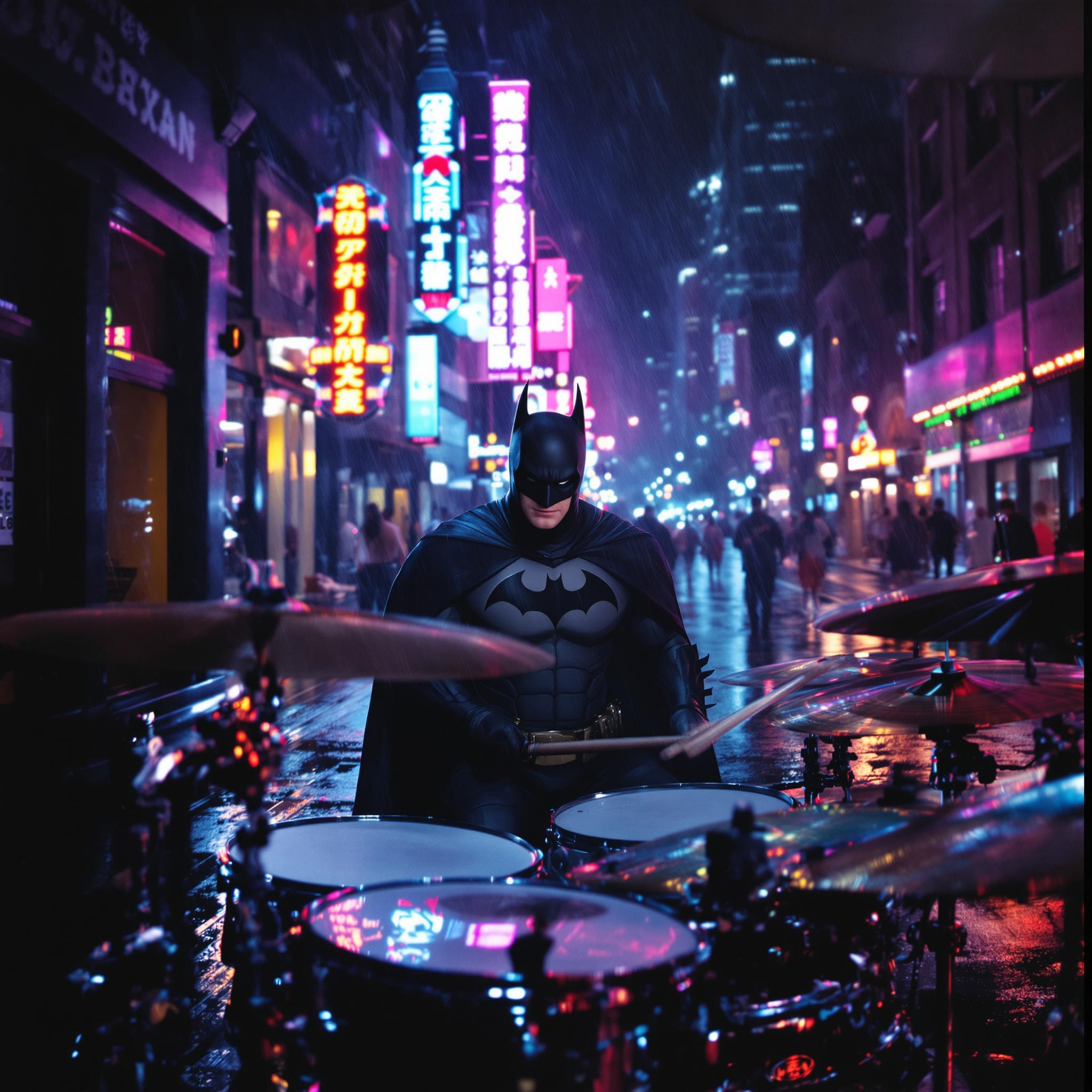



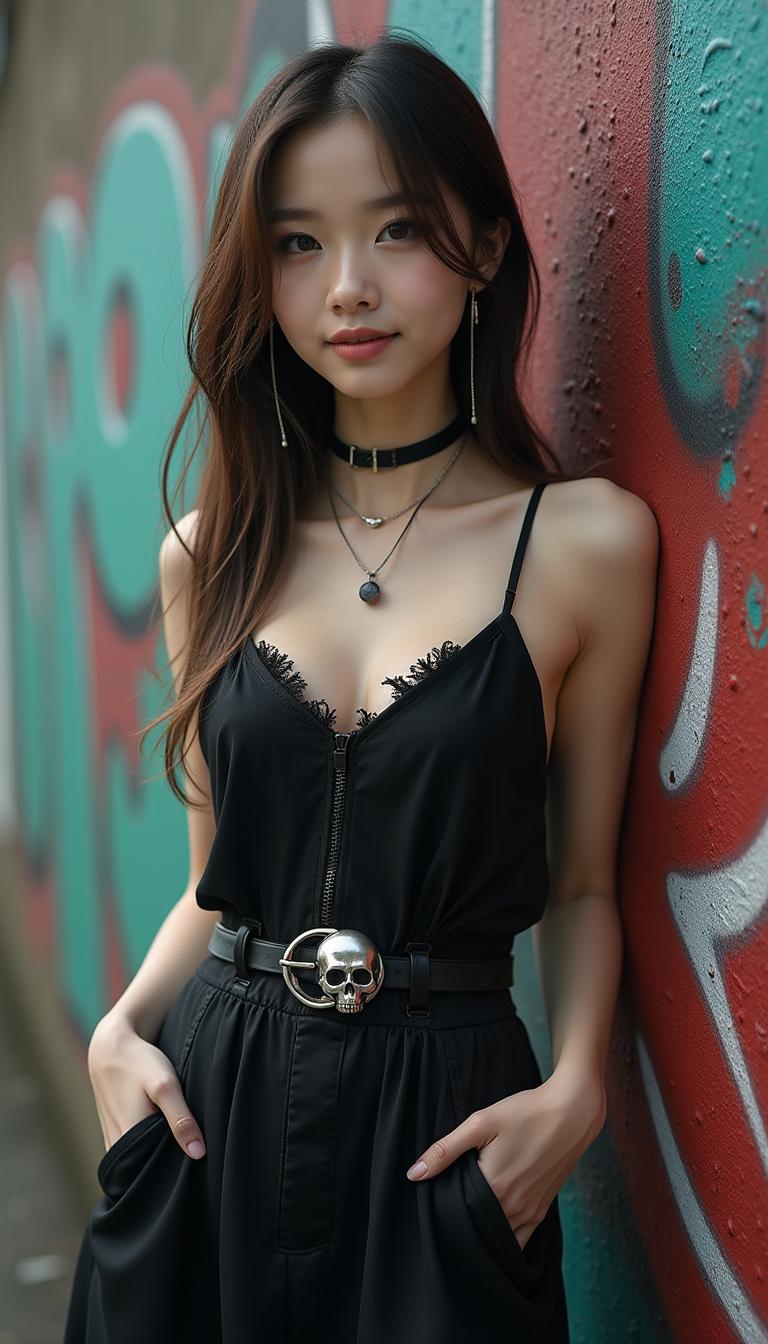
The Pixel Dojo Advantage
Why Kling 3.0 outperforms other video creation methods:
| Others | Pixel Dojo |
|---|---|
| Traditional Video Production | Eliminates the need for expensive equipment and extensive production time, allowing for rapid content creation. |
| Generic AI Tools | Offers a unified platform with native audio integration and consistent character representation, providing a more cohesive and professional output. |
| Manual Video Editing | Simplifies the editing process with AI-driven generation and refinement, reducing the learning curve and time investment. |
Loved by Creators
See what our community says about kling 3.0 video generation
"Kling 3.0 has revolutionized my content creation process. I can now produce high-quality videos in minutes without any prior experience."
Alex Johnson
Content Creator
"The native audio integration and character consistency features have elevated my marketing campaigns, making them more engaging and professional."
Samantha Lee
Marketing Manager
Common Questions
Everything you need to know about kling 3.0 video generation AI generation
How does Kling 3.0 ensure character consistency across scenes?
Kling 3.0 utilizes advanced reference systems that allow you to provide visual references for characters, ensuring perfect consistency across multiple scenes.
Can I use Kling 3.0-generated videos for commercial purposes?
Yes, all plans include commercial usage rights, allowing you to use the generated videos for product demos, marketing content, and brand campaigns.
What input formats does Kling 3.0 support?
Kling 3.0 accepts text prompts, images, and short videos as starting points for video generation, providing flexibility for various creative needs.
How long does it take to generate a video with Kling 3.0?
Most videos are ready in 30-120 seconds, with Pro and Lifetime users receiving priority processing for faster results.
Does Kling 3.0 include audio in the generated videos?
Yes, Kling 3.0 generates synchronized voiceovers, sound effects, and ambient audio in real-time with your visuals, eliminating the need for separate audio recording.
Can I edit the videos after generation?
Yes, Kling 3.0 offers editing capabilities that allow you to modify sequences, extend shots, adjust timing, and transform the visual style within the same unified model.