kling ai multi image reference AI Generator
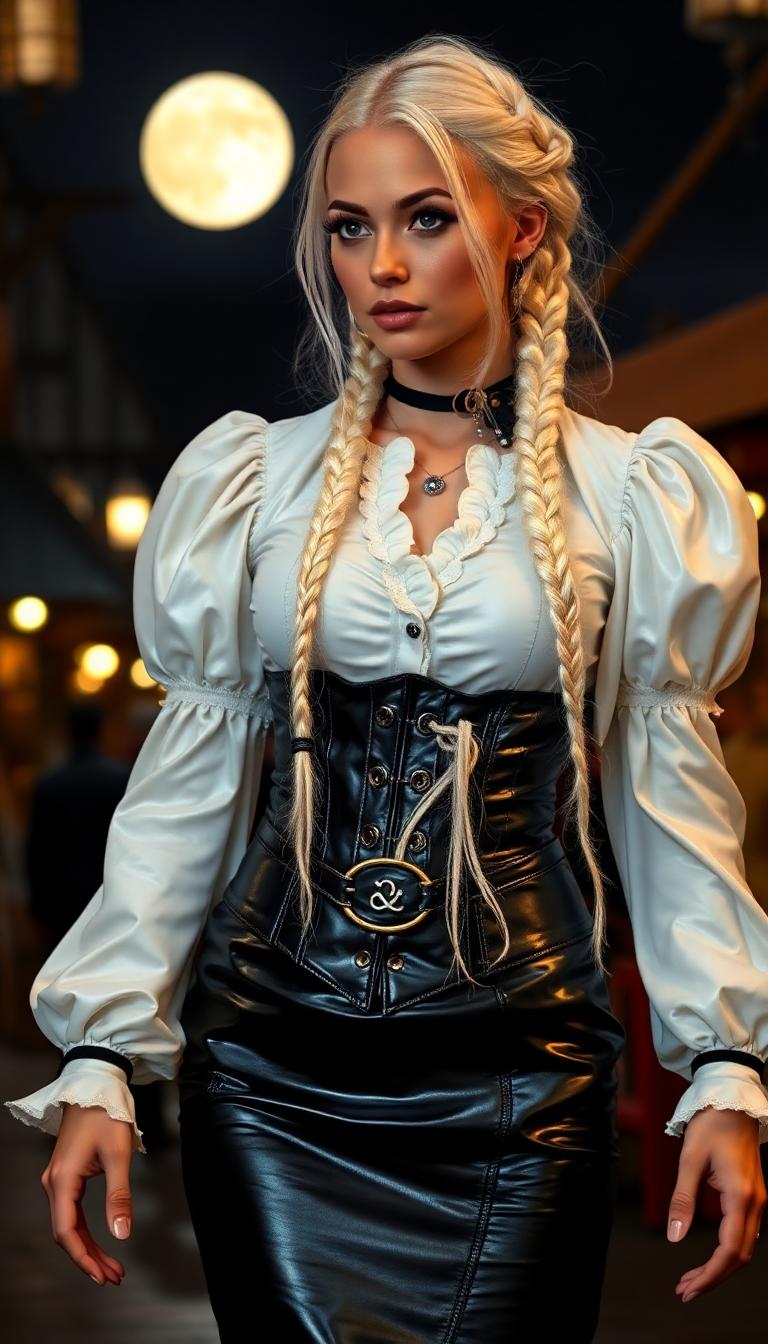
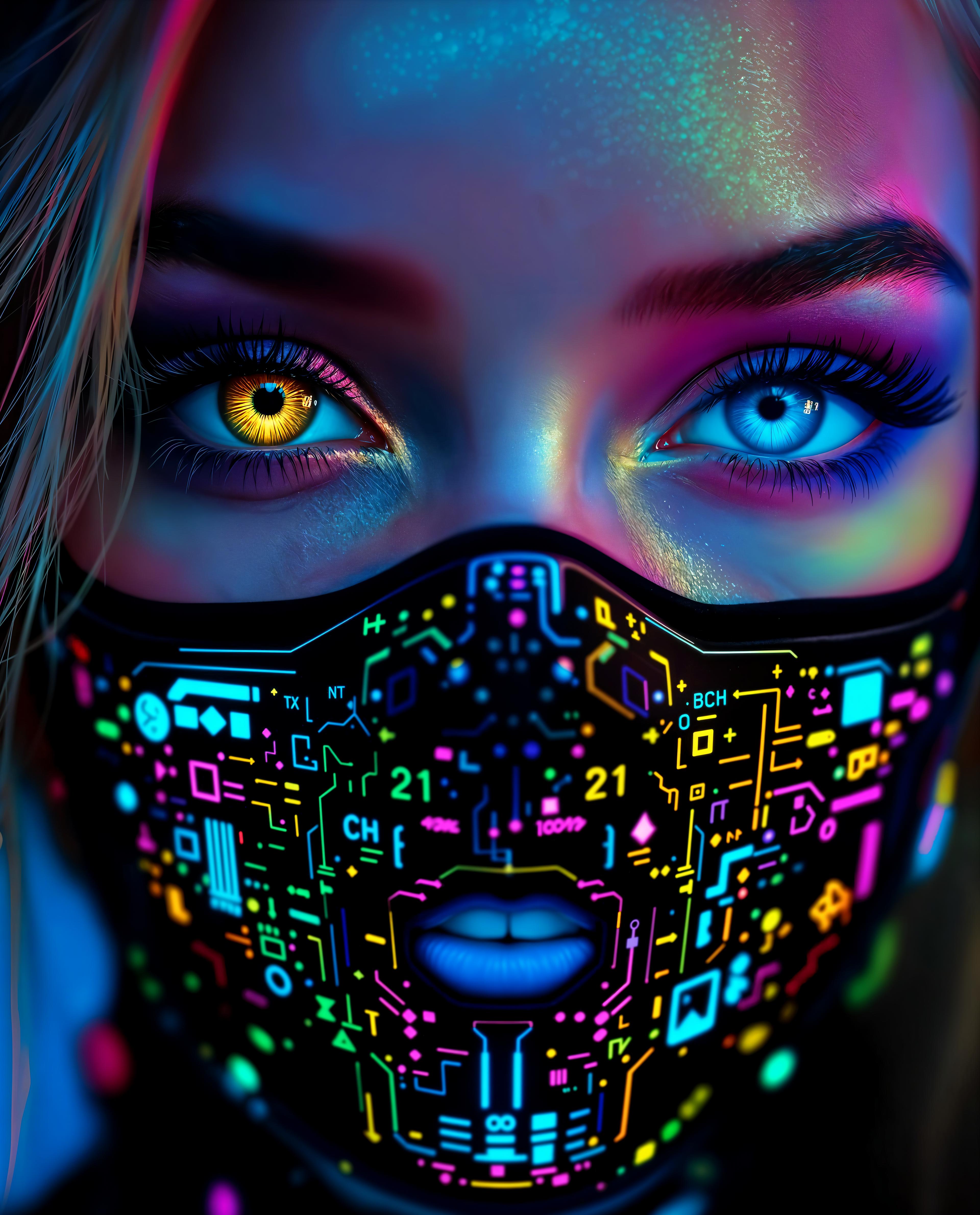
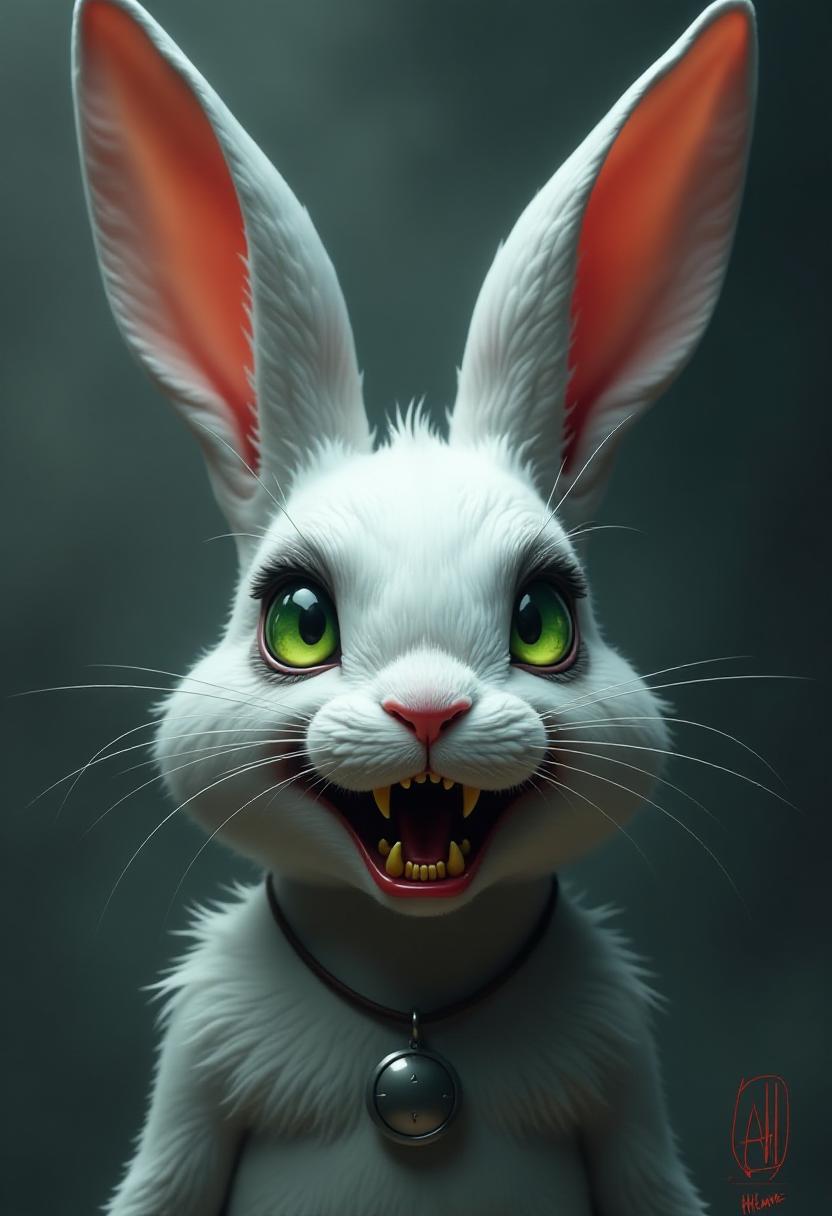
In today's fast-paced digital landscape, maintaining visual consistency across multiple images is crucial for branding, storytelling, and design projects. PixelDojo's advanced AI tools empower you to achieve seamless character and style uniformity, transforming your creative vision into reality with ease.
Join over 10,000 creators who trust PixelDojo for their AI-driven image generation needs, achieving a 95% satisfaction rate in maintaining visual consistency.
Why Choose Pixel Dojo for kling ai multi image reference
Professional-quality results with cutting-edge AI technology
Maintain Character Consistency
Ensure your characters retain their unique features across all images, enhancing brand identity and narrative coherence.
Effortless Style Uniformity
Apply consistent artistic styles across multiple images, streamlining your creative process and saving valuable time.
Simplified Workflow
Leverage intuitive AI tools to produce cohesive image series without the need for extensive manual editing.
How It Works
Creating consistent multi-image content with PixelDojo is straightforward. Follow these steps to bring your vision to life:
Step 1: Select Your AI Tool
Choose from PixelDojo's suite of AI tools designed for multi-image generation, such as Kling v2.6 Pro or WAN 2.6.
Step 2: Upload Reference Images
Upload up to 10 reference images to guide the AI in maintaining character and style consistency across your project.
Step 3: Generate and Refine
Input your creative prompts, generate the images, and make any necessary refinements to achieve the desired outcome.
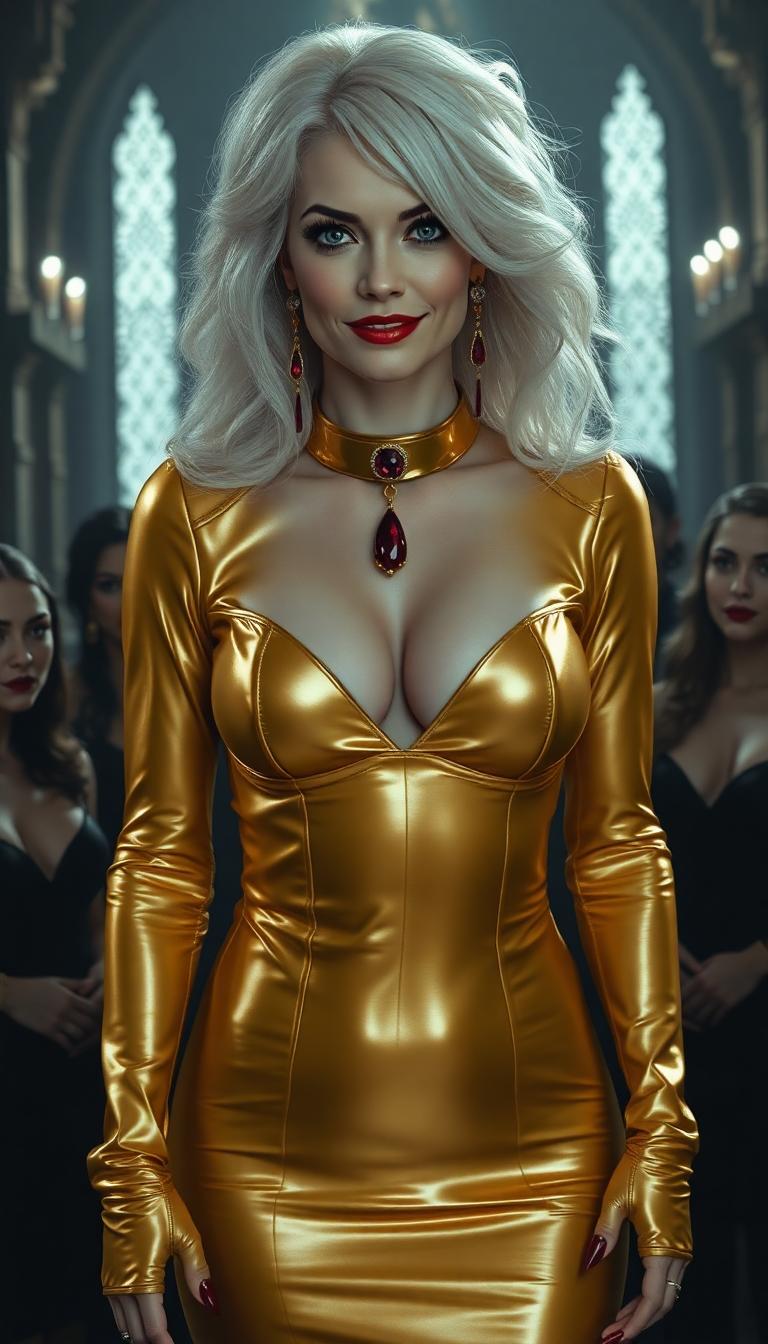
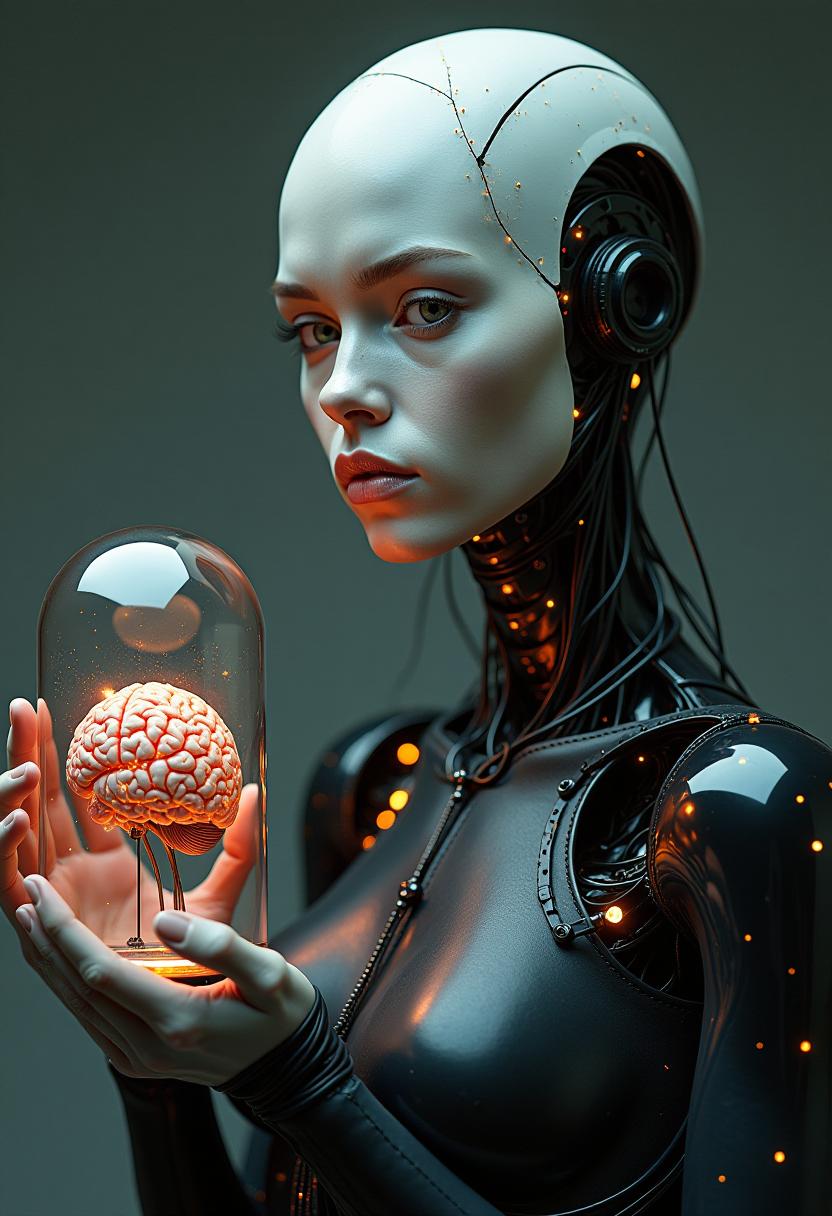
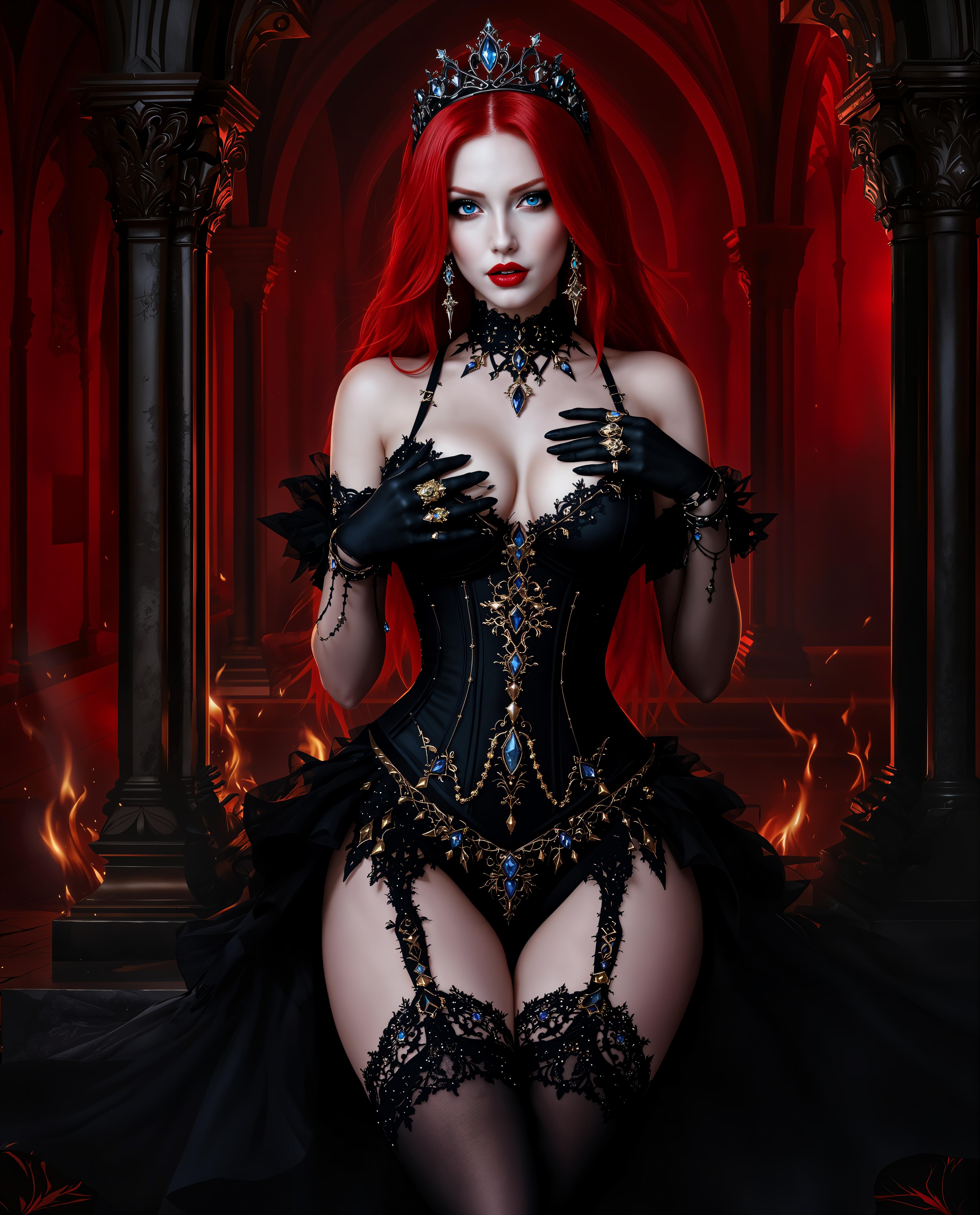
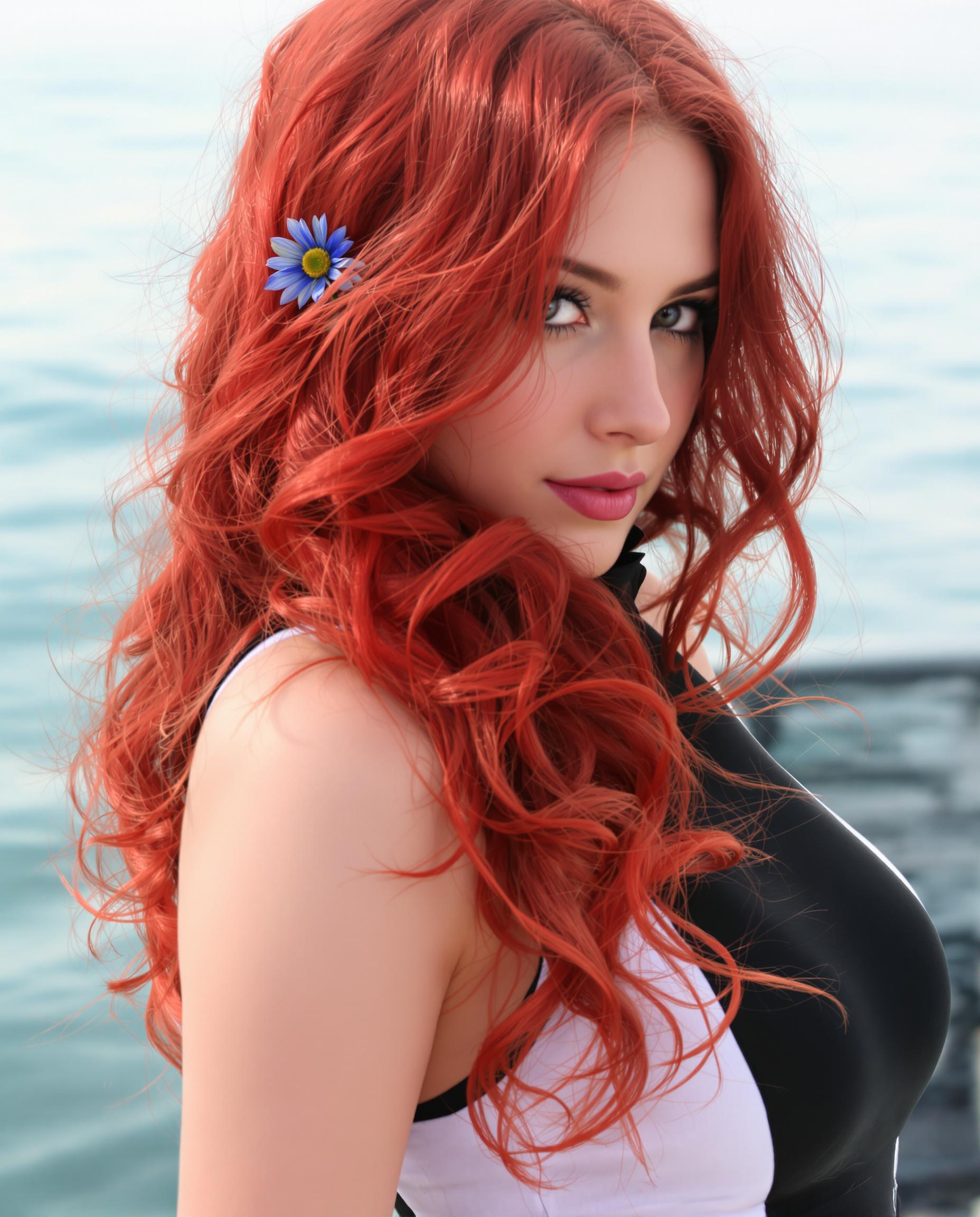
The Pixel Dojo Advantage
Why PixelDojo is the superior choice for multi-image AI generation:
| Others | Pixel Dojo |
|---|---|
| Traditional Manual Editing | Automates the process, reducing time and effort while ensuring consistency. |
| Generic AI Tools | Offers specialized features for multi-image consistency not found in standard AI platforms. |
| Stock Image Libraries | Provides unique, customized images tailored to your specific needs, unlike generic stock photos. |
Loved by Creators
See what our community says about kling ai multi image reference
"PixelDojo revolutionized our content creation process, ensuring our characters remain consistent across all marketing materials."
Alex Johnson
Creative Director
"The multi-image reference feature is a game-changer for our design team, allowing us to maintain brand consistency effortlessly."
Samantha Lee
Brand Manager
Common Questions
Everything you need to know about kling ai multi image reference AI generation
How does PixelDojo ensure character consistency across multiple images?
By utilizing advanced AI algorithms and allowing the upload of up to 10 reference images, PixelDojo maintains character features and styles across all generated images.
Can I use PixelDojo for commercial projects?
Absolutely. PixelDojo is designed to support both personal and commercial projects, providing high-quality outputs suitable for professional use.
Is there a limit to the number of images I can generate?
PixelDojo offers flexible subscription plans to accommodate various needs, allowing you to generate as many images as your plan permits.
Do I need prior experience with AI tools to use PixelDojo?
No prior experience is necessary. PixelDojo's intuitive interface makes it accessible for users of all skill levels.
How long does it take to generate images with PixelDojo?
Image generation times vary depending on complexity but are generally completed within minutes, ensuring a swift creative process.
Can I cancel my subscription at any time?
Yes, PixelDojo offers flexible subscription options with the ability to cancel at any time without penalties.