kling o3 element reference AI Generator
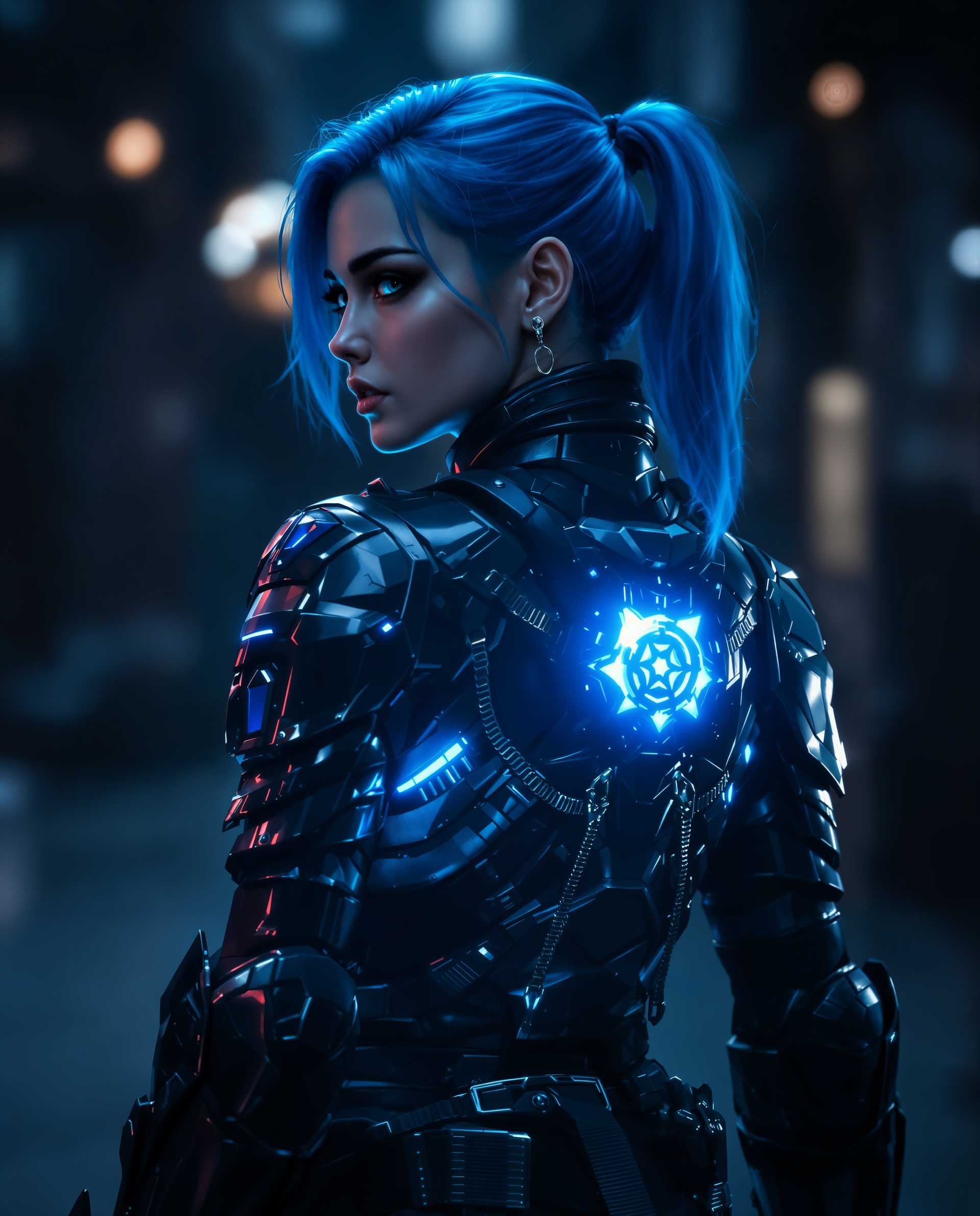
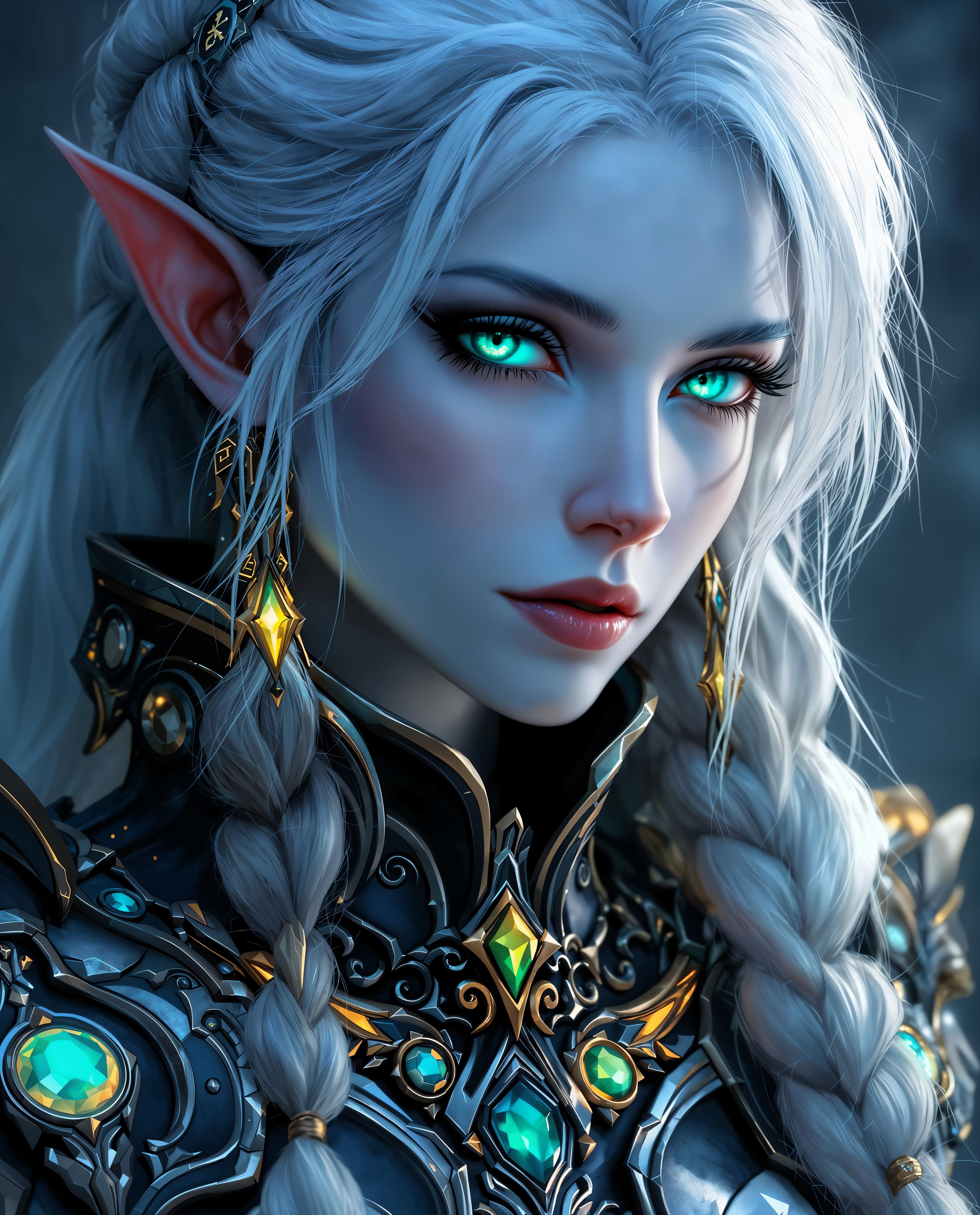
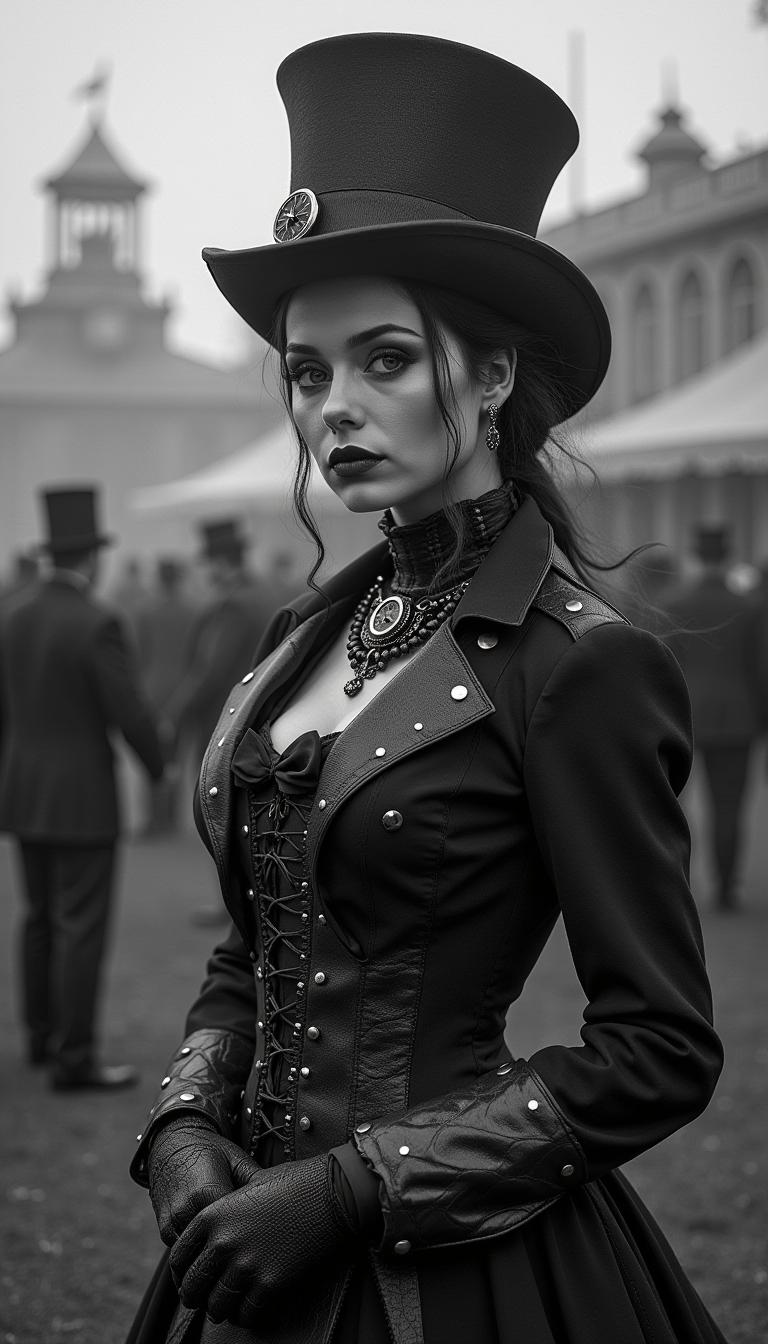
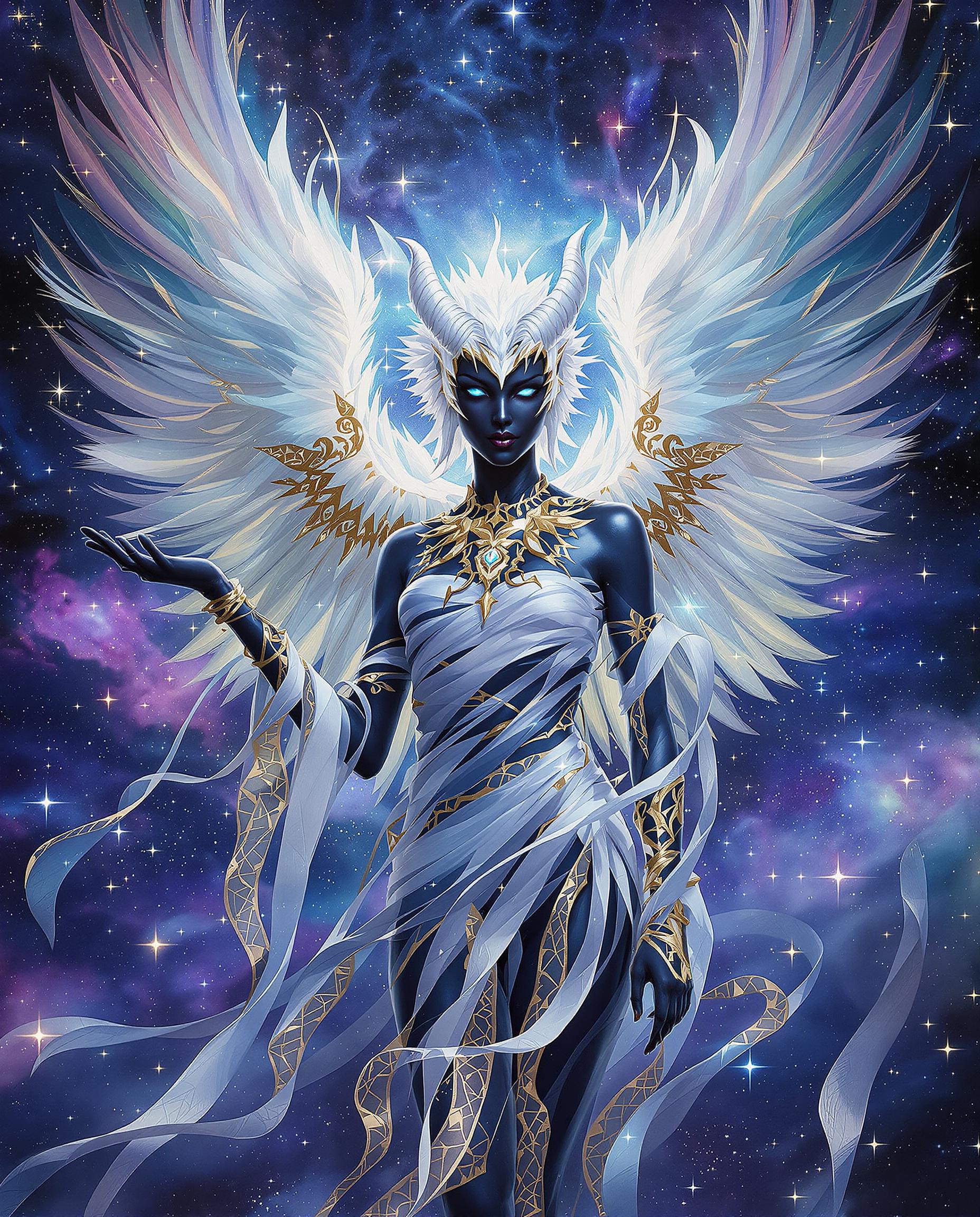
Unlock the power of Kling O3 Element Reference on PixelDojo to transform your creative ideas into stunning, high-resolution images. Whether you're an artist, designer, or marketer, our advanced AI tools enable you to produce consistent and professional visuals with ease.

Join thousands of satisfied creators who have enhanced their projects using PixelDojo's cutting-edge AI technology.
Why Choose Pixel Dojo for kling o3 element reference
Professional-quality results with cutting-edge AI technology
Consistent Character and Style
Maintain uniformity across your images by leveraging Kling O3's advanced reference capabilities.
High-Resolution Outputs
Generate images up to 4K resolution, ensuring your visuals are crisp and detailed.
Efficient Creative Process
Streamline your workflow with intuitive tools that bring your concepts to life quickly.
How It Works
Creating stunning images with Kling O3 Element Reference is simple and straightforward. Follow these steps to bring your vision to life:
Step 1: Select Your Tool
Choose the 'Kling O3 Element Reference' tool from PixelDojo's suite of AI image generators.
Step 2: Upload Reference Images
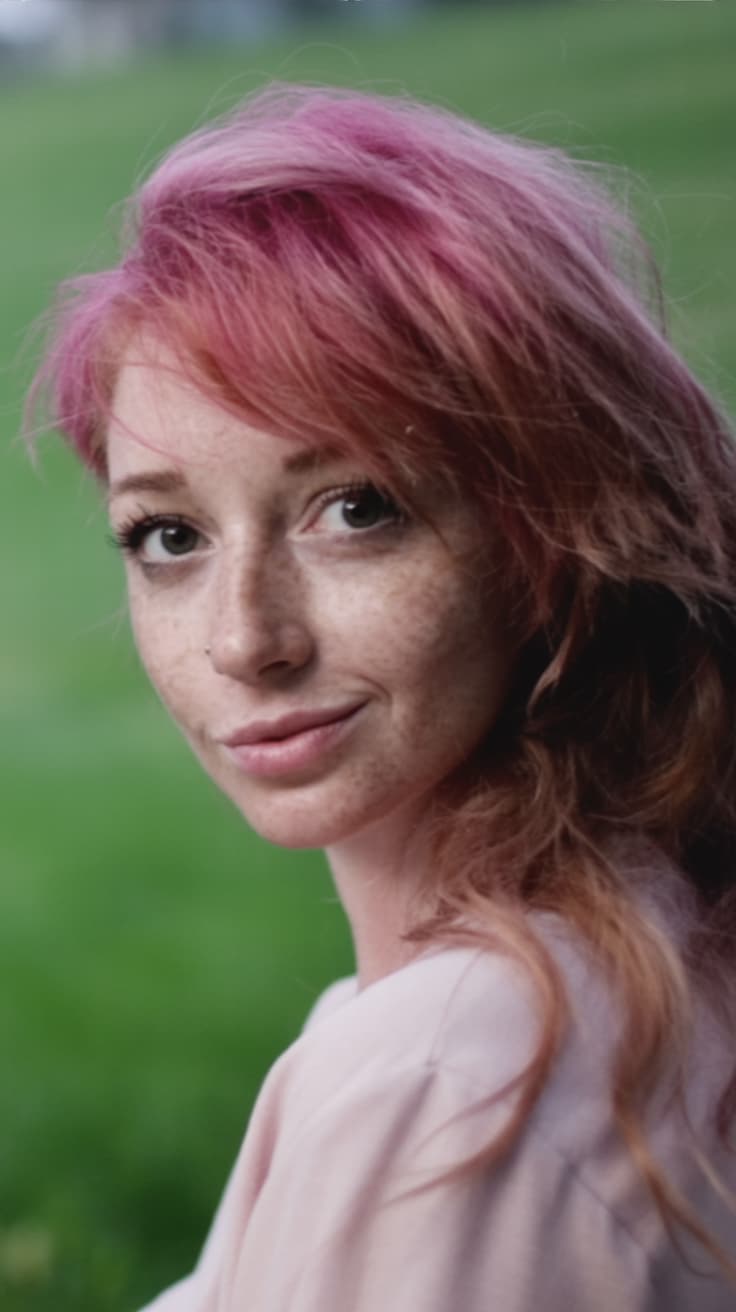
Upload up to 10 reference images to guide the AI in maintaining consistency and style across your generated images.
Step 3: Enter Your Prompt
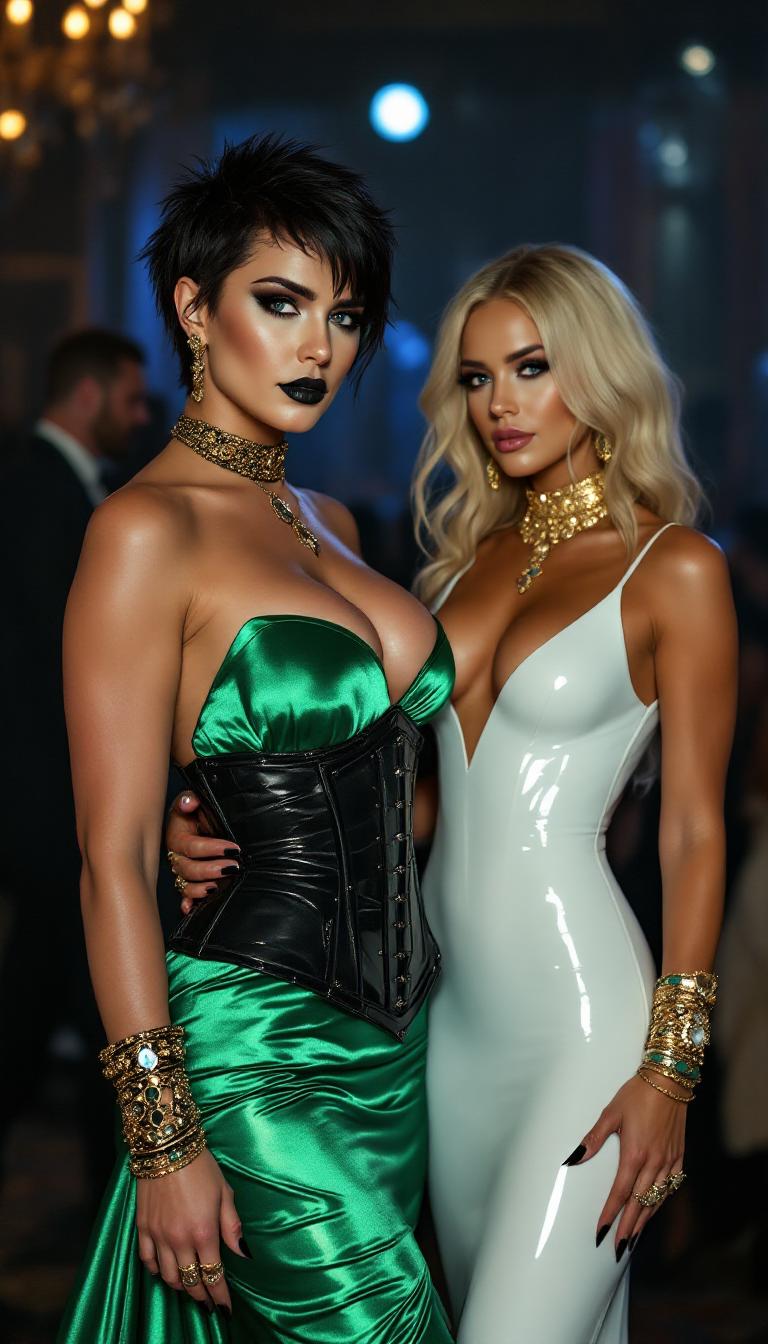
Provide a detailed text description of the image you want to create, specifying elements like setting, mood, and composition.



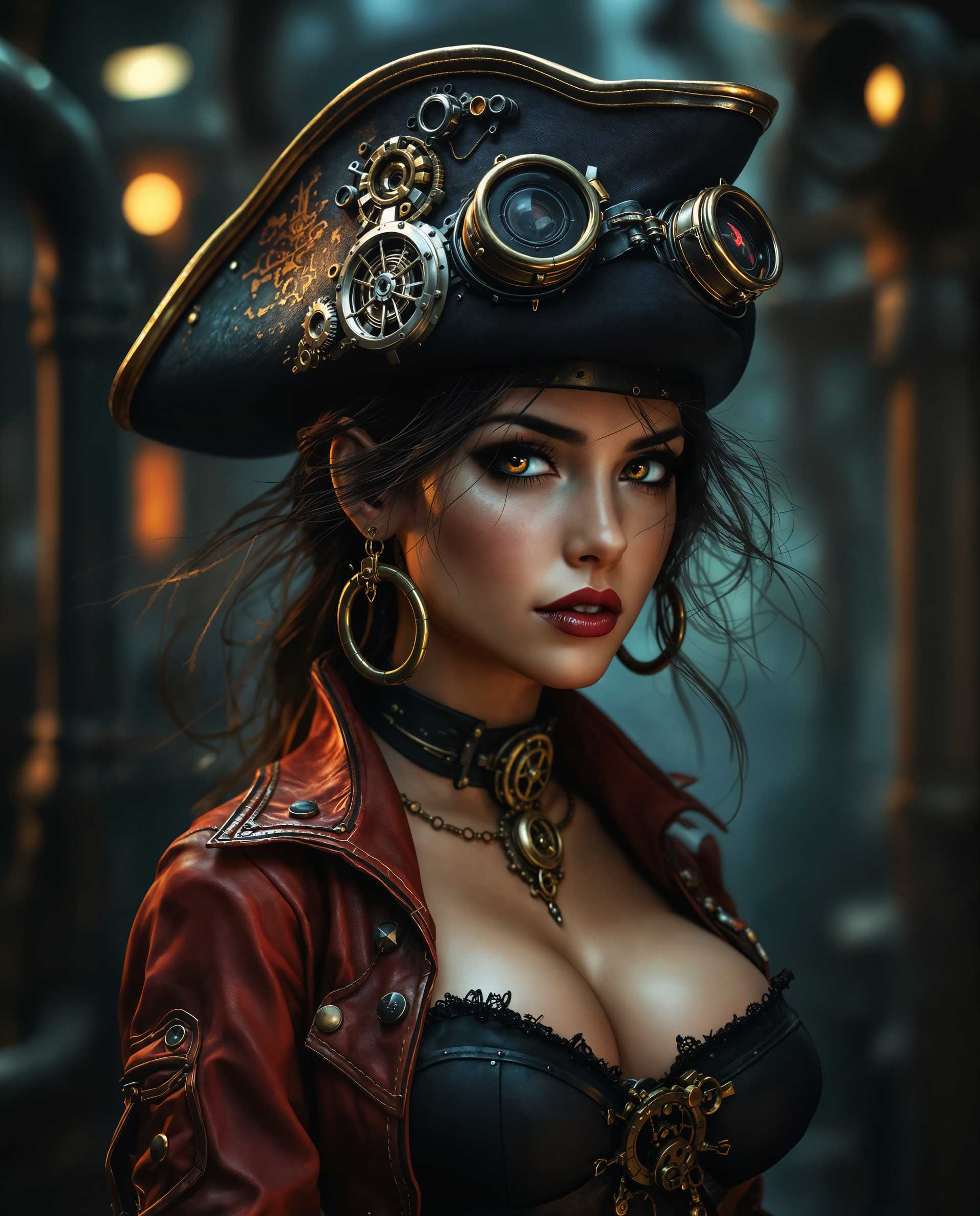

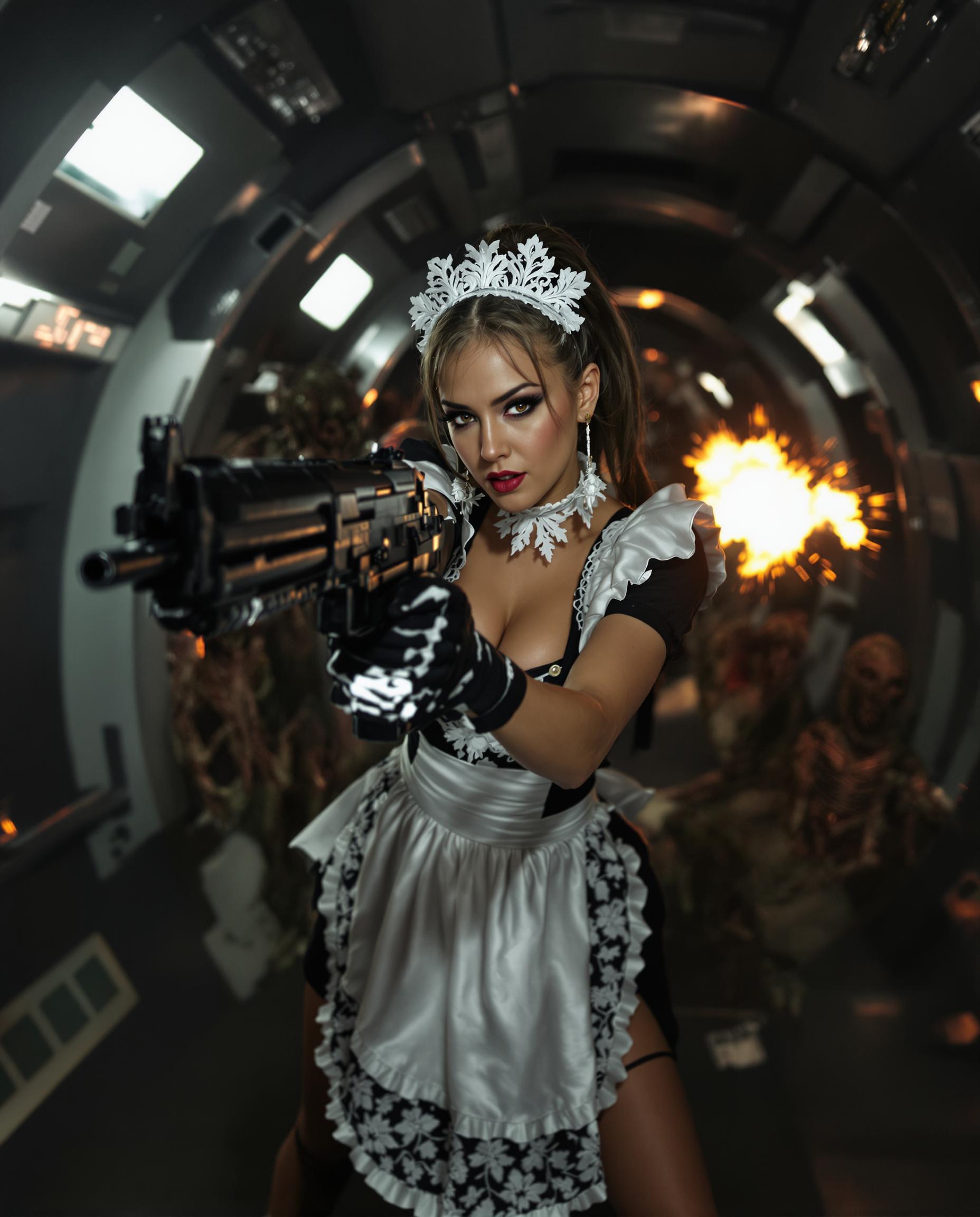
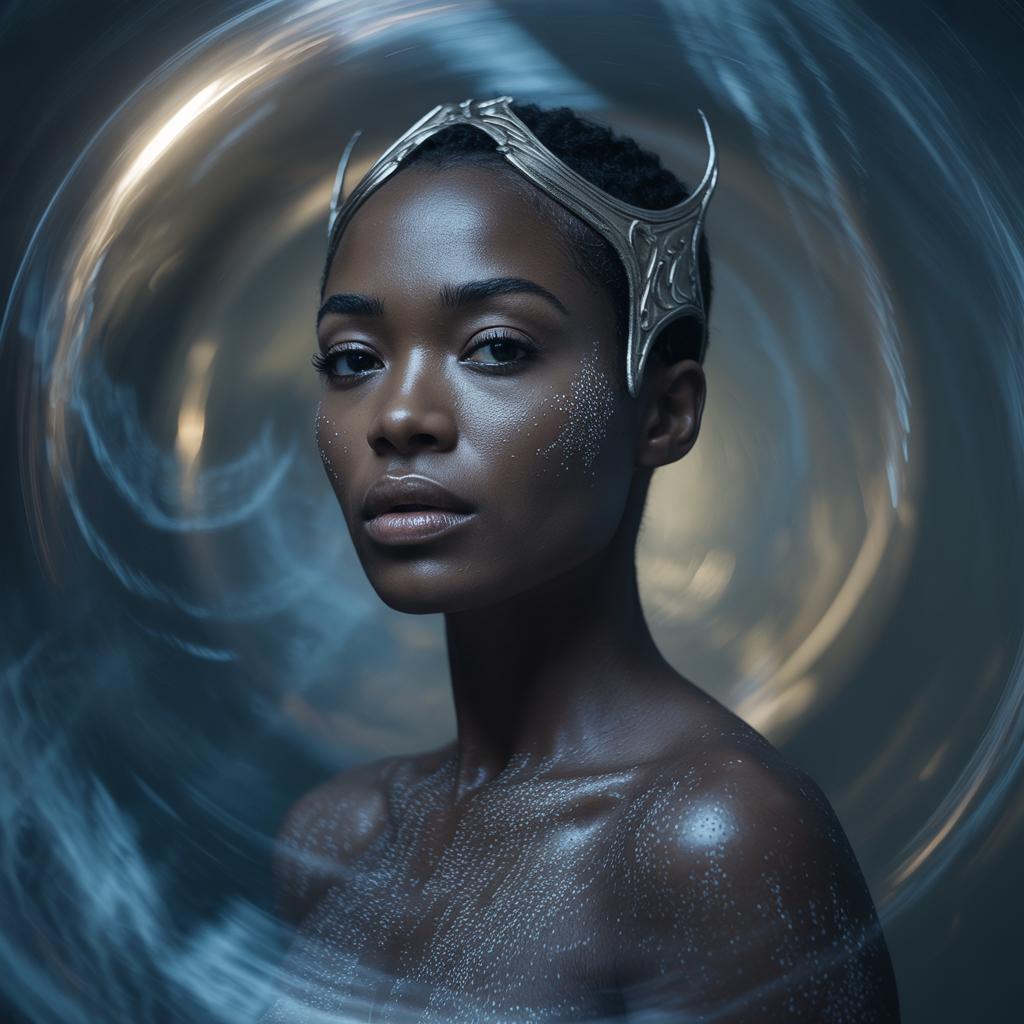
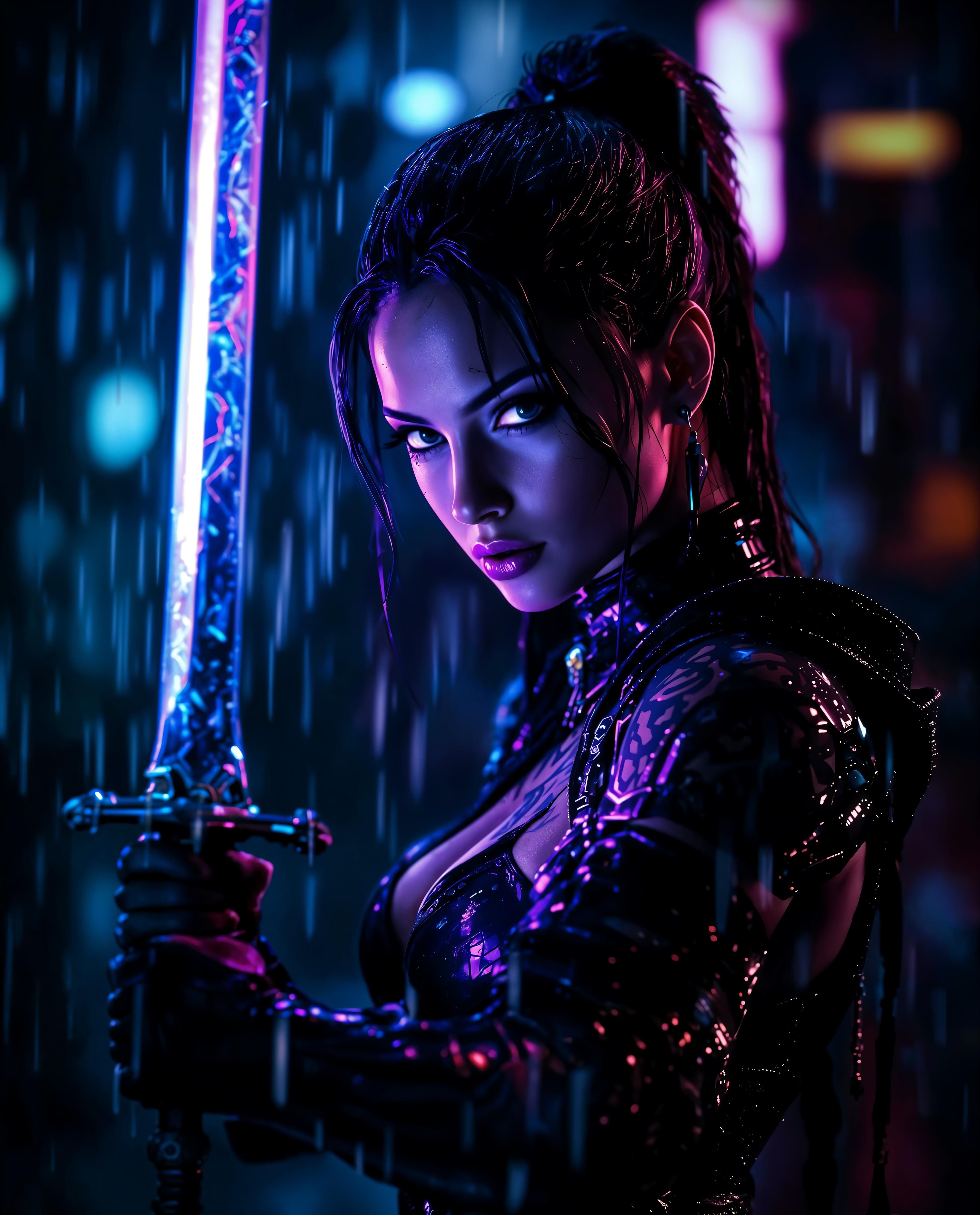



The Pixel Dojo Advantage
Why PixelDojo outperforms other options for AI image generation:
| Others | Pixel Dojo |
|---|---|
| Traditional Image Creation | Eliminate the need for manual drawing or photography, saving time and resources. |
| Generic AI Tools | Achieve higher consistency and quality with advanced reference capabilities unique to Kling O3. |
| Manual Photo Editing | Reduce the complexity of editing by generating images that require minimal post-processing. |
Loved by Creators
See what our community says about kling o3 element reference
"PixelDojo's Kling O3 Element Reference has revolutionized my design process, allowing me to create consistent and high-quality images effortlessly."
Alex Johnson
Graphic Designer
"As a marketer, maintaining brand consistency is crucial. PixelDojo's tools have made it incredibly easy to produce visuals that align perfectly with our brand identity."
Samantha Lee
Marketing Manager
Common Questions
Everything you need to know about kling o3 element reference AI generation
How does Kling O3 Element Reference ensure consistency in generated images?
By allowing you to upload up to 10 reference images, Kling O3 analyzes and incorporates key features to maintain uniformity across your creations.
Can I edit the images after generation?
Yes, PixelDojo provides intuitive editing tools to refine and adjust your images post-generation to meet your specific needs.
What file formats are supported for reference images?
You can upload reference images in JPEG, JPG, PNG, and WEBP formats, with a maximum size of 10MB per image.
Is there a limit to the number of images I can generate?
PixelDojo offers various subscription plans to suit different needs, with higher-tier plans providing increased generation limits.
Can I use the generated images for commercial purposes?
Yes, images created with PixelDojo can be used for both personal and commercial projects, adhering to our terms of service.
Do I need prior experience with AI tools to use PixelDojo?
No, PixelDojo is designed with a user-friendly interface, making it accessible to both beginners and experienced users.