kling o3 image to video AI Generator
Imagine turning your favorite photos into engaging videos that capture attention and tell a story. With PixelDojo's Kling O3 AI tool, you can effortlessly animate static images, adding motion and life to your visuals. Whether you're a marketer looking to create compelling content or a creator aiming to enhance your portfolio, Kling O3 empowers you to produce dynamic videos from still images with ease.
Join over 10,000 creators who have transformed their images into captivating videos using PixelDojo's Kling O3 AI tool.
Why Choose Pixel Dojo for kling o3 image to video
Professional-quality results with cutting-edge AI technology
Effortless Image Animation
Convert static images into dynamic videos without any technical expertise.
High-Quality Video Output
Generate professional-grade videos with resolutions up to 1080p.
Customizable Motion Control
Direct camera movements and object animations to suit your creative vision.
How It Works
Creating dynamic videos from your images is simple with PixelDojo's Kling O3. Follow these steps to bring your visuals to life:
Step 1: Choose Your Tool
Navigate to the Kling O3 section on PixelDojo's platform to access the image-to-video feature.
Step 2: Upload Your Image
Select and upload the static image you wish to animate.
Step 3: Customize Motion Settings
Define the desired camera movements and object animations to tailor the video's motion.
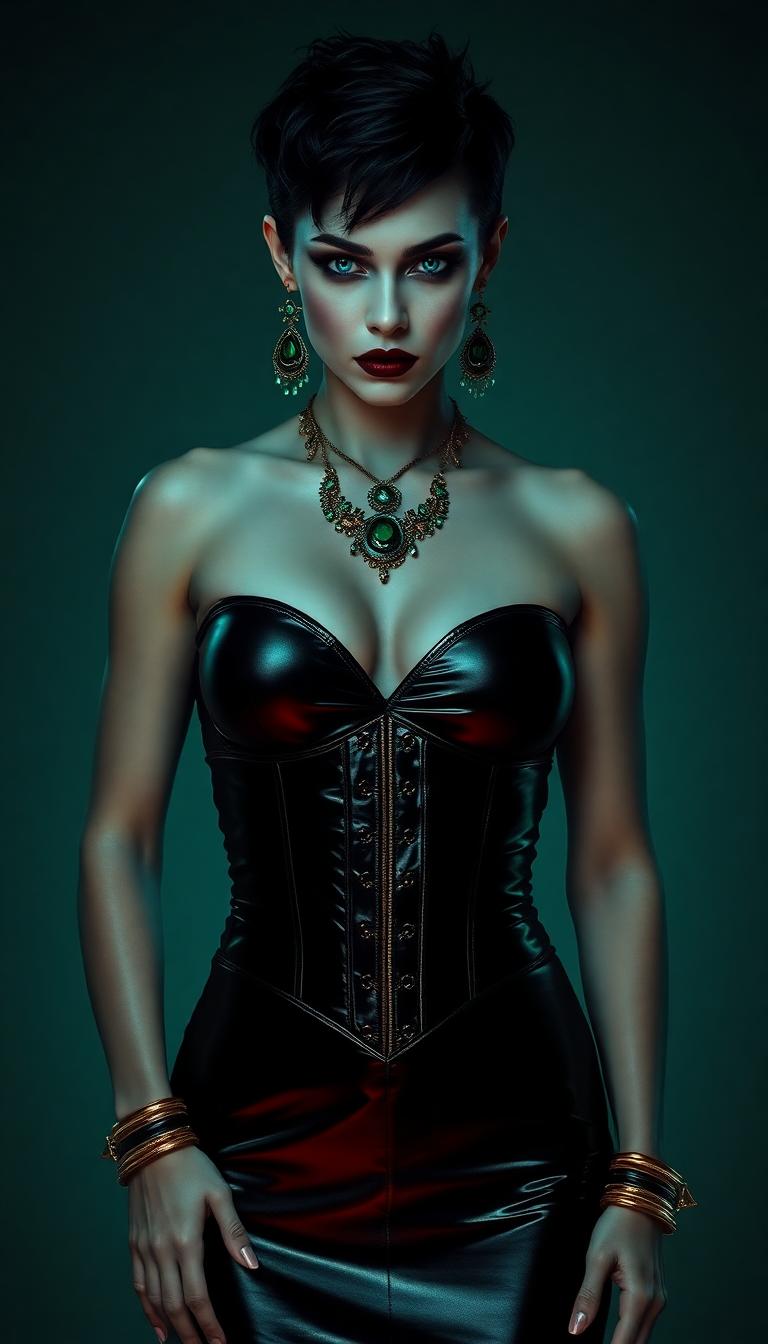
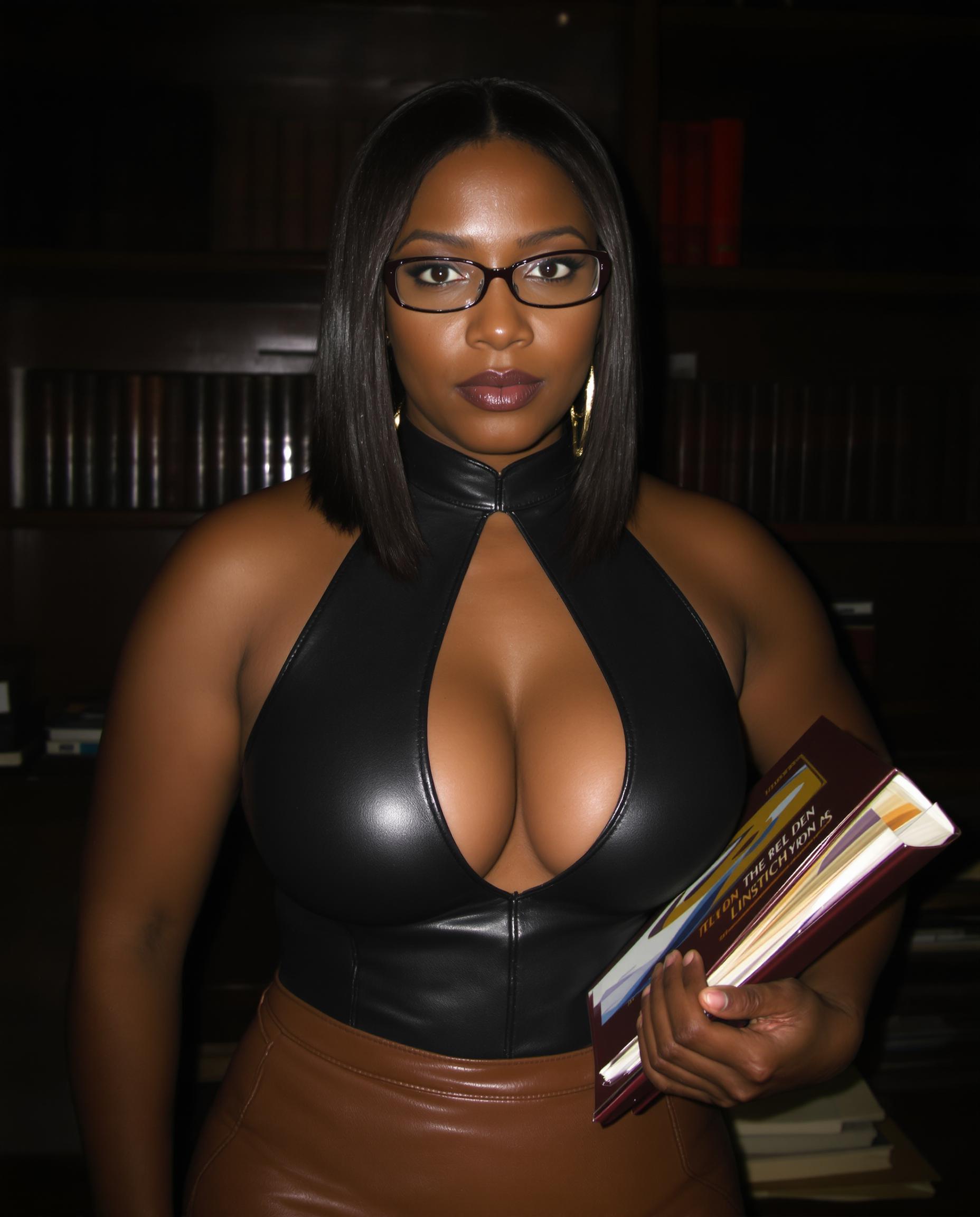
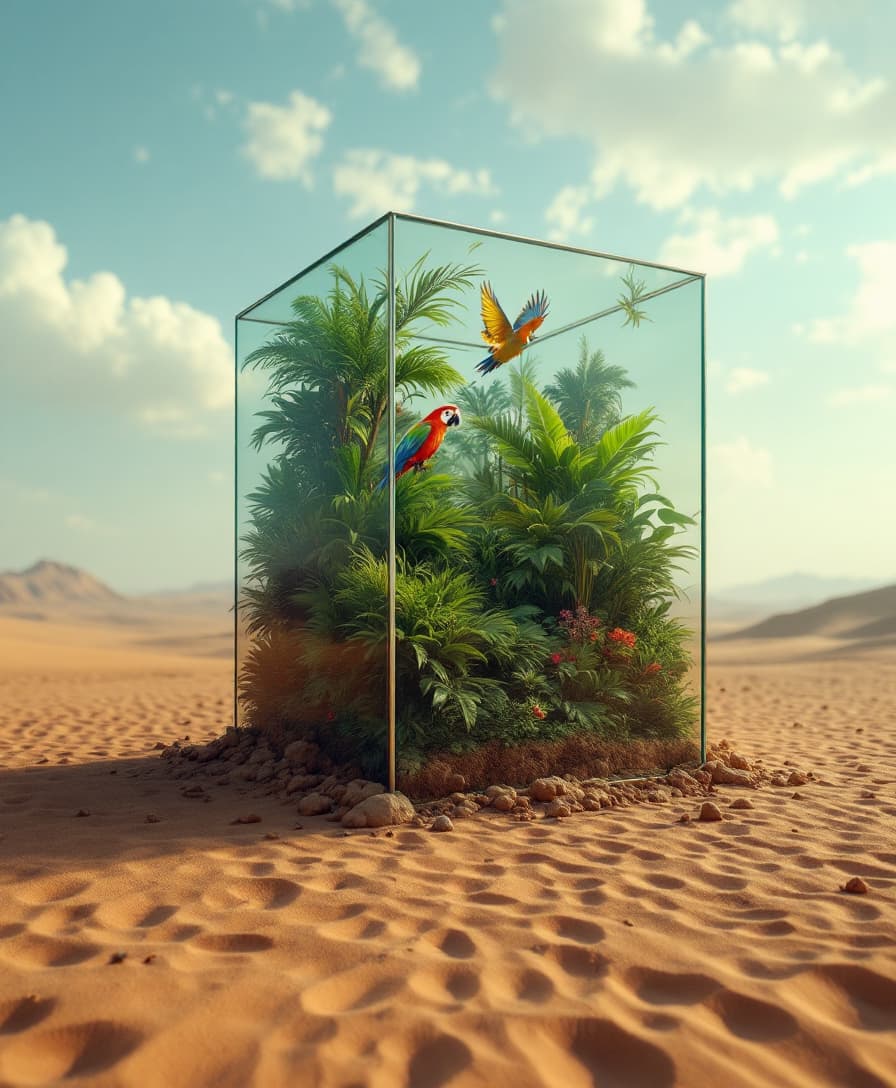
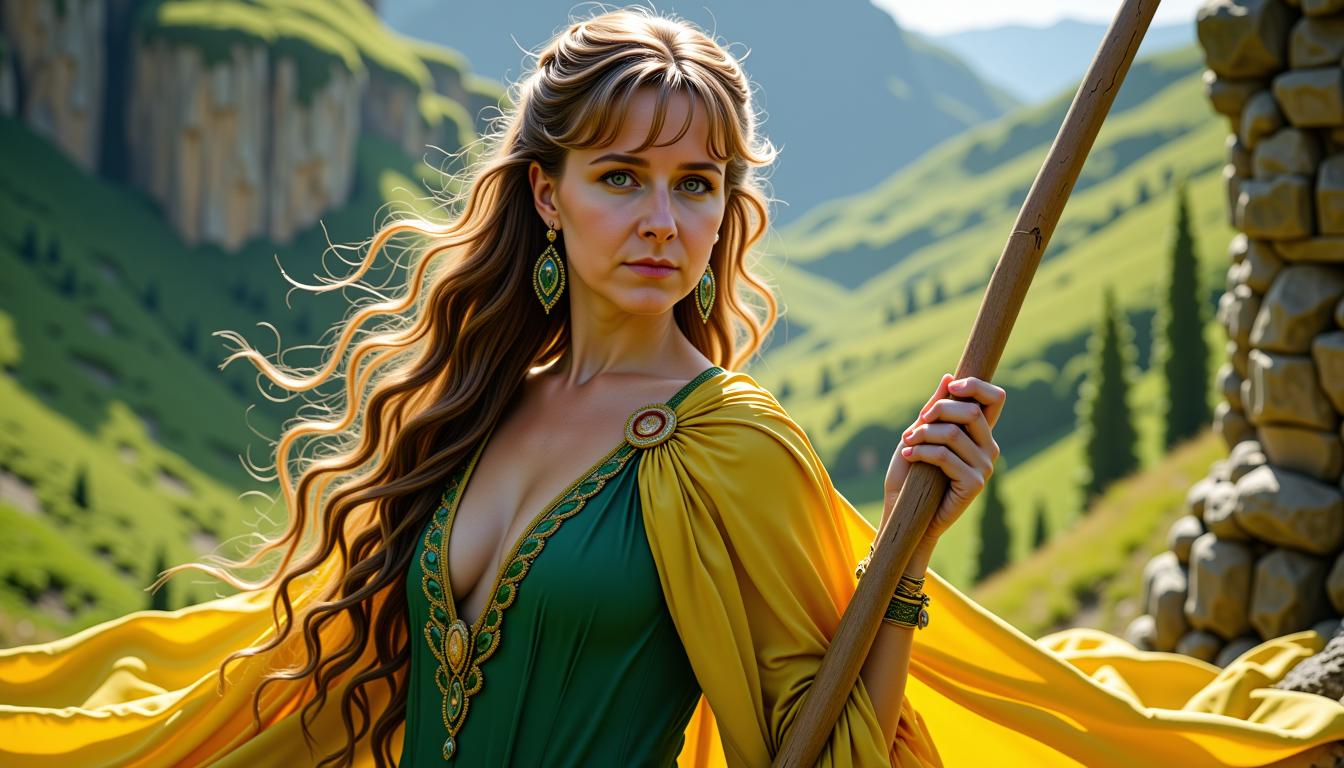
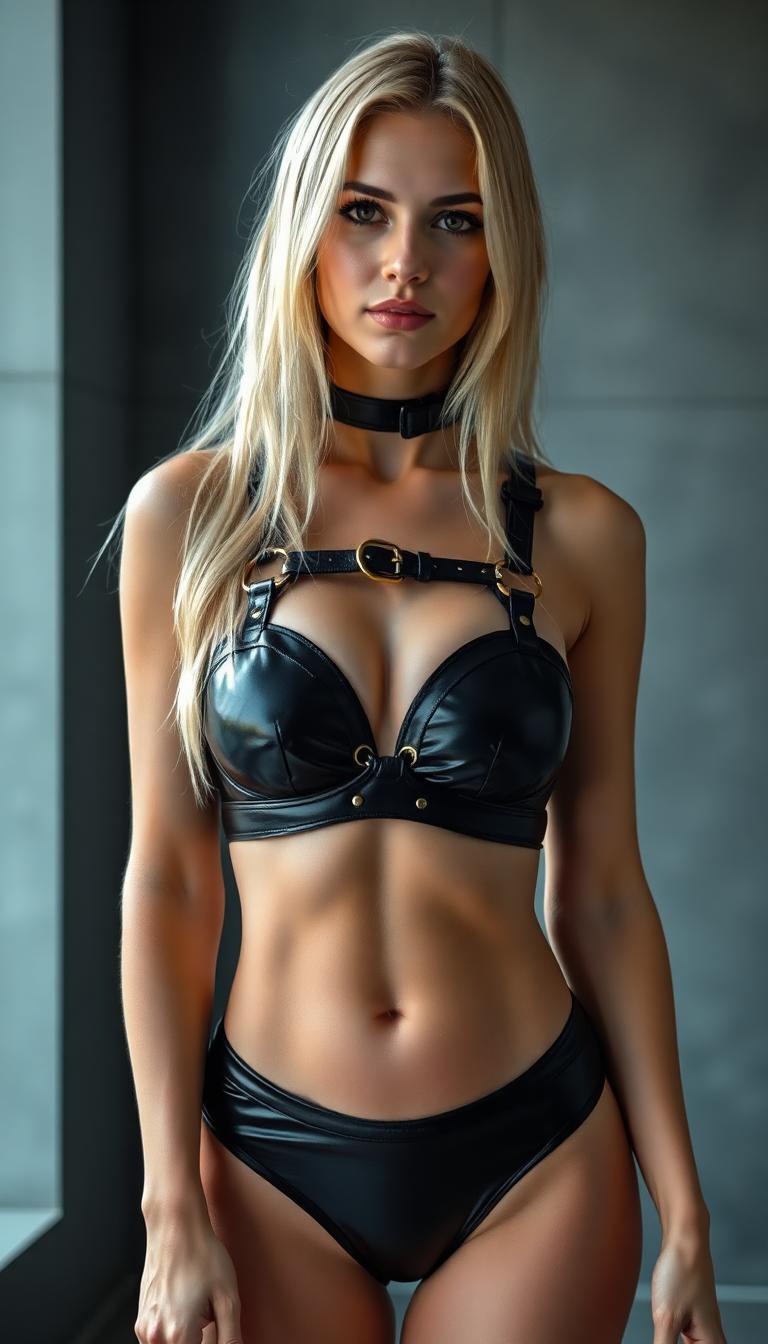
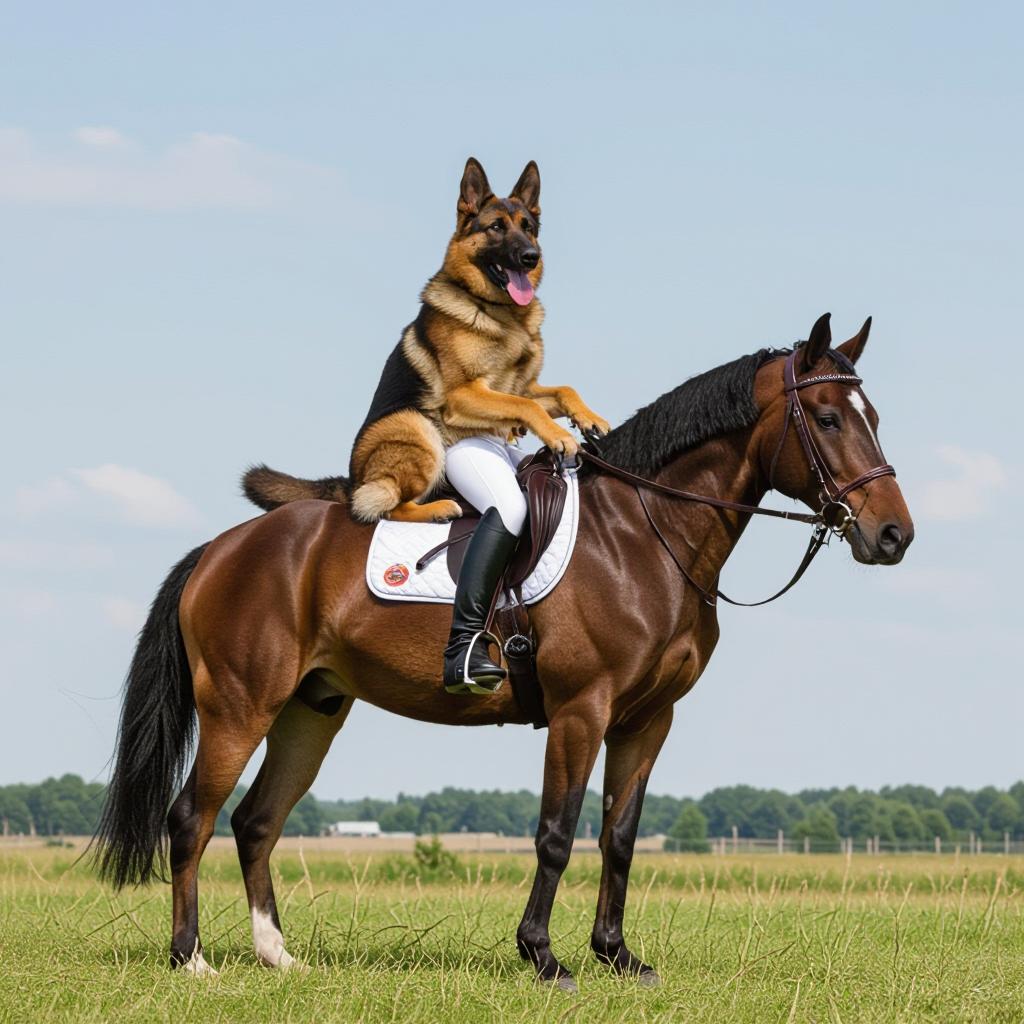
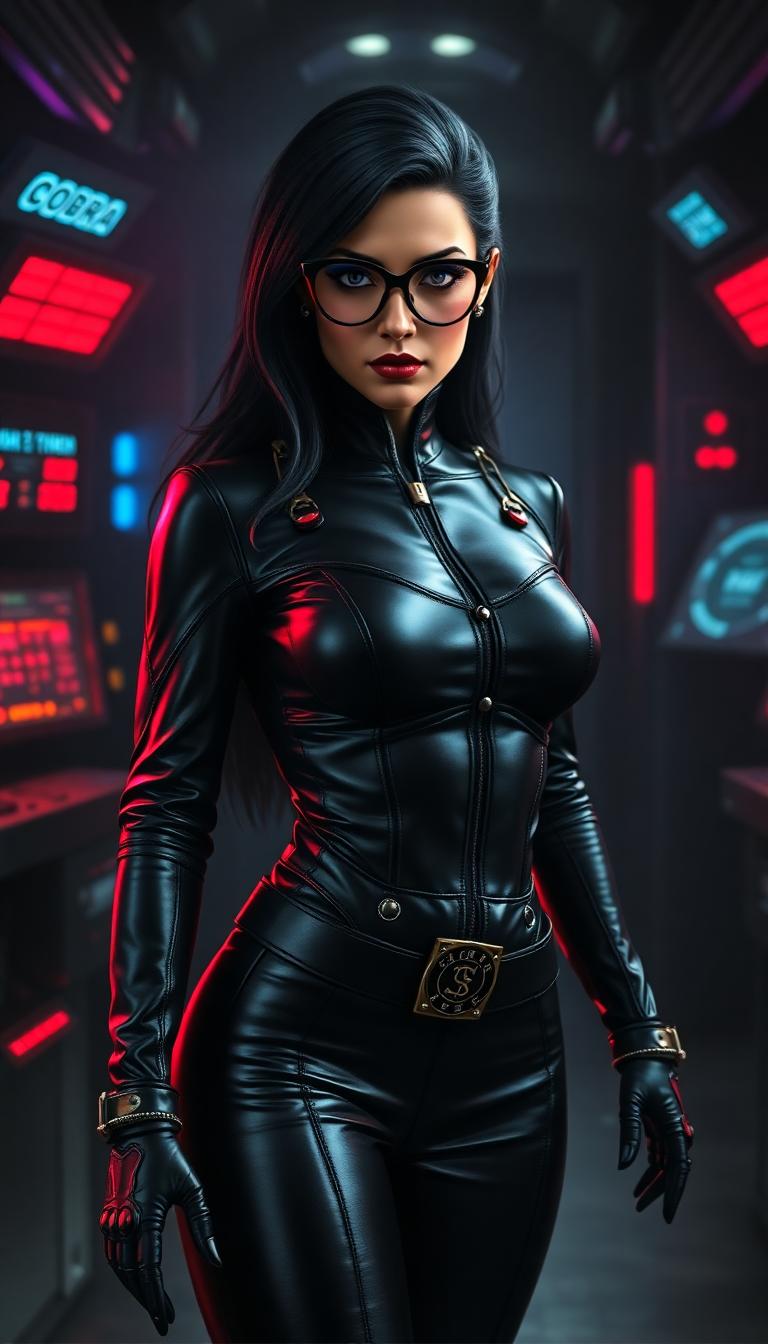

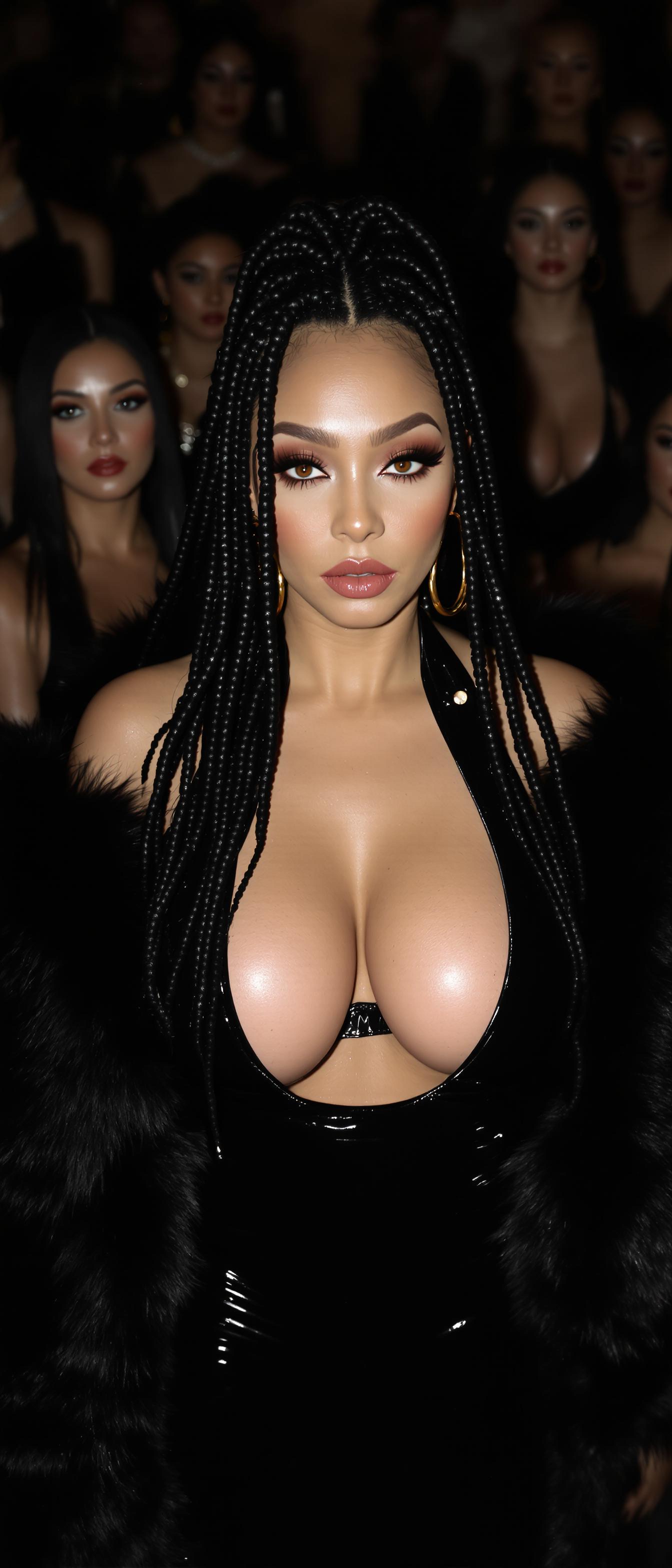
The Pixel Dojo Advantage
Why PixelDojo's Kling O3 stands out in image-to-video conversion:
| Others | Pixel Dojo |
|---|---|
| Traditional Animation Software | No need for complex software or animation skills; Kling O3 simplifies the process. |
| Generic AI Tools | Kling O3 offers advanced motion control and high-quality outputs tailored for professional use. |
| Manual Video Editing | Save time and effort by automating the animation process with Kling O3's AI capabilities. |
Loved by Creators
See what our community says about kling o3 image to video
"PixelDojo's Kling O3 transformed my static images into engaging videos effortlessly. It's a game-changer for my content creation."
Alex Johnson
Digital Marketer
"As a photographer, Kling O3 has opened new avenues for showcasing my work. The animations are smooth and professional."
Maria Lopez
Professional Photographer
Common Questions
Everything you need to know about kling o3 image to video AI generation
How does Kling O3 convert images to videos?
Kling O3 uses advanced AI algorithms to analyze your static images and apply realistic motion, creating dynamic videos without manual animation.
Do I need animation experience to use Kling O3?
No, Kling O3 is designed for users of all skill levels. Its intuitive interface allows you to create animated videos without any prior animation experience.
Can I control the motion in the generated videos?
Yes, Kling O3 provides customizable motion settings, enabling you to direct camera movements and object animations to match your creative vision.
What output formats are available?
Kling O3 generates videos in MP4 format, compatible with most platforms and devices.
Is there a limit to the video length I can create?
Currently, Kling O3 supports video lengths up to 10 seconds, ideal for social media and marketing content.
Can I use the generated videos for commercial purposes?
Yes, videos created with Kling O3 can be used for commercial purposes, including marketing and advertising.