kling video 3.0 elements upgrades AI Generator
Elevate your video production to cinematic heights with Kling Video 3.0's latest Elements upgrades. Designed for creators seeking professional-grade results, these enhancements empower you to produce native 4K videos with multi-shot storyboards and consistent character representation. Whether you're crafting compelling narratives, dynamic advertisements, or engaging social media content, Kling Video 3.0 provides the tools to bring your vision to life effortlessly.

Join over 100,000 creators who have transformed their video production with Kling Video 3.0, achieving a 4.9/5 satisfaction rating and 99.9% uptime.
Why Choose Pixel Dojo for kling video 3.0 elements upgrades
Professional-quality results with cutting-edge AI technology
Achieve Native 4K Video Quality
Produce ultra-high-definition videos that captivate audiences with stunning clarity and detail.
Craft Multi-Shot Storyboards
Design complex narratives with up to six camera cuts per generation, enhancing storytelling depth.
Ensure Character Consistency
Maintain character identity across scenes using the Elements system, providing seamless visual continuity.
How It Works
Creating professional-grade videos with Kling Video 3.0 is a straightforward process. Follow these steps to bring your ideas to life:
Step 1: Select Your Input Method
Choose between text-to-video or image-to-video modes to initiate your project.
Step 2: Define Your Scene and Characters
Input detailed descriptions or upload reference images to guide the scene composition and character design.
Step 3: Generate and Refine Your Video
Utilize the Elements system to ensure character consistency, then generate and review your video, making adjustments as needed.


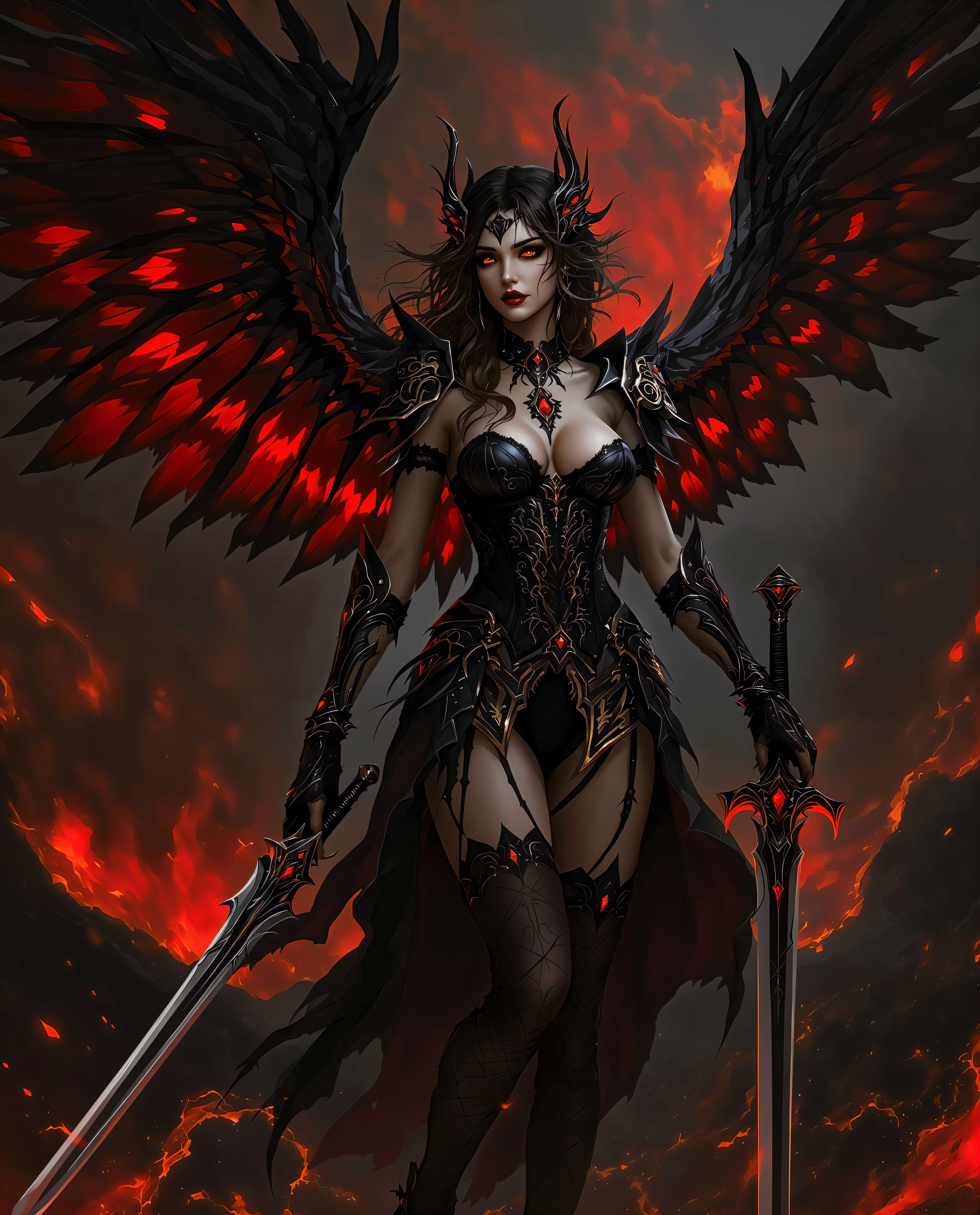
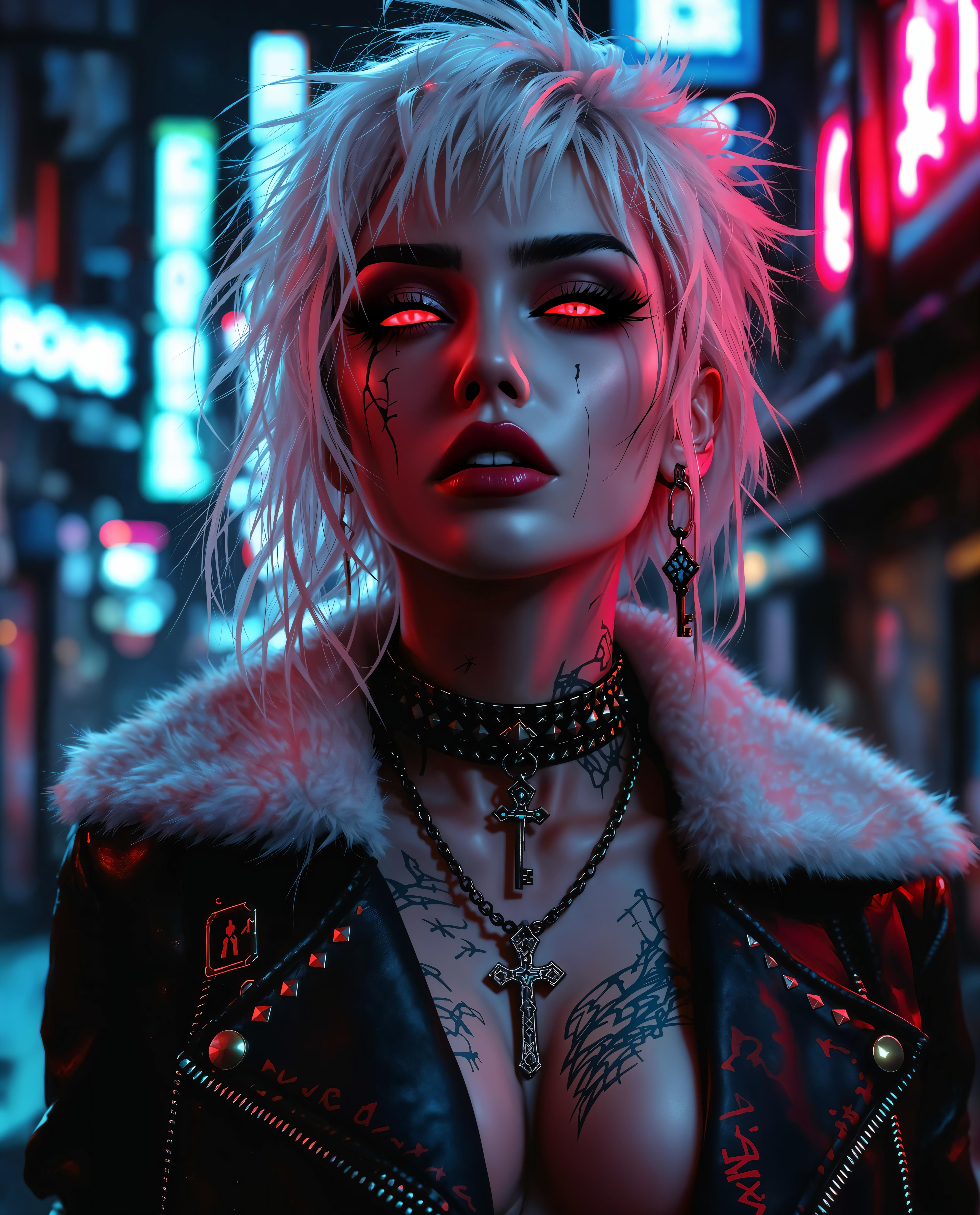








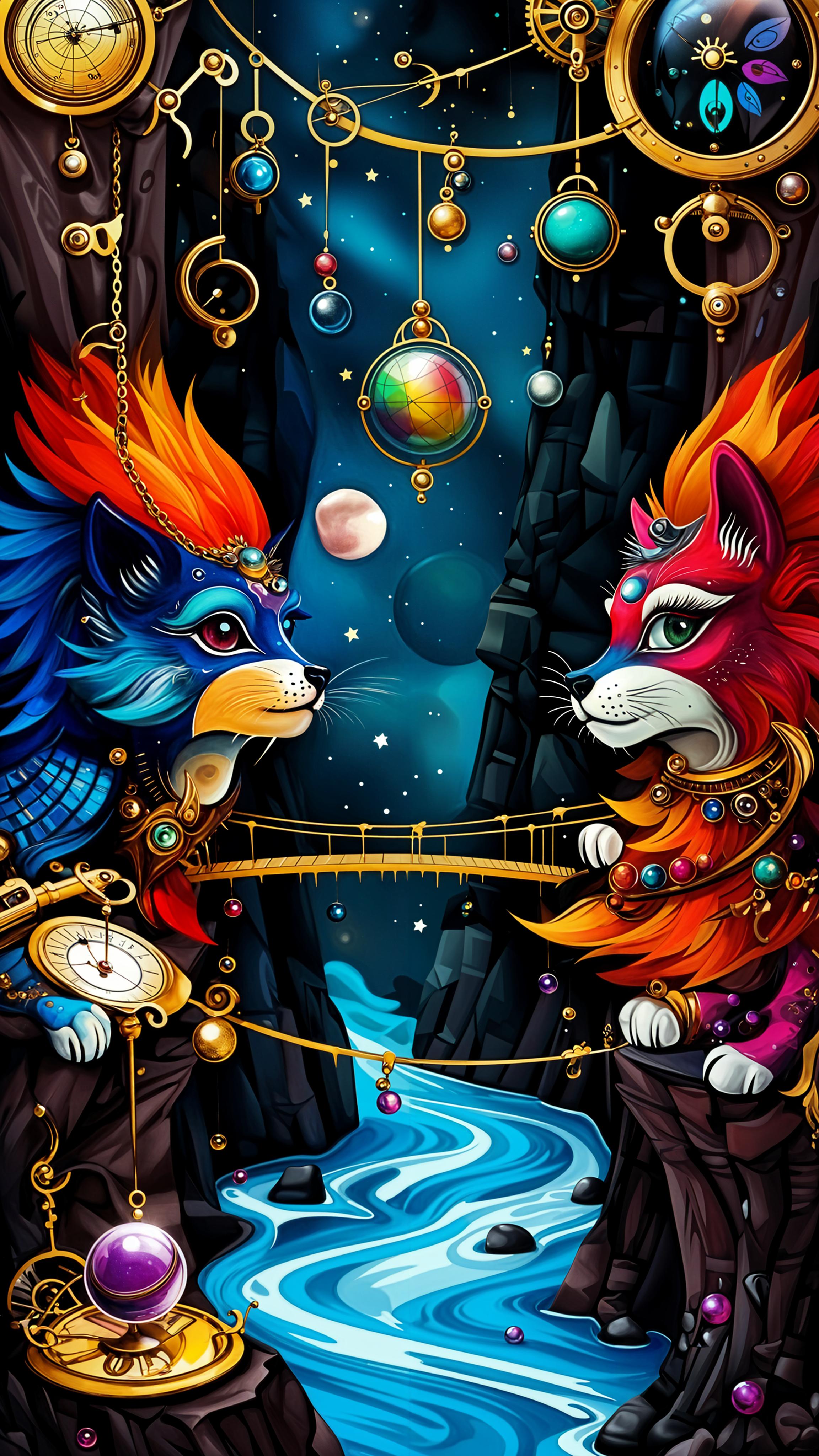


The Pixel Dojo Advantage
Discover how Kling Video 3.0 surpasses traditional and generic AI video creation methods:
| Others | Pixel Dojo |
|---|---|
| Traditional Video Production | Eliminate the need for expensive equipment and extensive crew, reducing production costs and time. |
| Generic AI Video Tools | Benefit from advanced features like multi-shot storyboards and character consistency not available in standard AI tools. |
| Manual Video Editing | Automate complex editing tasks, allowing for faster turnaround and more creative flexibility. |
Loved by Creators
See what our community says about kling video 3.0 elements upgrades
"Kling Video 3.0 has revolutionized our content creation process, enabling us to produce high-quality videos with remarkable efficiency."
Alex Johnson
Content Director
"The Elements system ensures our characters remain consistent across scenes, enhancing the professionalism of our videos."
Maria Lopez
Marketing Manager
Common Questions
Everything you need to know about kling video 3.0 elements upgrades AI generation
How does Kling Video 3.0 ensure character consistency across scenes?
The Elements system allows you to lock character identities, ensuring they remain consistent throughout multiple shots and scenes.
Can I create videos longer than 15 seconds with Kling Video 3.0?
Currently, Kling Video 3.0 supports video generation up to 15 seconds in length, ideal for short-form content and advertisements.
Is native audio generation available in Kling Video 3.0?
Yes, Kling Video 3.0 offers native audio-visual co-generation, including synchronized lip-sync with dialogue, sound effects, and ambient audio.
What input methods does Kling Video 3.0 support?
Kling Video 3.0 supports both text-to-video and image-to-video modes, providing flexibility in how you create your content.
How many camera cuts can I include in a single video generation?
You can include up to six camera cuts per generation, allowing for dynamic and engaging multi-shot storyboards.
Is Kling Video 3.0 suitable for commercial use?
Yes, Kling Video 3.0 is designed for both personal and commercial use, enabling creators to produce professional-grade content for various applications.