kling video 3.0 facial expressions AI Generator
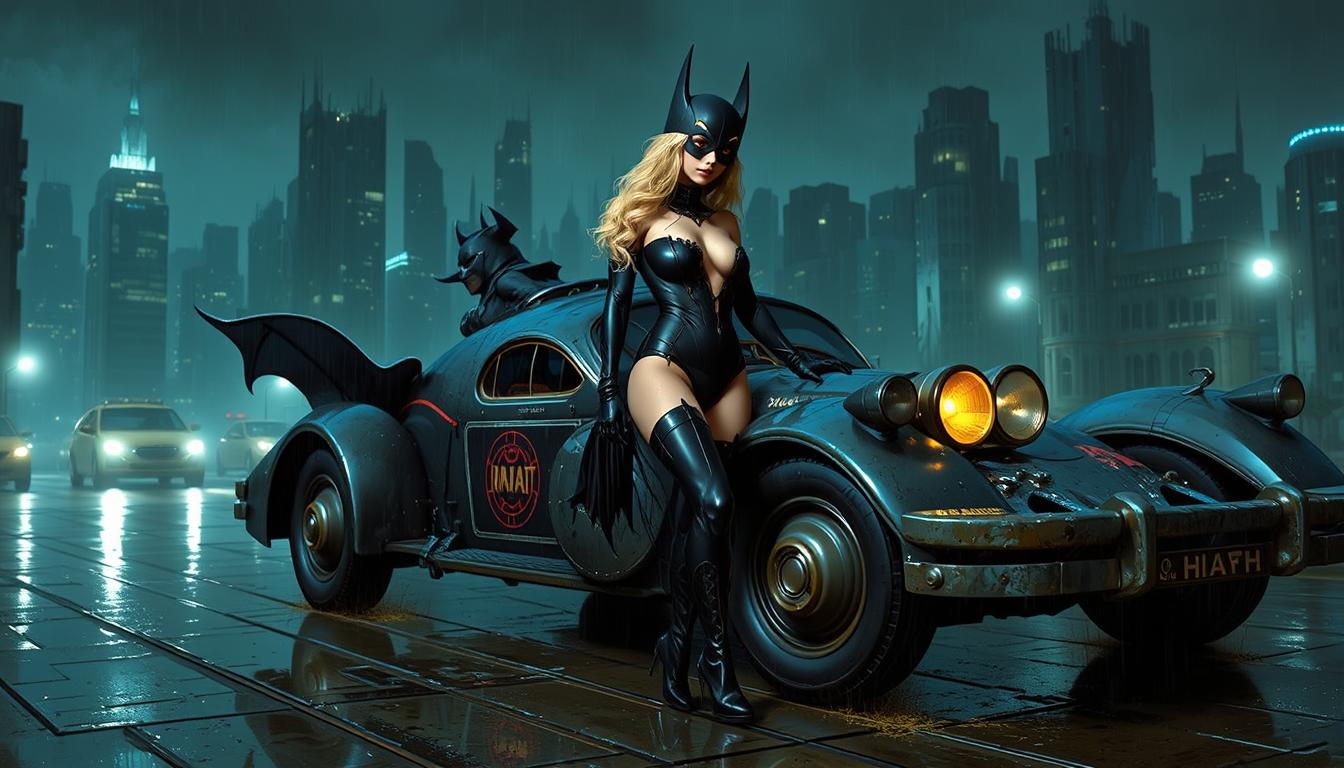
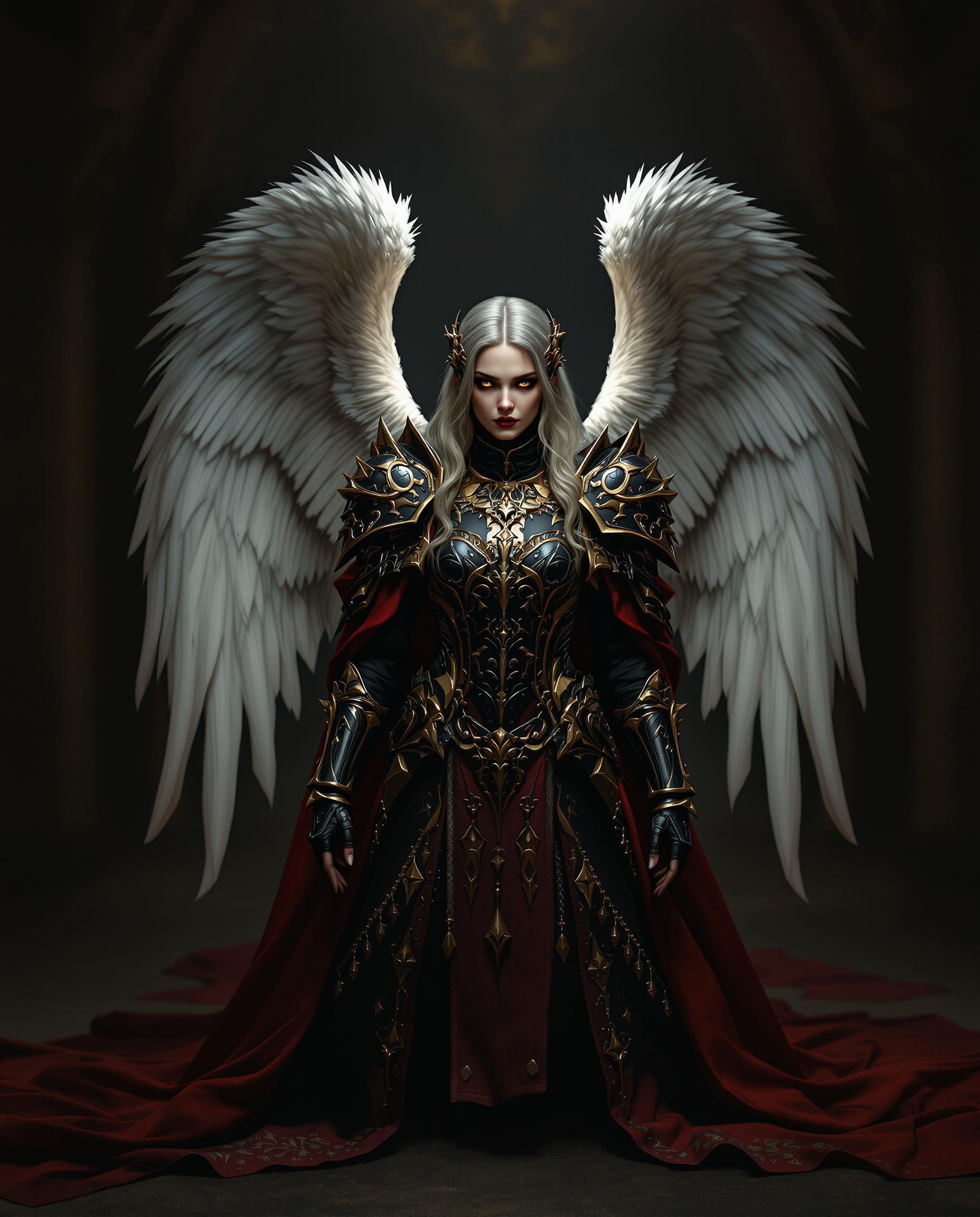
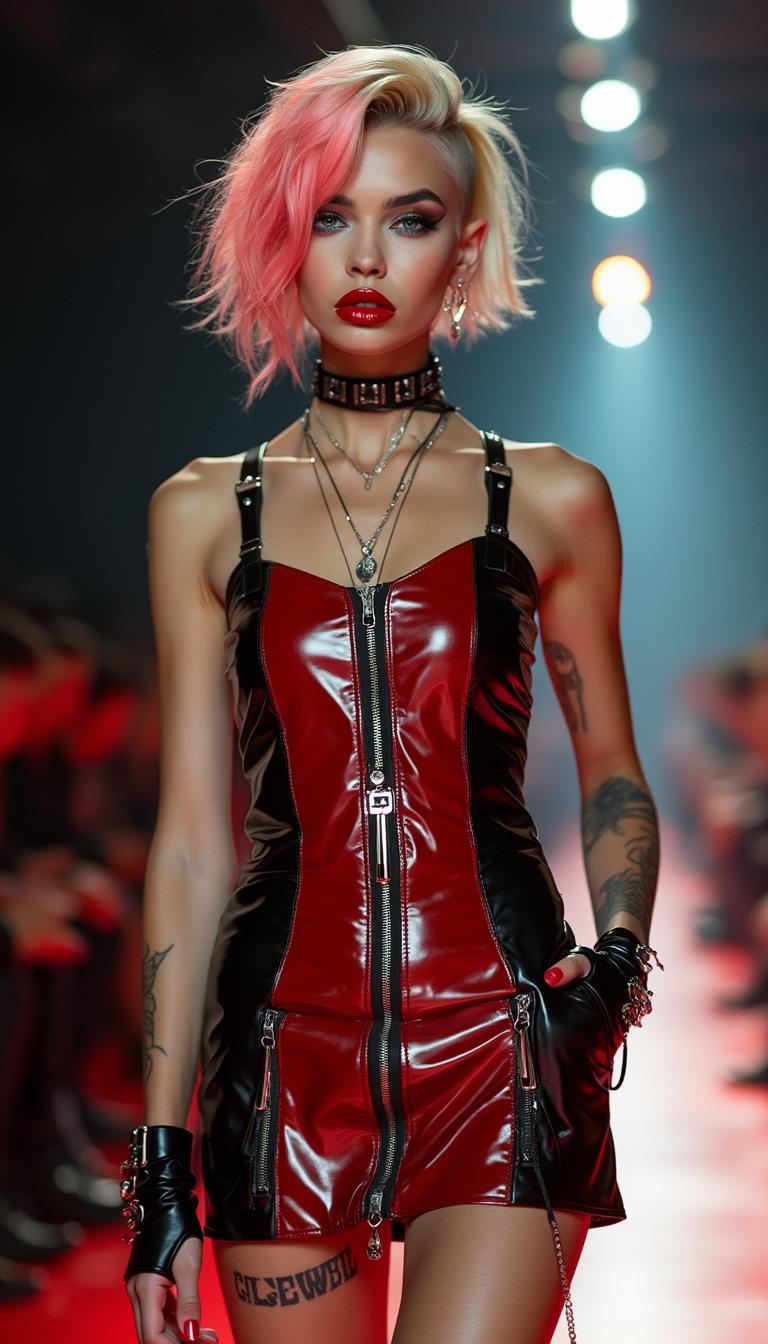
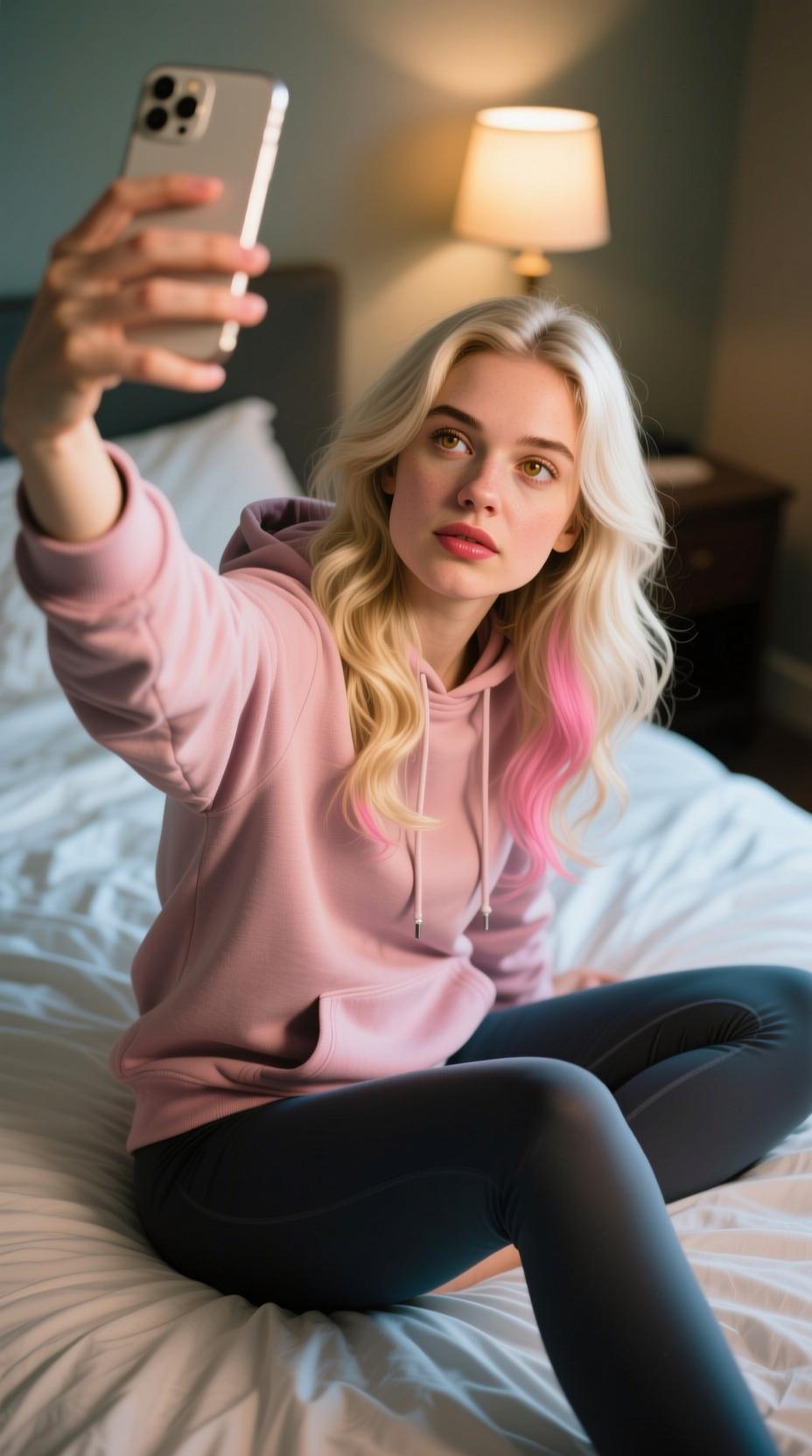
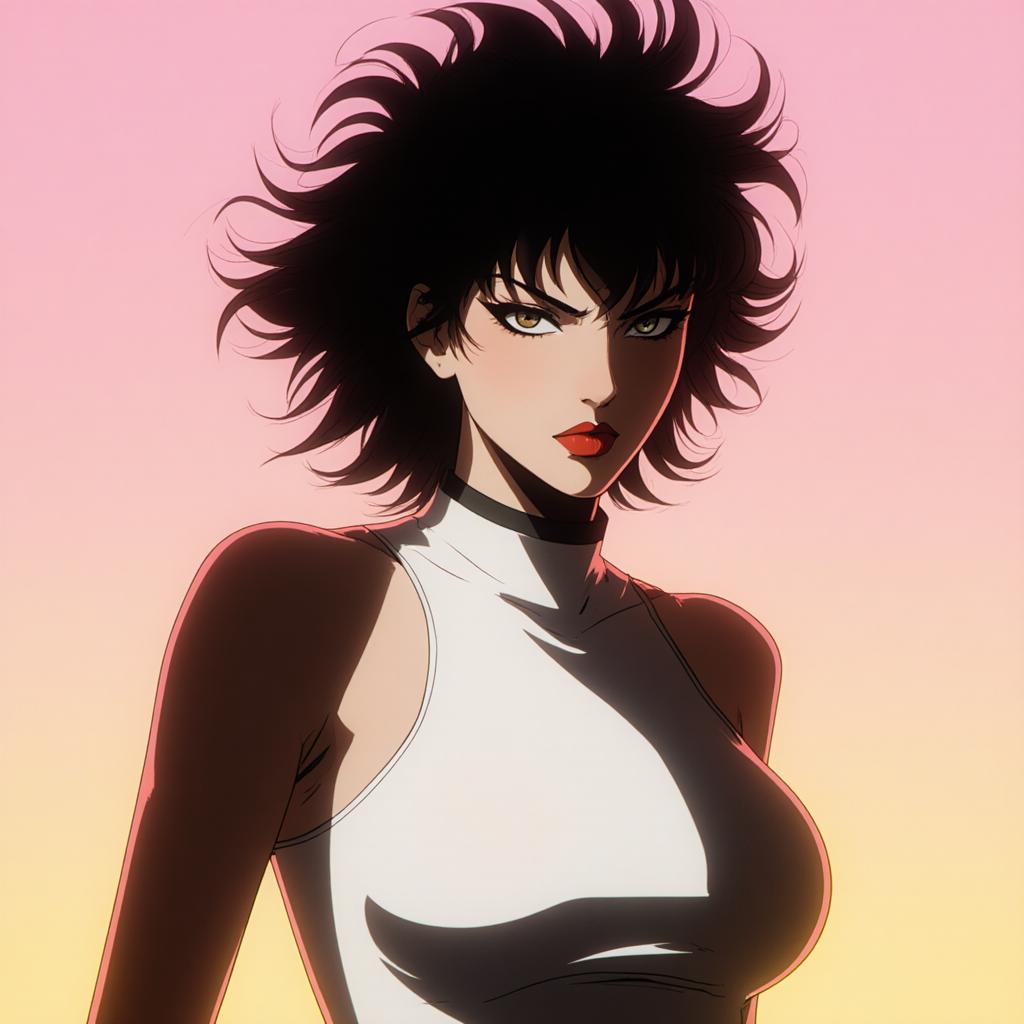
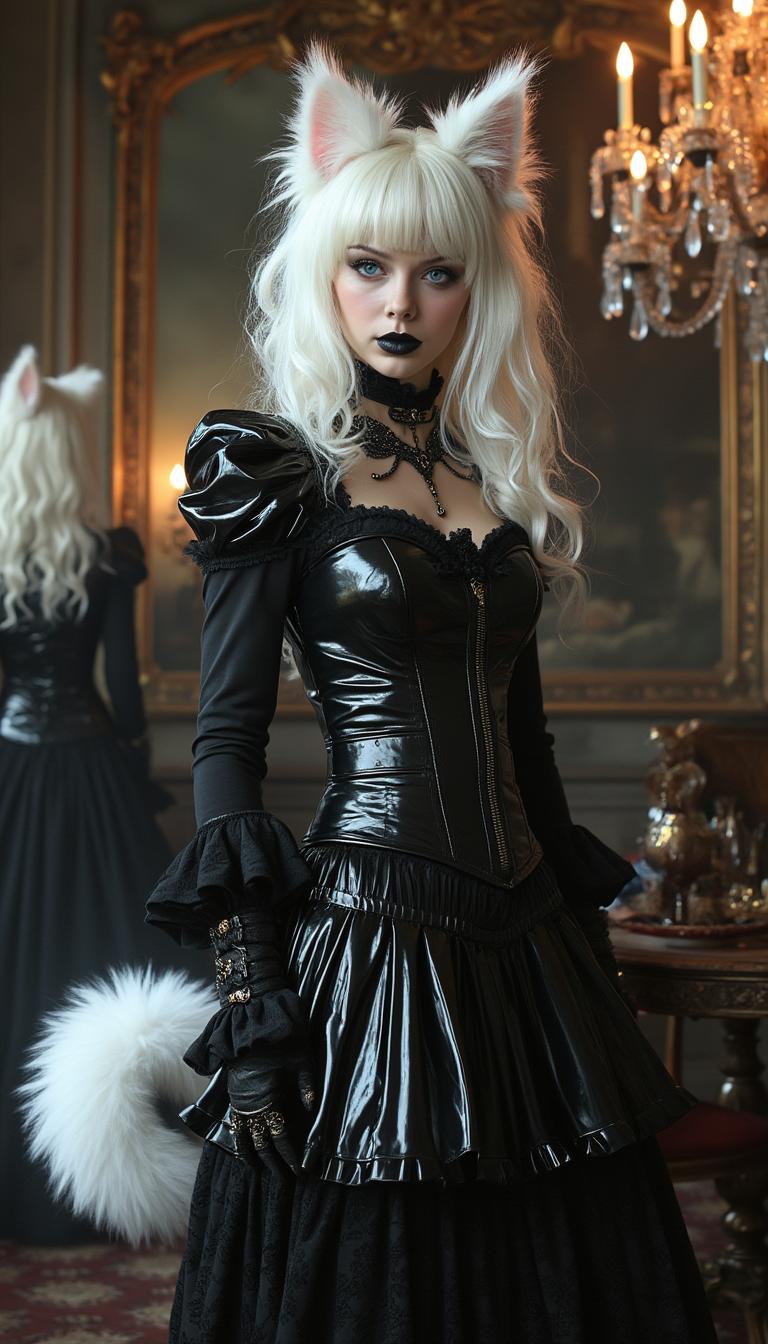
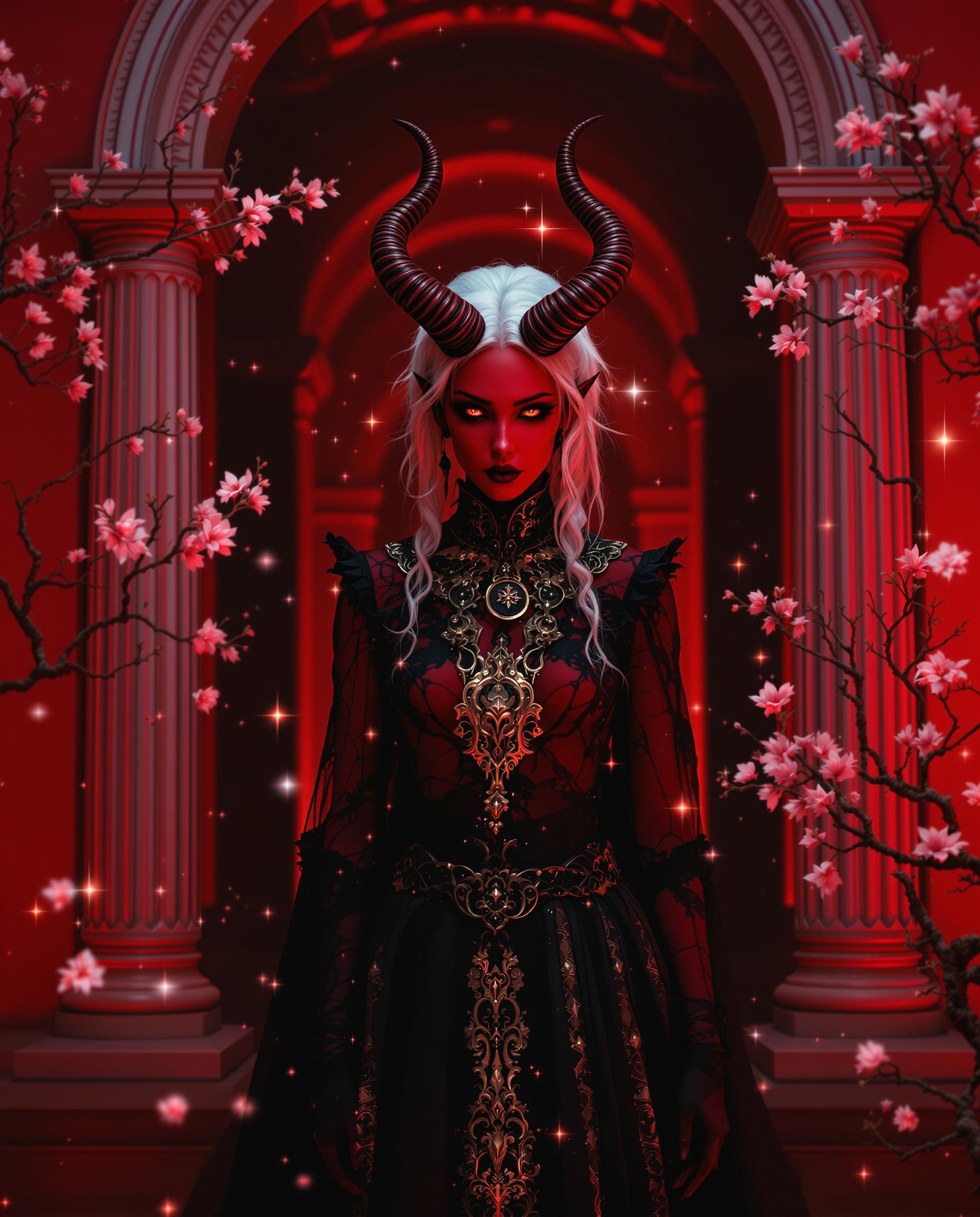
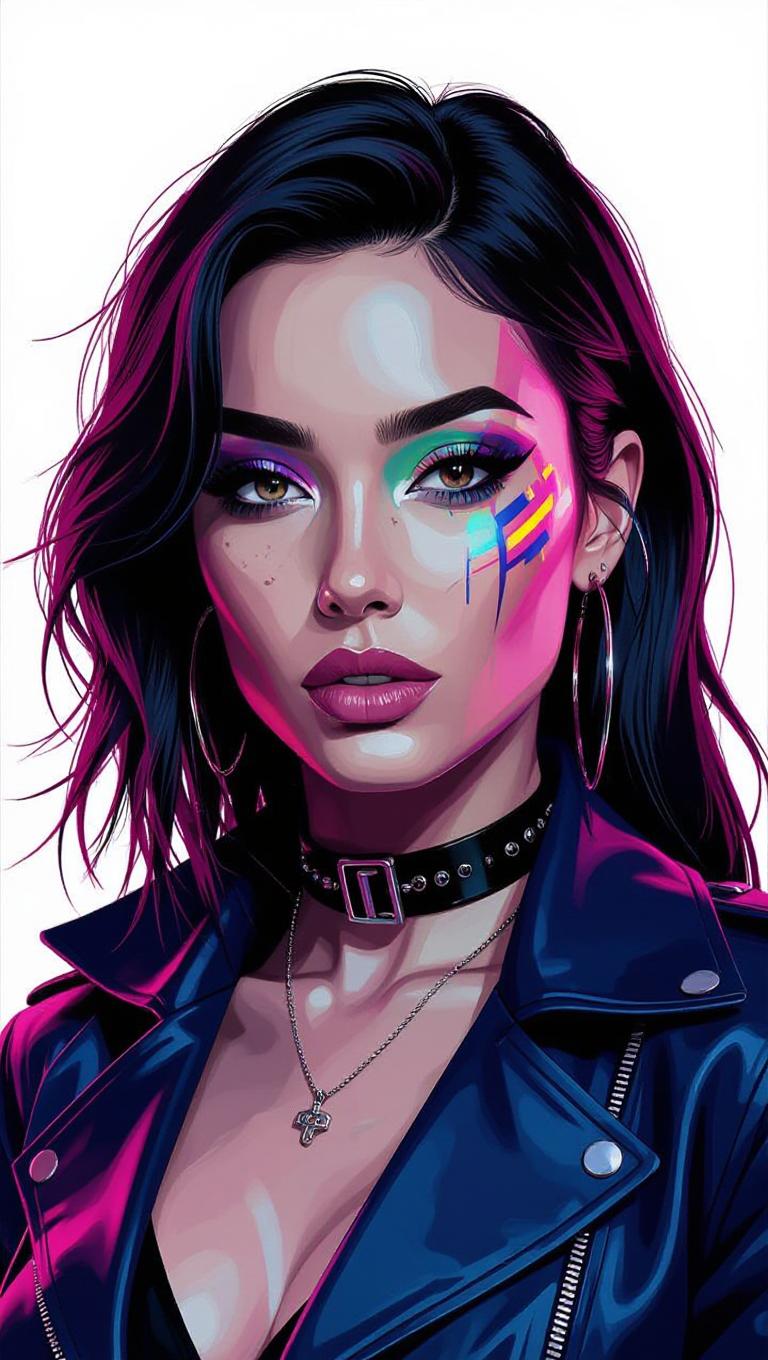
Transform your static images into dynamic, expressive videos with Kling Video 3.0. Harness the power of advanced AI motion control to infuse your characters with lifelike facial expressions and natural movements, elevating your creative projects to new heights.
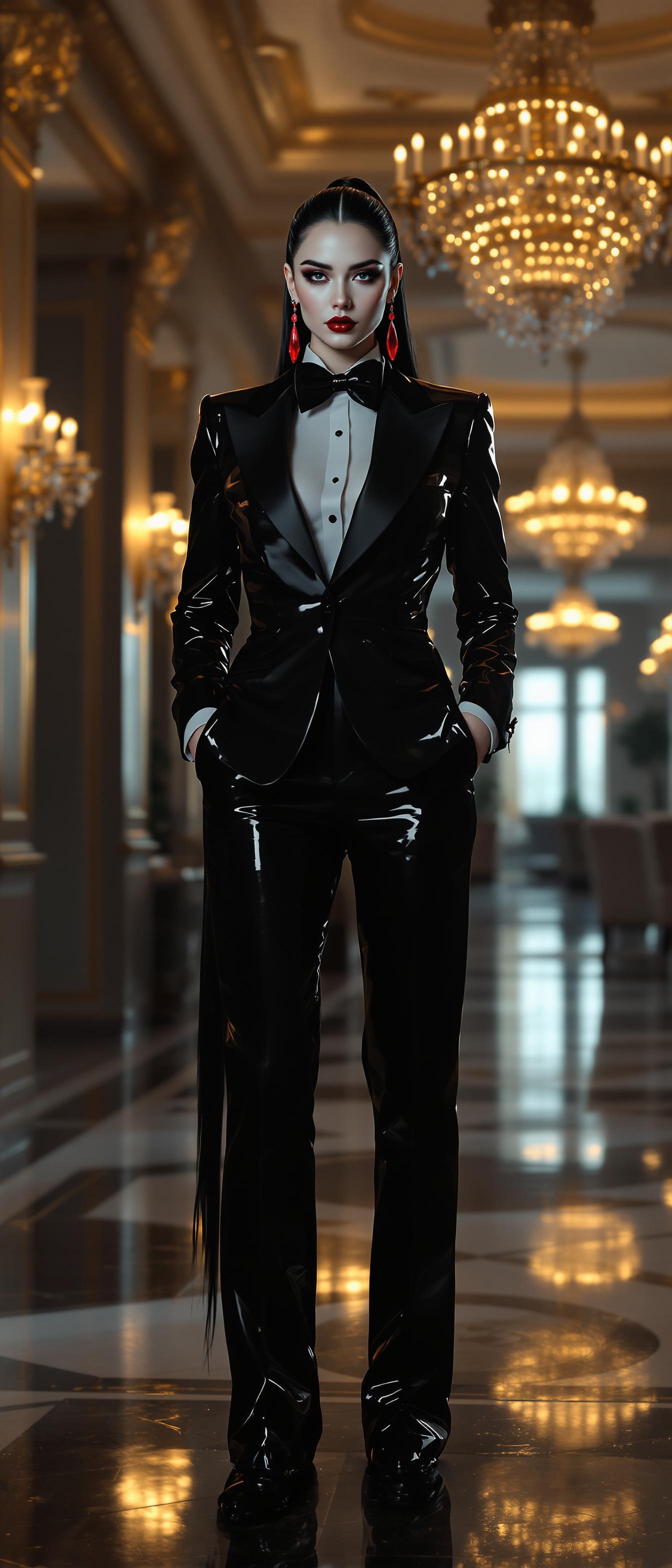
Join over 100,000 creators who have enhanced their storytelling with Kling Video 3.0's cutting-edge AI technology.
Why Choose Pixel Dojo for kling video 3.0 facial expressions
Professional-quality results with cutting-edge AI technology
Achieve Realistic Facial Expressions
Bring authenticity to your characters by generating videos with precise and natural facial movements.
Seamless Motion Transfer
Apply complex motion sequences from reference videos to your static images effortlessly.
Enhanced Creative Control
Fine-tune every aspect of your video, from camera angles to character gestures, for a polished final product.
How It Works
Creating expressive AI-generated videos with Kling Video 3.0 is straightforward. Follow these steps to bring your characters to life:
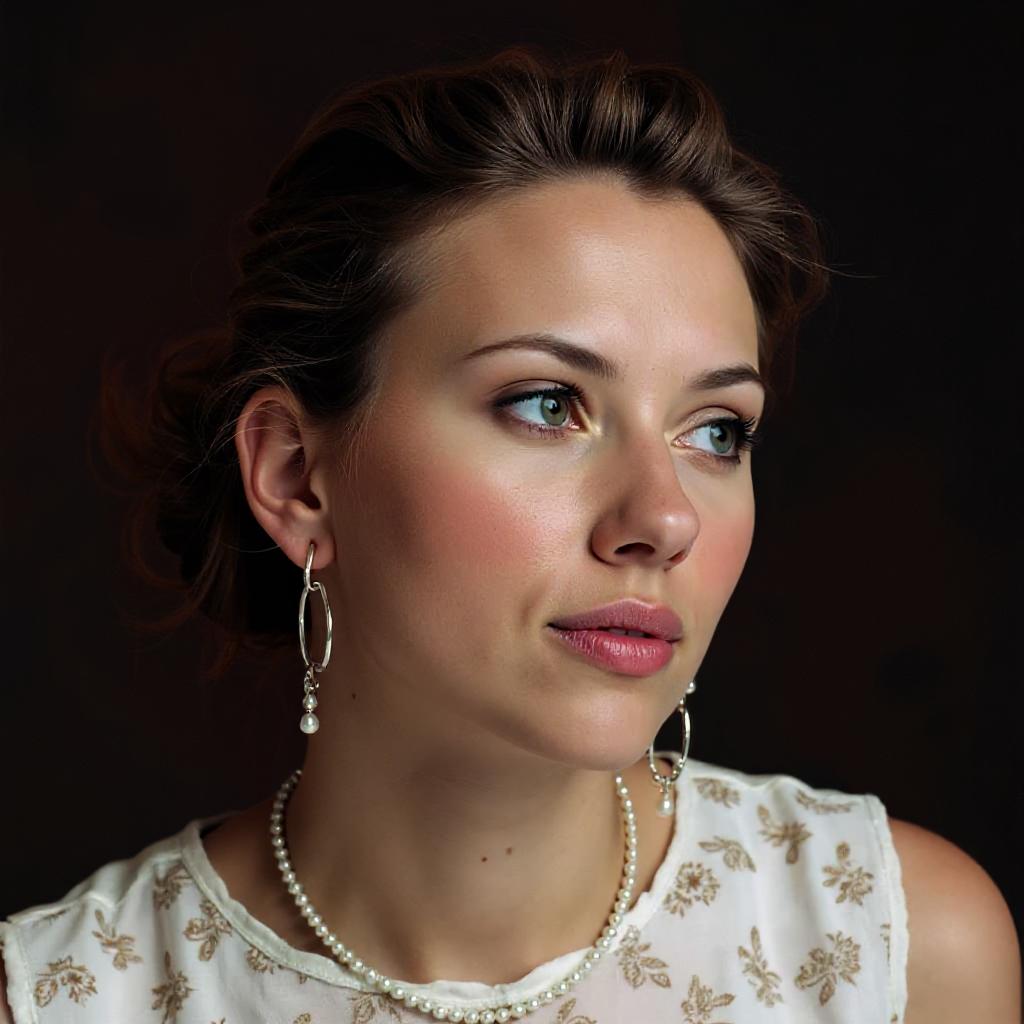
Step 1: Upload Your Character Image
Select a high-resolution image of your character to serve as the foundation for your video.
Step 2: Choose a Motion Reference Video
Provide a 3–30 second video that demonstrates the desired facial expressions and movements.
Step 3: Generate and Customize Your Video
Utilize Kling Video 3.0's AI to merge your character image with the motion reference, then fine-tune the output to meet your creative vision.




The Pixel Dojo Advantage
Why Kling Video 3.0 is the superior choice for AI video generation with realistic facial expressions:
| Others | Pixel Dojo |
|---|---|
| Traditional Animation Techniques | Significantly reduces time and effort by automating complex facial animations. |
| Generic AI Video Tools | Offers precise control over facial expressions and motion, ensuring high-quality results. |
| Manual Video Editing | Eliminates the need for extensive post-production work by generating polished videos directly. |
Loved by Creators
See what our community says about kling video 3.0 facial expressions
"Kling Video 3.0 has revolutionized our content creation process, allowing us to produce engaging videos with authentic facial expressions effortlessly."
Alex Johnson
Digital Content Creator
"The motion control capabilities of Kling Video 3.0 are unparalleled. We've seen a significant improvement in our video quality and audience engagement."
Maria Lopez
Marketing Director
Common Questions
Everything you need to know about kling video 3.0 facial expressions AI generation
How does Kling Video 3.0 ensure realistic facial expressions in AI-generated videos?
Kling Video 3.0 utilizes advanced AI motion control to analyze and replicate facial movements from reference videos, resulting in natural and lifelike expressions.
Can I use Kling Video 3.0 to animate any static image?
Yes, Kling Video 3.0 can animate any high-resolution static image by applying motion sequences from reference videos, bringing your characters to life.
What is the maximum duration for videos created with Kling Video 3.0?
Kling Video 3.0 supports video generation up to 15 seconds in length, allowing for detailed and expressive animations.
Is Kling Video 3.0 suitable for professional video production?
Absolutely. Kling Video 3.0 offers high-quality output with precise control over facial expressions and motion, making it ideal for professional video projects.
Does Kling Video 3.0 support audio synchronization?
Yes, Kling Video 3.0 includes native audio integration, allowing for synchronized voiceovers and sound effects in your AI-generated videos.
How can I get started with Kling Video 3.0?
Simply upload your character image and a motion reference video, then use Kling Video 3.0's intuitive interface to generate and customize your expressive AI video.