kling video 3.0 flexible shots AI Generator
Bring your creative visions to life with Kling Video 3.0's flexible shot capabilities. Whether you're a filmmaker, marketer, or content creator, this advanced AI tool empowers you to produce dynamic, cinematic videos that captivate your audience. With intuitive motion control and customizable shot options, achieving professional-quality results has never been easier.

Join over 100,000 creators who have transformed their video production process with Kling Video 3.0. Rated 4.9/5 for its innovative features and user-friendly interface.
Why Choose Pixel Dojo for kling video 3.0 flexible shots
Professional-quality results with cutting-edge AI technology
Achieve Professional Cinematic Quality
Utilize advanced motion control to create smooth, dynamic shots that rival professional film productions.
Customize Shots to Fit Your Vision
Tailor camera movements, angles, and transitions to match your creative intent, ensuring each video aligns with your unique style.
Streamline Your Video Production
Reduce the time and effort required to produce high-quality videos with intuitive tools and AI-powered automation.
How It Works
Creating cinematic videos with Kling Video 3.0 is a straightforward process that puts you in control of every shot.
Step 1: Select Your Input
Choose to start with a text prompt, an image, or a combination of both to define the foundation of your video.
Step 2: Define Camera Movements
Specify desired camera movements such as zooms, pans, tilts, and rotations to add dynamic motion to your scenes.
Step 3: Generate and Refine
Initiate the video generation process and review the output. Make adjustments as needed to perfect your cinematic creation.





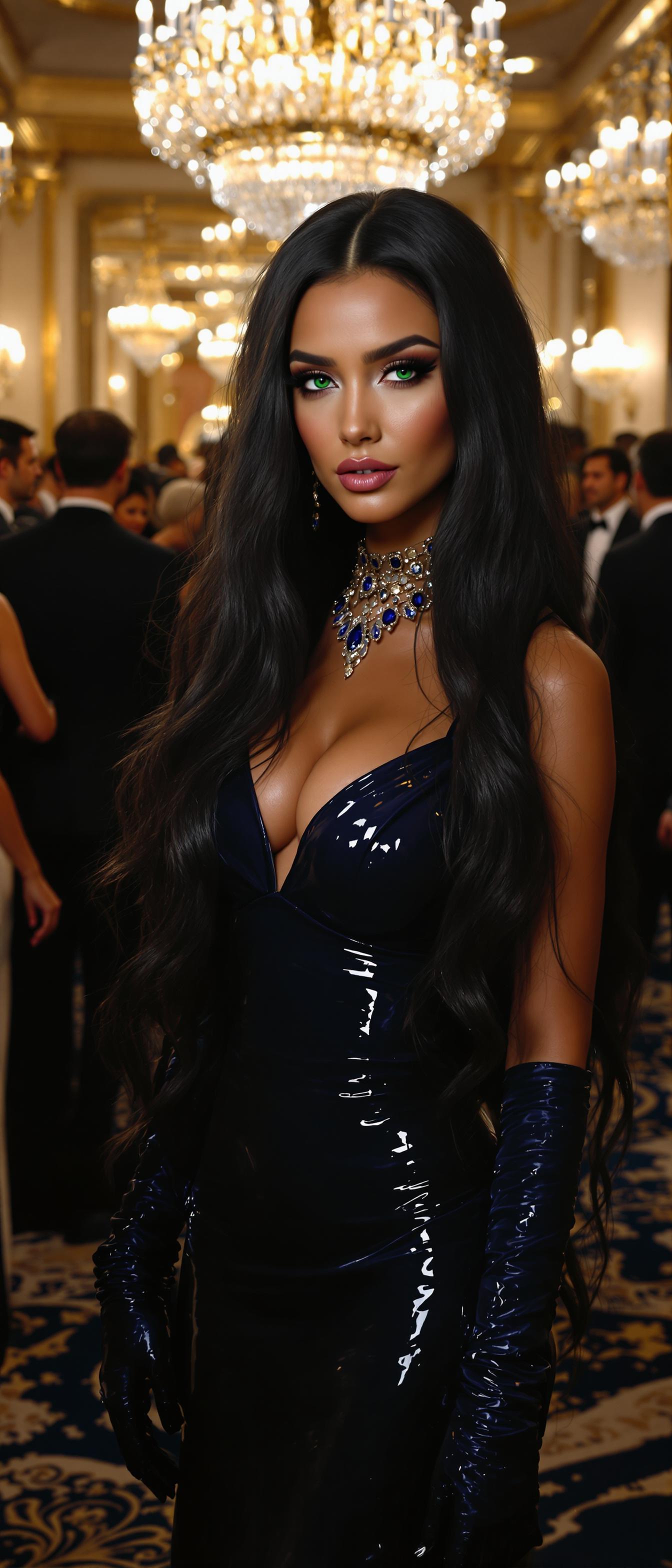
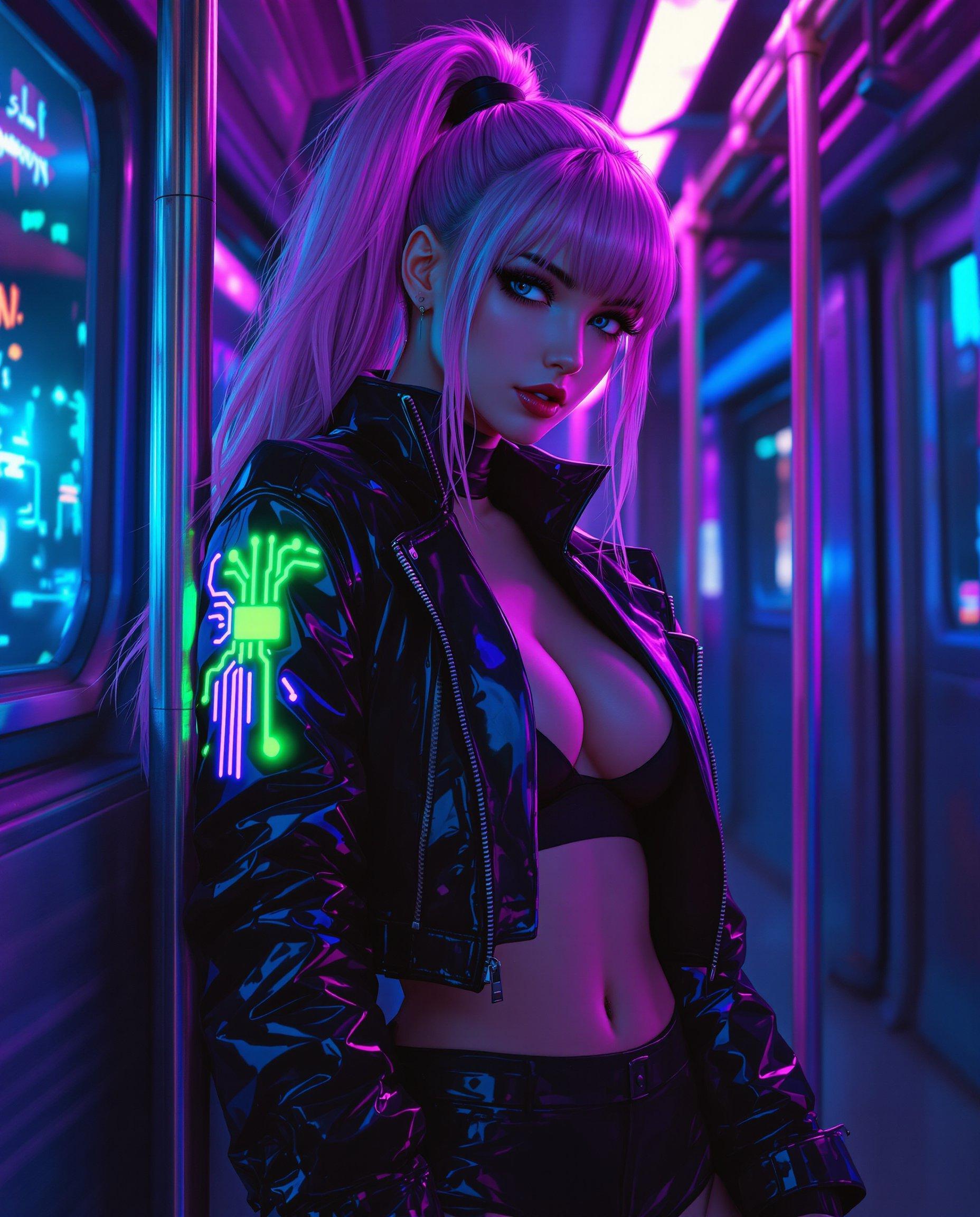
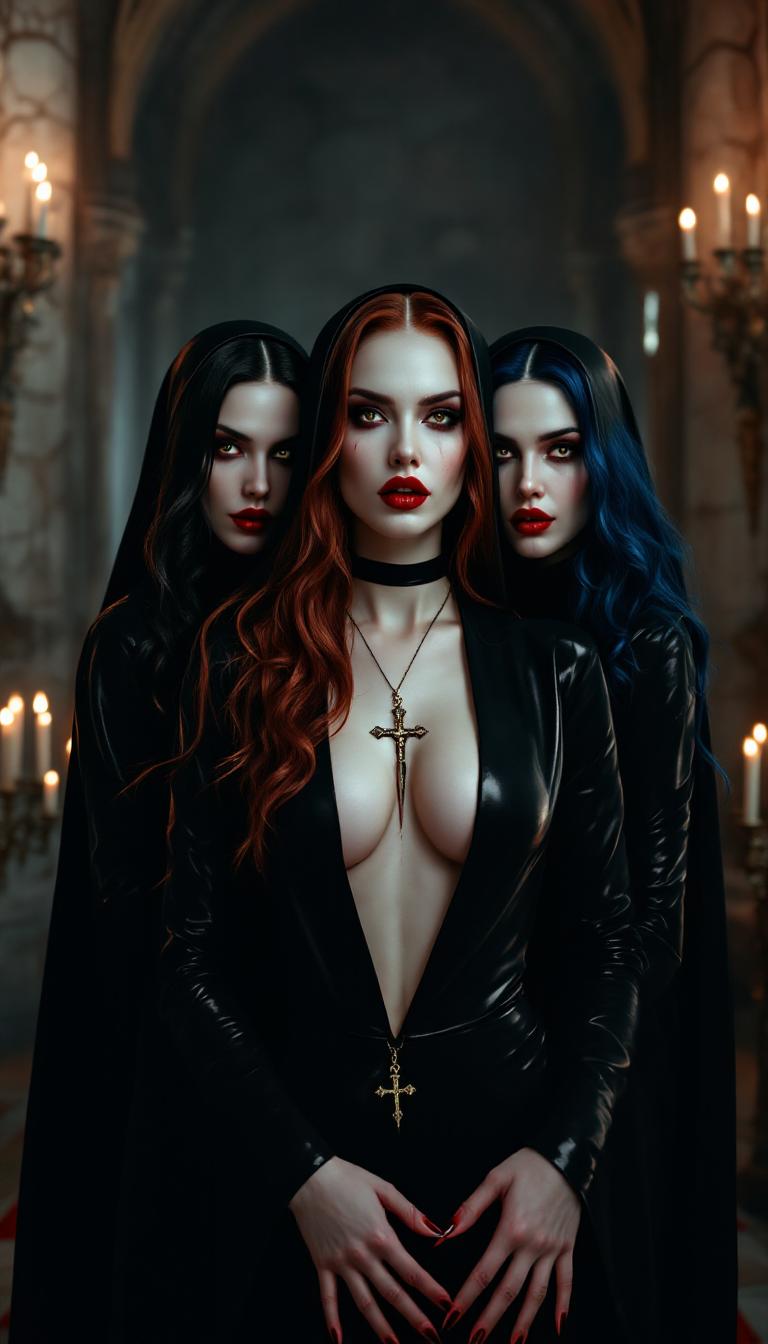
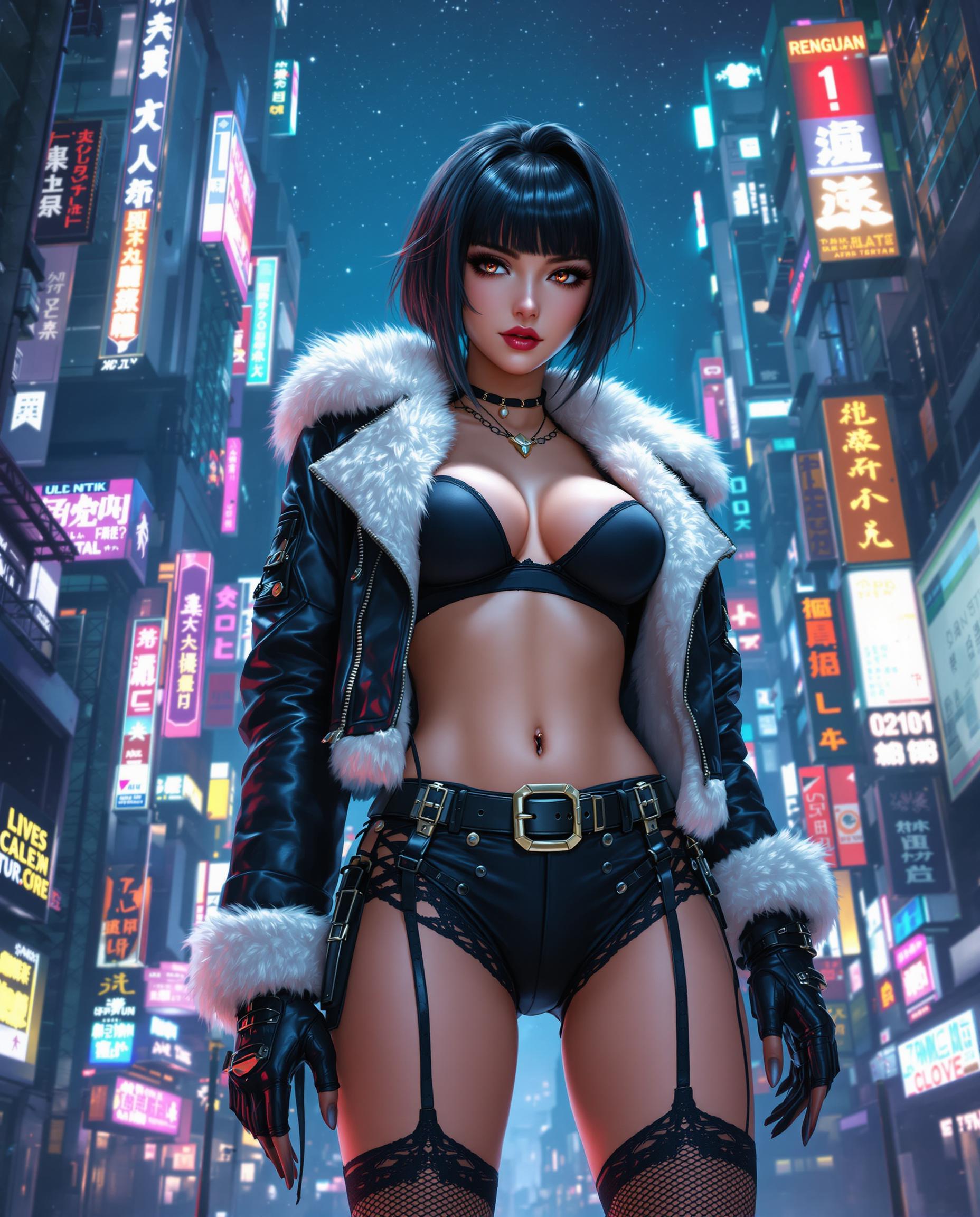


The Pixel Dojo Advantage
Why Kling Video 3.0 Stands Out in AI Video Generation
| Others | Pixel Dojo |
|---|---|
| Traditional Video Production | Eliminates the need for expensive equipment and extensive crew, making high-quality video production accessible to all. |
| Generic AI Video Tools | Offers unparalleled control over camera movements and shot composition, allowing for truly customized videos. |
| Manual Editing Software | Automates complex processes, significantly reducing the time and effort required to produce professional-grade videos. |
Loved by Creators
See what our community says about kling video 3.0 flexible shots
"Kling Video 3.0 has revolutionized my content creation process. The flexible shot options allow me to bring my ideas to life with ease."
Alex Johnson
Content Creator
"As a marketer, creating engaging videos is crucial. Kling Video 3.0's motion control features have enabled me to produce high-quality content that resonates with my audience."
Samantha Lee
Marketing Specialist
Common Questions
Everything you need to know about kling video 3.0 flexible shots AI generation
How does Kling Video 3.0's motion control enhance video quality?
Kling Video 3.0's motion control allows you to precisely define camera movements, resulting in smooth, dynamic shots that elevate the overall production value of your videos.
Can I use Kling Video 3.0 for commercial projects?
Yes, Kling Video 3.0 offers commercial usage rights with its premium subscription plans, allowing you to monetize the videos you create.
Is Kling Video 3.0 suitable for beginners?
Absolutely. Kling Video 3.0 is designed with an intuitive interface that makes it accessible for users of all skill levels, from beginners to professionals.
What input formats does Kling Video 3.0 support?
Kling Video 3.0 supports text prompts, images, and reference videos, providing flexibility in how you start your video creation process.
How long can the videos generated by Kling Video 3.0 be?
Kling Video 3.0 supports video generation up to 15 seconds in length, suitable for a variety of content needs.
Does Kling Video 3.0 include audio in the generated videos?
Yes, Kling Video 3.0 can generate synchronized audio, including voiceovers and sound effects, to complement your visuals.