kling video 3.0 omni multi shot AI Generator
Bring your creative visions to life with Kling Video 3.0 Omni's advanced AI-powered multi-shot video generation. Whether you're a filmmaker, marketer, or content creator, our platform enables you to produce professional-grade videos with seamless transitions and consistent narratives, all without the need for extensive technical expertise.

Join over 15 million users worldwide who trust Kling Video 3.0 Omni for their video creation needs. With a 4.9/5 rating and over 500 million videos generated across 180+ countries, our platform is the preferred choice for creators seeking quality and efficiency.
Why Choose Pixel Dojo for kling video 3.0 omni multi shot
Professional-quality results with cutting-edge AI technology
Effortless Multi-Shot Sequences
Craft complex narratives with multiple shots and smooth transitions, all generated seamlessly by AI.
Consistent Character Representation
Maintain character appearance and voice across various scenes, ensuring a cohesive storytelling experience.
Native Audio Synchronization
Generate videos with perfectly synchronized audio, including dialogues and sound effects, eliminating the need for post-production adjustments.
How It Works
Creating cinematic multi-shot videos with Kling Video 3.0 Omni is a straightforward process. Follow these steps to bring your ideas to life:
Step 1: Define Your Narrative
Outline the scenes, characters, and actions you want to include in your video. This will serve as the foundation for your multi-shot sequence.
Step 2: Input Your Descriptions
Enter detailed text prompts describing each scene, including character actions, settings, and desired camera angles.
Step 3: Generate and Review
Let the AI process your inputs to generate the video. Review the output and make any necessary adjustments to refine your final product.
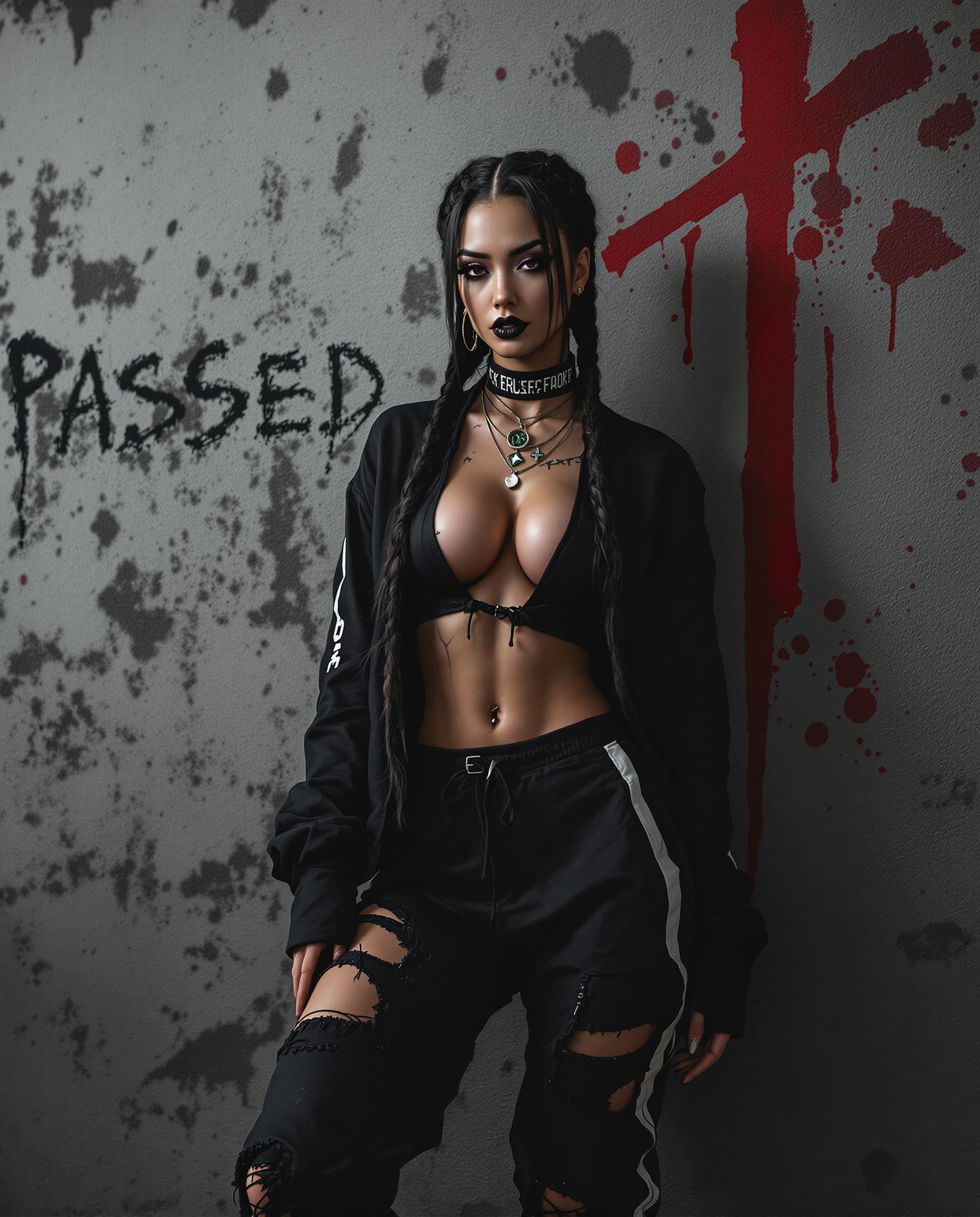




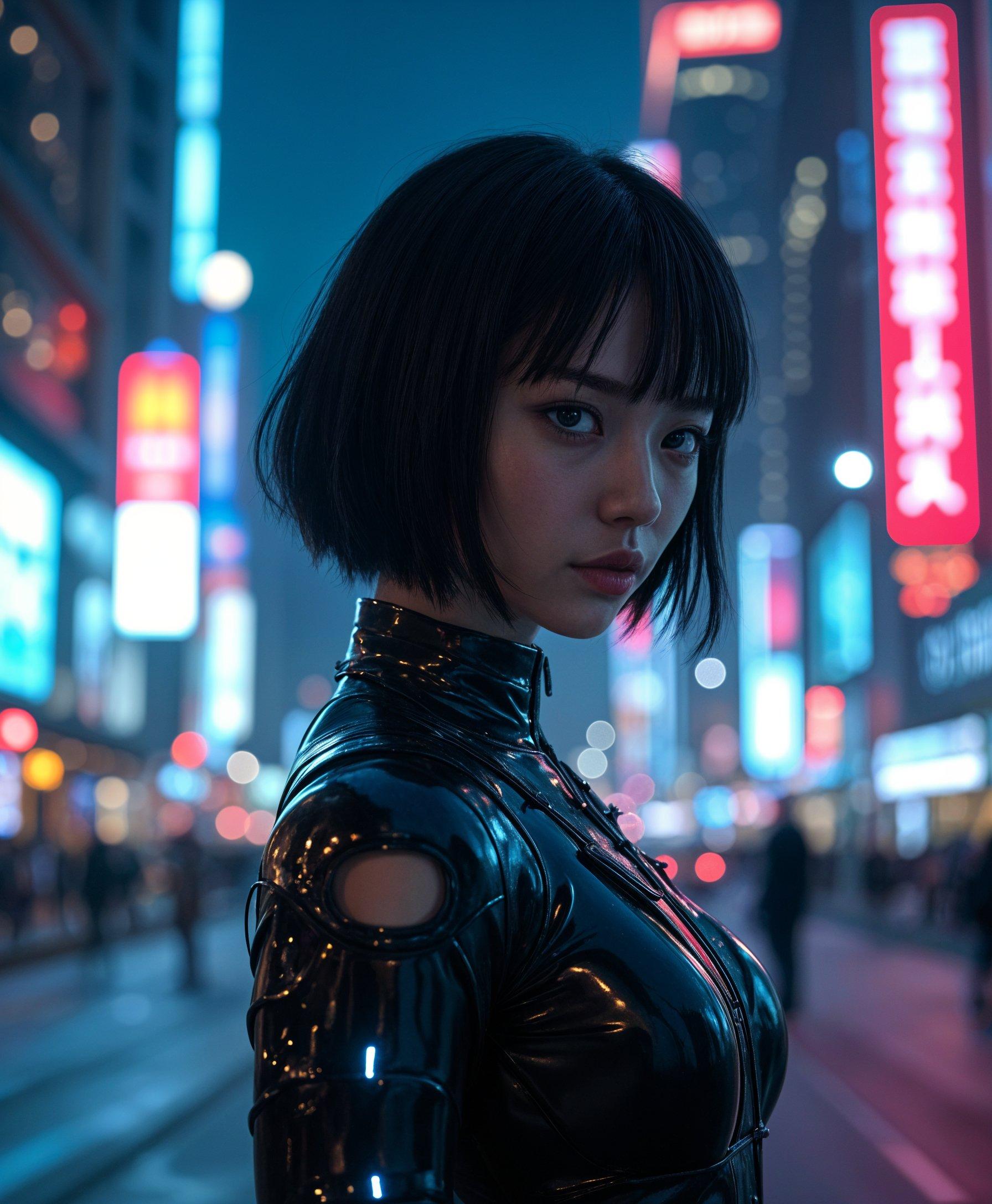



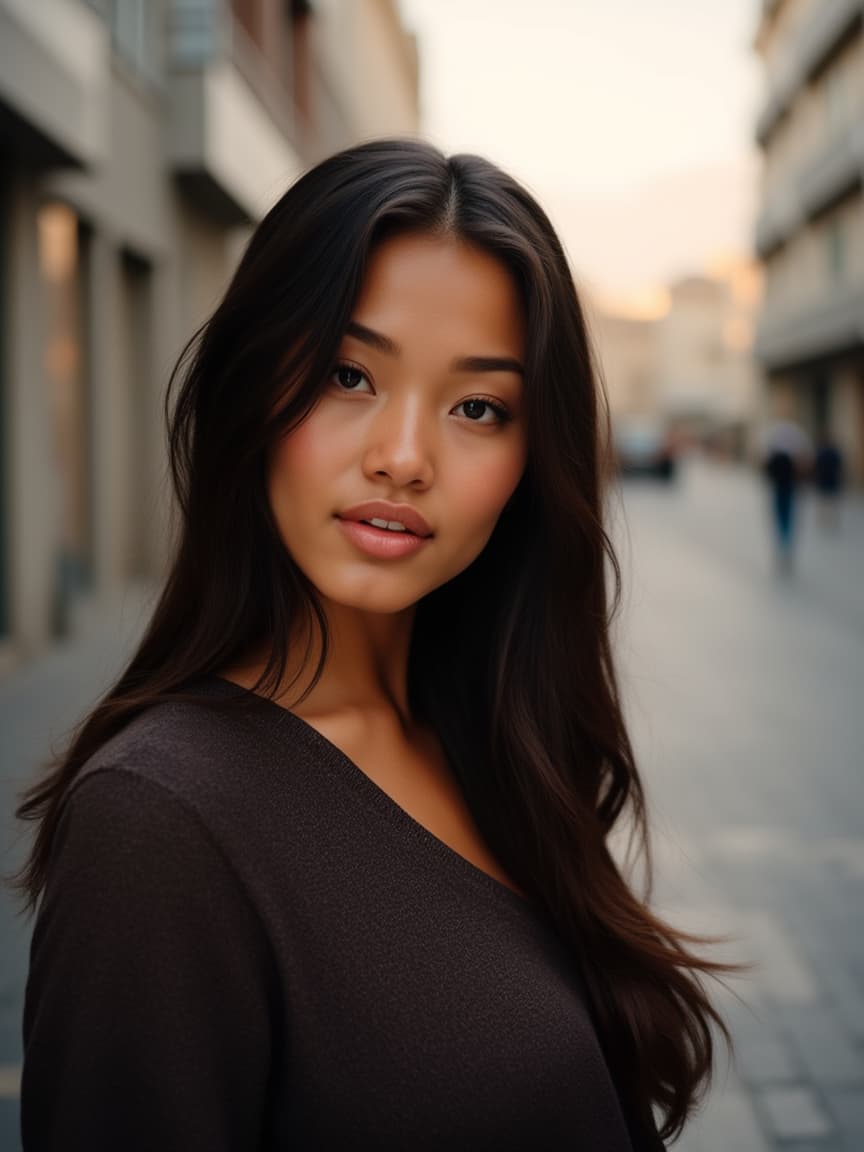



The Pixel Dojo Advantage
Why Kling Video 3.0 Omni stands out in multi-shot video generation:
| Others | Pixel Dojo |
|---|---|
| Traditional Video Production | Eliminates the need for expensive equipment and extensive crew, reducing production costs and time. |
| Generic AI Video Tools | Offers advanced multi-shot capabilities and character consistency, providing a more cohesive storytelling experience. |
| Manual Editing Software | Automates complex editing tasks, allowing creators to focus on content rather than technical details. |
Loved by Creators
See what our community says about kling video 3.0 omni multi shot
"Kling Video 3.0 Omni has revolutionized our content creation process. The multi-shot feature allows us to produce professional videos effortlessly."
Alex Johnson
Marketing Director
"The character consistency across scenes is remarkable. It has significantly improved the quality of our storytelling."
Maria Lopez
Independent Filmmaker
Common Questions
Everything you need to know about kling video 3.0 omni multi shot AI generation
How does Kling Video 3.0 Omni ensure character consistency across multiple shots?
Kling Video 3.0 Omni utilizes advanced AI algorithms to analyze and replicate character features, ensuring consistent appearance and voice across various scenes.
Can I customize camera angles and movements in my videos?
Yes, you can specify desired camera angles and movements in your text prompts, and the AI will incorporate them into the generated video.
Is there a limit to the number of shots I can include in a single video?
Kling Video 3.0 Omni supports flexible shot control, allowing you to include multiple shots in a single video, with durations customizable between 3 to 15 seconds per shot.
Do I need prior video editing experience to use Kling Video 3.0 Omni?
No, Kling Video 3.0 Omni is designed to be user-friendly, enabling creators without prior editing experience to produce professional-grade videos.
What output formats are available for the generated videos?
The platform supports 1080p and 4K outputs with 16-bit HDR, suitable for various professional applications.
Is there a free trial available for Kling Video 3.0 Omni?
Yes, new users can start creating for free without the need for a credit card, allowing you to explore the platform's features risk-free.