magnify ai AI Generator
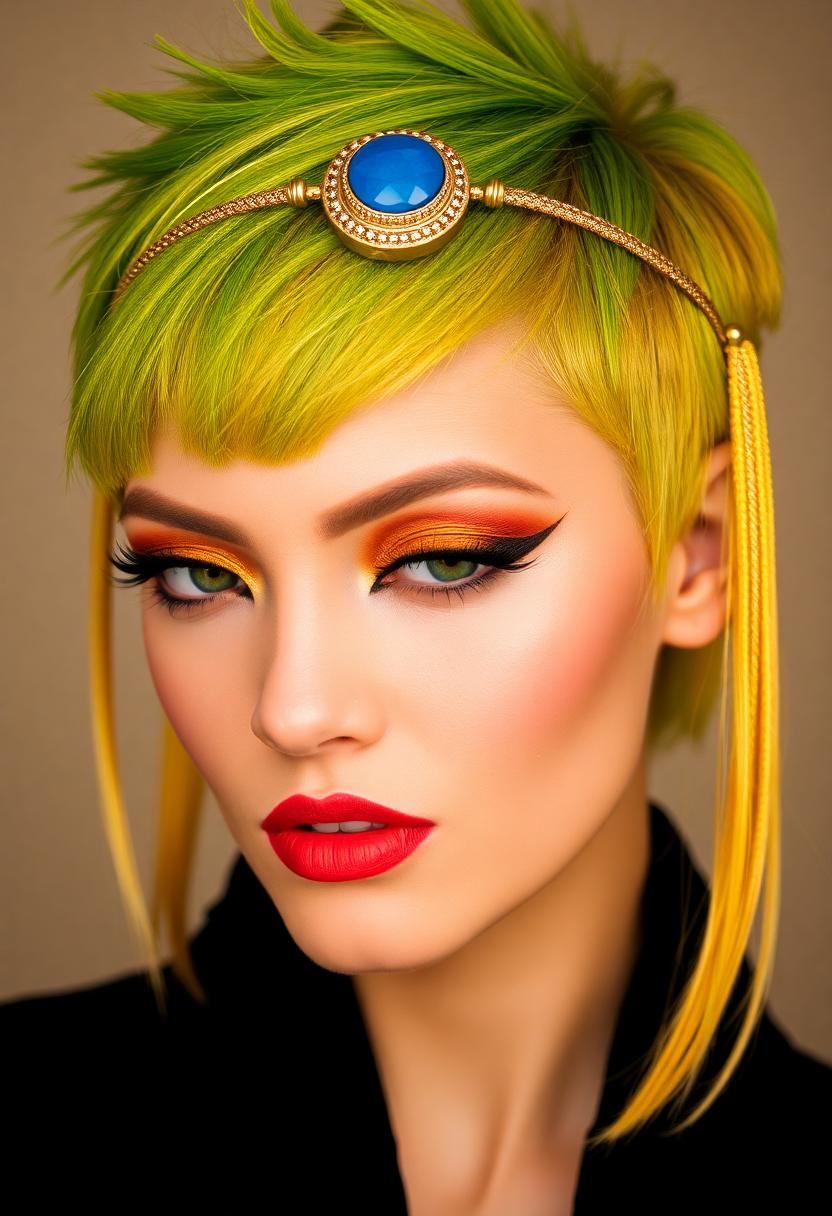
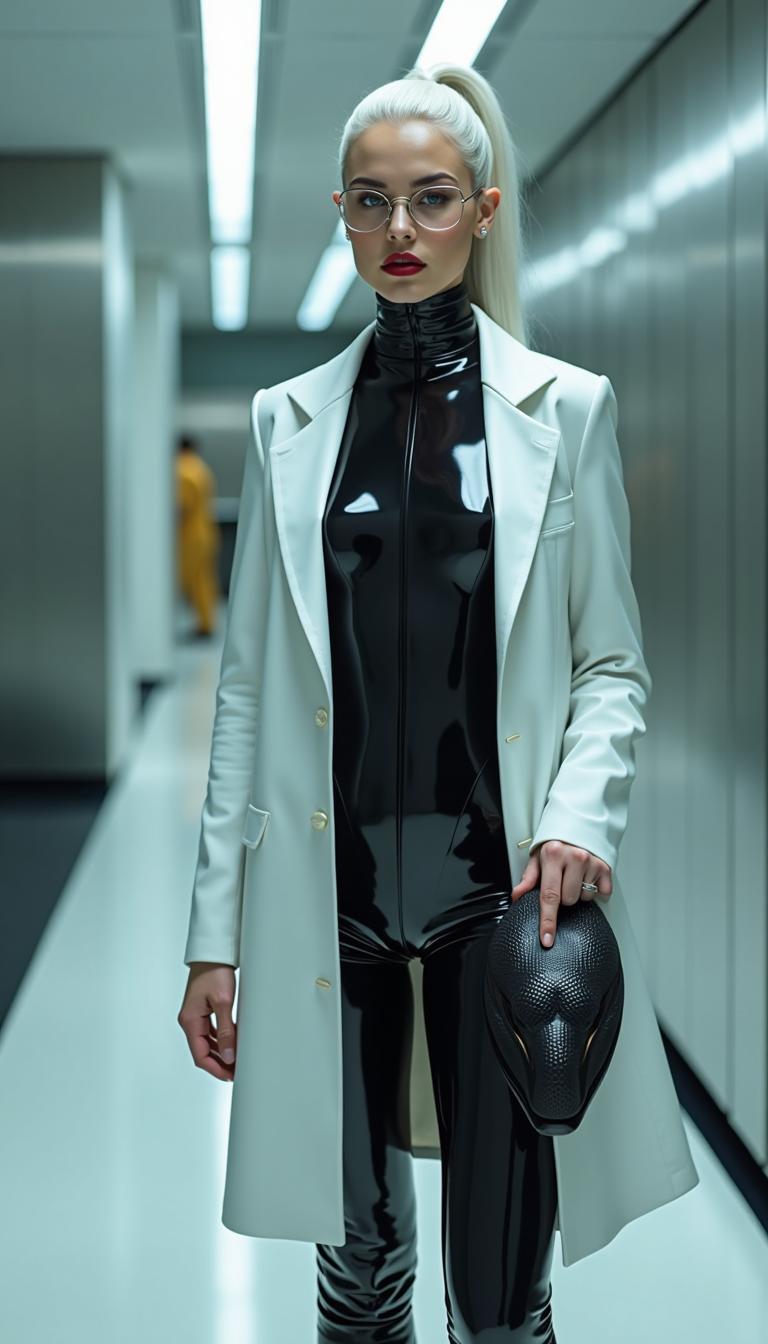
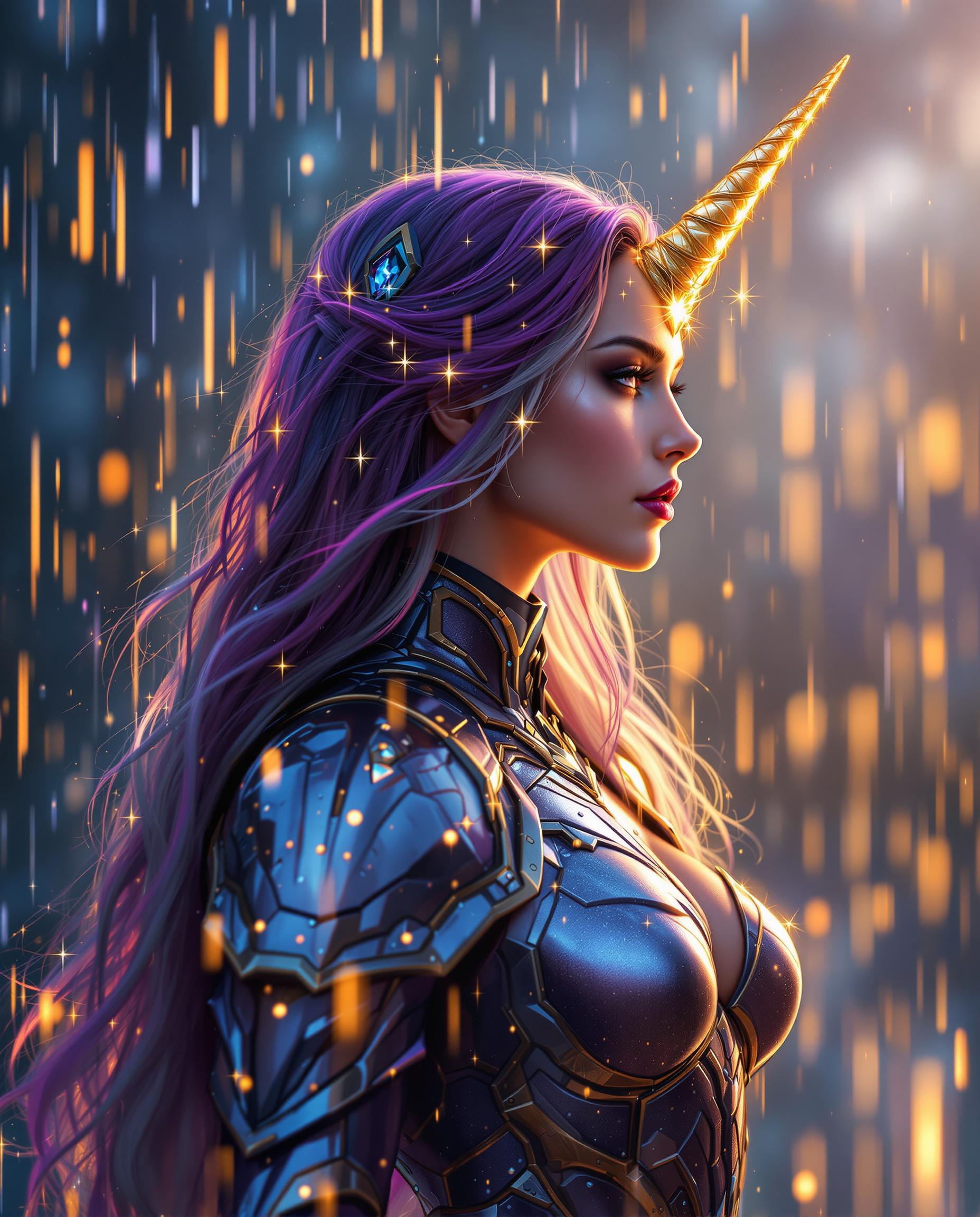
Unlock the full potential of your images with PixelDojo's AI-powered magnification tools. Whether you're a photographer aiming to enhance your shots, a designer seeking crisp visuals, or a marketer needing high-resolution content, our suite of AI tools empowers you to magnify and refine your images effortlessly. Experience unparalleled clarity and detail, transforming your visuals into captivating masterpieces.
Join over 10,000 creators who have enhanced their visuals using PixelDojo's AI tools, achieving a 98% satisfaction rate.
Why Choose Pixel Dojo for magnify ai
Professional-quality results with cutting-edge AI technology
Achieve Unmatched Image Clarity
Enhance your images to reveal intricate details and textures, making every visual stand out.
Save Time with Efficient Processing
Quickly magnify and refine images without the need for complex software or manual adjustments.
Maintain Original Quality
Upscale your images while preserving their original quality, ensuring no loss of detail or sharpness.
How It Works
Magnifying your images with PixelDojo is a straightforward process. Follow these simple steps to enhance your visuals:
Step 1: Select the 'Magnify AI' Tool
Navigate to the 'Edit Images' section and choose the 'Magnify AI' tool to begin enhancing your image.
Step 2: Upload Your Image
Click on the upload button to select the image you wish to magnify from your device.
Step 3: Adjust Magnification Settings
Use the provided sliders to set the desired magnification level and fine-tune the enhancement parameters to your preference.







The Pixel Dojo Advantage
Why PixelDojo is the superior choice for AI image magnification:
| Others | Pixel Dojo |
|---|---|
| Traditional Image Editing Software | Eliminate the steep learning curve and time-consuming processes associated with traditional software. |
| Generic AI Tools | Benefit from specialized AI models tailored specifically for image magnification and enhancement. |
| Manual Photo Editing | Achieve professional-grade enhancements without the need for manual adjustments or expert knowledge. |
Loved by Creators
See what our community says about magnify ai
"PixelDojo's magnification tools have transformed my photography, bringing out details I never thought possible."
Alex Johnson
Professional Photographer
"As a graphic designer, PixelDojo has become an indispensable part of my workflow for enhancing client visuals."
Maria Lopez
Graphic Designer
Common Questions
Everything you need to know about magnify ai AI generation
How does PixelDojo's AI magnification maintain image quality?
Our AI algorithms intelligently upscale images by adding new pixels based on existing data, preserving sharpness and detail without introducing artifacts.
Can I magnify images of any format?
Yes, PixelDojo supports a wide range of image formats, including JPEG, PNG, and TIFF, allowing you to enhance virtually any image.
Is there a limit to the size of images I can upload?
PixelDojo accommodates large image files, but for optimal performance, we recommend uploading images up to 50MB in size.
How long does the magnification process take?
Processing time varies depending on the image size and desired magnification level, but most enhancements are completed within a few minutes.
Can I adjust the level of magnification?
Absolutely. PixelDojo provides adjustable settings, allowing you to control the magnification level and fine-tune the enhancement to your liking.
Is my data secure when using PixelDojo?
Yes, we prioritize user privacy and data security. All uploaded images are processed securely and are not stored beyond the processing period.