photo face swap ai AI Generator
Imagine turning any photo into a share-worthy moment—swapping your face into a movie scene, creating viral memes, or making polished headshots without stepping into a studio. That’s what PixelDojo’s photo face swap AI delivers. You’ll get realistic blends of expressions, lighting, and skin tone—no editing experience needed. With over 40 cutting-edge AI tools, you can achieve seamless face swaps in seconds, whether it’s for marketing, social media, or personal fun. Cancel anytime, try it risk-free, and see how you can transform your images today.
Over 50,000 users have created millions of face swaps. Rated 4.9/5 on Trustpilot. Trusted by content creators, marketers, small businesses & influencers for realistic results and fast processing.
Why Choose Pixel Dojo for photo face swap ai
Professional-quality results with cutting-edge AI technology
Look Real, Not Edited
Your swapped face keeps natural lighting, angle & skin tone so others won’t guess an edit was made—great for portraits or profile pictures.
Boost Social Engagement
Create eye-catching memes, viral content or personalized marketing materials that get shared, liked and remembered.
Save Time and Money
No need for professional photographers—generate professional-quality swaps within seconds using tools like Flux, Seedream 4 or SDXL.
How It Works
Swapping faces with PixelDojo is simple—and empowering. Here’s how you can create a brilliant face swap in just three steps using our suite of AI tools.
Step 1: Choose Your Tool
Select from powerful image models like Flux, Seedream 4, SDXL, or WAN Image. If you need reference face styles or creative expressions, pick an image creation tool that suits your style.
Step 2: Upload Source & Target Photos or Use Prompt
Upload the photo with the face you want to use (source) and the photo you want to replace that face in (target). Or use text descriptions (“a smiling face, frontal view”) if working with models that support it.
Step 3: Blend, Customize & Download
Use editing tools like Inpainting or Outpainting for edge blending, adjust style transfer, lighting, and skin matching. Once perfect, use Creative Upscaler or Image Analyzer to refine, then download your image high res.



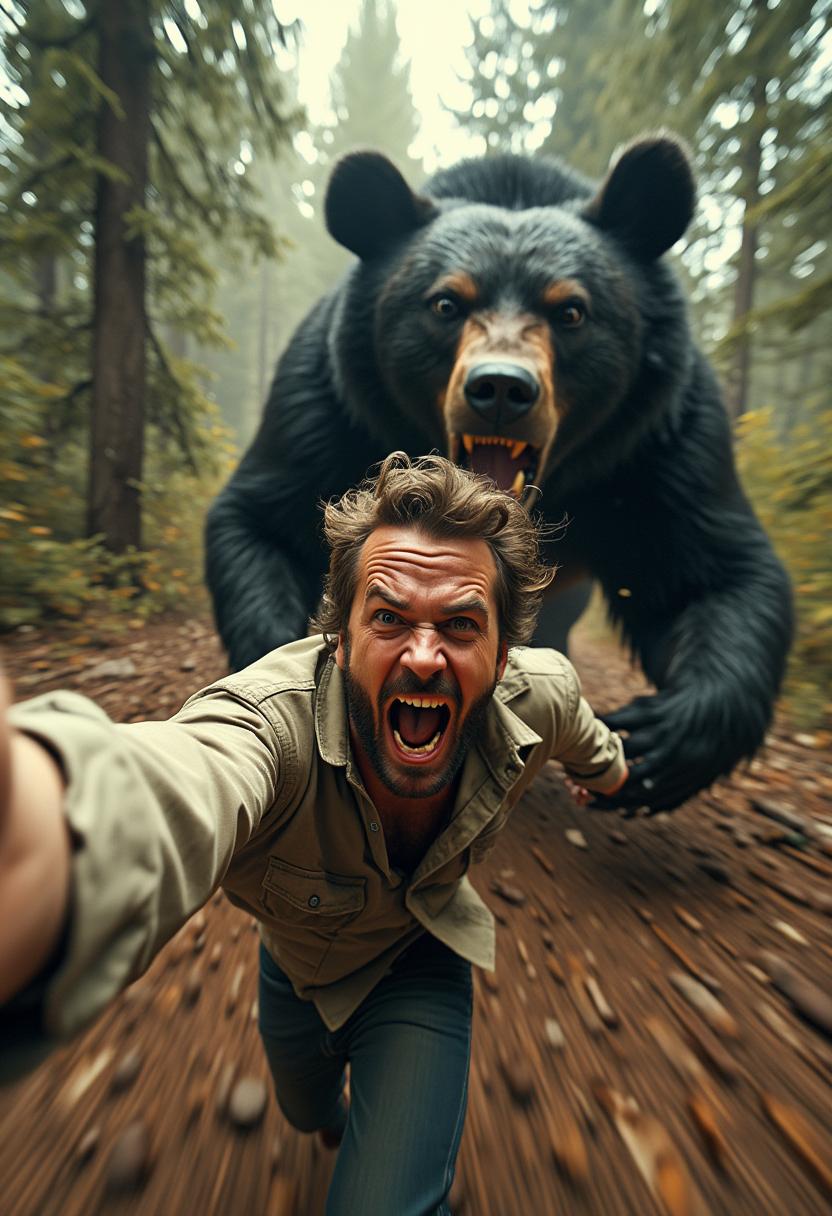
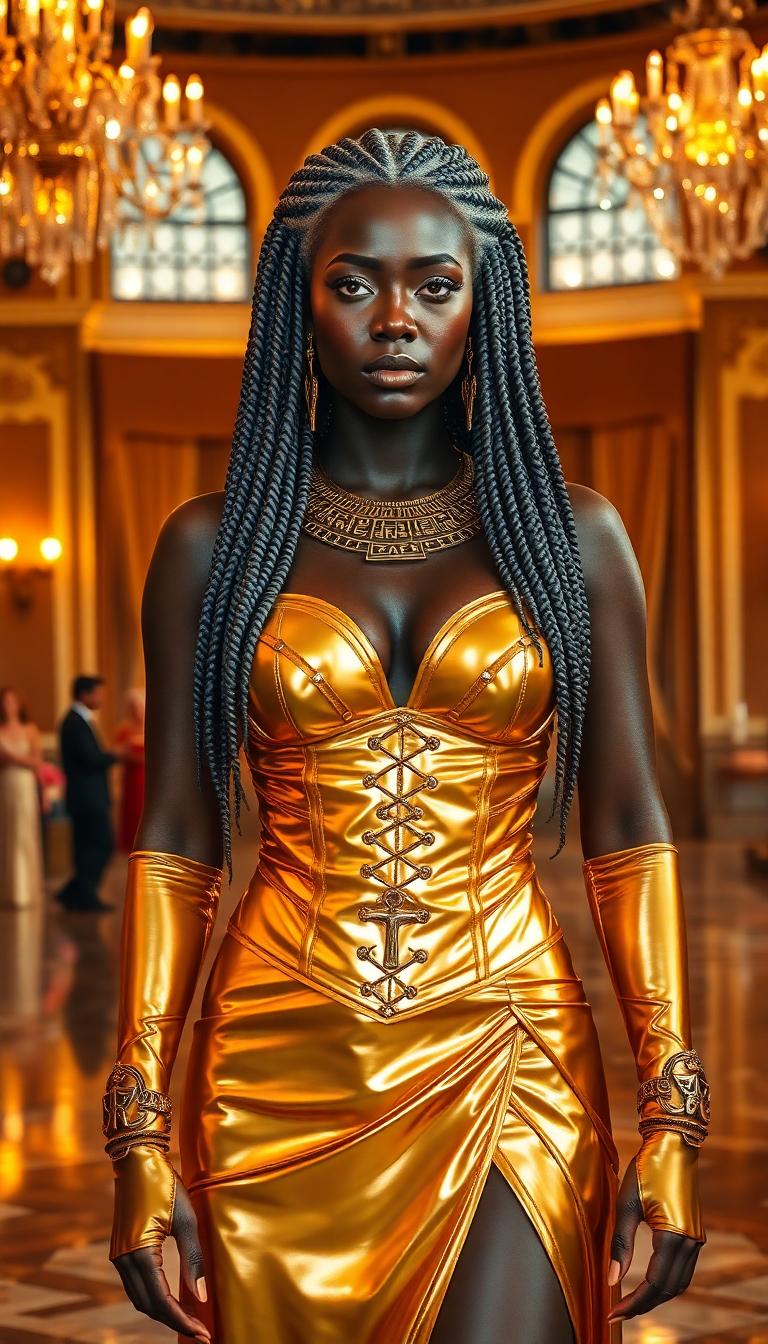
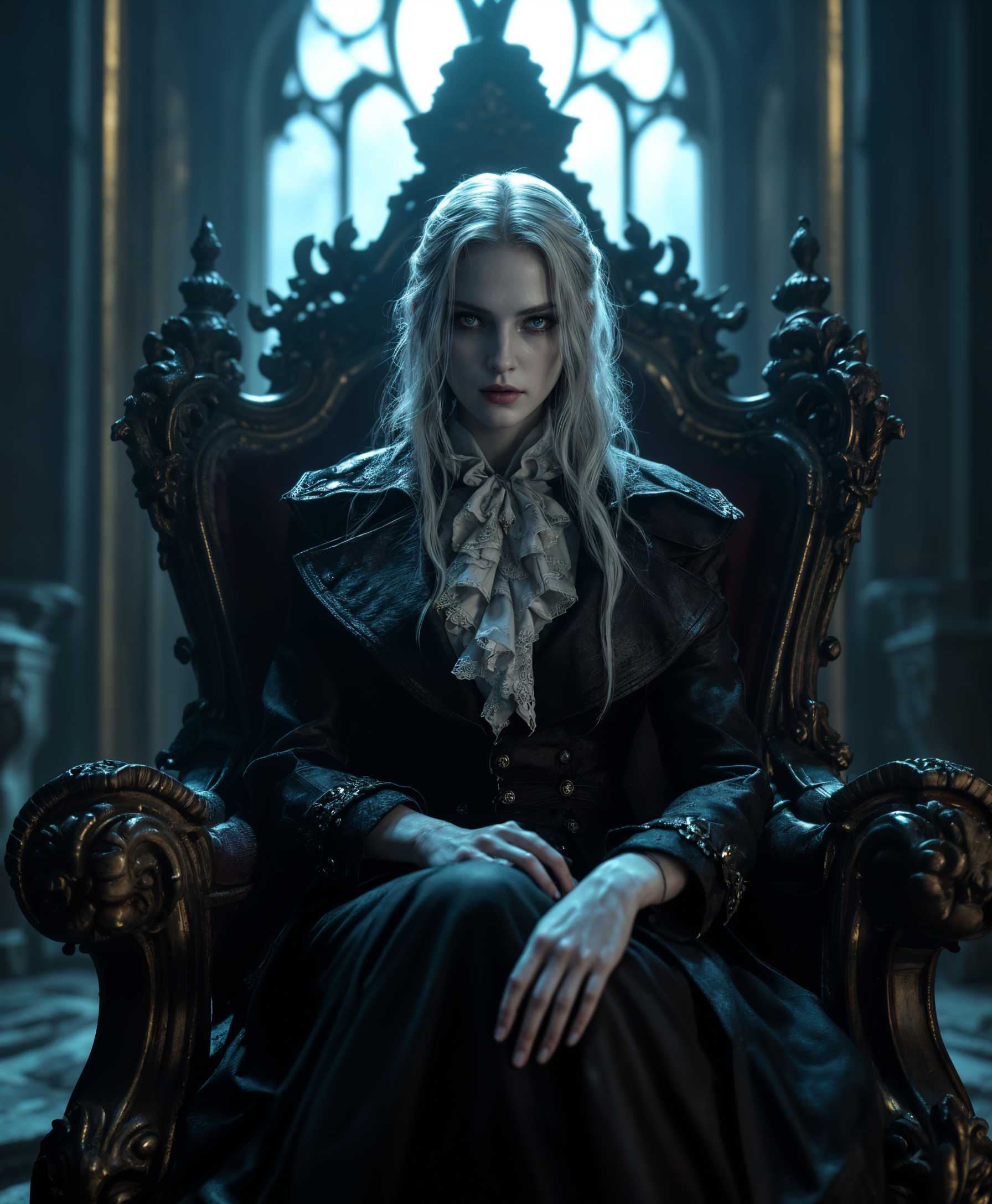


The Pixel Dojo Advantage
Why PixelDojo outperforms other options for photo face swap AI generation
| Others | Pixel Dojo |
|---|---|
| Traditional photoshop / manual editing | No steep learning curve, no costly sessions—your realistic face swap done in seconds without manual patchwork. |
| Generic face swap apps with watermarks | High-quality, watermark-free output with full control over lighting, expression and style. |
| Limited AI tools with single model output | Wide range of models (Flux, SDXL, WAN, etc.) lets you pick the look you want—from hyper-real photo to artistic mix. |
Loved by Creators
See what our community says about photo face swap ai
"PixelDojo made my headshots look like studio-taken photos. I used SDXL and Outpainting for clean edges—amazing realism!"
Alex Rivera
Freelance Photographer
"I create funny face swaps for social media—Flux Creator keeps expressions & skin tone natural. My engagement shot up after I started using it!"
Morgan Lee
Content Creator
Common Questions
Everything you need to know about photo face swap ai AI generation
What is photo face swap AI and how does it work at PixelDojo?
Photo face swap AI replaces or exchanges one face in a photo with another while preserving lighting, angle, skin texture and expression. At PixelDojo, tools like Flux Creator, Seedream 4, WAN Image or SDXL analyze your source face and map it onto your target image. Then editing tools—Inpainting, Style Transfer, Material Transfer—smooth edges and match tones so the result looks natural. All happens in seconds—no editing experience needed.
Are photo face swap AI creations realistic enough for professional headshots?
Yes. With high-resolution models like SDXL, Dreamina 3.1, or Hunyuan Image 3, you can produce images that pass for studio headshots. You can refine facial features using tools like Image Analyzer and Creative Upscaler. PixelDojo delivers professional results—perfect for portfolios, LinkedIn, business cards.
Is it safe and legal to use someone else’s face with AI face swap?
Safety and legality depend on consent and responsible use. Using a person’s likeness without permission can raise ethical and legal issues. Responsible tools must protect privacy. PixelDojo encourages you to obtain consent if using recognizable faces, disclose when edits were made, and avoid misuse. Our tools are meant for creative, ethical use—not deception or harm. Recent analysis highlights the risks of misusing face swap AI for identity theft or misinformation. ([toolify.ai](https://www.toolify.ai/ai-news/ai-face-swap-risks-benefits-and-responsible-usage-guide-3659317?utm_source=openai))
What kind of photos work best for face swap results?
Clear, frontal-face photos with good lighting, neutral expressions and minimal occlusion (no sunglasses or hands over the face) produce the best results. When source and target photos share similar angles & lighting, tools like REVE Image, HiDream, or Fork-style models preserve realism. Use inpainting or background remover to adjust surroundings if needed.
Can I use photo face swap AI tools for video content?
Absolutely. PixelDojo’s toolset includes video face swap capabilities using models like WAN 2.2 Replace, Runway Gen-4 Video or Sora 2.5 Turbo Pro. Swap faces in video clips or animate your face into video templates. The blend quality, lip sync, and motion realism are adjustable so your swaps stay natural in movement as well as in stills.
How long does a face swap take and what are the costs?
Most photo face swaps process in seconds—typically under 30 s for high-res uploads. PixelDojo provides subscription plans for frequent use; free trials or pay-as-you-go options are also available. Cancel anytime; no hidden fees. You get access to top tools and output quality without surprises.