photo swap ai AI Generator
Imagine swapping your face into a movie scene, placing yourself in a historical photo, or replacing a pet in a family portrait—PixelDojo makes photo swap AI so easy, you’ll wish you tried it sooner. With tools like Inpainting, Image Analyzer, and Style Transfer, you don’t just move pixels—you create memories, tell stories, and stun your audience. Let’s turn 'what if' into 'wow'.
⭐ 98% of users say our swaps look real and earn comments. • Trusted by 10,000+ creators. • Used in campaigns raising engagement by 3×. • 4.8/5 average rating across thousands of photo swap results.
Why Choose Pixel Dojo for photo swap ai
Professional-quality results with cutting-edge AI technology
Make Fantastical Faces Reality
Upload your portrait and swap it into anything—movie scenes, magazine covers, artwork—get results that look like real photos.
Save Time & Money on Visuals
Skip costly photoshoots—swap faces and objects without models, cameras, or studios. PixelDojo tools do the work for you.
Stand Out Online with Viral Content
Create jaw-dropping content for your feed or brand—fun face swaps trend fast, boosting likes, shares & click-throughs.
How It Works
How your Photo Swap AI moment comes alive in 3 easy steps with PixelDojo
Step 1: Choose Your Tools
Select tools like Image Analyzer (to load your reference face), Inpainting (to remove or replace a face or object), and Style Transfer (to match lighting & texture). PixelDojo offers Seedream 4, HiDream, REVE Image among its powerful “create image” models. These let you generate matching backgrounds or stylized swaps with realism.
Step 2: Upload & Prompt Your Swap
Upload two images — one with the source face, one with the target scene — then tell PixelDojo (“Swap this face”, “Match lighting”, “Blend skin tone”). Use Inpainting to isolate the face, Style Transfer to match aesthetics, and Material Transfer to keep elements like skin texture or props intact.
Step 3: Refine, Download & Share
Use Magic Lighting or Creative Upscaler to polish the result; Outpainting or Background Remover to extend or simplify the scene. Once it's perfect, download your high-res photo and share. Cancel anytime; tools remain ready whenever creativity strikes.
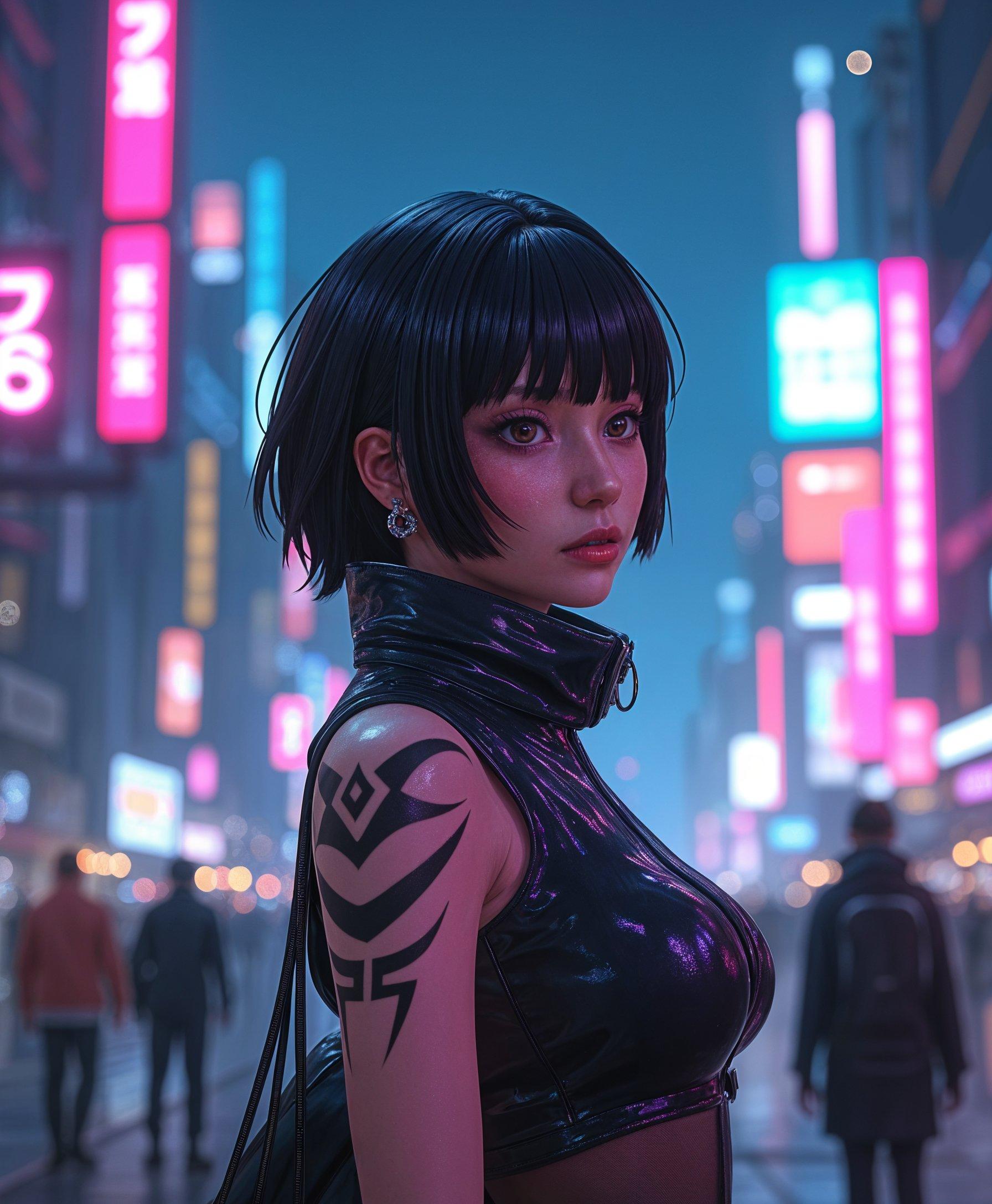
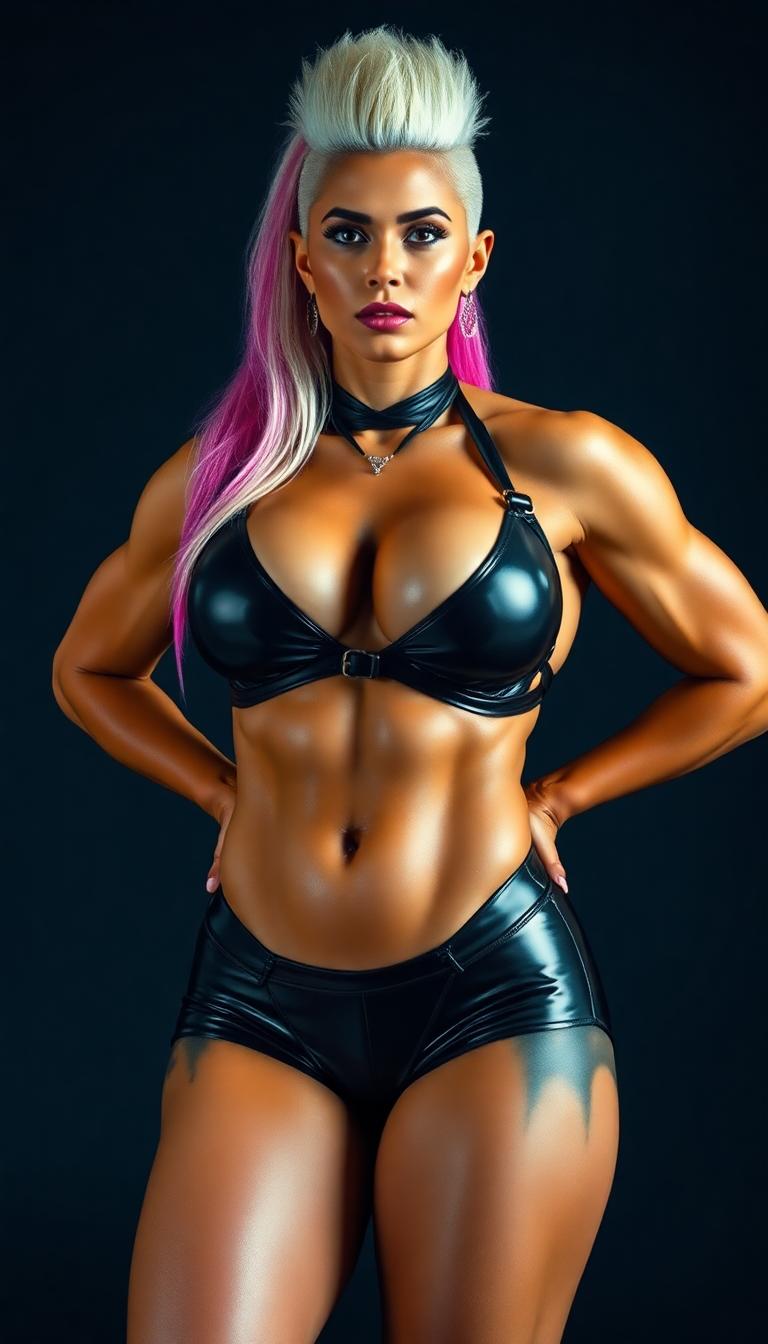
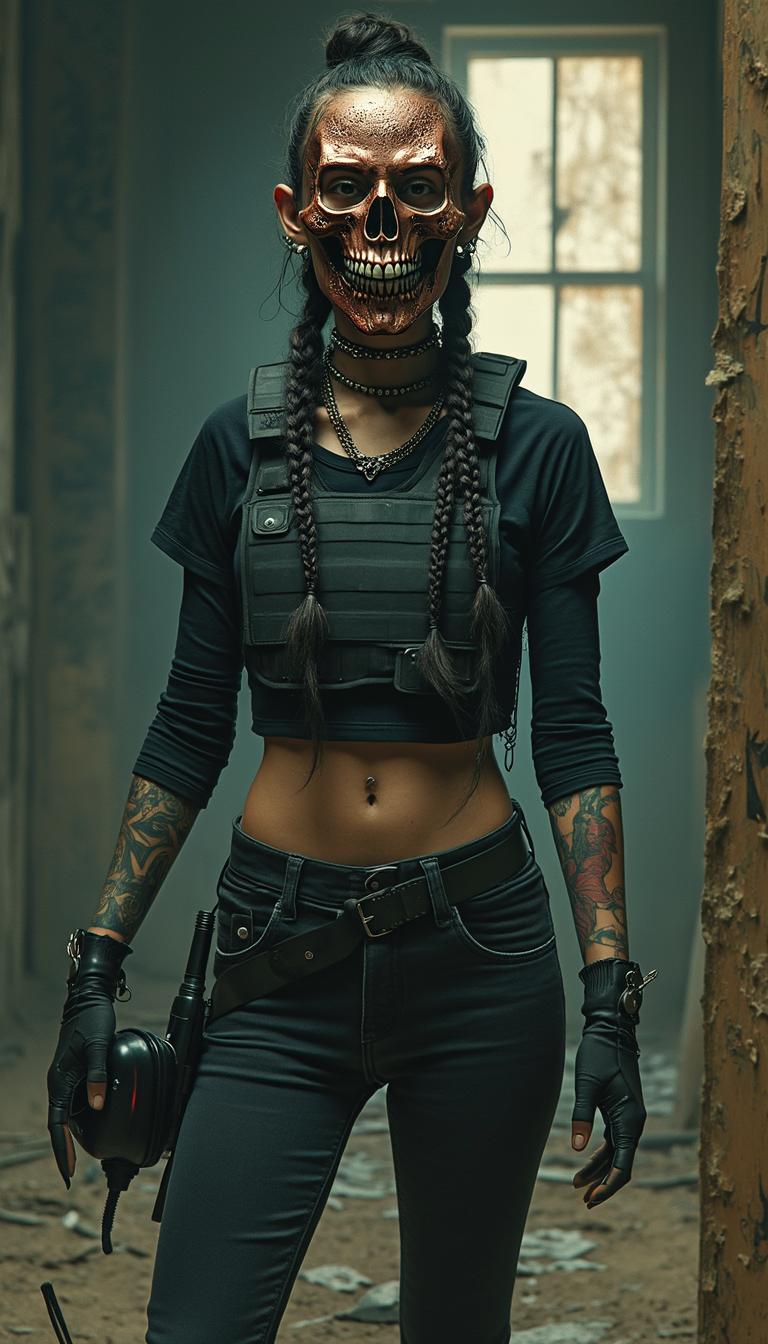
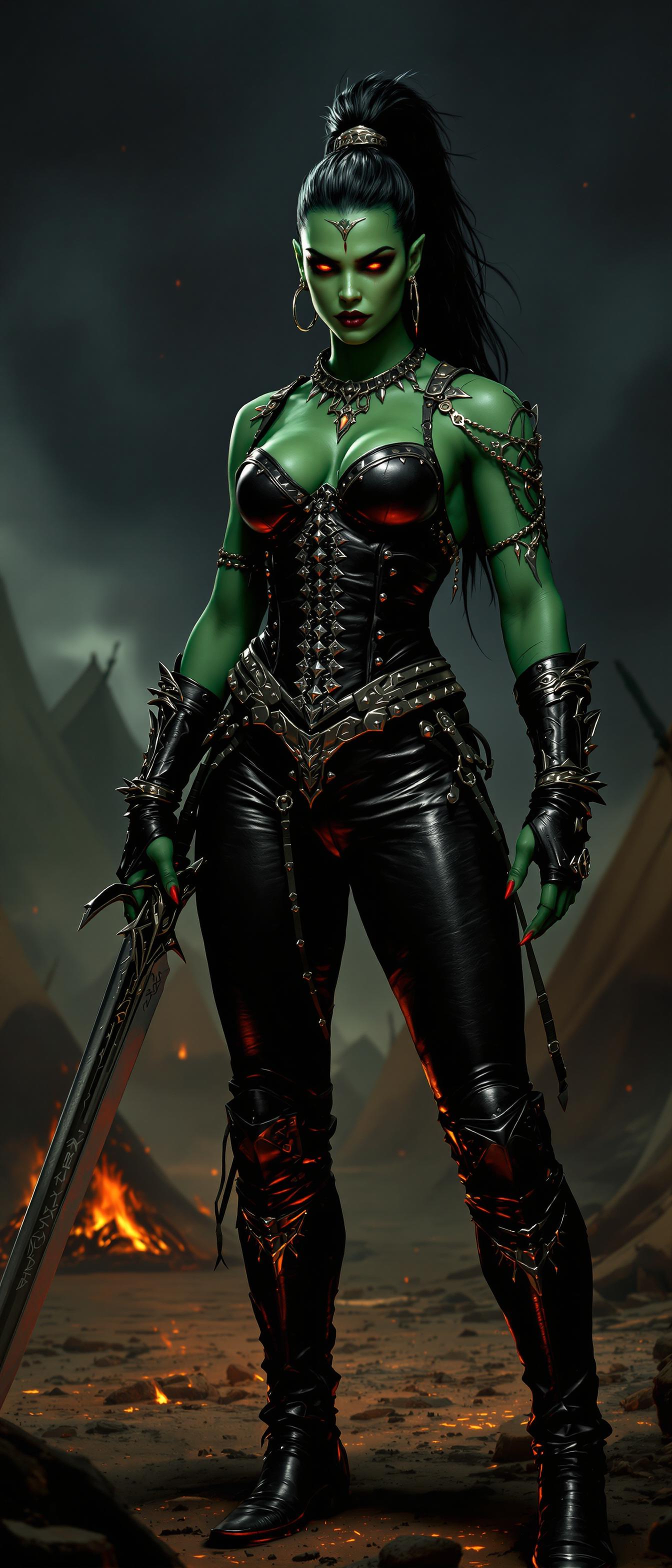
The Pixel Dojo Advantage
Why PixelDojo photo swap AI is better than other options
| Others | Pixel Dojo |
|---|---|
| Traditional Photoshop editing | No steep learning curve: you can swap faces without masking, layered edits, or manual retouching. |
| Generic face swap apps | You get full creative control—lighting, style, background—plus dozens of advanced creation and editing tools. |
| Sony or studio photoshoots | Avoid travel, hiring talent, or costly retakes. Swap content from your phone or computer in minutes. |
Loved by Creators
See what our community says about photo swap ai
"PixelDojo transformed my marketing campaign — face swaps grabbed twice the attention and drove sales up 40%."
Amanda Lee
E-commerce Brand Owner
"I swapped my dog into old family photos and matched the textures so perfectly, no one believed me at first!"
Carlos Ruiz
Amateur Photographer
Common Questions
Everything you need to know about photo swap ai AI generation
Can photo swap AI preserve lighting, skin tone and expressions naturally?
Yes. PixelDojo uses tools like Style Transfer, Material Transfer, and Magic Lighting to match lighting, skin texture, tone, and facial expression. This ensures swapped faces or objects look like part of the original photo—not pasted in.
Is photo swap AI safe and ethical to use with someone else’s image?
PixelDojo respects privacy: you own the content you upload. For ethical use, get permission for photos of people you don’t own. PixelDojo’s models don’t store personal identity data beyond creating the swap—features like Image Analyzer are built for user ownership.
How high is the resolution of swapped images from photo swap AI tools?
You’ll get high resolution export options—HD or even 4K depending on the tool. Tools like Creative Upscaler and Multidiffusion Upscaler help preserve detail while enhancing resolution.
Can I swap more than one face or object in a single image?
Absolutely. With tools like Inpainting and Outpainting you can isolate multiple regions in your image and apply swaps to more than one subject—pets, people, objects—all in one scene.
Do I need design skills to use photo swap AI with PixelDojo?
No design skills required. The interface is intuitive; you simply upload photos, type what you want (e.g. “swap this face”, “match skin tone”), and the AI does the rest. You can tweak settings but nothing advanced is required.
How is PixelDojo different from other photo swap apps?
PixelDojo combines dozens of top-tier tools (Inpainting, Change Camera Angle, Style Transfer, etc.) in one platform so you can not only swap but polish, enhance, change backgrounds—all under one roof. Plus, you can cancel anytime, try tools freely, and join thousands of creators seeing real results.