pixverse v2 AI Generator
Imagine transforming your creative ideas into captivating videos without the need for complex software or technical expertise. With PixVerse V2, you can effortlessly generate high-quality videos from text descriptions, images, or character animations. Whether you're a marketer aiming to produce engaging content, an educator looking to create illustrative videos, or a storyteller bringing narratives to life, PixVerse V2 empowers you to achieve your vision with ease.
Join over 10,000 creators who have generated more than 50,000 videos using PixVerse V2, achieving a 95% satisfaction rate.
Why Choose Pixel Dojo for pixverse v2
Professional-quality results with cutting-edge AI technology
Effortless Video Creation
Generate high-quality videos from text prompts, images, or character animations without any technical skills.
Enhanced Creative Control
Utilize features like Magic Brush to define motion areas and trajectories, bringing static images to life.
Consistent Character Animation
Maintain character consistency across multiple scenes, ensuring a cohesive narrative flow.
How It Works
Creating stunning videos with PixVerse V2 is a straightforward process. Follow these steps to bring your ideas to life:
Step 1: Choose Your Input Method
Select whether you want to create a video from a text description, an existing image, or by animating a character.
Step 2: Enter Your Prompt or Upload Image
Input a detailed text description of your desired scene, or upload an image to animate. For character animations, upload a character image and name it.
Step 3: Customize Settings and Generate
Adjust video length, aspect ratio, and other settings to fit your needs. Use features like Magic Brush to define motion paths if animating images. Once satisfied, click 'Create' to generate your video.

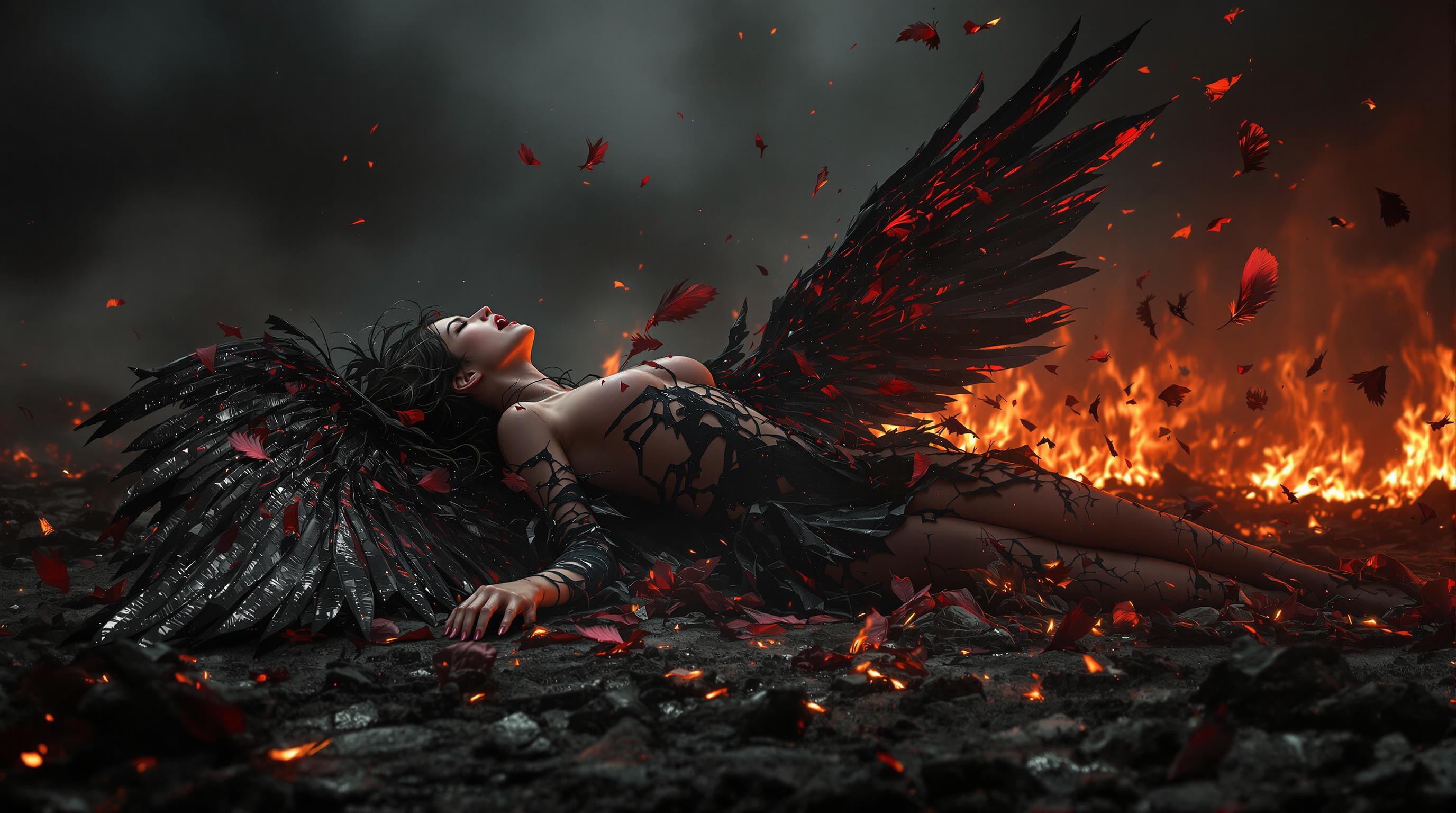
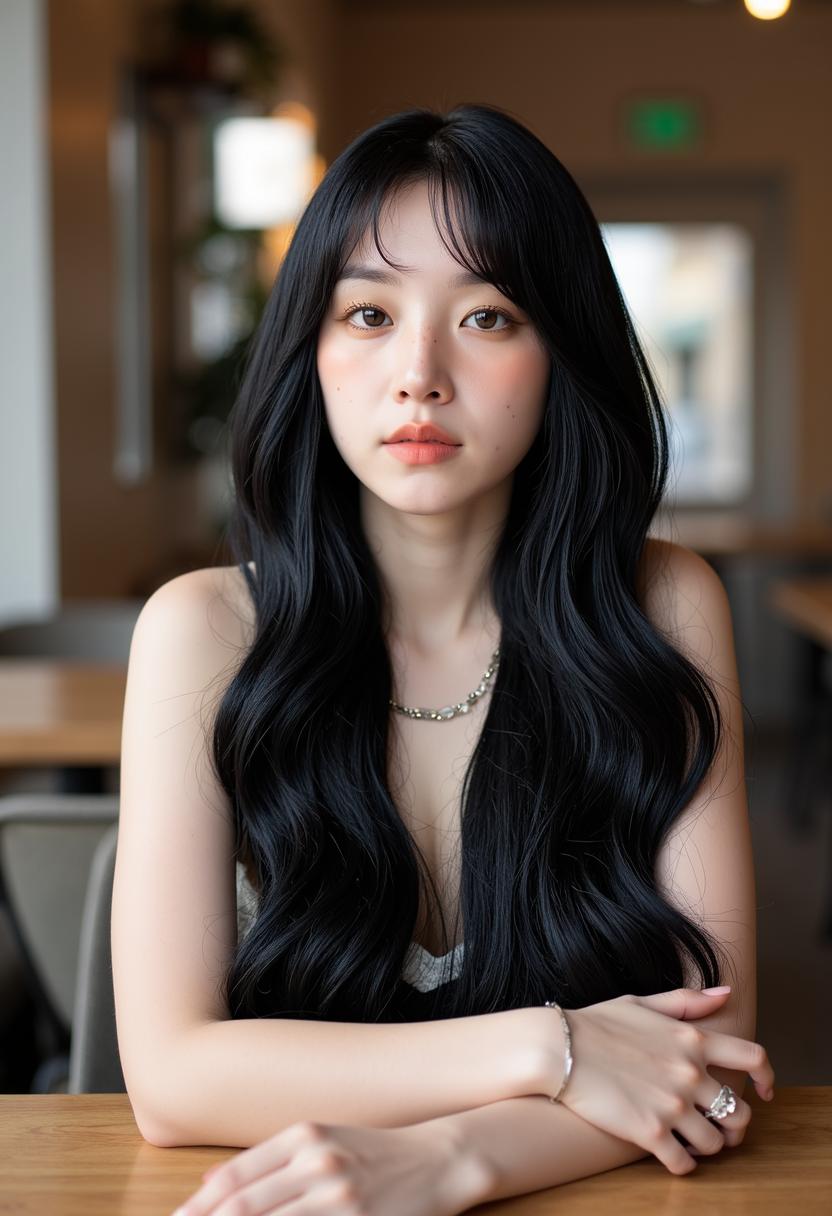
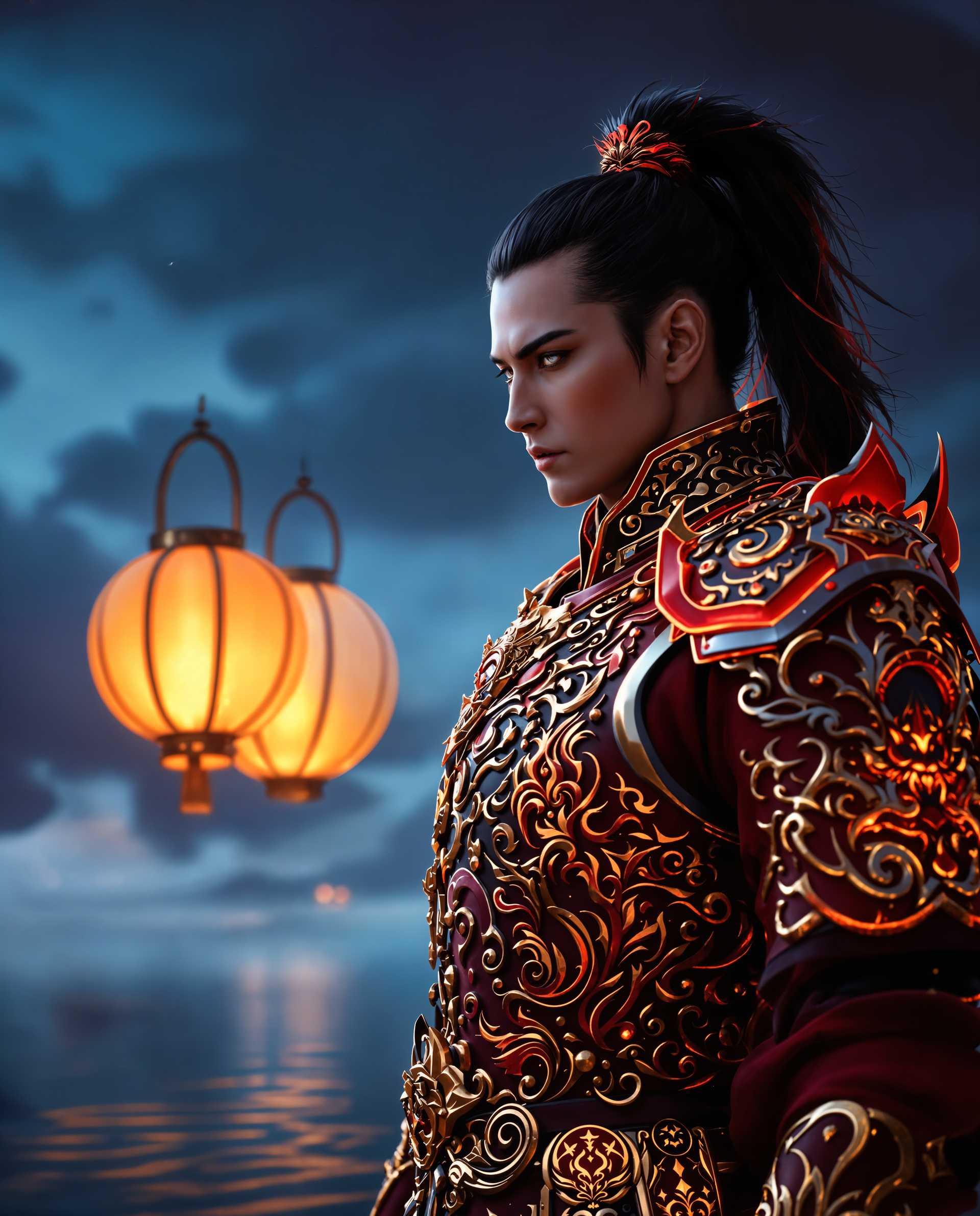
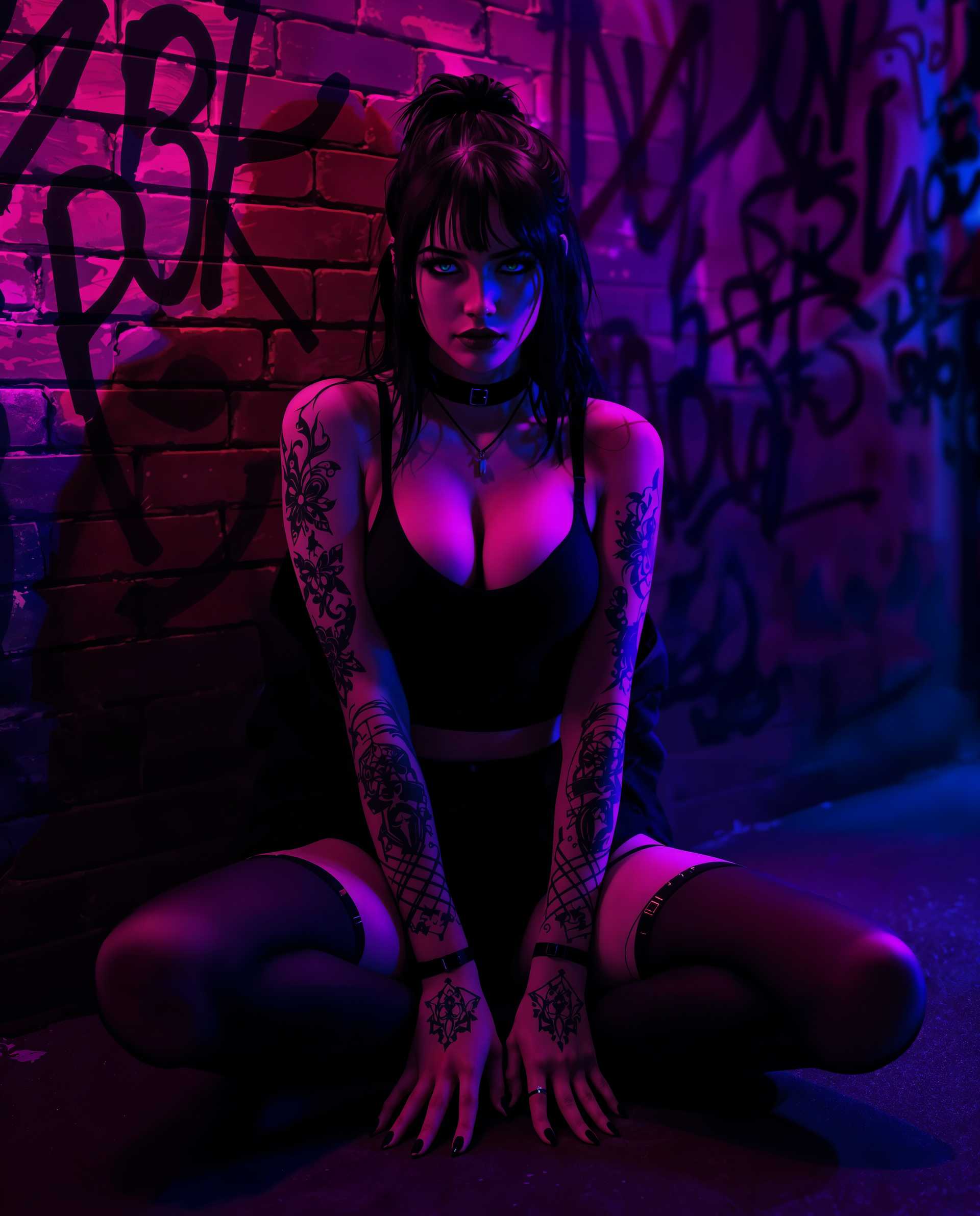
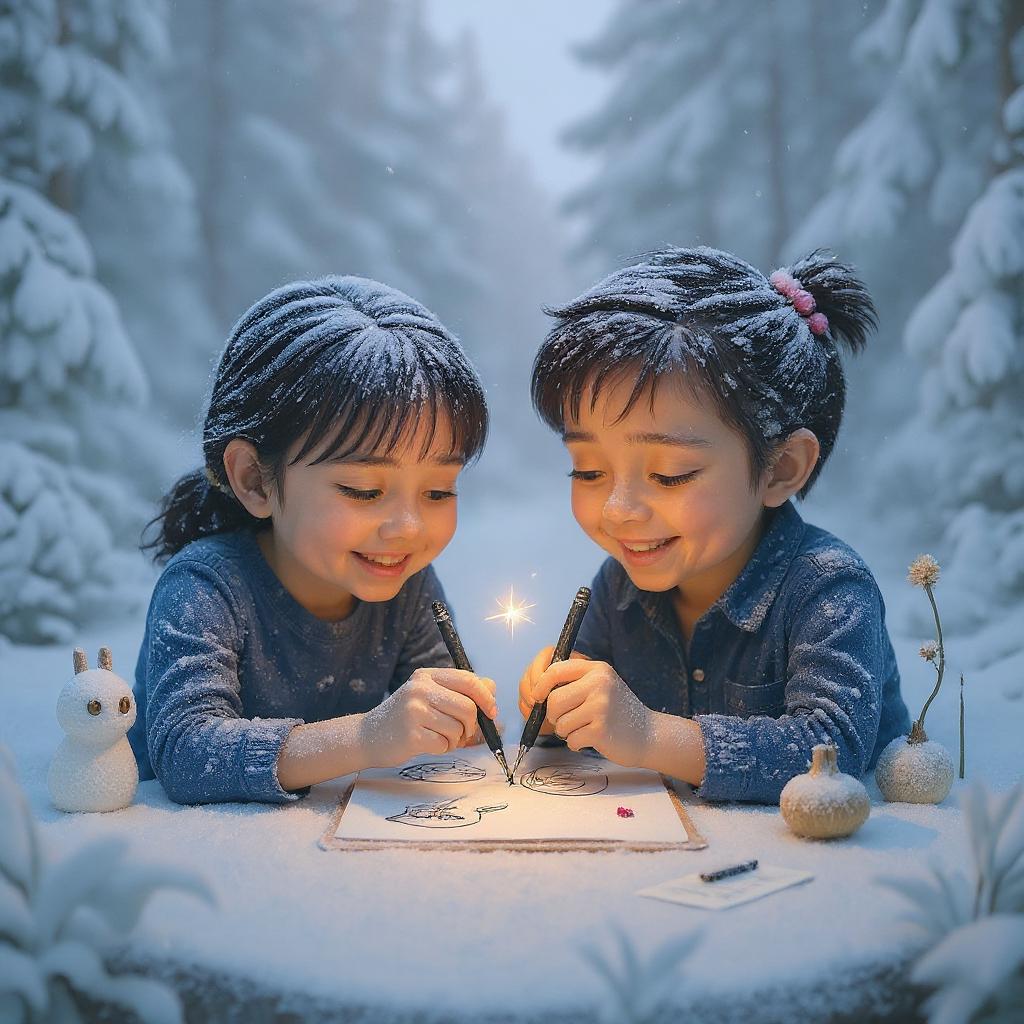

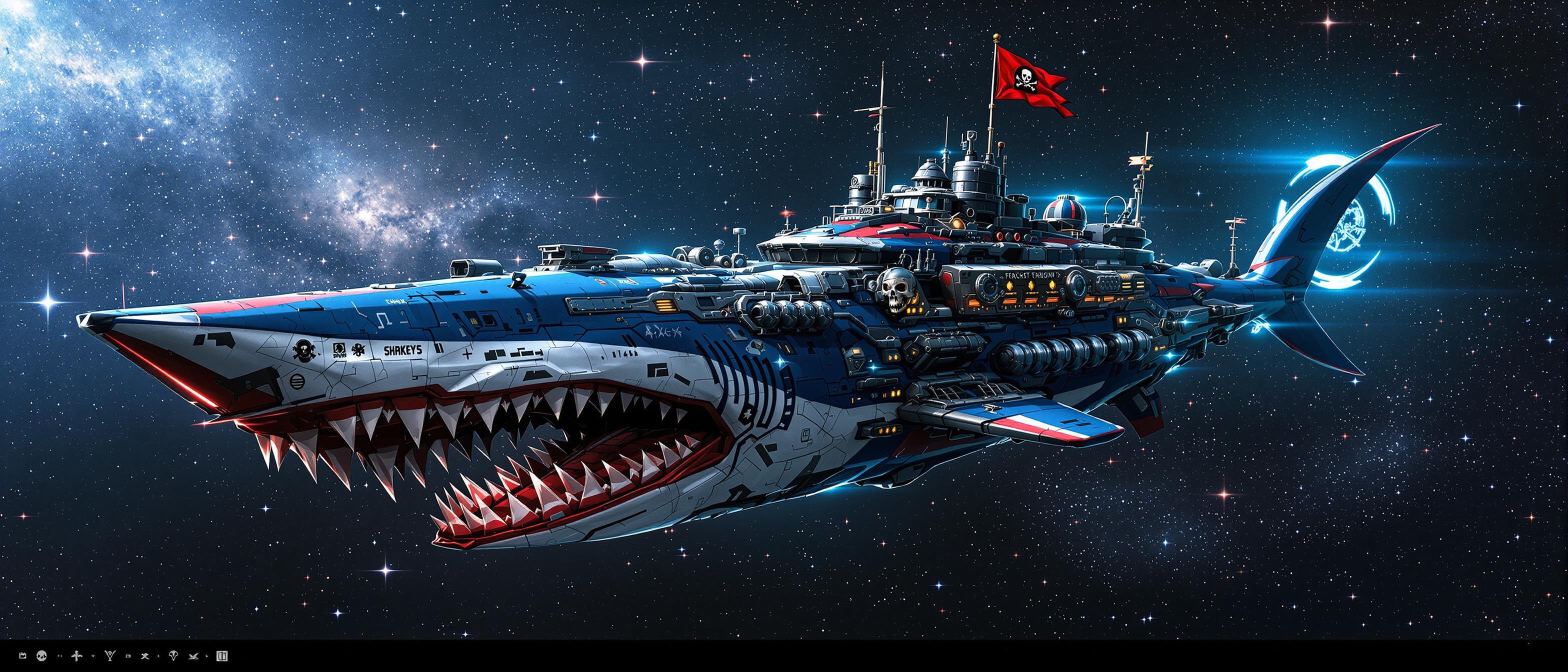

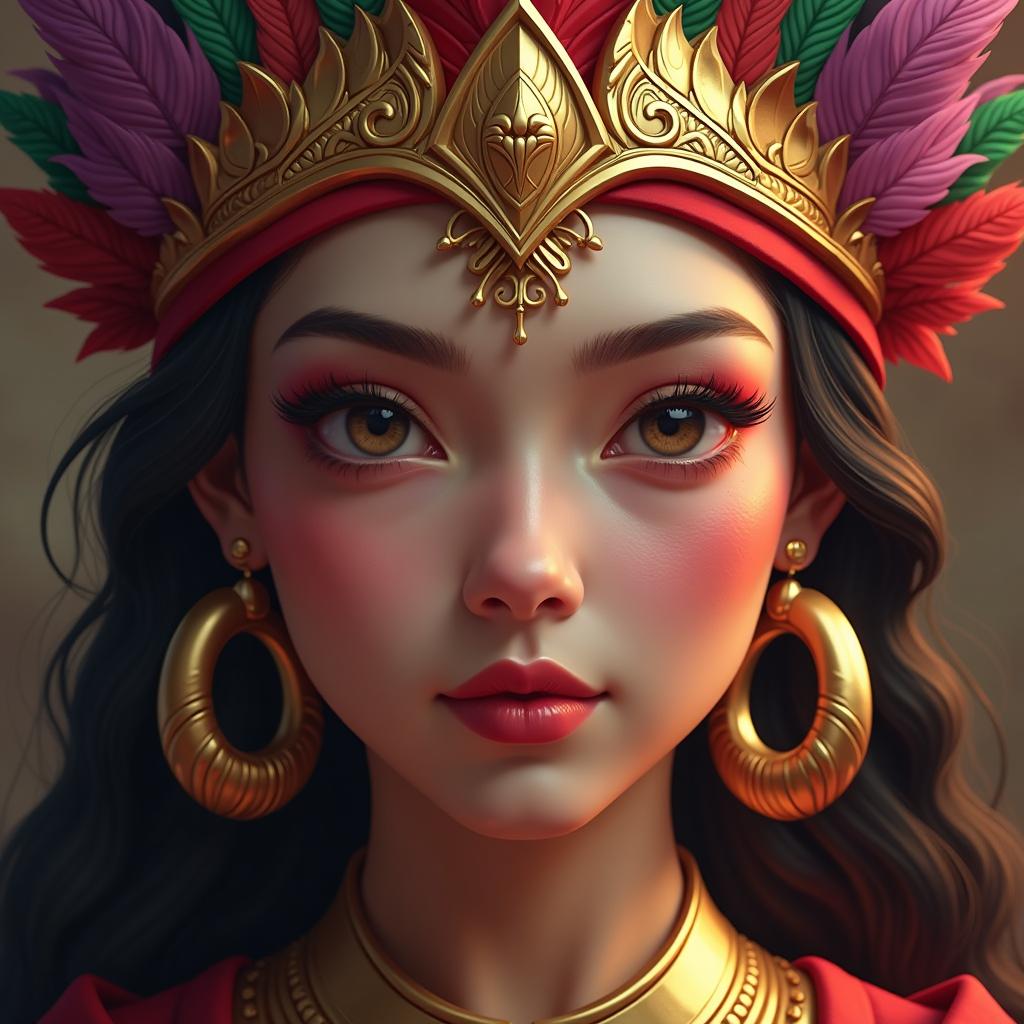
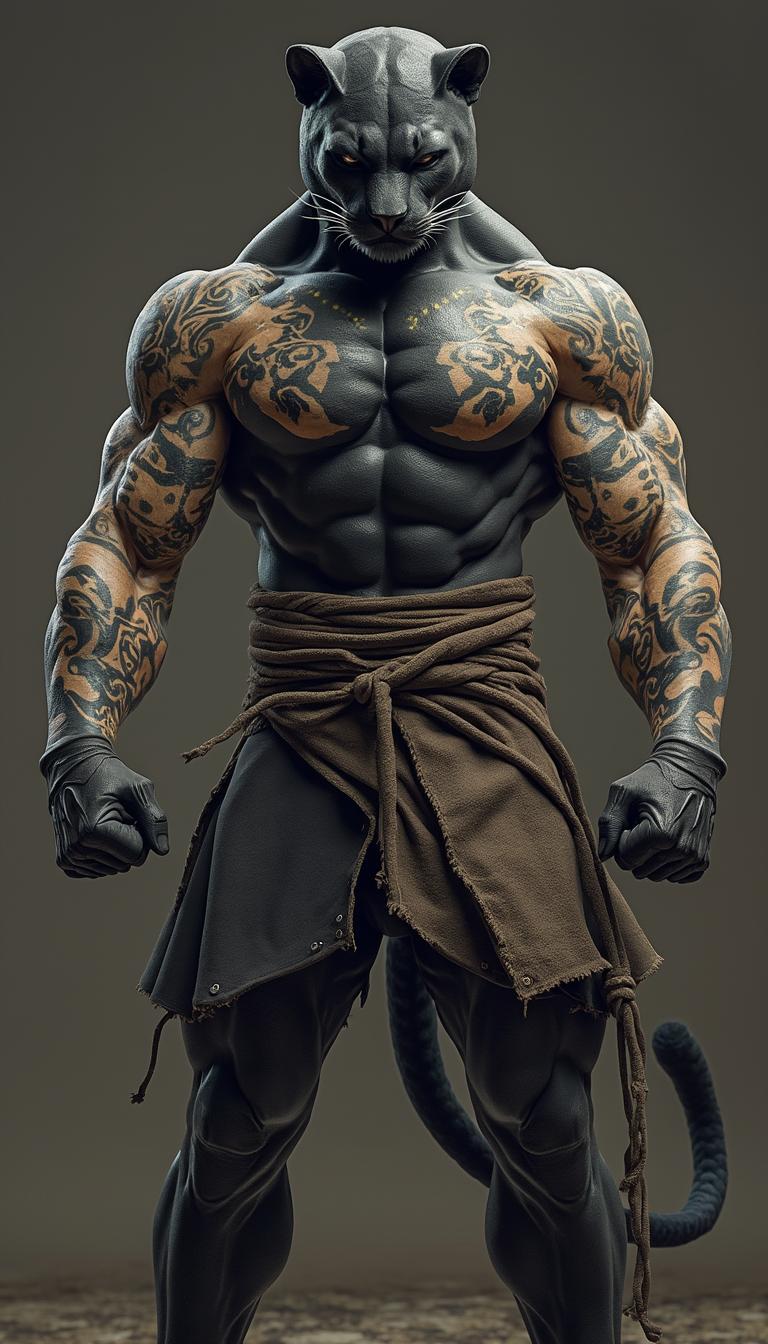
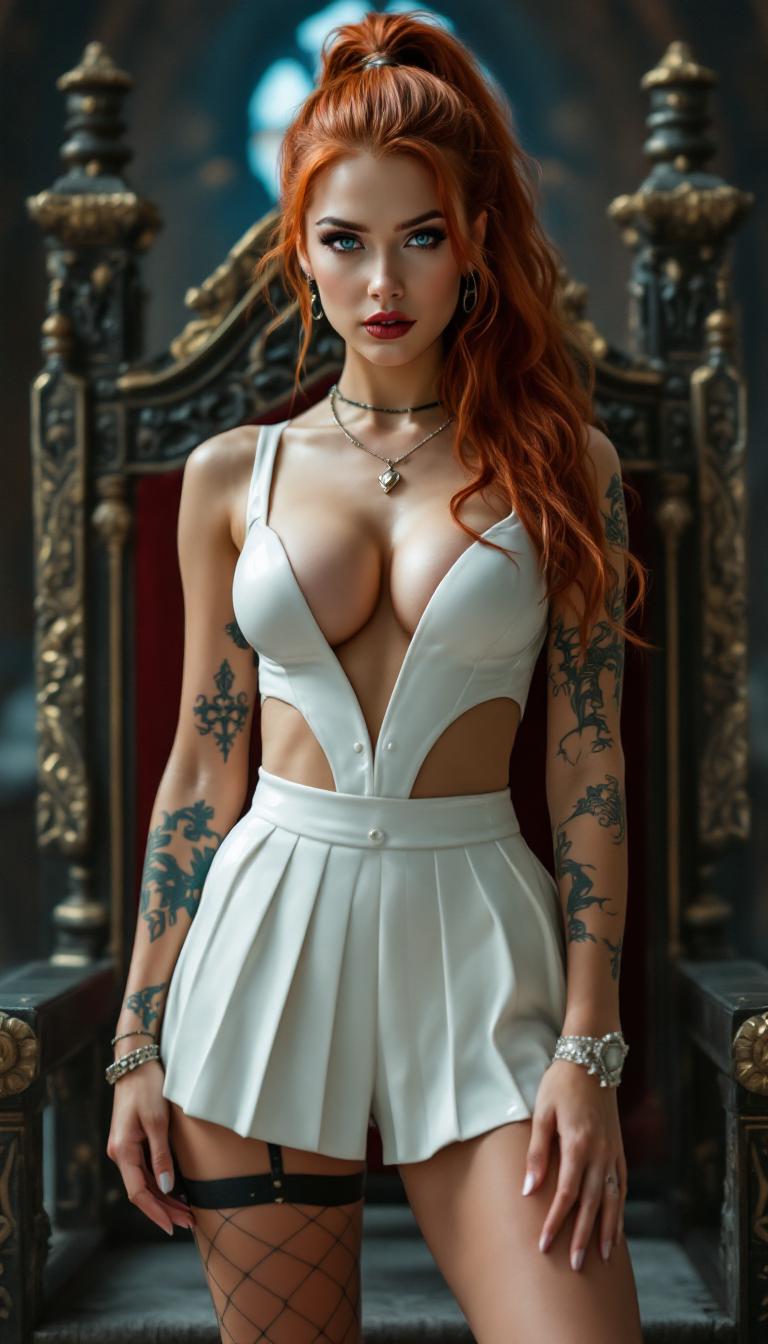
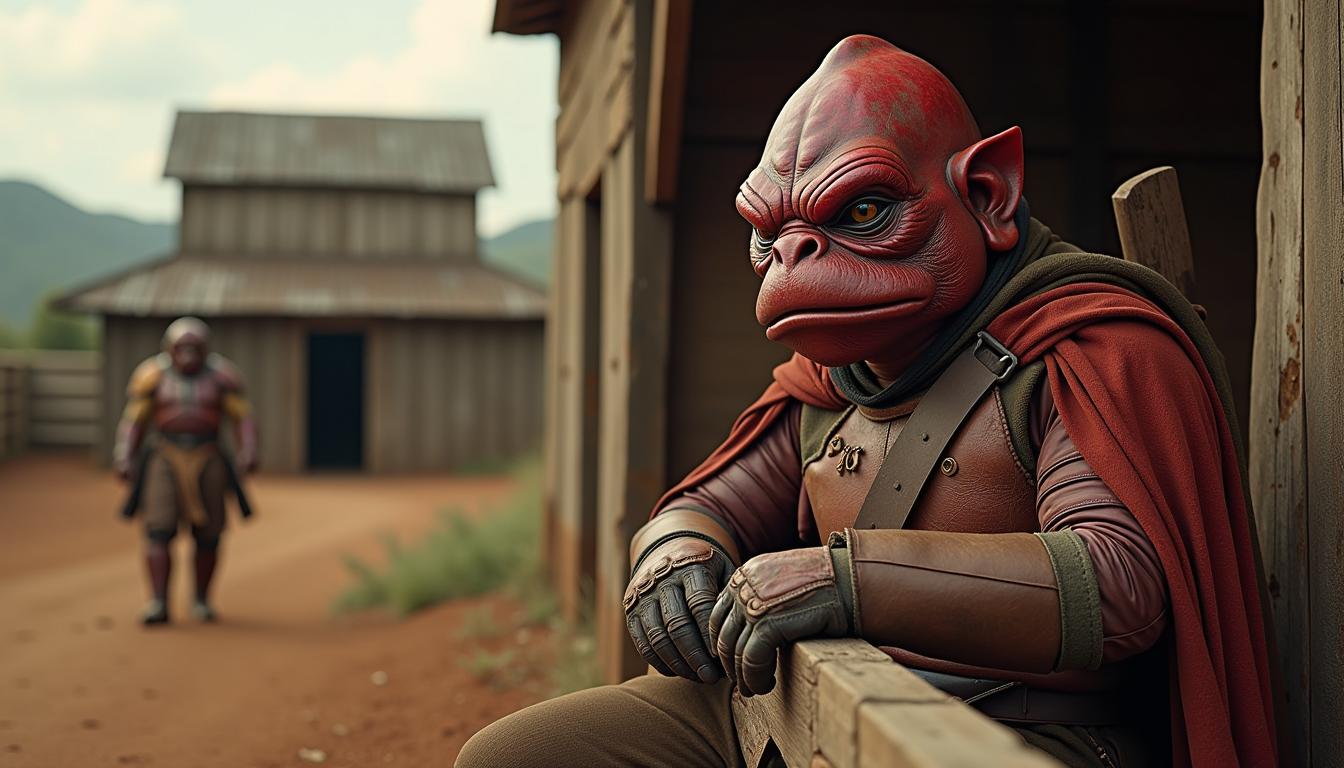

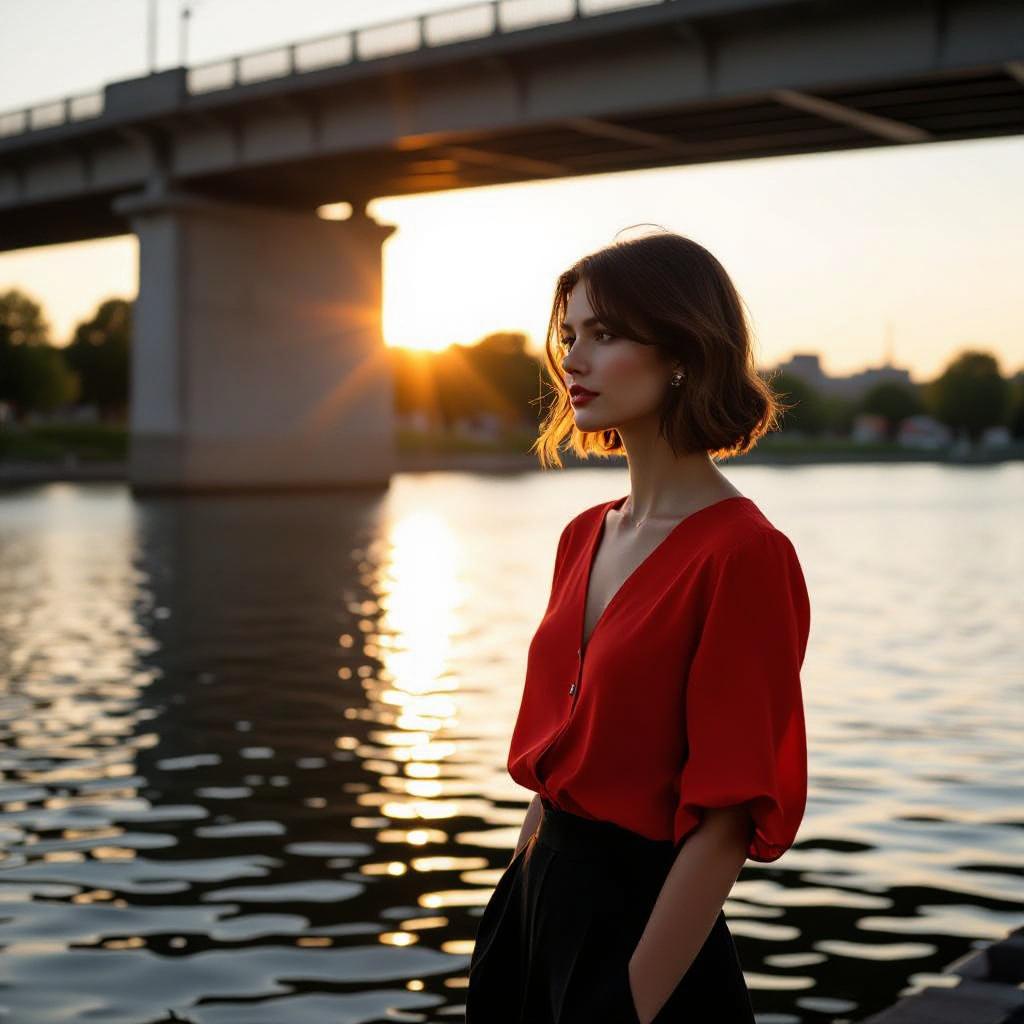
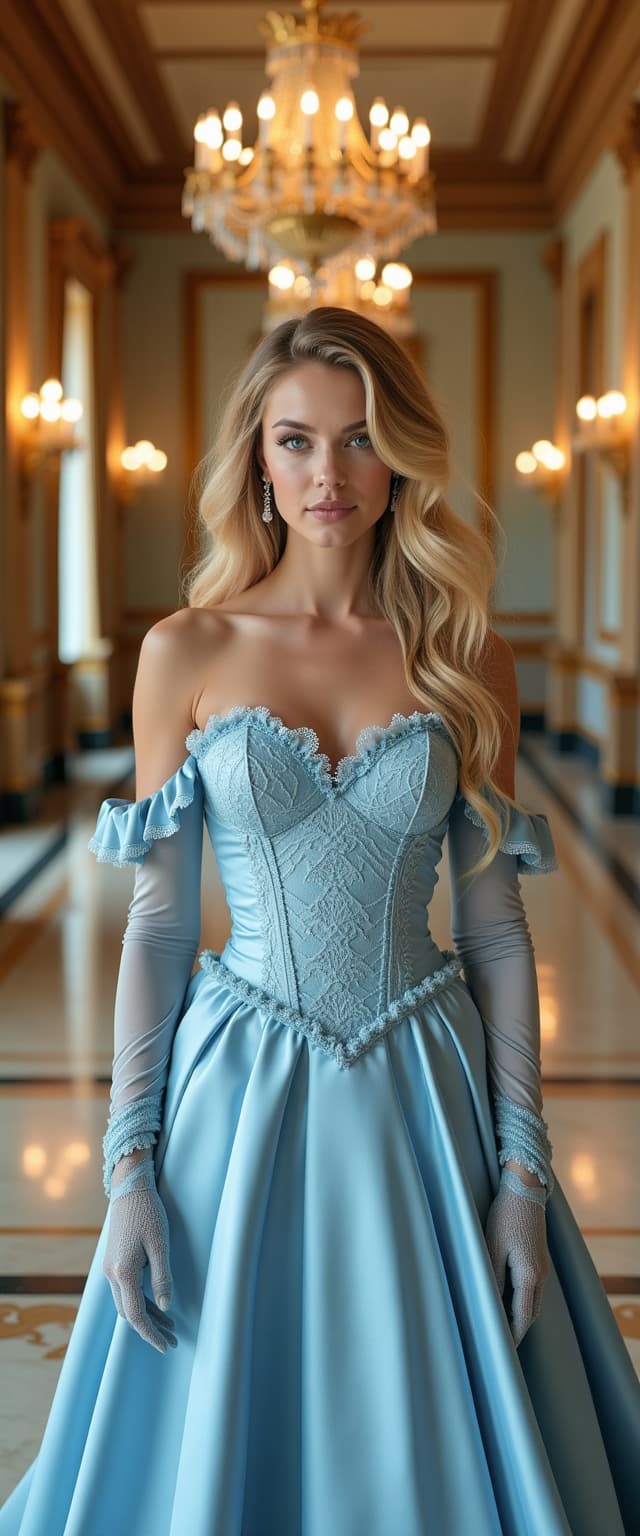
The Pixel Dojo Advantage
Why PixVerse V2 outperforms other video creation methods:
| Others | Pixel Dojo |
|---|---|
| Traditional Video Editing Software | Eliminates the need for complex software and technical expertise, making video creation accessible to everyone. |
| Generic AI Video Tools | Offers advanced features like Magic Brush and Character to Video, providing greater creative control and consistency. |
| Manual Animation | Significantly reduces the time and effort required to animate scenes, allowing for rapid content production. |
Loved by Creators
See what our community says about pixverse v2
"PixVerse V2 has revolutionized the way I create content. The ability to generate videos from text prompts is a game-changer."
Alex Johnson
Content Creator
"As an educator, PixVerse V2 allows me to produce illustrative videos quickly, enhancing my teaching materials without the need for technical skills."
Dr. Emily Carter
Professor of History
Common Questions
Everything you need to know about pixverse v2 AI generation
How does PixVerse V2 generate videos from text prompts?
PixVerse V2 utilizes advanced AI algorithms to interpret your text descriptions and generate corresponding video content, bringing your ideas to life effortlessly.
Can I animate my own images using PixVerse V2?
Yes, PixVerse V2's Image to Video feature allows you to upload static images and define motion paths using the Magic Brush tool, transforming them into dynamic videos.
Is it possible to maintain character consistency across multiple video scenes?
Absolutely. With the Character to Video feature, you can upload a character image, name it, and generate videos that incorporate the character consistently across various scenarios.
What video lengths does PixVerse V2 support?
PixVerse V2 supports generating videos of 5 and 8 seconds in length, providing flexibility for your creative projects.
Do I need any technical skills to use PixVerse V2?
No technical skills are required. PixVerse V2 is designed with an intuitive interface that makes video creation accessible to everyone.
Can I customize the style and aspect ratio of the generated videos?
Yes, you can select from various styles such as realistic or anime, and choose aspect ratios like 16:9 or 9:16 to suit your project's needs.