portrait models AI Generator
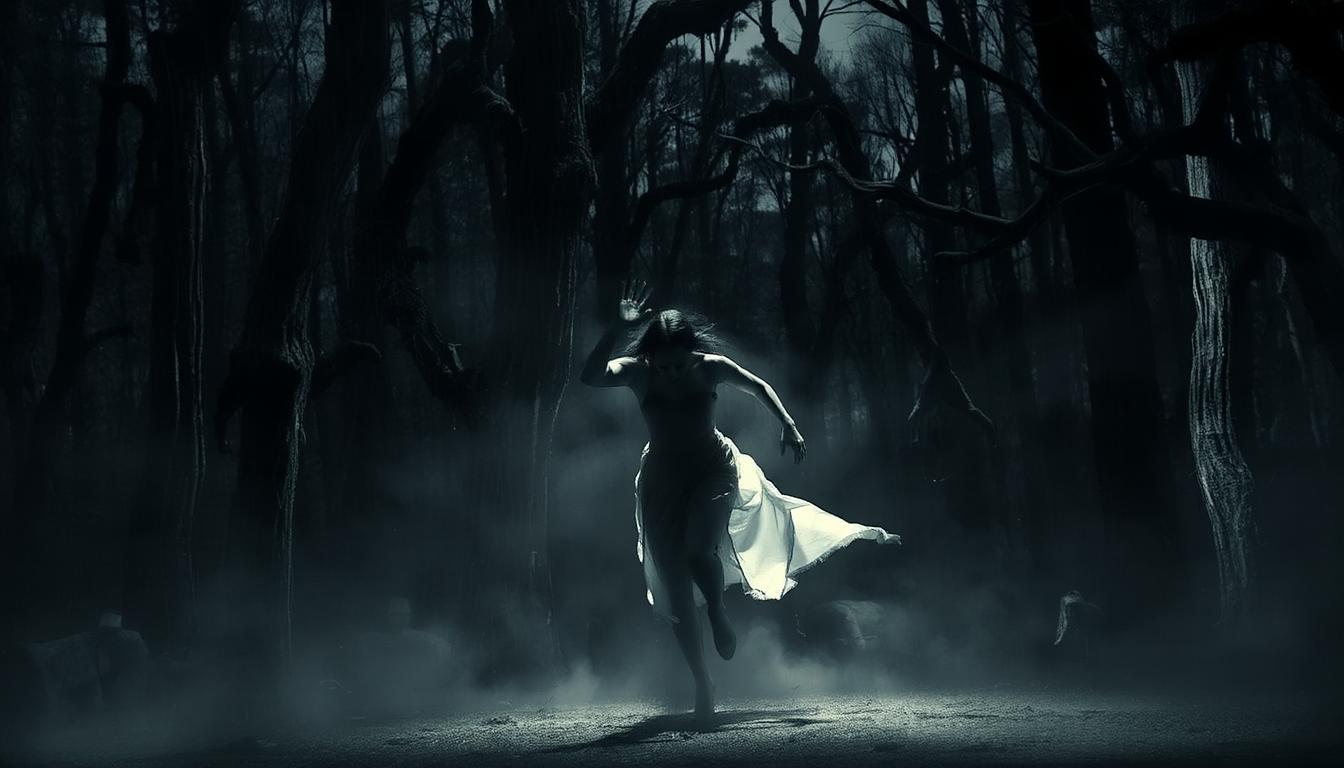
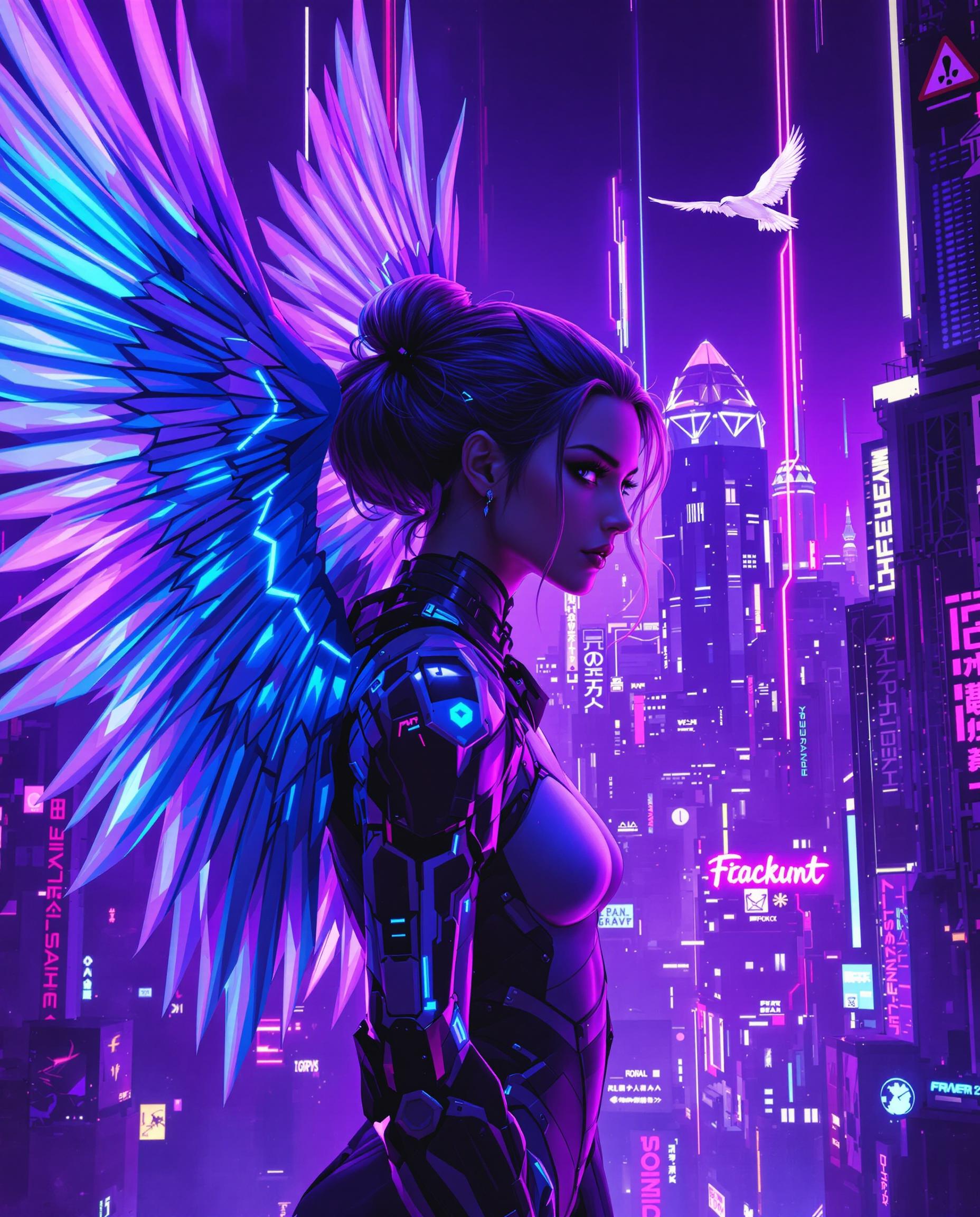
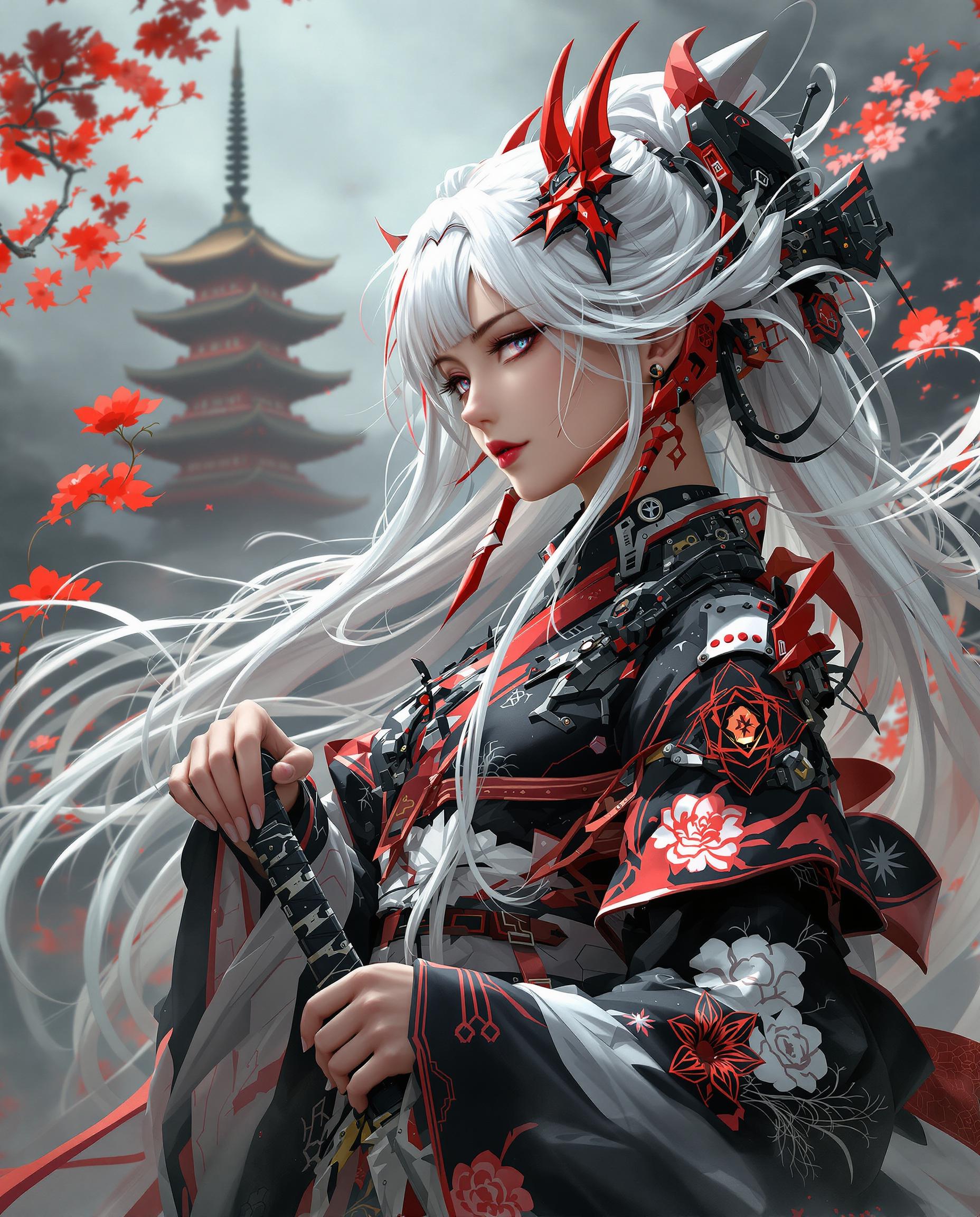
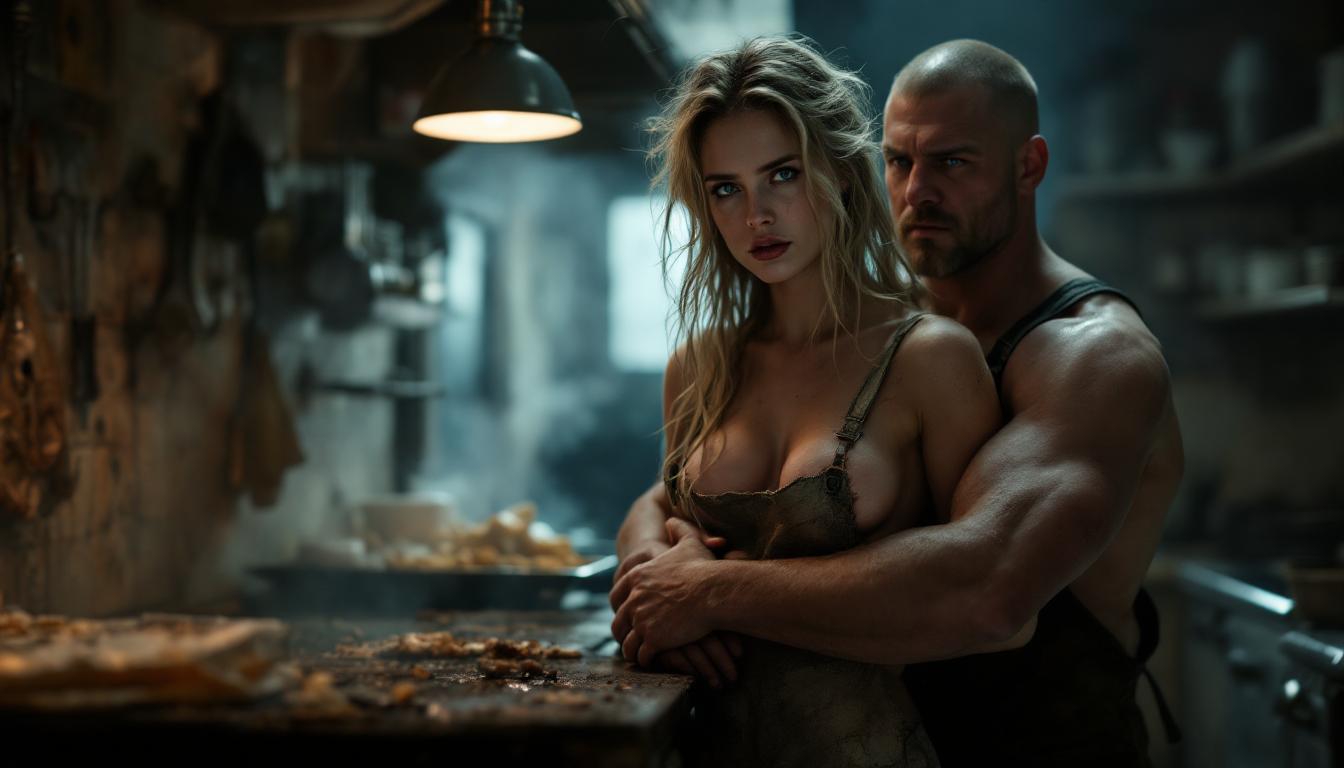
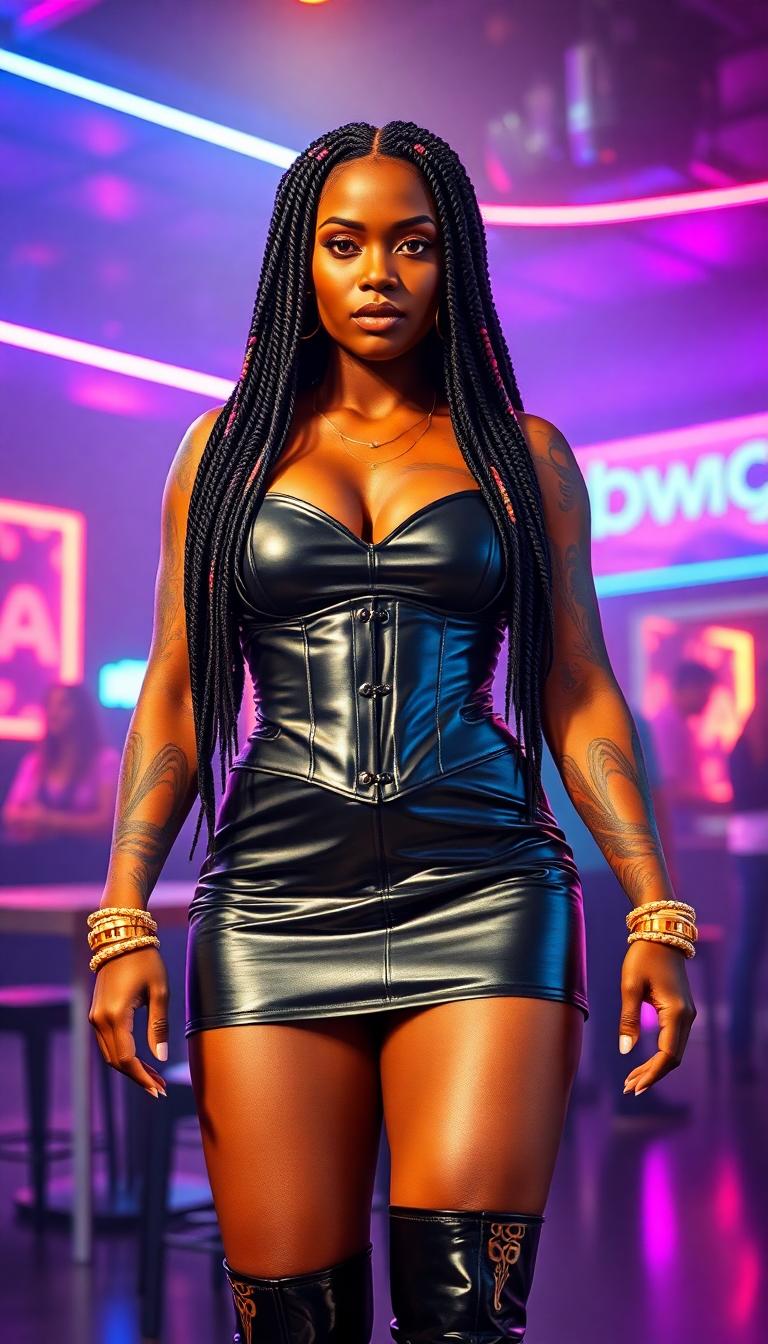
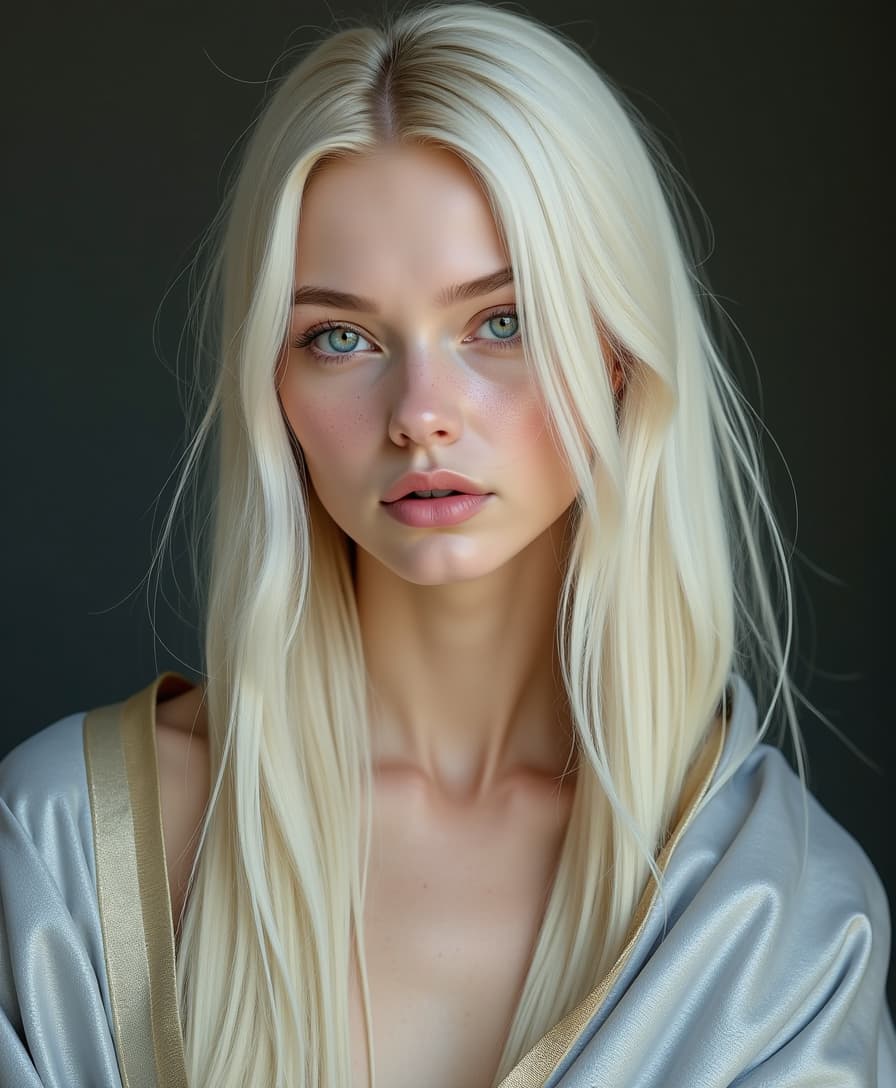
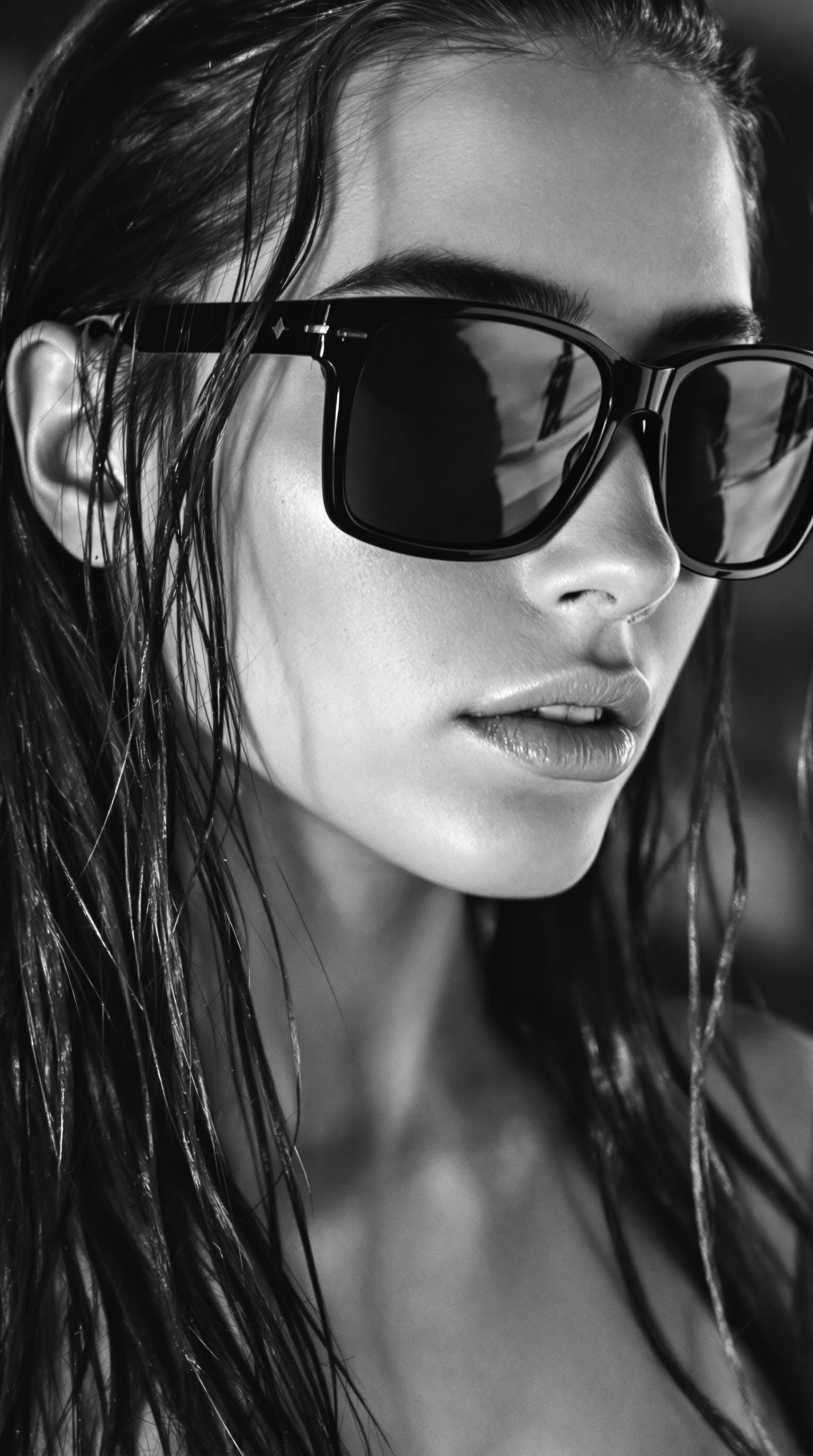
Unlock the power of AI to create mesmerizing portraits with PixelDojo's advanced tools. Whether you're an artist seeking inspiration, a marketer in need of unique visuals, or someone looking to transform personal photos into art, PixelDojo offers an intuitive platform to bring your creative visions to life.
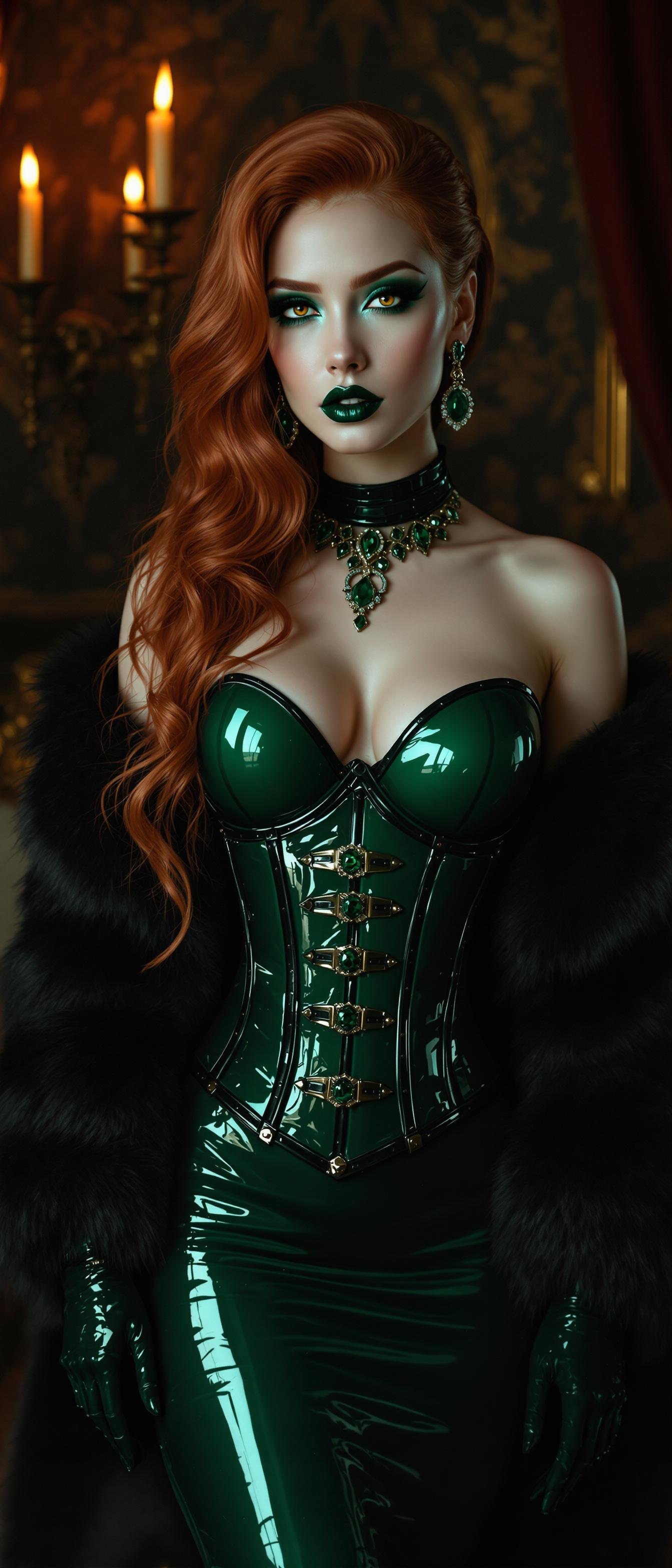
Join over 10,000 satisfied creators who have generated more than 500,000 stunning AI portraits using PixelDojo's ImagineArt 1.0.
Why Choose Pixel Dojo for portrait models
Professional-quality results with cutting-edge AI technology
Effortless Creativity
Generate unique, high-quality portraits without any prior design experience.
Time-Saving
Produce professional-grade portraits in minutes, streamlining your creative process.
Versatile Applications
Use AI-generated portraits for marketing, social media, personal projects, and more.
How It Works
Creating stunning AI portraits with PixelDojo is simple and straightforward. Follow these steps to bring your ideas to life:
Step 1: Choose Your Tool
Navigate to PixelDojo's ImagineArt 1.0 tool to begin your portrait creation journey.
Step 2: Enter Your Prompt
Input a descriptive text prompt detailing the portrait you envision. For example, 'A serene portrait of a woman in a sunlit garden.'
Step 3: Customize & Download
Review the generated portrait, make any desired adjustments, and download the final image to your device.
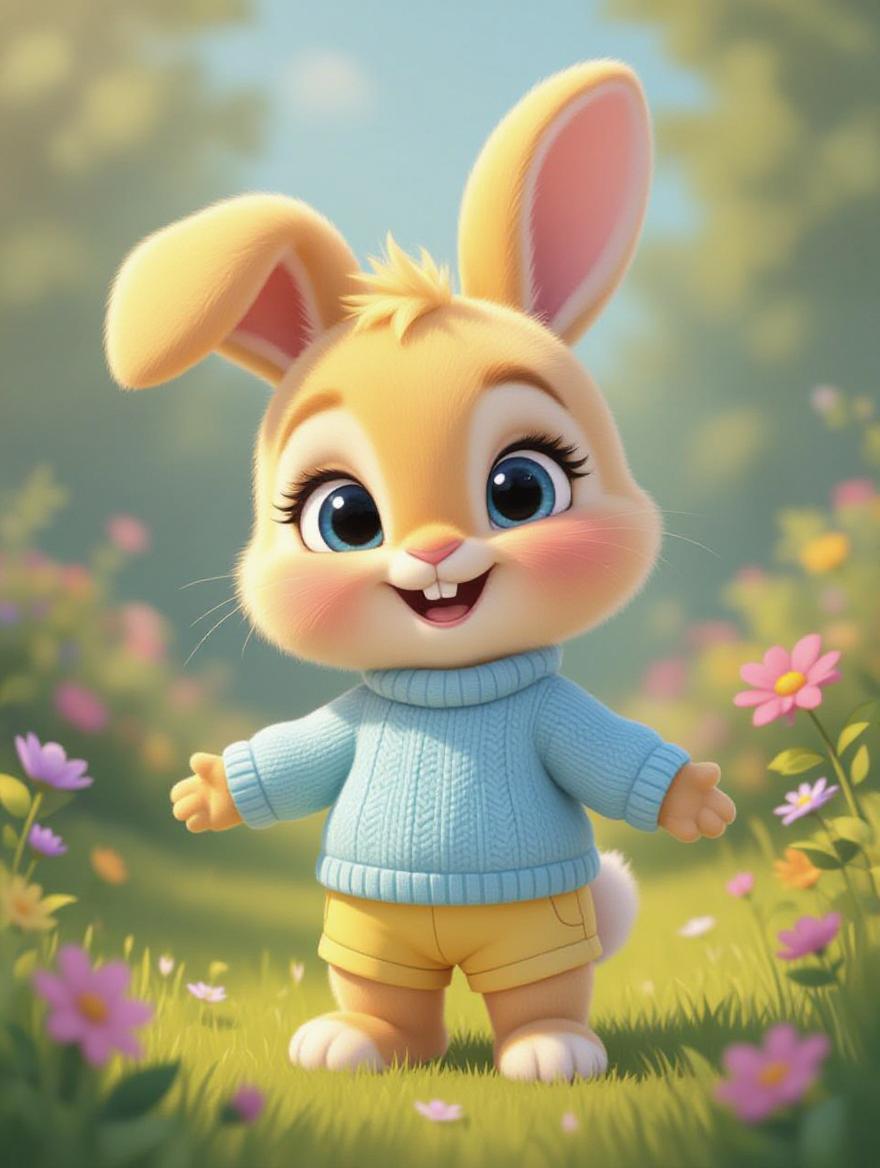
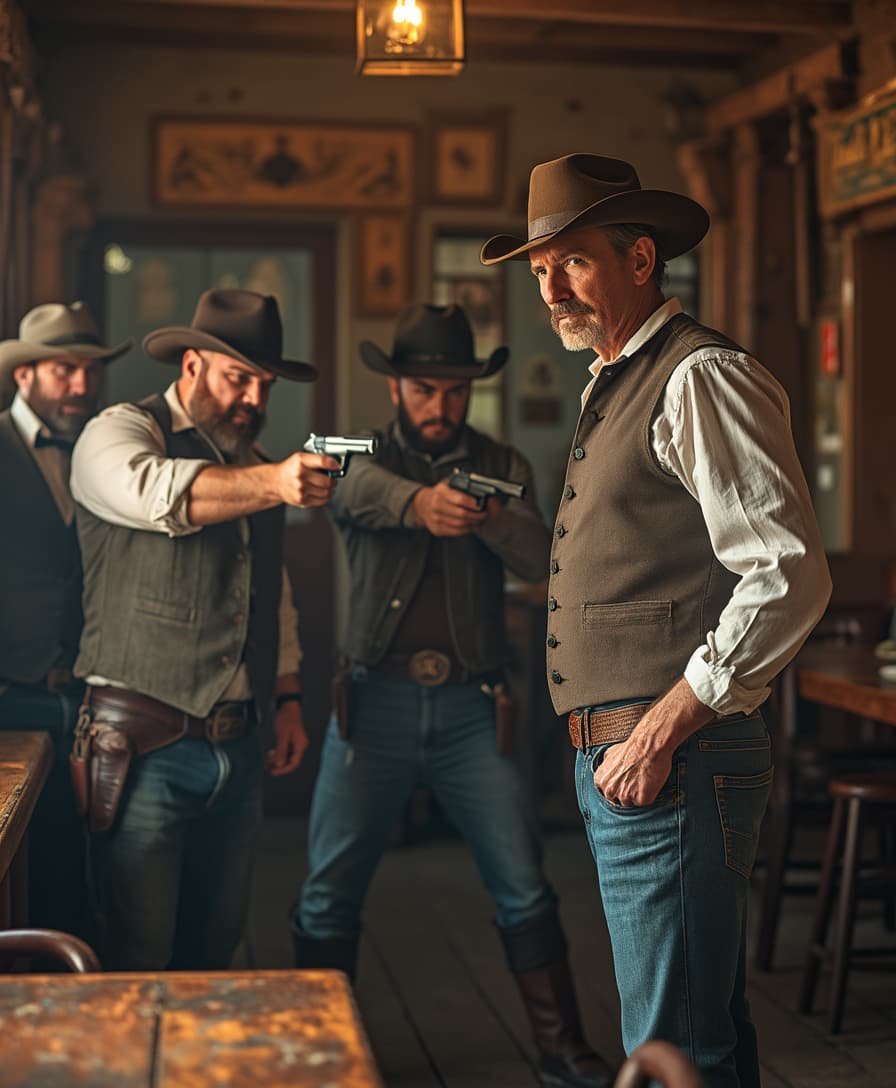

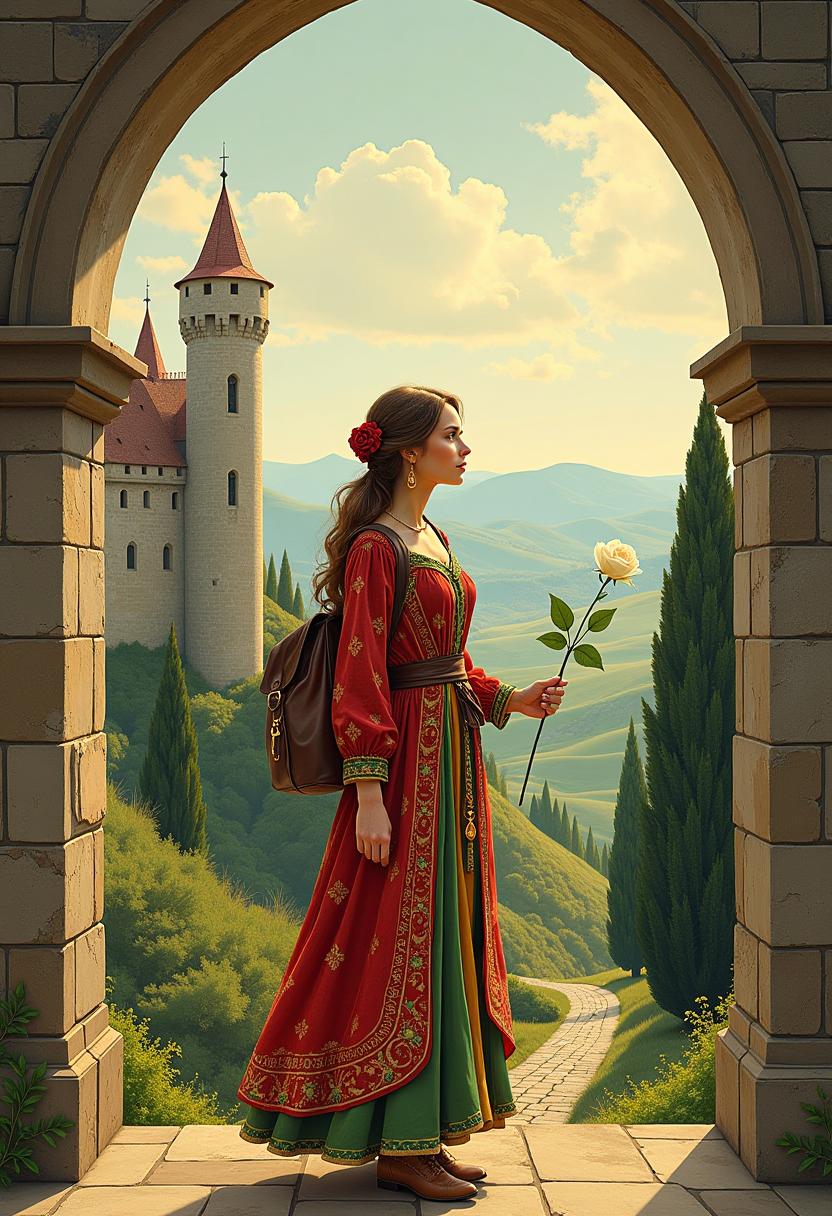
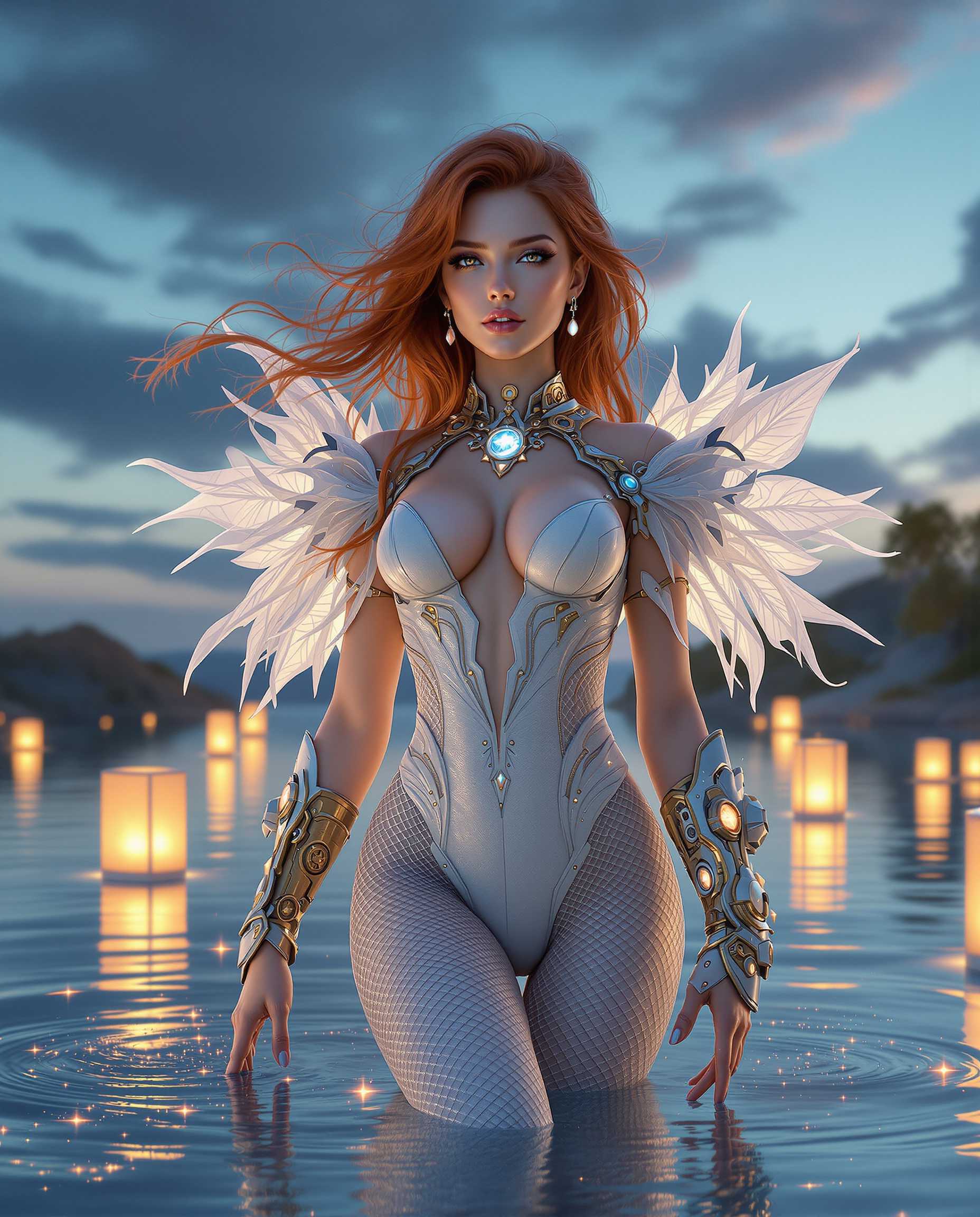
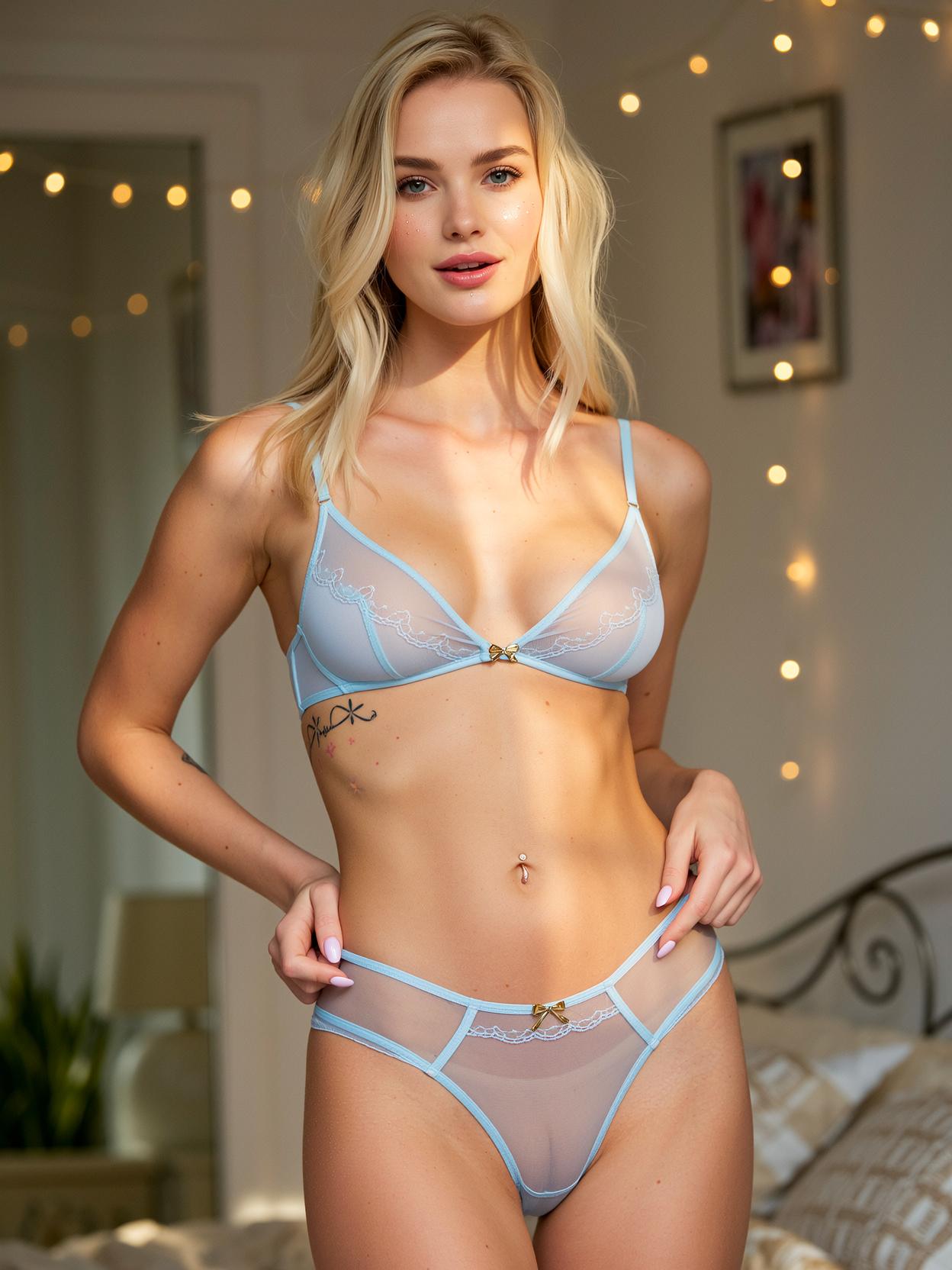
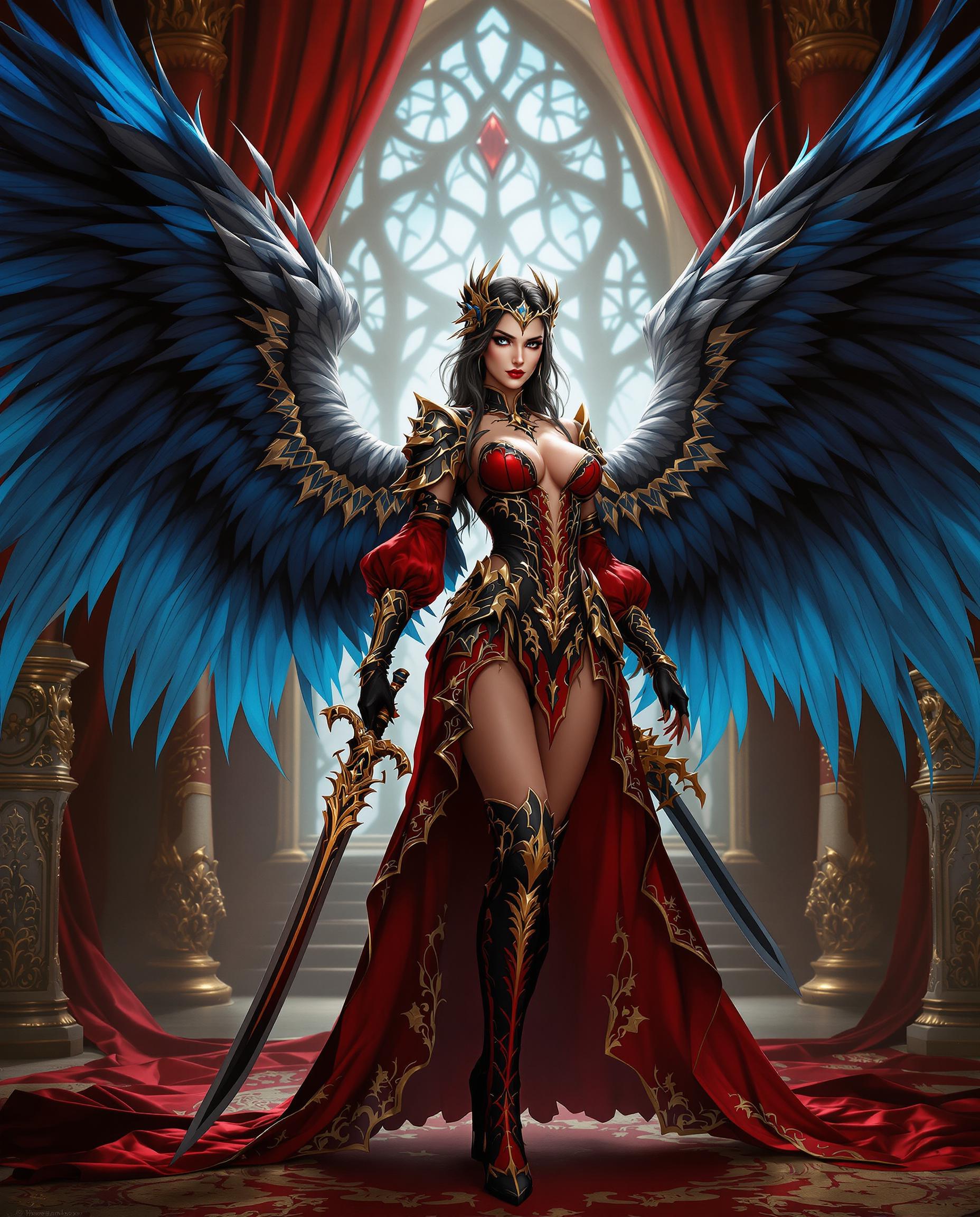
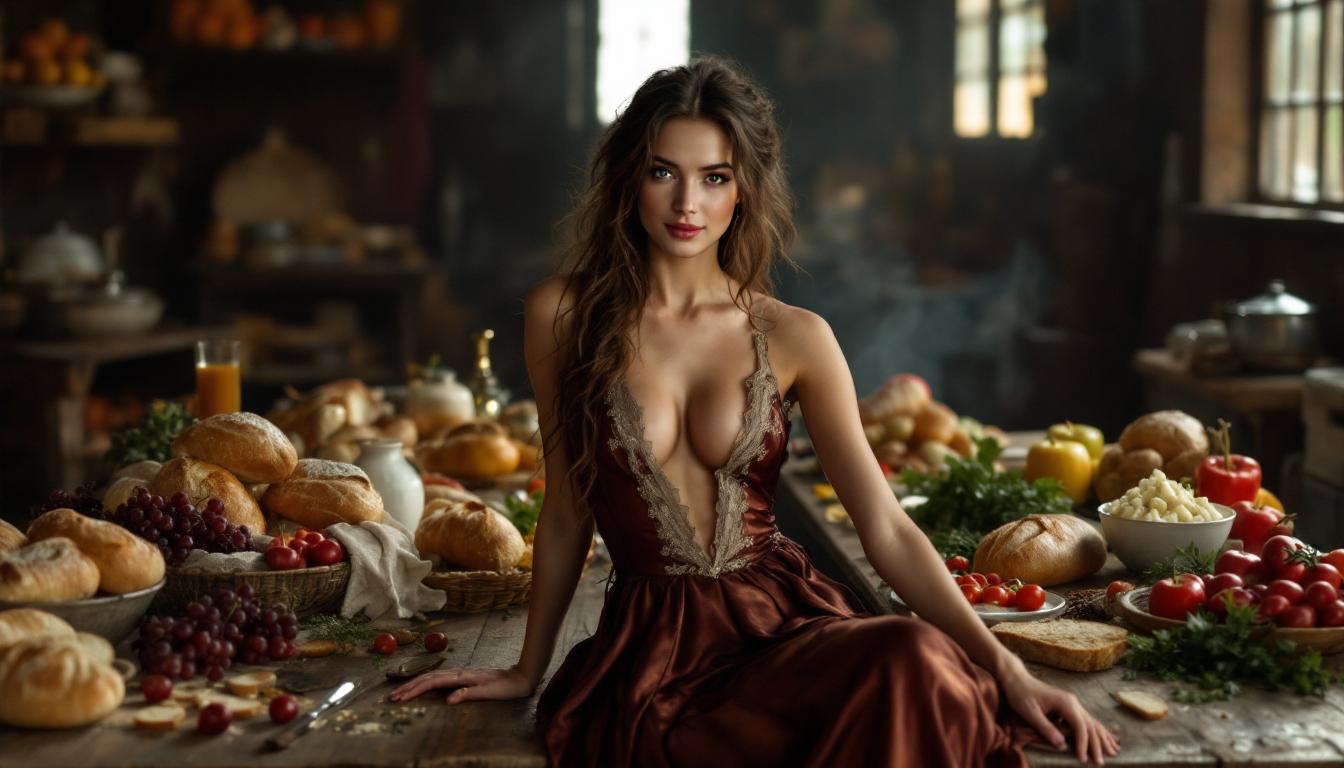
The Pixel Dojo Advantage
Why PixelDojo outperforms other options for AI portrait generation
| Others | Pixel Dojo |
|---|---|
| Traditional Portrait Creation | Eliminate the need for expensive photoshoots and lengthy editing processes. |
| Generic AI Tools | Access specialized tools designed specifically for high-quality portrait generation. |
| Manual Photo Editing | Achieve professional results without extensive photo editing skills or software. |
Loved by Creators
See what our community says about portrait models
"ImagineArt 1.0 transformed my creative workflow, allowing me to produce stunning portraits effortlessly."
Alex Johnson
Digital Artist
"As a marketer, PixelDojo's AI tools have been invaluable in creating unique visuals that captivate our audience."
Samantha Lee
Marketing Manager
Common Questions
Everything you need to know about portrait models AI generation
How does ImagineArt 1.0 generate AI portraits?
ImagineArt 1.0 utilizes advanced AI algorithms to interpret your text prompts and generate corresponding high-quality portraits.
Can I customize the generated portraits?
Yes, after the initial generation, you can make adjustments to fine-tune the portrait to your liking.
Is ImagineArt 1.0 suitable for beginners?
Absolutely! ImagineArt 1.0 is designed with an intuitive interface, making it accessible for users of all skill levels.
What file formats are available for download?
Generated portraits can be downloaded in various formats, including JPEG and PNG, to suit your needs.
Are there any usage restrictions on the generated images?
You have full rights to use the images generated with ImagineArt 1.0 for personal and commercial projects.
How does PixelDojo ensure the quality of AI-generated portraits?
PixelDojo employs state-of-the-art AI models and continuously updates its tools to ensure the highest quality outputs.