qwen image 2.0 complex compositions AI Generator
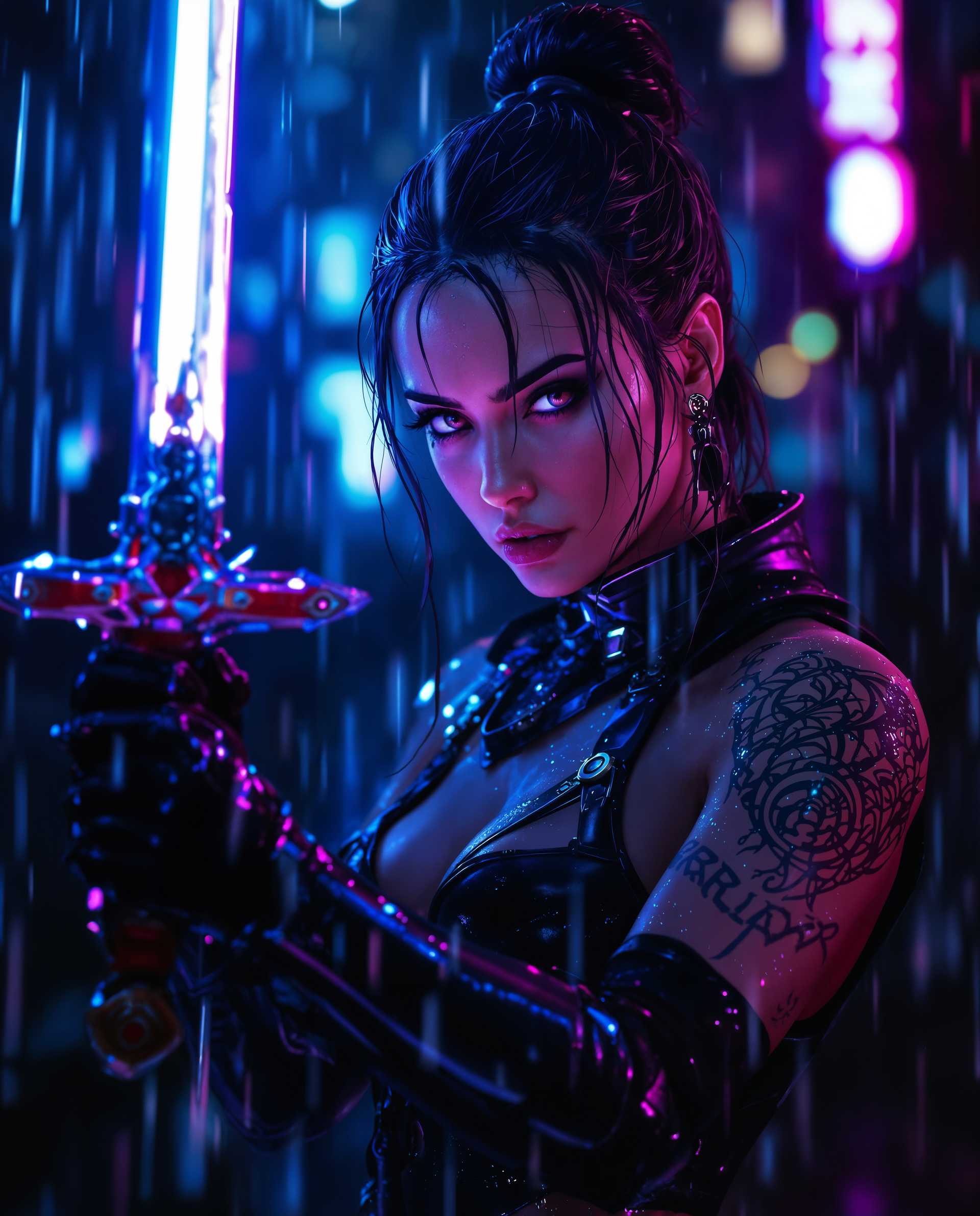
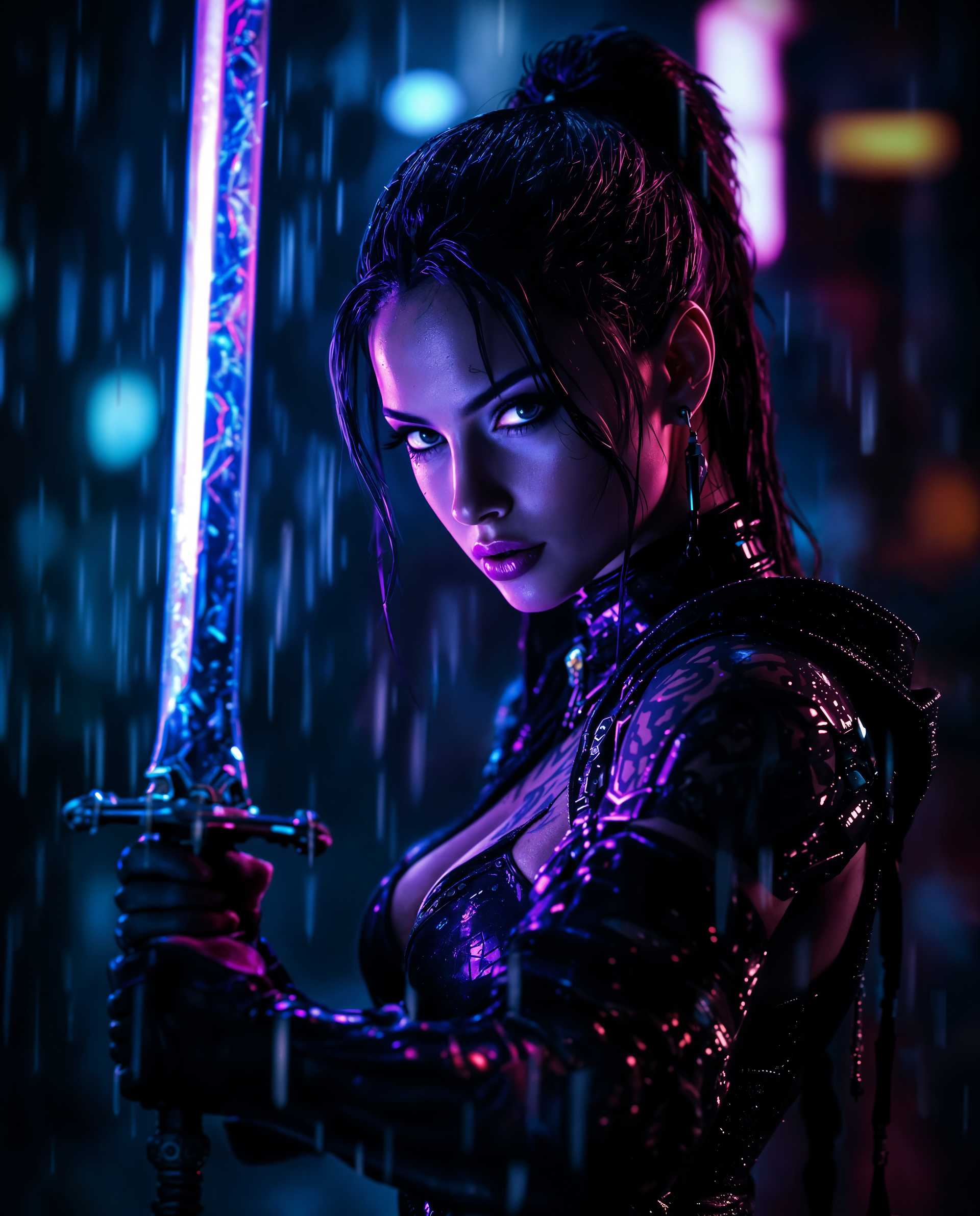
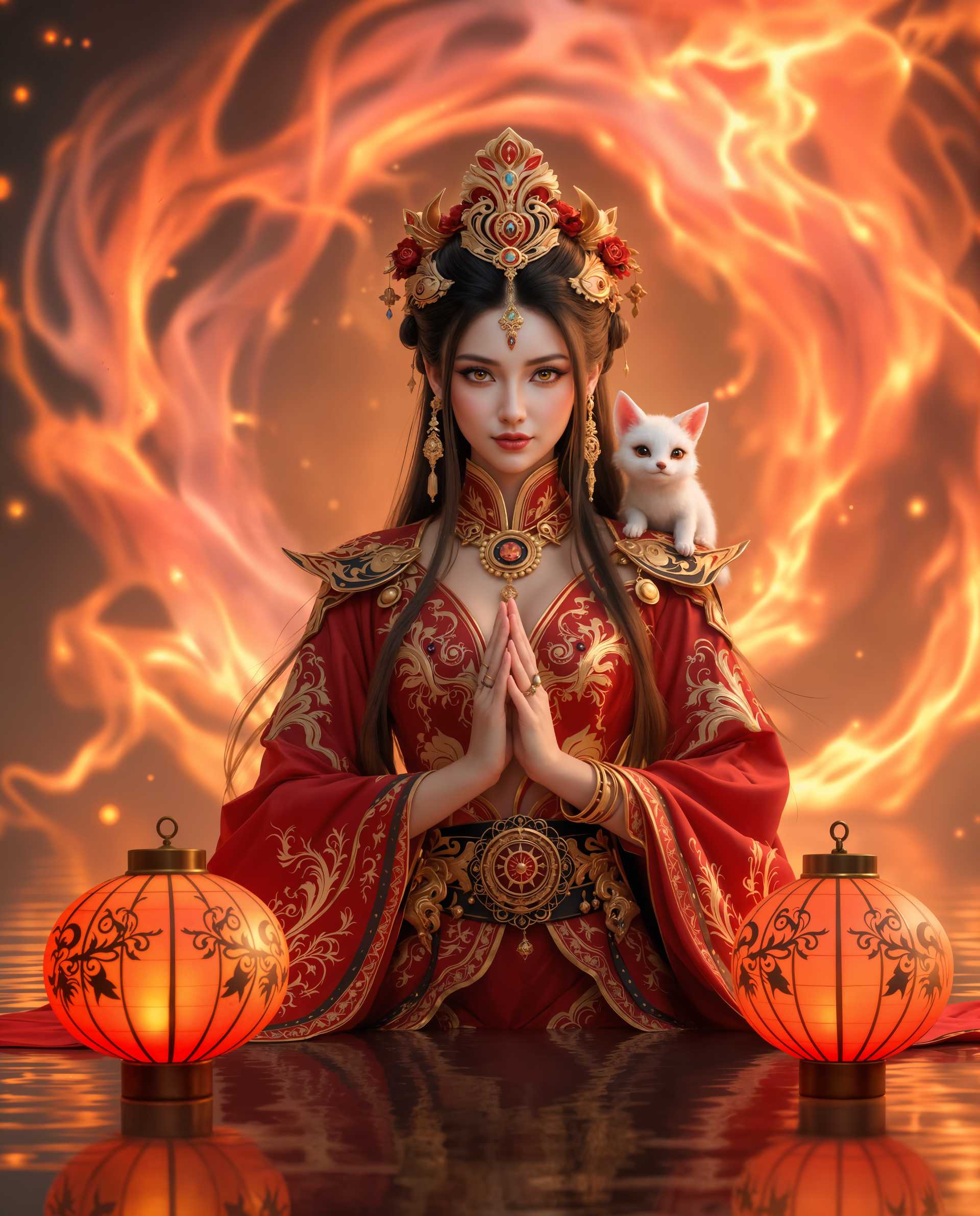
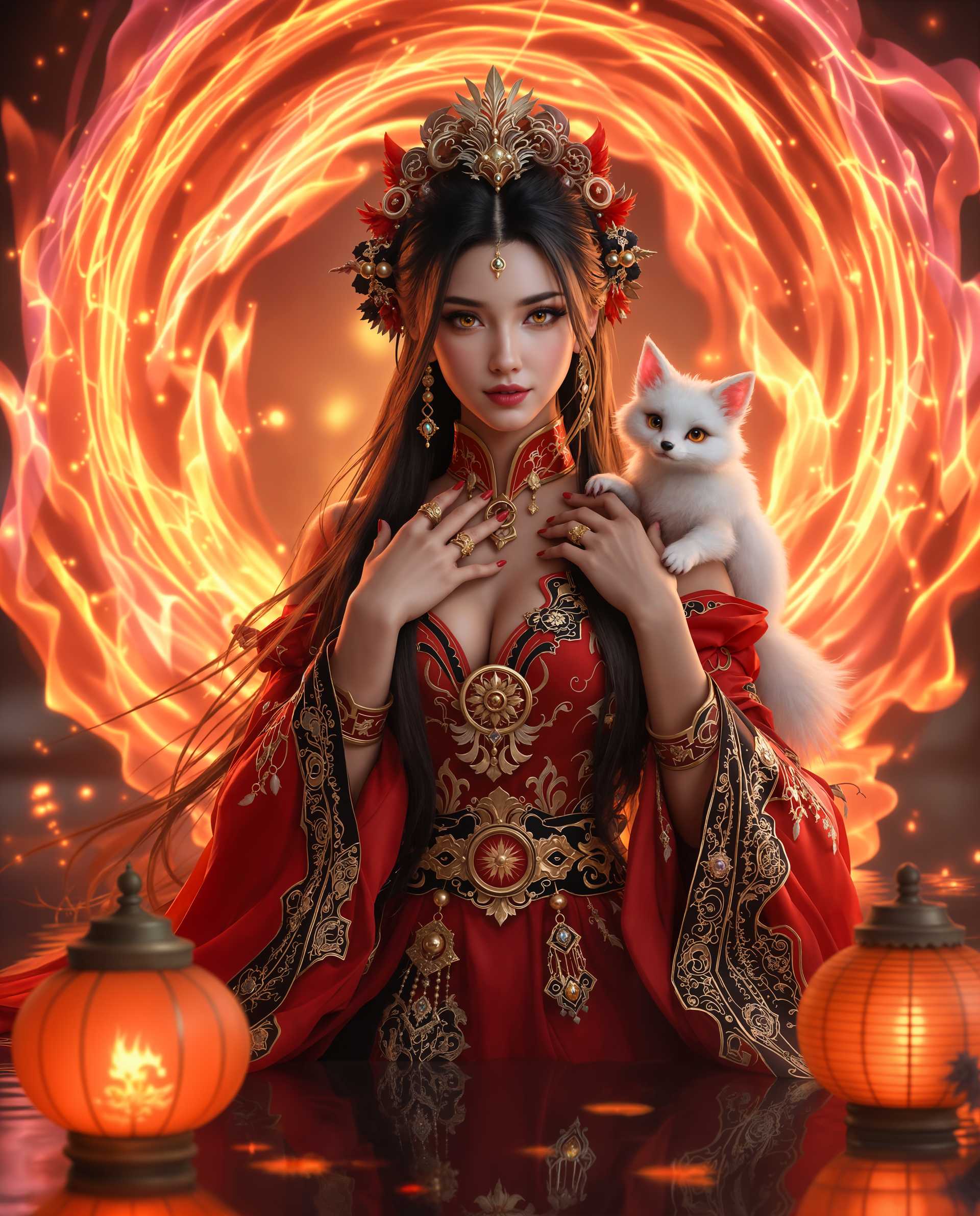
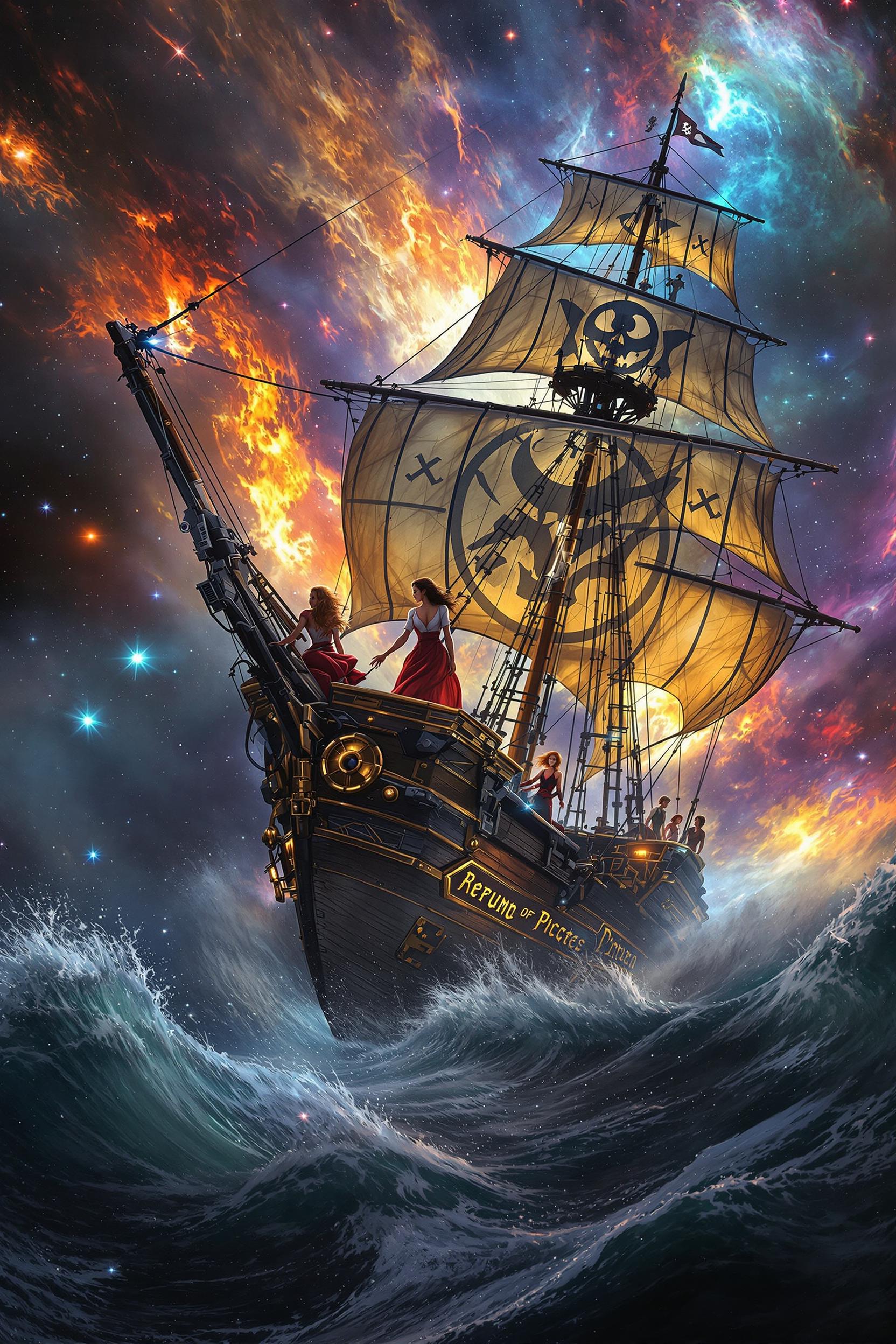
Unlock the power to create intricate, high-resolution images effortlessly with QWEN Image 2.0 on PixelDojo. Whether you're designing detailed infographics, multi-panel comics, or professional presentations, our platform empowers you to bring your complex visions to life with precision and ease.

Join over 10,000 creators who have transformed their design process with PixelDojo's advanced AI tools, achieving a 95% satisfaction rate.
Why Choose Pixel Dojo for qwen image 2.0 complex compositions
Professional-quality results with cutting-edge AI technology
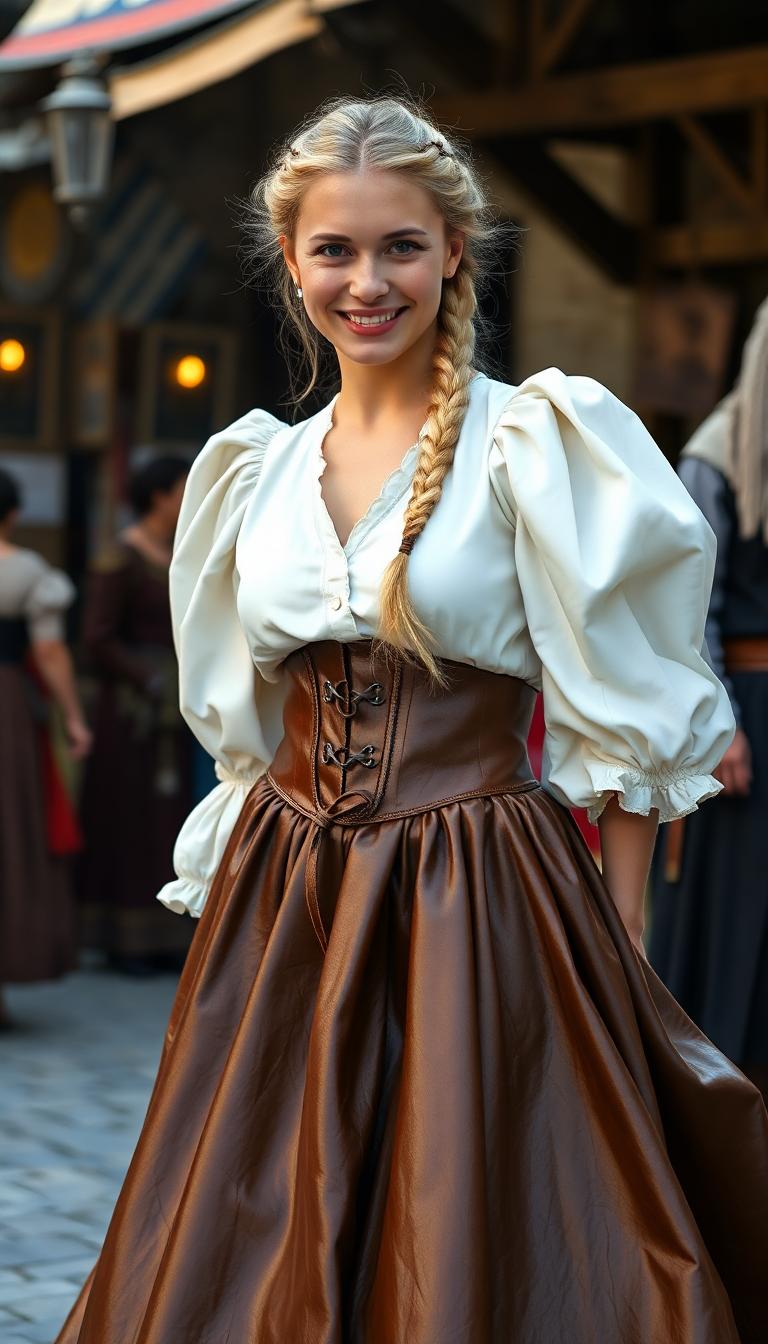
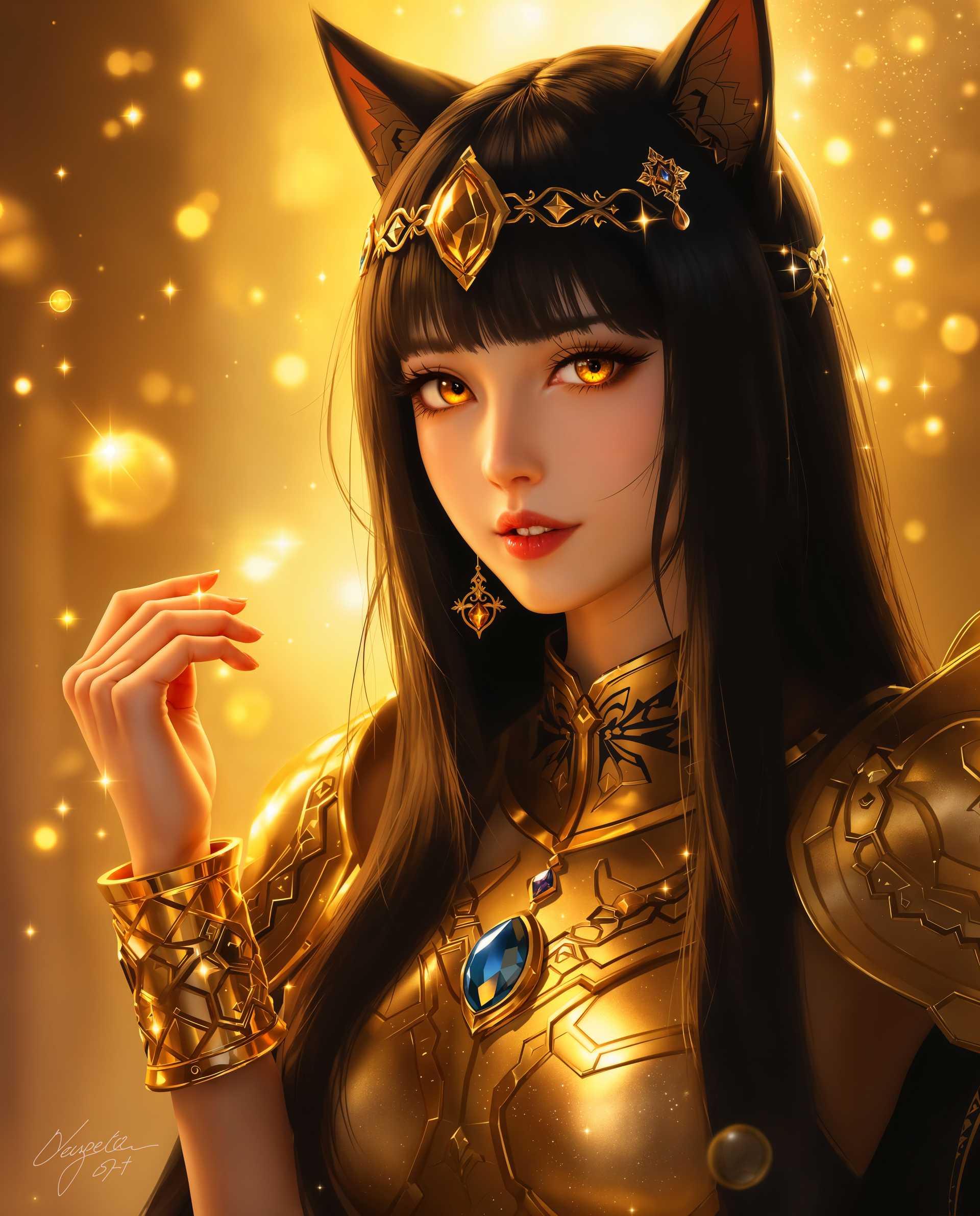
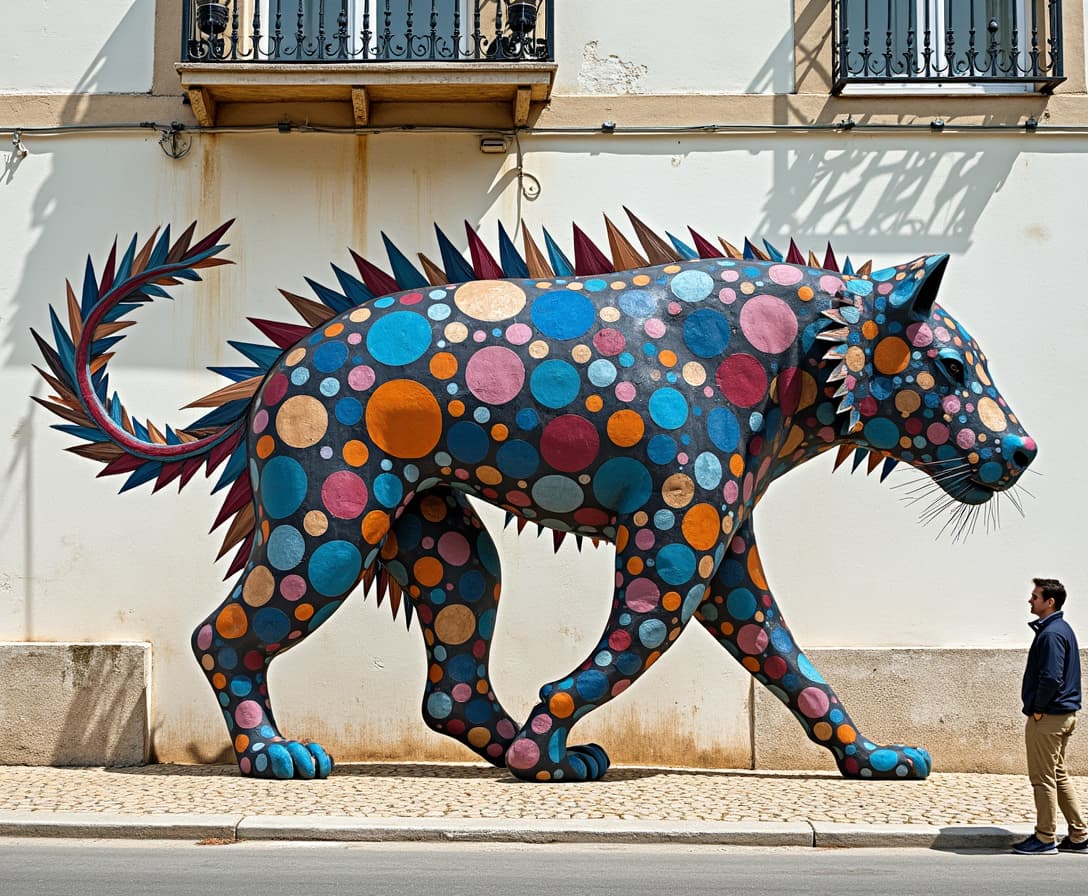
Effortless Complex Compositions
Generate detailed, multi-element images without the need for extensive design skills.
High-Resolution Outputs
Produce native 2K resolution images, ensuring every detail is crisp and clear.
Seamless Editing Capabilities
Edit and refine your images within the same workflow, saving time and maintaining consistency.
How It Works
Creating complex compositions with QWEN Image 2.0 on PixelDojo is straightforward. Follow these steps to bring your ideas to life:
Step 1: Select QWEN Image 2.0
Navigate to the 'Generate Images' section and choose 'QWEN Image 2.0' from the list of available tools.
Step 2: Input Your Detailed Prompt
Enter a comprehensive description of the image you wish to create, utilizing up to 1,000 tokens to capture intricate details.
Step 3: Generate and Refine
Click 'Generate' to produce your image. Use the integrated editing tools to make any necessary adjustments, ensuring the final product meets your expectations.

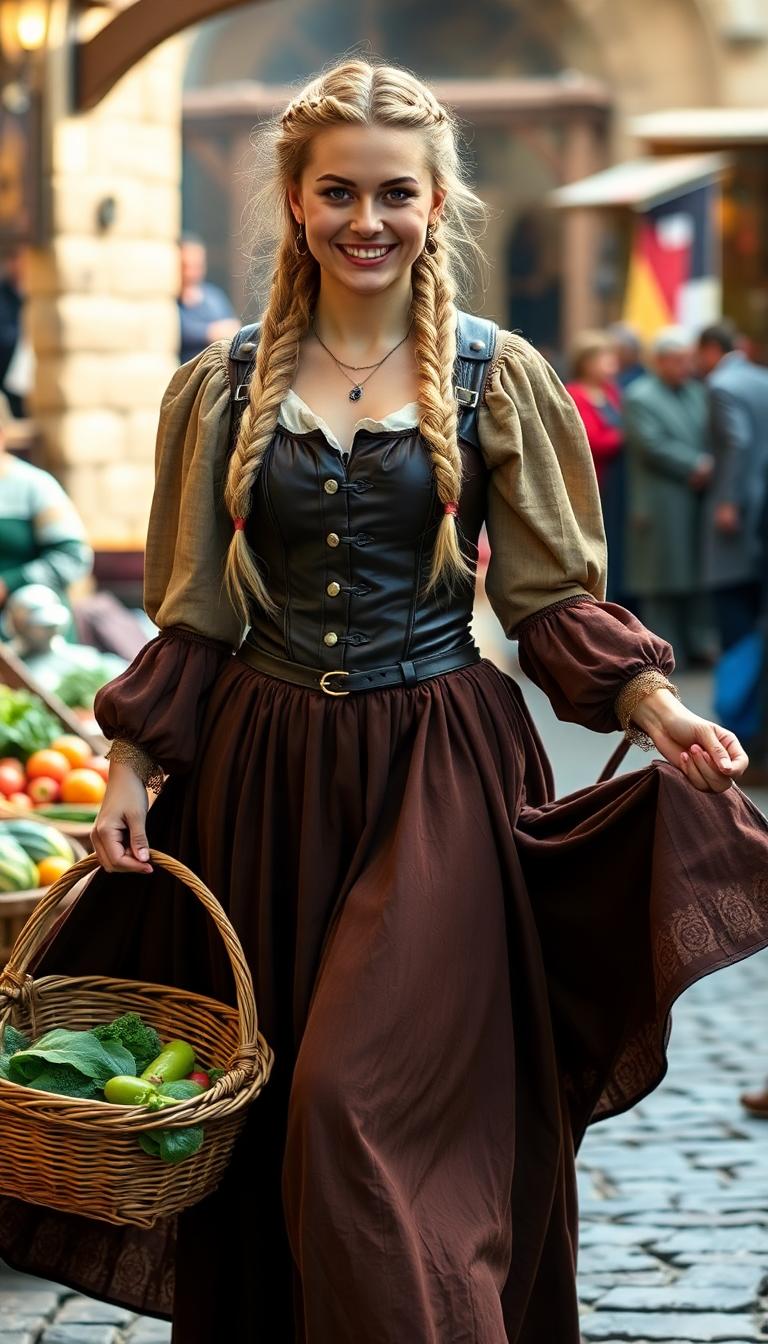
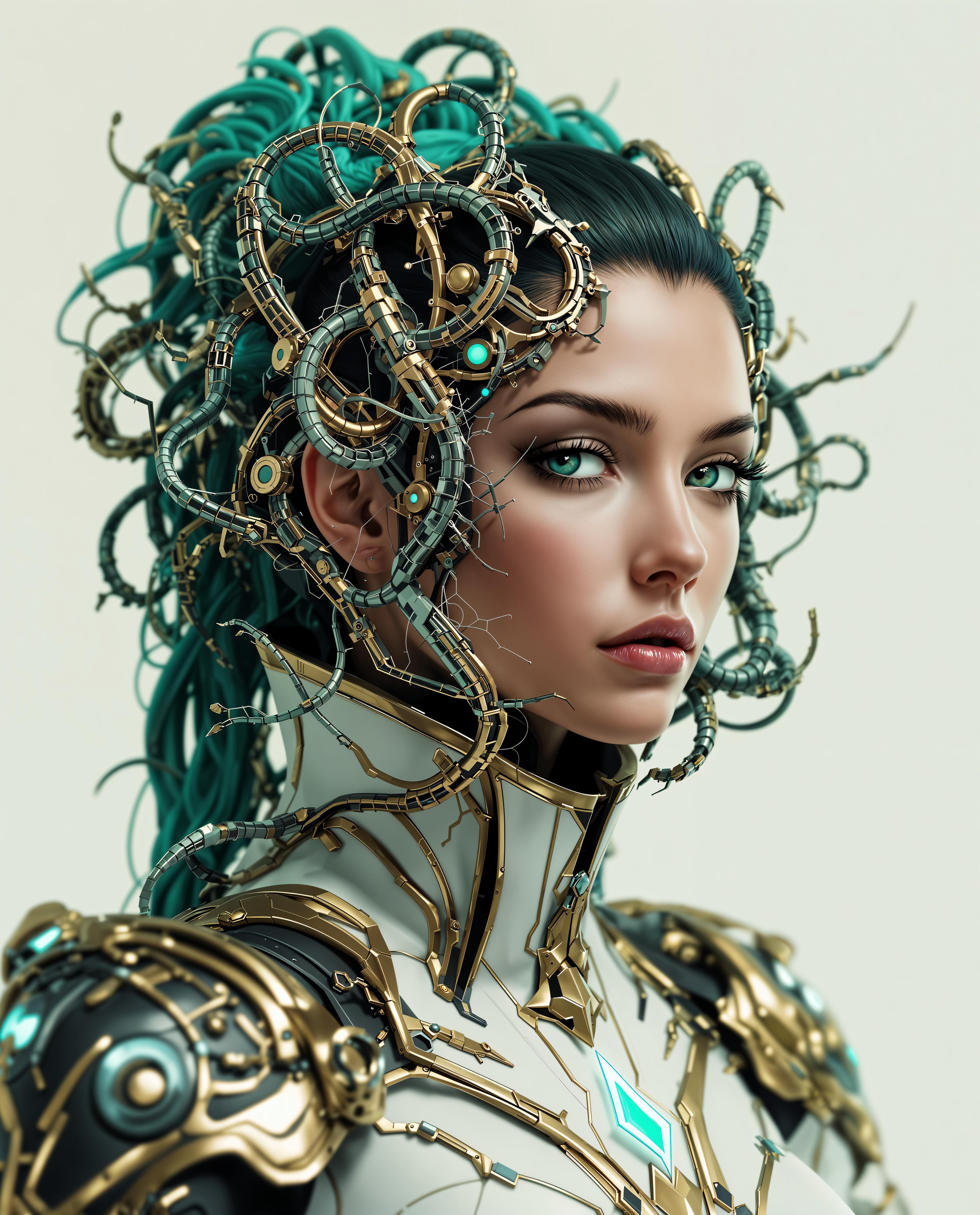
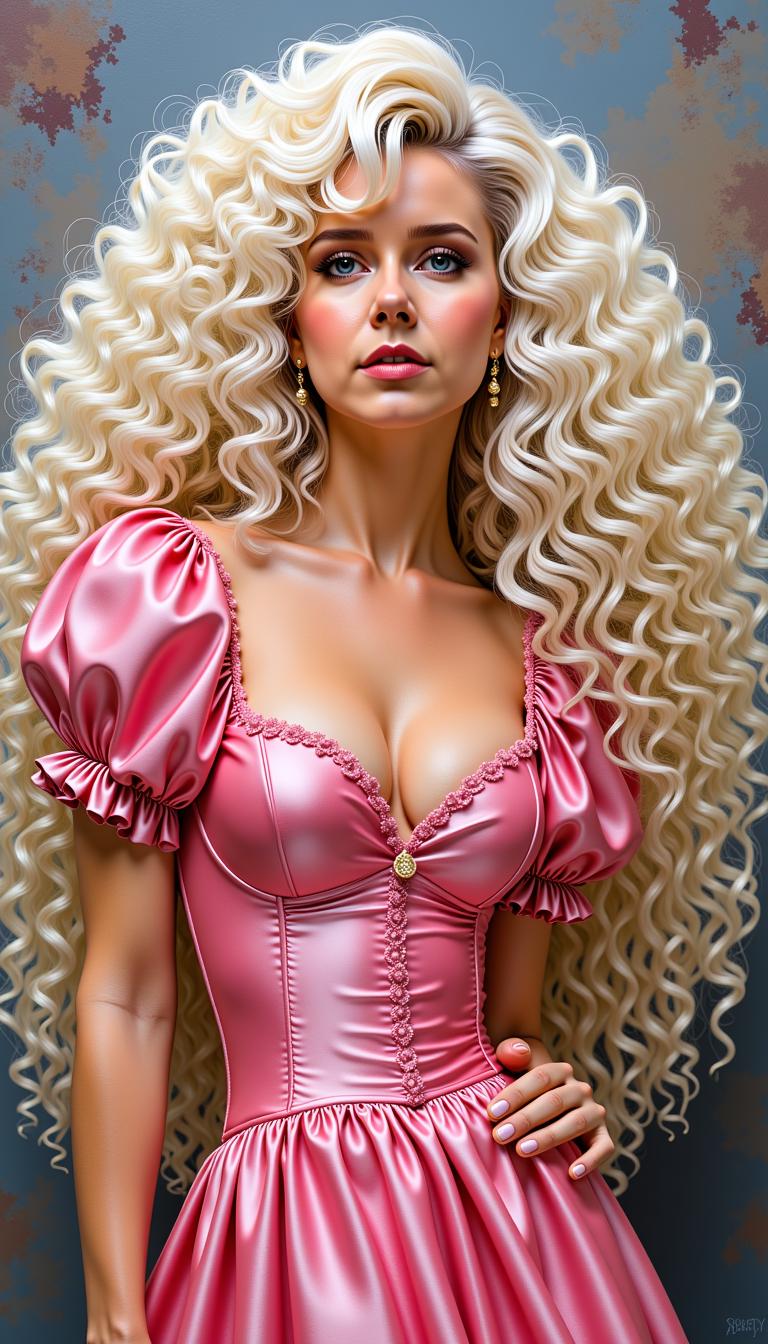
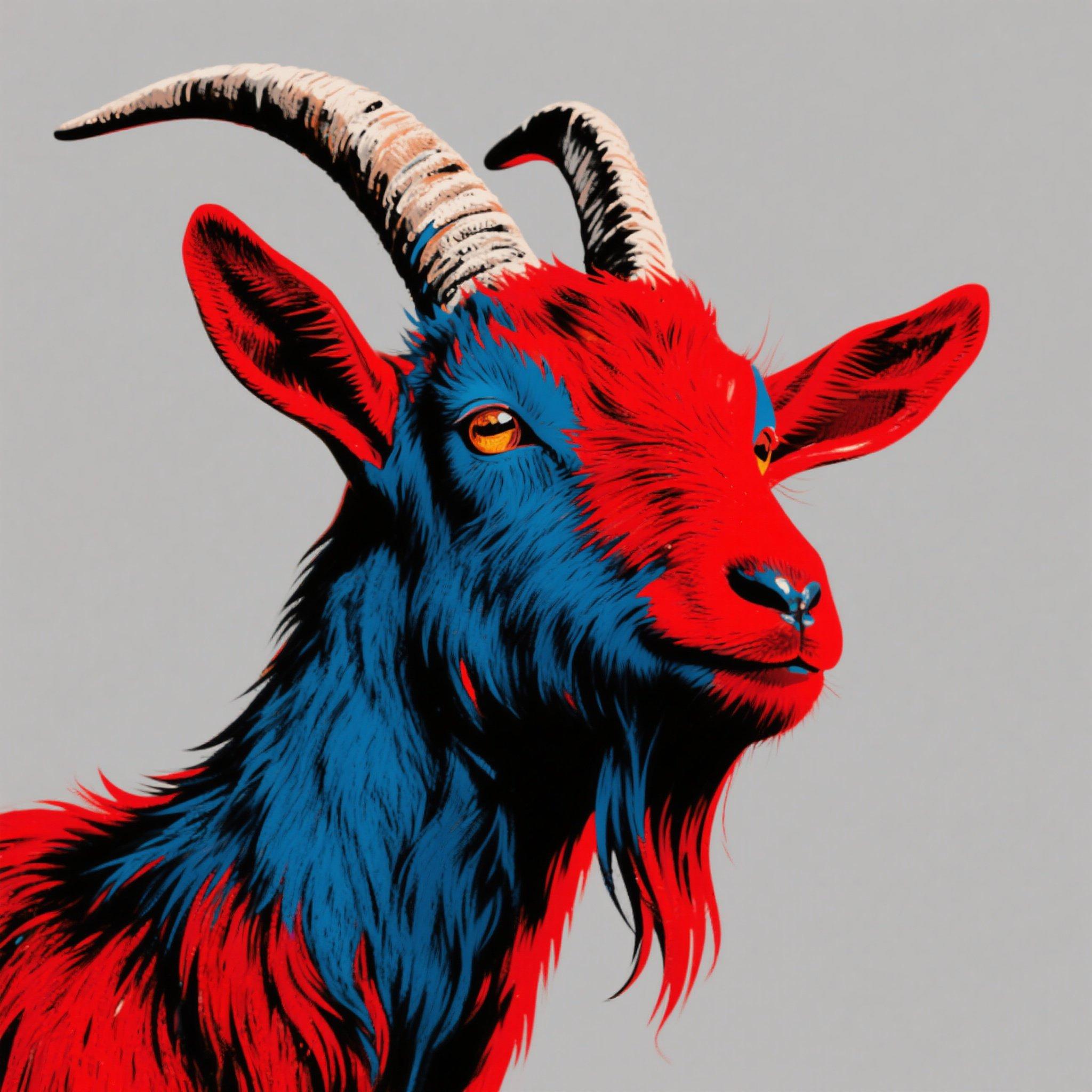
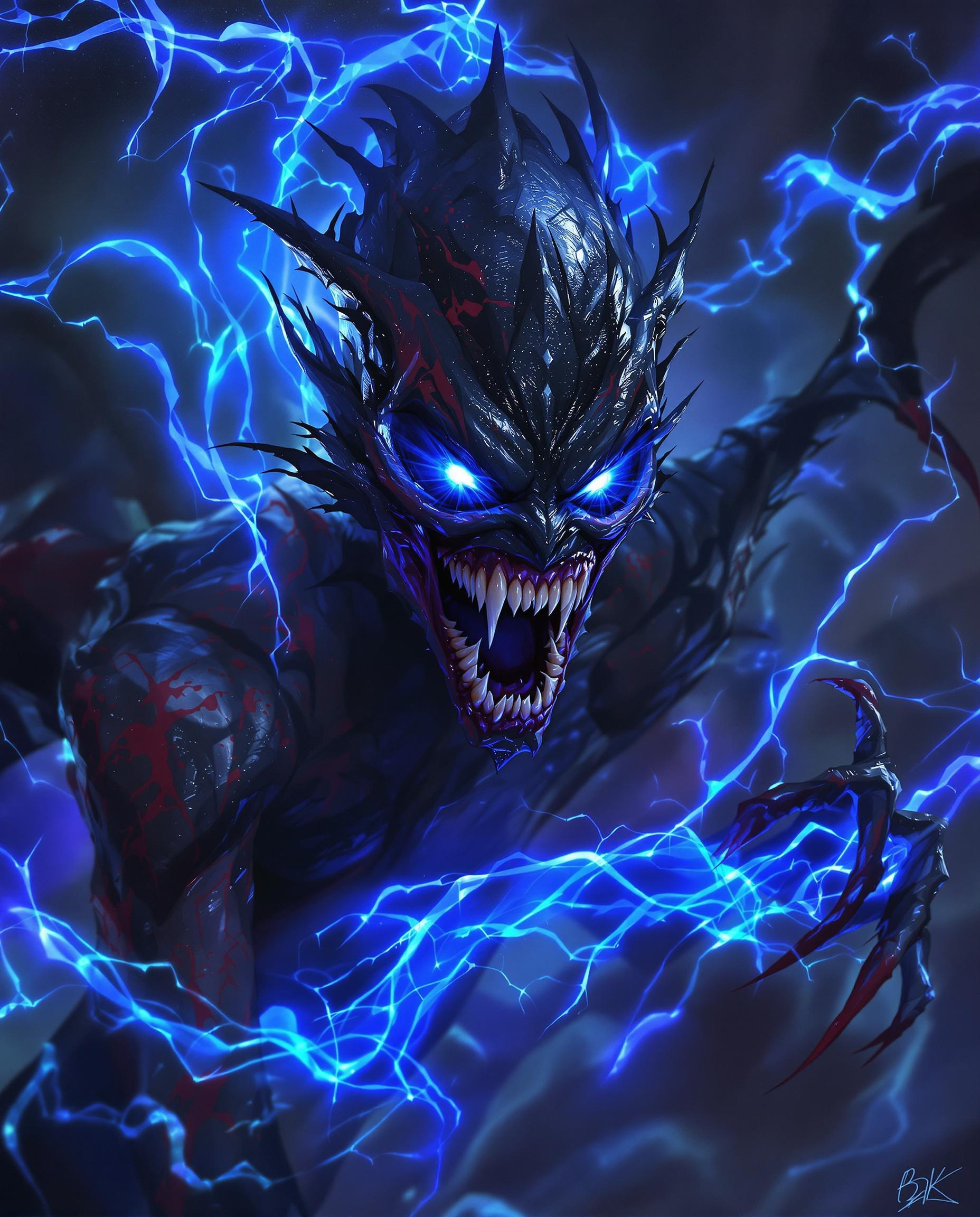
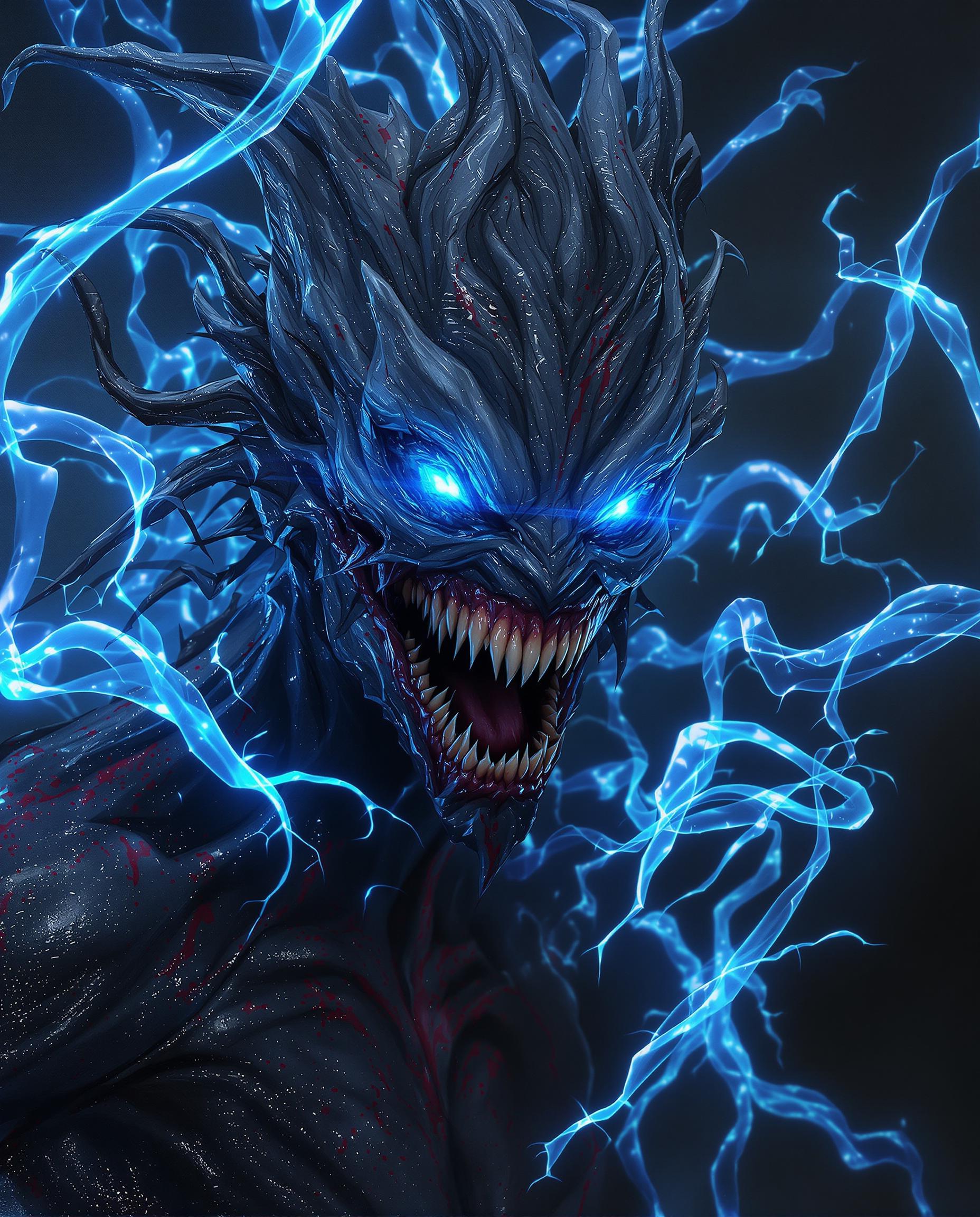
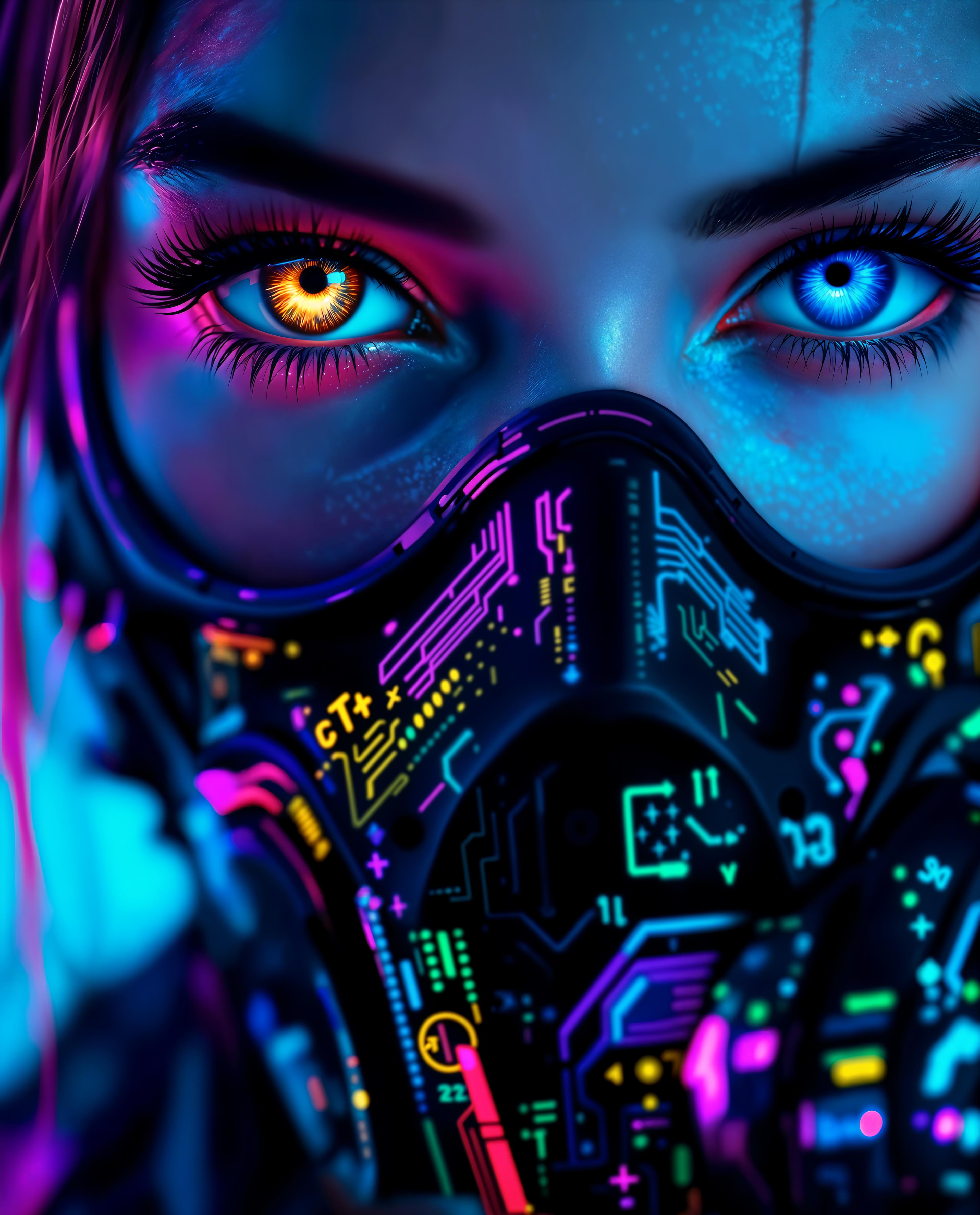
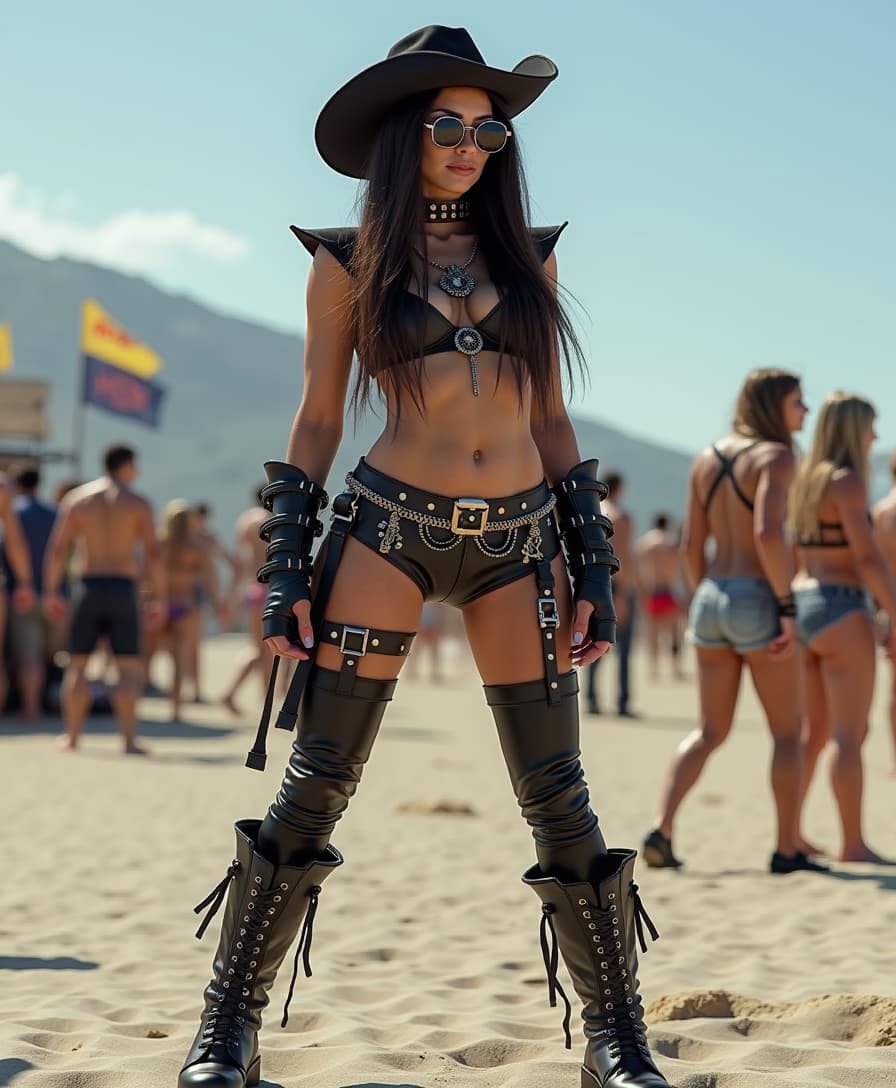
The Pixel Dojo Advantage
Why PixelDojo outperforms other options for complex image generation:
| Others | Pixel Dojo |
|---|---|
| Traditional Design Software | Eliminate the steep learning curve and time-consuming processes associated with traditional design tools. |
| Generic AI Image Generators | Benefit from advanced features like 1,000-token prompts and native 2K resolution that generic tools lack. |
| Manual Photo Editing | Save hours of manual editing by generating and refining complex images in a fraction of the time. |
Loved by Creators
See what our community says about qwen image 2.0 complex compositions
"PixelDojo's QWEN Image 2.0 has revolutionized my workflow. Creating detailed infographics has never been this easy."
Alex Johnson
Graphic Designer
"The ability to generate high-resolution, complex images quickly has been a game-changer for our marketing team."
Samantha Lee
Marketing Manager
Common Questions
Everything you need to know about qwen image 2.0 complex compositions AI generation
How does QWEN Image 2.0 handle complex compositions?
QWEN Image 2.0 supports prompts up to 1,000 tokens, allowing you to describe intricate scenes and layouts in detail. The AI processes these prompts to generate images that accurately reflect your specifications.
Can I edit images after generating them with QWEN Image 2.0?
Yes, PixelDojo integrates editing capabilities within the same workflow. After generating an image, you can make adjustments to elements like text, layout, and design without switching tools.
What resolution are the images generated by QWEN Image 2.0?
QWEN Image 2.0 produces images at a native 2K resolution (2048×2048 pixels), ensuring high-quality outputs suitable for professional use.
Do I need design experience to use QWEN Image 2.0?
No, QWEN Image 2.0 is designed to be user-friendly. With detailed prompts, even users without design experience can create complex, professional-quality images.
Is there a limit to the number of images I can generate?
PixelDojo offers various subscription plans to suit different needs. Depending on your plan, you can generate a specific number of images per month. Check our pricing page for more details.
Can I use QWEN Image 2.0 for commercial projects?
Yes, images generated with QWEN Image 2.0 on PixelDojo can be used for commercial purposes. Please review our terms of service for any specific guidelines.